 loviz
loviz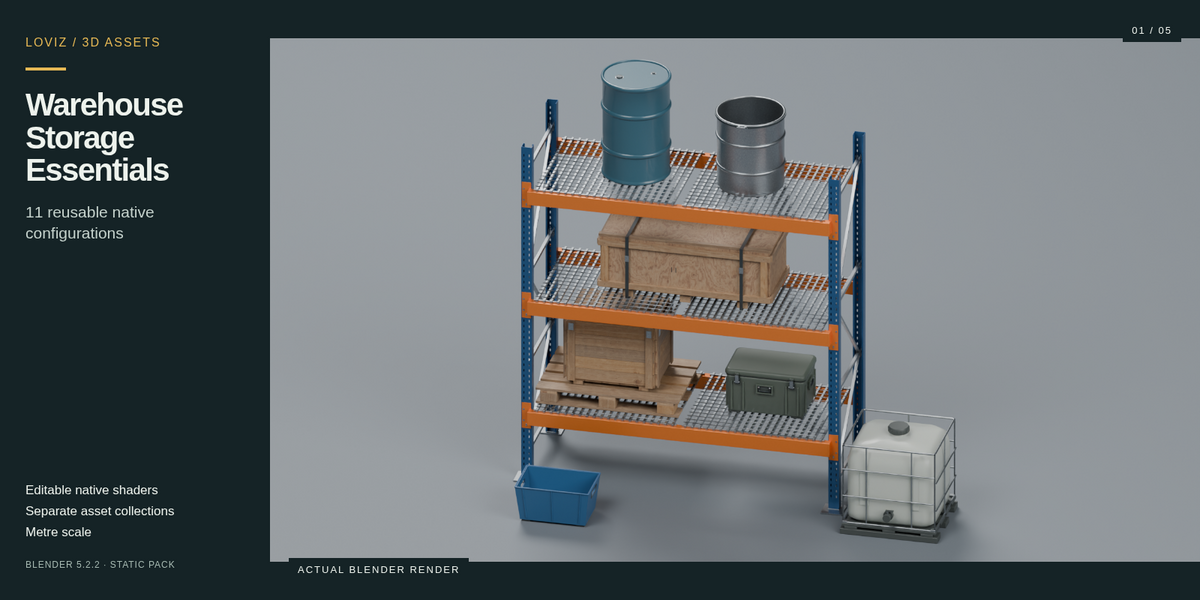
Version 1.1.1
Warehouse Storage Essentials
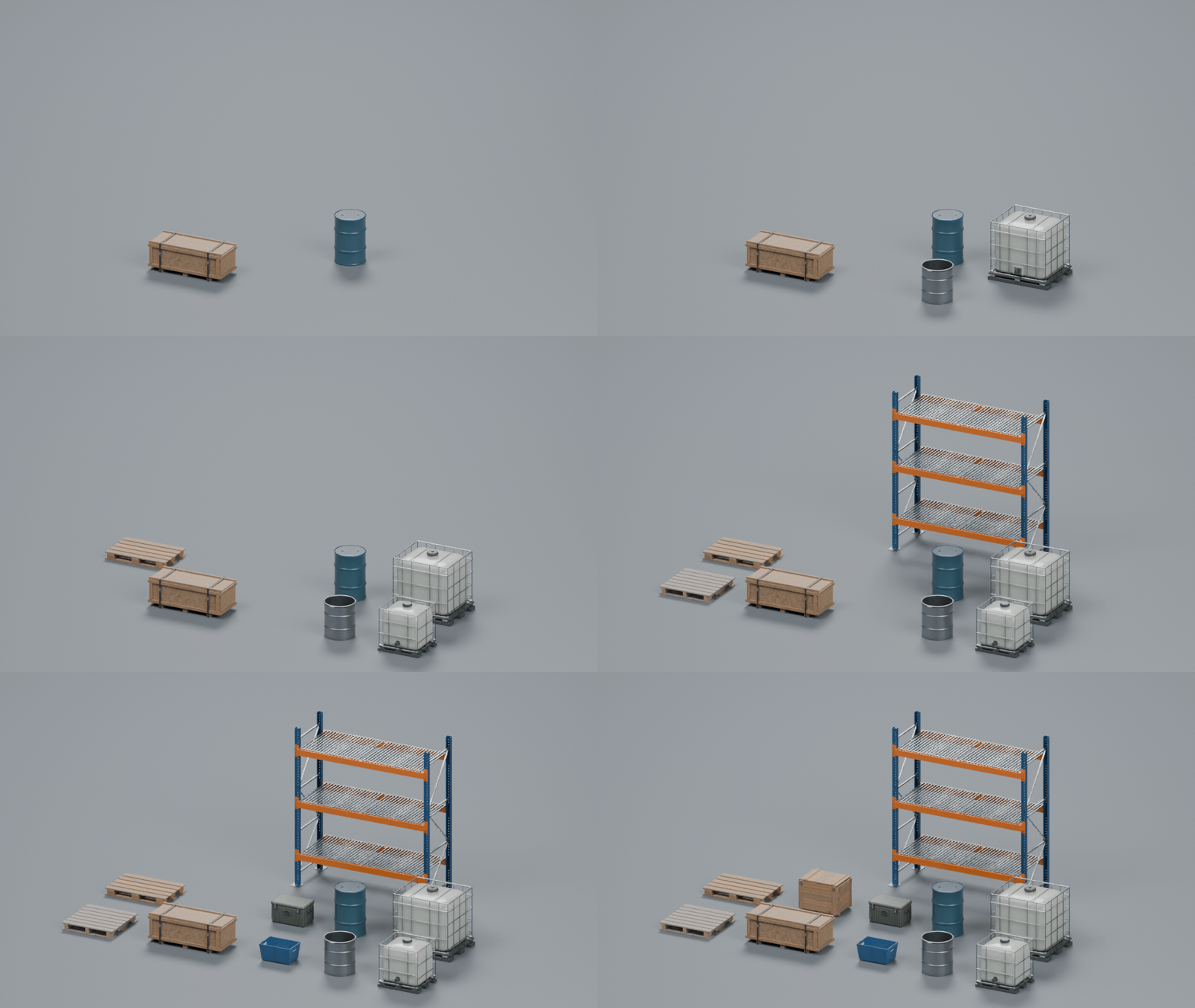
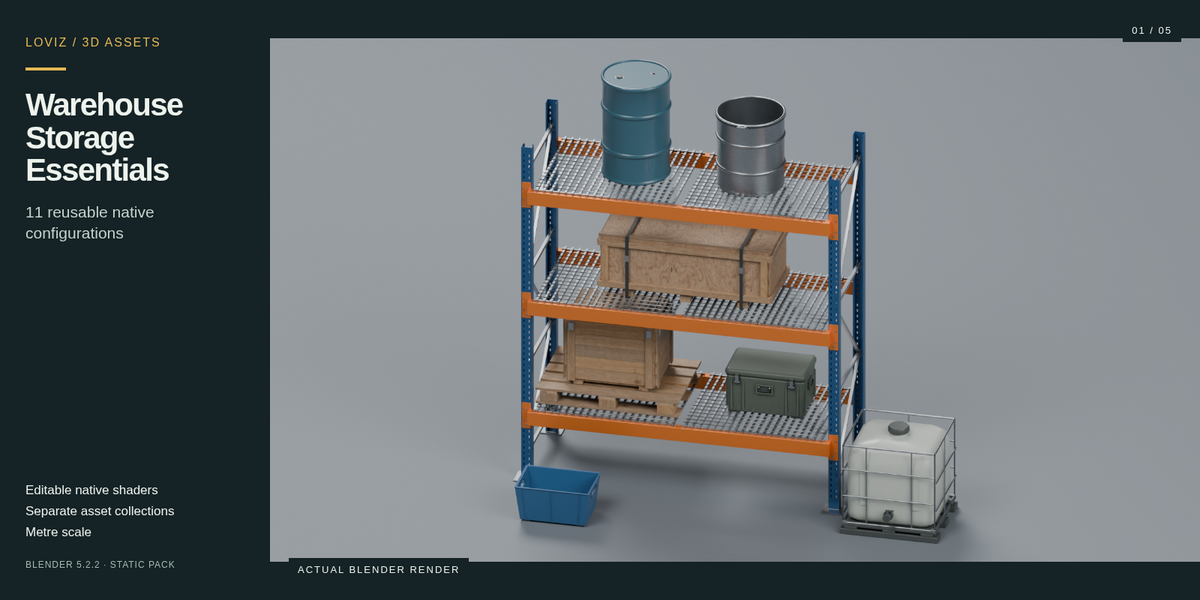
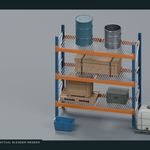
Dress a warehouse scene with storage, shipping and handling equipment. Arrange a loaded rack or use each model independently in your own Blender scenes.
What you get
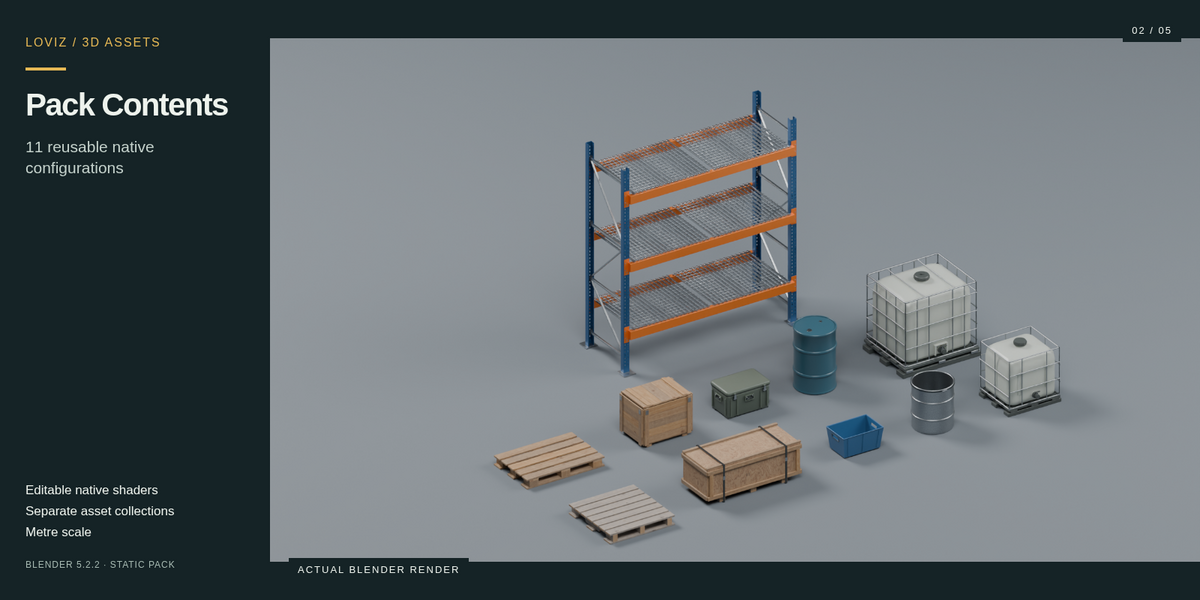
11 separately reusable configurations in one native Blender file, with named asset collections and complete object roots.
- Rack: Three-tier storage rack with steel frame and decking.
- Pallet: Rectangular block pallet with separate timber boards.
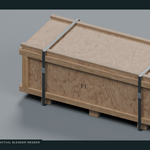
- Wooden Crate: Compact plank shipping crate with corner reinforcement.
- Transport Box: Closed transport case with handles and latches.
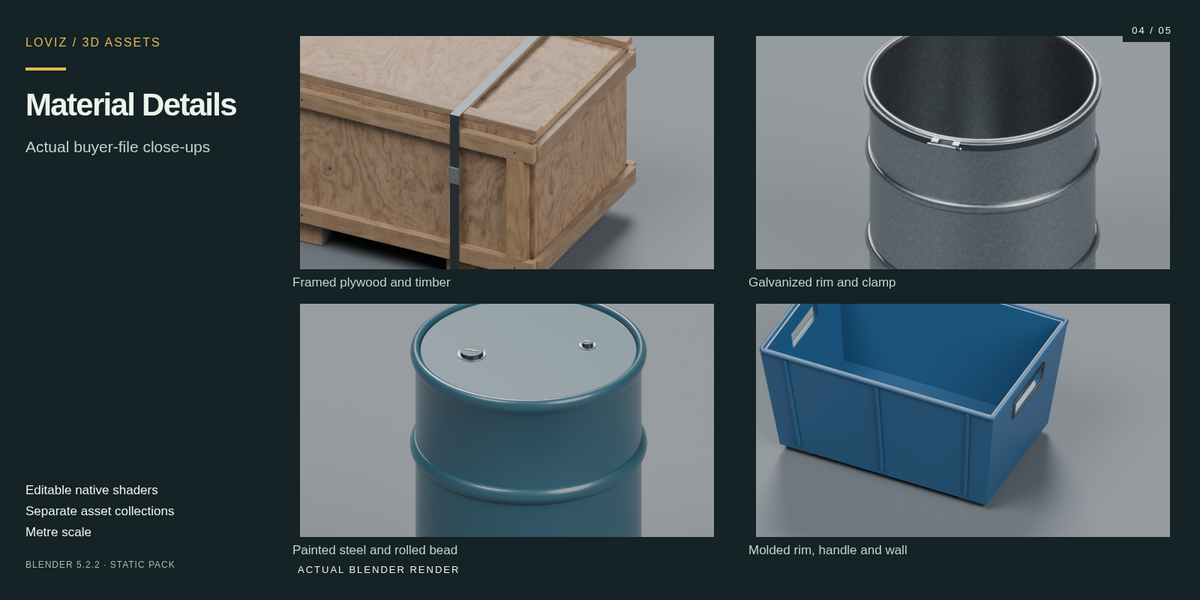
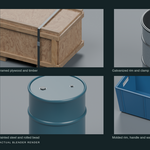
- Drum: Tall closed-head steel drum with rolling beads and bung caps.
- IBC: Full-size tank with protective steel cage and outlet.
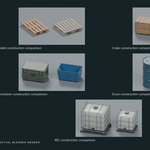
- Pallet Stringer: Square stringer pallet with notched continuous rails.
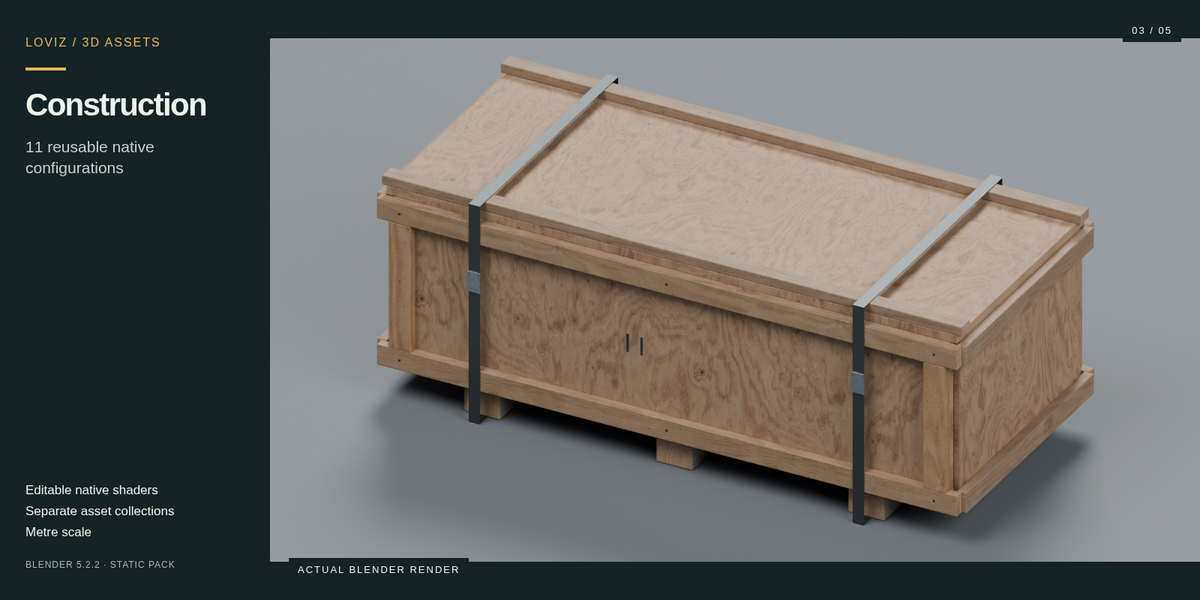
- Crate Long: Long, low plywood shipping crate with timber frame, skids and two bands.
- Stacking Bin: Open tapered stacking bin with hand openings, ribs and feet.
- Drum Open: Short open-head drum with interior floor and a separate fastening ring.
- IBC Compact: Lower, compact tank with rebuilt cage, molded base and outlet.
Editable materials
Native node materials remain editable in Blender. Included image maps are packed into the buyer file; no external texture downloads or add-ons are needed. The gallery shows renders made from the delivered models.
Start using the pack
- Open asset.blend in Blender 5.2.2, or choose File → Append → asset.blend → Collection.
- Append the named collection you need.
- Move its EMPTY root to position the complete model; individual parts remain editable.
Formats and compatibility
Native .blend file, metre scale, README and commercial asset license. Tested in Blender 5.2.2. Static visual assets: the assembly animation is a presentation of scene building. Working rigs, baked PBR texture sets and game-engine exports are not included.
Commercial use
Use and modify the included assets in personal and commercial projects, renders and compiled games. Source redistribution and resale as competing asset collections are excluded. Full terms are in LICENSE.txt.
Common questions
Can I use one model on its own? Yes. Each configuration has its own collection and root.
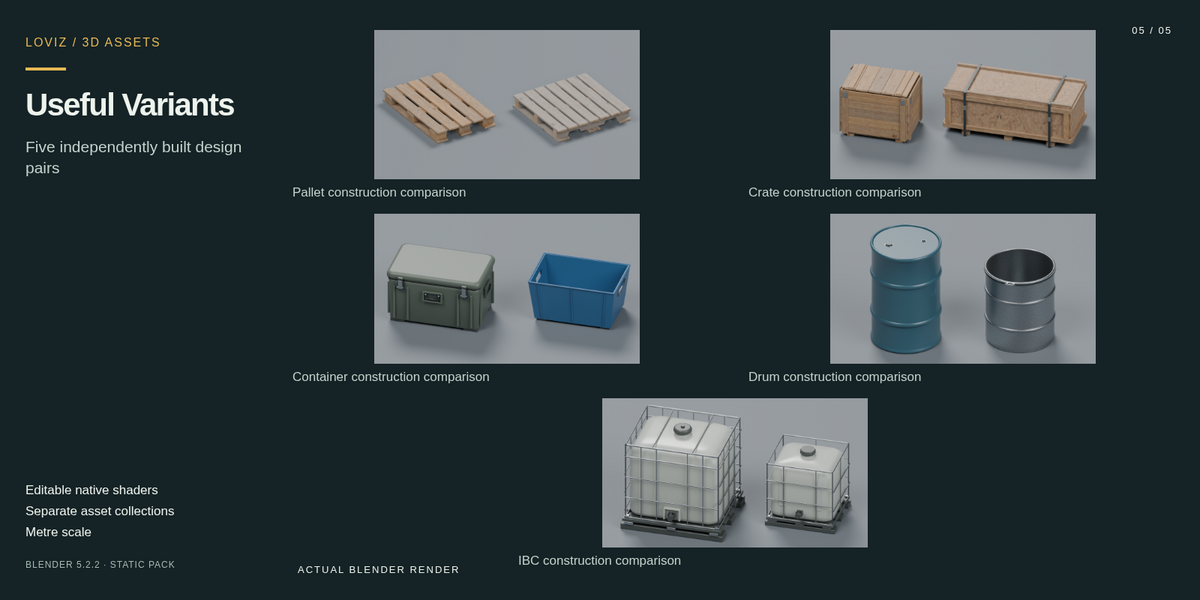
Are the extra designs recolors? The included designs are listed individually above; the comparison images show their actual construction and proportions.
Do I need a plug-in? No. Open or append the native Blender file directly.
Will the materials export to other software? Native Blender shaders are included. Other renderer or engine compatibility has not been verified.
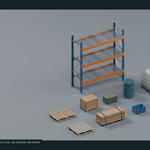
Build a storage arrangement
The included configurations added to the same scene. This is a scene-building demonstration of static assets.