 Orhan
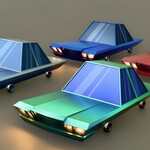
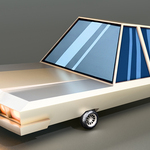
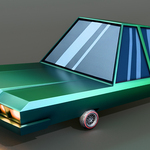
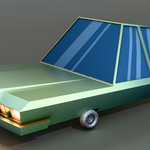
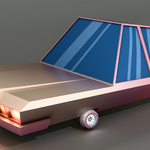
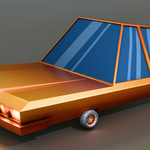
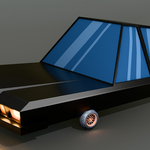
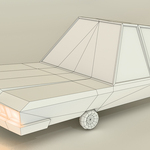
Opening the Blender file
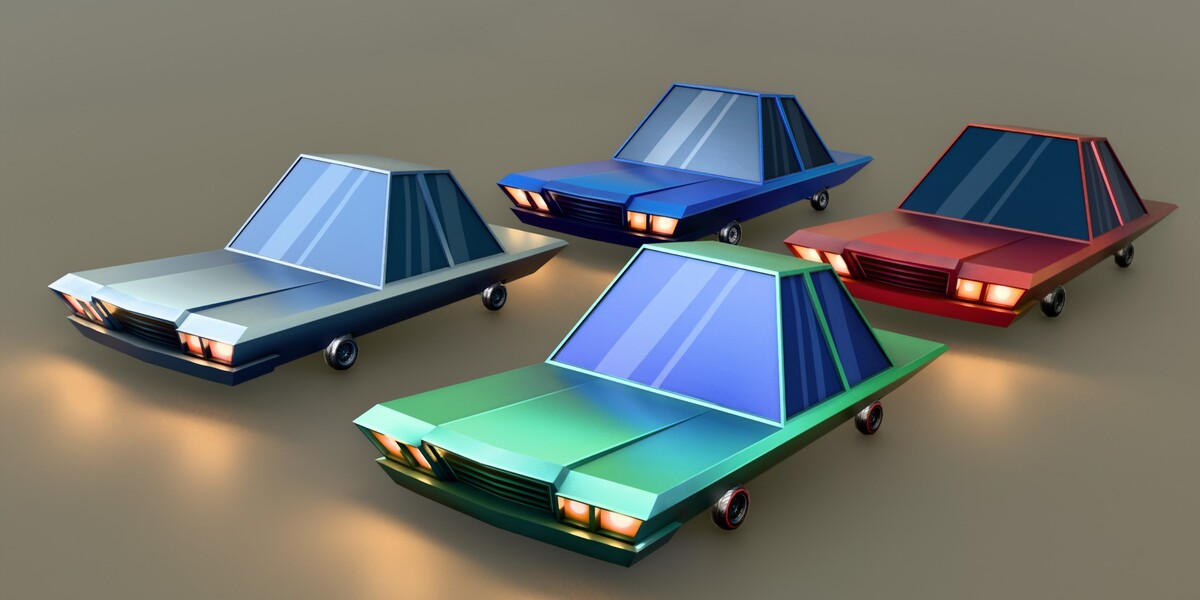
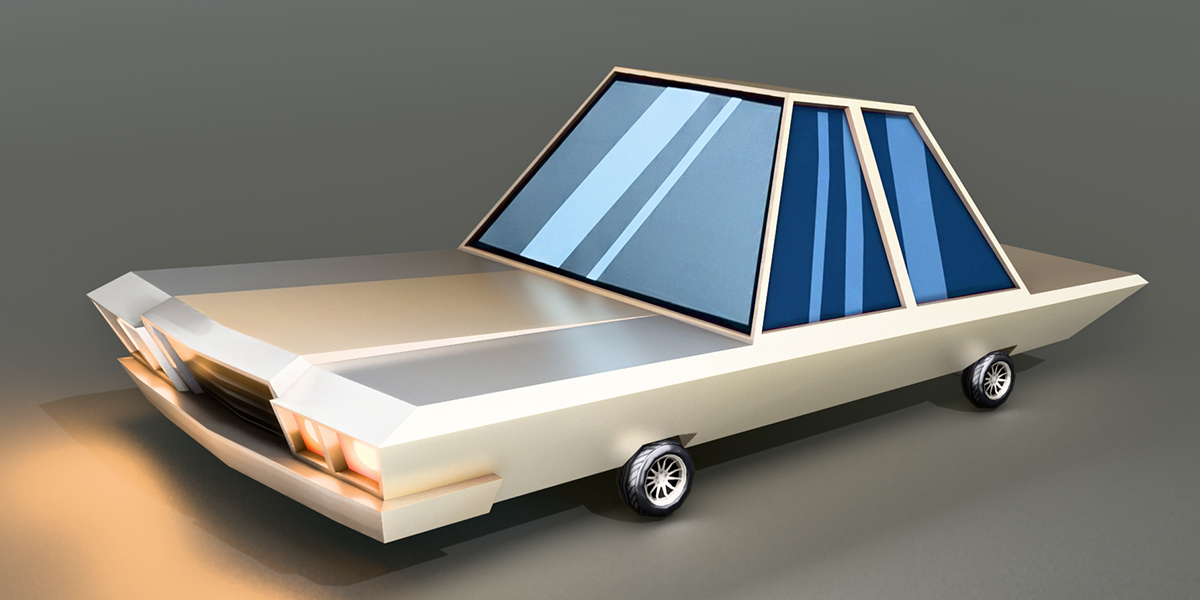
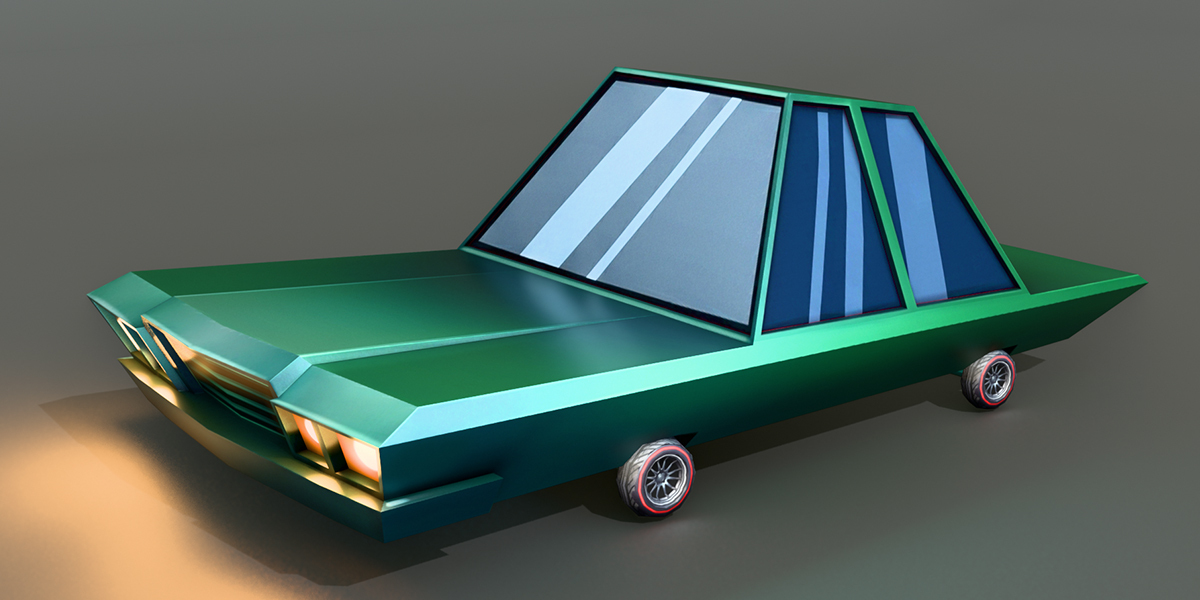
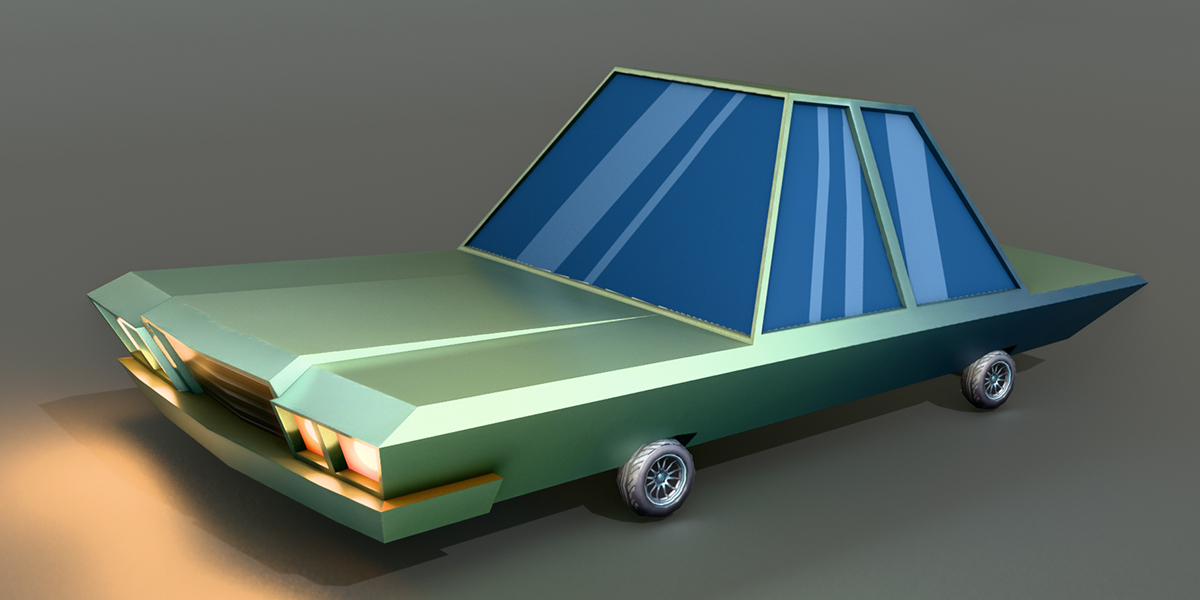
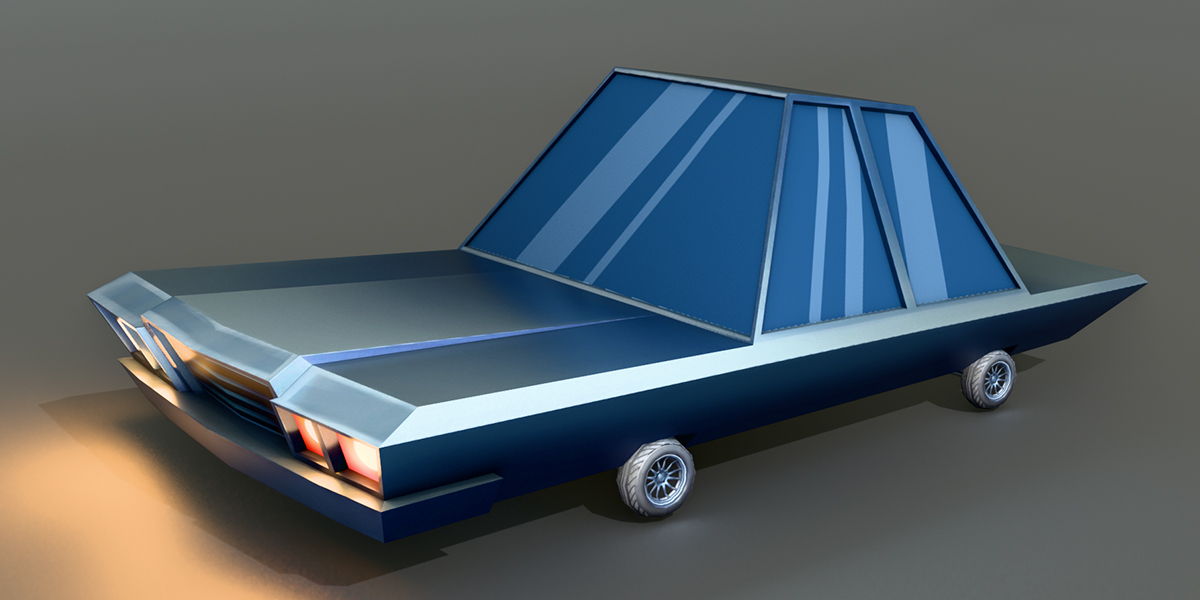
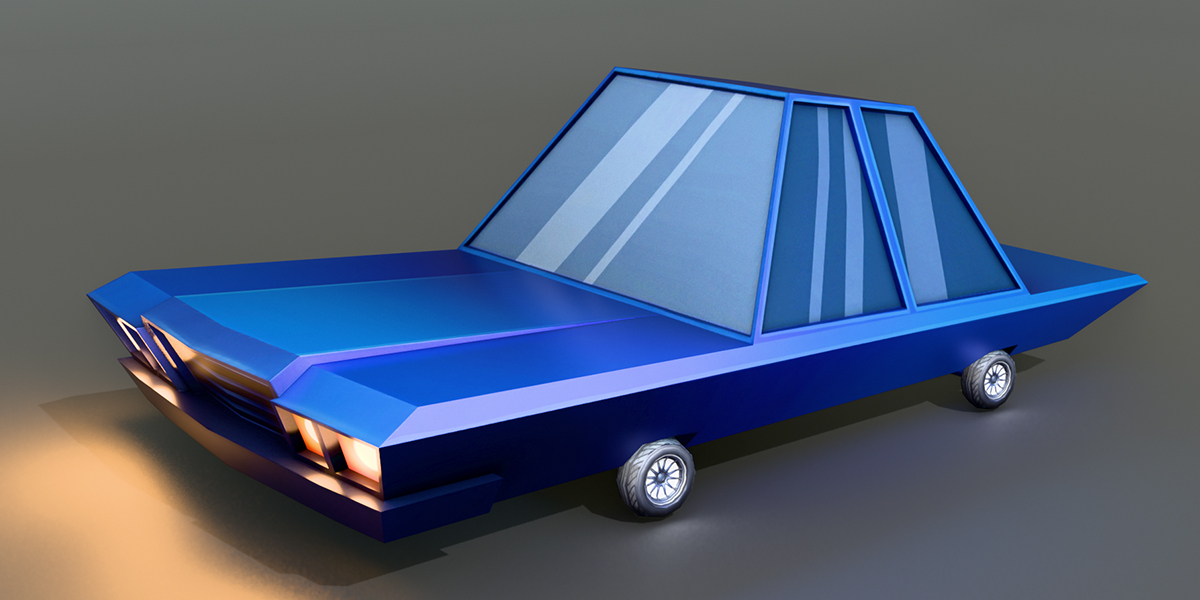
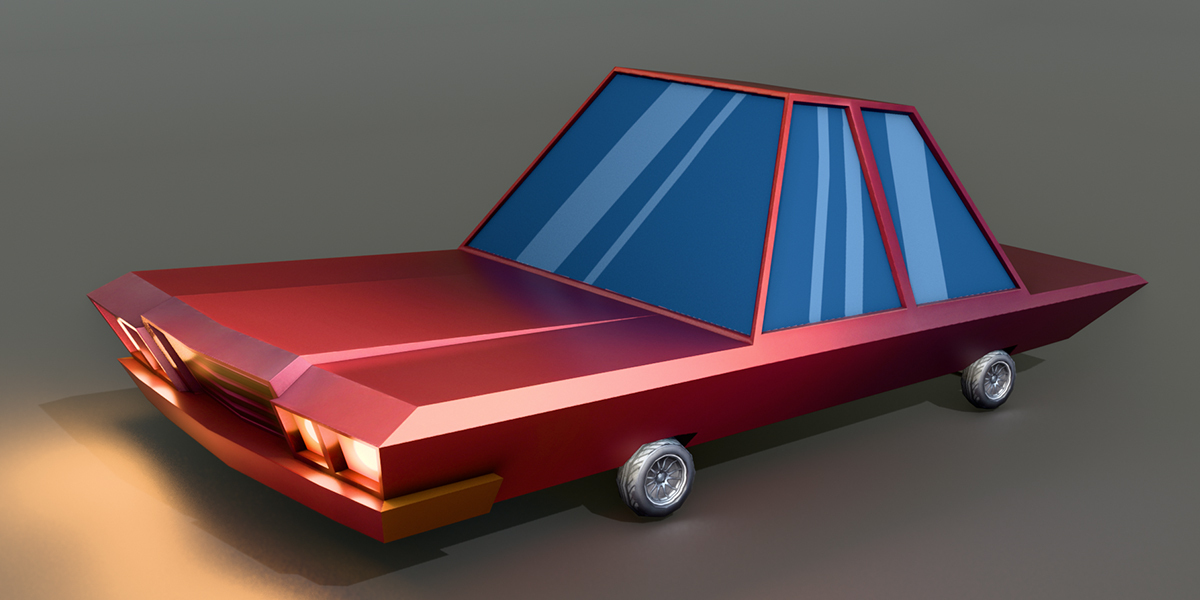
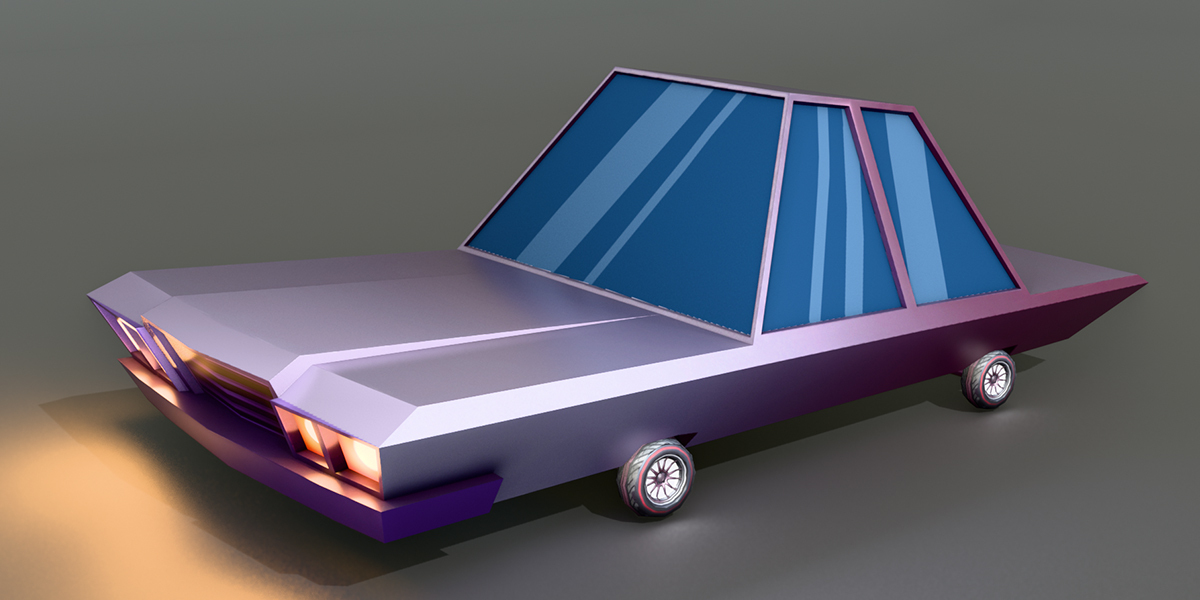
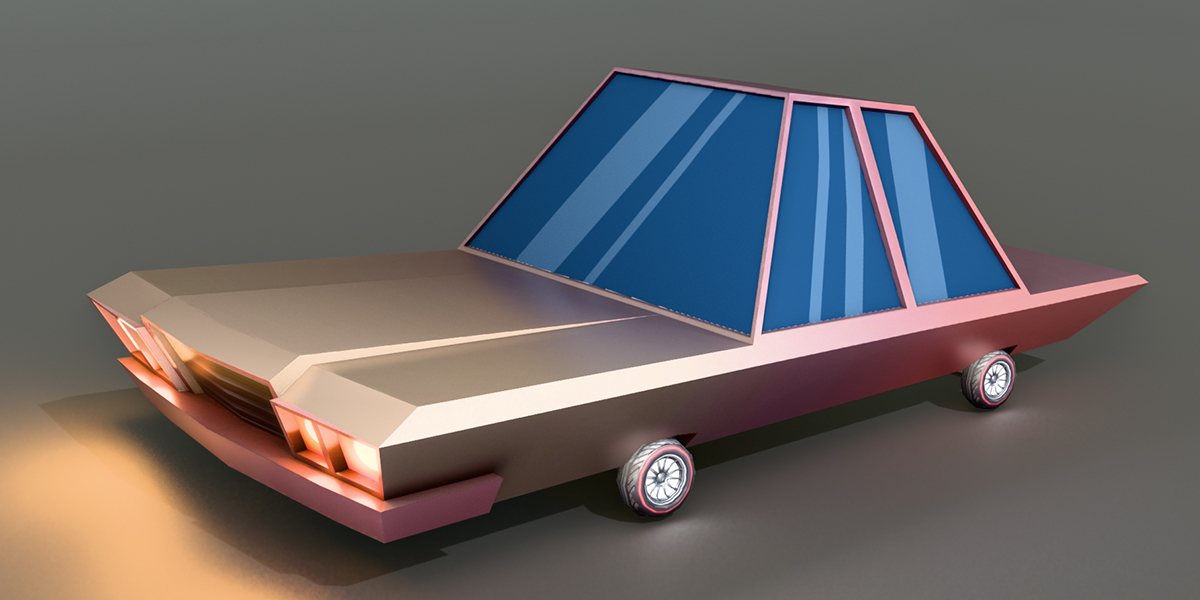
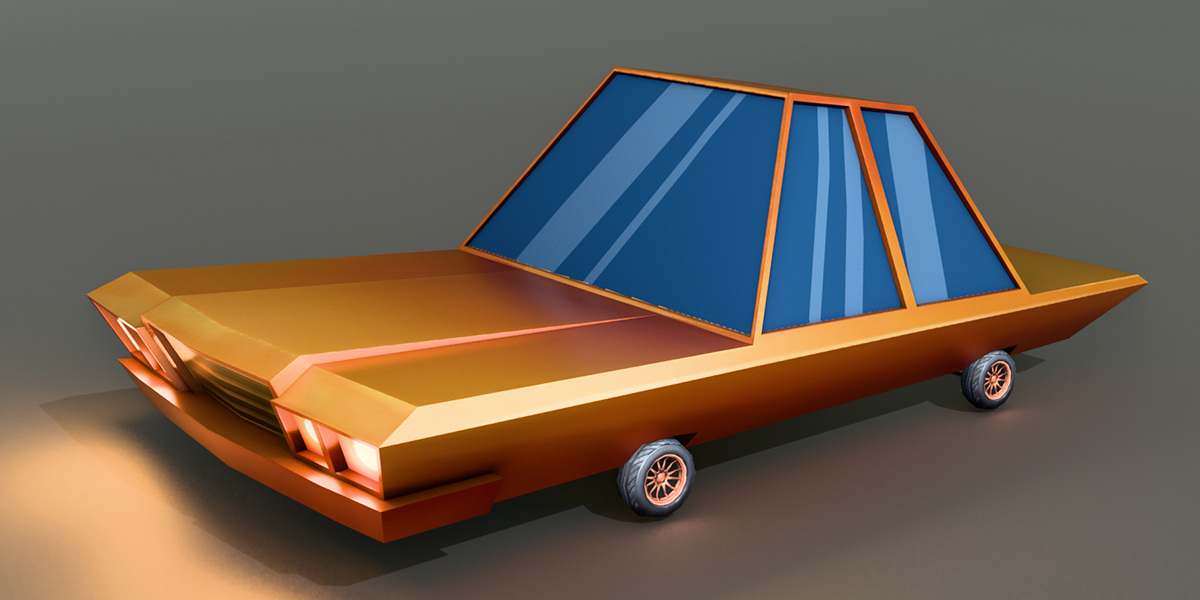
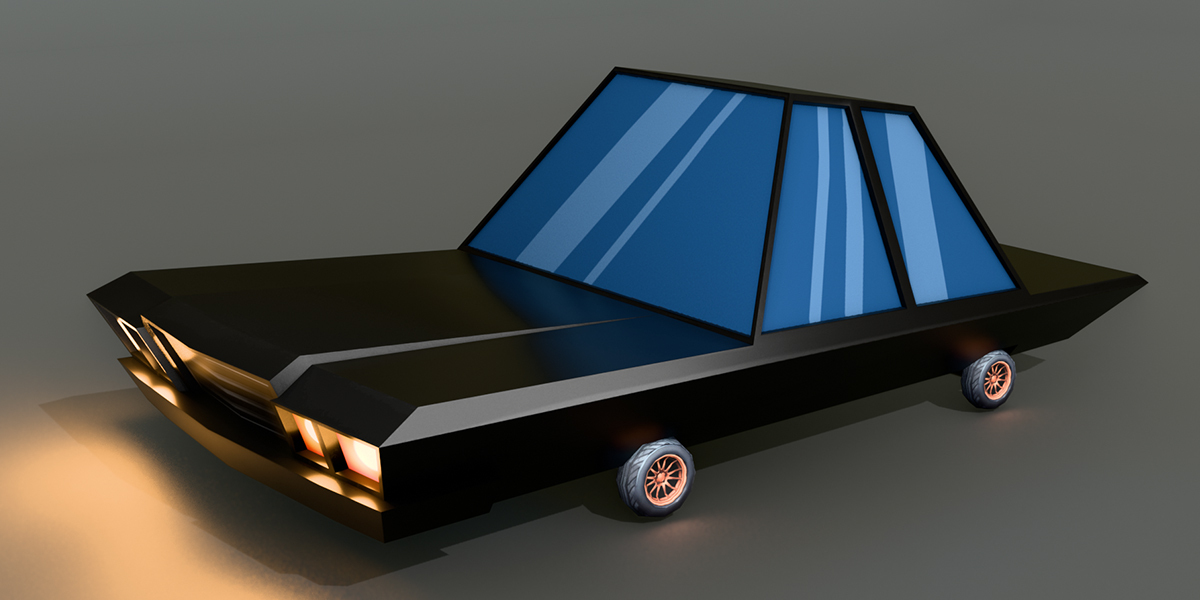
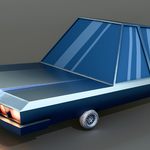
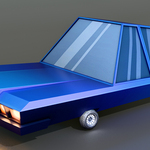
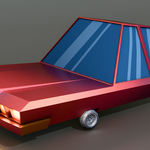
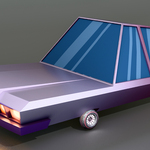
Open car-1.blend. Each colour is a collection (Car-1 to car-9). Turn a collection's visibility on in the Outliner to show that car. To use a car in another file, go to File > Append, open car-1.blend > Collection and pick the colour you want.
Importing OBJ
Unzip textures.zip in the same folder as the .obj so that a textures folder sits next to it. Then import the .obj (File > Import > Wavefront in Blender, or drag it into your engine). The .mtl file finds the texture in textures/.
Importing FBX and GLB
Import the file directly. The texture is embedded, so it loads with the model. In Unity, if the material shows no texture, select the FBX and use Materials > Extract Textures.
Scale
The car is about 8.4 m long, 4.7 m wide and 2.7 m tall. For a real-world sedan size (about 4.2 m), scale it by 0.5. In Blender, select the body and press S 0.5; the wheels follow because they are parented to it.
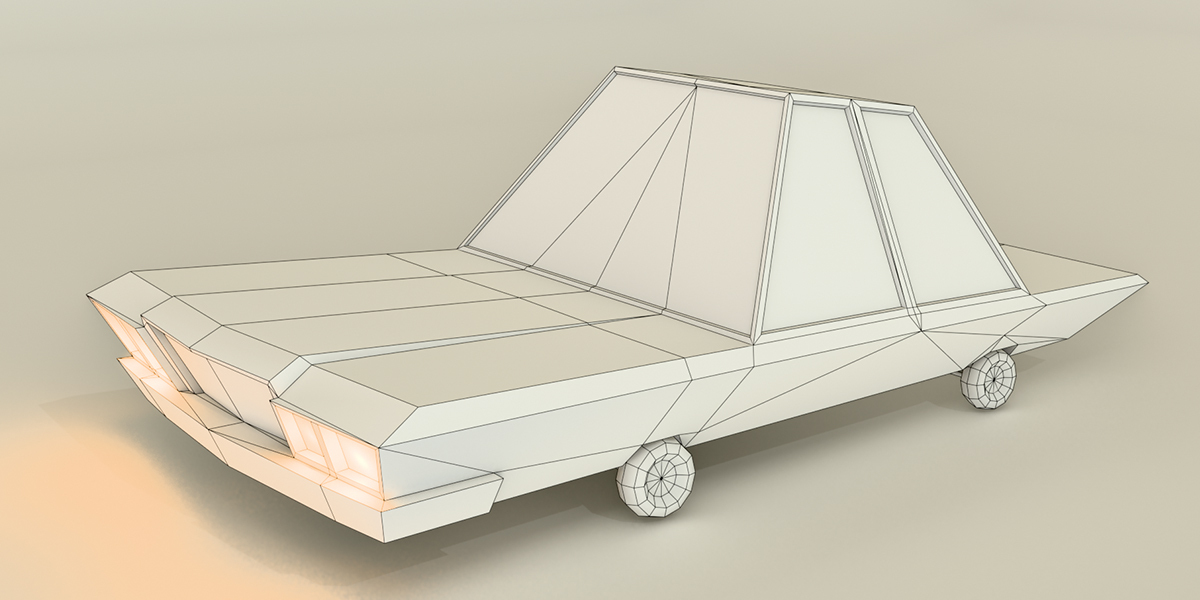
Polycount per car
| Part | Triangles | Faces | Vertices |
|---|---|---|---|
| Body | 514 | 276 | 271 |
| Each wheel | 168 | 96 | 86 |
| Full car | 1,186 | 660 | 615 |
Colour to file map
| File | Colour texture |
|---|---|
| car-1 | Simple-1 |
| car-2 | Simple-2 |
| car-3 | Simple-3 |
| car-4 | Simple-4 |
| car-5 | Simple-5 |
| car-6 | Simple-7 |
| car-7 | Simple-8 |
| car-8 | Simple-9 |
| car-9 | Simple-10 |
Troubleshooting
-
Textures missing after OBJ import: unzip
textures.zipnext to the.objso the pathtextures/Simple-N_Base_color.pngexists. - Model looks too big: scale it by 0.5 (see Scale above).
- Pink material in Blender: use File > External Data > Find Missing Files, or open the .blend, where the textures are packed.
- Which file should I use? Use the .blend for Blender scenes, GLB for web and Godot, and FBX for Unity and Unreal. OBJ works for almost any 3D app.
Have questions about this product?
Login to message
| Published | 39 minutes ago |
| Blender Version | 4.5 - 5.2 |
| Render Engine Used | Cycles, Eevee |
| Misc Data | Uvs-Unwrapped, Textured |
| License | Royalty Free |

Discover more products like this
car low poly toon cartoon car low poly car game ready city sedan Game asset stylized transport vehicle