Low Poly + Realistic Dinosaurs - Animated
 Romandy Development
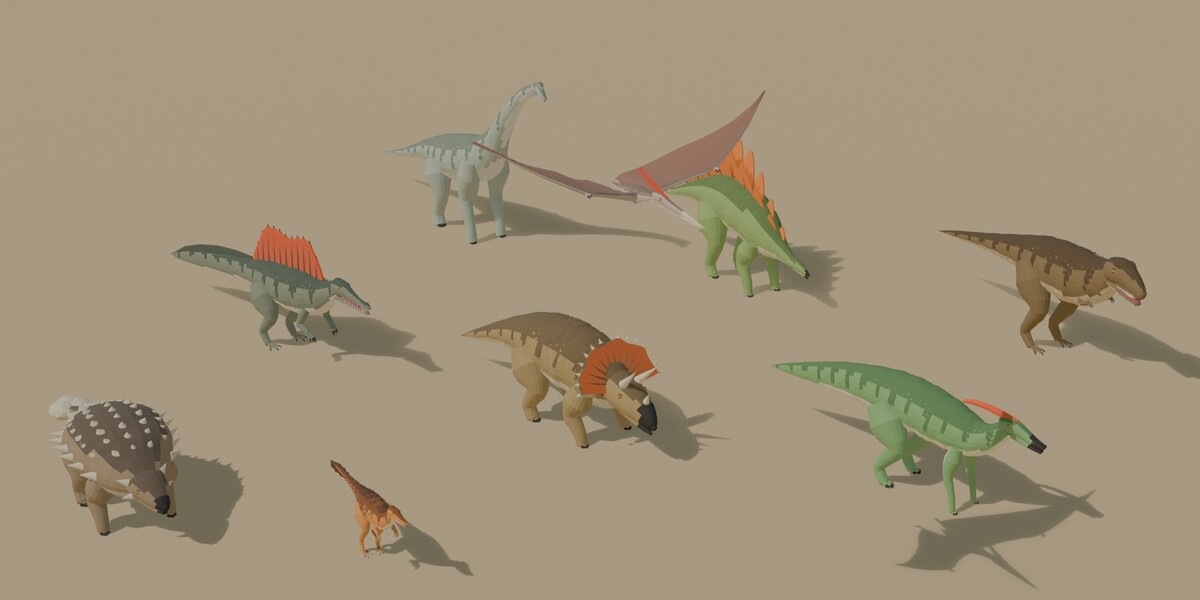
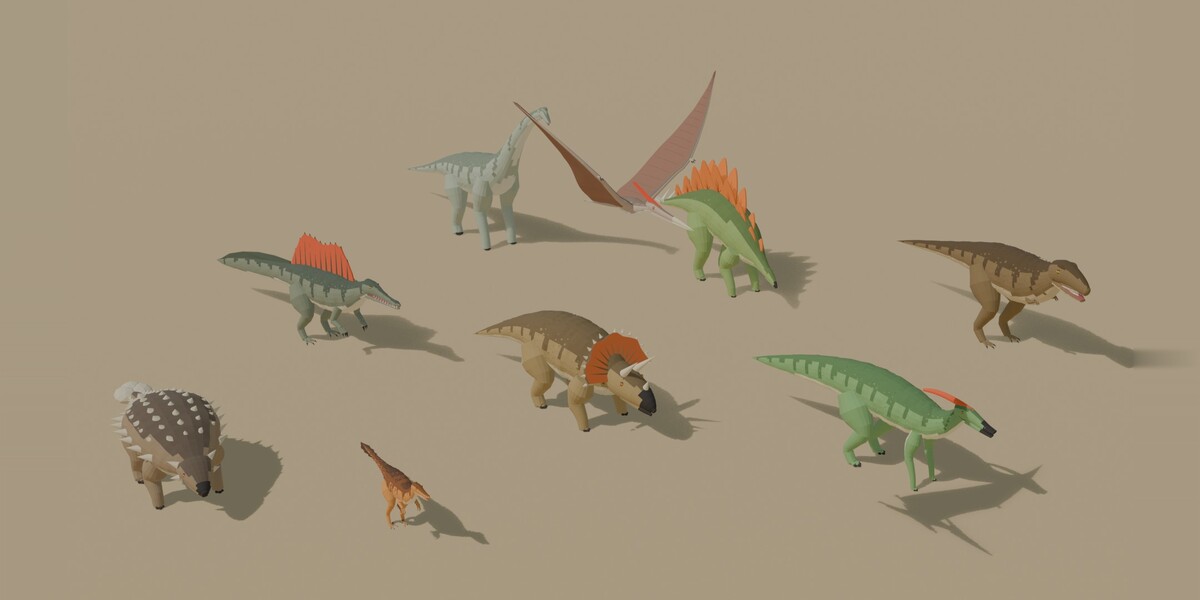
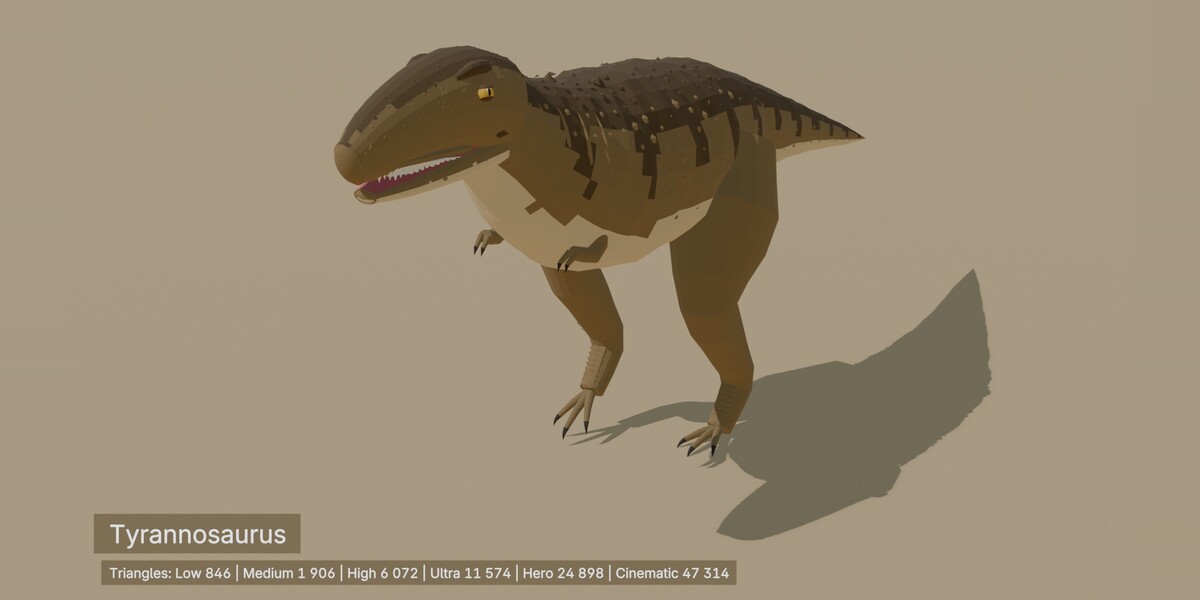
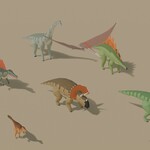
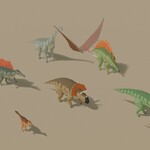
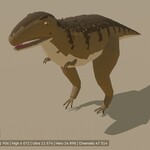
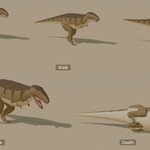
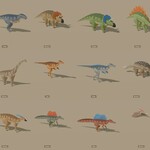
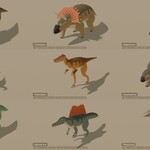
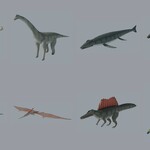
Low Poly + Realistic Dinosaurs - Animated - version 1.0.1 - Art3D
Getting started
1. Unzip and open Art3D_Dinosaurs.blend in Blender 5.2 or newer. All textures are packed in the file.
2. The Showcase and Stage collections are visible: render (F12, EEVEE) and you get the cover image of the product.
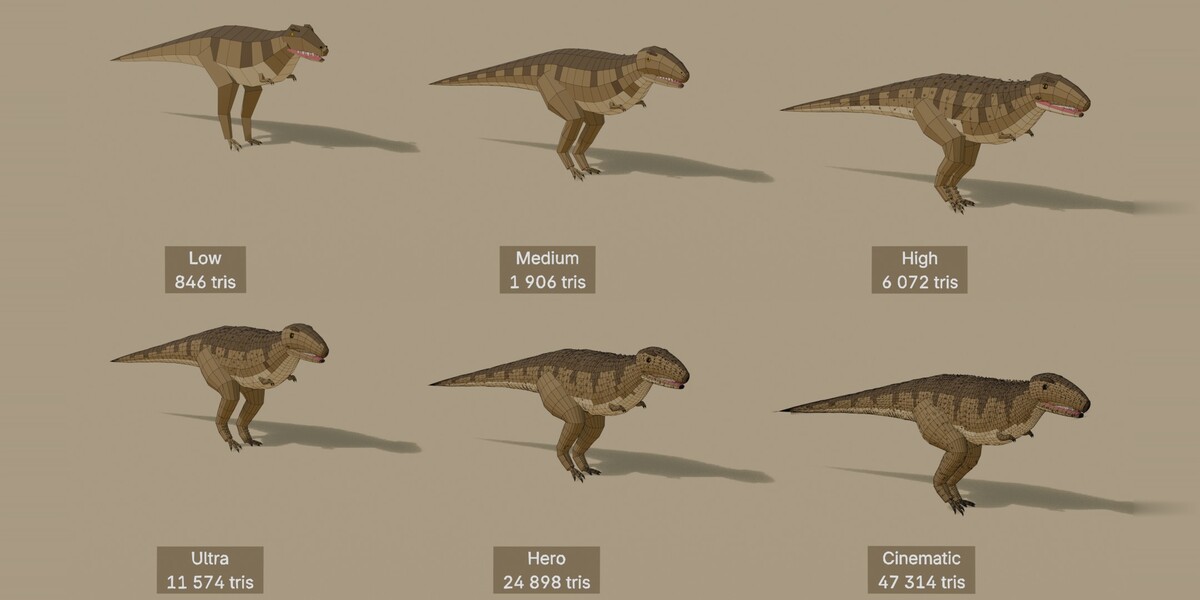
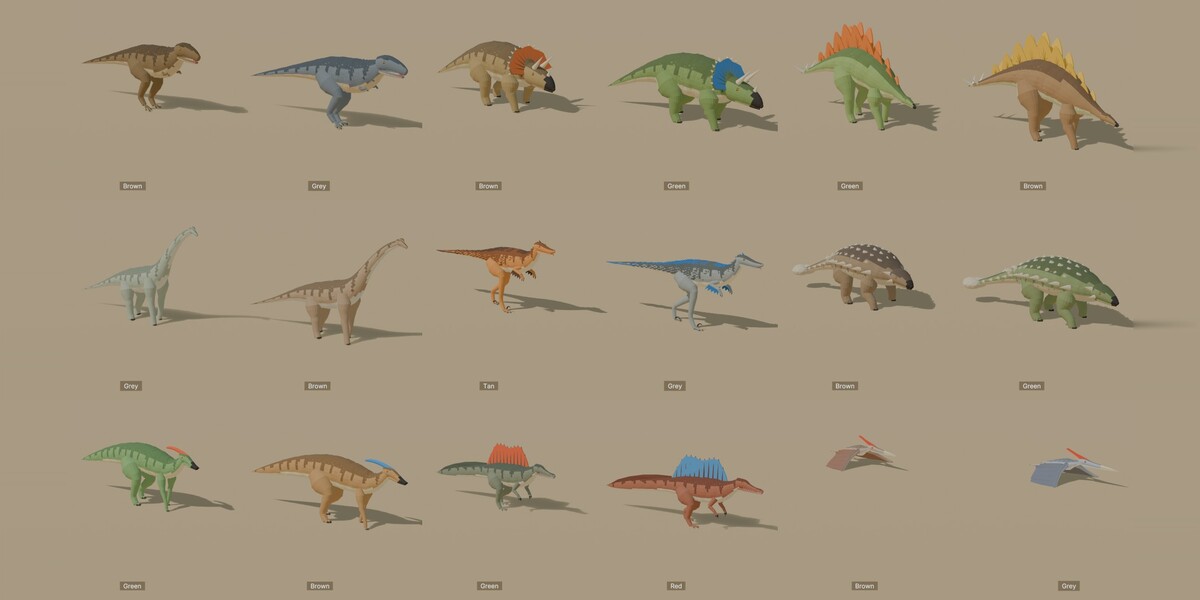
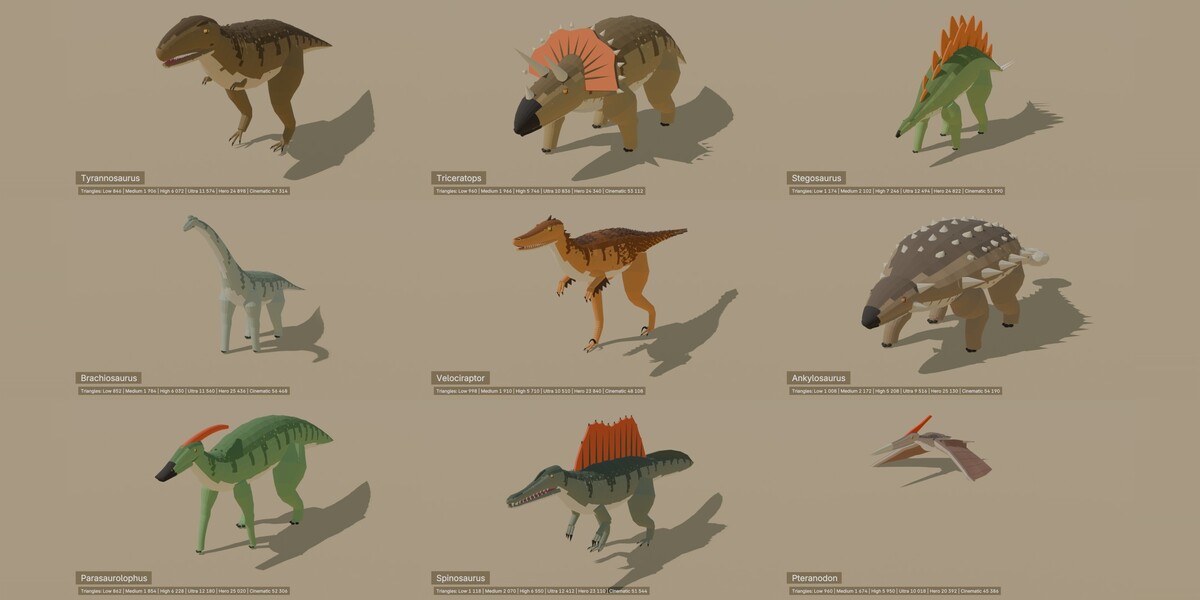
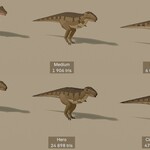
3. Every level of detail has its own collection (Low_1k, Medium_2k, High_5k, Ultra_10k, Hero_25k, Cinematic_50k), plus Realistic for the PBR versions. They are excluded from the view layer: tick the checkbox next to a collection in the Outliner to show it. The models stand side by side, their colour variants one behind the other.
4. To use a model in another file: File > Append > Art3D_Dinosaurs.blend > Collection (a whole level, e.g. Low_1k) or Object (e.g. Tyrannosaurus_Low_1k_Brown; its mesh and rig come with it).
Names
- Objects: __ (empty at the origin of the model), with _Rig (armature) and _Mesh under it, e.g. Tyrannosaurus_Low_1k_Brown_Mesh.
- Materials: _, e.g. Tyrannosaurus_Grey; Realistic: Tyrannosaurus_Brown_Realistic.
- Scale: 1 unit = 1 m, real-world sizes, origin on the ground, the head or front towards -Y.
Colours
- The low poly models use one small palette texture (256x128) per colour: one material per model and colour, one draw call.
- The colour variants of a level share one mesh; their material is linked to the object (Material Properties, slot set to Link: Object). To recolour a copy, pick another material in its slot.
- Keep the Image Texture node on Closest interpolation for crisp, flat colours.
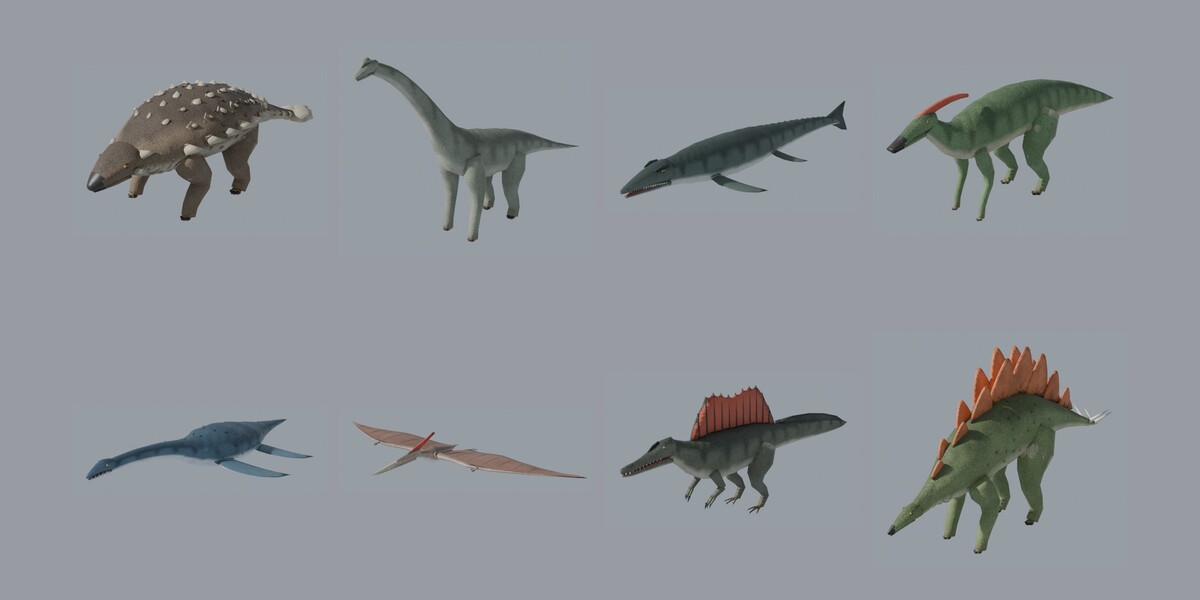
- Realistic versions: PBR materials (albedo, normal, packed occlusion, roughness and metallic maps), unique UVs.
Animation
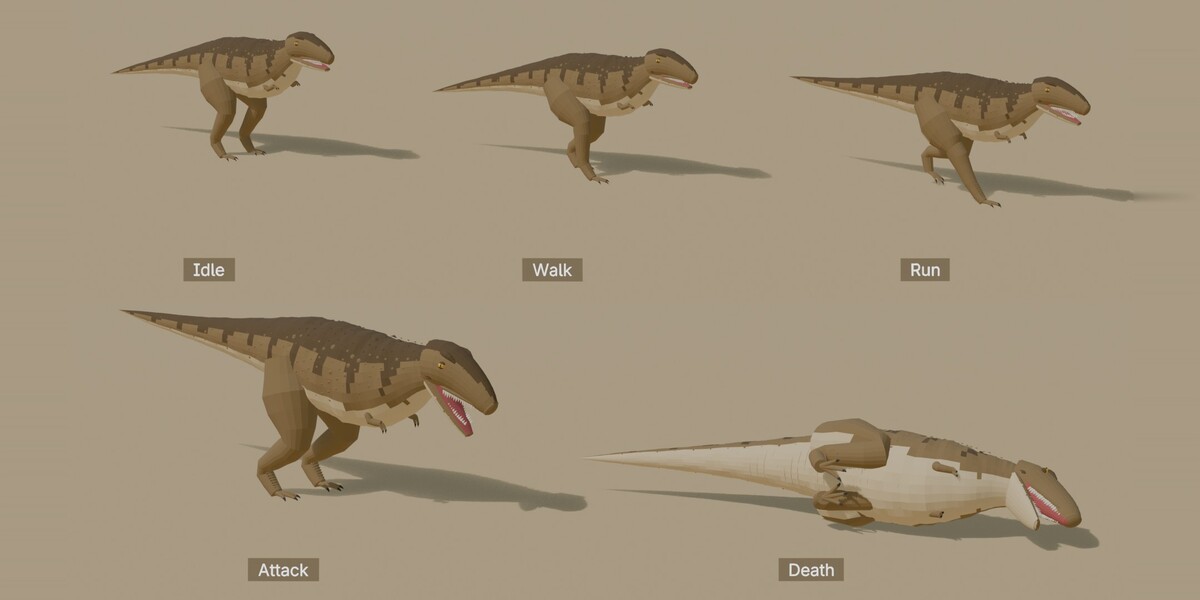
- Each armature plays its default clip (Fly, Idle, Swim, Walk...). Press Space in the 3D viewport to play.
- Every clip is an Action named __, e.g. Tyrannosaurus_Low_1k_Idle. To change the clip: select the armature, Dope Sheet > Action Editor, choose the Action.
- Clips: Attack, Death, Eat, Fly, Glide, Idle, Run, Swim, Walk (not every clip for every model), in place, 24 fps, looping clips loop seamlessly. All levels of a model share the same skeleton: an Action of one level plays on the others.
- 2 bone influences per vertex: the rigs export cleanly to game engines.
Game engines
- Export from Blender with File > Export > glTF 2.0 or FBX, or use the second download of this product: FBX and glTF 2.0 files of every model, a native Unreal Engine project, a Unity setup with prefabs and LOD Groups, and guides for Godot and three.js.
Support
Write to [email protected] (support page: https://ecosysteme.romandy.fr/en/3d-art.html#support): every message gets an answer within 72 hours. Please include the pack version and your Blender version.
More packs: https://ecosysteme.romandy.fr/en/3d-art.html
Have questions about this product?
Login to message
| Published | about 3 hours ago |
| Blender Version | 5.2 |
| Render Engine Used | Cycles, Eevee |
| Misc Data | Uvs-Unwrapped, Rigged, Animated, Low-High-Resolution, Normal-Mapped, Textured |
| License | Royalty Free |

Discover more products like this
animated dinosaur dinosaurs t-rex Tyrannosaurus velociraptor prehistoric jurassic Rigged spinosaurus triceratops low poly