Low Poly + Realistic Wildlife - Animated
 Romandy Development
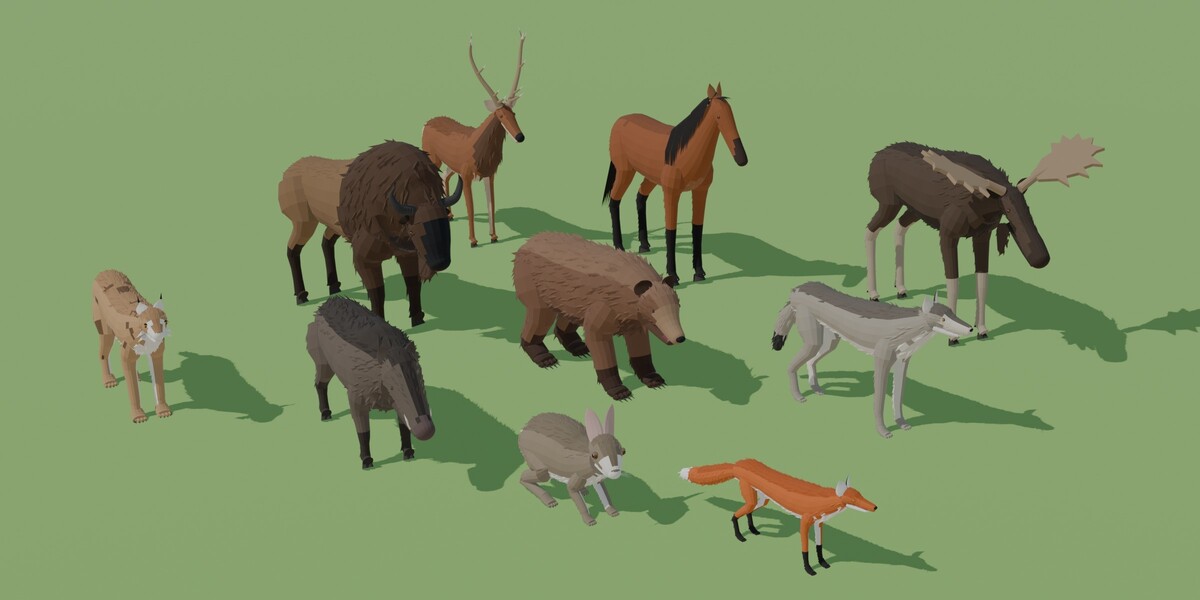
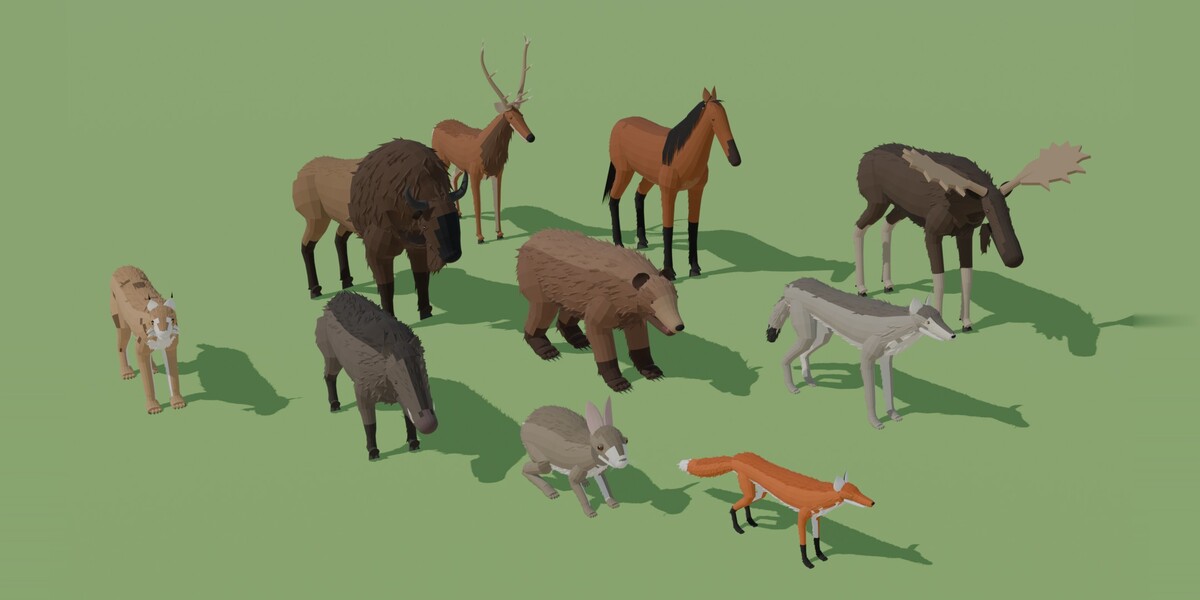
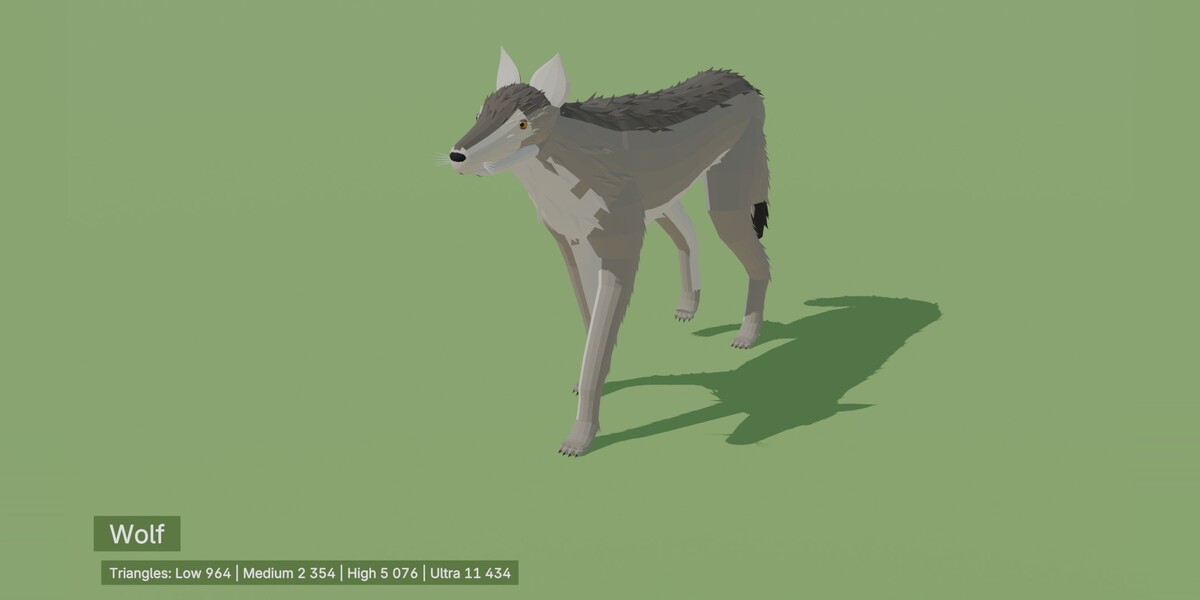
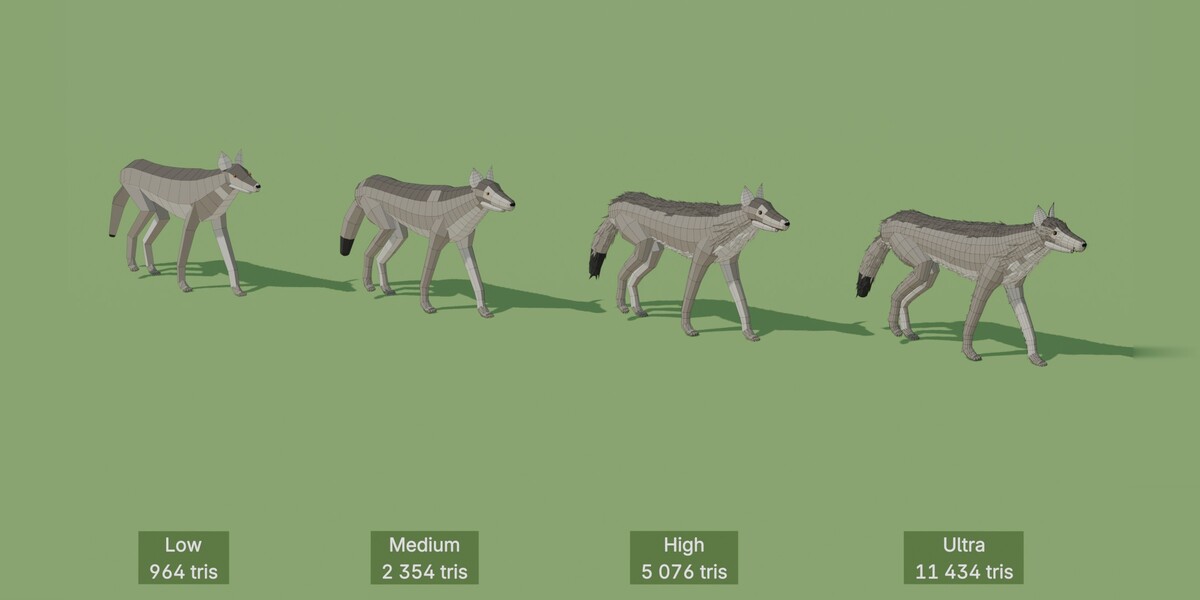
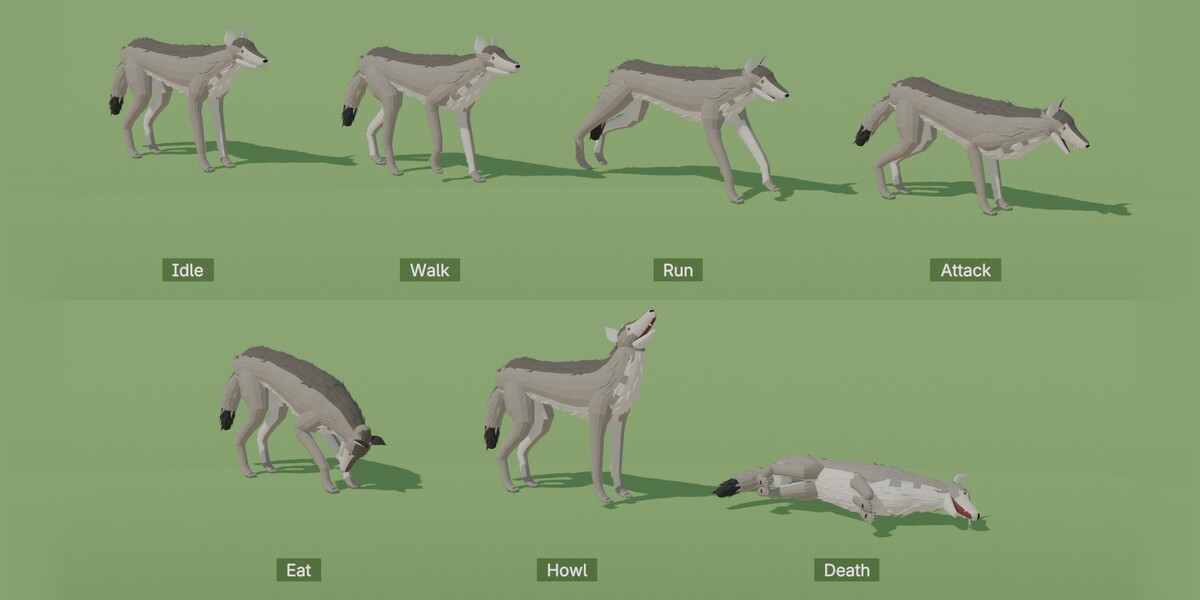
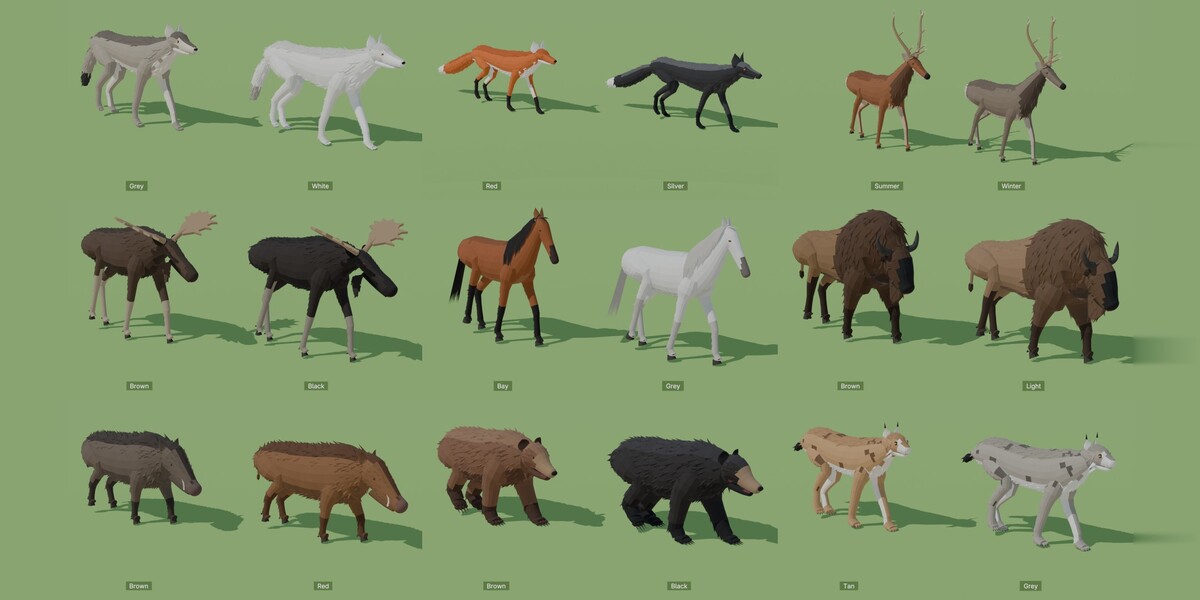
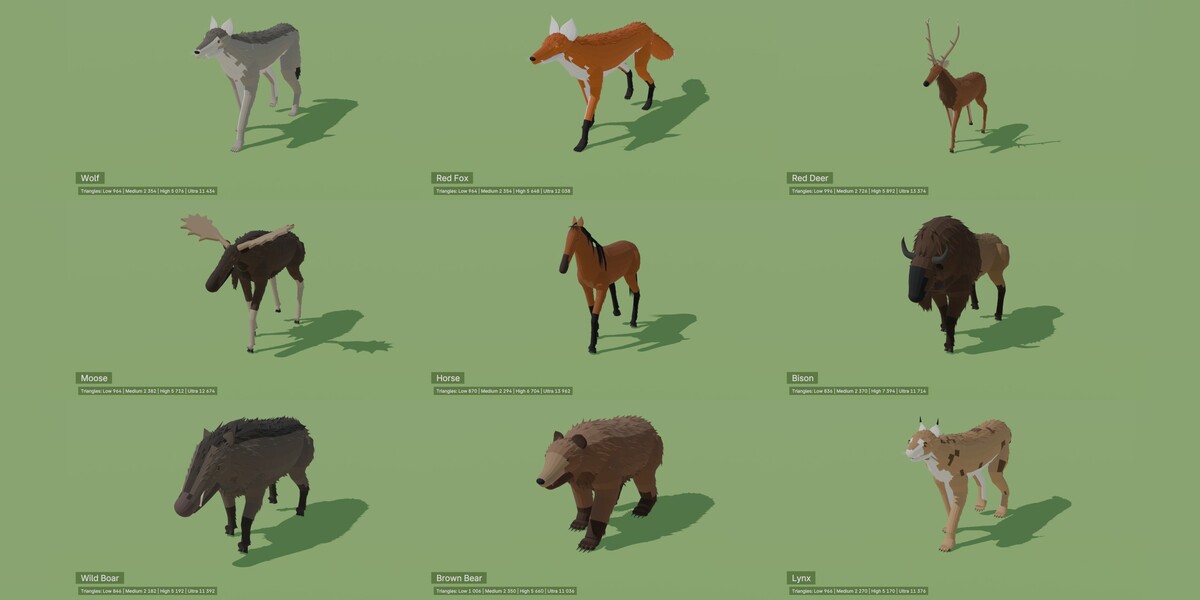
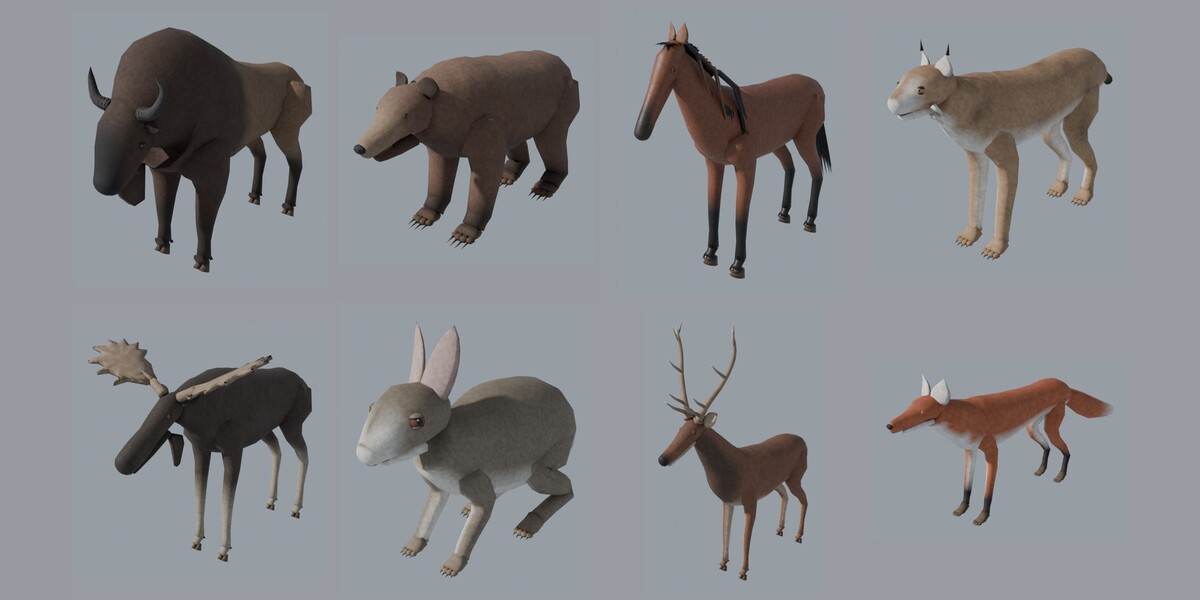
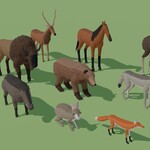
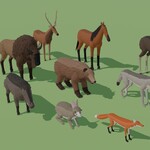
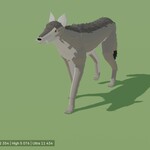
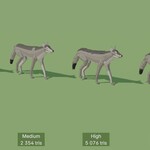
Low Poly + Realistic Wildlife - Animated - version 1.0.1 - Art3D
Getting started
1. Unzip and open Art3D_Wildlife.blend in Blender 5.2 or newer. All textures are packed in the file.
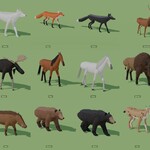
2. The Showcase and Stage collections are visible: render (F12, EEVEE) and you get the cover image of the product.
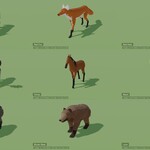
3. Every level of detail has its own collection (Low, Medium, High, Ultra), plus Realistic for the PBR versions. They are excluded from the view layer: tick the checkbox next to a collection in the Outliner to show it. The models stand side by side, their colour variants one behind the other.
4. To use a model in another file: File > Append > Art3D_Wildlife.blend > Collection (a whole level, e.g. Low) or Object (e.g. Wolf_Low_Grey; its mesh and rig come with it).
Names
- Objects: __ (empty at the origin of the model), with _Rig (armature) and _Mesh under it, e.g. Wolf_Low_Grey_Mesh.
- Materials: _, e.g. Wolf_White; Realistic: Wolf_Grey_Realistic.
- Scale: 1 unit = 1 m, real-world sizes, origin on the ground, the head or front towards -Y.
Colours
- The low poly models use one small palette texture (256x128) per colour: one material per model and colour, one draw call.
- The colour variants of a level share one mesh; their material is linked to the object (Material Properties, slot set to Link: Object). To recolour a copy, pick another material in its slot.
- Keep the Image Texture node on Closest interpolation for crisp, flat colours.
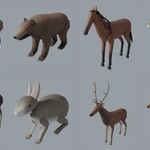
- Realistic versions: PBR materials (albedo, normal, packed occlusion, roughness and metallic maps), unique UVs.
Animation
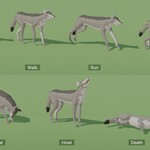
- Each armature plays its default clip (Idle, Walk...). Press Space in the 3D viewport to play.
- Every clip is an Action named __, e.g. Wolf_Low_Idle. To change the clip: select the armature, Dope Sheet > Action Editor, choose the Action.
- Clips: Alert, Attack, Death, Eat, Howl, Idle, Run, Walk (not every clip for every model), in place, 24 fps, looping clips loop seamlessly. All levels of a model share the same skeleton: an Action of one level plays on the others.
- 2 bone influences per vertex: the rigs export cleanly to game engines.
Game engines
- Export from Blender with File > Export > glTF 2.0 or FBX, or use the second download of this product: FBX and glTF 2.0 files of every model, a native Unreal Engine project, a Unity setup with prefabs and LOD Groups, and guides for Godot and three.js.
Support
Write to [email protected] (support page: https://ecosysteme.romandy.fr/en/3d-art.html#support): every message gets an answer within 72 hours. Please include the pack version and your Blender version.
More packs: https://ecosysteme.romandy.fr/en/3d-art.html
Have questions about this product?
Login to message
| Published | about 1 hour ago |
| Blender Version | 5.2 |
| Render Engine Used | Cycles, Eevee |
| Misc Data | Uvs-Unwrapped, Rigged, Animated, Low-High-Resolution, Normal-Mapped, Textured |
| License | Royalty Free |
