Low Shelving
 Pinnacle Studio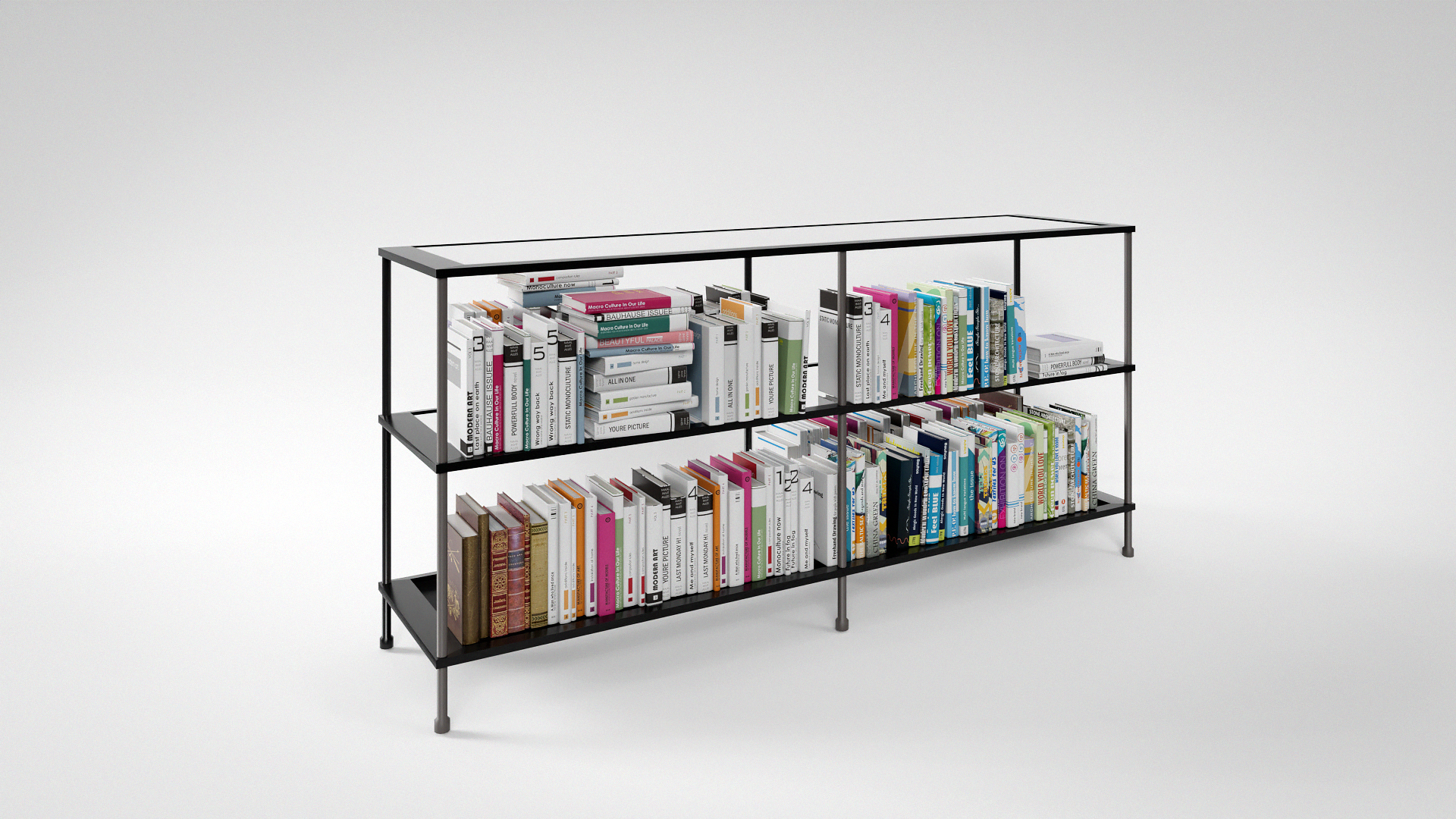
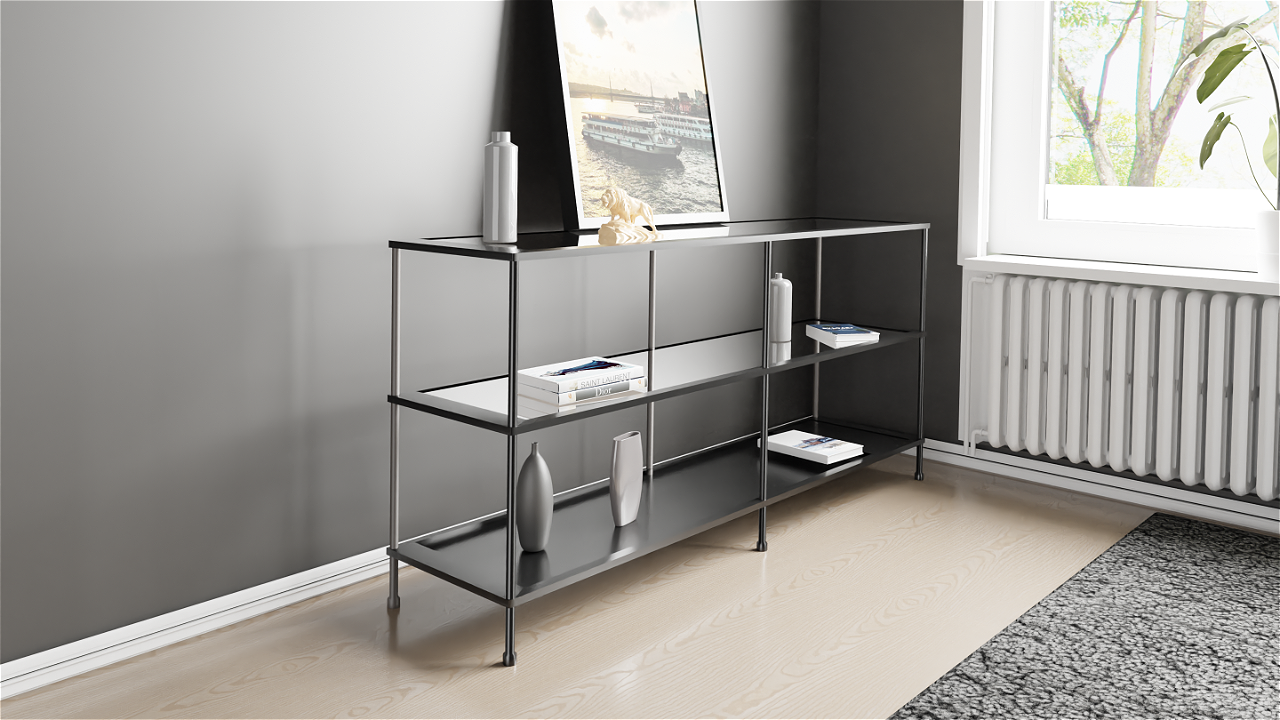
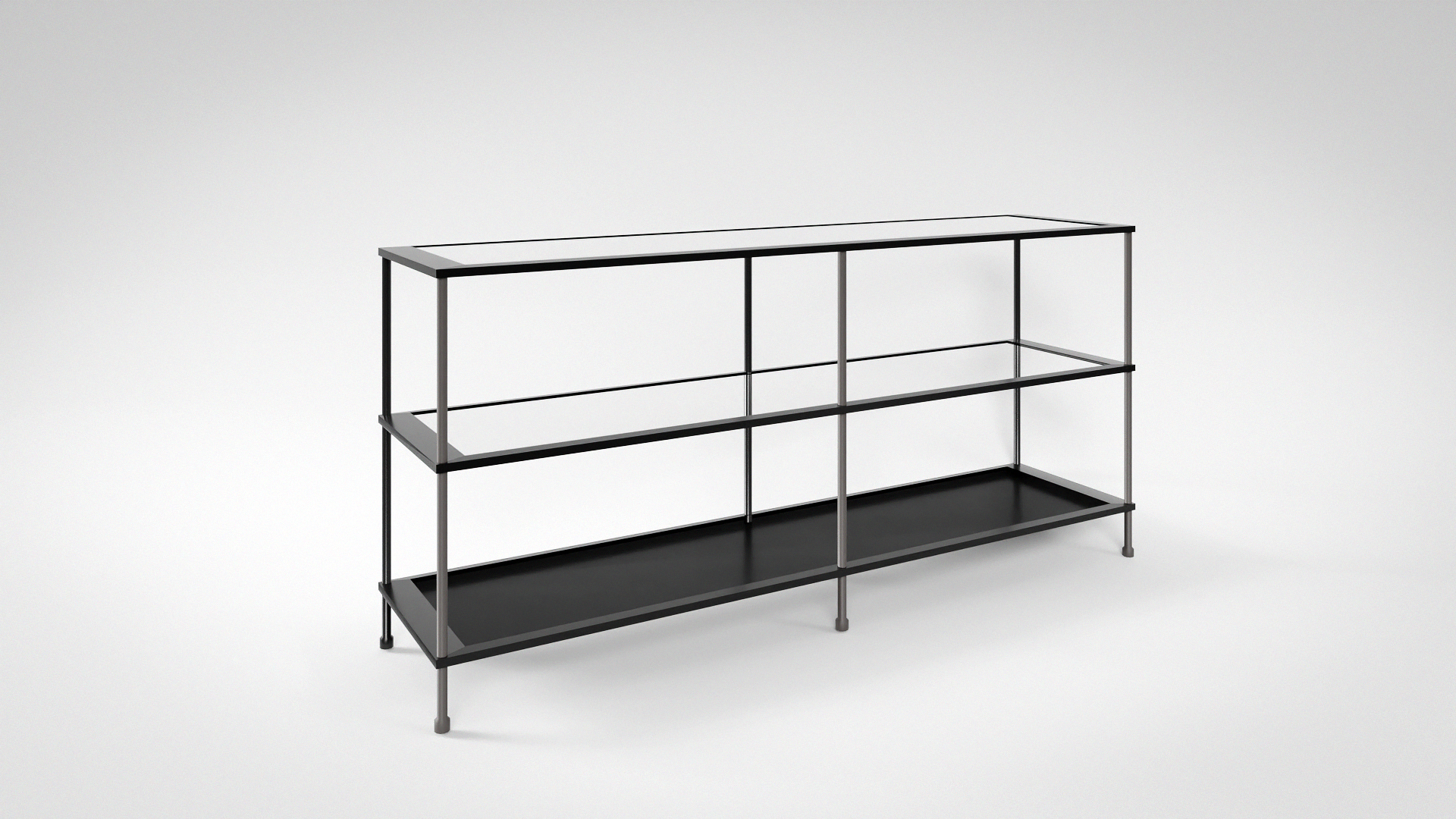
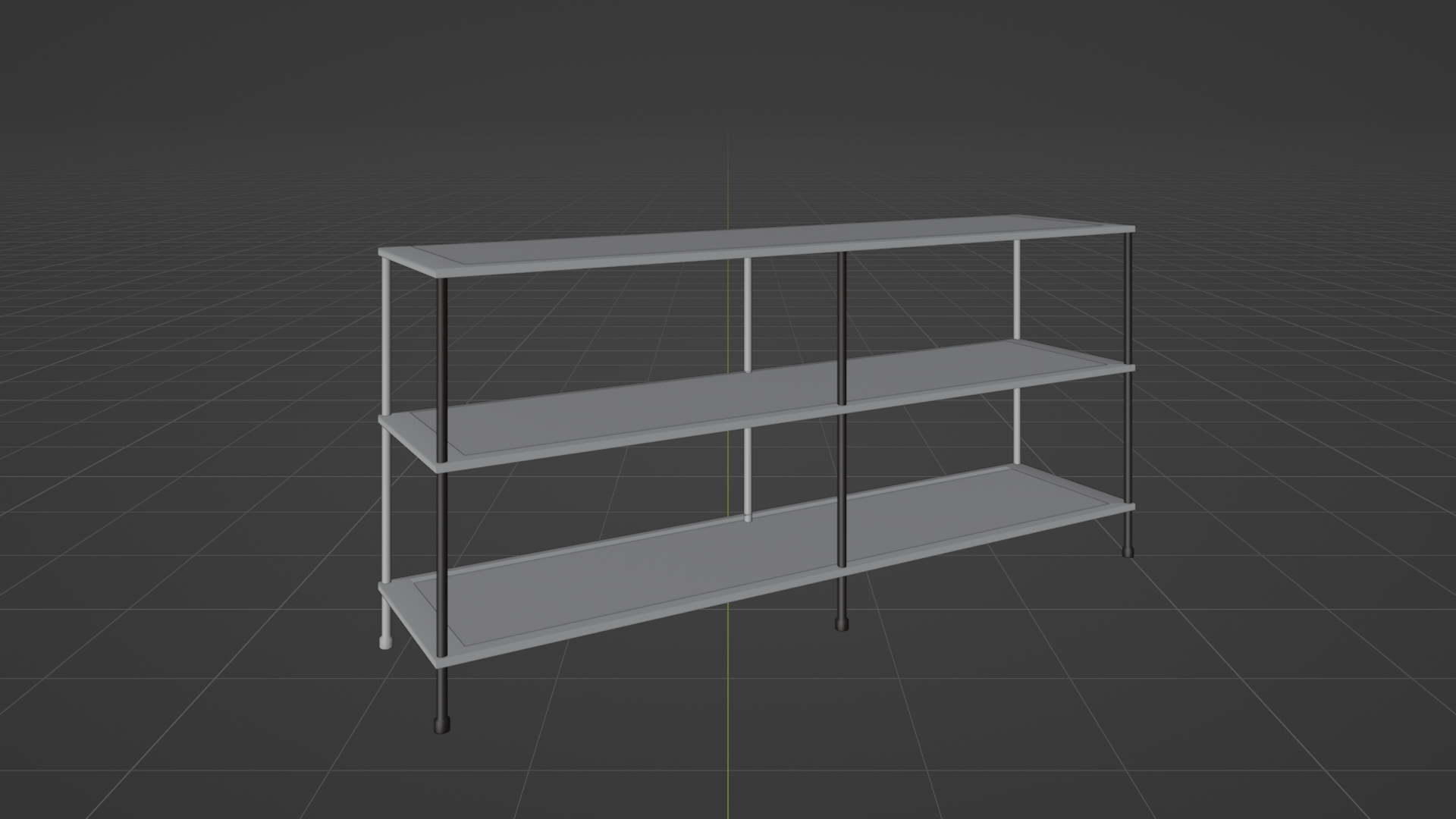
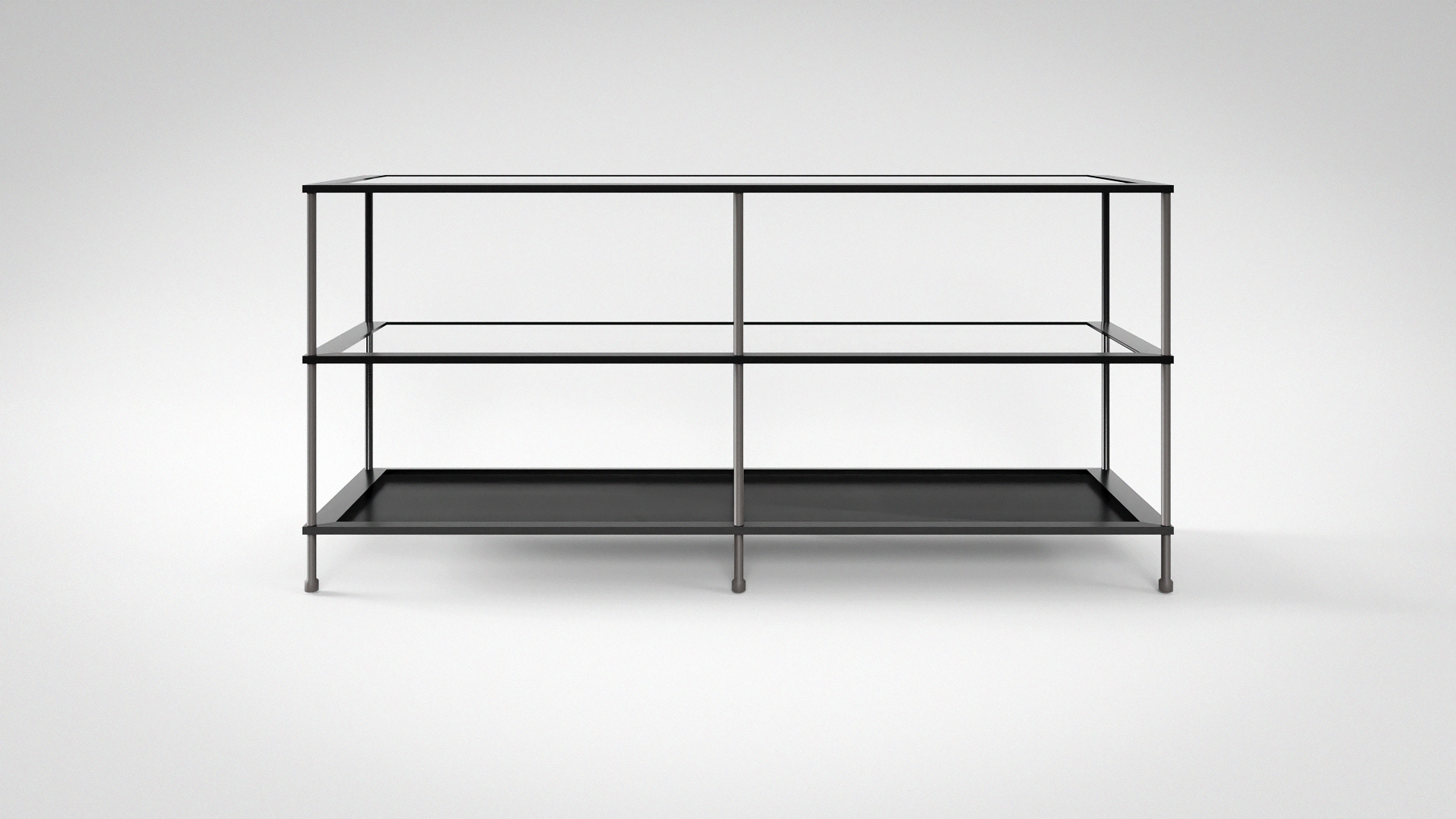
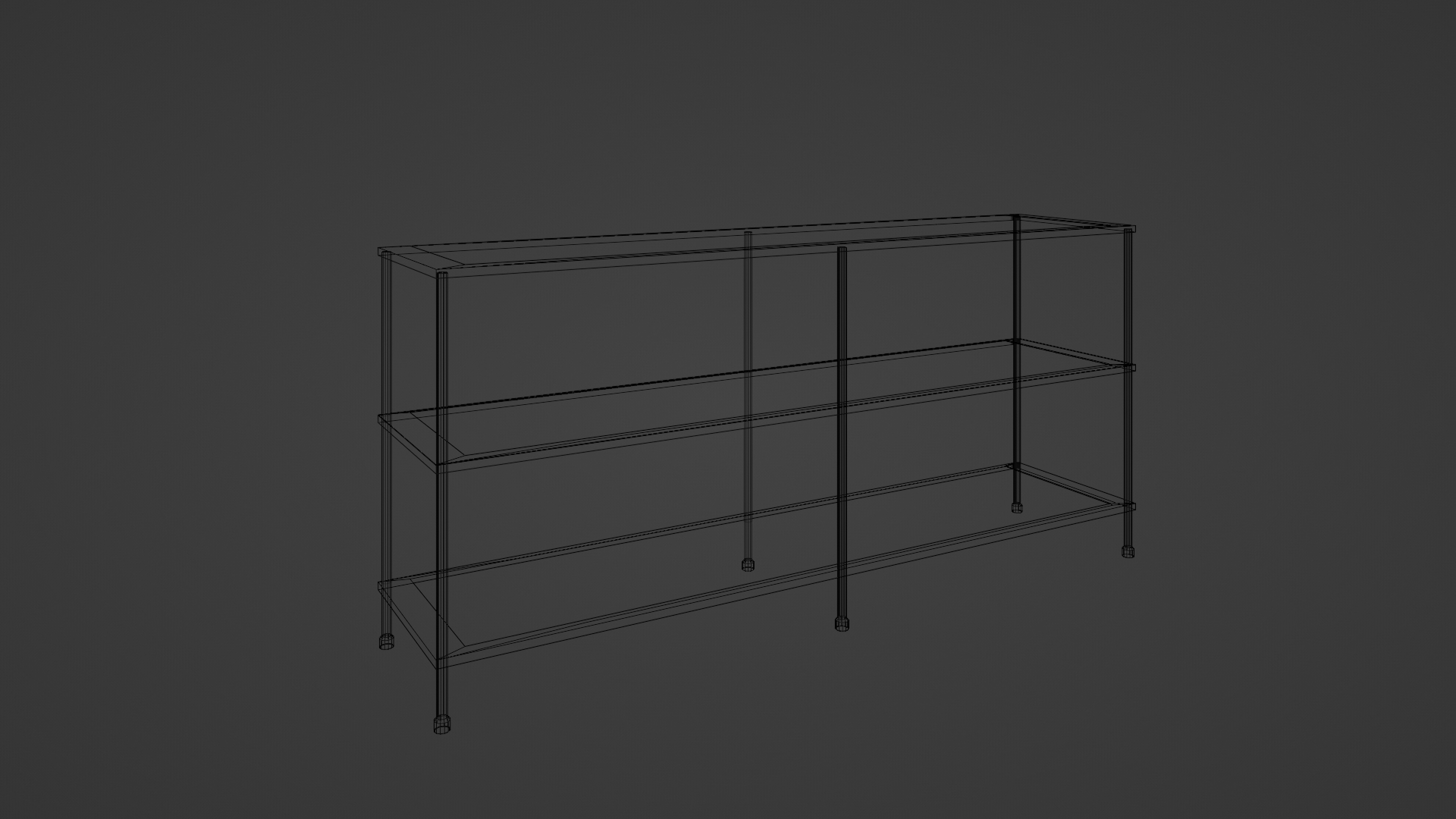
Product Name: Low Shelving Unit Blender File
Description:
The Low Shelving Unit Blender File is a comprehensive resource designed to enhance your 3D rendering projects. This documentation provides detailed instructions on how to utilize the Blender file effectively.
File Contents:
- Shelf.blend: This Blender file contains a complete couch scene, including the Low Shelving Unit, ready for use.
- Render Folder: Access high-quality renders of the couch scene, perfect for showcasing your designs.
- Texture Folder: Neatly organized collection of textures used in the scene, facilitating easy customization.
- Usage Instructions:
Opening the File:
- Simply launch Blender.
- Navigate to File > Open.
- Locate and select the "Shelf.blend" file.
Exploring the Scene:
- Use Blender's navigation controls to view the scene from different angles.
- Experiment with camera angles and lighting to achieve desired effects.
Customization:
- Modify the scene elements to suit your project requirements.
- Access the Texture Folder to apply different textures to the Low Shelving Unit or other objects in the scene.
Have questions about this product?
Login to message
| Published | over 2 years ago |
| Blender Version | 2.79 - 5.0 |
| Render Engine Used | Cycles, Eevee |
| Misc Data | Uvs-Unwrapped, Low-High-Resolution, Textured |
| License | Royalty Free |

Discover more products like this
Spring 2023 BFCM (Black Friday Cyber Monday) 2019 BCON (Blender Conference) 2019 Summer 2021 BFCM 2020 loveblender Summer 2023 Spring 2022 Summer 2019 glass shelf summer 2022 BFCM 2021 shelve bookshelf shelf Detailed Shelf decorations glass shader Spring 2019 Detailed Shelving Spring 2021 BFCM 2023 Spring 2020 shelf storage Decoration Details Shelving Unit Summer 2020 Visualization decor BFCM 2022 BCON 2022. shelves decorative interior decoration