 Domenas


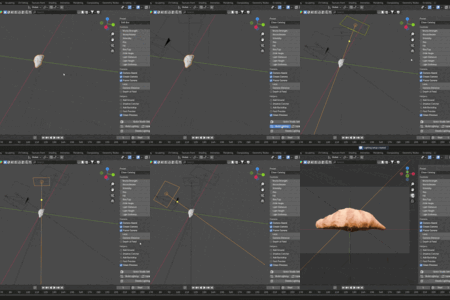
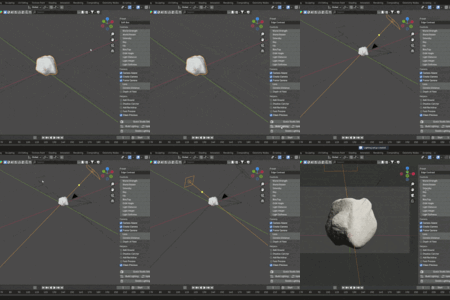
Installation:
- Open Blender
- Go to Edit > Preferences > Add-ons
- Click Install and select the ZIP file
- Enable "Lumora Product Lighting"
Usage:
- Open 3D View Sidebar (N)
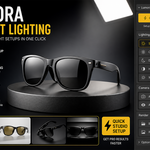
- Go to "Lumora" tab
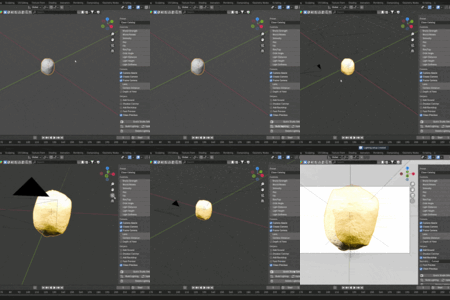
- Click "Quick Studio Setup"
- Select lighting preset
- Adjust light intensity, distance and height if needed
- Use Auto Frame Camera to fit object
- Render
Notes:
- The add-on creates objects with prefix "LUM_"
- Use Clean Up button to remove generated objects
- Works with Cycles and Eevee
Requirements:
- Blender 3.0 or newer
$7.99
Have questions about this product?
Login to message
| Published | 5 months ago |
| Blender Version | 3.0 - 4.5 |
| Extension Type | N/A |
| Render Engine Used | Cycles, Eevee |
| License | GPL |

Discover more products like this
product rendering blender Lighting product-visualization Studio Lighting eevee batch render Cycles blender addon render setup