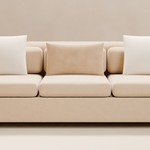
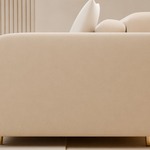
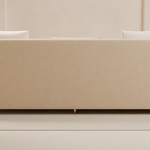
Luxury Modern Sofa Set — Boucle Living Room Collection
 pix3dmodel
Getting started
- Unzip the download and open Luxury_Modern_Sofa_Set.blend in Blender 5.2 LTS or newer.
- Choose a camera from the Catalogue_Cameras collection and press F12 to render.
- To use the furniture in your own scene, use File → Append and pick the Luxury_Sofa_Set collection, or any single piece inside it.
What's in the download
- Luxury_Modern_Sofa_Set.blend — main scene
- README.txt — full notes
- render_shots.py — optional script that renders all 7 catalogue cameras
- Previews/ — preview images
Dimensions (W × D × H, cm)
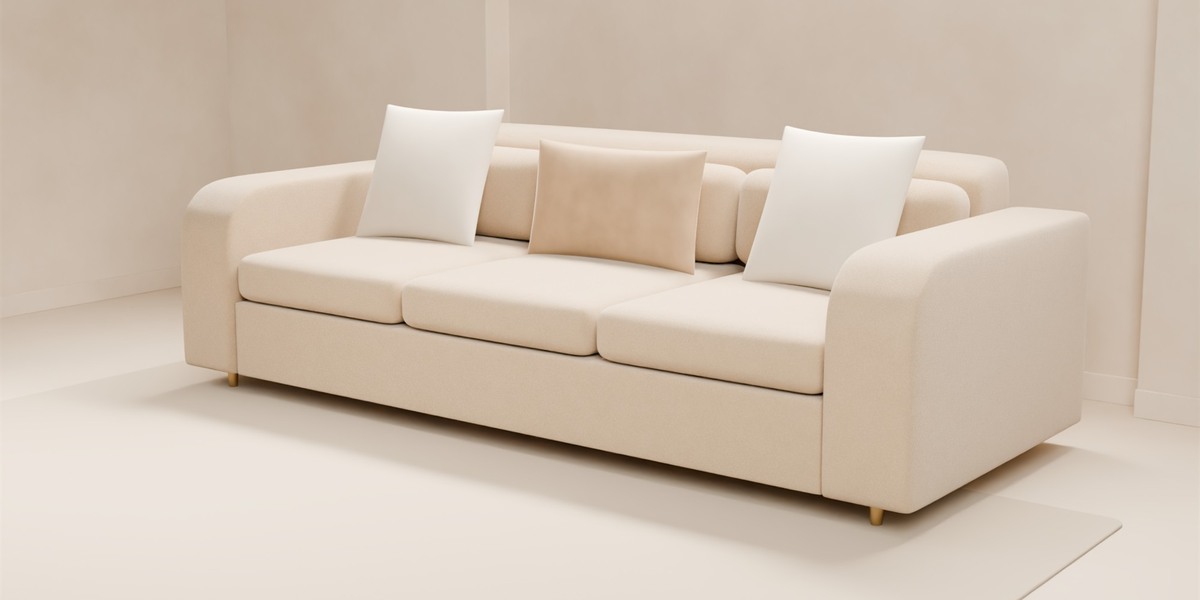
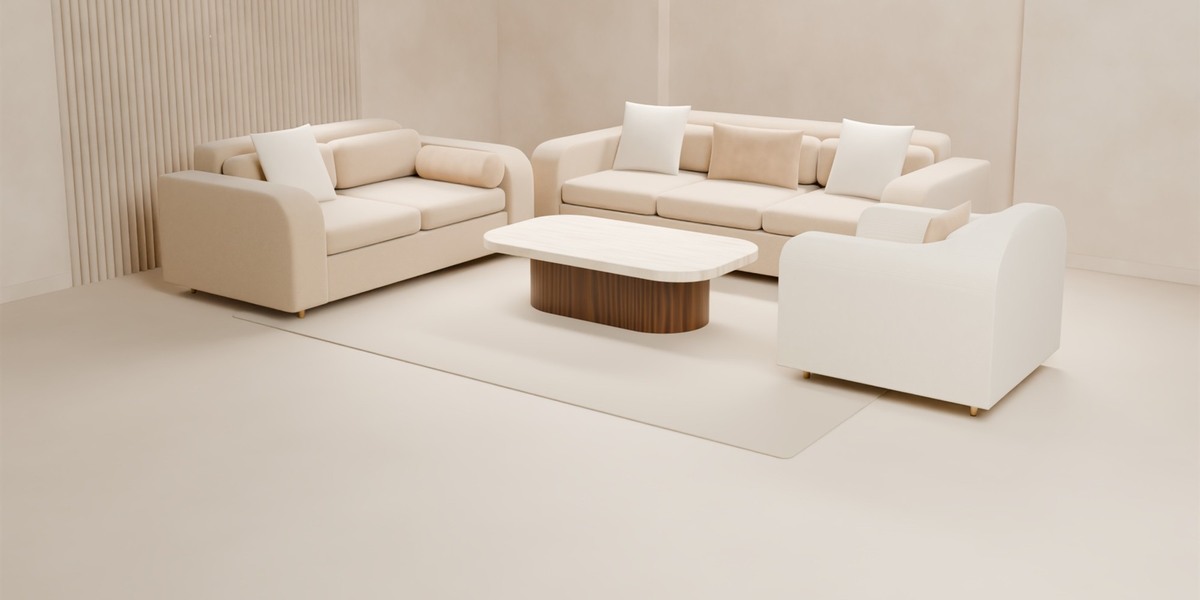
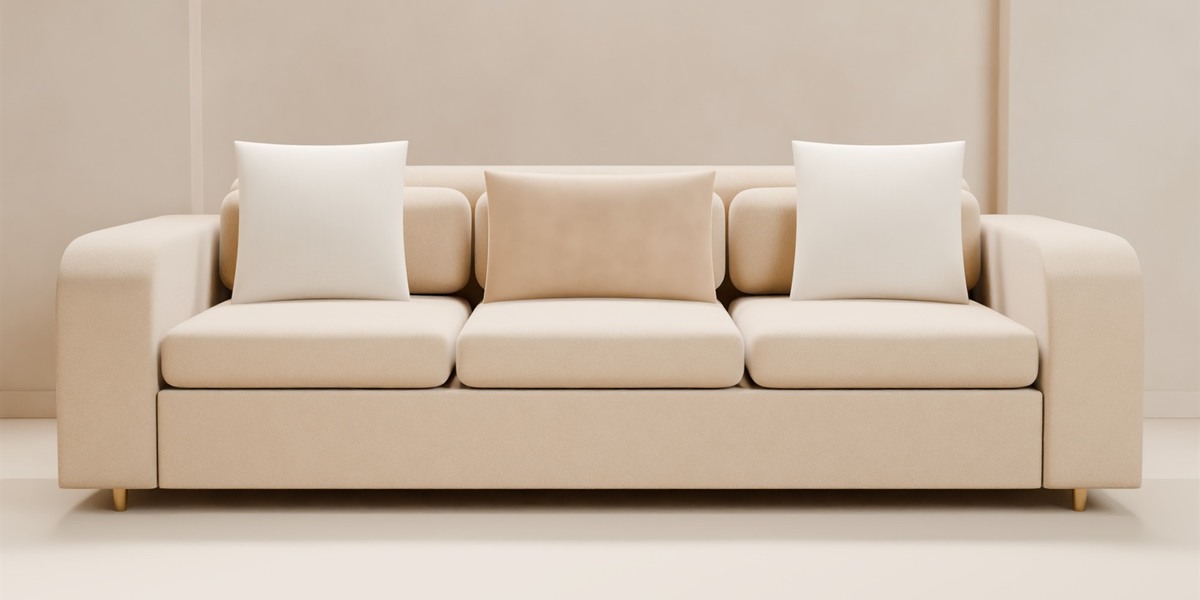
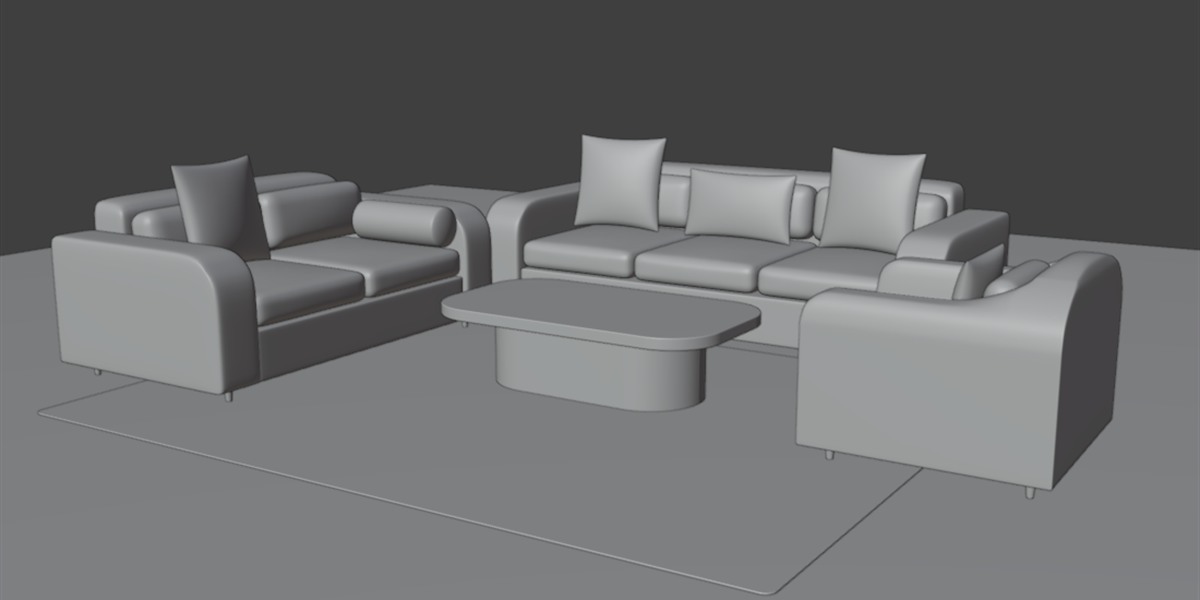
- 3-seater sofa: 240 × 100 × 76, seat height 43
- Loveseat: 180 × 100 × 76, seat height 43
- Accent chair: 90 × 88 × 76, seat height 43
- Coffee table: 130 × 75 × 36
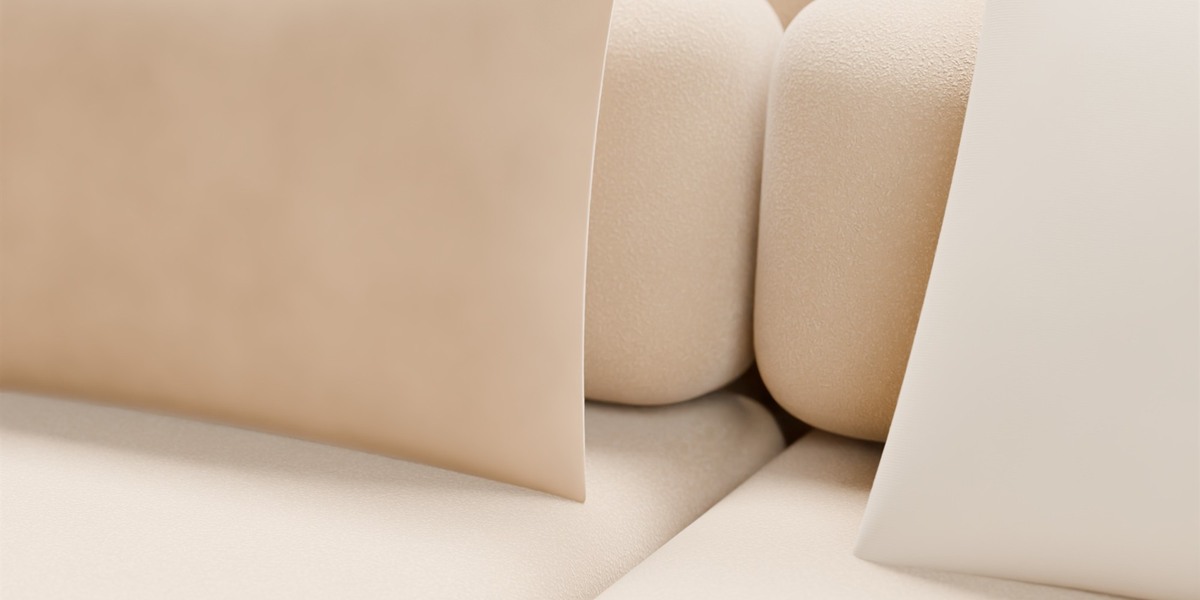
- Cushions: 3 square 50 × 50, 2 lumbar, 1 bolster (20 × 55)
Scene organisation
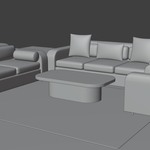
- Luxury_Sofa_Set — Sofa_Frame, Seat_Cushions, Back_Cushions, Armrests, Sofa_Legs, Accessories, Loveseat, Accent_Chair, Coffee_Table
- Studio — Studio_Architecture (floor, limewash walls, arched niche, fluted panel), Studio_Lights (key softbox, fill, 2 backlights, overhead, niche cove), Catalogue_Cameras (7 cameras)
Each piece has a parent empty at floor level (Sofa_3Seater, Loveseat, Accent_Chair, Coffee_Table). Move or rotate the empty to move the piece.
Materials
All materials are procedural Principled BSDF node setups, with no image textures needed. They are marked as assets, so you can reuse them from the Asset Browser.
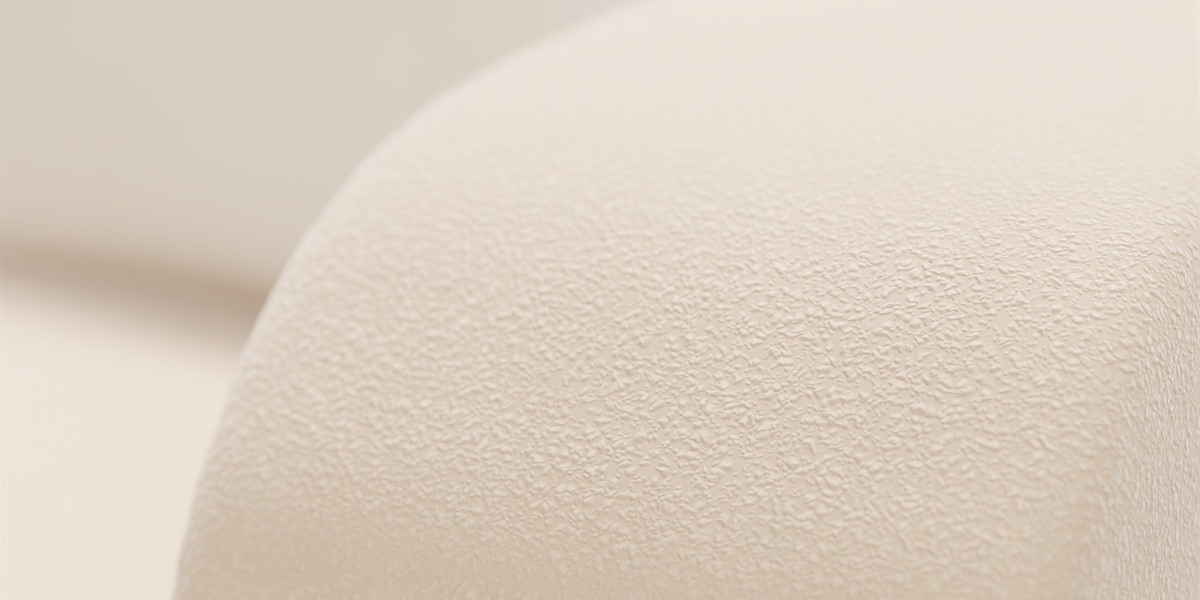
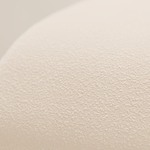
- MAT_Fabric_Boucle_Beige — sofa and loveseat upholstery
- MAT_Fabric_Textured_Ivory — accent chair
- MAT_Fabric_Linen_Ivory — square cushions
- MAT_Fabric_Velvet_Beige — lumbar cushions and bolster
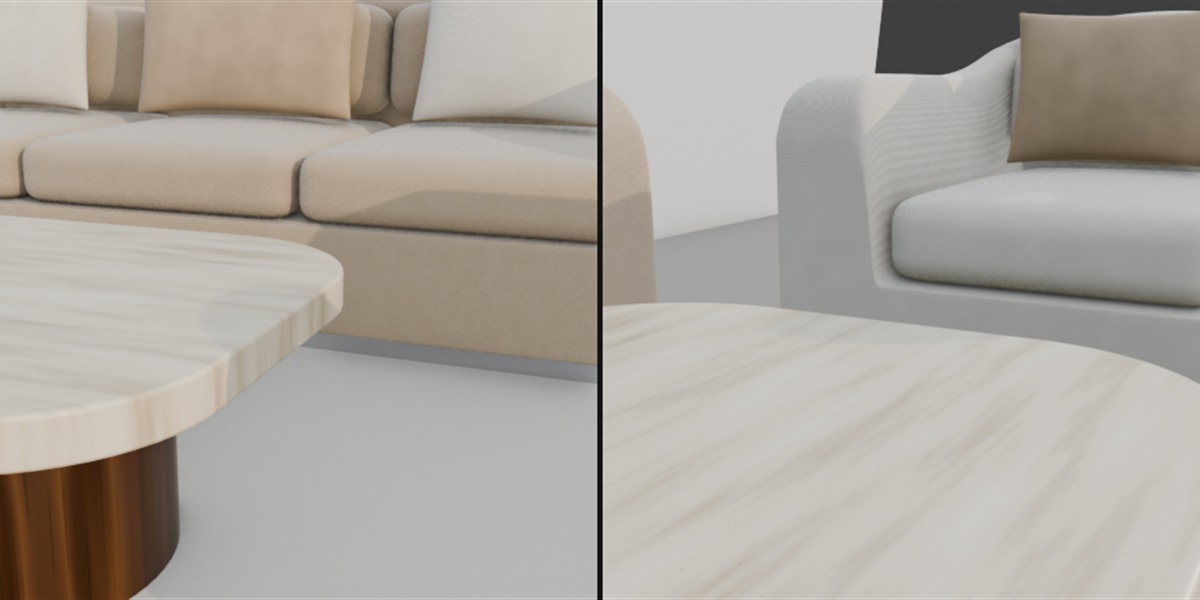
- MAT_Wood_Walnut_Natural — coffee table base
- MAT_Metal_ChampagneGold_Brushed — legs
- MAT_Stone_Travertine_Honed — coffee table top
- MAT_Felt_Glide_Grey — leg glides
Geometry and performance
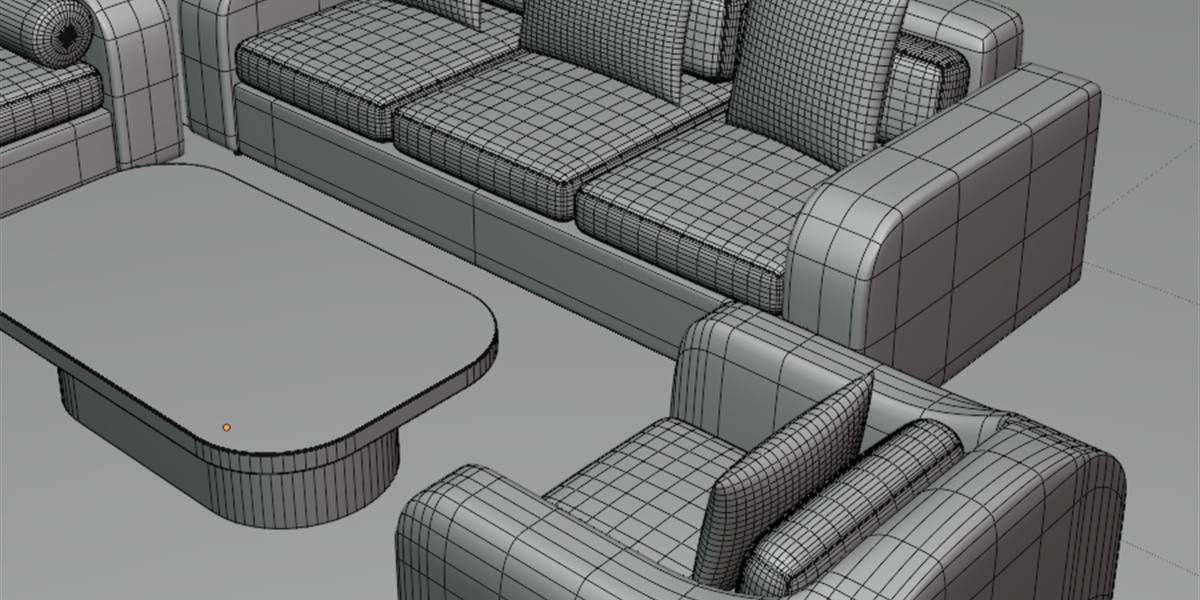
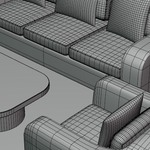
42 mesh objects with all-quad Subdivision Surface topology, about 476,000 faces at Subdivision level 2. To lighten the scene, lower the Subdivision modifier viewport level on the cushions to 1; render levels can stay at 2. Units are metric, all scales are applied, and every object is UV unwrapped.
Rendering
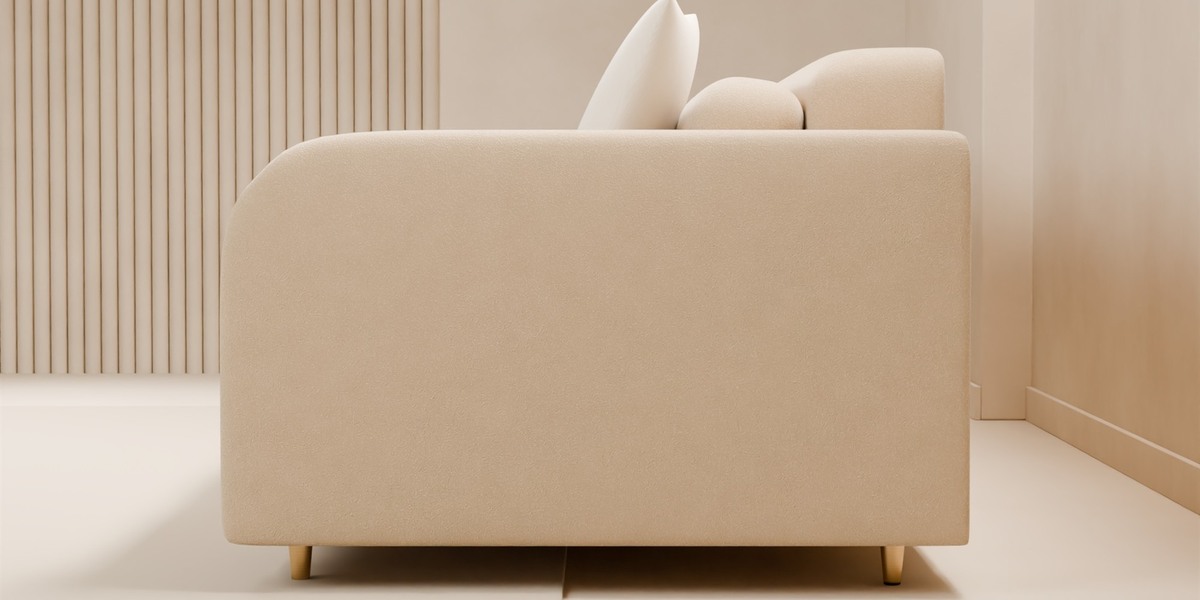
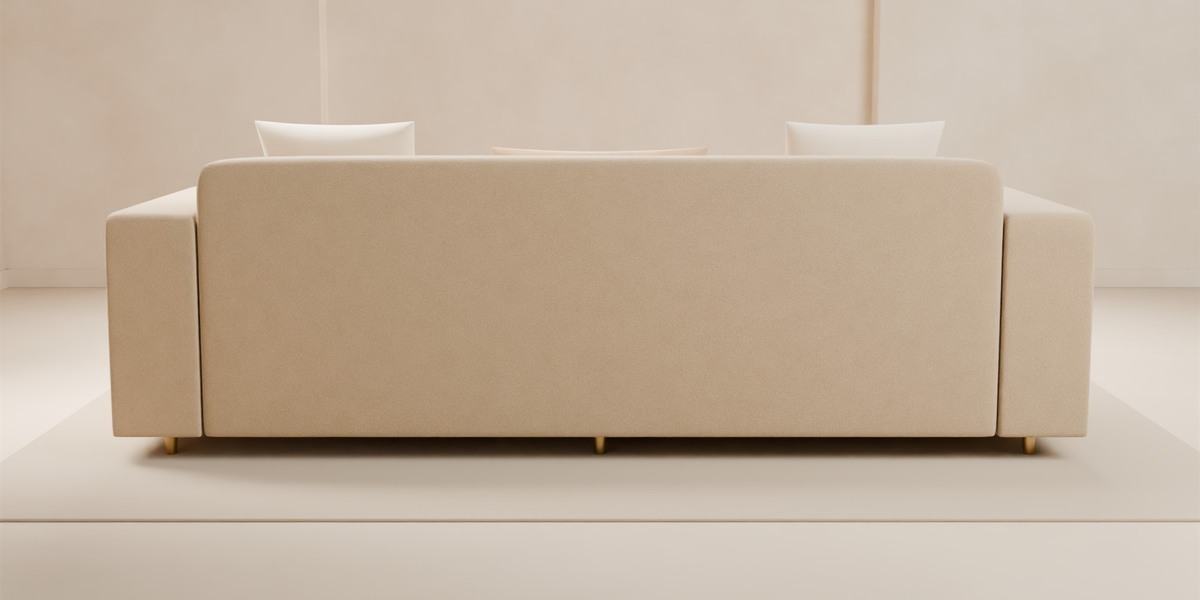
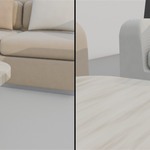
The scene is set up for Cycles: 3000 × 3000, 256 adaptive samples, OpenImageDenoise and the AgX view transform. EEVEE also works for fast previews. Shots 1–6 are product shots of the 3-seater on its own. To render all seven exactly as intended, run the included script from a command prompt:
blender -b Luxury_Modern_Sofa_Set.blend --python render_shots.py -- OUTPUT_FOLDER 100
The script never saves changes to the .blend file.
Exporting to other software
Because the materials are procedural, other programs only receive base colours unless you bake the materials to image textures first. Use "Apply Modifiers" when exporting FBX, OBJ or glTF.
Have questions about this product?
Login to message
| Published | 1 day ago |
| Blender Version | 5.2 |
| Render Engine Used | Cycles, Eevee |
| Misc Data | Uvs-Unwrapped |
| License | Royalty Free |
