Lyricify
 phamduyson


Lyricify - AI-Powered Lyric Video Creator for Blender!
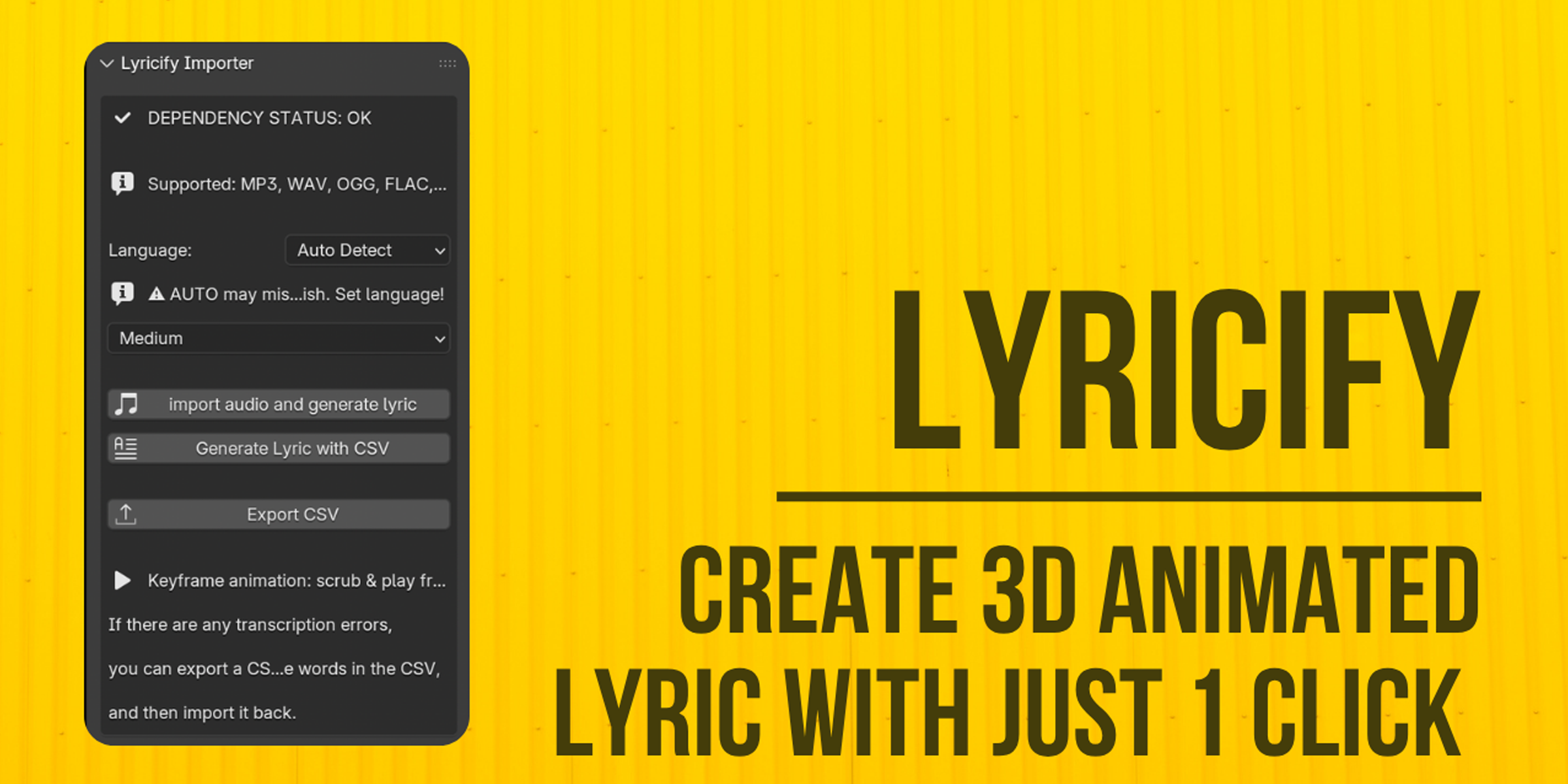
Transform your favorite songs into mesmerizing 3D lyric animations – effortlessly!
Lyricify is a Blender addon that automates the creation of stunning lyric videos.
Powered by OpenAI's Whisper AI for precise transcription and timestamps,
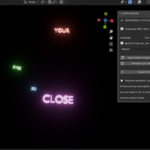
it generates physics-based text animations with falling lyrics, vibrant colors,
glow effects, and professional lighting. Perfect for music videos, social media reels,
or creative visualizations. No coding required – just import your audio and watch the magic unfold!
Features
AI-Driven Transcription:
Automatic speech-to-text using Whisper
Word-level timestamps for perfect sync.
Dynamic 3D Animations:
Lyrics appear from above, scale in smoothly, and fall with realistic gravity.
Random clustered positioning to avoid overlaps; all text faces the camera.
Professional Scene Setup:
Auto-adds camera (50mm lens), area light, spot light, and bloom compositor for cinematic results.
Integrates audio into Blender's Video Sequence Editor.
FPS locked at 24; timeline auto-adjusts to song length + buffer.
Easy Customization:
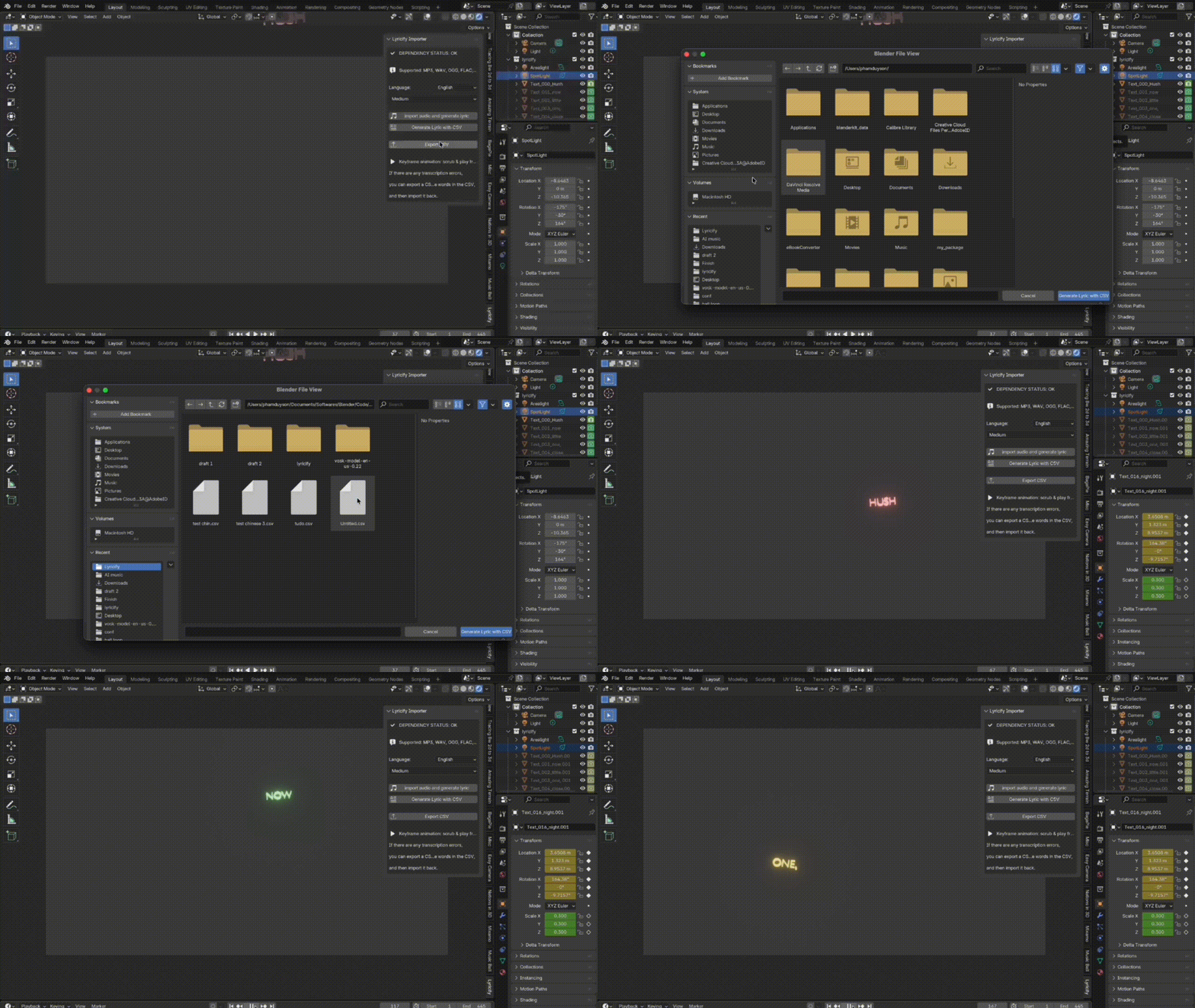
Export lyrics/timestamps to CSV for manual edits (fix transcription errors or add flair).
Re-import edited CSV to regenerate animations.
Supports MP3, WAV, OGG, FLAC, M4A formats.
Smart Dependency Management:
One-click installers for PyTorch (CPU-only), Whisper (timestamped variant), FFmpeg.
Installation
Go to Edit > Preferences > Add-ons.
Click Install and select lyricify.py.
Search for "Lyricify" and enable it.
Setup Dependencies (First-Time Only):
In the 3D Viewport, go to the Lyricify tab (N-panel > Lyricify).
Follow the guided setup: Install FFmpeg, PyTorch, and Whisper via buttons.
Restart Blender after each major step.
Windows Users: Install Visual C++ Redistributable if prompted (link provided in panel).
macOS Users: Install Homebrew if needed (copy command from panel).
Quick Start
Import Audio:
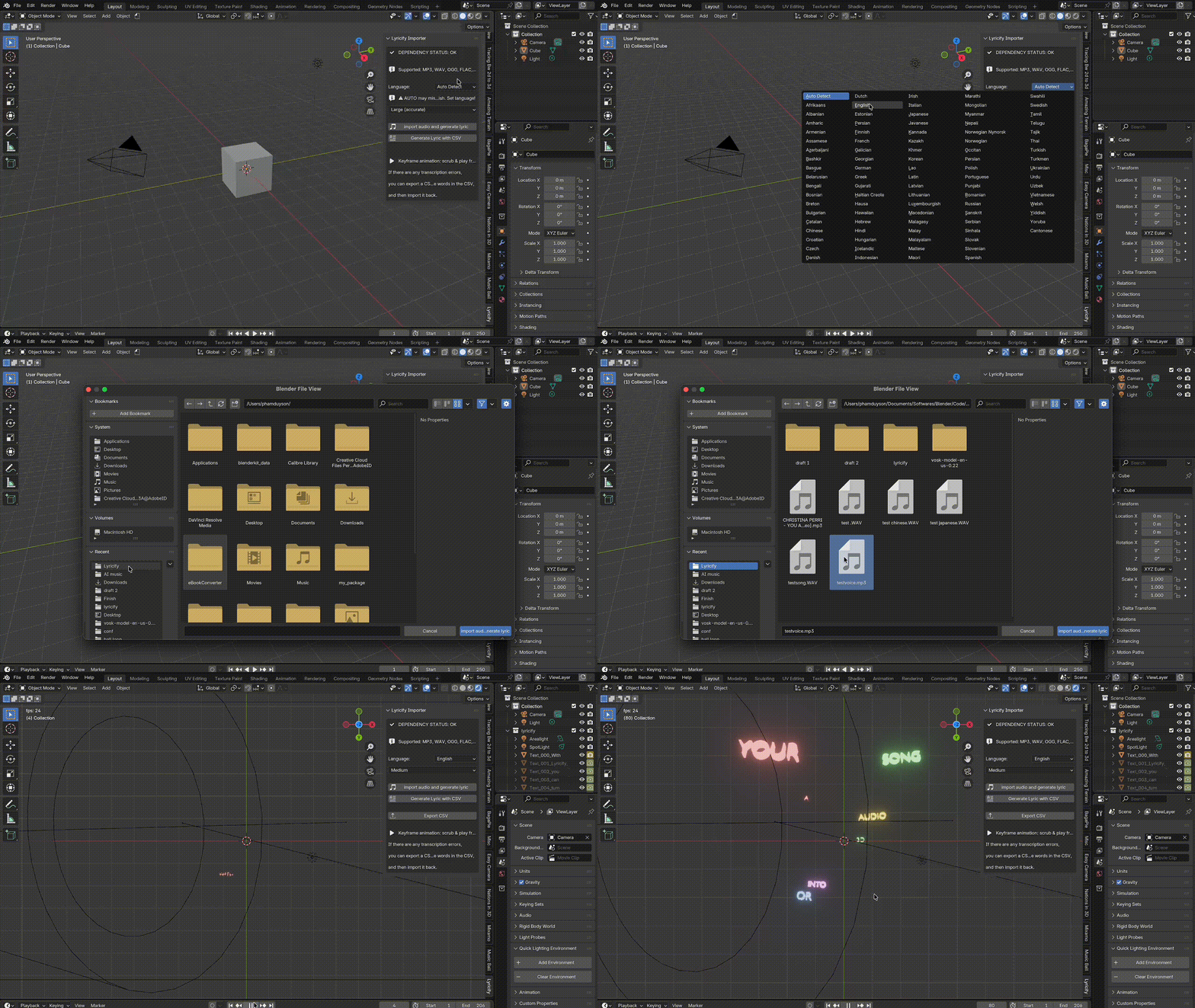
In the Lyricify panel, select language (e.g., "English" or "AUTO") and model size.
Click Import Audio and Generate Lyric.
Choose your song file (MP3/WAV/etc.).
Generate Animation:
Lyrics are transcribed, and a new "lyricify" collection is created with animated text objects.
Scrub the timeline to preview – text falls in sync!
Customize & Export:
Edit Lyrics: Click Export CSV, tweak in Excel/Notepad, then Generate Lyric with CSV.
Render your scene (F12) or add to VSE for video export.
Contact:
For more information or feedbacks please contact [email protected]
Have questions about this product?
Login to message
| Sales | 20+ |
| Dev Fund Contributor | |
| Published | 11 months ago |
| Blender Version | 4.5 |
| Extension Type | N/A |
| Render Engine Used | Cycles, Eevee |
| License | GPL |