Mabel NSFW | Rigged Stylized Goblin Character for Blender
 AngBury
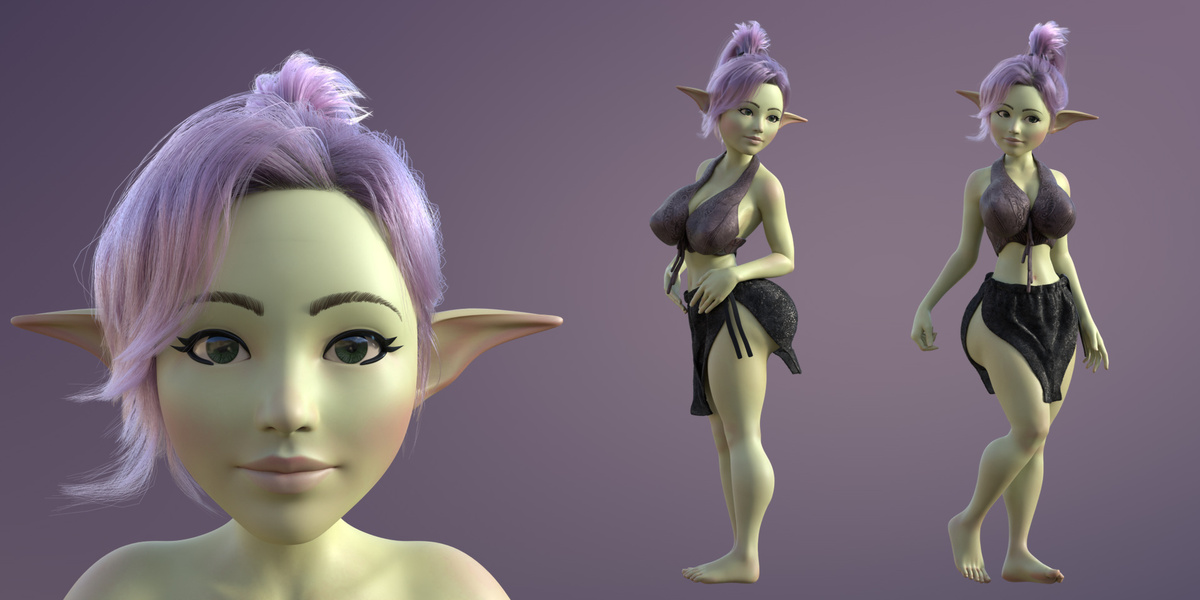
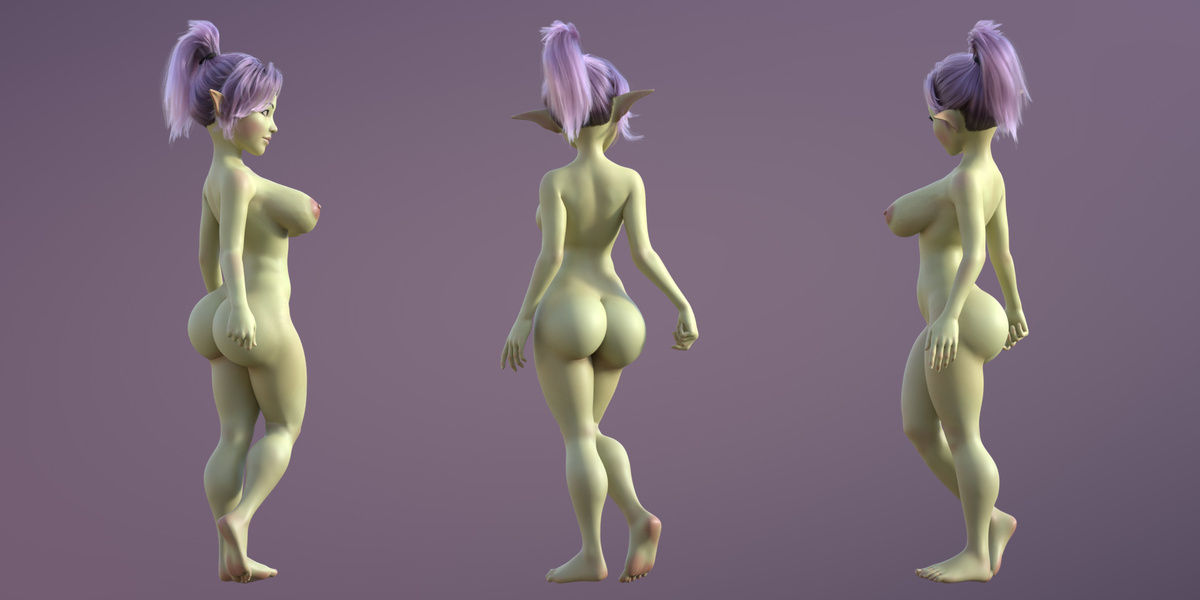
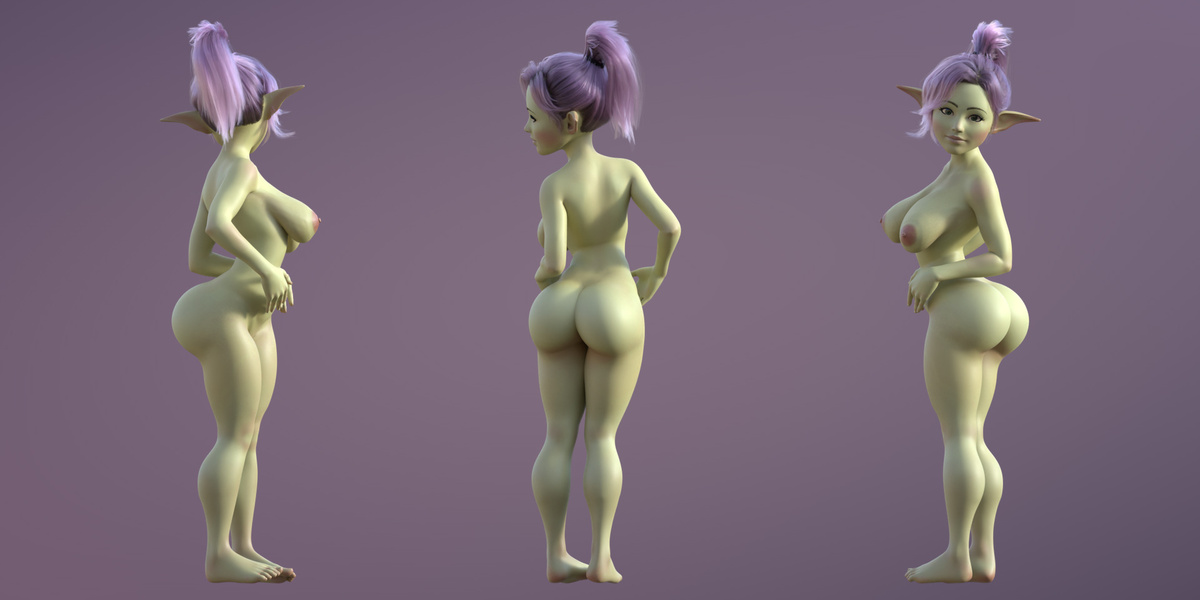
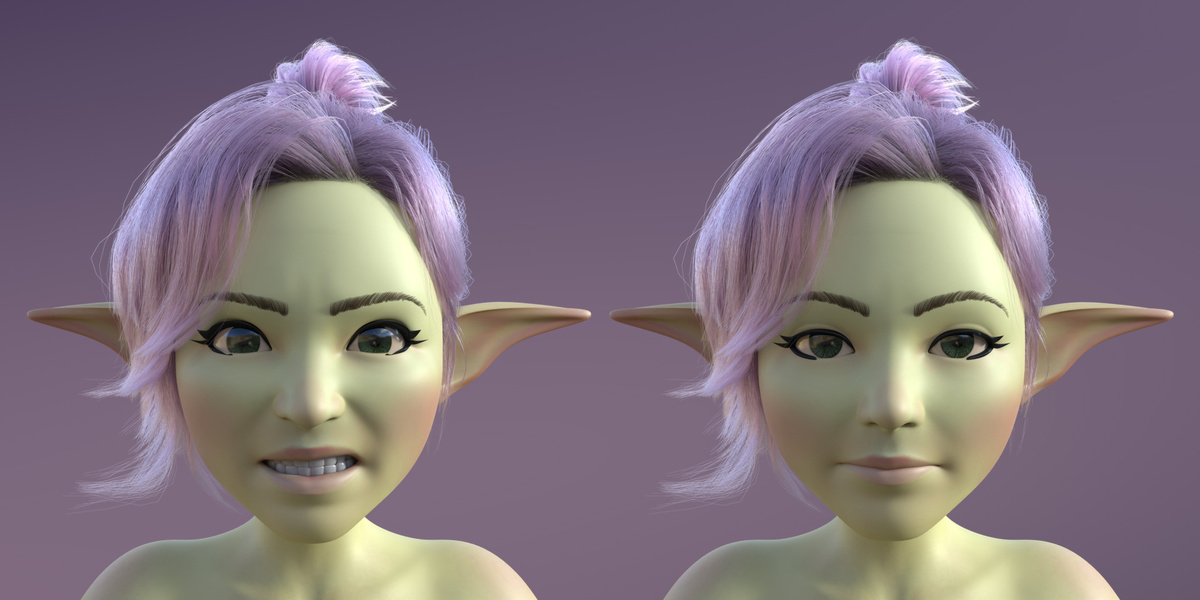
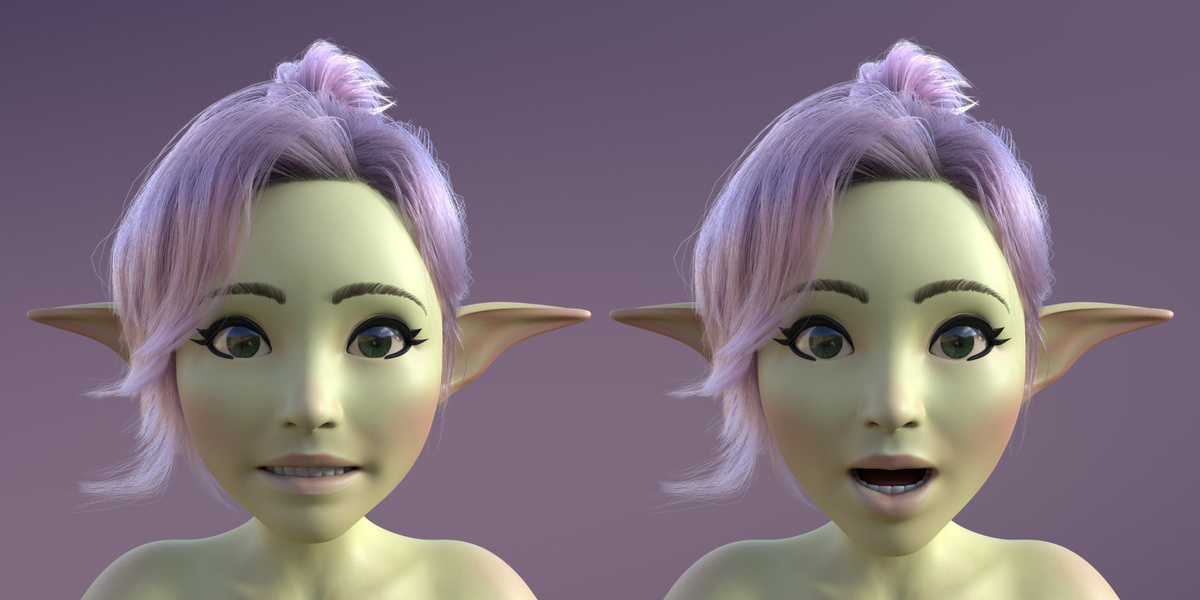
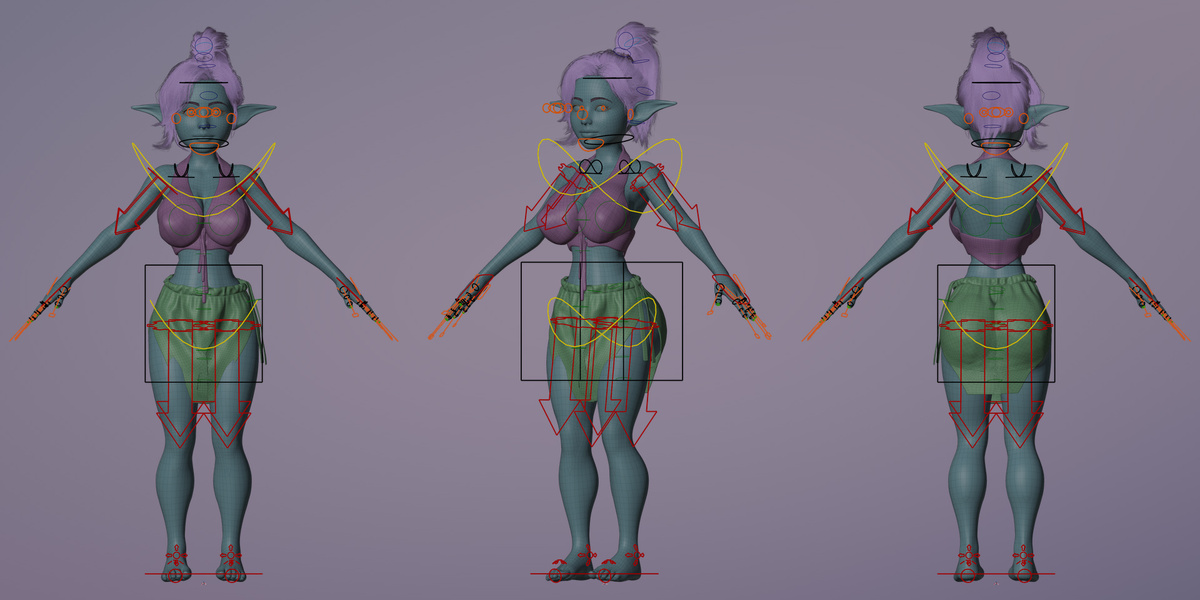
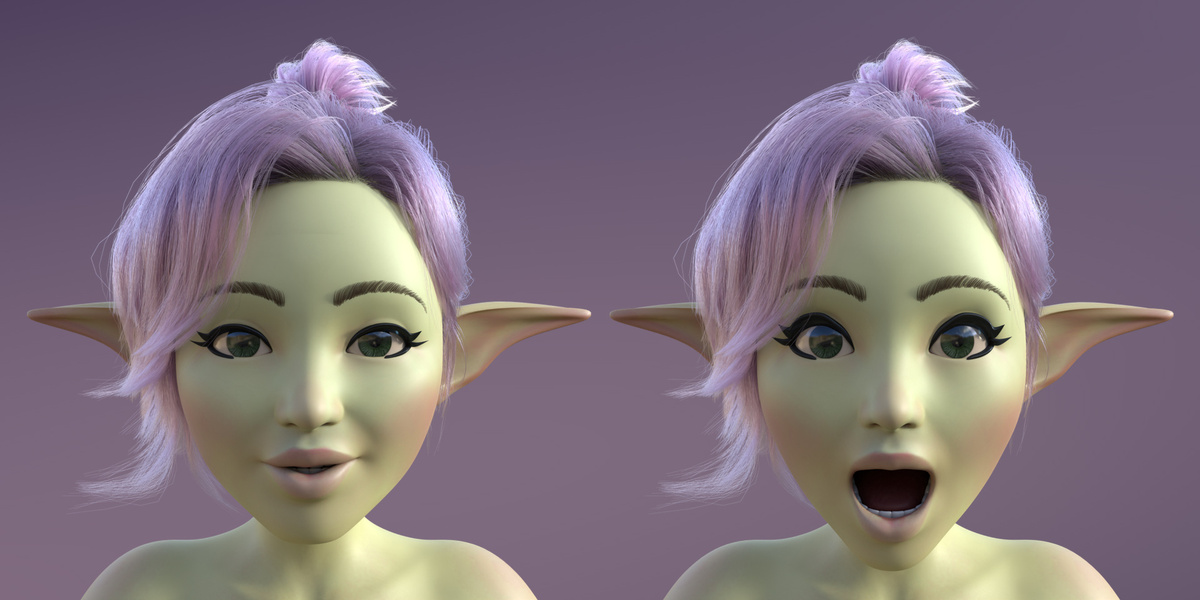
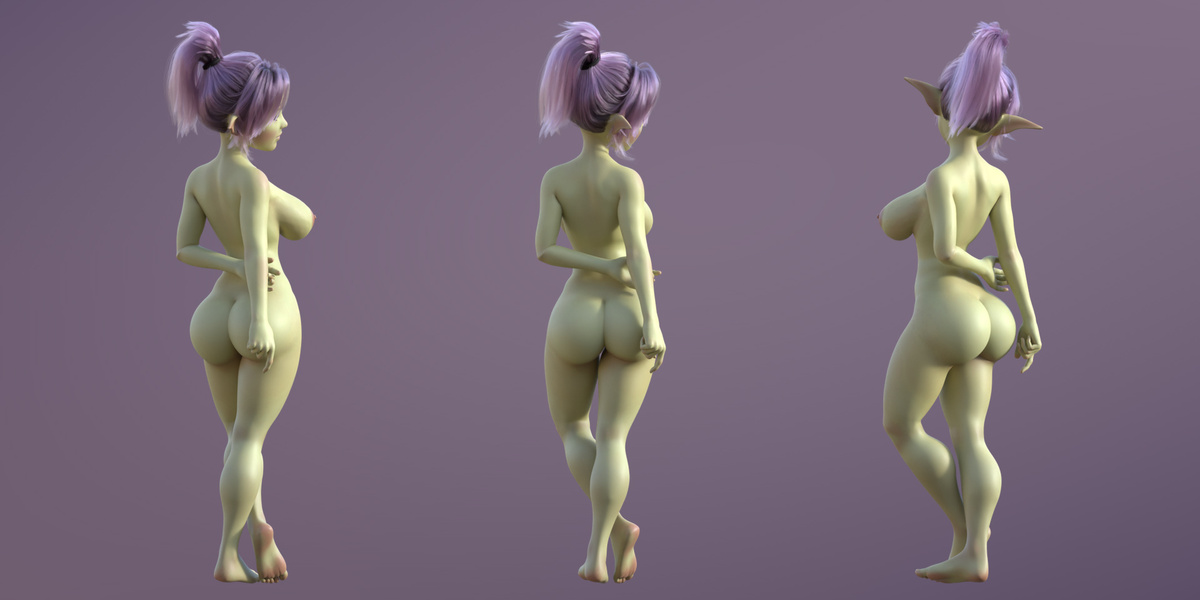
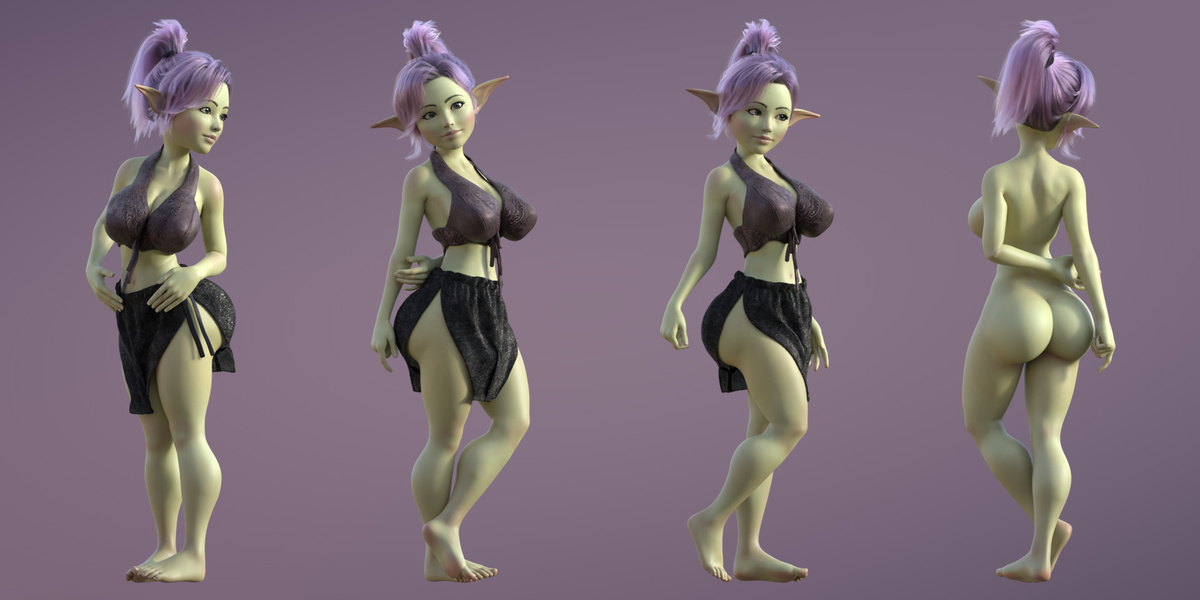
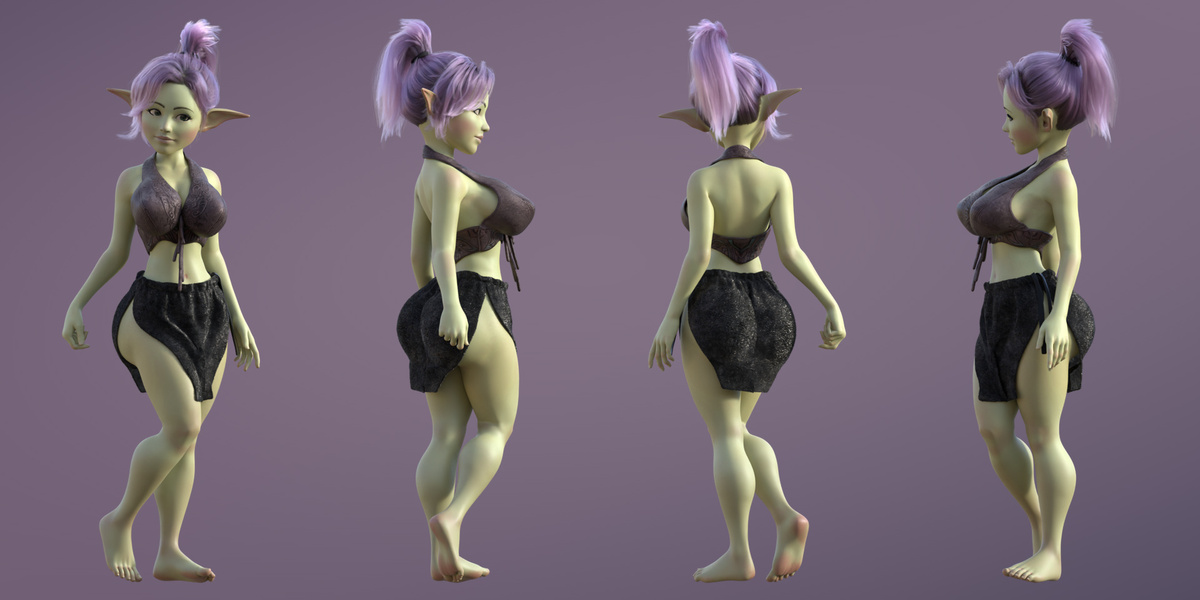
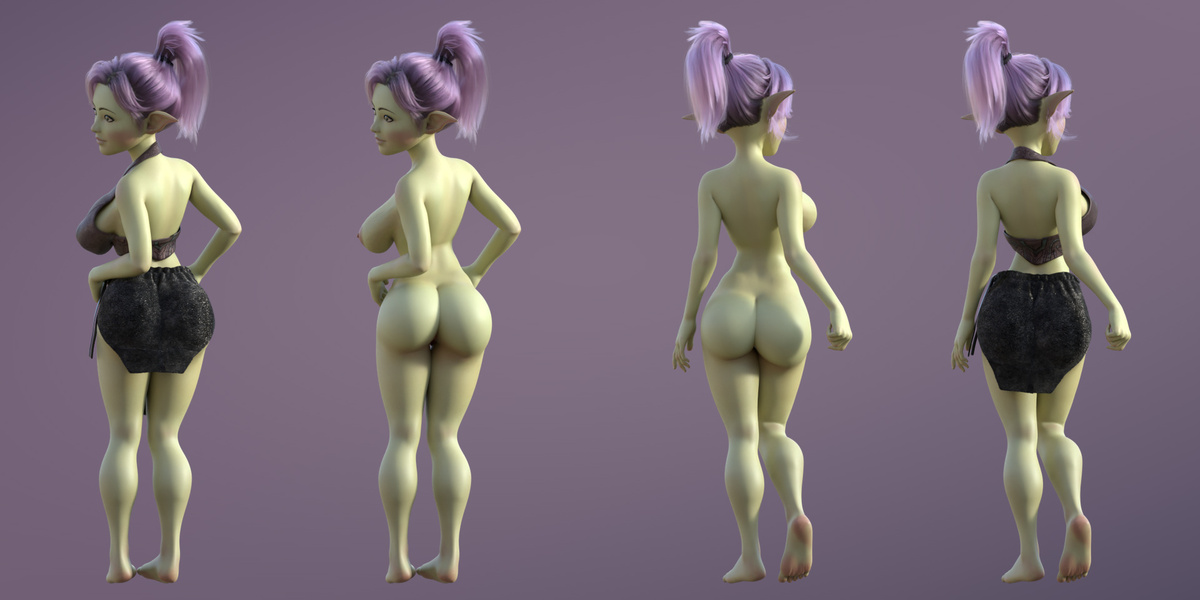
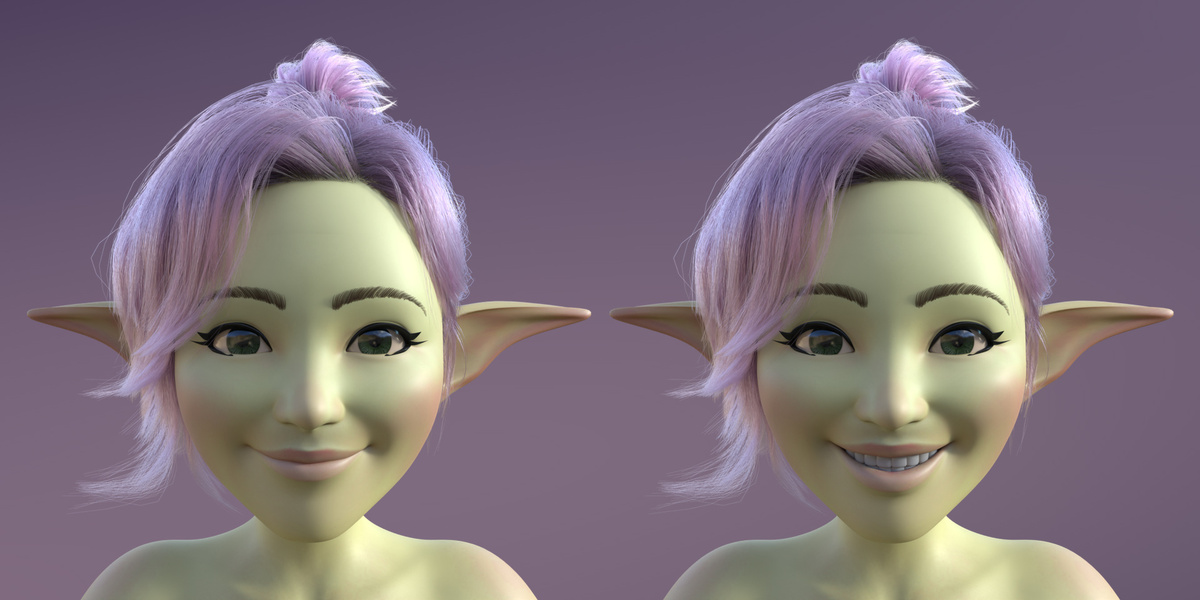
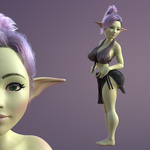
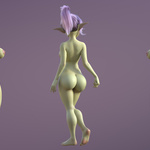
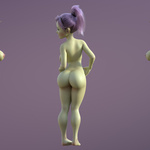
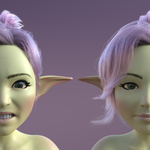
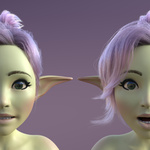
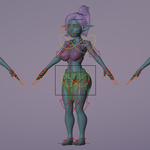
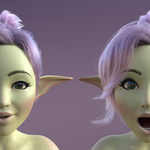
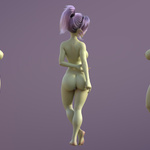
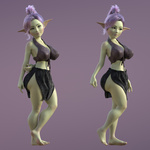
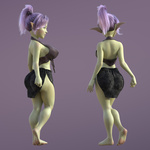
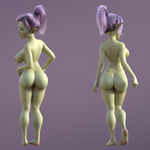
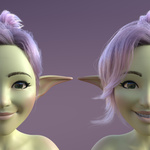
Open Mabel in Blender
- Extract the download archive and open
Mabel.blendin Blender 5.2. - In the Outliner, enable the view-layer checkbox for one character collection. Use
BASEfor the A-pose or choosePOSE1,POSE2, orPOSE3. If a pose remains hidden, expand its parent and enable the character collection inside it. - Select the armature in the active collection and enter Pose Mode. Use Armature Data Properties → Bone Collections to show the controls you want to use.
Switch between the clothed and nude looks
Find Top Mesh and Bottom Mesh in the active character collection. In the pose collections, these object names have numeric suffixes.
Use the eye icon to toggle each garment in the viewport and the camera icon to toggle it in renders. If either column is hidden, use the Outliner filter popover to show its restriction toggle. Show both garments for the clothed look or hide both for the nude look.
Pose the body, eyes, and ponytail
- Use the arm and leg bone collections for IK/FK posing and Fingers to pose the hands.
- In Face, use
gazeto aim both eyes together. Usegaze.Landgaze.Rto adjust each eye separately. - In Hair, use
Hair_N1throughHair_N6to pose the ponytail. - Use the Outfit controls to adjust the ties and skirt.
Set a facial expression
In Object Mode, select the armature in the active character collection. Open Object Properties → Custom Properties and adjust the controls below from 0 to 1. To use a single expression, set its control to 1 and the other seven to 0. Set all eight to 0 for the neutral face.
| Expression | Custom property |
|---|---|
| Afraid | facs_ctrl_Afraid |
| Angry | facs_ctrl_Angry |
| Flirting | facs_ctrl_Flirting |
| Frown | facs_ctrl_Frown |
| Shock | facs_ctrl_Shock |
| Smile Full Face | facs_ctrl_SmileFullFace |
| Smile Open Full Face | facs_ctrl_SmileOpenFullFace |
| Surprised | facs_ctrl_Surprised |
Render a portrait
For the gallery portrait framing, use BASE and the saved portrait camera. Select Cycles, check that the garment camera icons match the look you want, and choose Render → Render Image. For a full-body render, reframe the camera around the active pose.
Have questions about this product?
Login to message
| Published | 38 minutes ago |
| Blender Version | 4.5 - 5.2 |
| Render Engine Used | Cycles, Eevee |
| Misc Data | Uvs-Unwrapped, Rigged, Normal-Mapped, Textured |
| License | Royalty Free |

Discover more products like this
figure study Cycles stylized-character hair curves rigify facial-expressions female character nsfw fantasy character Rigged character elf