 BLUE NILE 3D
Magic Eye Maker / BN-ME-04
Create Magic Eye images from your 3D scenes
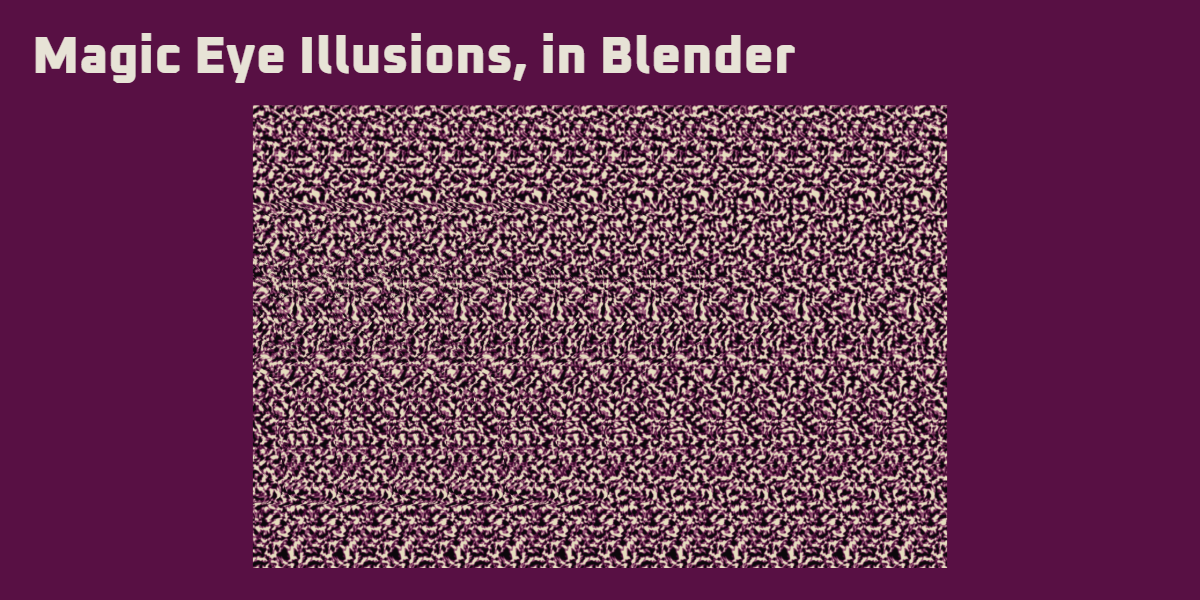
Magic Eye Maker turns the depth in your Blender camera view into a stereogram. The repeating pattern hides a 3D shape, like Suzanne in the image here. Use a built-in pattern or make one from your own image.
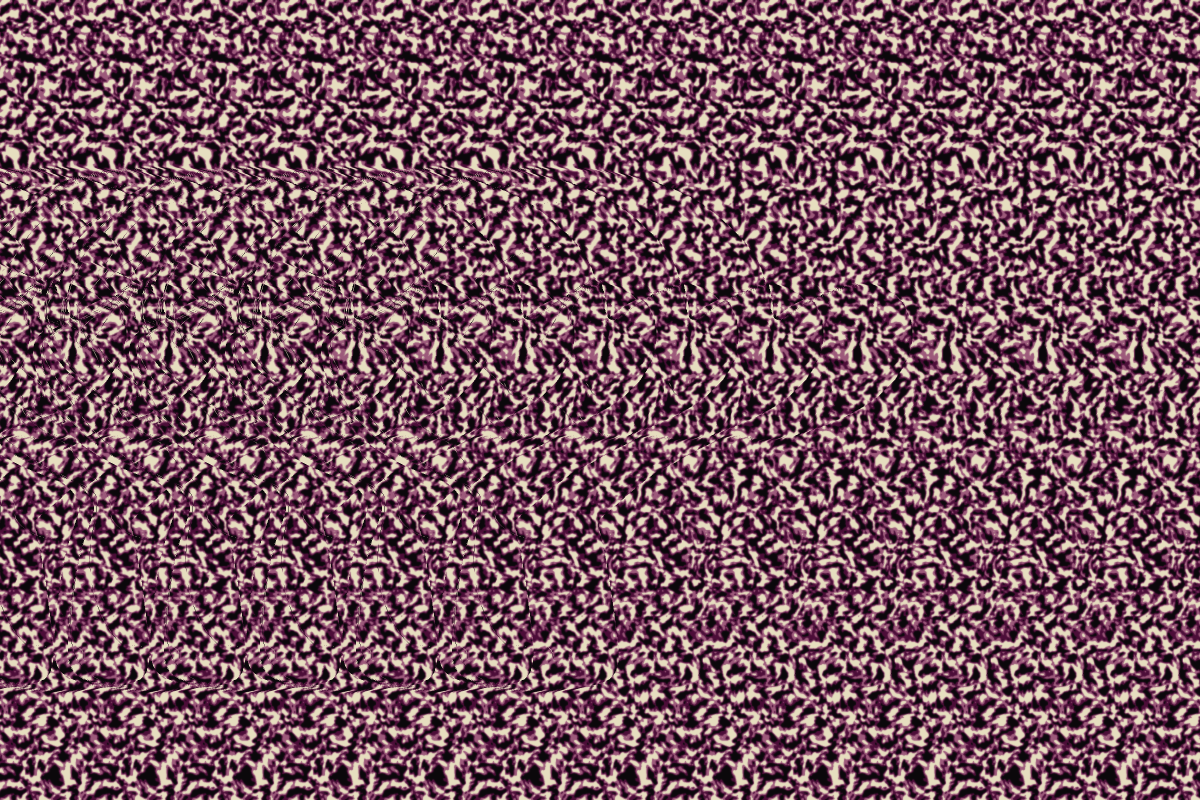
Organic Noise pattern / hidden Suzanne
If playback does not start, open the demonstration directly.
Watch the workflow
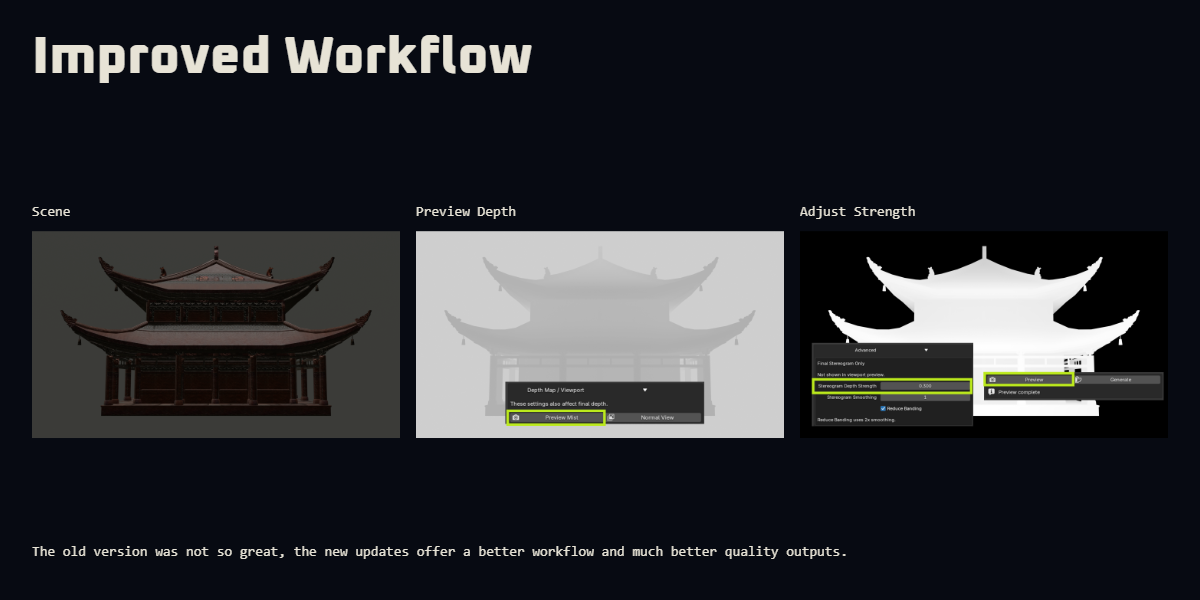
Scene, depth, pattern and result
Depth and pattern previews
The temple example shows what goes into a stereogram: the scene’s depth and the repeating pattern. Preview both before generating the final image.
If the viewer does not load, open the comparison here →.
Original Blender scene and patterns by Blue Nile. Generated with Magic Eye Maker 4.0.
Procedural patterns
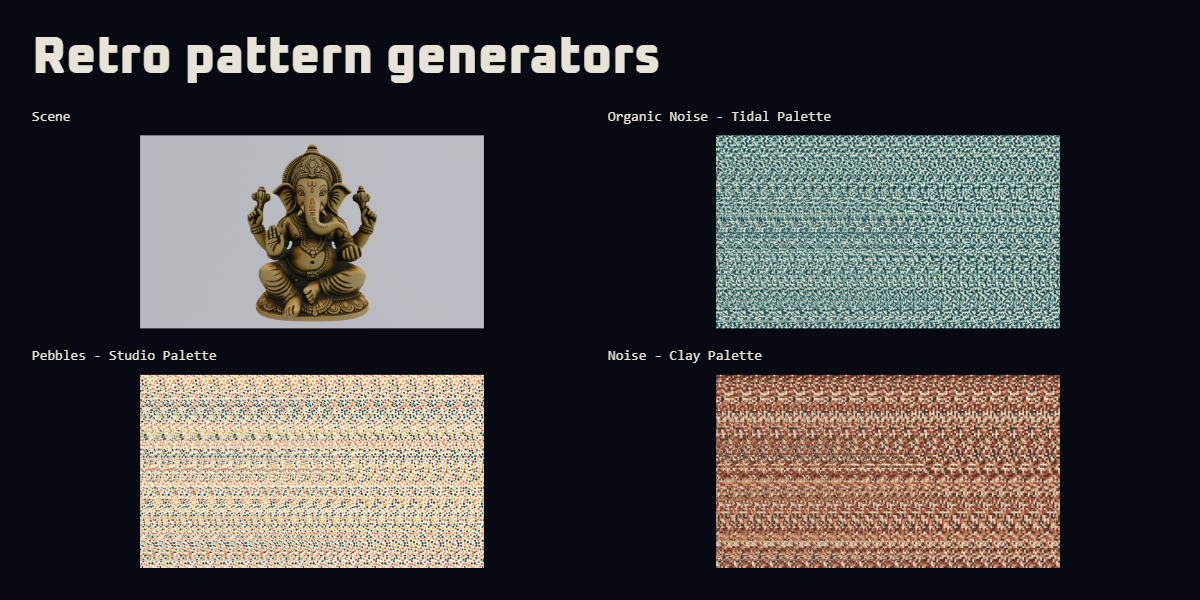
Procedural pattern generators
The statue example keeps the same hidden shape while changing the pattern. Try Organic Noise, Graphic Motifs or Noise, and adjust the colours and detail size for a trippy, acidic ’90s look.
If the viewer does not load, open the comparison here →.
Palettes
Choose the pattern colours
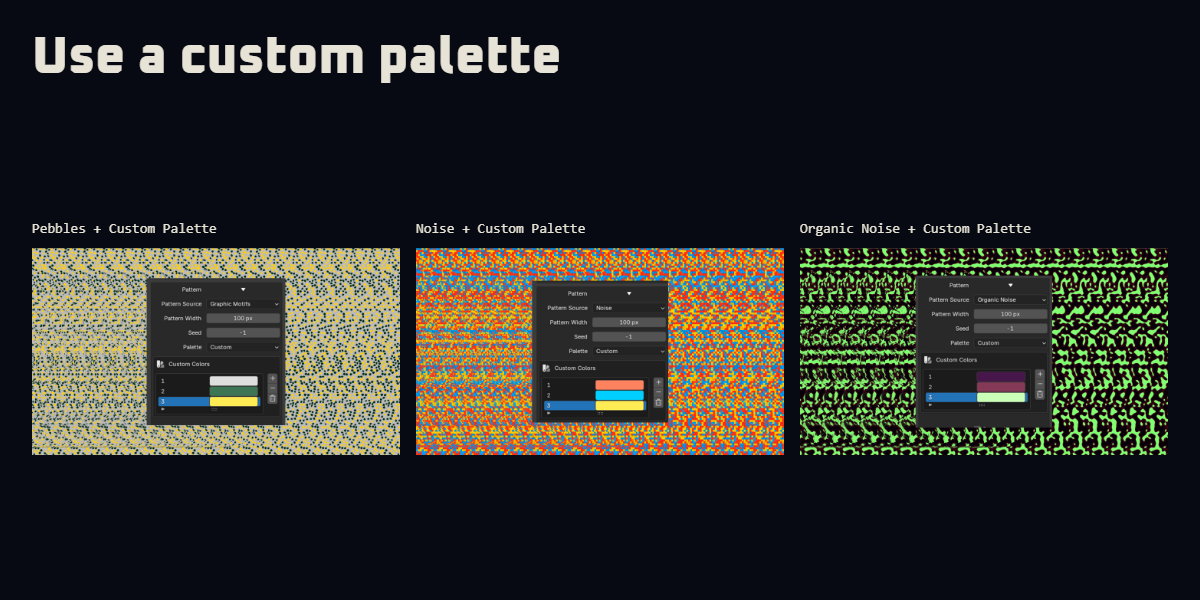
Pick a ready-made palette or set your own colours for the procedural patterns.
If the viewer does not load, open the comparison here →.
Image Pattern
Use photos, textures or artwork as patterns
The Triceratops example uses a photo for the repeating pattern. The photo’s proportions can be kept or stretched. You can combine several images as bands or overlapping layers.
If the viewer does not load, open the comparison here →.
Pattern animation
Animated stereogram loops
In this loop, the pattern moves while the hidden shape stays still. Magic Eye Maker exports animation as an image sequence. Animation is experimental, and moving patterns can look a little jarring while trying to focus your eyes.
Flow pattern motion / two-second loop. Open the clip →
Viewing the result
How to view a stereogram
Open the full-size image at a comfortable viewing size. Relax your focus and look through it, as though focusing behind the screen.
It can take practice, and not everyone can see the effect. Take a break if viewing becomes uncomfortable. Image size, contrast and depth affect how easily the hidden form can be seen. Sharp depth changes can stretch the pattern.
Compatibility