 BLUE NILE 3D
Magic Eye Maker / BN-ME-04
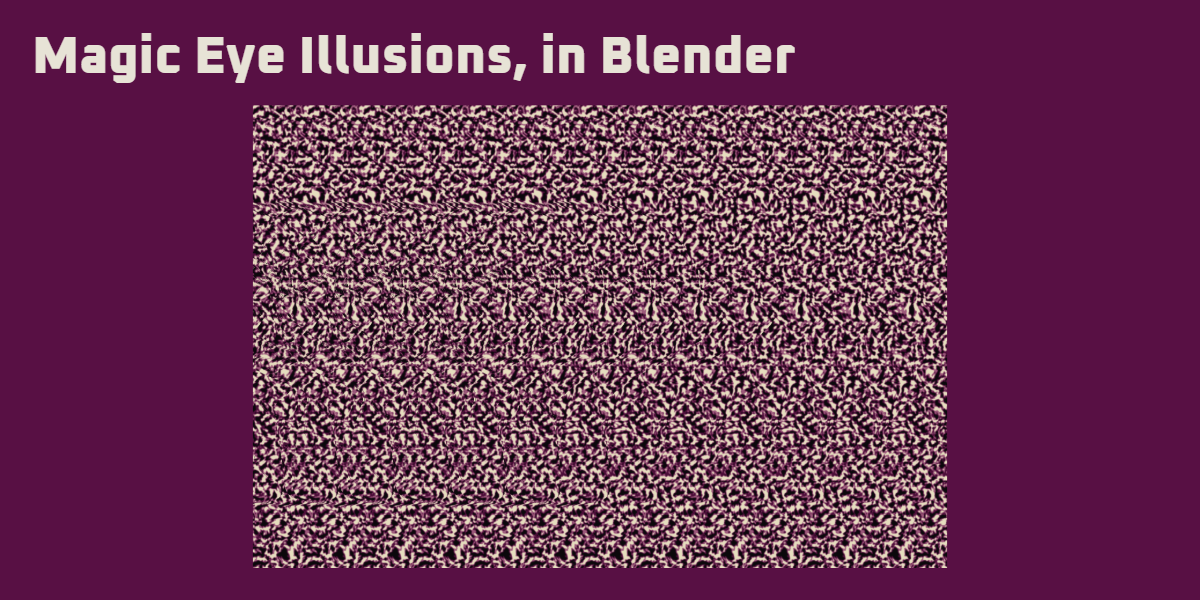
Magic Eye Illusions, in Blender
Turn your 3D scene into a stereogram: a patterned image with a hidden sense of depth. Build the pattern procedurally or use your own images.
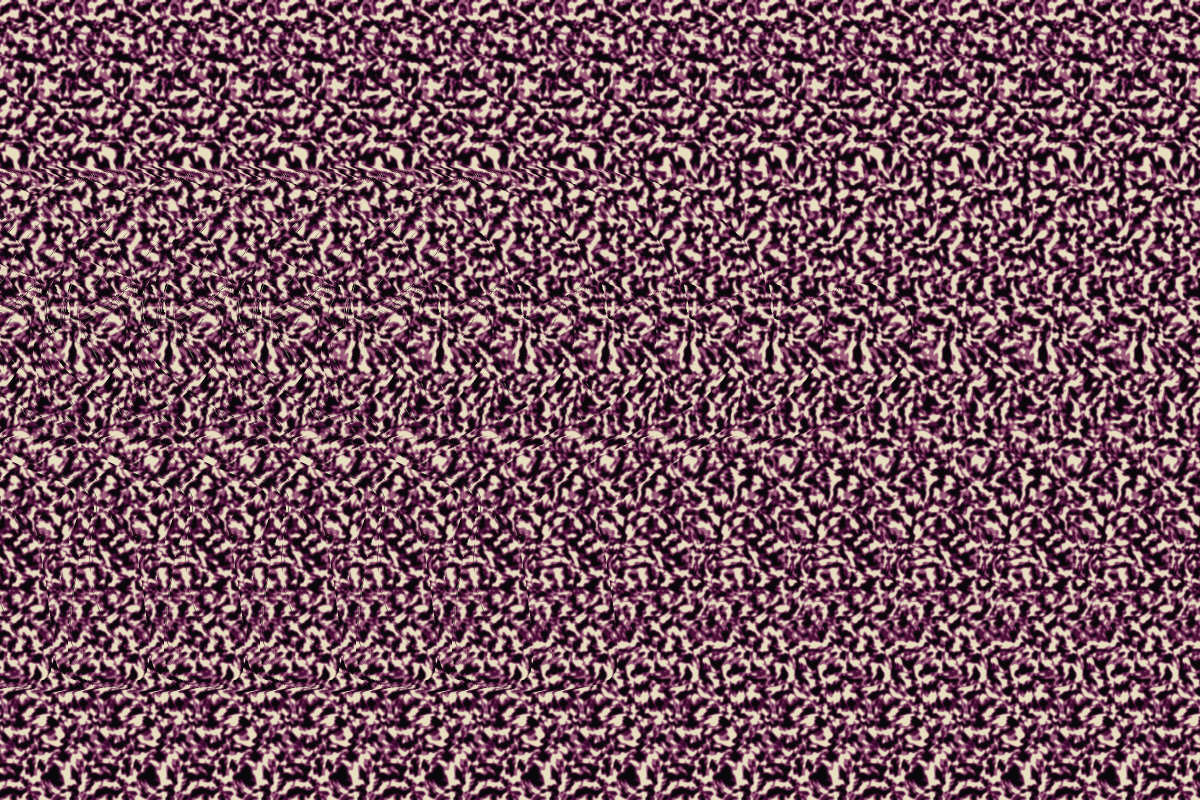
Organic Noise / Suzanne hidden in depth
If playback does not start, open the demonstration directly.
Workflow Example
Example Outputs
Example Workflow
Build a scene, check the depth, choose a pattern, then generate the stereogram. Switch between the stages to see how this example is built.
If the viewer does not load, open the comparison here →.
Original Blender scene and patterns by Blue Nile. Generated with Magic Eye Maker 4.0.
Pattern Maker
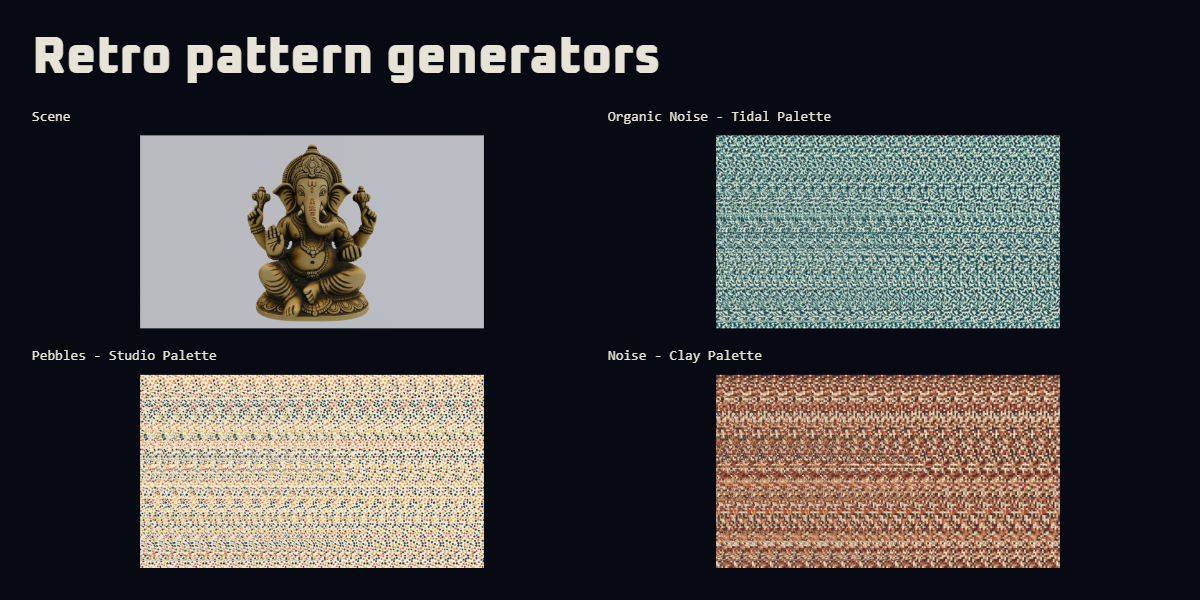
Retro pattern generators
Magic Eye images wouldn't be right without some trippy, acidic 90s patterns. The addon comes bundled with random pattern maker presets and settings.
If the viewer does not load, open the comparison here →.
Palettes
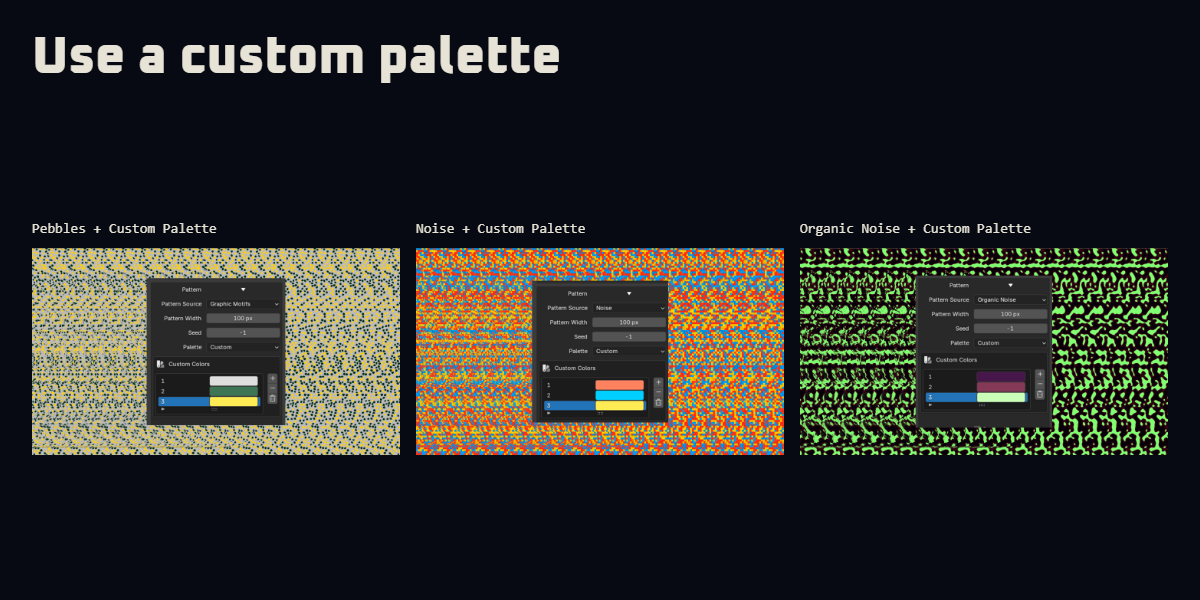
Use a custom palette
Use the default color presets or build your own palette for each of the procedural patterns.
If the viewer does not load, open the comparison here →.
Choose an example
Custom Images
Use any custom image as the pattern source.
If the viewer does not load, open the comparison here →.
Pattern animation
Let it move.
Animated patterns a supported. Though I'd consider them experimental since they can be quite taxing on the eyes. Auto looping is supported.
Flow pattern motion / two-second loop. Open the clip →
Viewing the result
Give your eyes a moment.
Open the full-size image, then adjust it to a comfortable viewing size. Try looking through it, as though focusing behind the screen. Keep it still while the repeating pattern starts to line up.
It can take practice, and not everyone can see the effect. Take a break if viewing becomes uncomfortable. Image size, contrast and depth all affect the result; sharp depth changes can stretch the pattern.
Compatibility
Blender 4.3+
Magic Eye Maker 4.0.0. The current release supports Blender 4.3 or newer.