 CG Cookie




Your add-on works. Now you have to keep it that way.
People are going to use your add-on, bend it and break it in ways you didn't expect. MAINTAIN is how Spencer Magnusson keeps his own Blender add-ons in shape once that starts happening.
Heard you've been building Blender add-ons lately? Then you know what comes next. Somebody tries to install it on their machine, and it won't. Matthew Muldoon, who reviews products at Superhive, says that happens a lot. It only gets more interesting from there.
MAINTAIN is Spencer Magnusson's follow-up to UTILITY, his course on scripting your first add-on. Spencer is a pipeline engineer at DreamWorks Animation, and here he walks through how he keeps his own add-ons reliable once other people start using them.
"You probably noticed the flood of vibe-coded tools in the Blender space recently. Now more than ever, we need knowledgeable and capable developers."
Spencer, in the MAINTAIN trailer
▶ Watch the trailer on YouTube
Bring Your Own Add-on
There's no "build this exact thing with me" project here. The add-on you work on is yours.
Spencer works on Canvas the whole way through. It's a variant of one of his personal add-ons that he hasn't released to the public before. The final version, with everything added in the course, is in the course files so you can compare notes.
This is the real project. Each chapter is meant to be applied to your own add-on as you go. By the end of Chapter 2 you're writing tests for it, and by the end of Chapter 3 it has a README.
The Six Chapters
Each chapter builds on the last. By the time Spencer refactors in Chapter 3, versioning and tests are already there to catch him. That's kind of the point.
Versioning
Git is an undo button for your whole add-on. Spencer installs it, makes a first commit and adds a .gitignore so __pycache__ stays out of the repository.
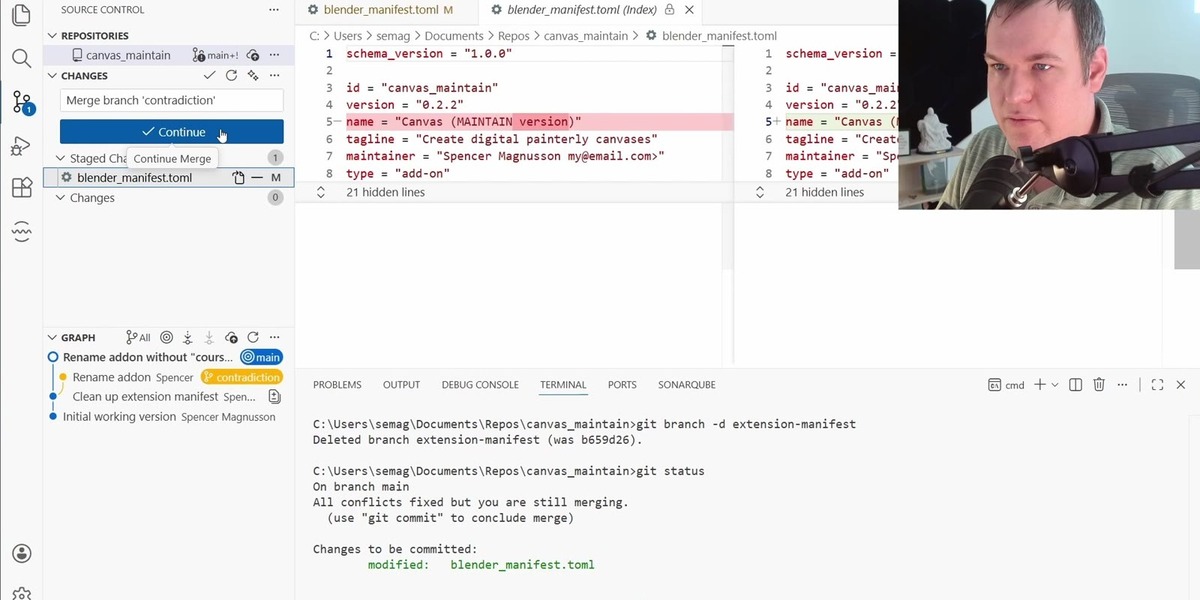
Then he works on a branch, merges it back into main and makes a merge conflict on purpose. (It's not scary, he promises.) Everything gets backed up to a private GitHub repository at the end.
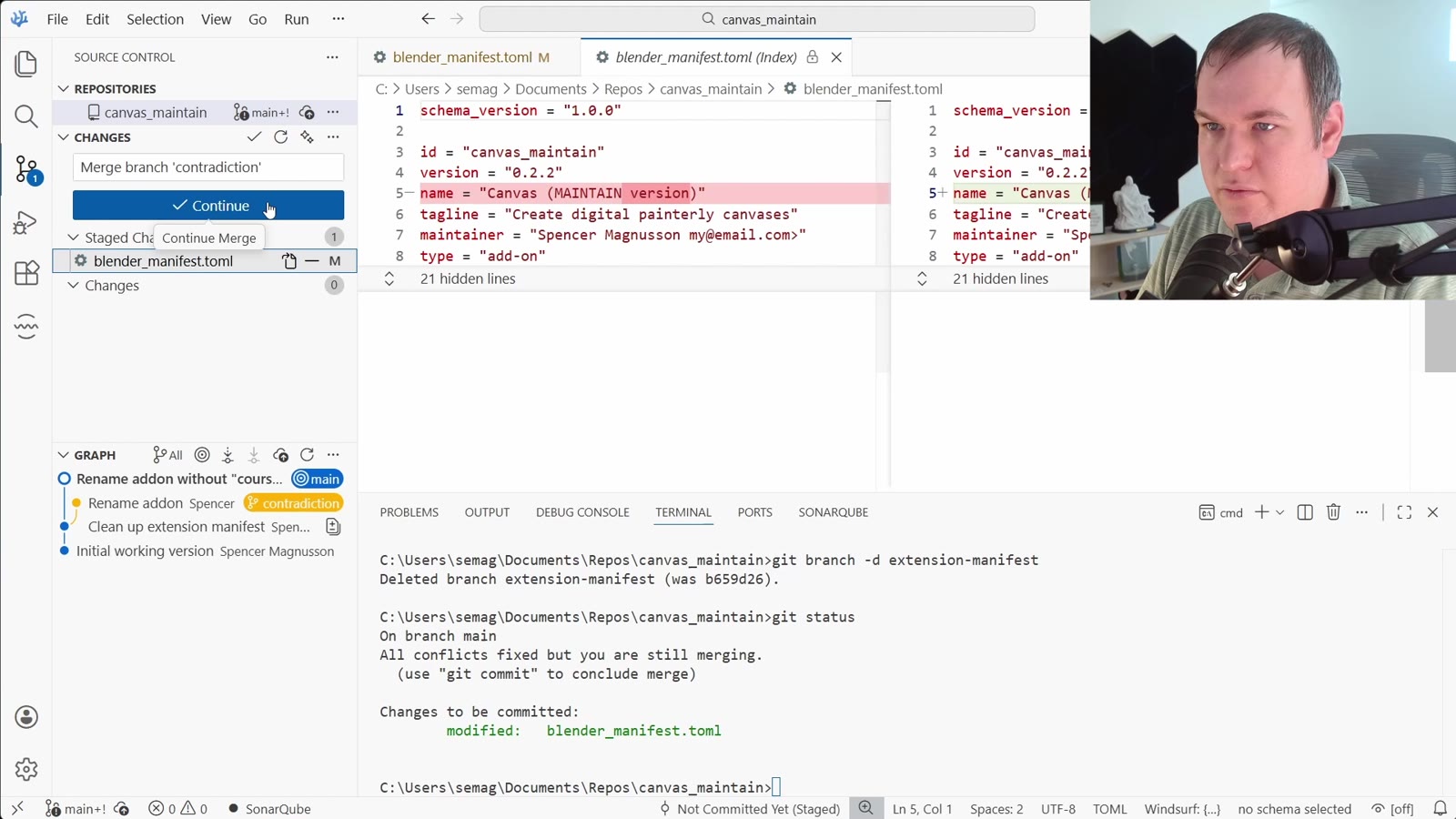
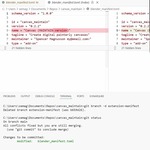
Resolving the merge conflict Spencer made on purpose.
Automation
As an add-on grows, the manual steps get slower and more tedious, so Spencer scripts them. One script builds the add-on zip. Another opens a fresh, factory-startup Blender with only your add-on enabled, so your personal Blender stays clean.
Then come automated tests with unittest, which is already bundled with Blender. They run with the background flag, so Blender doesn't even open. The first test is the classic turn-it-off-and-on-again test. An environment variable keeps his Blender path out of the shared scripts, with setups for Windows, Mac and Linux.
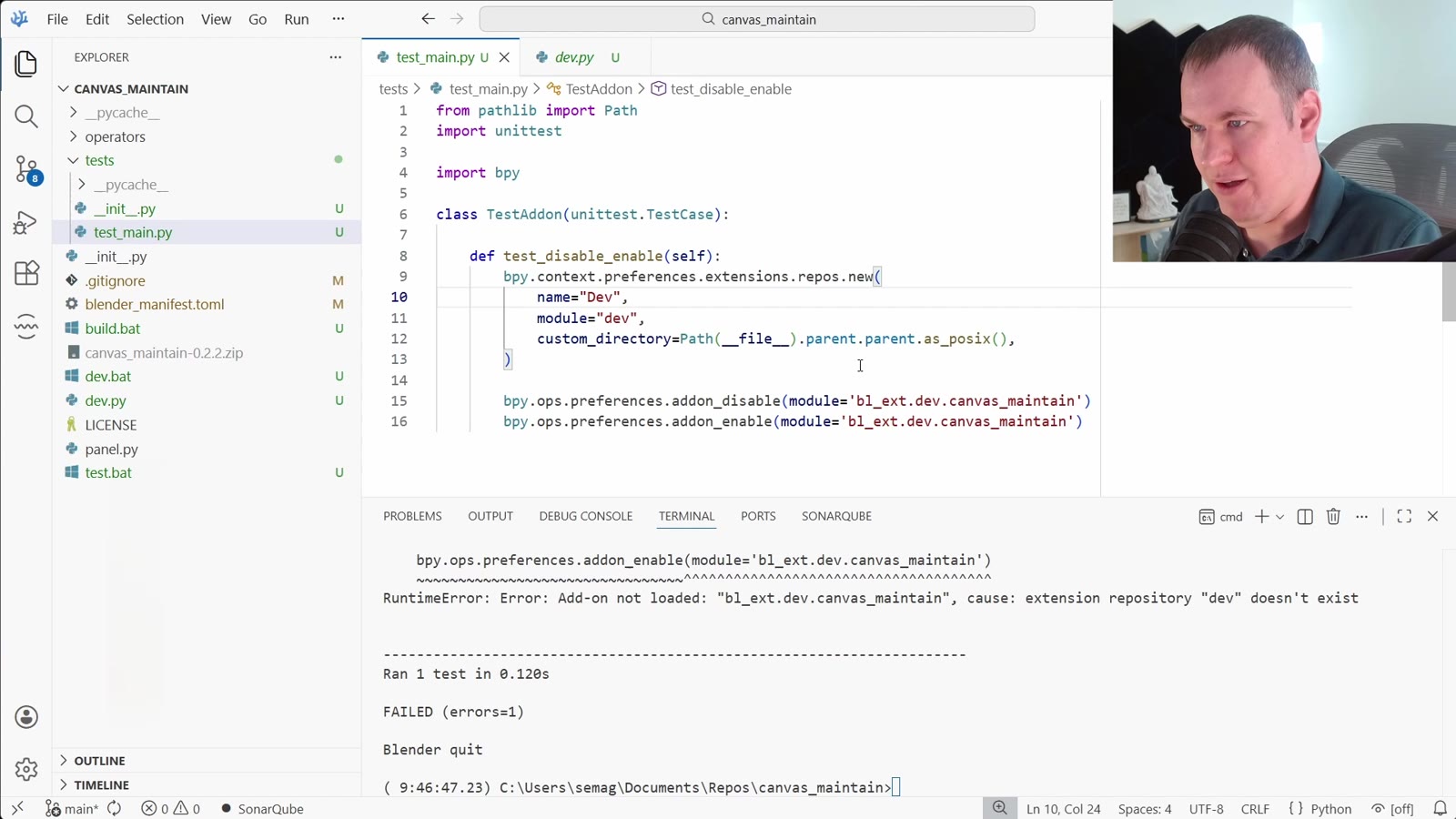
Running the tests from the command line, no Blender window required. Yes, this run failed. That's what they're for.
Organization
Good naming and docstrings mean you don't have to figure out your own code all over again every six months. One line in Canvas looks completely pointless. It's actually a workaround for a Blender 4.2 bug, and the comment is the only reason anyone would know.
Spencer writes a README for Canvas and shows how to get it onto Superhive's Documentation tab without dragging his editor's styles along. Then he refactors in small steps and runs the tests after every change. One change breaks the first time, and a test catches it right away.
Debugging
Someone says your add-on is broken. Now what? Spencer starts with reproducing the issue. Blend files can carry malicious scripts, so he opens them in factory startup, which turns off auto-run. Then he works out what kind of issue it actually is and what to fix first.
Blender's own Report a Bug button opens a form that's already filled in, so Spencer builds the same thing for Canvas, without any telemetry. A second button exports Blender's logs to a file. Then he takes a real bug from a cryptic "invalid key" error to a fix, and writes a test so it never comes back.
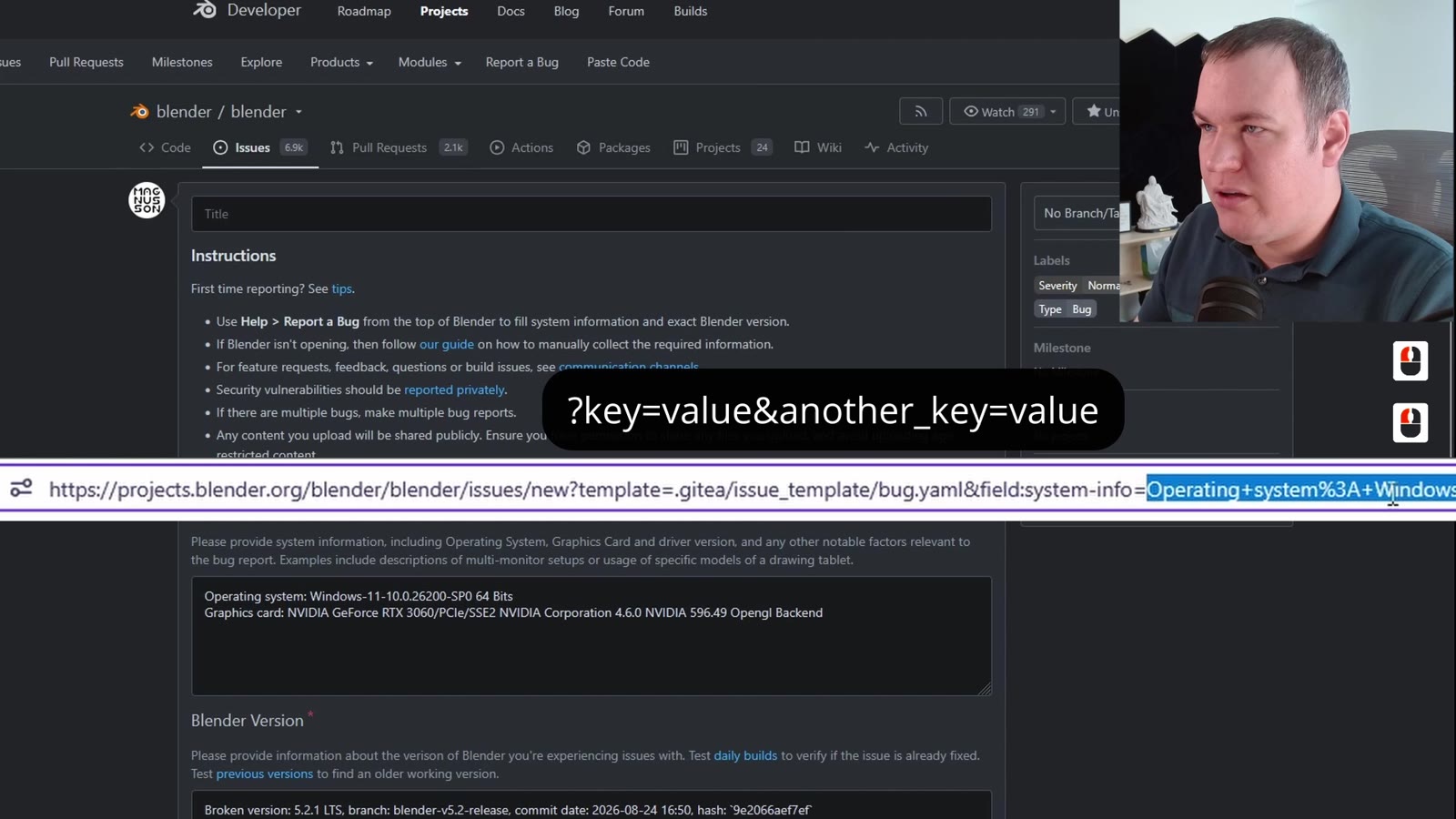
Blender's bug report form, filled in automatically. Spencer builds the same idea for his add-on.
Optimization
Spencer's rule of thumb is that if your users don't notice, it's probably fine. When they do, measure first. He builds a memory profiler with tracemalloc and a speed profiler with cProfile, and explains what every column in the output means.
The big example finds the brightest color in an image. A plain Python for loop takes about a gigabyte of memory and over seven seconds on a 4K image. Copying the pixels straight into a NumPy array with foreach_get takes that copy down to 0.04 seconds, and it can even handle an 11K image.
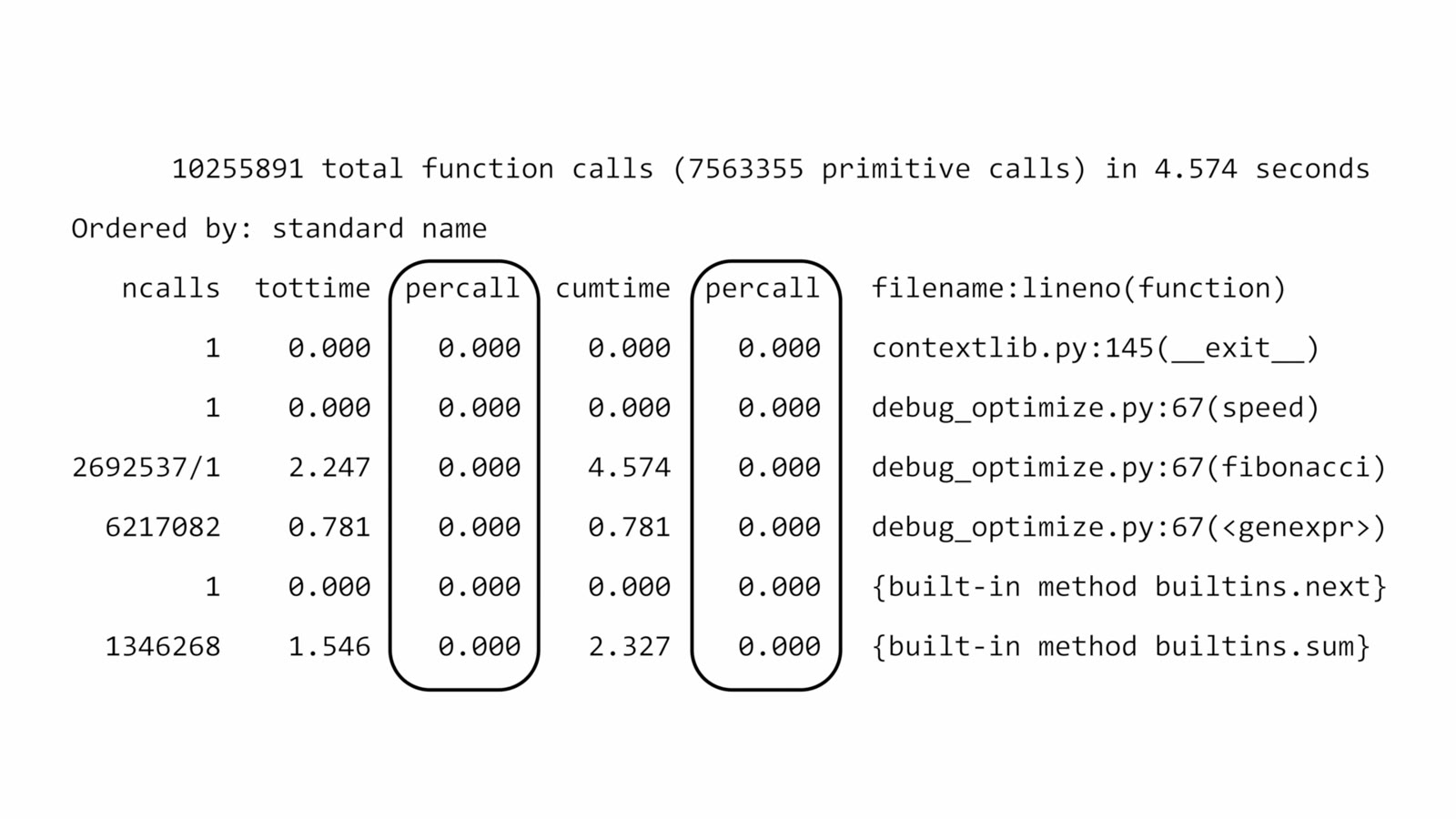
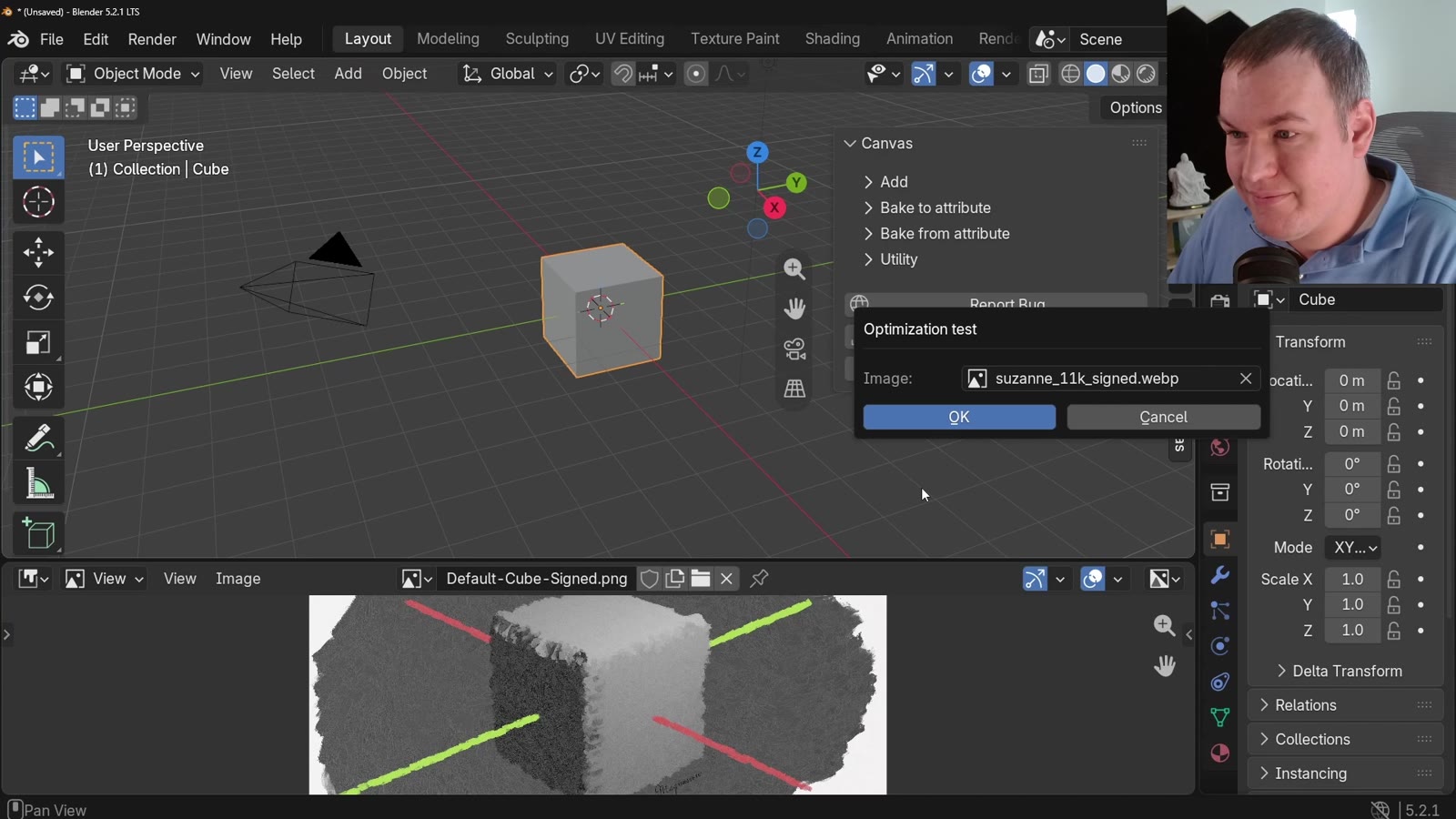
cProfile output for a deliberately slow Fibonacci function, and the optimized operator taking on an 11K image.
Business and Marketing
Once you publish, you're maintaining a product page as well as your code. Spencer walks through his outline for Canvas, from the name and thumbnail to the FAQ, with RetopoFlow, Extra Lights and Render Raw as examples.
Then he sits down with two people from Superhive. Matthew Muldoon talks about what he checks when a product comes in and how to price your first one. Kyle Maurer gets into the sales data, from who actually shops on Superhive to which categories still have room.
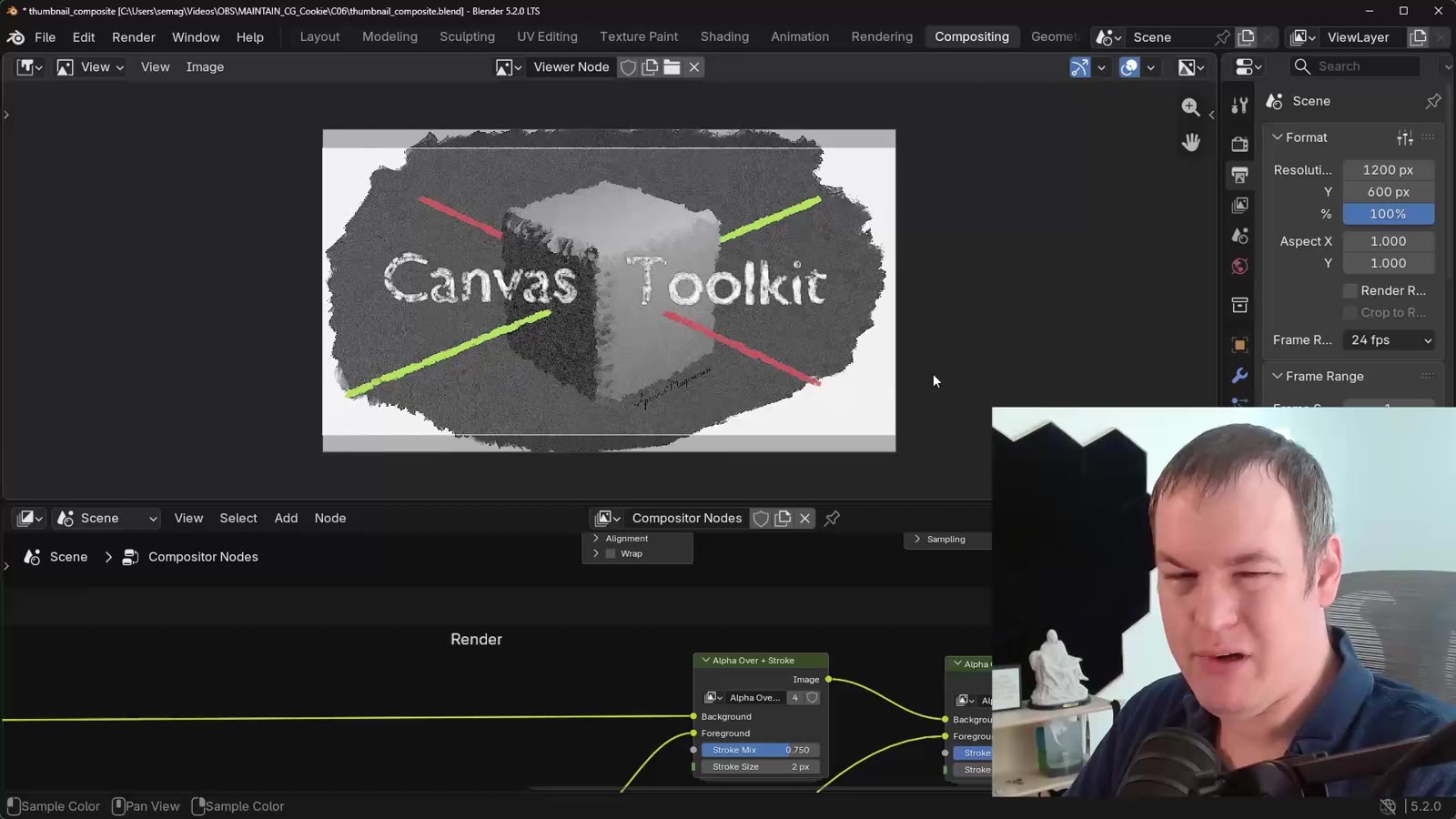
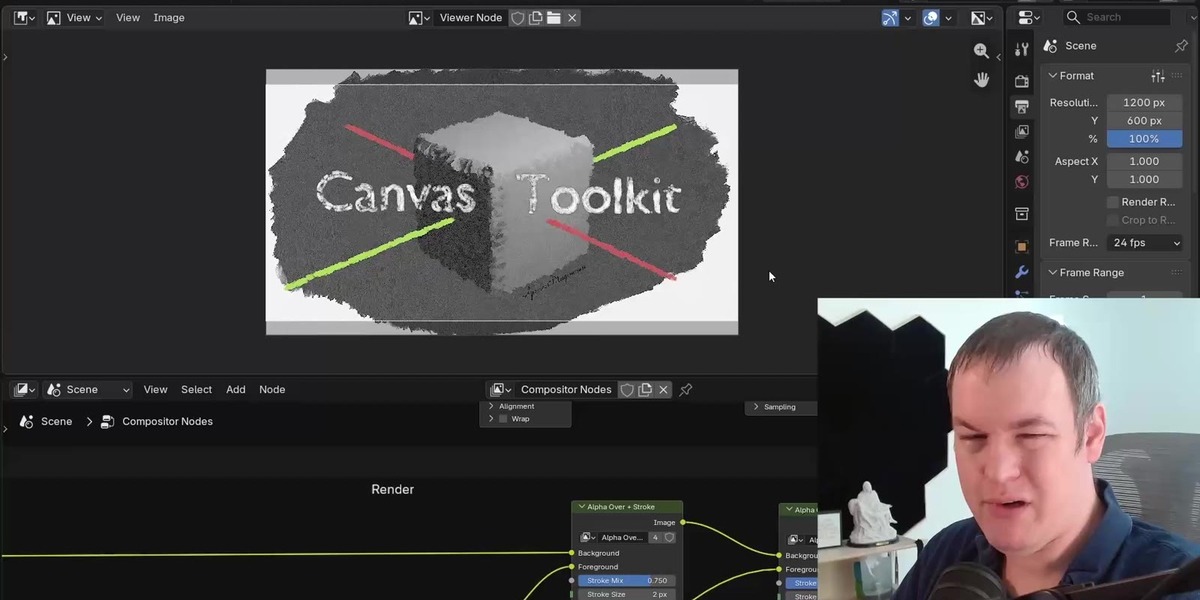
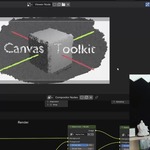
Making the Canvas thumbnail in Blender.
Straight From Superhive


We tried to follow their advice on this page. Judge accordingly.
What You'll Learn
- Version everything with Git: commits, branches, merges and a backup on GitHub. Spencer shows the command line version of each step, so it works in any code editor.
- Automate the tedious stuff: a build script for the add-on zip, a clean dev Blender with only your add-on enabled, and environment variables that keep your file paths to yourself.
- Let the code test itself: unittest tests that run in the background without opening Blender, plus a new test for every bug you fix.
- Write for future you, and for your users: clear names, docstrings, type hints, comments and a README in Markdown.
- Debug with your users: reproduce issues safely, add a Report Bug button that fills in the details for them, and add a second button that exports Blender's logs.
- Speed it up when it matters: profile memory with tracemalloc and speed with cProfile, then let foreach_get and NumPy do the heavy lifting.
- Sell and support it: what goes into a good product page, how to price your first product and what support usually comes down to.
Is This Course For You?
- Finished UTILITY, or built an add-on on your own, and want to keep it going.
- Are starting to get bug reports.
- Are thinking about selling an add-on on Superhive.
- Get nervous every time you touch code that already works.
- Haven't written a Blender add-on yet. Start with UTILITY first.
- Want a complete Git deep dive. Spencer covers what you need for add-on work and points you to the docs for the rest. In his words, "We could spend like three hours just talking about Git."
What's Included
- 21 video lessons, about 5 hours, downloadable so they're yours to keep.
- The final Canvas add-on: dev.py, the tests folder, the Report Bug and Export Logs operators, debug_optimize.py from the optimization chapter and the README. It's there for reference. You don't need to rebuild it.
- Recorded in Blender 5.2. Canvas itself needs Blender 4.2 or newer.
- License files included. Canvas is licensed GPL-3.0-or-later, and the course license is in cgc-license.pdf.
Blender (Spencer uses 5.2), Git and a code editor. Spencer uses VSCodium, but VS Code or PyCharm work just fine. You should know some Python and have built at least one add-on of your own.
MAINTAIN is included with an Inner Circle membership on CG Cookie. Stream it there, with instructor feedback and the community for questions.
About the Instructor

Spencer Magnusson is a pipeline engineer at DreamWorks Animation by day and a Blender add-on developer by night. He also teaches UTILITY, CG Cookie's course on scripting your first add-on.
In Chapter 4 he borrows a streamer's line, "five minute coding adventure," for one of his helper functions. Even he admits it's never five minutes. 😛
Frequently Asked Questions
Do I need to know Python already?
Yes. You should know some Python and have built at least one Blender add-on. If you haven't yet, that's exactly what Spencer's UTILITY course covers.
Which Blender version do I need?
Spencer uses Blender 5.2. The Canvas add-on in the course files needs Blender 4.2 or newer.
Does it work on Mac and Linux?
Yes. Spencer works on Windows, and he shows the Mac and Linux versions of the build scripts and environment variables as he goes.
Which code editor should I use?
Spencer uses VSCodium. VS Code or PyCharm work just fine. He shows the Git commands in the terminal too, so it works no matter which editor you use.
Do I have to use GitHub?
No. Spencer backs up to a private GitHub repository, but GitLab and Codeberg work too, or you can self-host if you're feeling fancy.
Do I have to work on Spencer's add-on?
No. The idea is that you bring your own add-on and apply each chapter to it. The final version of Canvas is in the course files if you want to compare notes.
I'm a CG Cookie member. Do I need to buy this?
No. MAINTAIN is included with an Inner Circle membership on CG Cookie.
What if I get stuck?
Message CG Cookie through the Contact the creator link on this page. Purchases here don't include instructor feedback or community access, but they can be converted to a CG Cookie membership, which does. See below.
About CG Cookie Courses
All of our courses, including this one, are included with a membership at cgcookie.com. If you would like to convert this purchase into a CG Cookie subscription, which adds exercise feedback from instructors and community access for questions and support, email [email protected] with your Superhive order ID and we will send a coupon code that applies your purchase toward it.