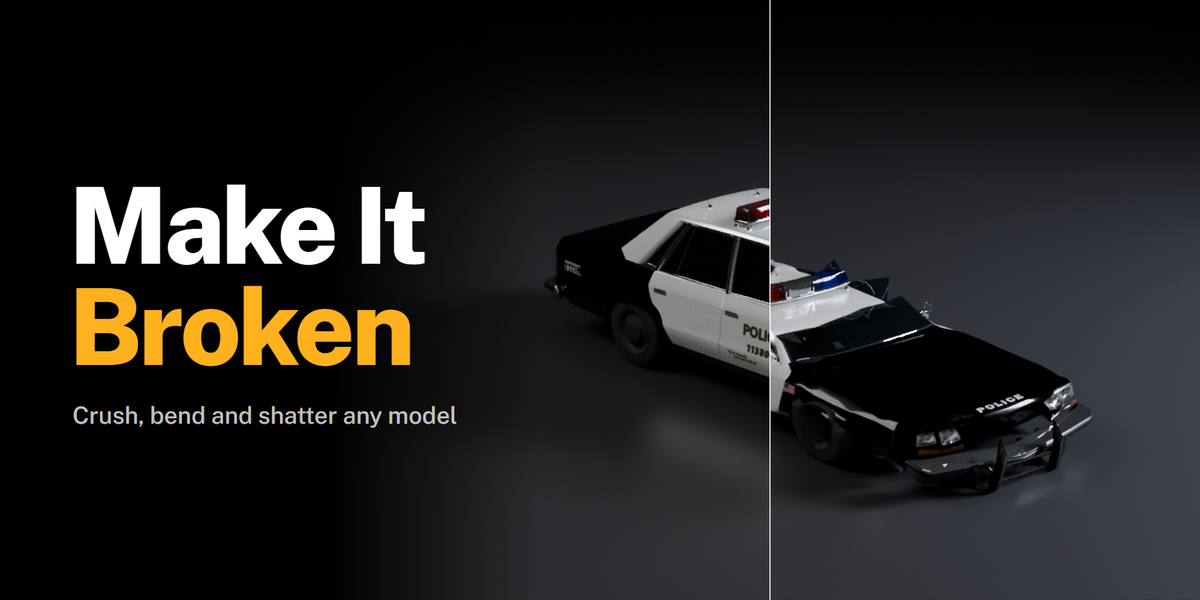
Make It Broken
 Megiste Studio
Install
- Download the zip. Don't unzip it.
- In Blender go to Edit > Preferences > Get Extensions, open the arrow menu at the top right, choose Install from Disk and pick the zip.
- Press N in the 3D View and open the Make It Broken tab.
Use
- Select the model.
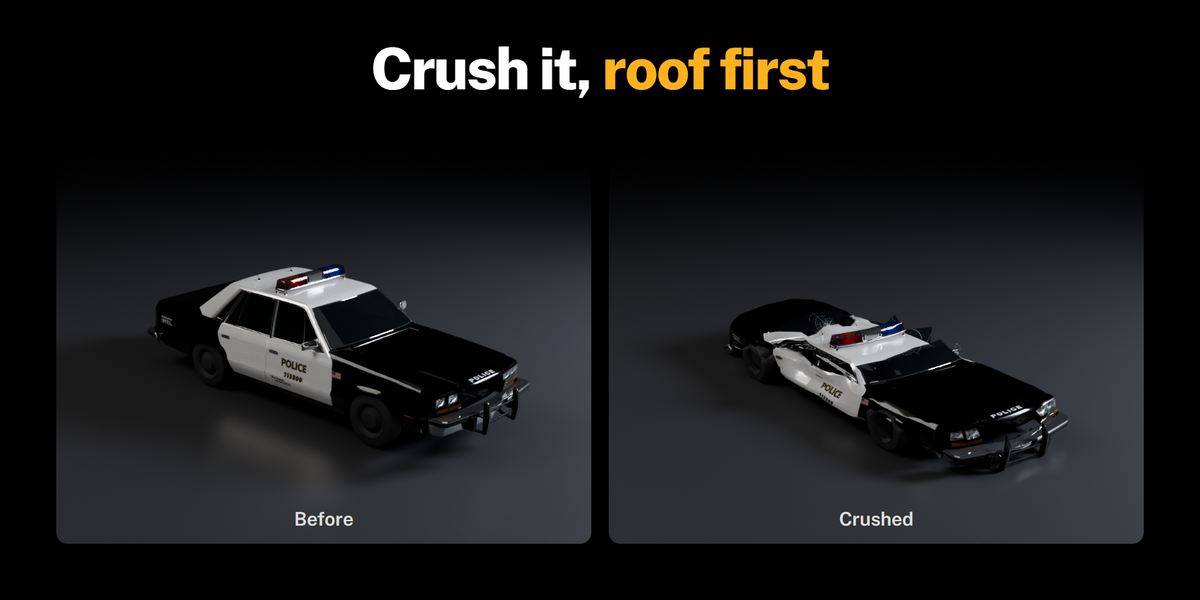
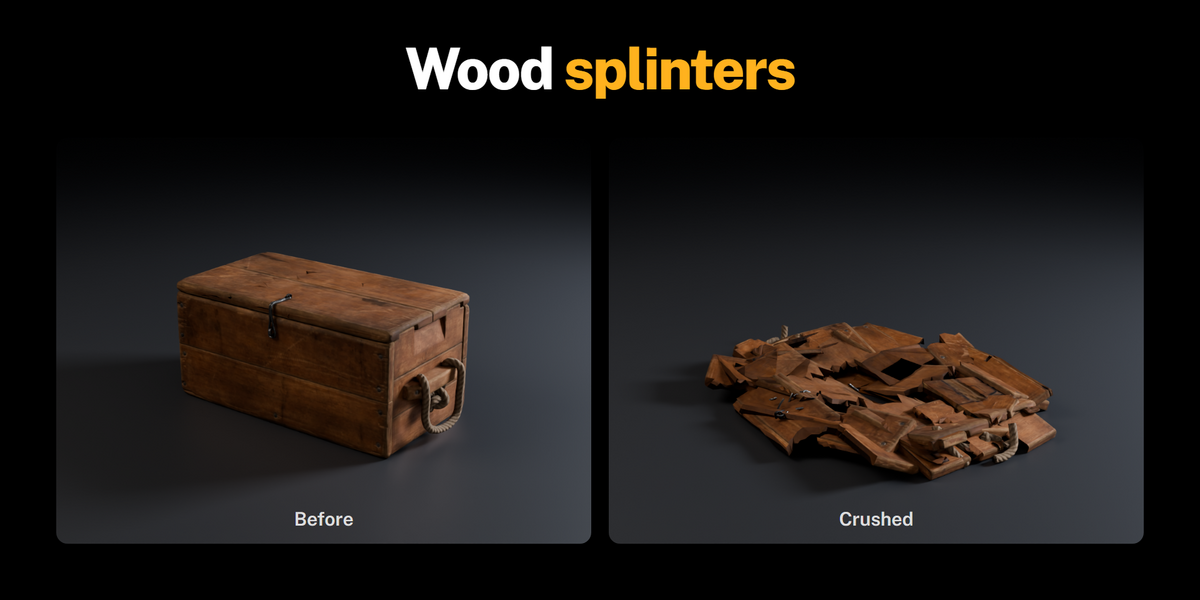
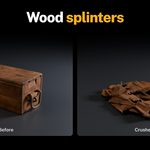
- Pick Hit, Drop or Crush.
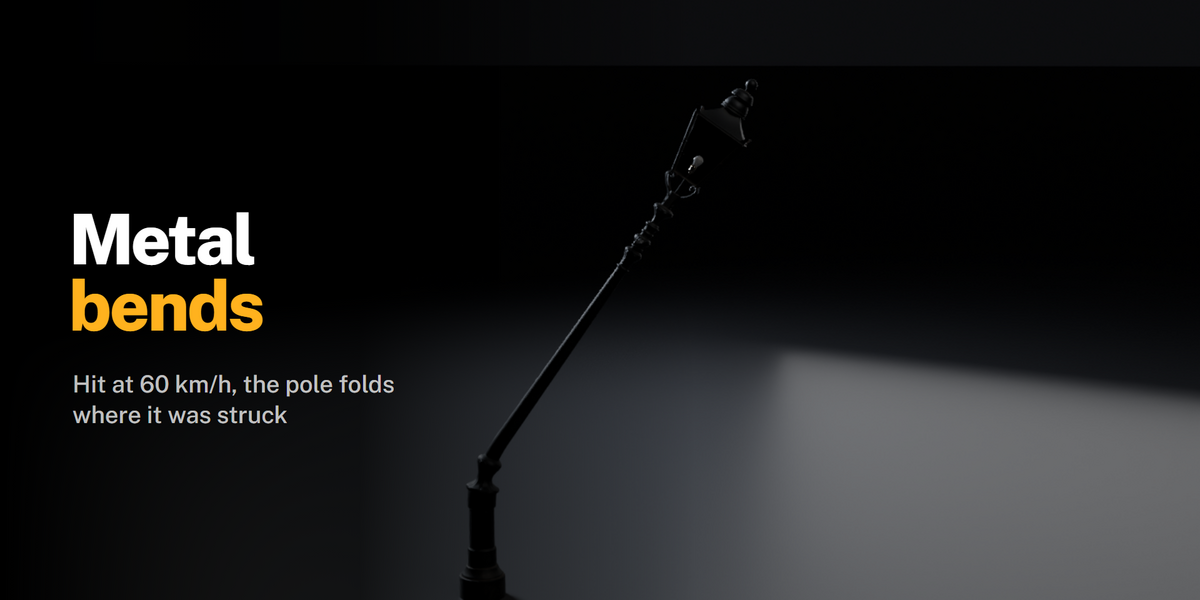
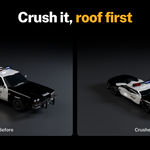
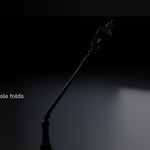
- Place it. Hit: click the spot and pick the hitter (pole, wall, bumper, ball or one of your own objects). Drop: set the height and what it lands on (bottom, side, top, nose or a tilt). Crush: a press comes down from above.
- Set Speed in km/h, or press Light, Medium or Heavy. Then set the hitter Size and Sharp folds.
- Preview for a quick look, Bake for the real thing. New variation gives a different crumple from the same hit.
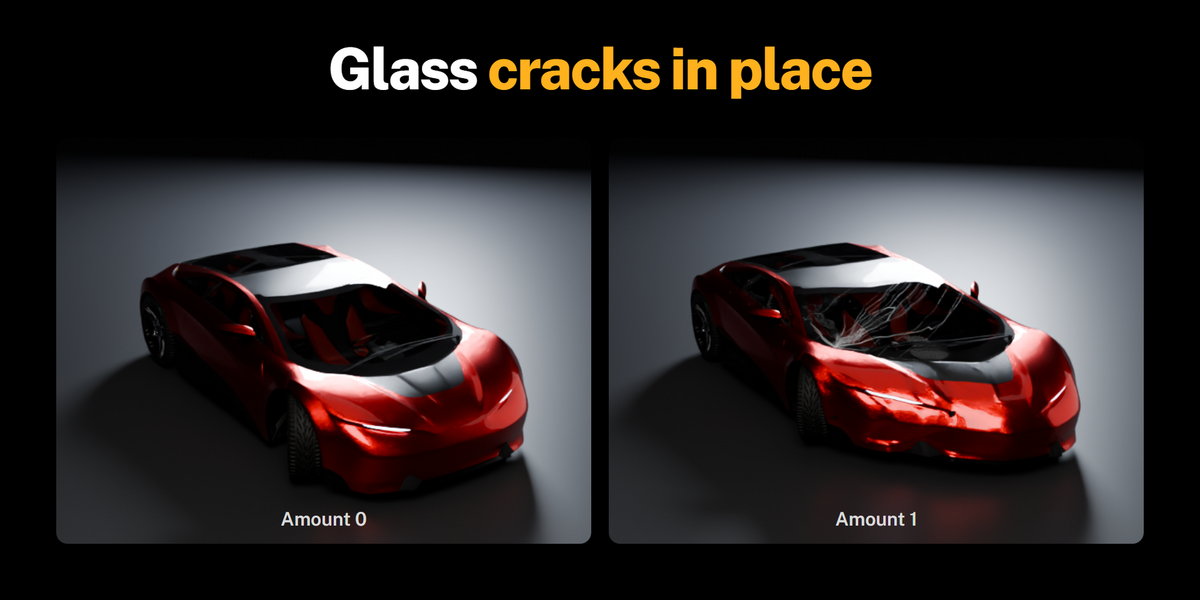
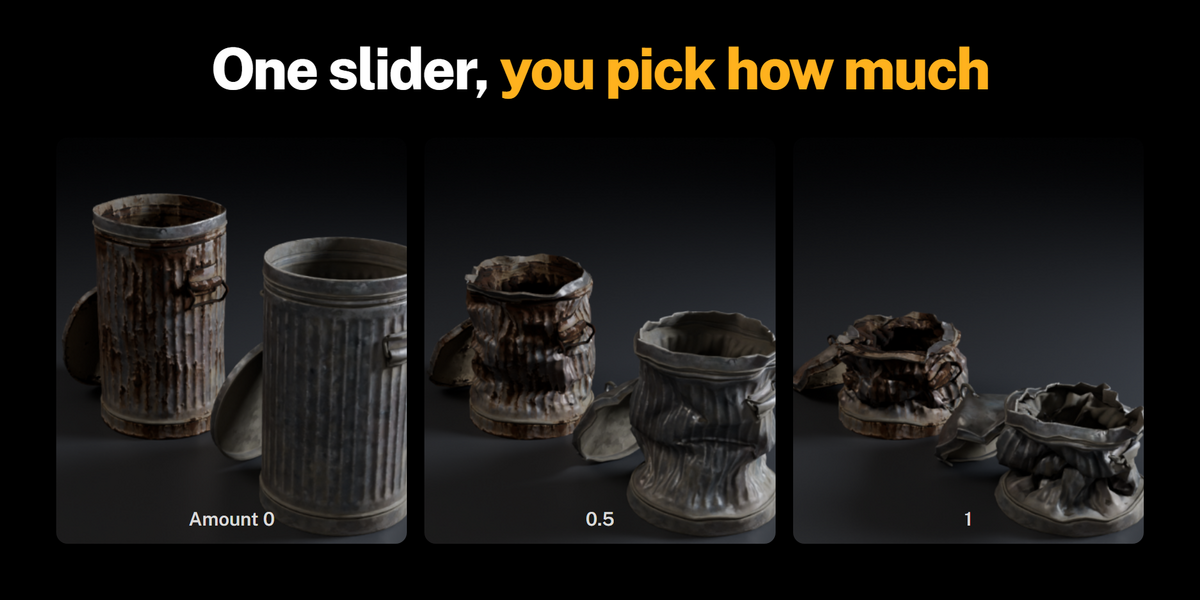
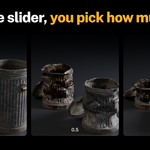
- Drag Amount to dial the damage between none and all of it.
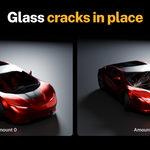
Glass: Break glass is on from the start. After a Preview the Glass section lists the glass it found. Laminated cracks in a web and stays in place, tempered breaks into small pieces, a plain pane breaks into big shards. Cracks only gives a cracked material with no new geometry.
Output: a damaged copy, a shape key, or Freeze for a plain mesh with no modifier. Still is the default. Animation puts the crash on the timeline.
Blender 4.2 LTS to 5.x on Windows, macOS and Linux. Questions: [email protected]
Have questions about this product?
Login to message
| Blender Extension Compatible | Yes |
| Published | about 3 hours ago |
| Blender Version | 4.2 - 5.2 |
| Extension Type | Add-on |
| Render Engine Used | Cycles, Eevee |
| License | GPL |
Discover more products like this
game assets wreck deform dent crush destruction props Damage car crash broken glass VFX crash