Make It Old
 Megiste Studio
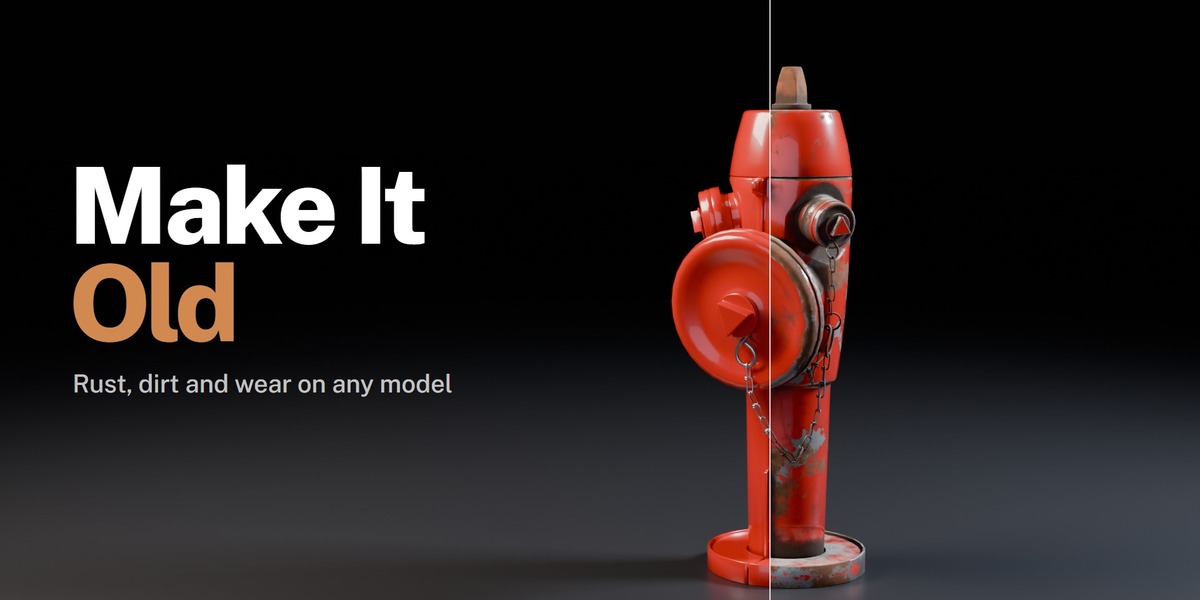
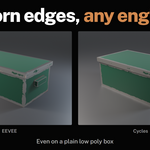
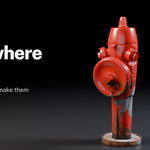
Rust, dirt, dust, peeling paint, scratches and worn edges on any model in Blender 4.2 and newer. One click to start, every part of the look under your control after that. By Megiste Studio.
Install
Edit > Preferences > Get Extensions, open the menu at the top right and choose Install from Disk. Pick the zip.
Quick start
- Open the sidebar in the 3D View (press N) and go to the Make It Old tab.
- Select the objects you want to age (Object Mode).
- Pick a look from the thumbnails and press Make It Old.
- Drag Age to set how old it is. Shuffle gives a new random pattern, Before shows the scene as it was, Make It New takes it all off again.
Looks
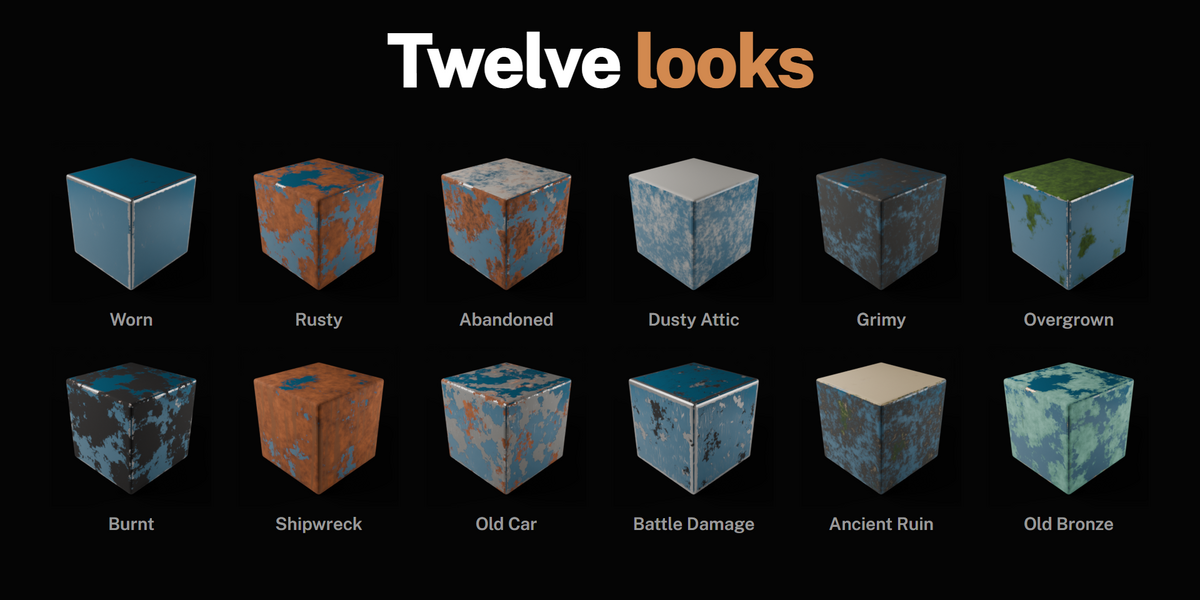
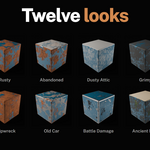
Worn, Rusty, Abandoned, Dusty Attic, Grimy, Overgrown, Burnt, Shipwreck, Old Car, Battle Damage, Ancient Ruin and Old Bronze. A look is only a starting point: it sets the layers below, and you can change any of them.
Layers
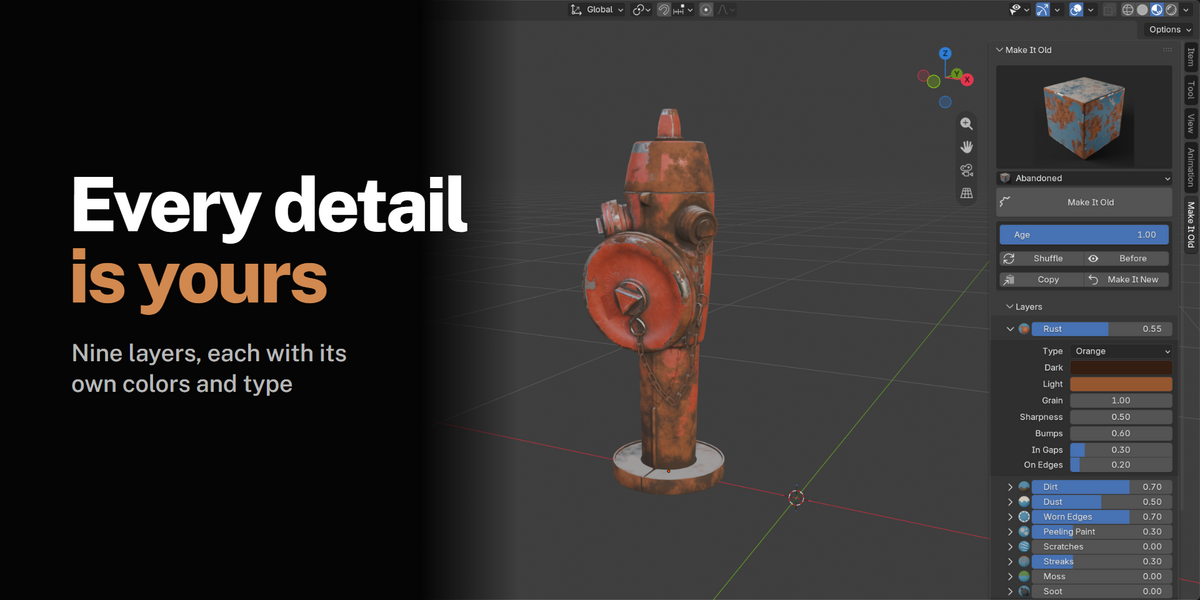
Open Layers and click the arrow next to any layer for its settings. Amounts belong to the object. Colors and styles belong to the material, so objects sharing a material share its colors (use the link button to give an object its own copy). On objects with several materials, pick which one you're editing at the top of Layers, and use the copy button to give them all the same look.
| Layer | What it does | Settings |
|---|---|---|
| Rust | Patches of rust, strongest in gaps and on edges | Type (Orange, Dark, Flaking, Red Oxide, Copper Green), two colors, grain, sharpness, bumps, how much it gathers in gaps and on edges |
| Dirt | Grime packed into corners and low areas | Type (Grime, Mud, Oil, Sand), color, roughness, softness, gaps, down low |
| Dust | Dust settling on everything facing up | Type (Grey, Sand, Ash, Snow), color, softness, on top |
| Worn Edges | Paint rubbed off sharp edges, bare metal showing | Metal color, roughness, edge sharpness |
| Peeling Paint | Chips of paint gone, with a dark lip around each | Type (Primer, Red Primer, Bare Metal, Wood, Plaster), color, chip size, paint lip |
| Scratches | Thin scratches down to the metal | Density, length, direction |
| Streaks | Drips running down the sides | Color, length |
| Moss | Moss on top and in gaps | Type (Green, Dry, Lichen), two colors, on top, in gaps |
| Soot | Charred black patches | Color, in gaps |
Every amount and every color or style setting can be keyframed, driven or used in NLA strips, so you can animate something rusting over time.
Pattern
Pattern Size sets how big the patches are, Gap Reach how far dirt reaches into corners, Edge Width how wide the worn edges are, Seed picks a different random pattern. Sharp Edge Angle decides which edges count as sharp.
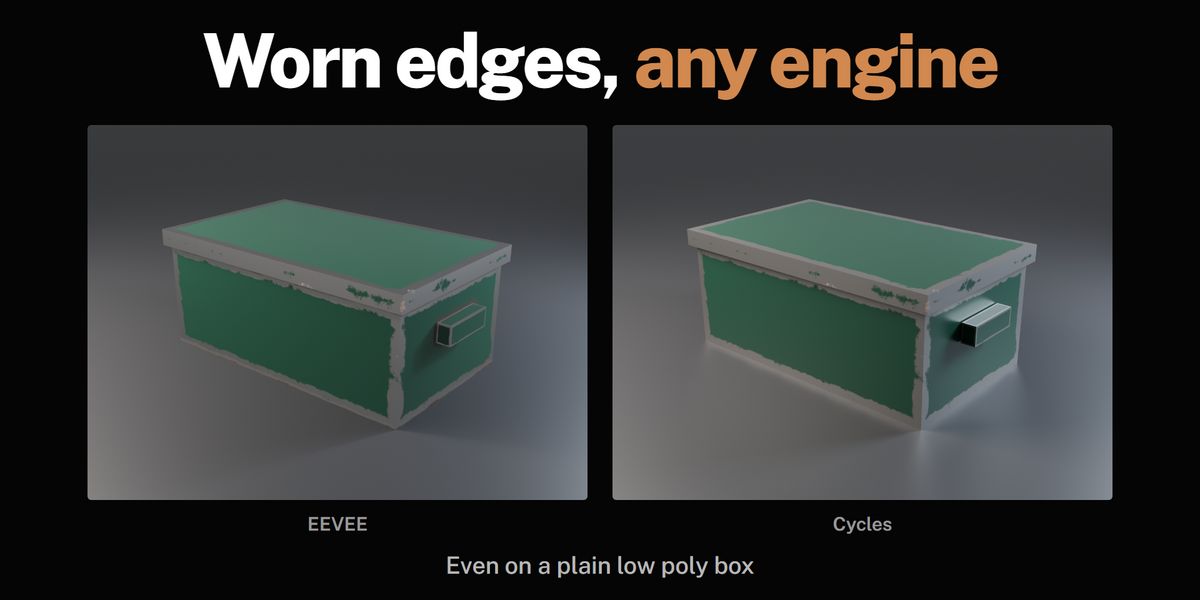
Worn edges work the same in Cycles and EEVEE, on low poly and high poly models. Make It Old finds the sharp edges of the mesh and stores them with it. After you edit the mesh they're found again on their own when you go back to Object Mode.
Text, curves and objects whose modifiers build new shapes (Bevel, Boolean, Subdivision and so on) get a small Make It Old Edges modifier at the end of their stack. It finds the sharp edges of the final shape, live. Leave it there; Make It New removes it.
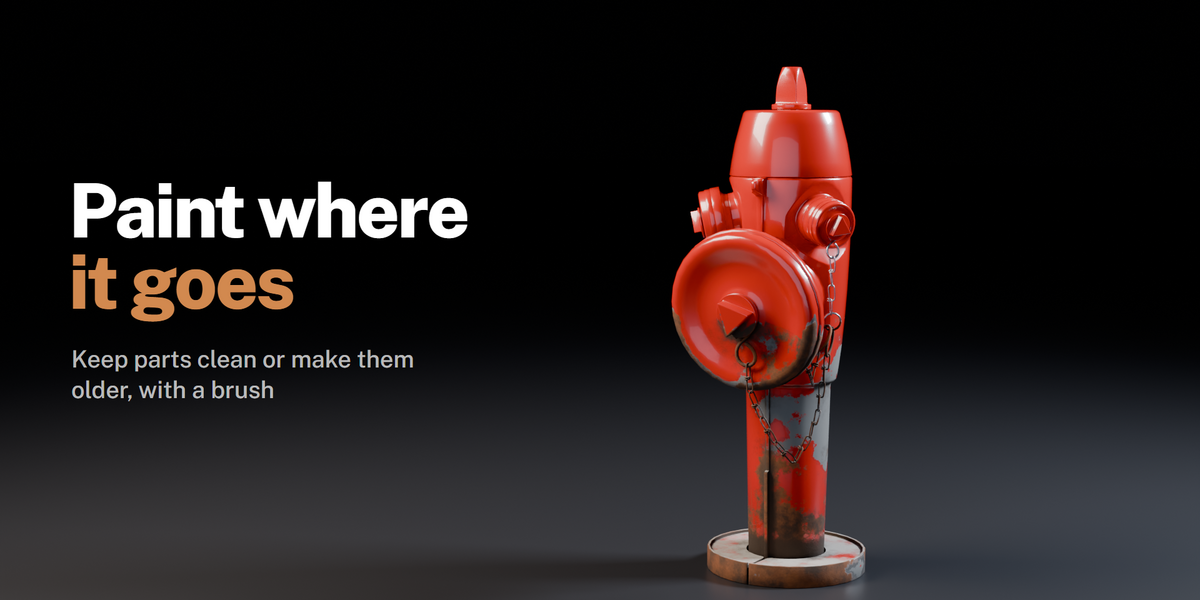
Paint Where
Paint exactly where it should be older or stay clean.
- Older, Clean and Erase switch to Vertex Paint with the right color. Paint, then press Done Painting.
- Fill buttons fill the selected faces in Edit Mode, or the whole object in Object Mode.
- Paint Strength sets how hard the painting pushes.
Dents
Add Dents pushes soft dents into the shape with a Displace modifier. Set the depth and size right in the panel. Low poly objects get extra detail so the dents have something to bend.
Bake for Games
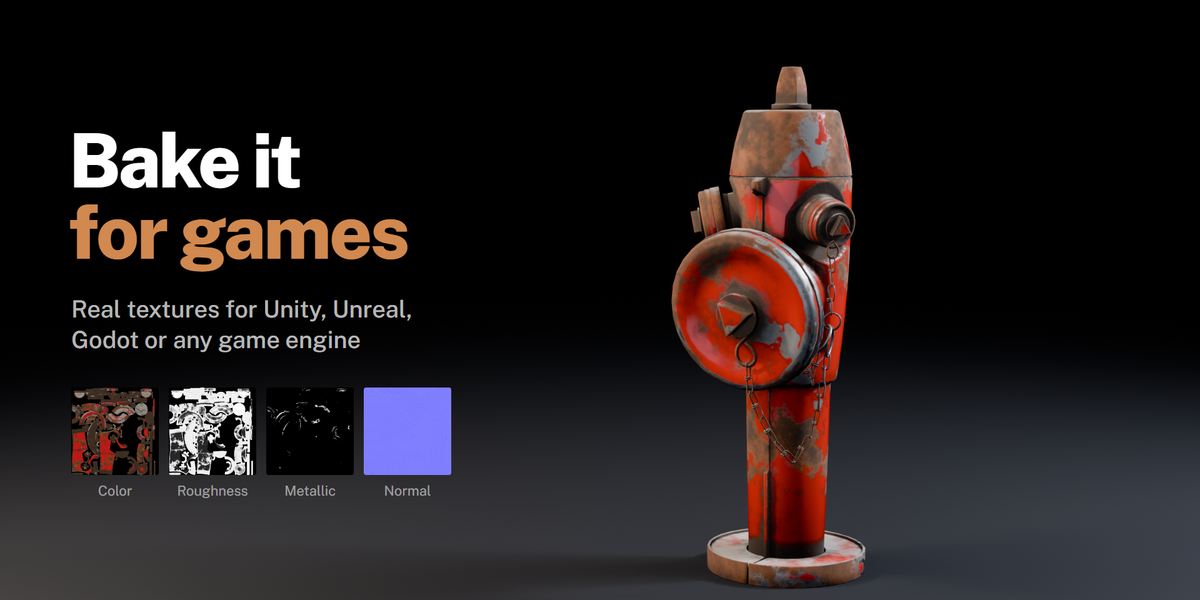
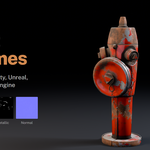
Bakes the aged look into image textures: Base Color, Roughness, Metallic and Normal. Use them in Unity, Unreal, Godot, Substance or any other app.
- Pick a size and the maps you want.
- Choose a folder (save the .blend first if you use a relative folder like
//textures/, otherwise the images are packed into the file). - Press Bake Textures. Objects without UVs get them automatically.
A material named "object Baked" is created with the images wired up. Tick Use Baked Material to swap it in right away.
Good to know
- Your material is never changed underneath. A Make It Old node sits just before the Material Output, and Make It New removes it.
- Objects sharing a material each keep their own amounts. Colors and styles are shared through the material.
- Copy gives the other selected objects the same settings as the active one.
- Linked materials from other files are left alone. Make them local to age them.
- Smoke and fog materials (only a Volume shader) are left alone, since there's no surface to age.
Support: [email protected]
Have questions about this product?
Login to message
| Blender Extension Compatible | Yes |
| Published | 1 day ago |
| Blender Version | 4.2 - 5.2 |
| Extension Type | Add-on |
| Render Engine Used | Cycles, Eevee |
| License | GPL |
Discover more products like this
grunge dirt aging procedural Rust weathering game assets wear baking materials