 BeshMesh


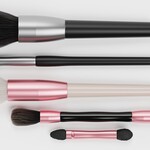
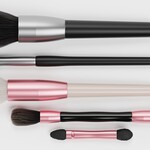
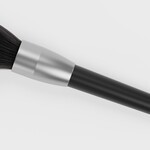
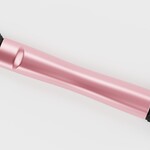
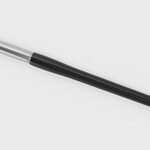
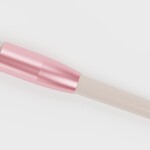
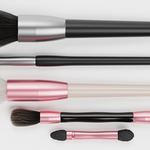
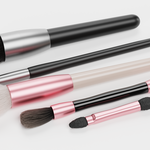
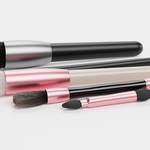
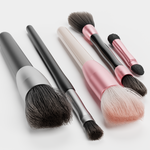
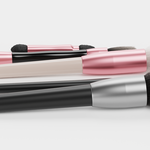
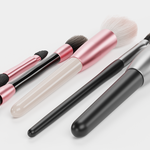
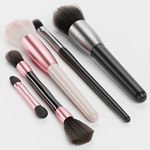
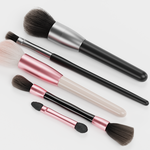
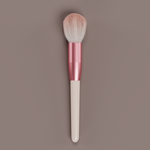
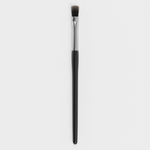
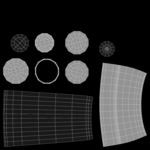
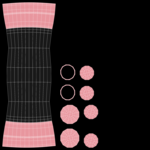
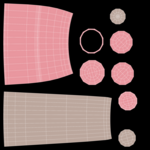
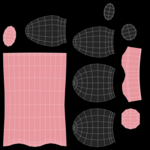
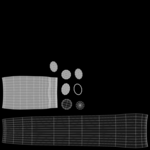
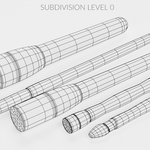
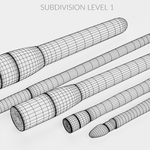
A versatile set of cosmetic brushes and applicators designed for beauty product visualization, cosmetic mockups, and makeup accessory scenes. The collection includes several common makeup tools such as powder brushes, blush applicator, eyeshadow brush, and sponge applicator, making it easy to build realistic cosmetic layouts and beauty product presentations. The models feature clean, brand-neutral designs suitable for cosmetic branding, packaging mockups, and beauty product renders. Bristle particle systems for brush-based tools are included only in the Blender file.
Key Features
- 5-piece cosmetic brush and applicator collection for beauty scenes
- Includes powder brushes, blush applicator, eyeshadow brush, and sponge applicator
- Brand-neutral cosmetic tools prepared for custom branding and mockups
- Bristle particle systems for brush models included only in the Blender file
- Suitable for cosmetic mockups, makeup kits, and beauty product renders
- Production-ready for professional pipelines
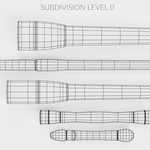
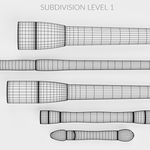
- Hand-modeled geometry with clean topology and optimized mesh
- High-quality 4K PBR textures (Diffuse, Roughness, Normal)
- Ready to render out-of-the-box with included lights and cameras
- Native Blender setup – no third-party plug-ins required
Technical Details
- Original Software: Blender v3.0
- Tested in: Blender 5.0 (Fully compatible)
- Objects Included: 5
- Polygons: 3,240 (Subdivision OFF) / 77,760 (Subdivision ON)
- Vertices: 3,270 (Subdivision OFF) / 77,790 (Subdivision ON)
- Largest object: 780 polygons and 786 vertices (Subdivision OFF)
- Units: Centimeters (H: 2; W: 9; L: 14)
- Renderer: Blender Cycles
- Plug-ins: None required
Textures & Materials
- Standard PBR workflow
- 4K textures (4096×4096 px): Diffuse, Roughness, Normal
- All textures created from original photographs or drawings
-
Ready to render out-of-the-box – lighting and cameras used for previews are included
Mesh & File Structure
-
Handcrafted mesh with clean topology
- Export formats (non-native) provided as base mesh (not smoothed) for flexible subdivision control
Additional Notes
- All preview renders created in Blender Cycles without compositing editors