 Weltriva
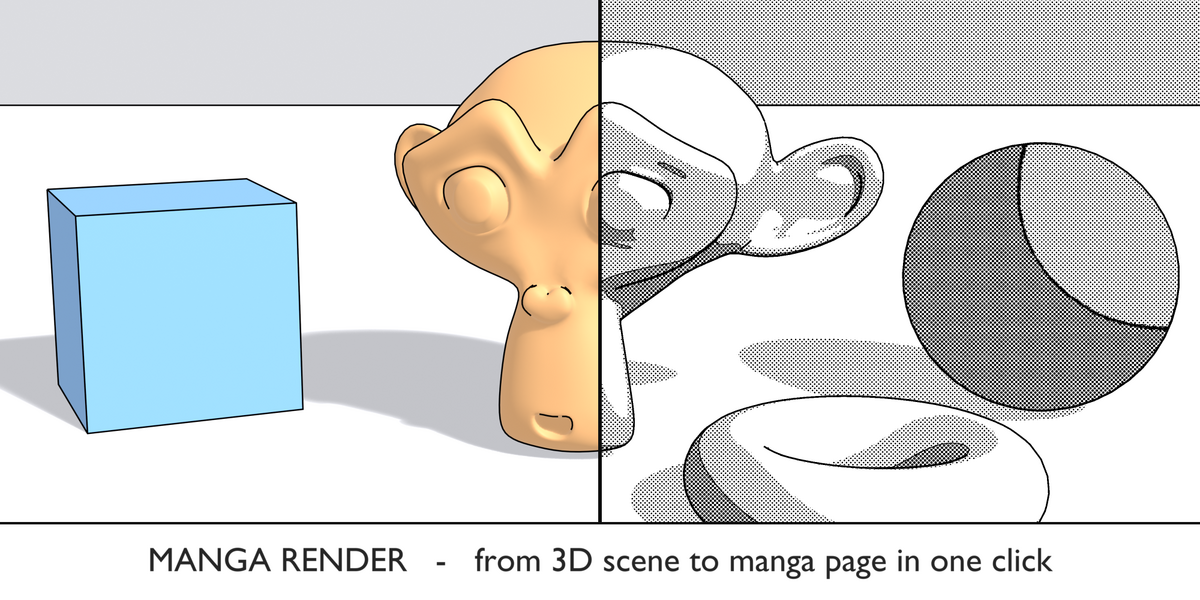
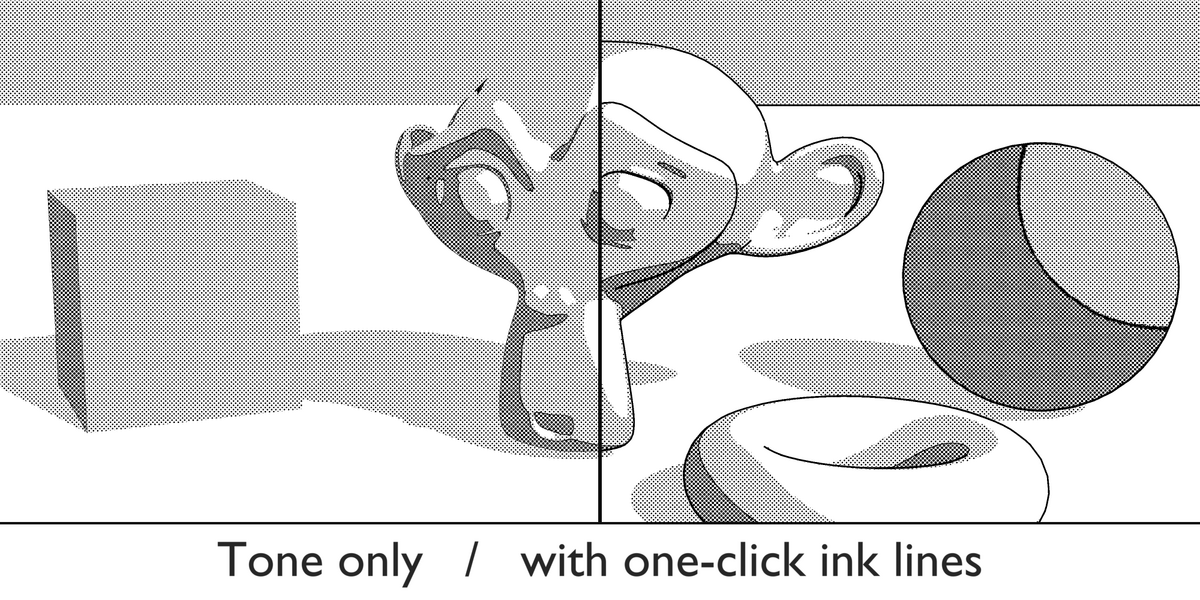
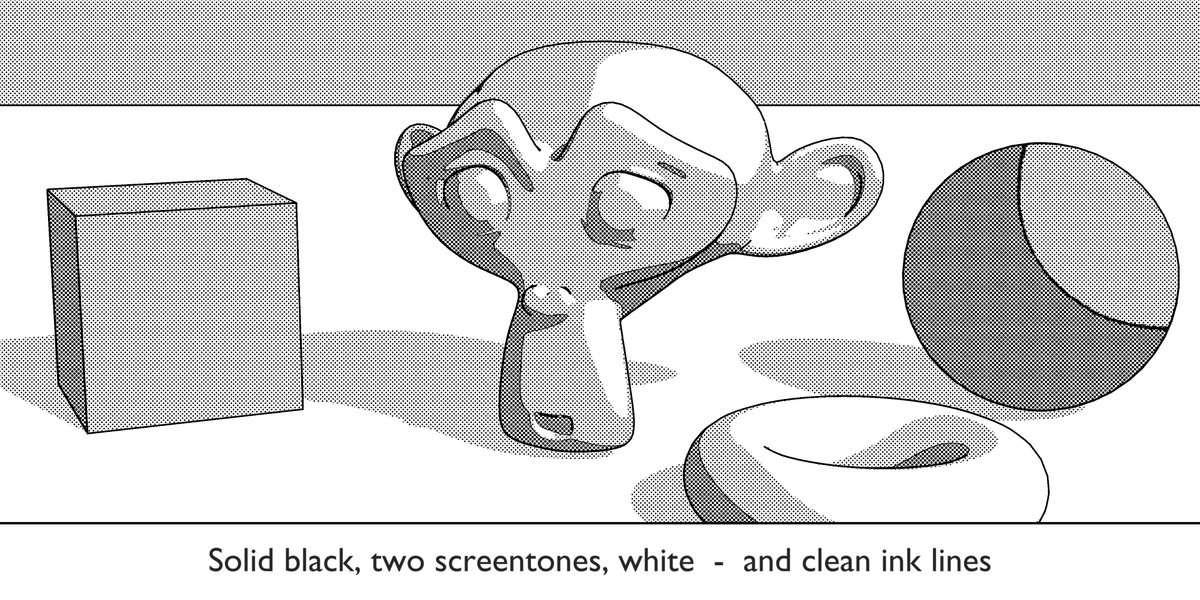
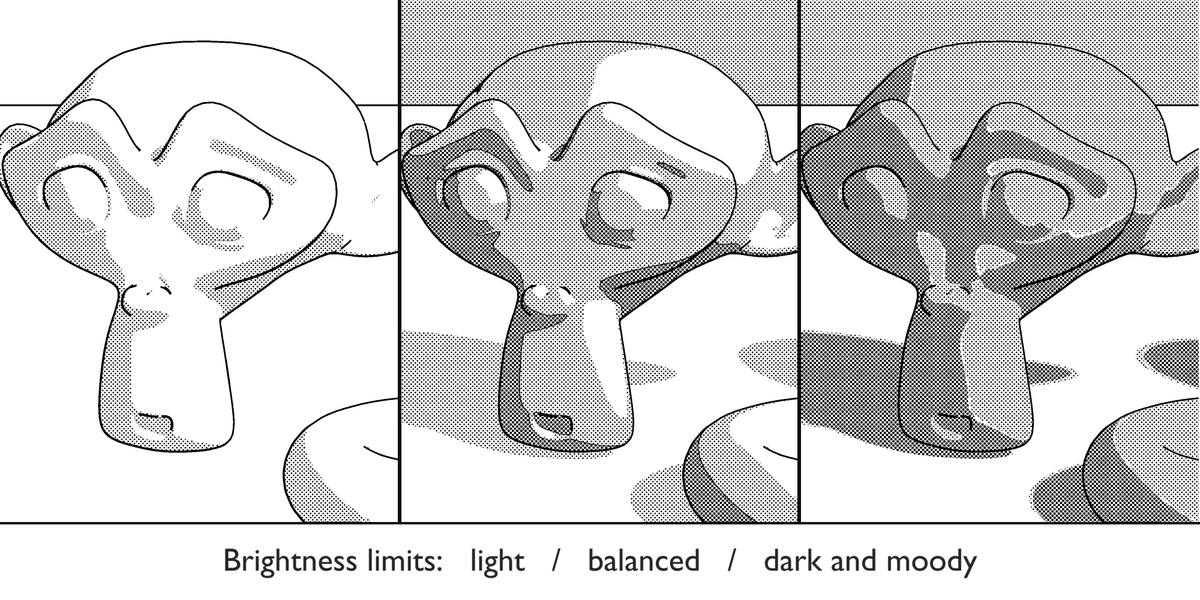
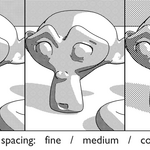
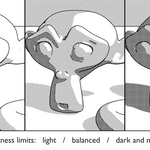
Manga Render converts your render into a clean black and white manga image: solid blacks, two screentone densities and pure white, plus crisp ink outlines.
No compositor setup, no shader rewiring. Your scene and materials stay exactly as they are. Press one button, get a manga panel.
WHAT YOU GET
- Render Manga: renders the current frame and converts it in one step
- Set Up Ink Lines: switches on black Freestyle outlines with one click
- Convert Open Image: turns any image in the Image Editor into manga, including photos and old renders
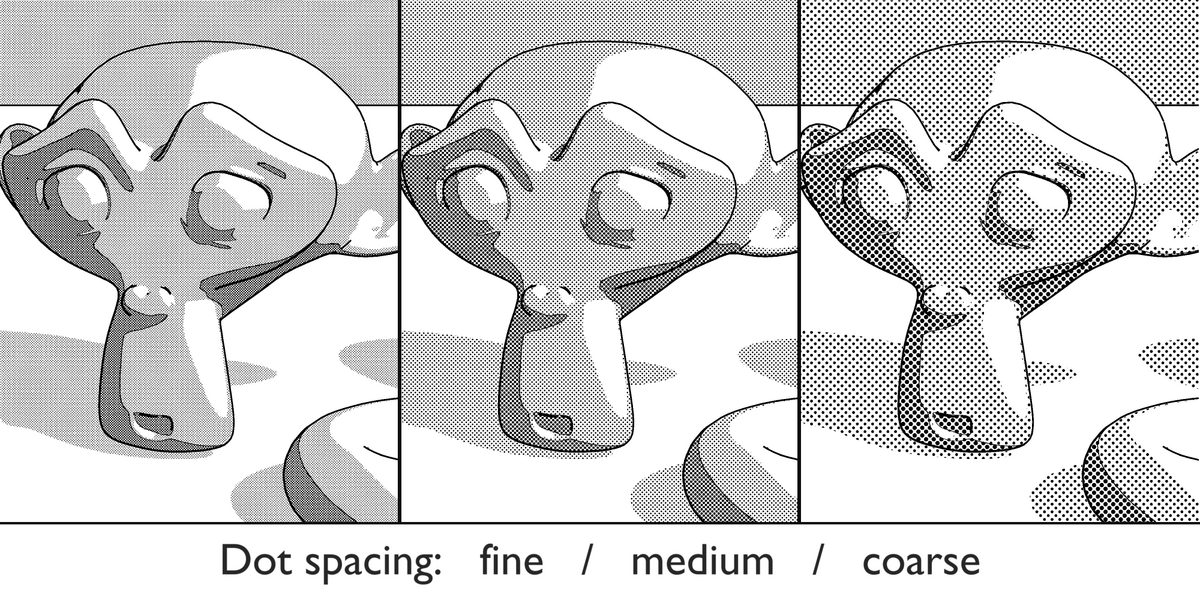
- Adjustable screentone: dot spacing and screen angle
- Adjustable brightness limits: decide where black, dark tone, light tone and white begin
- Smooth edges: optional 2x rendering for anti-aliased dots and lines
- Saves a PNG to a folder of your choice and keeps the result as an image in Blender
GOOD FOR
- Manga, comic and webtoon panels from 3D scenes
- Black and white concept sheets and print-ready line art
- Backgrounds for hand-drawn characters
QUICK START
1. Install the ZIP via Edit > Preferences > Get Extensions > Install from Disk.
2. Open the sidebar in the 3D viewport (N key) and choose the Manga tab.
3. Click Set Up Ink Lines once, then Render Manga.
KNOWN LIMITS
Works on single frames (no animation batch render yet). The result is a finished image, not a live viewport effect.
Requires Blender 4.2 or newer. Tested on Blender 5.3.
