MapGen: Detailed, Stylized 3D Maps of Real Places
 Andrew Luzhetskyi
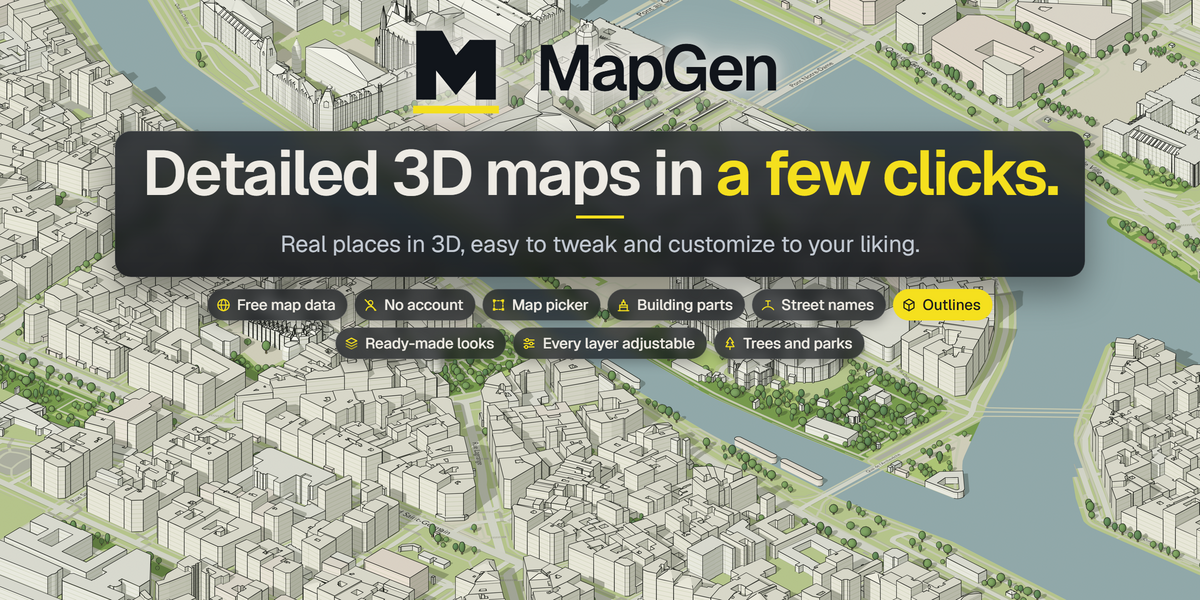
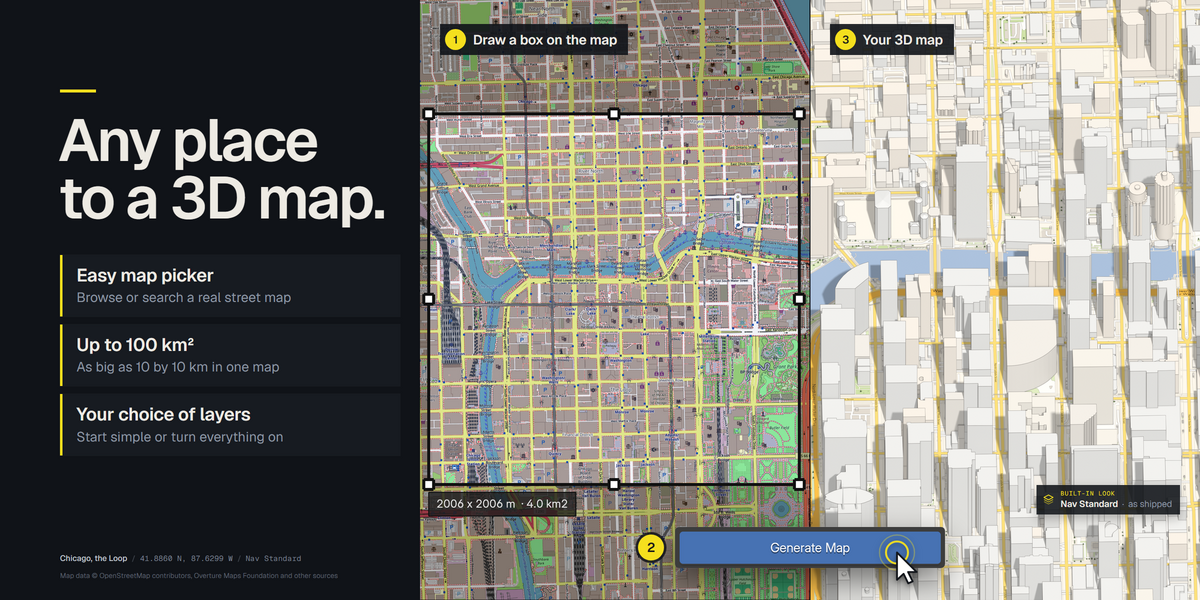
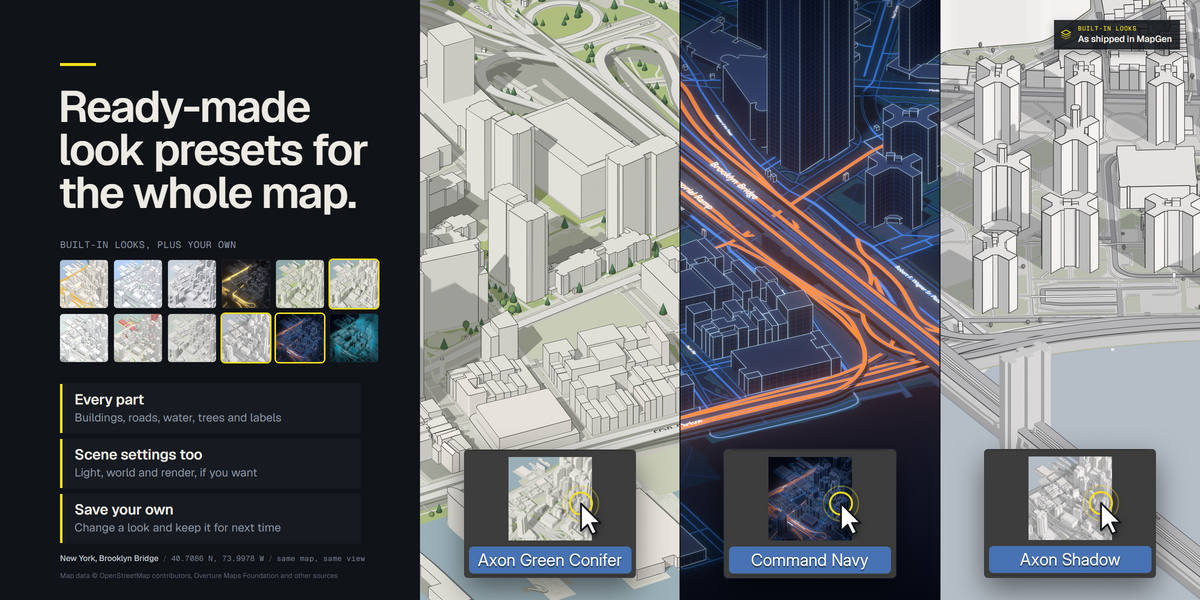
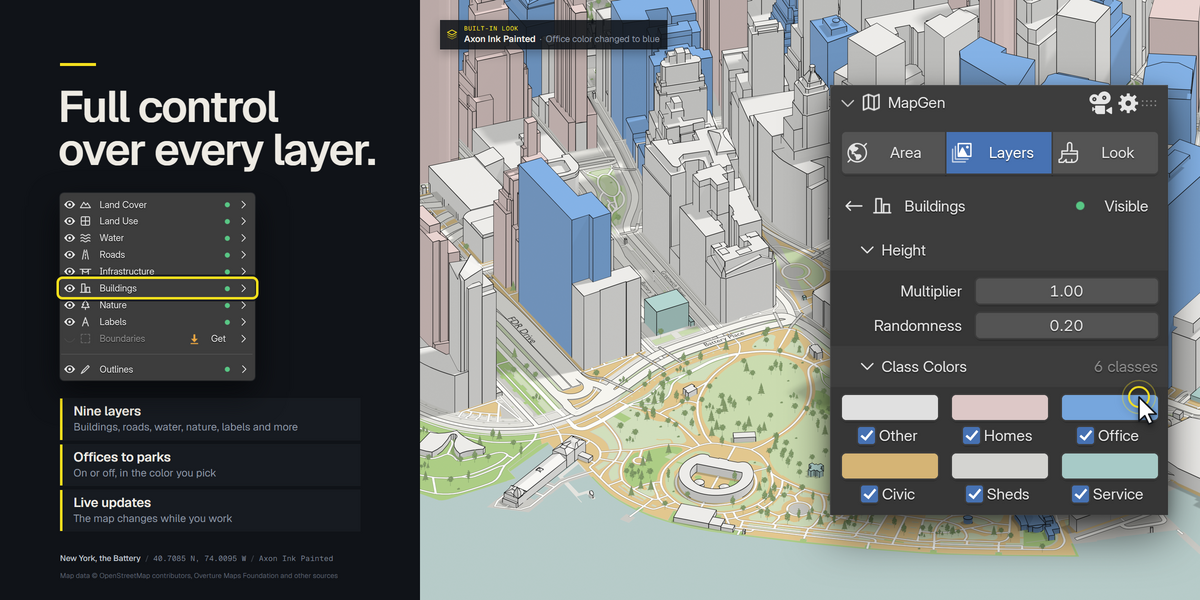
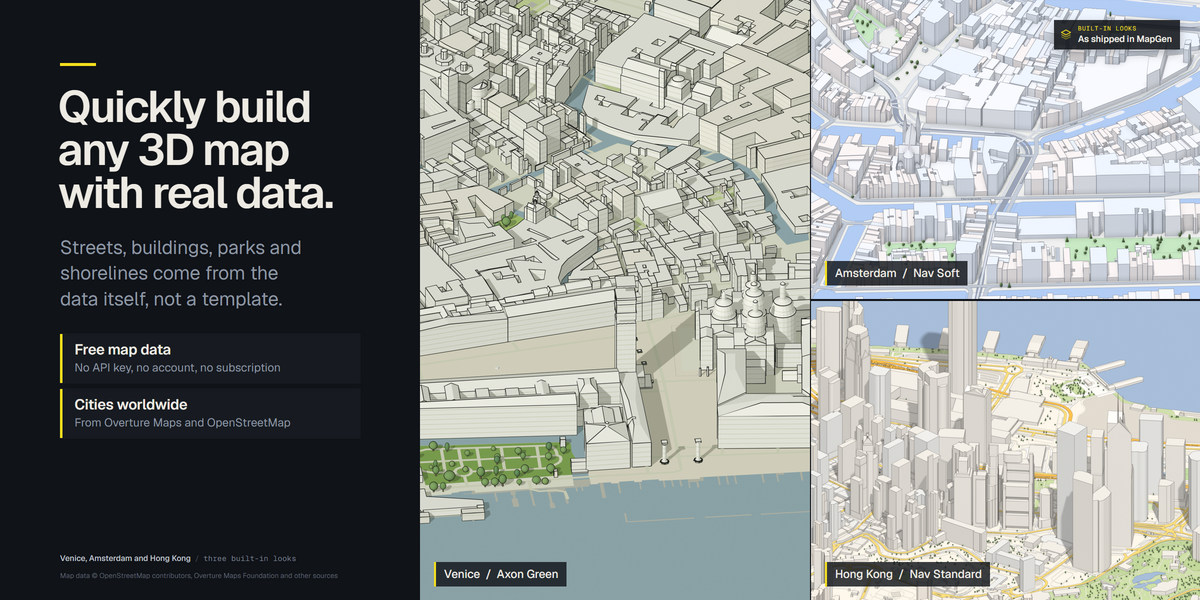
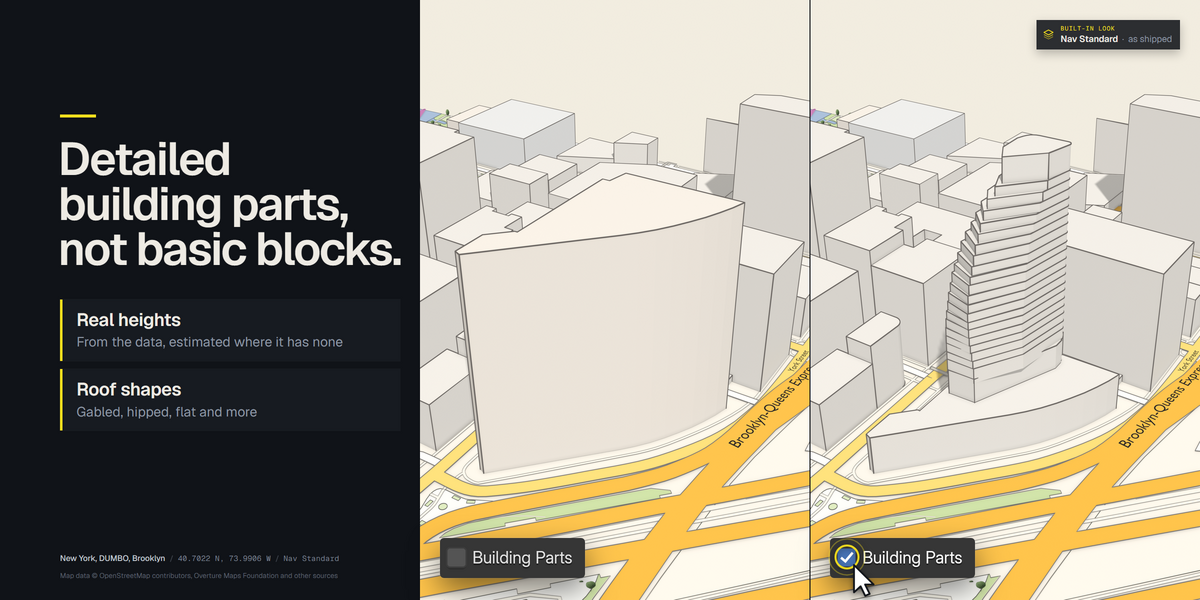
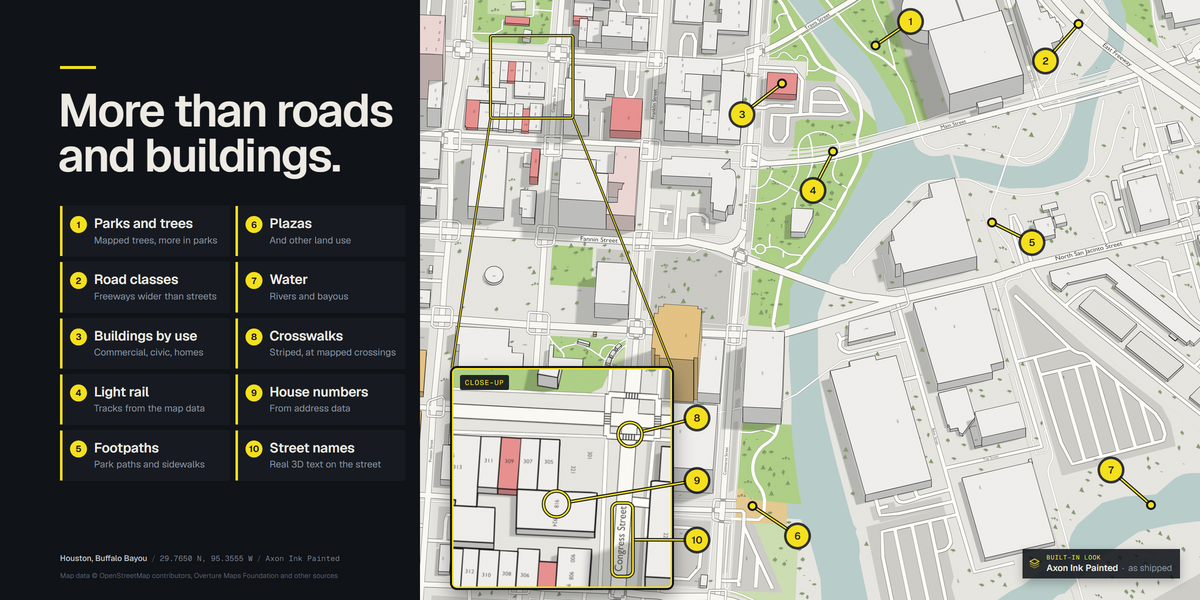
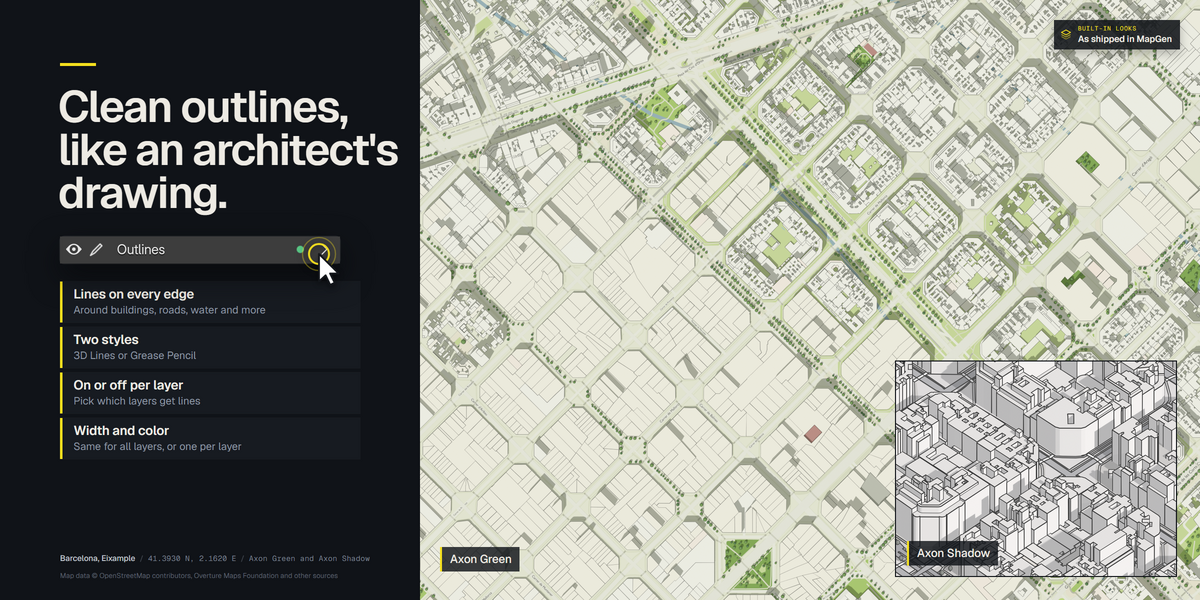
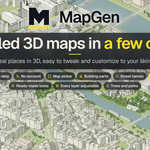
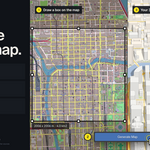
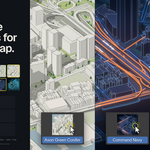
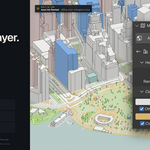
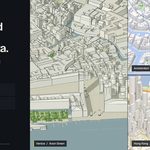
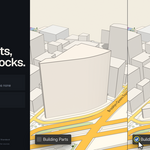
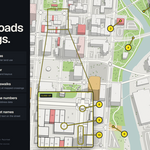
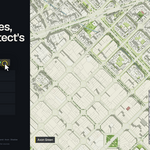
The MapGen add-on with its source code, the map-data downloader it needs, and the documentation. You pay once on Superhive. MapGen needs no account, subscription or API key.
No. You buy the add-on. The map data comes free from Overture Maps and OpenStreetMap, under their own licenses, and MapGen downloads it for each area you build.
Blender 5.2+. MapGen is tested on Blender 5.2 and 5.3 and does not install on older versions.
No. MapGen runs on Windows 64-bit only, because the map-data downloader it ships with is a Windows program.
Yes, to build a new area, with Blender's Allow Online Access on (Edit > Preferences > System). With it off, MapGen uses only map data it already downloaded, and says so.
The box of the area you build, to Overture's public data store and, for layers Overture cannot give, to OpenStreetMap's public servers or a public mirror of them. The street-map tiles for wherever you pan and zoom in the picker, and the words you type into its search, to OpenStreetMap's services. The center of your area when you click Generate Map, to OpenStreetMap's search service, so the map gets a place name.
MapGen has no account, sends nothing about you or your files, and reports nothing back to me.
About 125 MB for a 2 by 2 km area of Midtown Manhattan with every layer; quieter places take less. The downloaded map files stay on your computer, so a map can be rebuilt without going online. Clear them with Clear... under Storage in MapGen's preferences.
Yes, where the open data has the place, but detail depends on how well it is mapped. Building heights are a good example. In a test area of Midtown Manhattan, 98% of buildings have a measured height. In test areas of Paris, Stockholm and Sydney, most buildings have only a floor count, which MapGen turns into a height. In Rio de Janeiro's Copacabana almost none have either, so most heights there are estimates.
As accurate as the open data, which can be incomplete or out of date. Where a building has no height in the data, MapGen uses its floor count or an estimate. MapGen is for designed maps, not for navigation or surveying.
Up to 100 km², about 10 by 10 km. Big maps, in the Documentation tab, lists measured sizes.
It depends on the size of the area, the layers you pick, your connection and your computer. Start with a small area. You can cancel at any time.
No. MapGen makes stylized maps on flat ground, from the map data only. There is no terrain and no satellite imagery option.
Yes. Every built-in look is set up for EEVEE and Cycles. Clay Dark also works in Workbench, and the Apply pop-up warns when a renderer cannot show part of a look.
Yes, with Blender's own FBX or glTF exporter, or as plain meshes with Baked Copy. FBX and glTF, in the Documentation tab, says what an export keeps.
Yes. Keep the map data credits with what you publish: Copy or Save in Sources & Licenses on the Area tab gives them for each map. What you publish, and the duties that come with the data, are yours.
That is different from sharing a render. A file that still holds the map data may be treated as a database under the data's license. Read the OpenStreetMap and Overture licenses before you sell a map as a 3D asset.
Yes. Change any setting, then click Save as look... and give it a name. Your looks appear under My Looks, and Export... under Saved Looks in MapGen's preferences saves them all to a .zip.
Yes. Your looks and downloaded map files live in MapGen's folder in Blender's extension files, which Blender keeps when you install a newer zip.
Blender deletes MapGen's folder in its extension files, with your saved looks and downloaded map files in it. Export your looks first. Maps you built stay in your .blend files.
Download the new zip from your Superhive orders page and install it the same way as the first time, by choosing Install from Disk... and picking the zip.
Yes. Put them in a collection and type its name into Asset Collection on the Nature page. The Documentation tab has the steps.
They are run by others, on a best-effort basis, and they may limit or stop access. MapGen follows their published fair-use rules. Areas you already downloaded still build offline. You pay for the add-on; the data and services are free from third parties.
Click Report a Problem... in MapGen's preferences under Help and Problems, or in the gear menu, then Copy Details. The details hold the MapGen, Blender and Windows versions, your graphics card, free disk space, the last error, the map's size and layers and, unless you uncheck it, the last lines of the log. Your user name and home folder are removed, and the map's location is added only if you check it.
Paste them into a Superhive message to me, with what you did and what you expected.
Have questions about this product?
Login to message
| Blender Extension Compatible | Yes |
| Dev Fund Contributor | |
| Published | about 12 hours ago |
| Blender Version | 5.2 - 5.3 |
| Extension Type | Add-on |
| Render Engine Used | Cycles, Eevee |
| License | GPL |

Discover more products like this
overture maps 3D Map ArchViz city generator Urban Planning OpenStreetMap GIS axonometric geometry nodes stylized buildings City Map