Marafx - Comicmastershader | 1-Click Npr & Toon Shading Tool
 MARAFX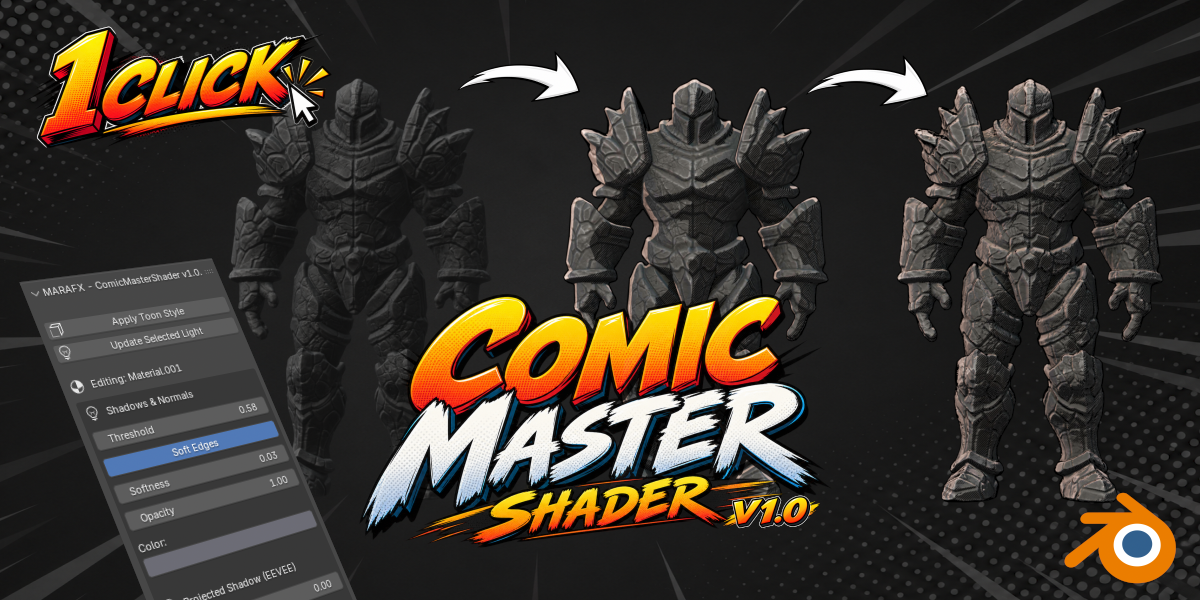
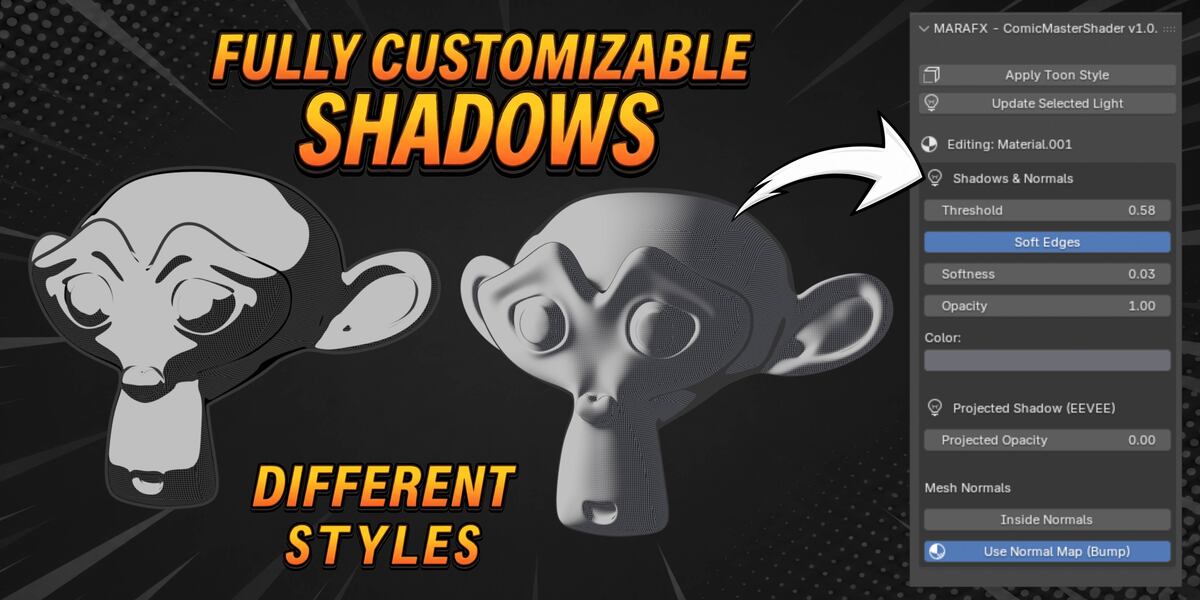
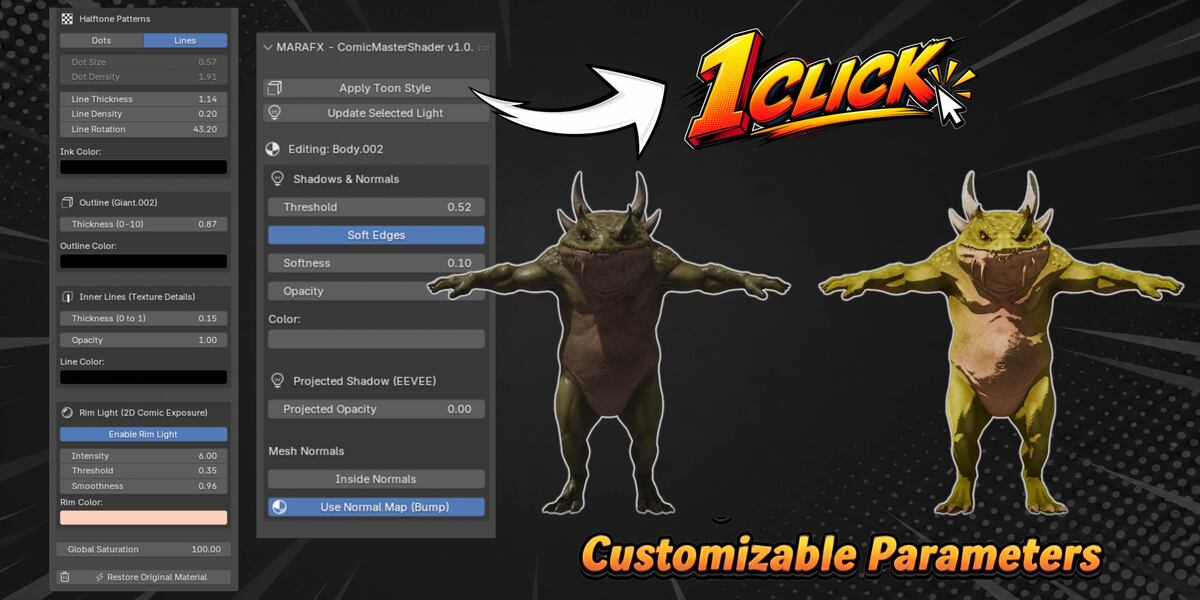
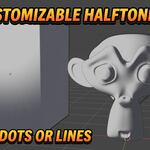
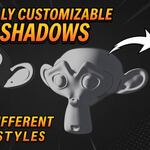
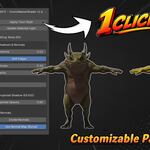
Welcome to ComicMasterShader! The ultimate 1-click non-photorealistic (NPR) and toon shading tool for Blender, designed to give your 3D assets a modern comic book and stylized look instantly.
### Quick Start Guide
1. Select any light in your scene (a Sun light is recommended).
2. Select your mesh object, go to the sidebar panel (N key > ComicShader tab), and click **Apply Toon Style**.
3. The shader automatically detects scene lights, applies procedural outlines, and sets up advanced stylized shading.
### Key Features & Controls
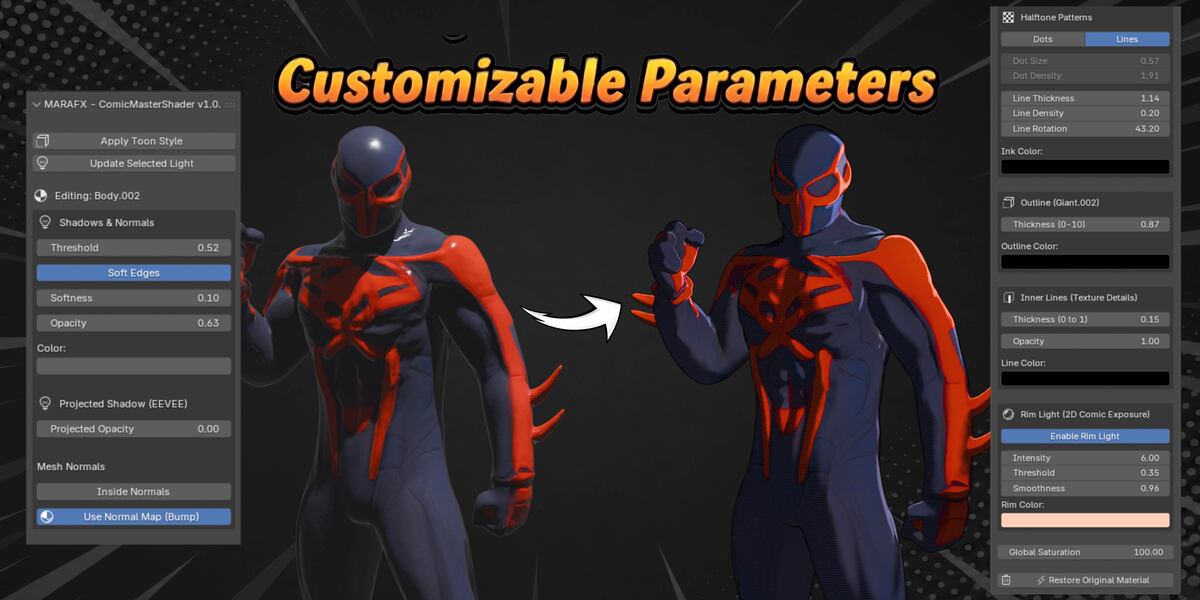
* **Shadows & Normals:** Control the shadow threshold, soft edges, shadow opacity, and custom shadow color.
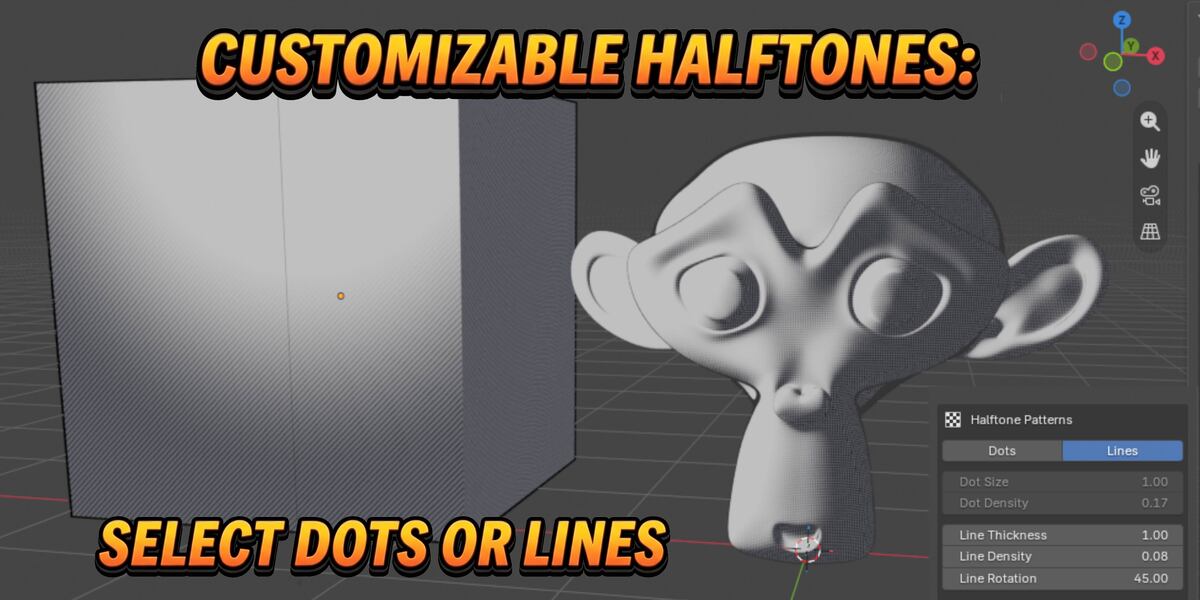
* **Halftone Patterns:** Real-time procedural halftone dots and lines with adjustable scale, density, thickness, rotation, and ink color.
* **Outlines:** Clean, customizable outline thickness and color.
* **Inner Lines:** Extract geometry details with adjustable thickness, opacity, and color.
* **Rim Light (2D Comic Exposure):** An advanced exposure-based rim light with adjustable intensity, threshold, smoothness, and tint color.
* **Normal Maps:** Toggle normal map support on/off instantly.
### Video Tutorial
* Tutorial: https://youtu.be/AbtXrdqgHqs
 Included
Includes 12 months of
- Support from MARAFX
- Product updates
Extend this product’s Support Period +12 months: 50% of product price
Have questions before purchasing?
Login to message
| Published | 18 days ago |
| Blender Version | 4.2 - 5.2 |
| Extension Type | N/A |
| Render Engine Used | Eevee |
| License | GPL |
Discover more products like this
ink normal map manga comic anime halftone toon shader crosshatching outline one-click cel-shading NPR