 Camaleon

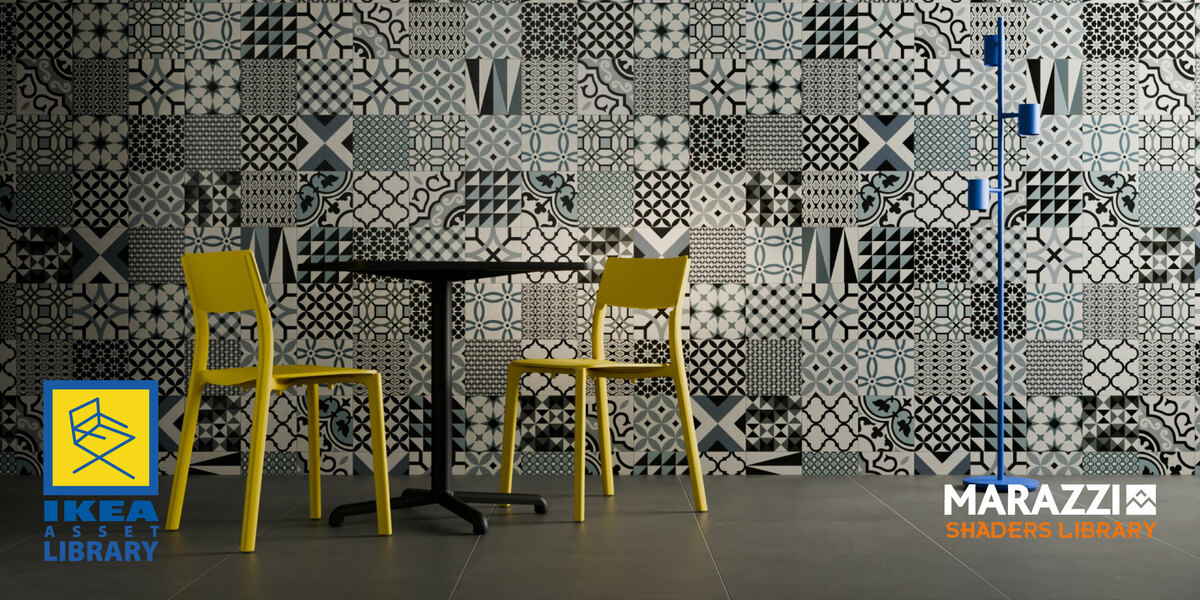
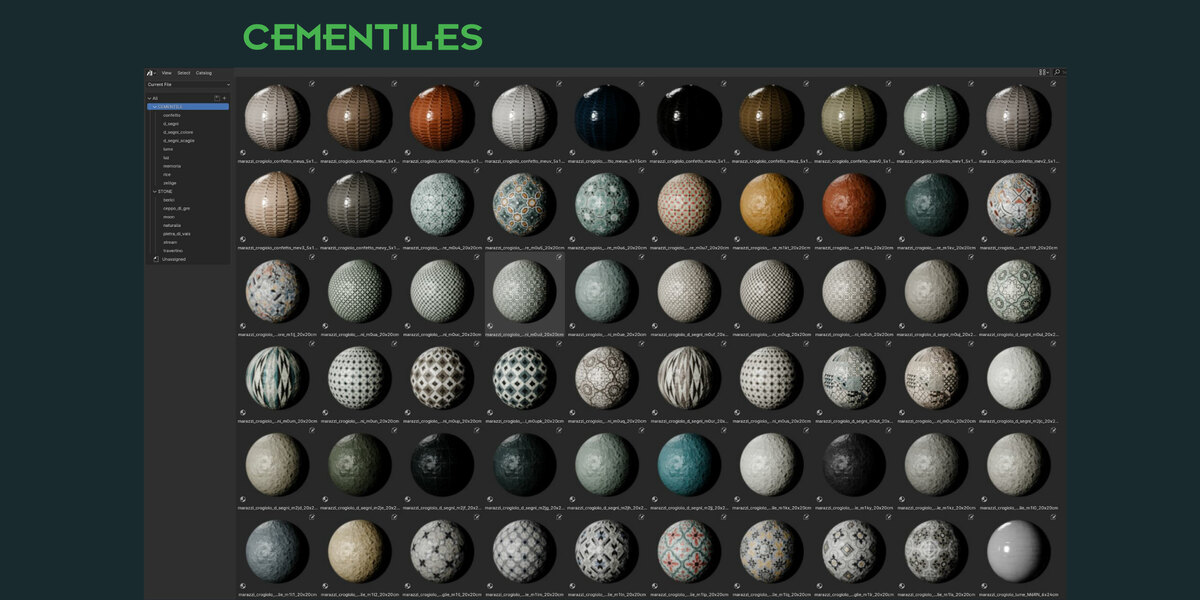
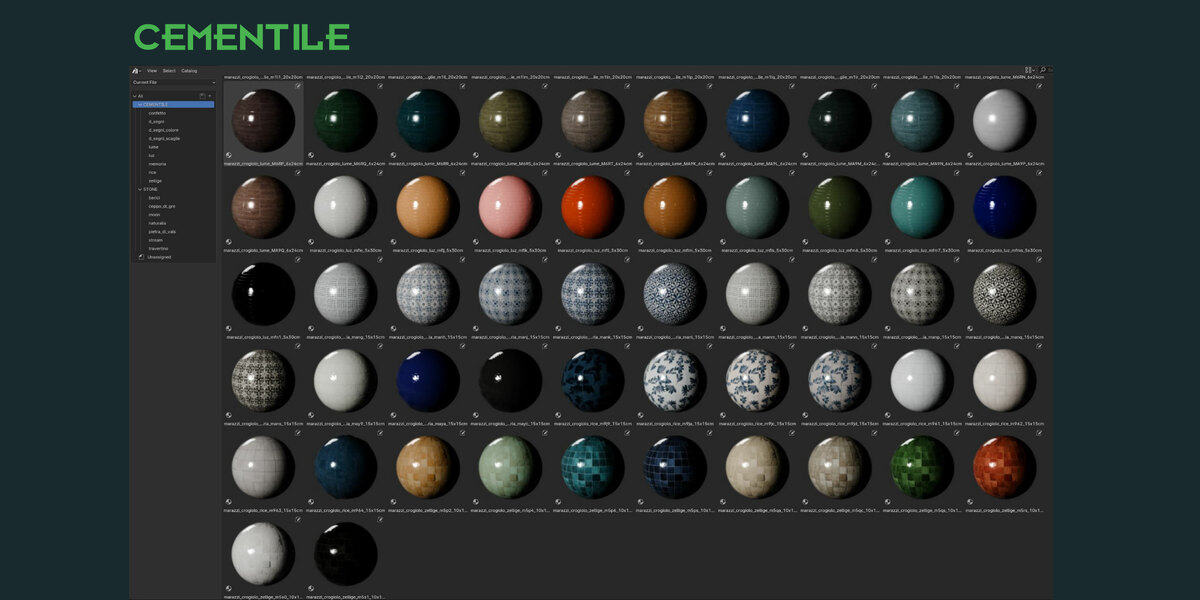
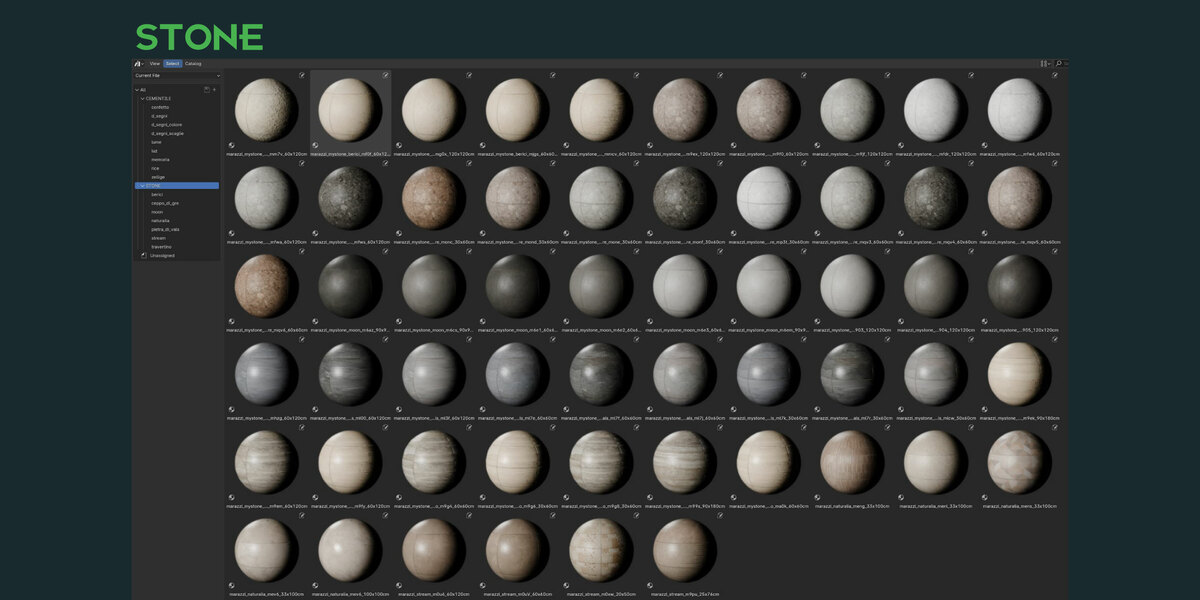



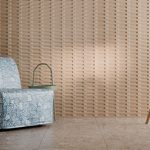

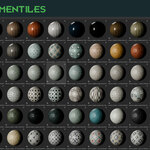
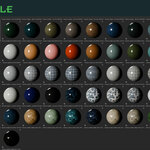
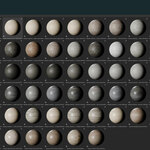
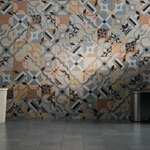
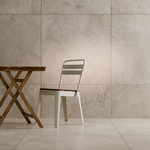
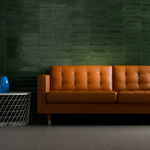
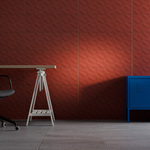
It's very simple, you don't need to install "MARAZZI shaders library".
instruction:
1 - Unpack the zip file.
2 - In your library create a folder "MARAZZI_SHADERS" and copy the files inside.
3 - Open Blender: edit/preferences/file paths/add path to asset library, select the folder and you can find all assets in "asset browser panel".
enjoy!
If you have any questions do not hesitate to write us!
-
$1
Version lite, include 4 shaders cementiles and stones to taste - Demo scene included
-
$9.99
Personal version for a single user - Full Marazzi shader library
-
$19.99
100% of Marazzi collection - studio version for commercial use
Have questions about this product?
Login to message
| Sales | 50+ |
| Rating | 1 ratings |
| Published | almost 2 years ago |
| Blender Version | 4.0 - 5.0 |
| Render Engine Used | Cycles, Eevee |
| Misc Data | Normal-Mapped, Textured |
| License | Royalty Free |
Discover more products like this
asset-browser ceppo di gre ceramic tile stoneware PBR shaders wall covering shader library cementile vals stone uv mirror floor pietra di vals marazzi bathroom tile Tiles stone material library wall tile Travertine floor shader outdoor floor ArchViz kitchen tile berici tile material asset library flooring procedural shader grestone travertino gres