 GilaDDD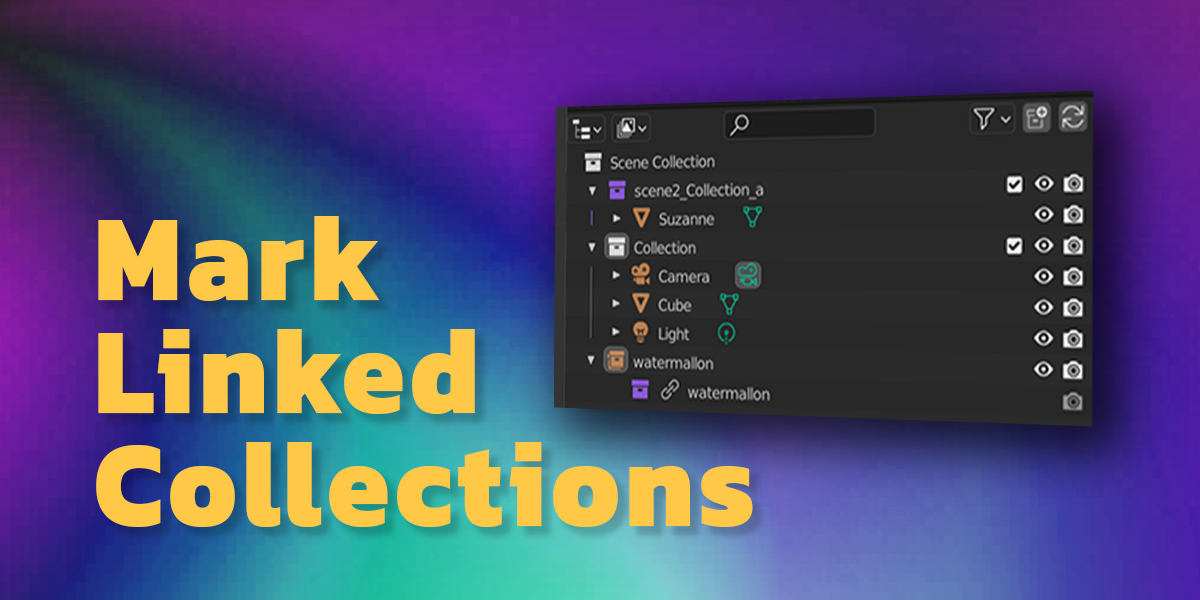


🧩 Mark Linked Collections
The Mark Linked Collections add-on helps you easily identify linked collections in Blender’s Outliner.
It visually marks collections that are linked from another file or scene, so you can instantly see which ones are shared — and avoid editing them by mistake.

💡 Why I Created It
While working on a large project with many scenes, I often reused collections (like props and backgrounds) by linking them between scenes.
The problem was, I couldn’t easily tell which collections were linked.
Sometimes I’d animate or edit objects inside a linked collection — only to discover later that it affected other scenes and ruined my setup.
That’s why I created this add-on:
Now you can see at a glance which collections are linked directly in the Outliner, keeping your workflow organized and your projects safe from accidental changes.
