 Rusowsky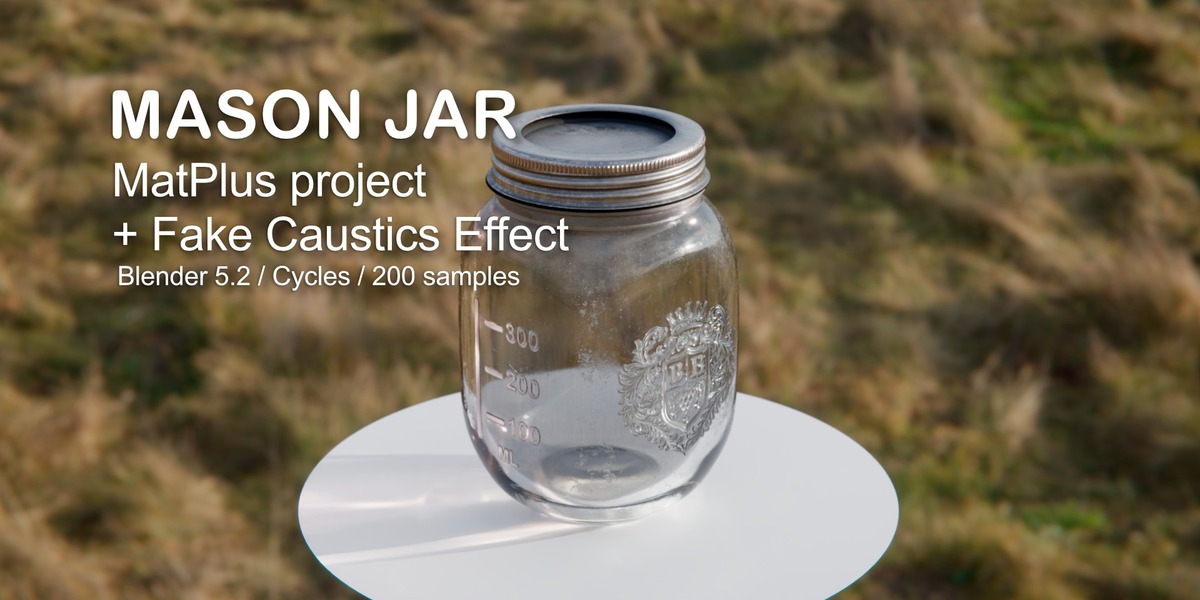
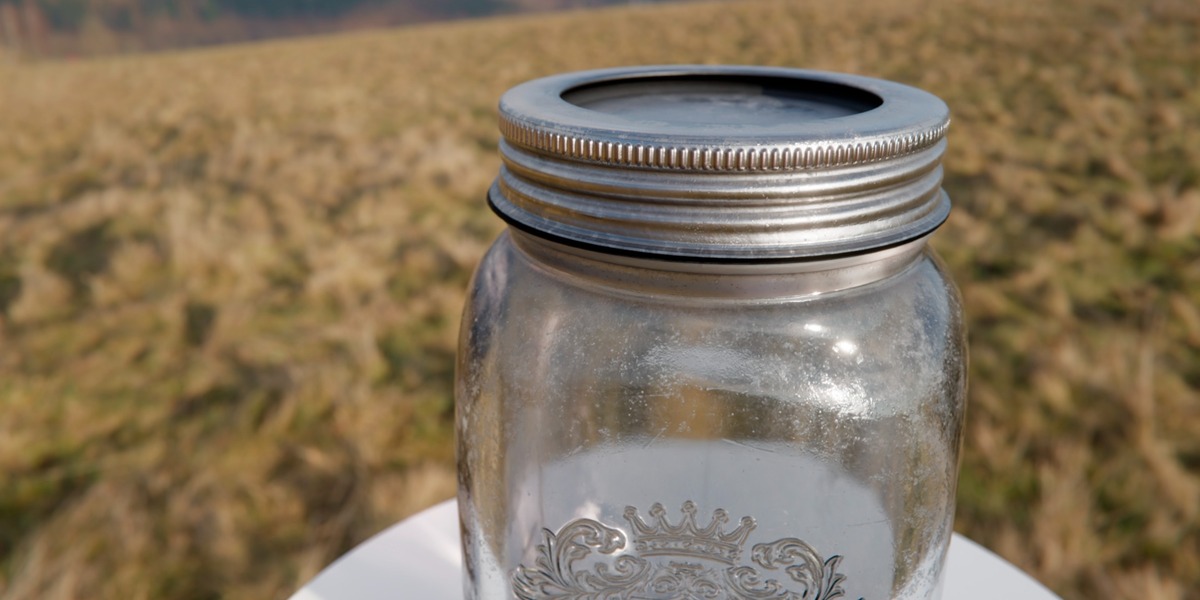
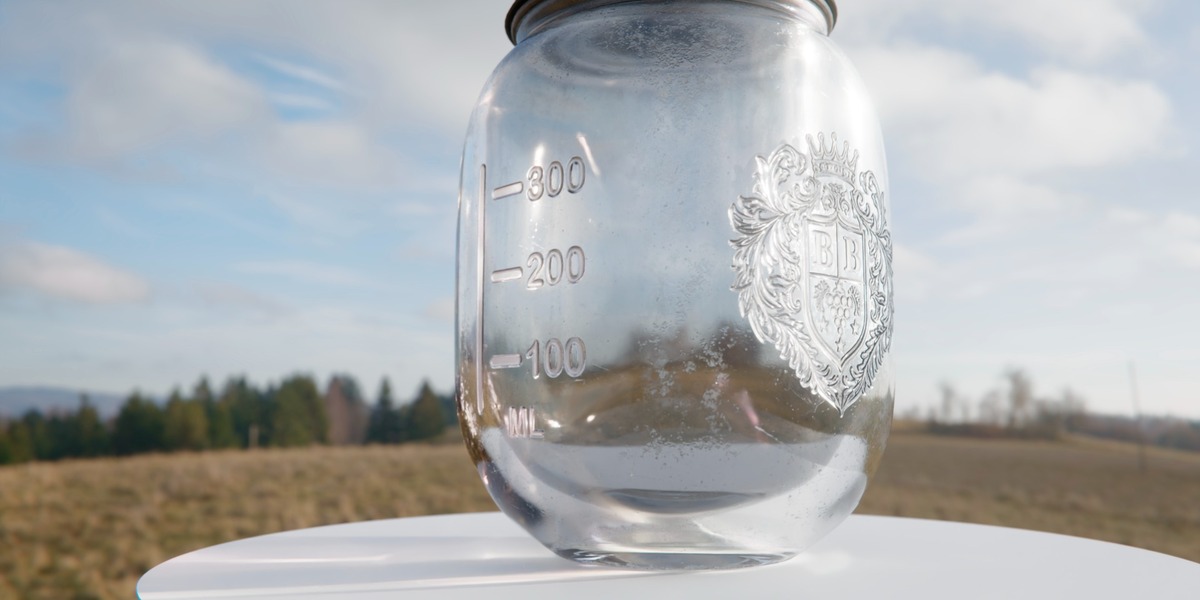
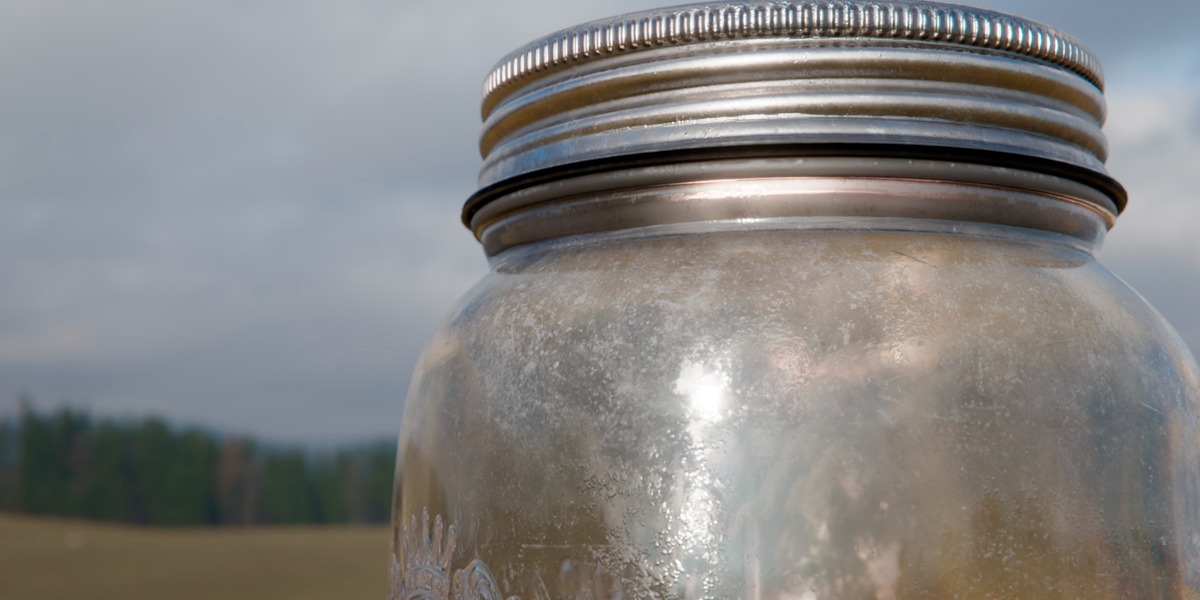
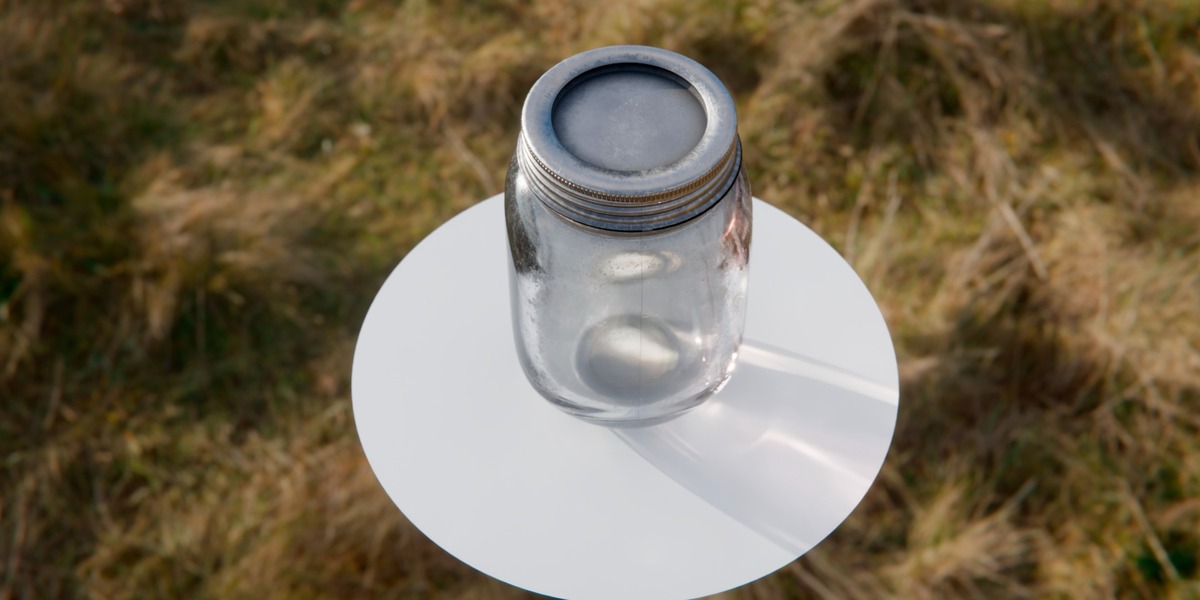
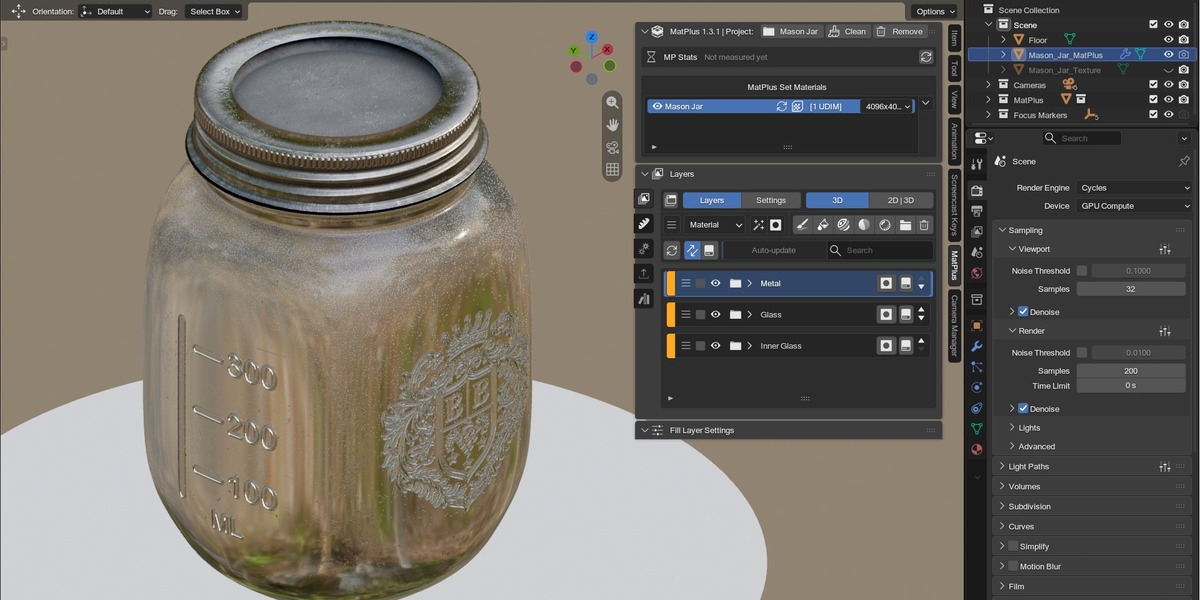
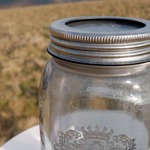
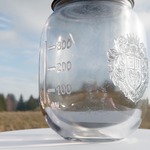
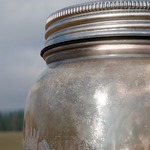
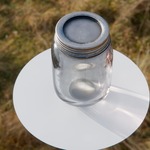
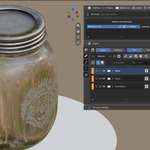
This product includes a complete Mason Jar project built with MatPlus inside Blender. It’s designed for artists who want a practical, real-world example of layered texturing and glass lookdev, including subtle surface imperfections and readable decal/emboss details.
Remember if you do not want to use MatPlus you can use the Mason Jar Texture, the final mesh ready to export or use in your own scenes.
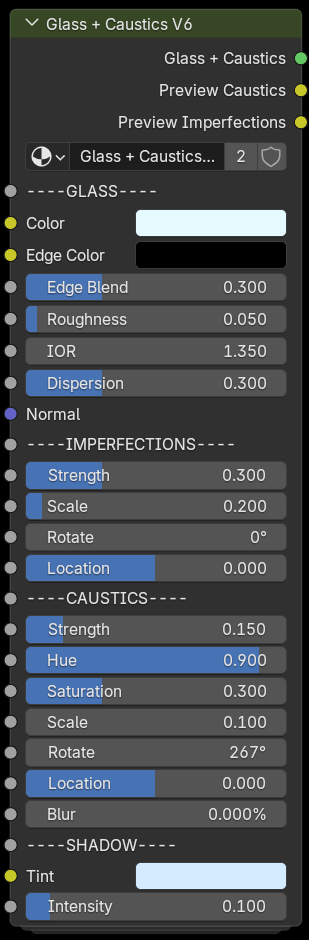
The scene is set up for Cycles and includes a Glass + Caustics V6 effect to enhance realism without heavy true-caustics rendering costs.
MatPlus project version 1.3.1 (MatPlus is an external paid addon for texture inside Blender)
What’s Included
- Mason_Jar_Blender_5.2.zip → contains the .blend and the folder Mason Jar (MatPlus Project)
- Inside the Blender file you will see two meshes: “Mason_Jar_MatPlus” and “Mason_Jar_Textured”
- Fully organized MatPlus layer stack
Features
- Realistic glass look: transmission / roughness variation / micro scratches.
- Decals & embossed-style details for the jar (logo + measurement marks).
- Dirt/grime layers for added realism.
- Optimized workflow for learning and reuse in other projects.
Requirements
- Blender 5.2+
- Optional: MatPlus (recommended to use the same or newer version than the one used to create the project)
- Recommended render engine: Cycles
Notes
- Final appearance may vary depending on your HDRI/lighting, color management, and hardware.
- If viewport performance is slow, reduce MatPlus/viewport texture resolution for faster interaction.
Want to get more for your money? You can get this product along with all my other 3D assets at a massive discount in the:
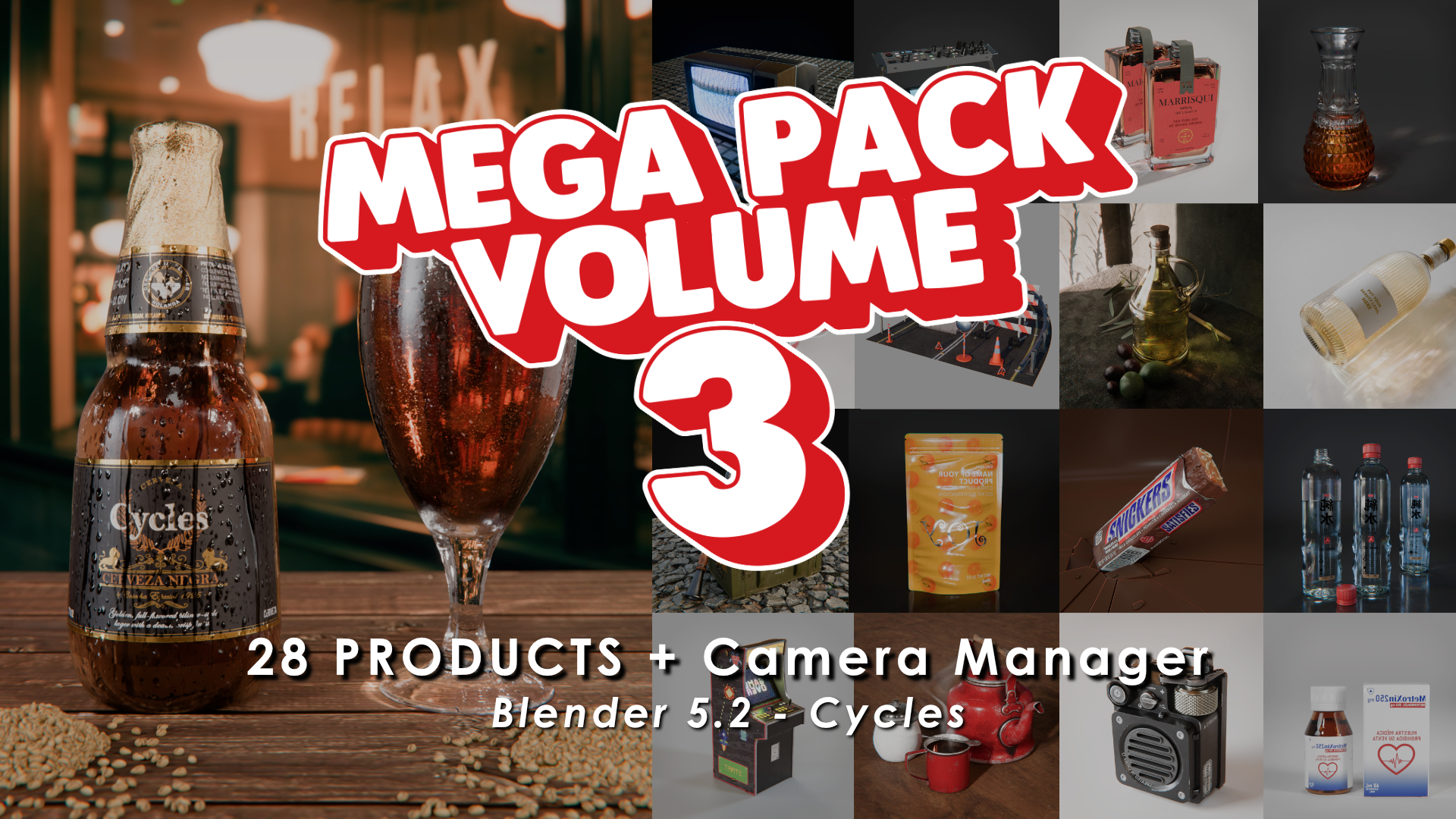
Mega Pack Volume 3
Get 28 high-quality products + the Camera Manager Add-on in one ultimate bundle!
Check it out here: https://superhivemarket.com/products/mega-pack-vol-3