Šime Bugarija


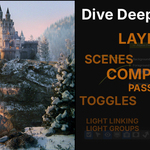
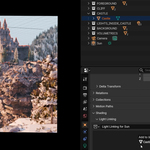
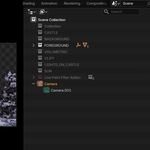
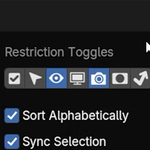
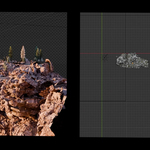
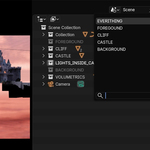
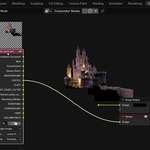
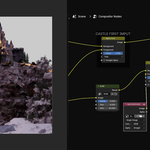
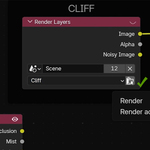
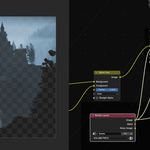
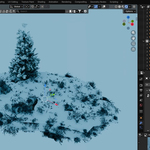

Your all-in-one masterclass for enhancing your Blender compositor workflow using Layers and Scenes
There are a large number of blender courses that cover the basic things like modeling, texturing, lighting, or, in general, scene creation…and I’ve made a few of them myself.
But not many tutorials go deep into scene organization
In this course, we’ll cover topics such as working with layers, scenes, toggles, render passes, OpenEX, color management, light linking, light groups, import methods, library overrides… and more.
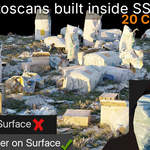
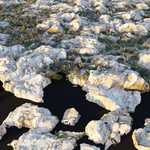
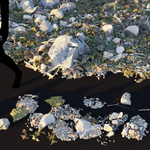
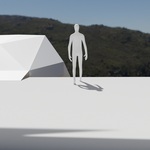
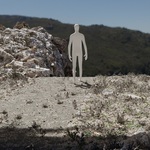
Example: Same scene - different results achieved in Blender compositor


For example, with a proper setup, you can completely transform the look of your render — without re-rendering from realistic to stylized, even paint-style looks — all done directly in the compositor with just a few sliders
When working on small or simple scenes, this might not seem very important. But as more details are added to the scene, it becomes large and complex
Without a proper organization, your Blender file can quickly become heavier, slower, and harder to manage. That’s where understanding how to break a scene into layers becomes important.

Not just to keep things organized, but to keep your viewport and render fast, stay flexible, and gain much more control later in the compositor.
For example, we can re-render only the layer that we changed — saving massive amounts of time

So this is a course about Layers, Scenes, Passes, Toggles, OpenEX and how they all work together in a Blender compositor
Along the way, we’ll also cover topics such as light linking, light groups, the difference between import methods, library overrides, and more.
We’ll also talk about how to move your renders into other compositing software like After Effects or DaVinci Resolve and how to set up color management correctly. (This part is optional because we are using Blender Compositor as the main tool).
If you already know the basics of Blender, this might be the next step that completely changes the way you work
The course includes 15 lessons in about 4 hours of step-by-step content.

|
|
|
|
Complete Blender Beginner Workflow For Cinematic Art 2025
|
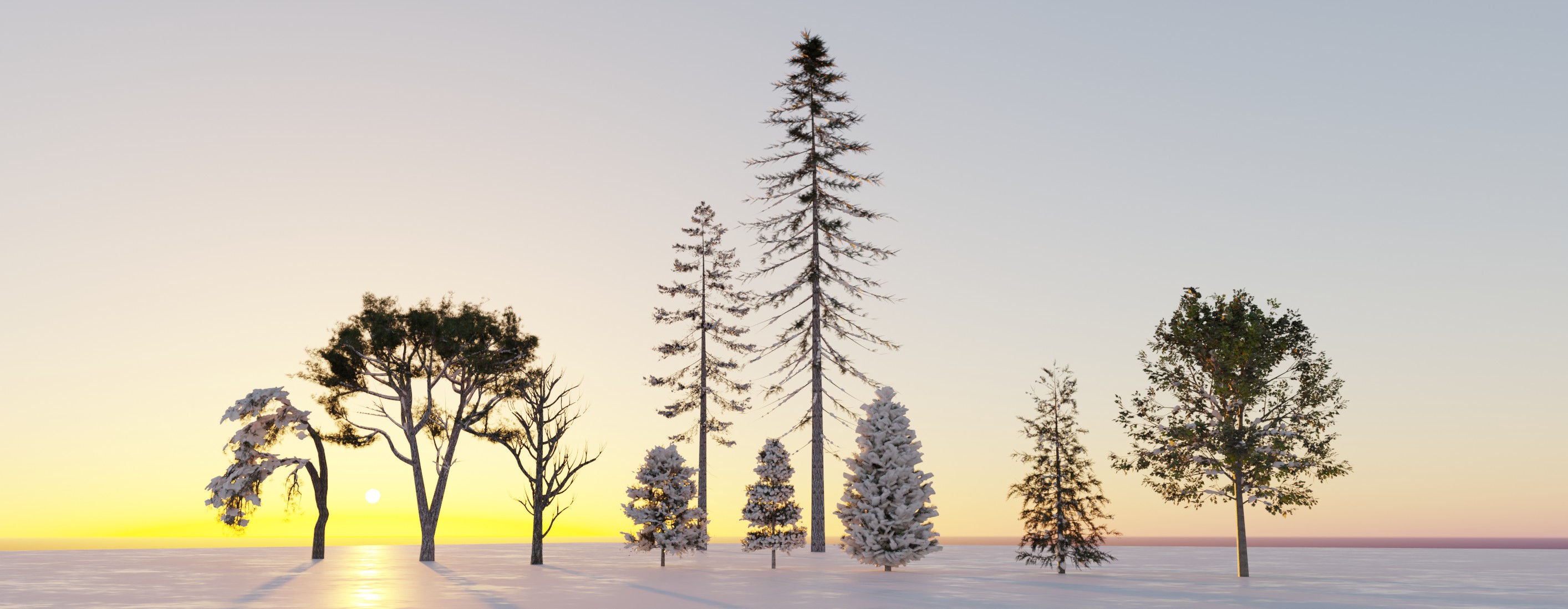
Landscape In Blender Tutorial + Smart (And Low-Poly) Trees
|