Material Pipette
 NiklasEkstrom


Initial setup:
By default, the pipette-key is set to the 1/2 key on a swedish keyboard, but internally Blender registers that as a backslash.
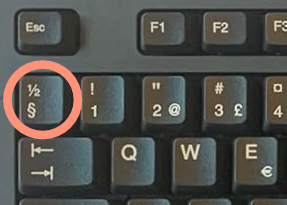
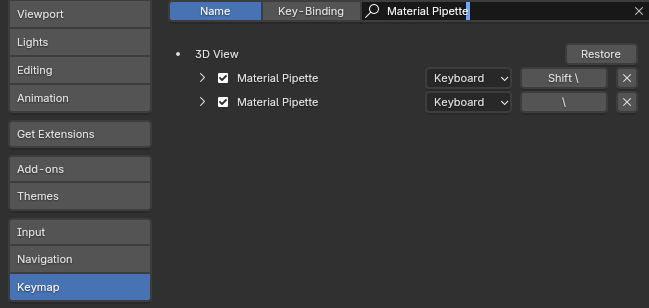
If this doesn't work with your keyboard language layout I've added the possibility to remap the Pipette key to a key of your liking in the preference > keymap.
How to use:
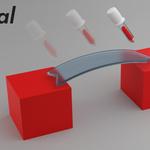
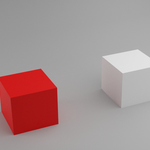
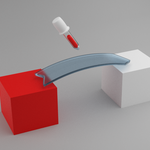
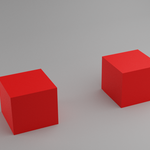
The way Material pipette works is that you press and hold the "pipette"-key then sample a Shader with the left mouse button and paste it with the right mouse button.
If you at the same time as you are holding the "pipette"- key, press and hold the shift key and sample a Shader, you sample all the material slots on that object.
If you at the same time as you are holding the "pipette"- key, press and hold the shift key and paste a Shader onto an object, you replace all instances of the old Shader with the one you sampled.
Have questions about this product?
Login to message
| Published | 5 months ago |
| Blender Version | 4.5 - 5.2 |
| Extension Type | N/A |
| License | GPL |