Material You Color — Dynamic HCT Palettes & Grading for Blender
 blenderVfxMaster
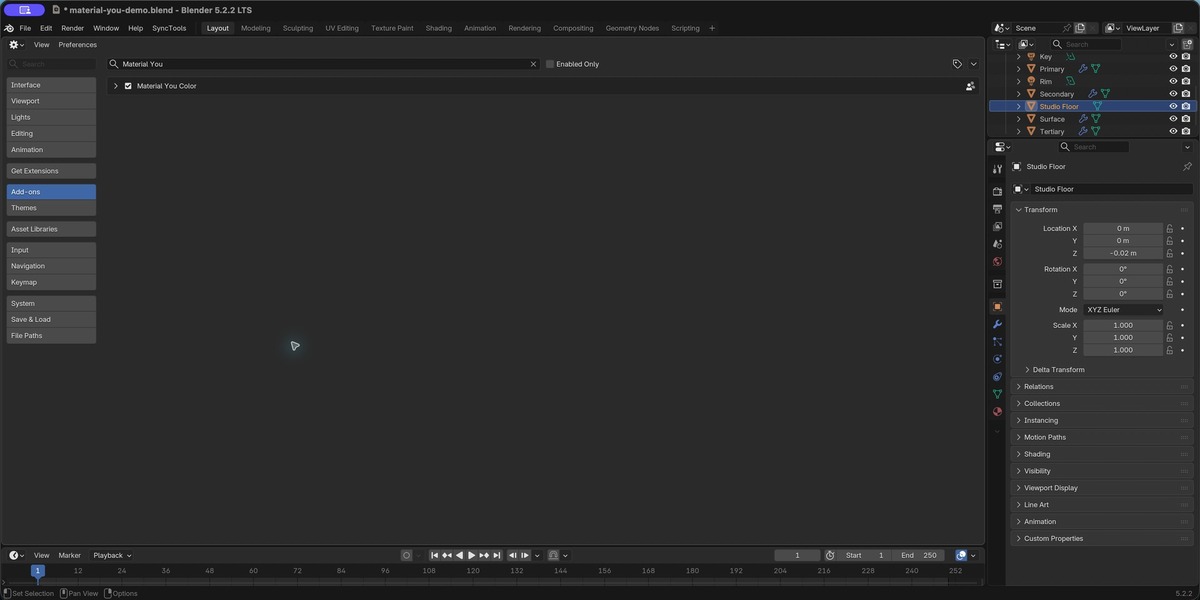
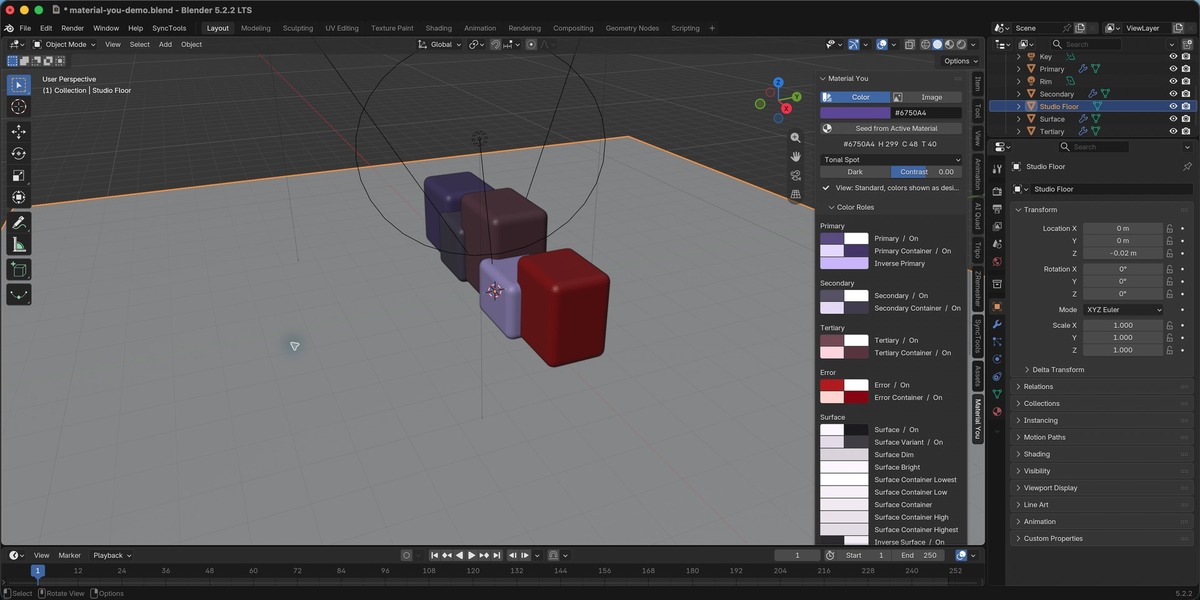
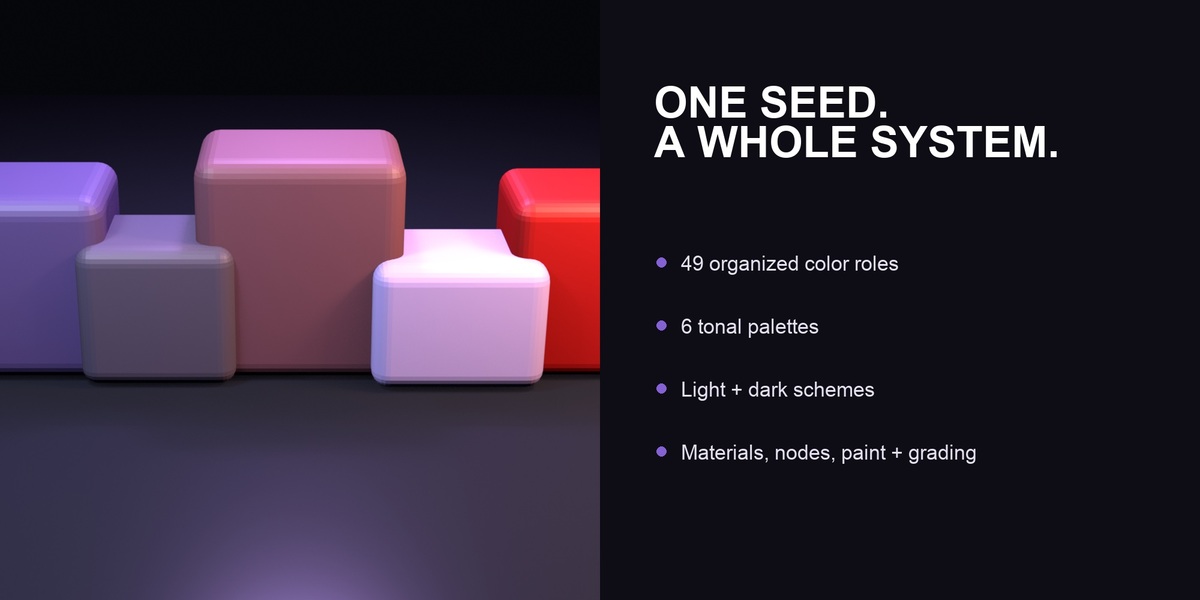

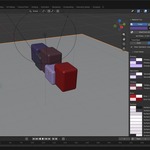
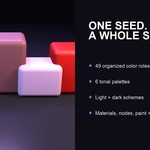
Material You Color is available in the 3D Viewport, Shader Editor, and Image Editor under Sidebar > Material You.
Quick start
1. Choose Color for a seed color, or Image to pull useful colors from a reference image.
2. Pick a scheme style, switch between light and dark, and adjust contrast if needed.
3. Generate the scheme. The Color Roles panel shows the full set of primary, secondary, tertiary, surface, error, and matching on-colors.
Using the colors
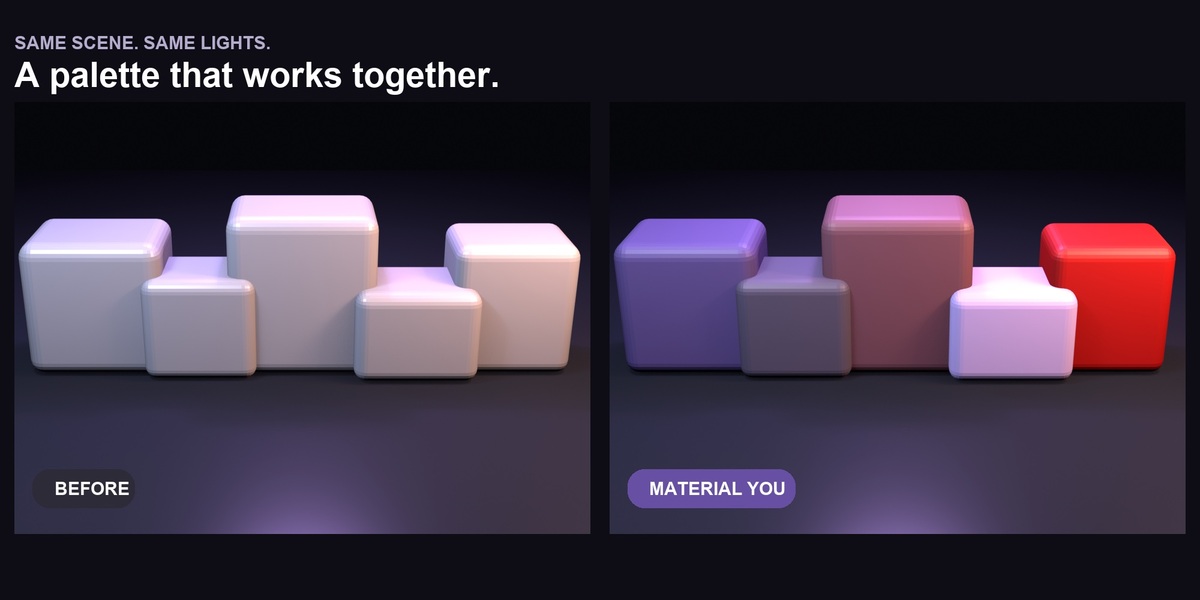
• Choose a role and use Assign to apply it to selected objects.
• Create Material You Roles and Material You Tones node groups for shader work.
• Create a Blender paint palette from the generated tones.
• Use Harmonize Selected Materials to gently pull existing material colors toward the seed.
HCT grading
The grading tools can adjust hue, chroma, tone, contrast, and harmonization for selected materials or an image. Image grading creates a new image and leaves the original untouched.
Color-management note
For exact on-screen hex matching, use Blender's Standard view transform with no look and zero exposure. The panel checks the current settings and can switch them for you.
Compatibility
Requires Blender 4.2 or newer. Tested on Blender 5.2.2 for macOS Apple Silicon. No cloud account, internet connection, or separate runtime is required.
Have questions about this product?
Login to message
| Blender Extension Compatible | Yes |
| Published | 2 days ago |
| Blender Version | 4.2 - 5.2 |
| Extension Type | Add-on |
| License | GPL |
Discover more products like this
look development dynamic color blender addon color-palette hct color material design shader nodes color grading material workflow paint palette