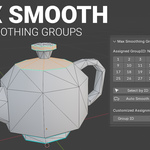
Max Smoothing Groups
 Thinkbox Production



Installation
Download the provided
.zipfile.Open Blender and go to Edit > Preferences > Add-ons.
Click the Install... button at the top right and select the downloaded
.zipfile.Check the box next to the add-on name to enable it.
How to Use
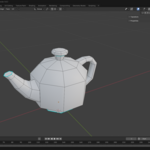
Select your 3D model and enter Edit Mode.
Locate the Face Smoothing Groups panel in your UI.
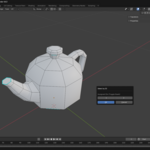
Select the faces you want to smooth together.
Click a group number in the panel to assign those faces to that specific smoothing group.
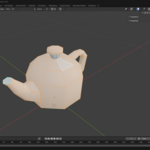
Blender will automatically create sharp edges between faces that belong to different groups, while keeping faces within the same group perfectly smooth.
You can use the additional panel tools to quickly select all faces sharing a specific ID or clear group assignments as you modify your mesh topology.
Have questions about this product?
Login to message
| Blender Extension Compatible | Yes |
| Dev Fund Contributor | |
| Published | 5 months ago |
| Blender Version | 4.2 - 5.1 |
| Extension Type | Add-on |
| Render Engine Used | Cycles, Eevee |
| License | GPL |
