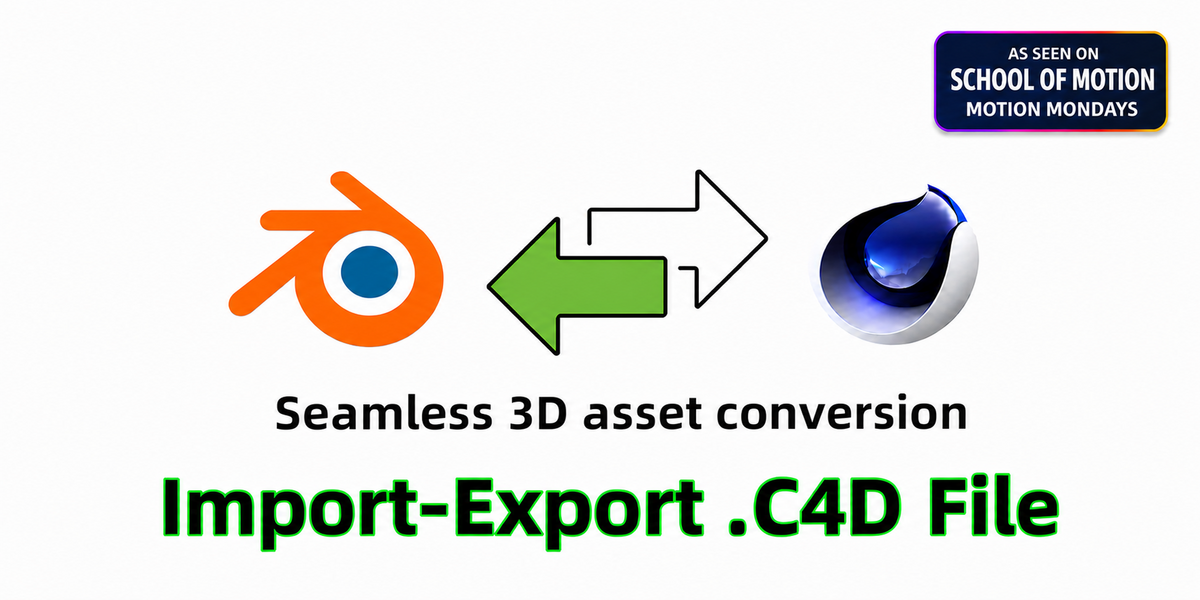
Maxon Cinema 4D File Import-Export (.c4d)

blenderVfxMaster in Import & Export

Maxon Cinema 4D File Import-Export (.c4d File) - Documentation

📦 Plugin Documentation
The Maxon Cinema 4D File Import-Export (.C4D File) plugin, developed by blenderVfxMaster, enables seamless integration between Blender and Cinema 4D by allowing users to import and export .c4d project files directly within Blender. This plugin eliminates the need for Cinema 4D to be installed, streamlining workflows for artists and studios working across both platforms.
Installation
🔧 Installation Guide
Download the Plugin:
Obtain the .zip file from the Superhive product page.
Install in Blender:
1. Open Blender.
2. Navigate to Edit > Preferences > Add-ons.
3. Click Install, select the downloaded .zip file, and confirm.
Enable the Plugin:
1. In the Add-ons list, search for Maxon Cinema 4D File Import-Export.
2. Check the box next to the plugin to activate it.
Import
📥 Importing .c4d Files
1. In Blender, go to File > Import > Maxon Cinema 4D File (.c4d).
2. Browse and select the .c4d file you wish to import.
3. In the import options, choose the asset types you want to include (e.g., models, animations, materials).
4. Click Import Maxon Cinema 4D File to begin the import process.
Note: Importing large .c4d files may take some time. Please be patient during the process.
Export
📤 Exporting .c4d Files
1. In Blender, navigate to File > Export > Maxon Cinema 4D File (.c4d).
2. Choose the destination path and filename for the exported .c4d file.
3. In the export options, select the asset types you wish to include in the export.
4. Click Export Maxon Cinema 4D File to initiate the export process.
Note: The plugin will convert Blender assets into the .c4d format, making them compatible with Cinema 4D.
Important
⚠️ Important Considerations
• Ensure you're using a legitimate version of Blender for optimal compatibility.
• While the plugin supports a wide range of assets, some complex materials or animations may require adjustments post-import/export.
• The plugin is designed to function without Cinema 4D installed, simplifying the workflow between Blender and Cinema 4D files.
$12

Support Period Included

Includes 12 months of

Extend this product’s Support Period +12 months: 50% of product price

Have questions before purchasing?
Login to message

Details
Sales 500+
Rating
4 ratings
Published almost 2 years ago
Blender Version 3.6 - 5.2
Extension Type N/A
License