Mbg - Building Generator Geometry Nodes
 Abbos Mirzaev


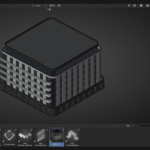
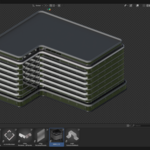
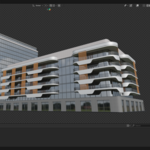
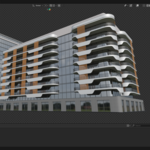
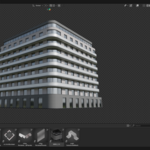
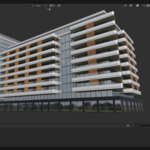
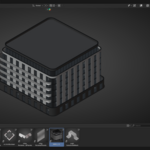
Usage Overview:
Open the provided .blend file (or node tree) in Blender.
Select the base object (for example, a plane) and apply the node modifier.
Use the parameter panel to control building height, roof style, facade layout, etc.
Choose or import your preferred material or texture and assign it either through the default options or your custom setup.
Duplicate, adjust and repeat to build your scene’s architecture quickly while maintaining consistent style and variation.
Technical Notes:
Includes structured node tree, material library, and modular assets.
Works in Blender version (please check version compatibility in the original product listing).
Render ready for both Eevee and Cycles — you may want to optimise depending on your scene complexity.
Good practice: before populating a large scene, test variations on one building for performance and style alignment.
$50
Have questions about this product?
Login to message
| Rating | 1 ratings |
| Published | 11 months ago |
| Blender Version | 4.4 - 4.5 |
| Render Engine Used | Cycles |
| License | Royalty Free |