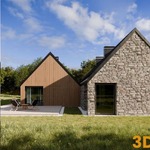
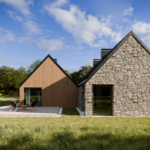
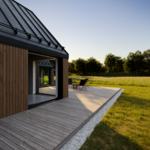
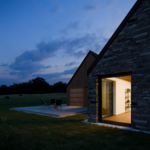
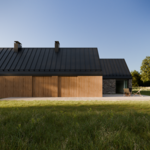
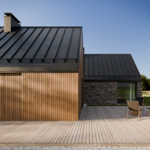
Meadow House - Complete Project - Ready To Render Scene

- - When opening the blend file, there will be a popup window regarding the script, you need to click Allow
- - To change for a different camera, you just choose between the scenes
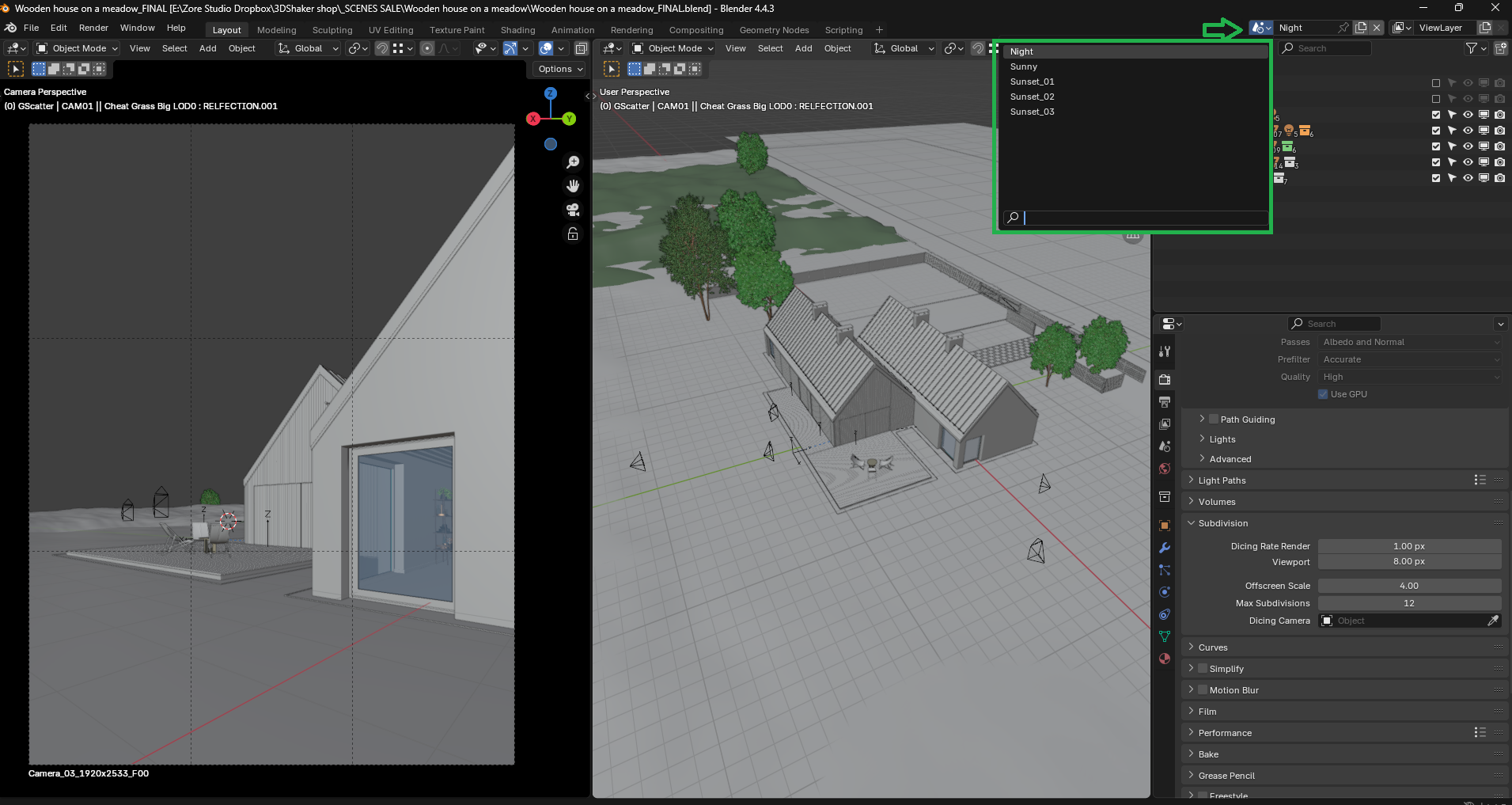
Easy switch between scenes here after allowing execution of the included script:

If you have problem loading there a few tips you can try out
SIMPLIFY:
Go to Render Properties tab (the camera icon Scroll down to Simplify)
- Enable it and set:
Max Subdivision: 1
Texture Size Limit: 1024
TEST: Render with CPU (For Testing)
Go to Edit > Preferences > System
Under Cycles Render Devices, choose CPU
Then render (F12)
If it works with CPU, the GPU is likely running out of memory.
USE SMALLER TILES
Go to Render Properties > Performance
Set Tiles to 256x256 (or even 128x128)
Smaller tiles use less memory per tile.
Have questions about this product?
Login to message
| Sales | 80+ |
| Published | over 1 year ago |
| Blender Version | 4.4 |
| Render Engine Used | Cycles |
| Misc Data | Uvs-Unwrapped, Textured |
| License | Royalty Free |