 Dynos
MEASURIX 1.3.0 | BLENDER 4.2+
Measure and document your models in Blender
Create dimensions and annotations in the 3D Viewport, then export drawing sheets and tabular reports from your scene.
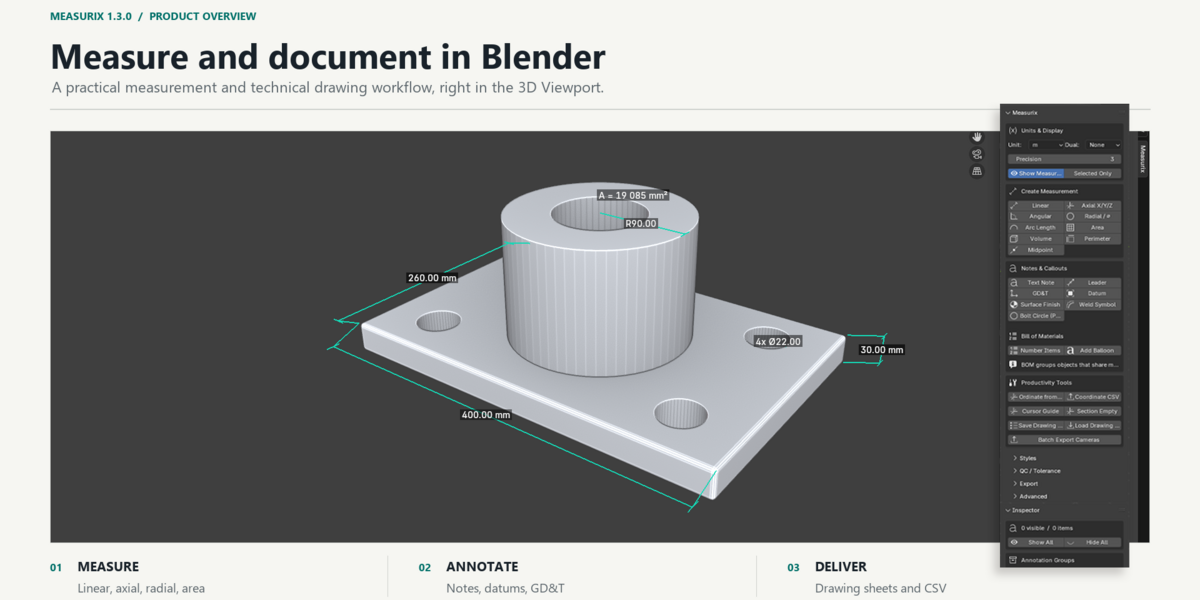
Measurix adds a technical measurement and drawing workflow to Blender. Create dimensions from selected mesh elements or objects, organize their appearance, add callouts, and prepare camera-based drawing sheets without moving your model to another application.
When a measurement is created from supported mesh vertices or faces, Measurix can retain references to that geometry so the measurement can update as the source geometry changes. Results depend on the measurement type and the source selection; review important dimensions after substantial topology edits.
Measurement tools
-
Linear: straight-line distance between points; in Edit Mode, selected edges can each produce a dimension.
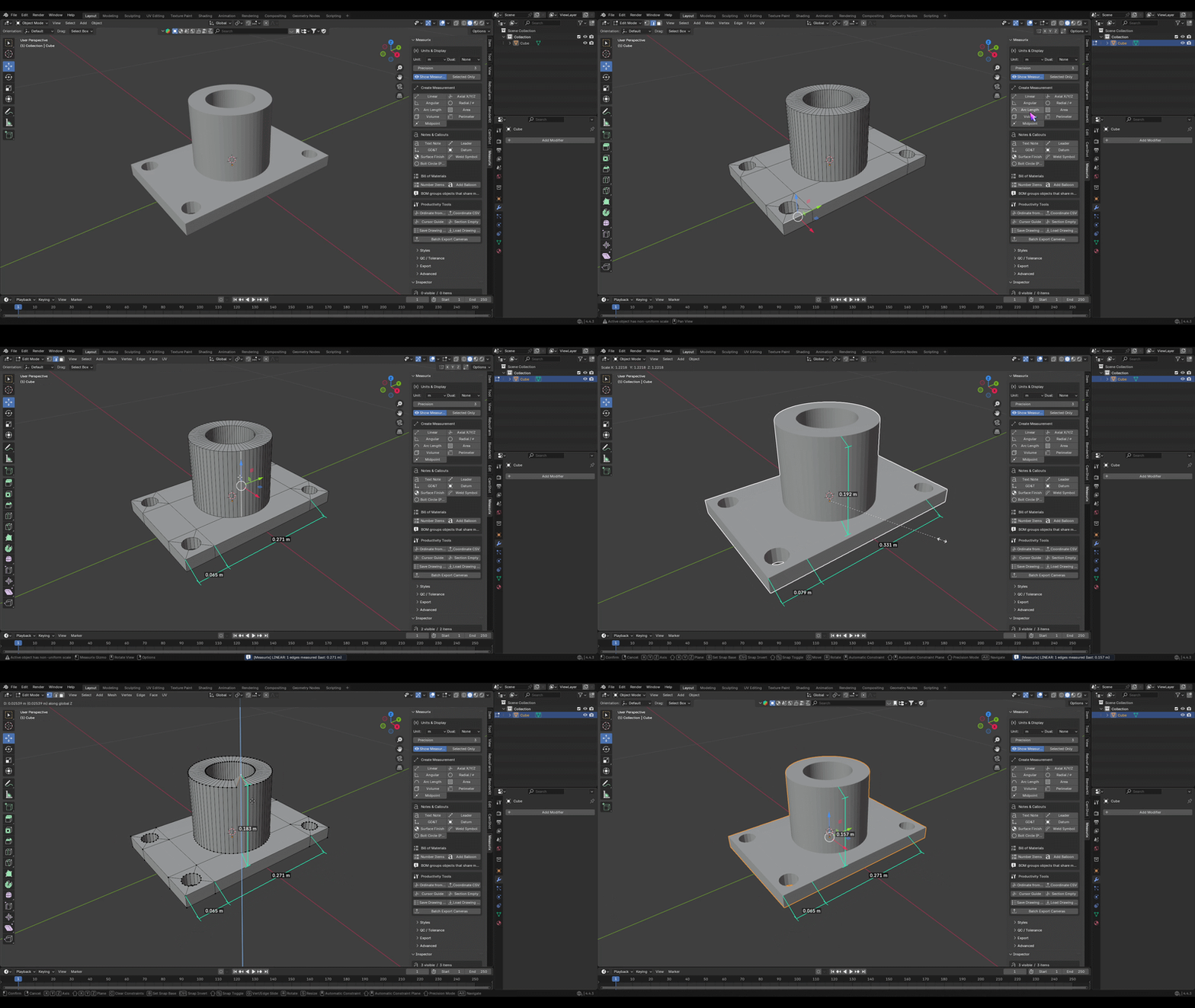
- Axial: distance components along X, Y, and Z.
-
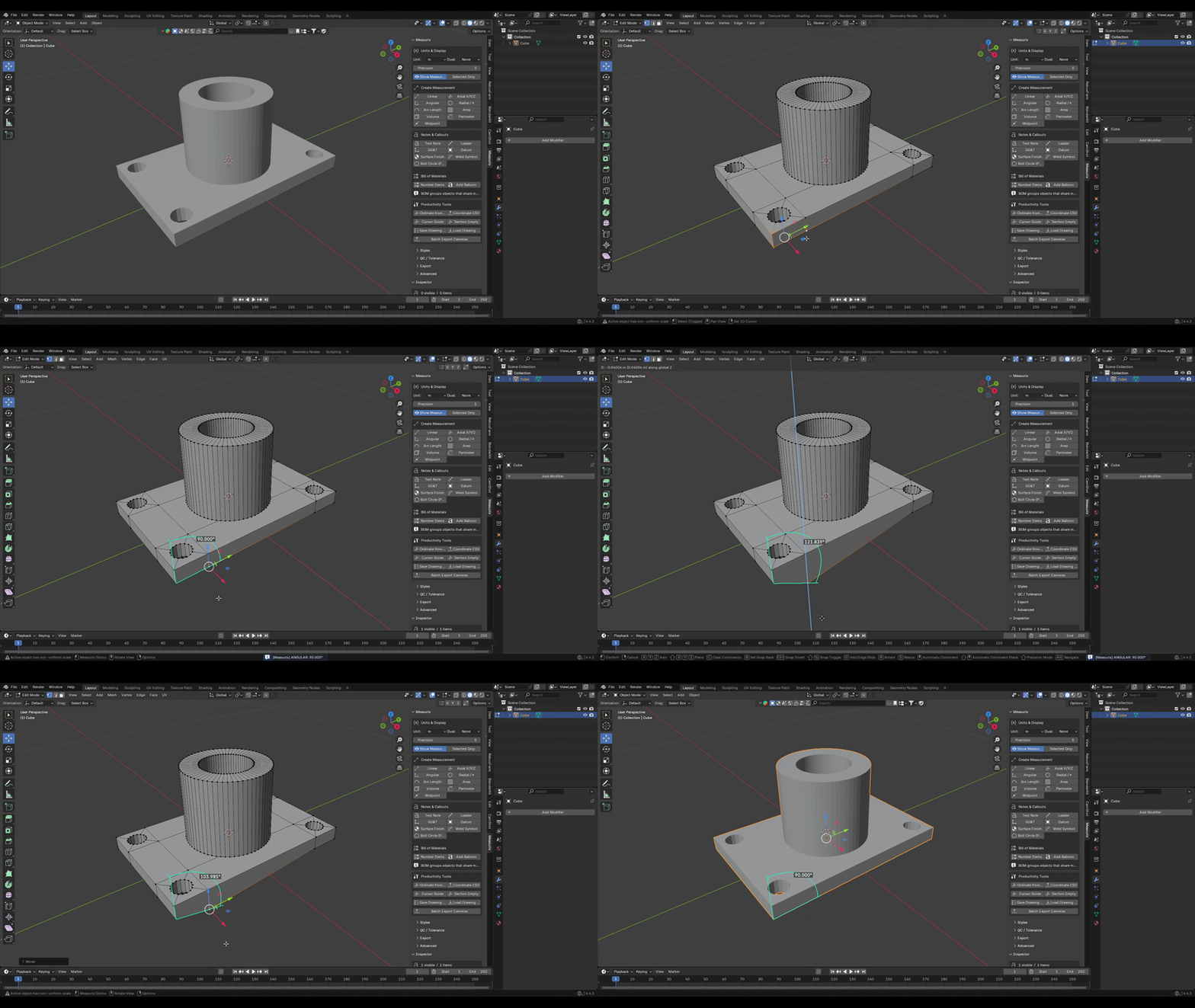
Angular: angle from a three-vertex selection, two selected edges, or two selected faces.
-
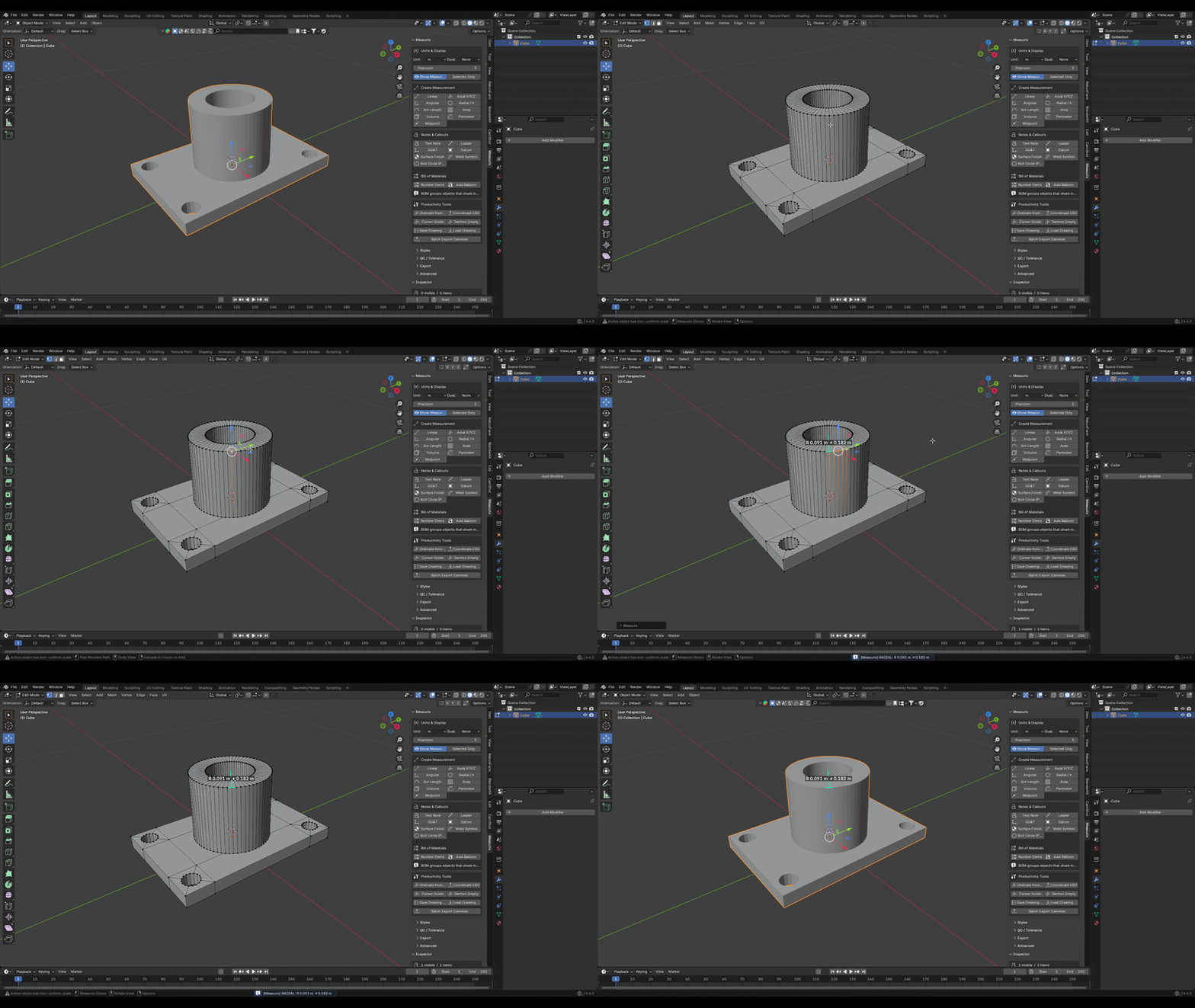
Radial: radius or diameter from supported circular edge selections.
-
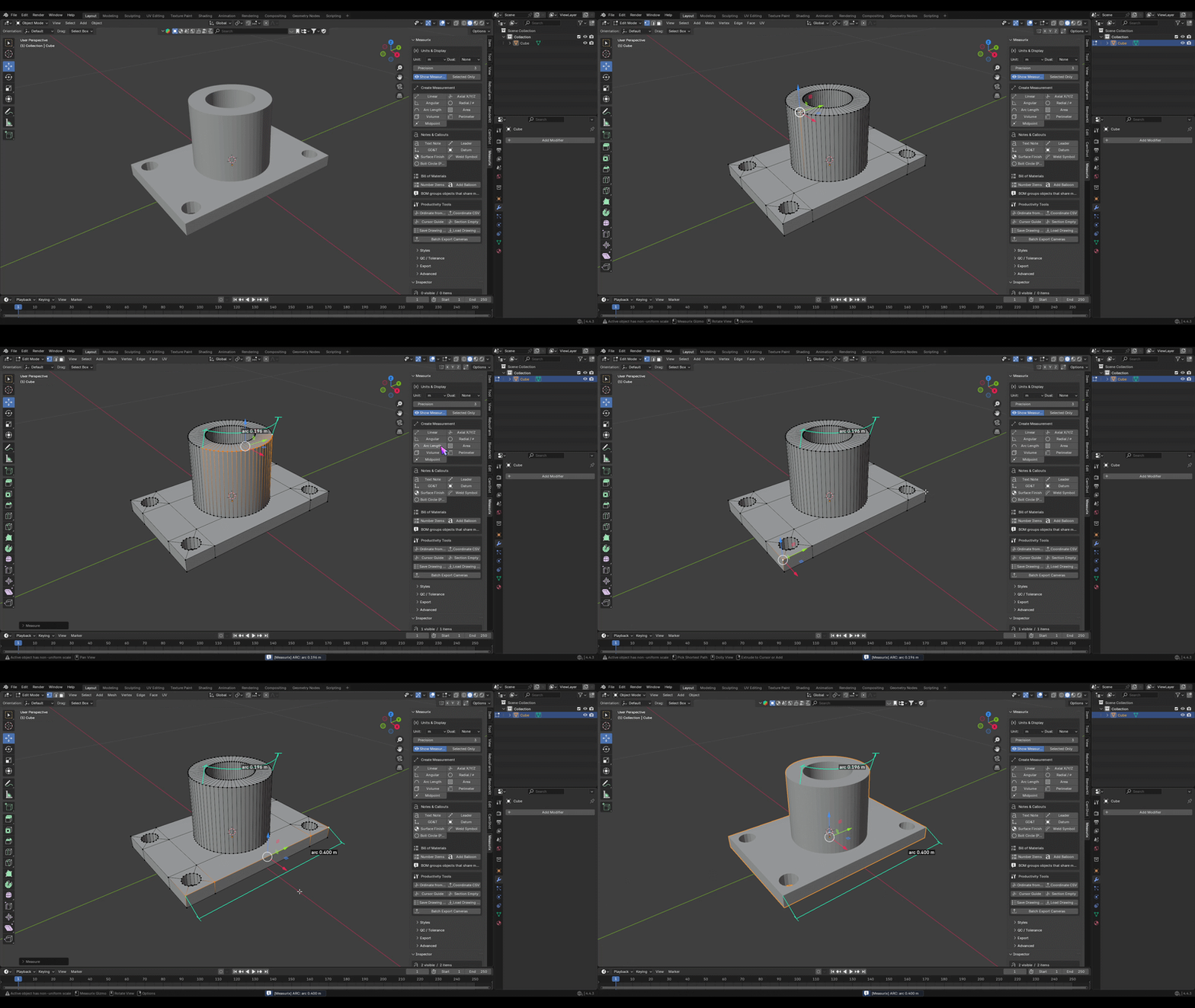
Arc length: length along a selected edge chain.
- Area and perimeter: measurements of selected mesh faces.
- Volume: volume measurement for a closed mesh object.
- Centerline / midpoint: midpoint annotations and related dimension tools.
- Auto Measure: chooses a measurement operation based on the current selection.
Additional workflows include continuous and baseline measurement, ordinate dimensions from the 3D Cursor, object XYZ bounds, bolt-circle callouts, dimension chains, and delta/tolerance-stack analysis.
Units, styles, and annotations
- Metric and imperial units, optional dual-unit display, and adjustable decimal precision.
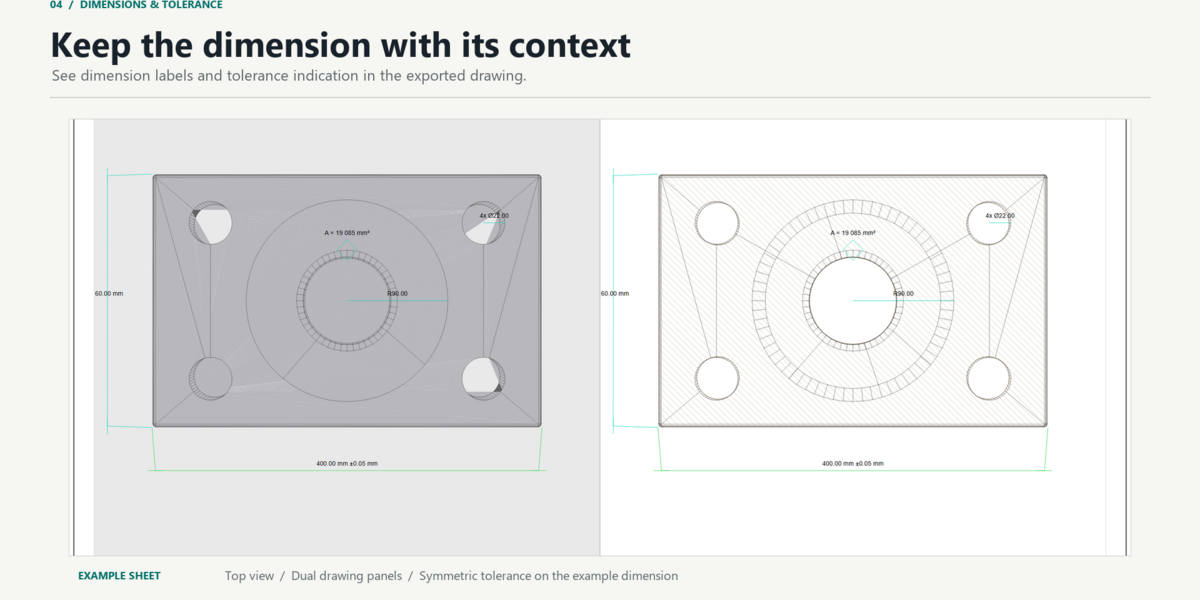
- Symmetric and deviation tolerance fields, nominal values, reference dimensions, and dimension locking.
- Dimension styles for line and text appearance, arrowheads, offsets, and related drawing settings.
- Notes, leaders, datum markers, GD&T frames, surface-finish symbols, weld symbols, and BOM balloons.
- Snapping is enabled by default. Snap options are available in the collapsed Advanced section of the Measurix panel.
Drawing sheets and reports
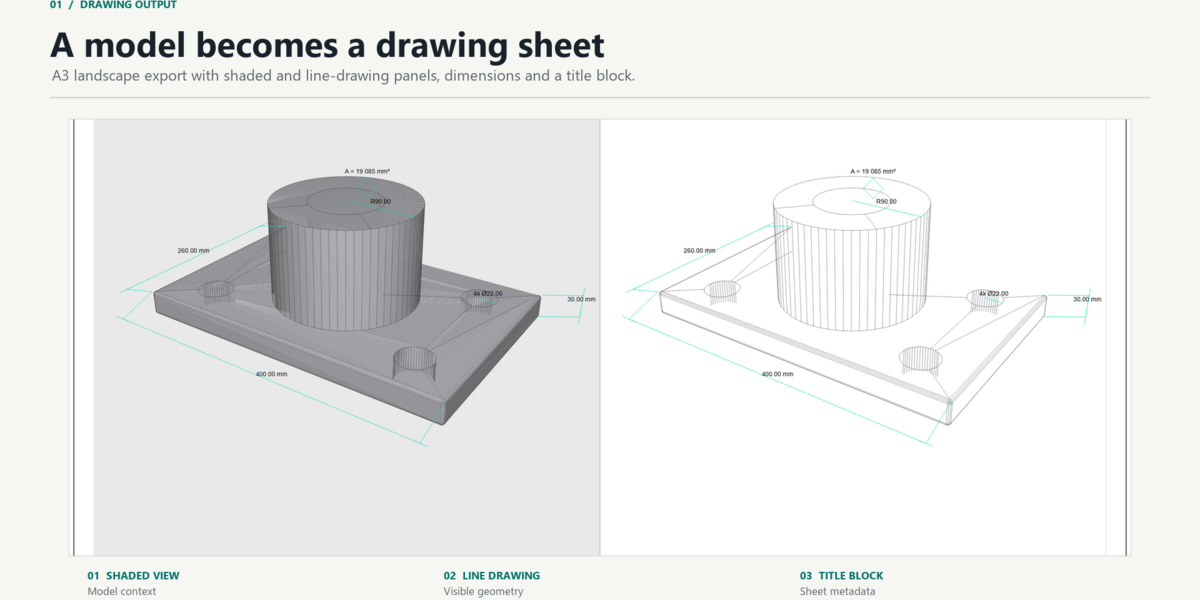
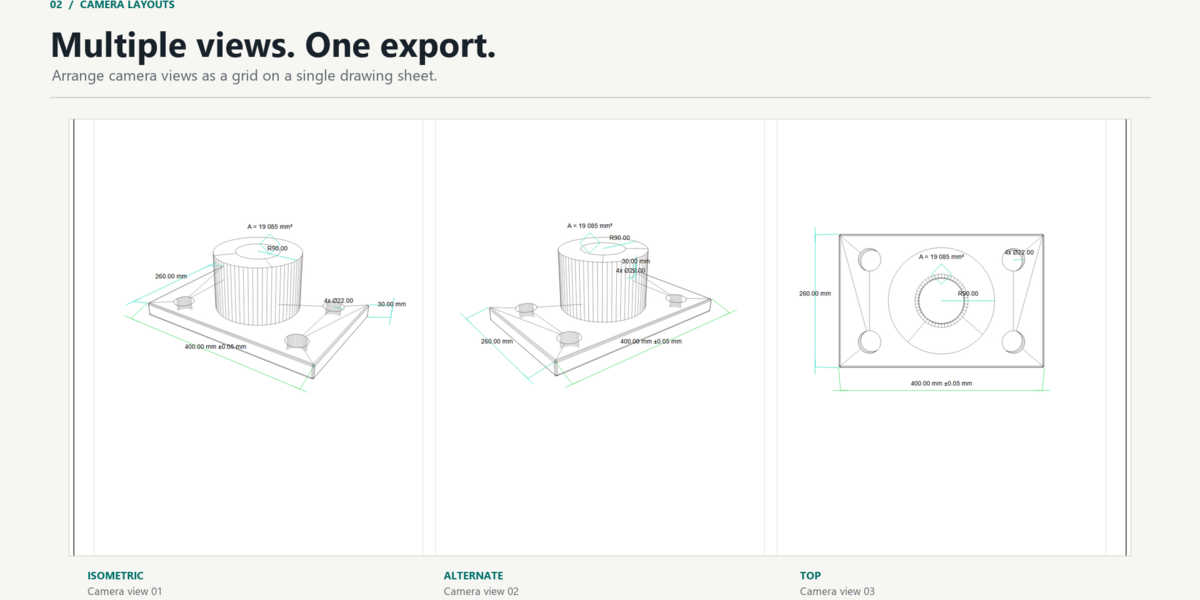
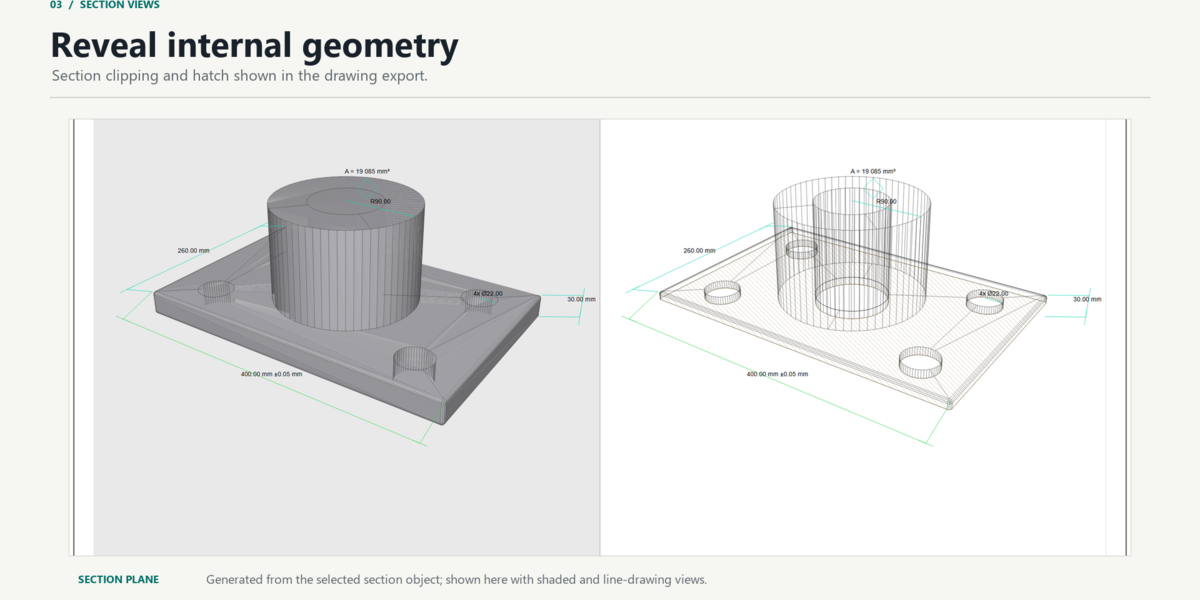
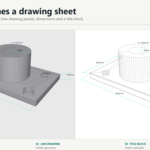
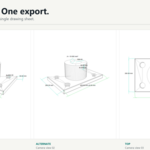
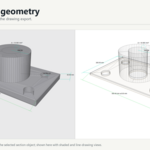
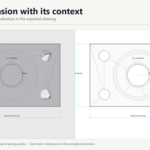
Export camera-based drawing sheets as SVG, PDF, or JPG. A sheet can include shaded and line-drawing views, dimensions, a title block, and—when configured—a section view with hatch. Use one sheet per camera or arrange cameras in a grid. Batch export is available for scene cameras.
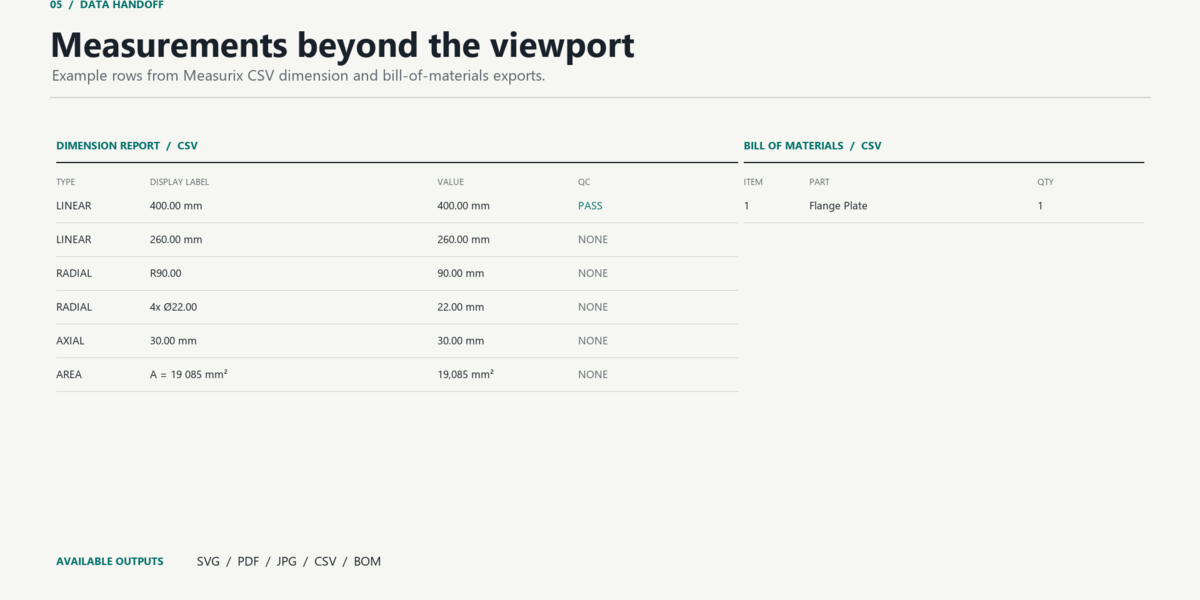
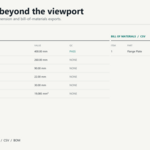
Measurix also exports CSV dimension/QC reports, BOM CSV, and hole or feature coordinate tables. Drawing Readiness checks report setup items to review before drawing export; they do not modify the scene.
Quick start
- Install the Measurix ZIP from Blender Preferences using Install from Disk, then enable the add-on.
- In the 3D Viewport, press N and open the Measurix tab.
- Set the scene units and precision. In Edit Mode, select the vertices, edges, or faces required for the chosen measurement and click its button.
- For a drawing-sheet export, add and frame a camera, set the sheet options, and choose SVG, PDF, or JPG in the Export section.
Compatibility and license
Requires Blender 4.2 or newer. Measurix is distributed under GPL-3.0-or-later and includes its readable Python source. File access is used to write exports to a location you choose. No separate service or license server is required.