 nivarp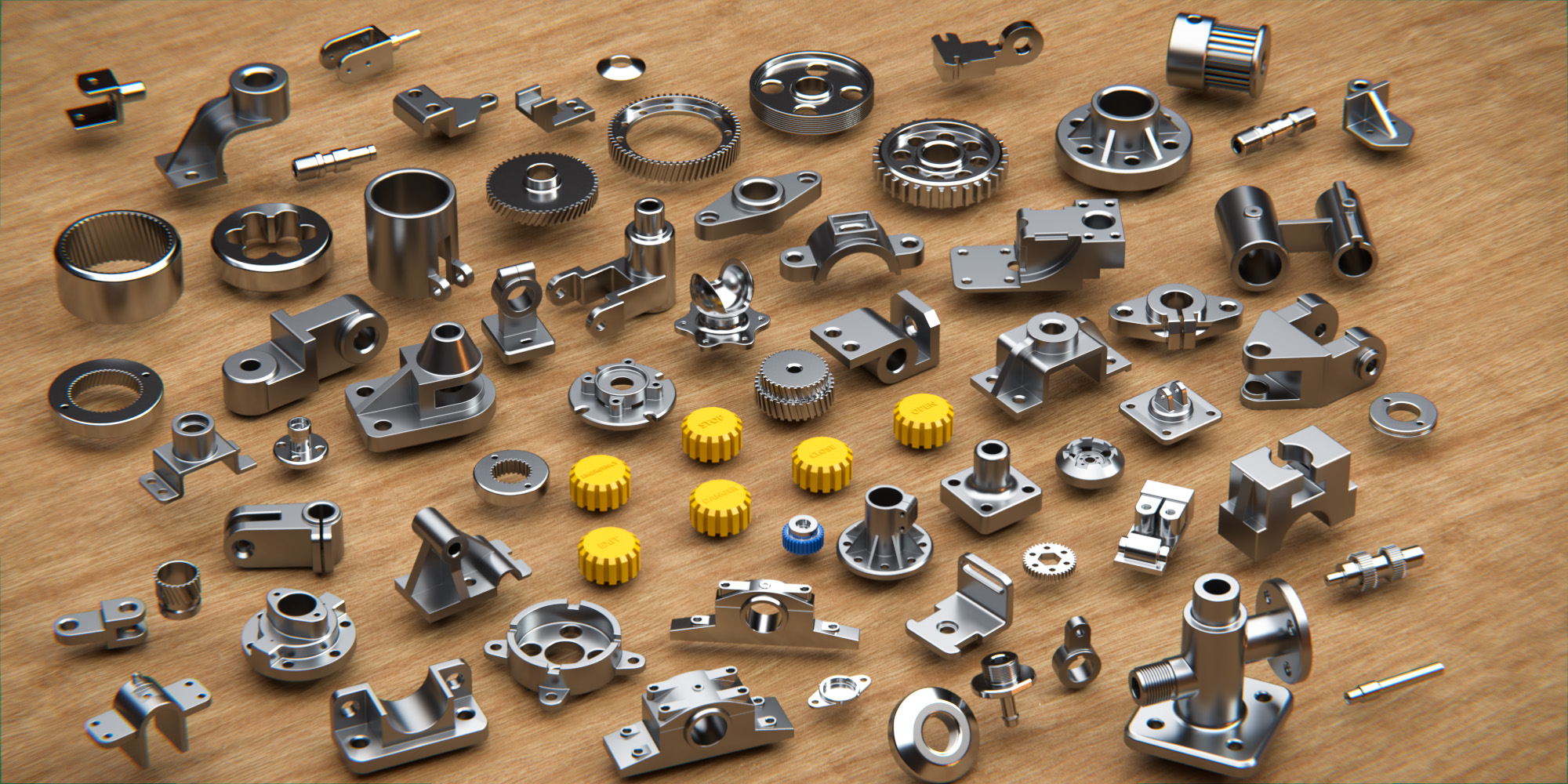


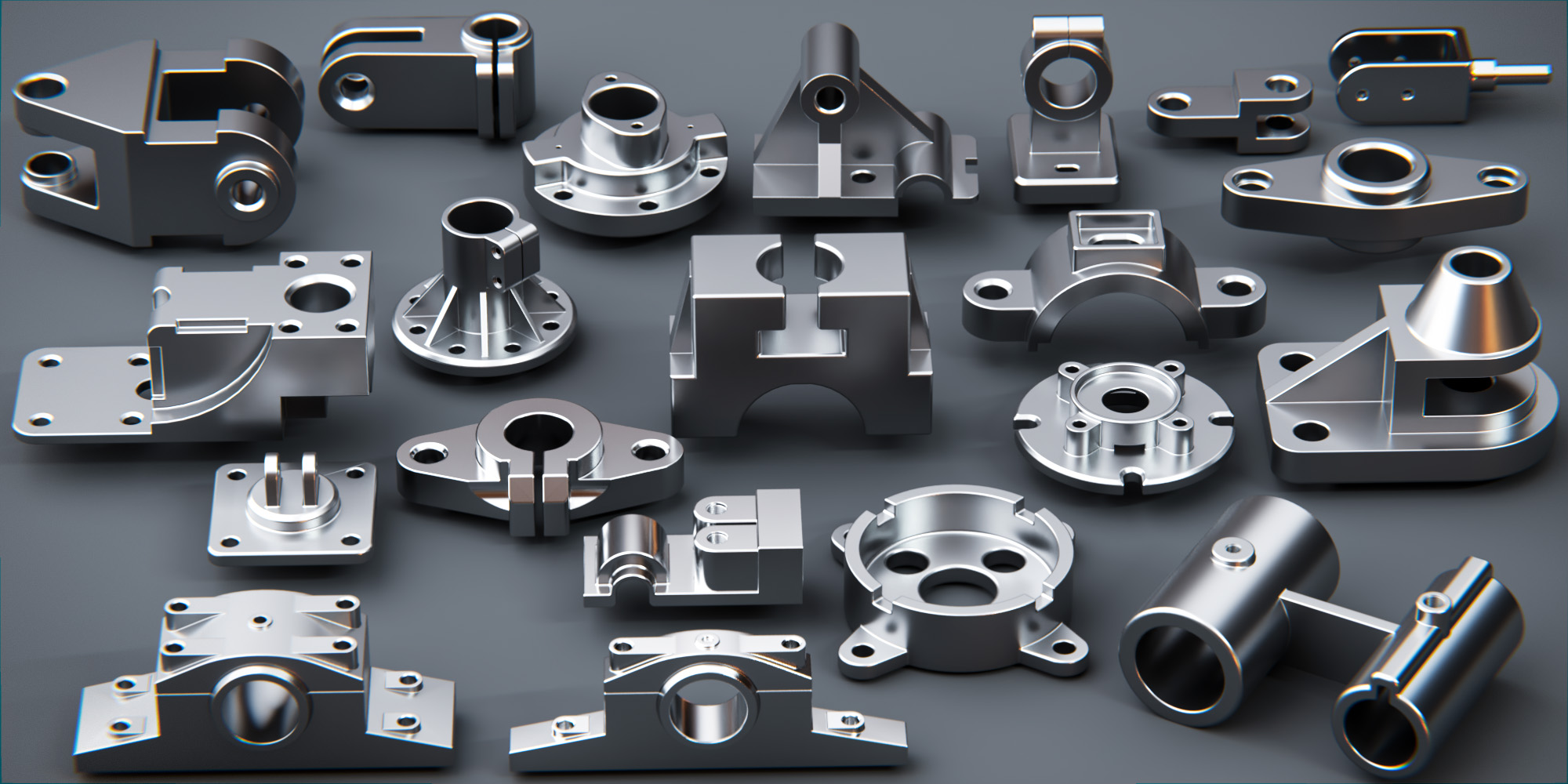

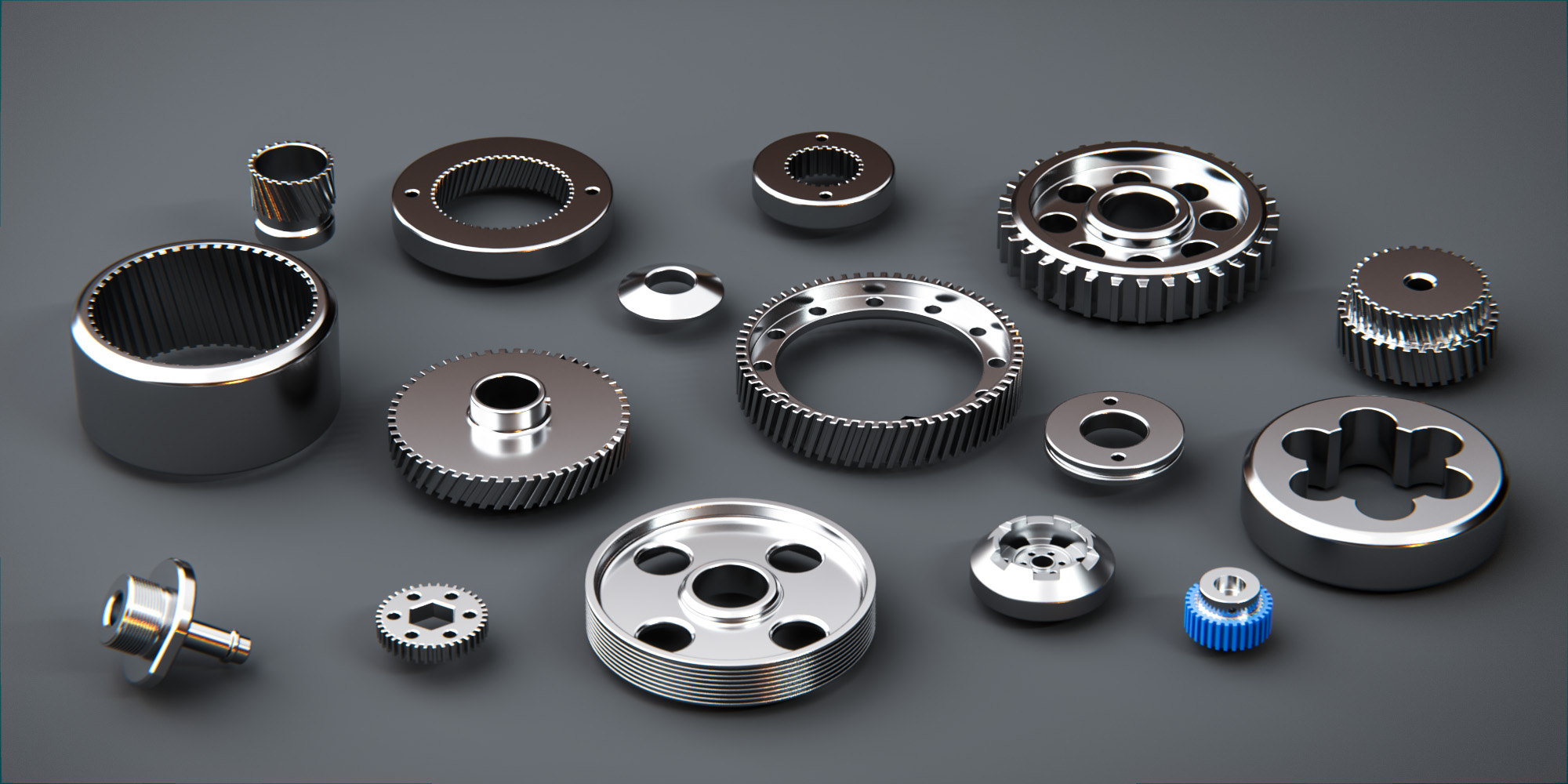

How to install Mechanical components kit Vol. 2 in the Asset Browser
1) go to Edit -> Preferences.
2) Under File Paths, find Asset Libraries.
3) Click the ‘+’ icon to add an Asset Library.
4) Locate the folder where you put the Mechanical components kit blend file
5) click Add Asset Library.
6) In a new .blend file, set the Editor Type to Asset Browser.
7) Change from Current File to the asset pack
$12
Have questions about this product?
Login to message
| Dev Fund Contributor | |
| Published | over 3 years ago |
| Blender Version | 4.2, 4.1, 4.0, 3.6 |
| Render Engine Used | Cycles, Eevee |
| Misc Data | Low-High-Resolution |
| License | Royalty Free |

Discover more products like this
engineering industrial 3d models bfcm23 3d asset library mechanical blender-metal 3d industry winter24 spring24 hardsurface 3d asset pack