Medieval Castle
 Jagan_kumar__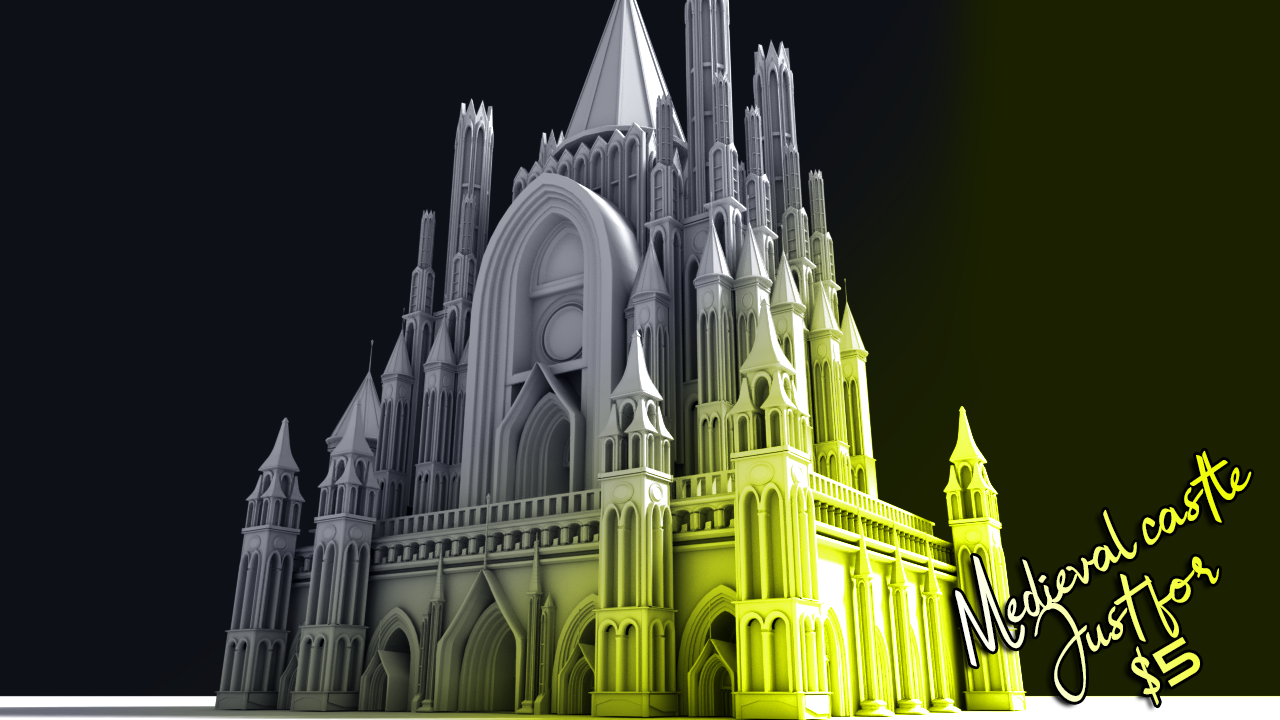
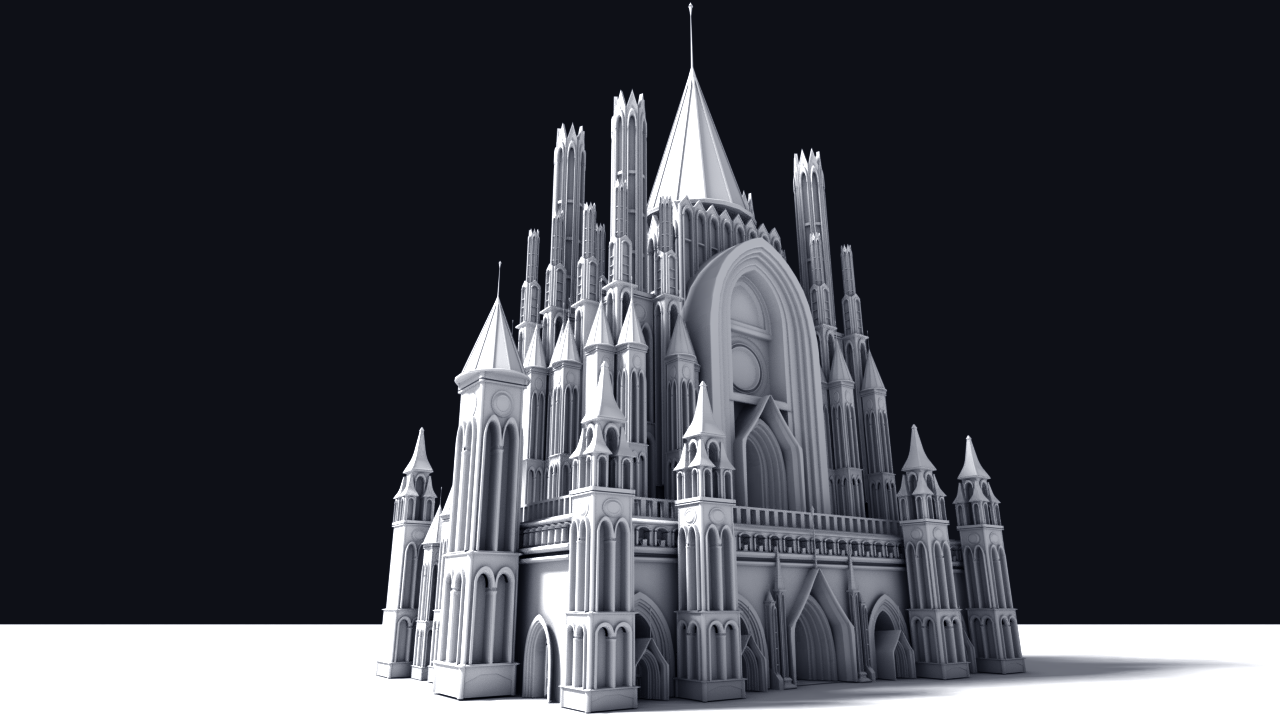
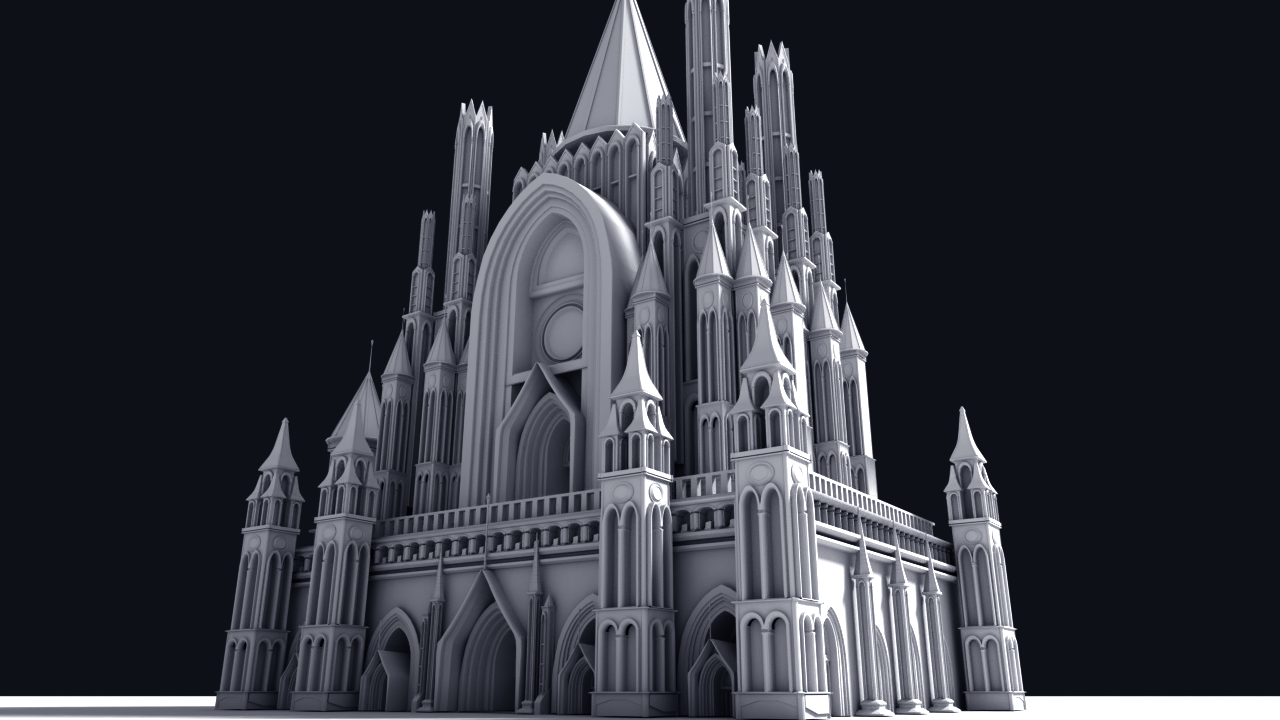
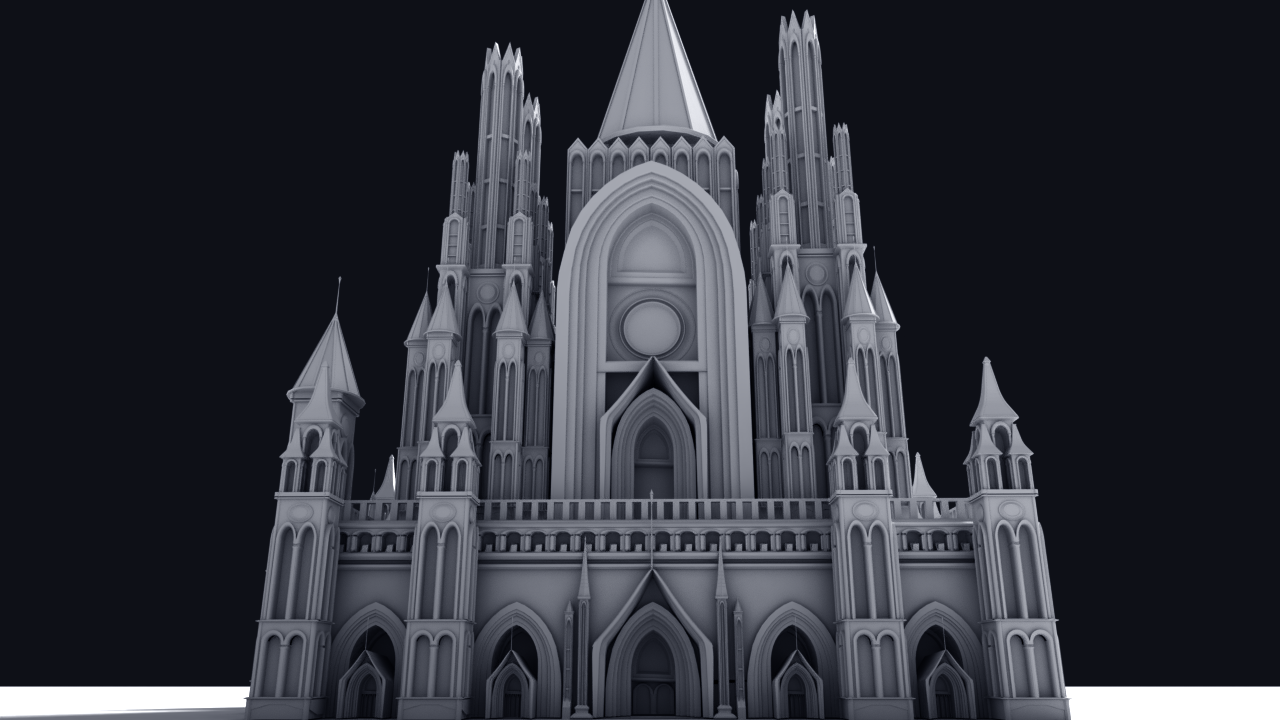
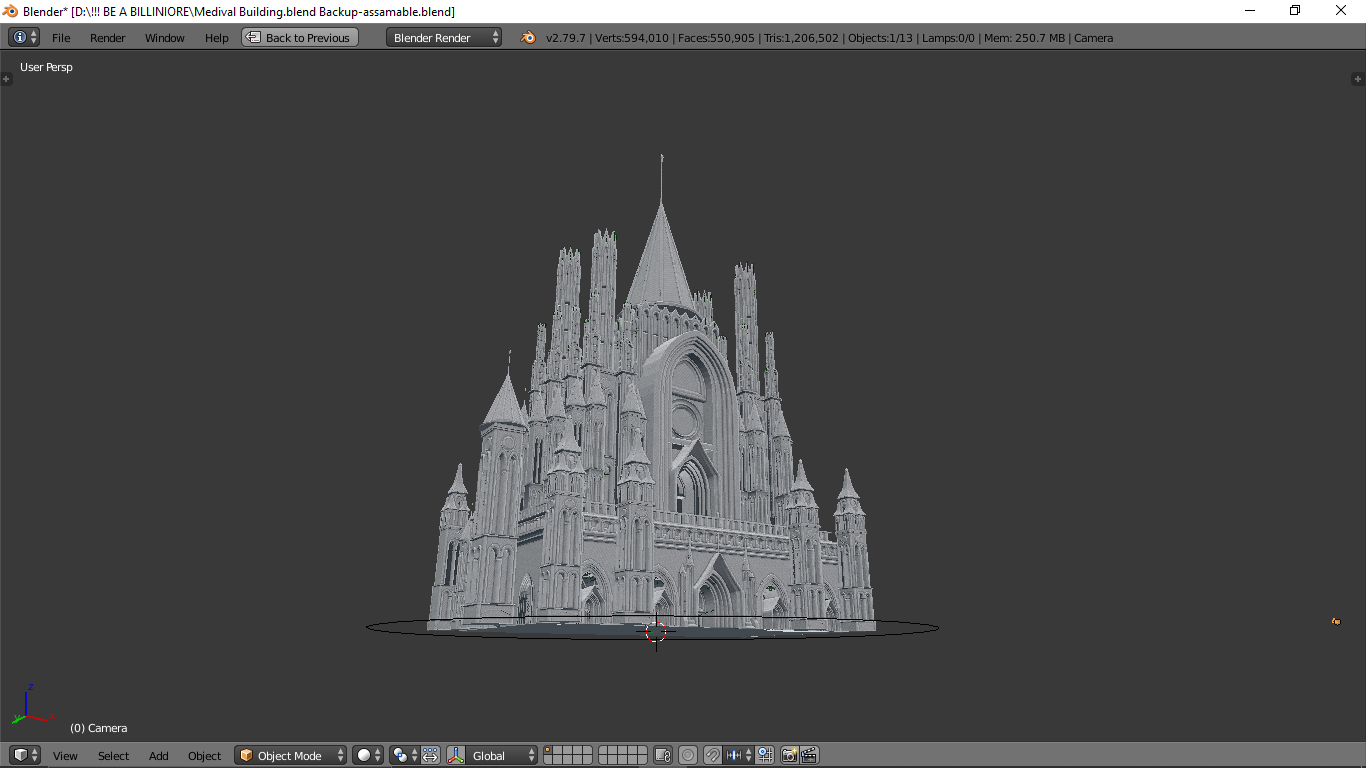
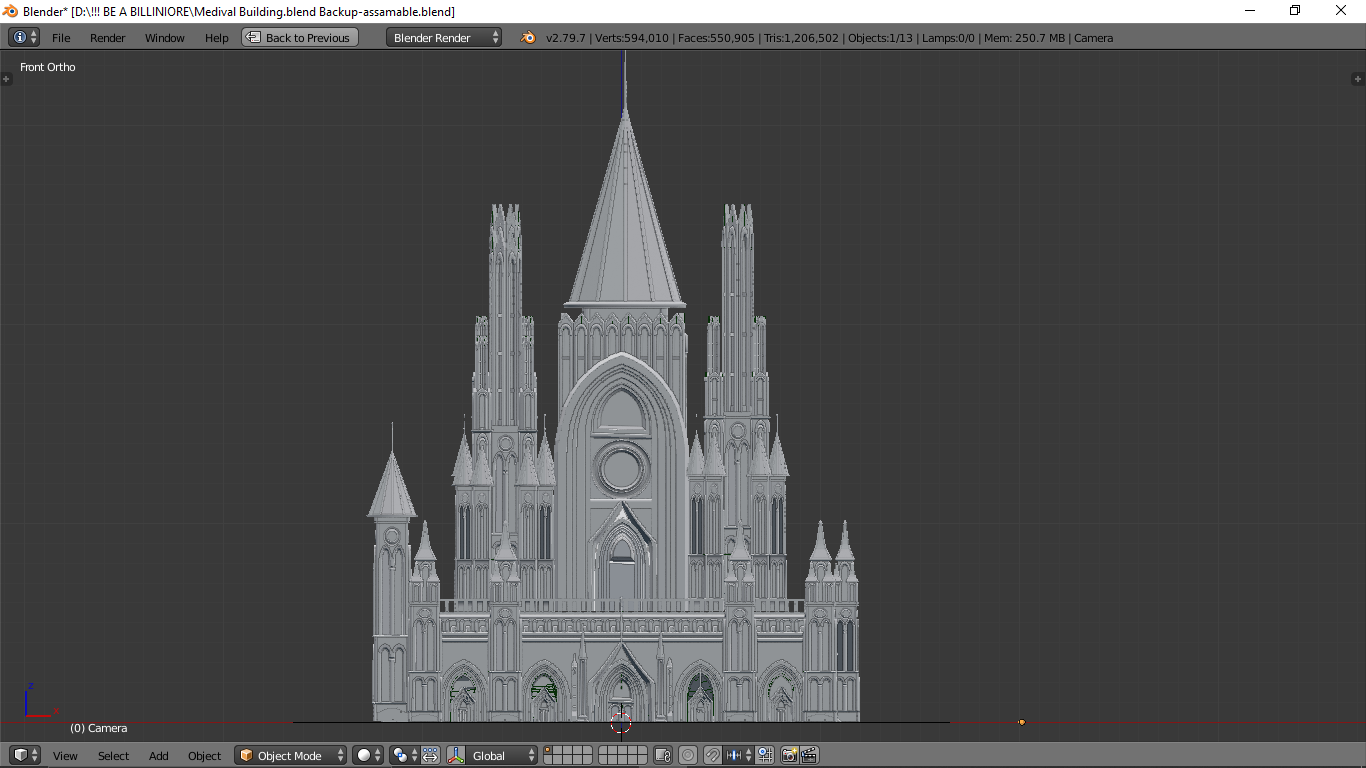
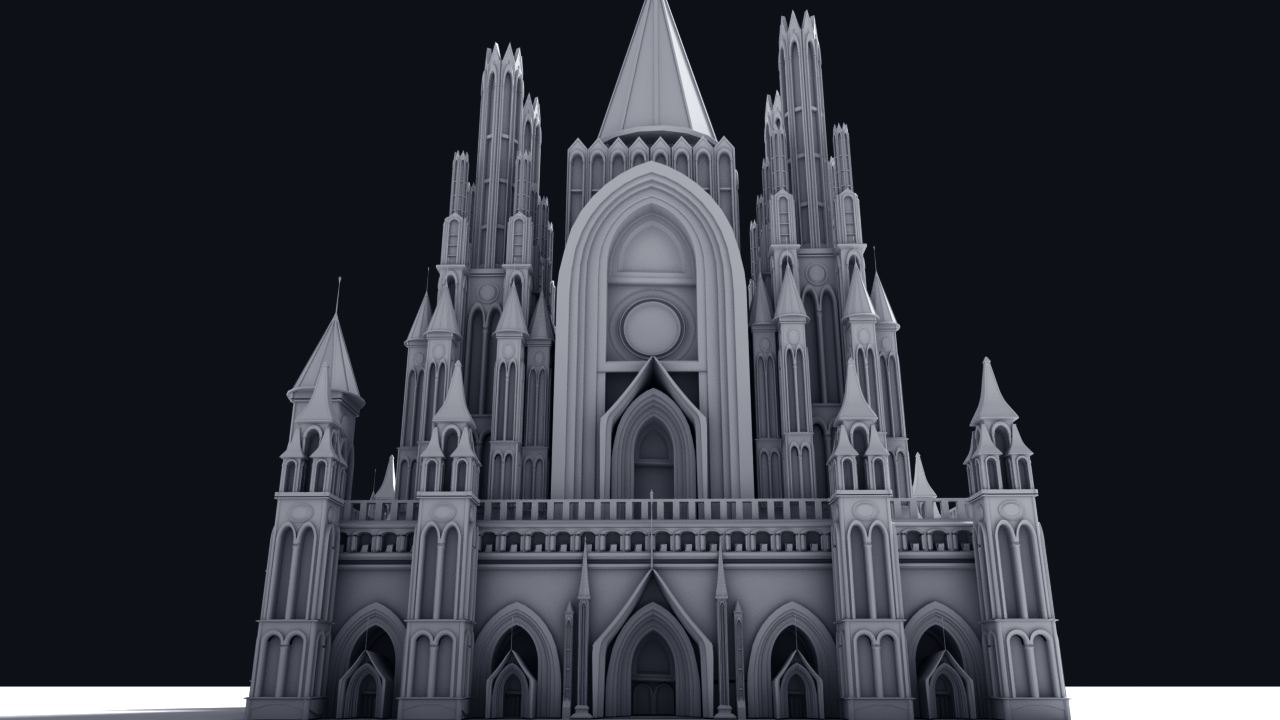
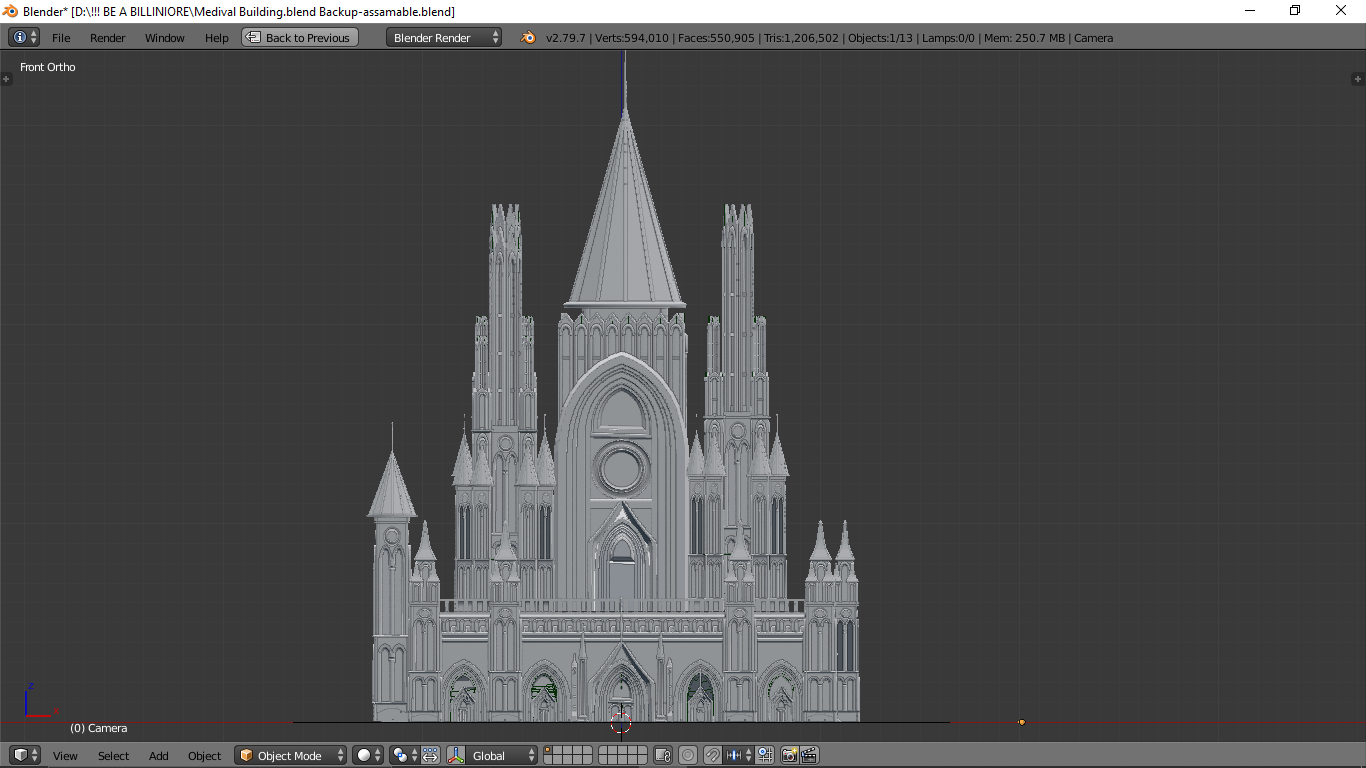
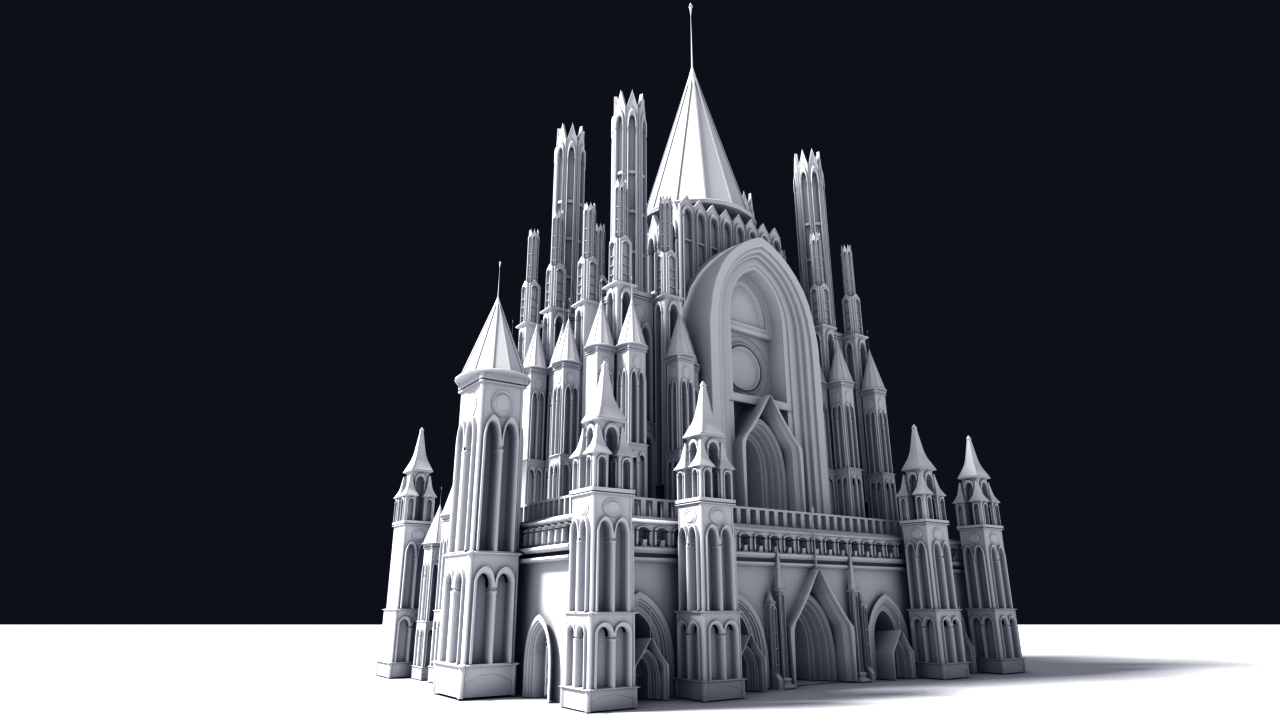
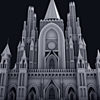
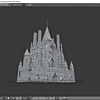
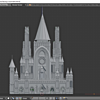
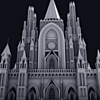
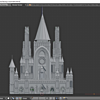
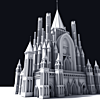
To open the scene in blender press the CTRL+O to open the blend file and navigate the .blend file in folder.
Or you can select it and copy it using CTRL+C and paste it in your scene by pressing CTRL+V.
Ready for texturing.
Have questions about this product?
Login to message
| Sales | 30+ |
| Dev Fund Contributor | |
| Published | over 6 years ago |
| Blender Version | 2.79, 2.8, 2.81, 2.82 |
| Render Engine Used | Arnold, Blender Internal, Blender Game Engine, Cycles, Eevee, Mental Ray, Octane, Vray |
| License | Royalty Free |

Discover more products like this
blender Blender Market 3DsMax buildings architecture model maya vray for blender environments city buillding asset building pack city medieval-house medieval medieval-city vray blender eevee environment nature summer20 ancient Cycles building modo environment setup blenderdiplom environment medieval-asset Medieval Scene blender-279 cinema 4d BFCM modeling bfcm20 eevee environment Enviroment 3ds max evee building asset blender2.7 evee ready city asset zbrush city-assets model pack SketchUp Castle citybuilder3d kitbash blender blender guru cityscape asset Blender.2.7