 ZEG

Installation
- In Blender open Edit, Preferences, Get Extensions, then use Install from Disk and pick the bundle zip (do not unzip it).
- In Edit, Preferences, Add-ons, expand the bundle's entry and click Install all addons. Every addon is installed and enabled.
To install only some addons, unzip the bundle and install the zips you want from its addons folder the same way.
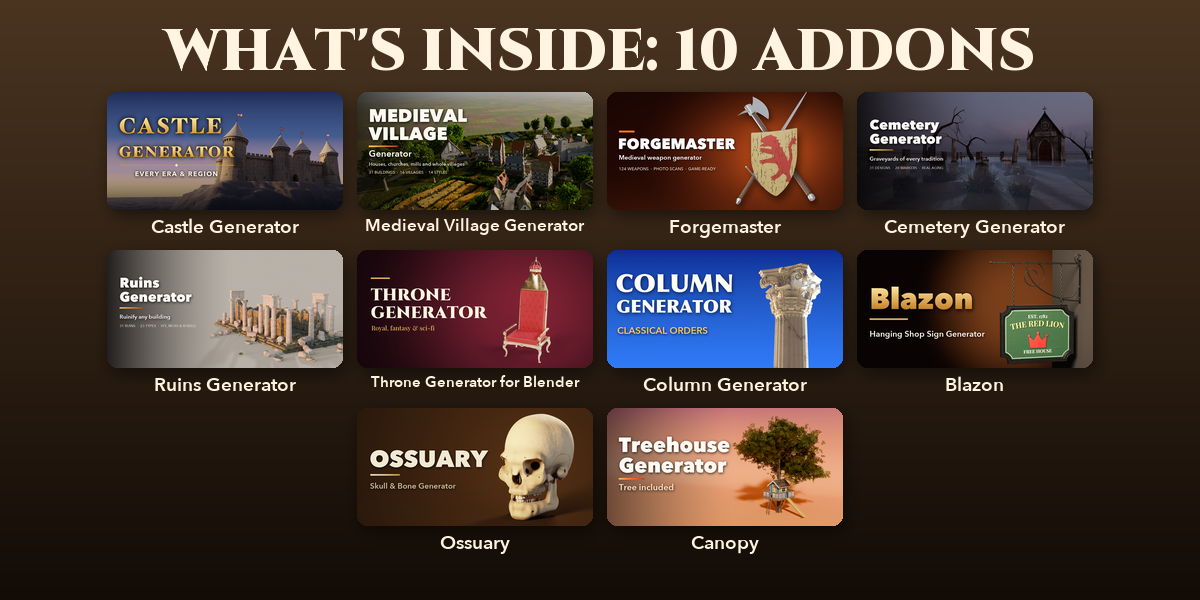
Included addons
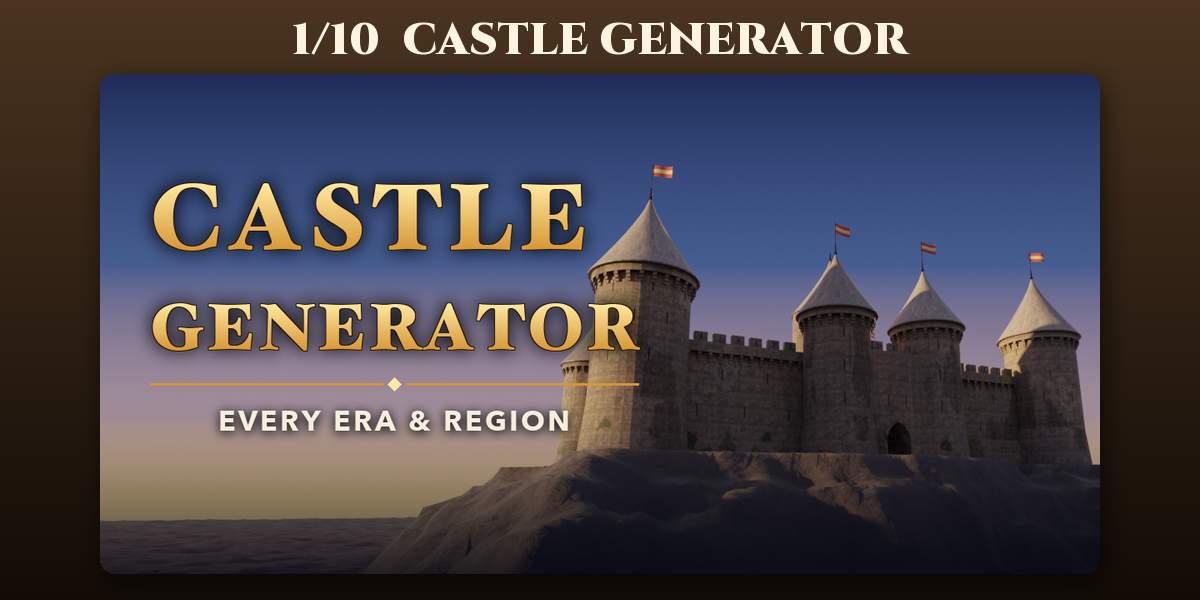
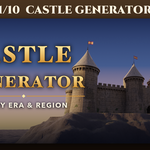
- Castle Generator: Procedural castles and fortresses of every era and region
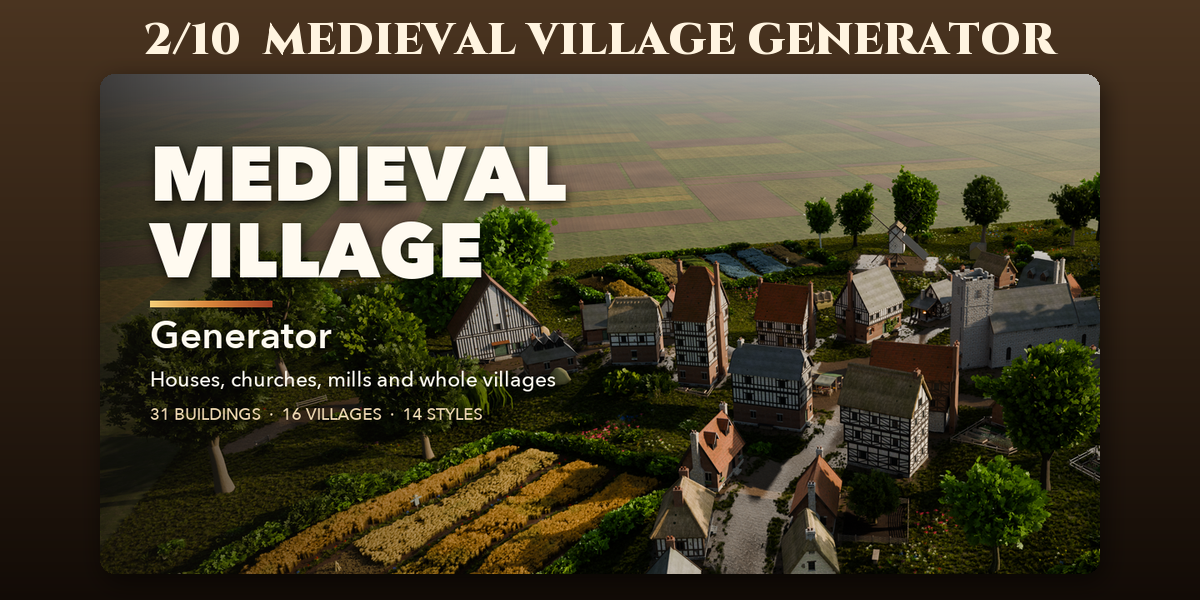
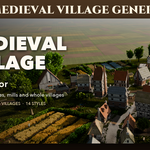
- Medieval Village Generator: Parametric medieval houses, churches, mills and whole villages
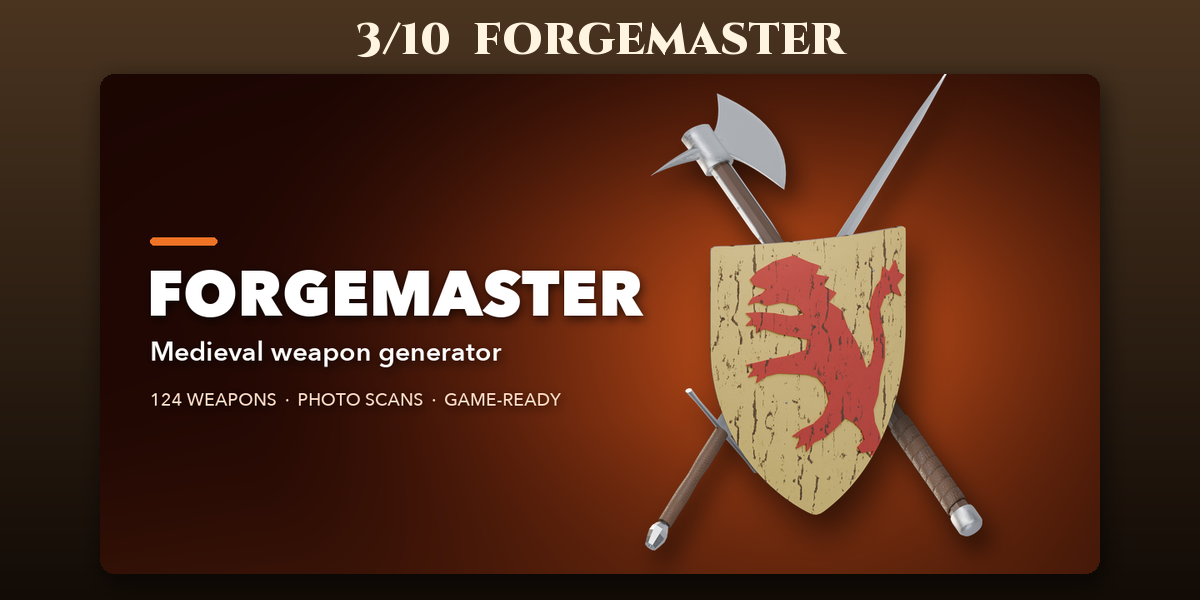
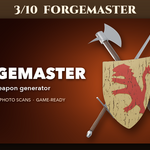
- Forgemaster: Game-ready medieval swords, axes, maces, polearms and shields
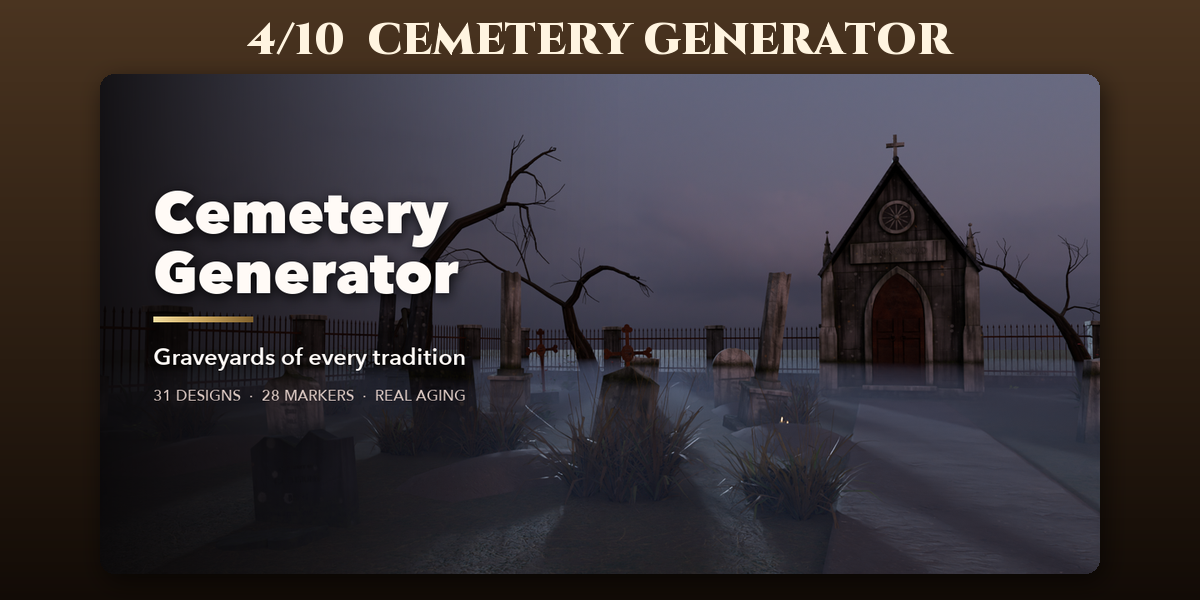
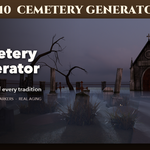
- Cemetery Generator: Graveyards of every tradition: headstones, tombs and mausoleums
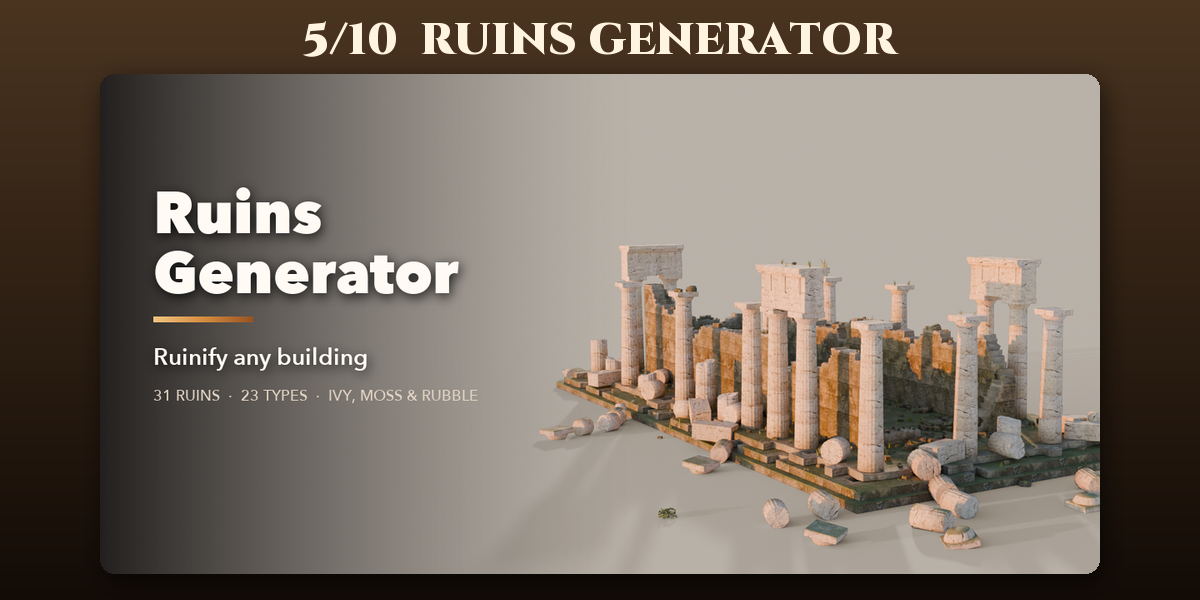
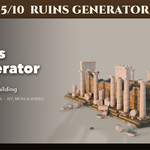
- Ruins Generator: Ruinify any building or build ancient ruins from 31 presets
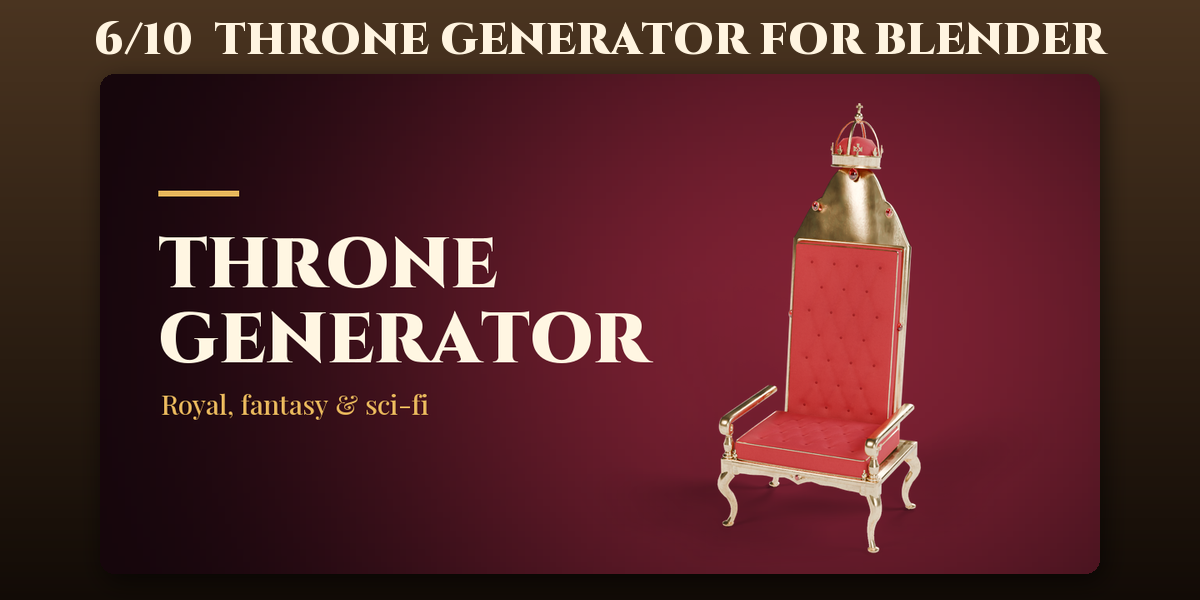
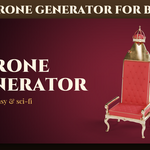
- Throne Generator for Blender: Royal, historic, fantasy and sci-fi thrones with daises
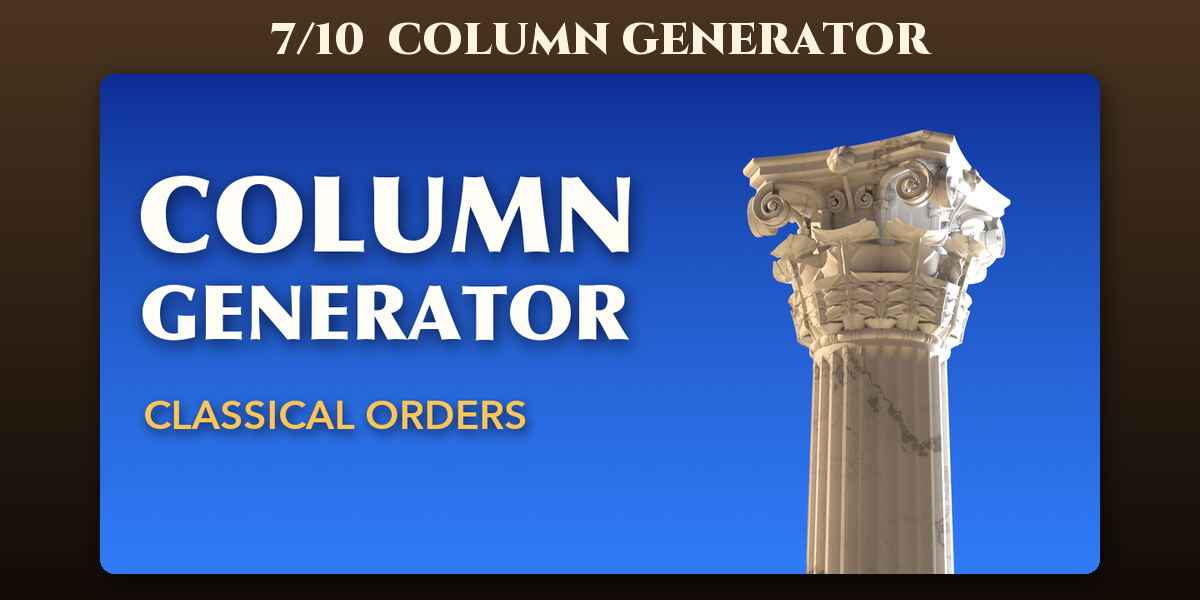
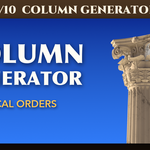
- Column Generator: Classical columns and pillars with fluting, orders and damage
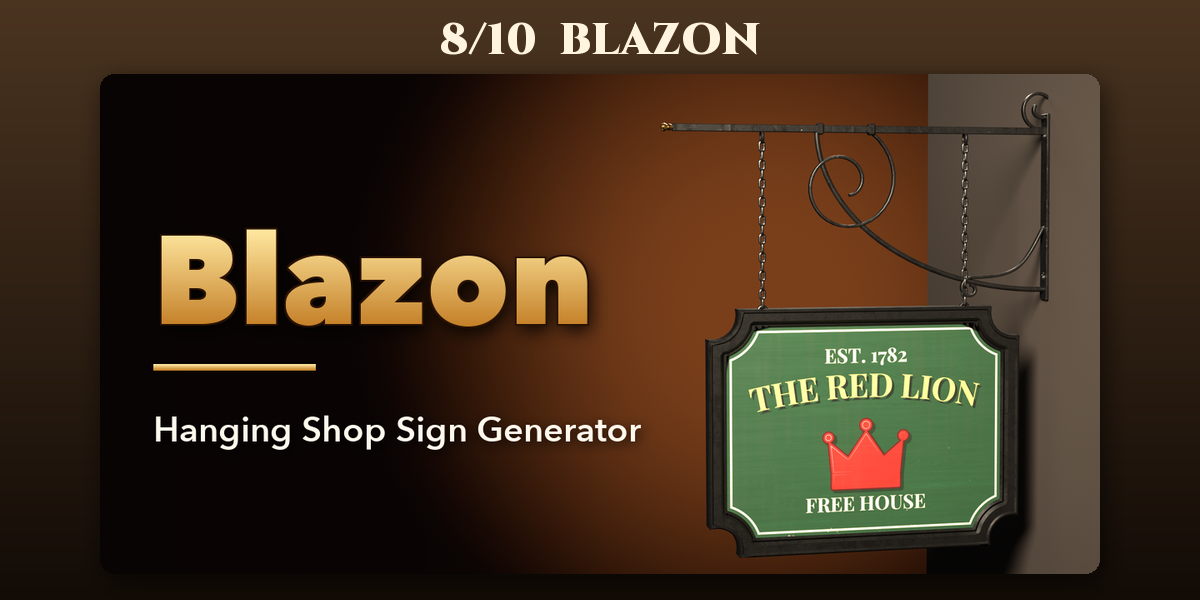
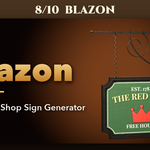
- Blazon: Pub signs, blade signs and wrought-iron brackets
- Ossuary: Human and animal skulls, skeletons and bone piles
- Canopy: Treehouses with platforms, rope bridges and ladders
Each addon has its own tab in the 3D viewport sidebar (N); see each addon's product page for its full guide.
Have questions about this product?
Login to message
| Blender Extension Compatible | Yes |
| Published | about 5 hours ago |
| Blender Version | 4.2 - 5.2 |
| Extension Type | Add-on |
| Render Engine Used | Cycles, Eevee |
| License | GPL |

Discover more products like this
tower architecture keep Game asset fantasy fortress walls medieval procedural Castle Generator environment