Medieval Temple
 Jagan_kumar__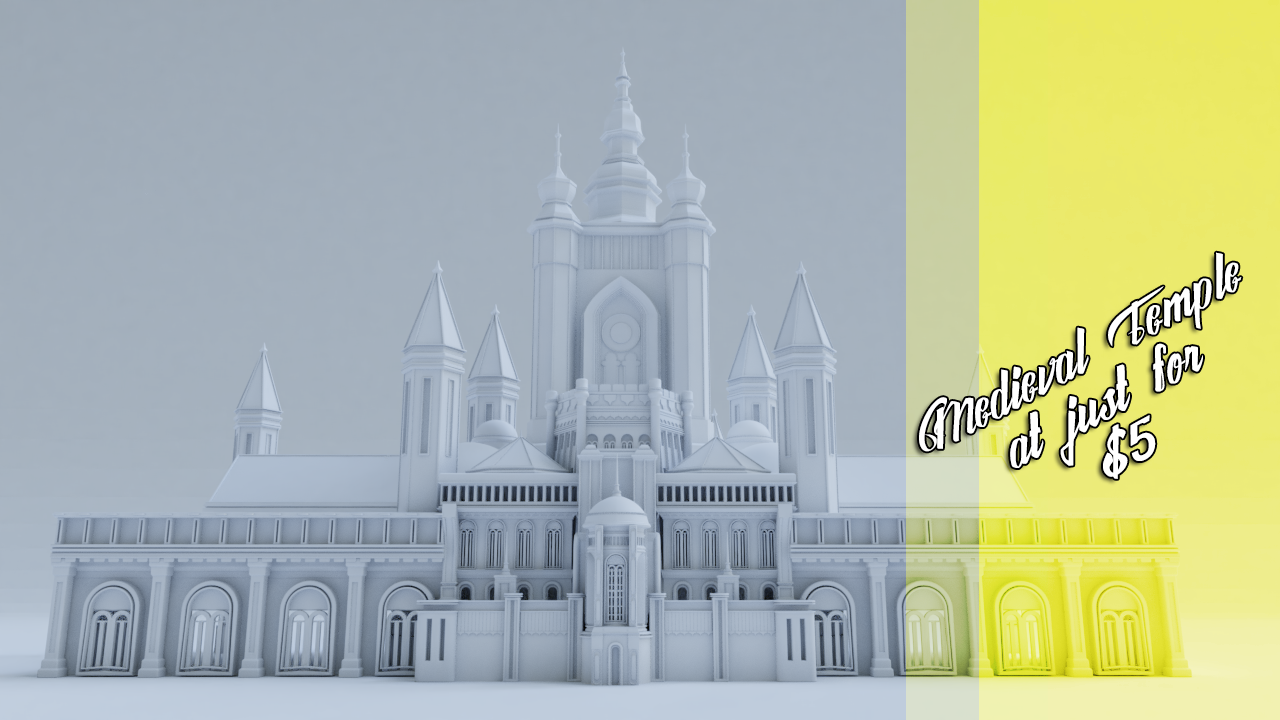
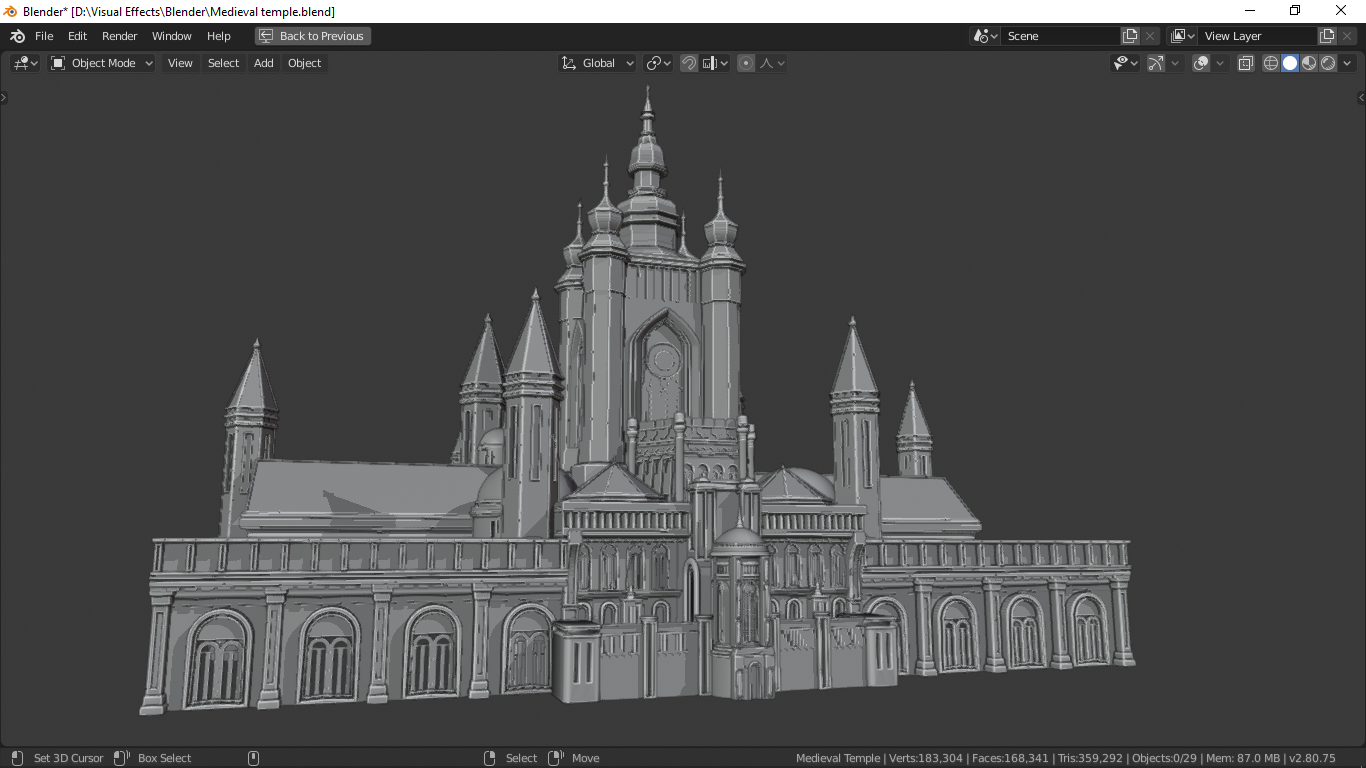
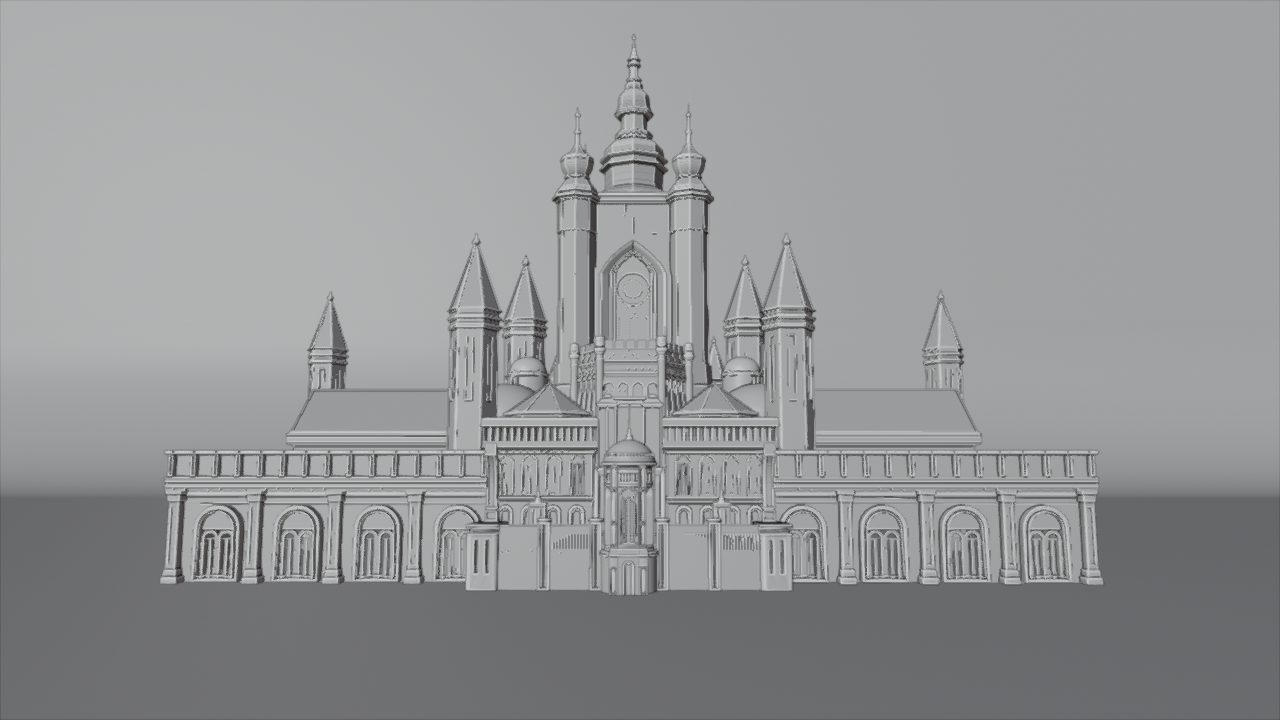
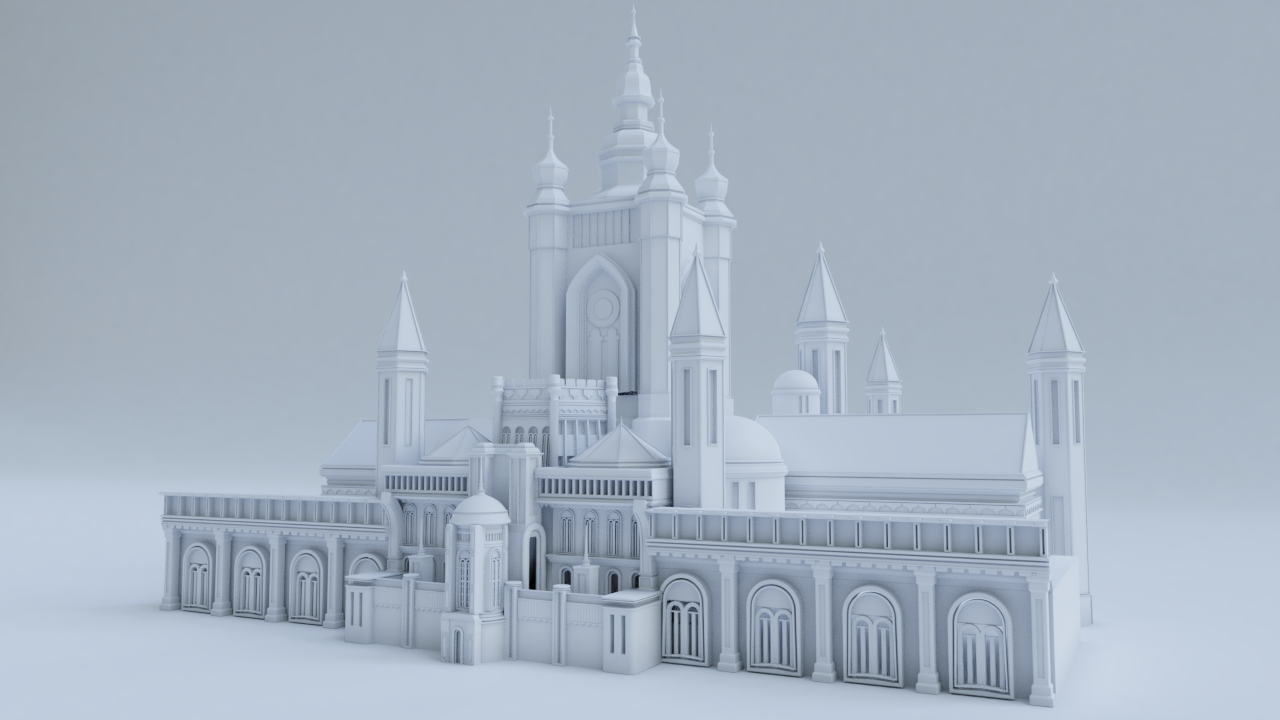
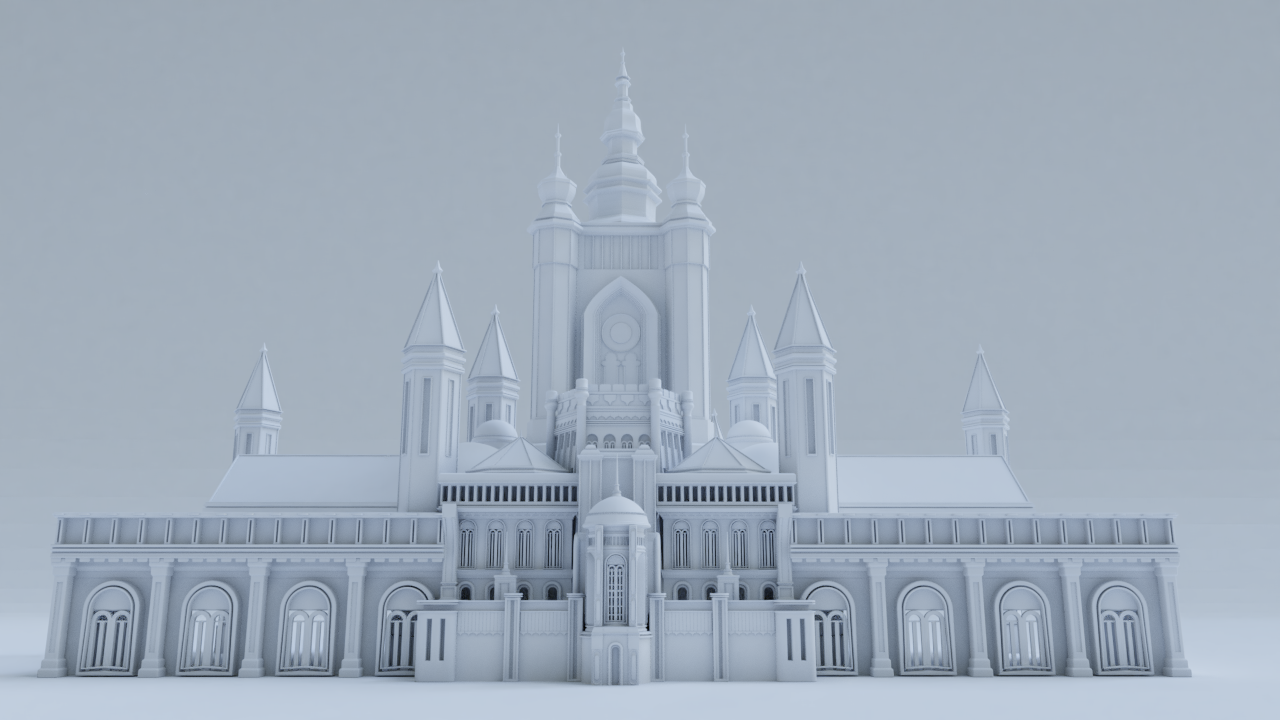
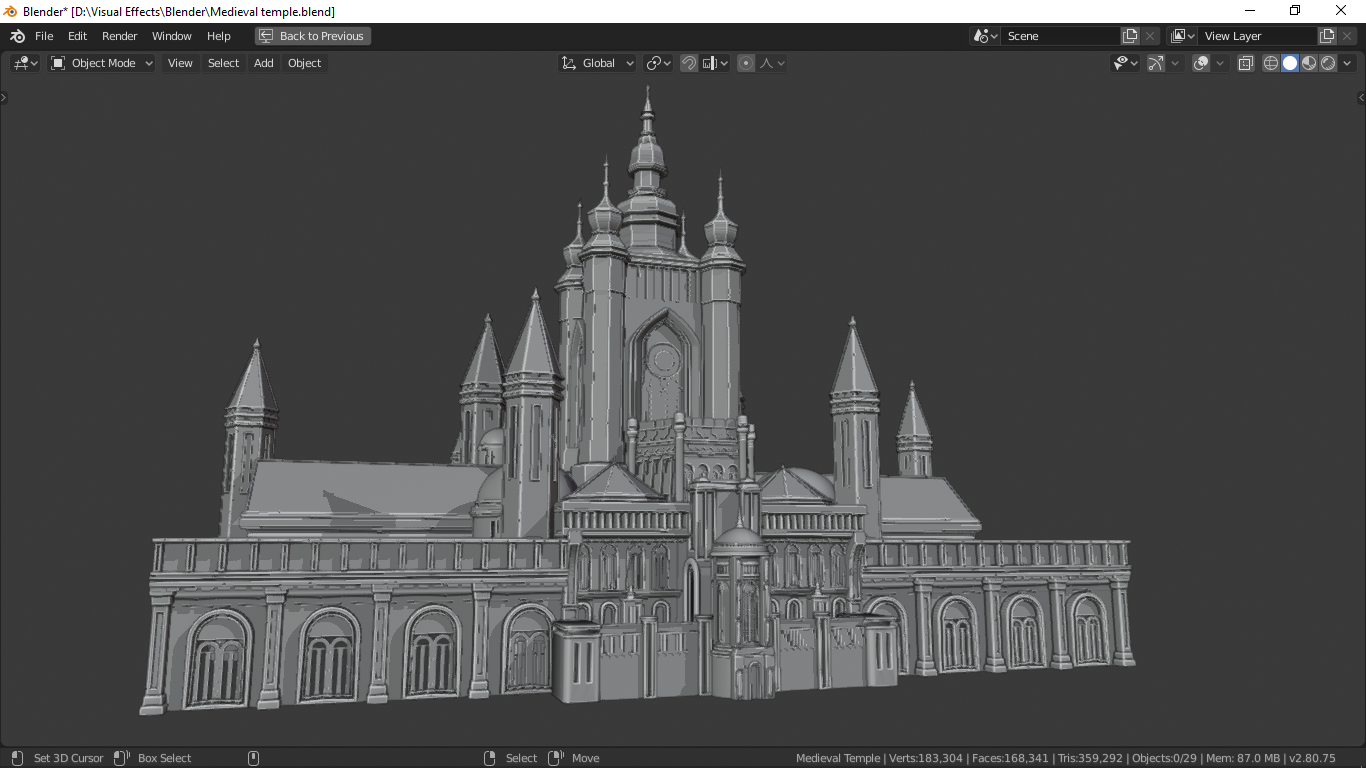
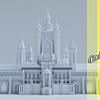
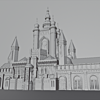
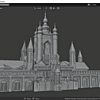
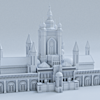
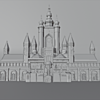
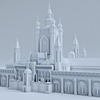

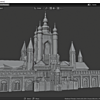
To open the scene in blender press the CTRL+O to open the blend file and navigate the .blend file in folder.
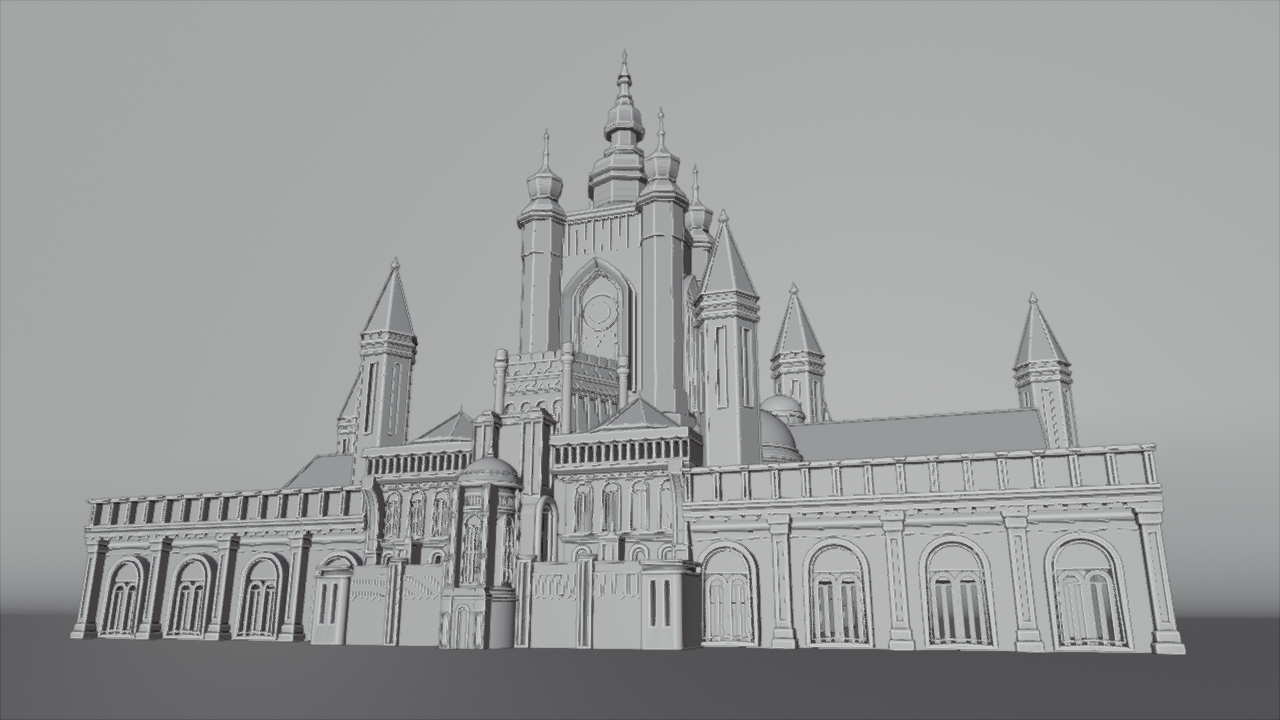
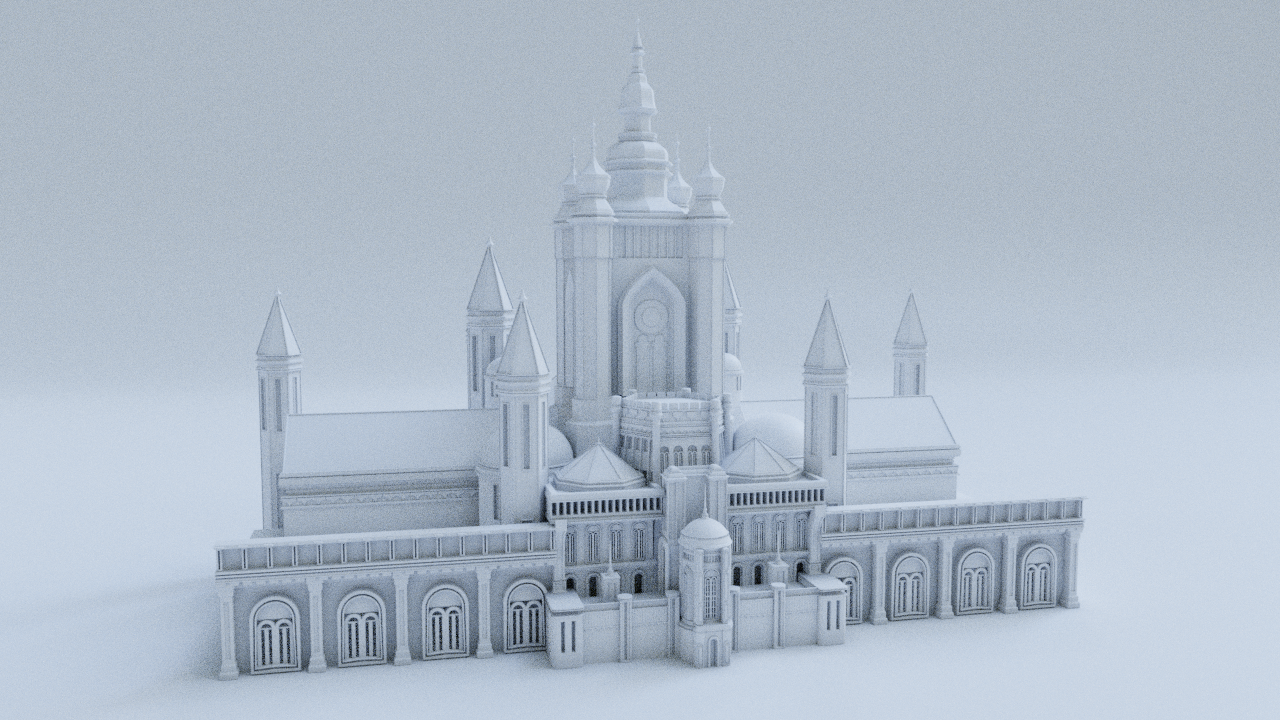
The name of the model is Medieval Temple .
and if you want some objects from scene you can select it and copy it using CTRL+C and in your scene paste it by pressing CTRL+V.
Ready for texturing with scene setup.
Have questions about this product?
Login to message
| Sales | 10+ |
| Dev Fund Contributor | |
| Published | almost 6 years ago |
| Blender Version | 2.8, 2.81, 2.82, 2.83, 2.9 |
| Render Engine Used | Arnold, Blender Internal, Blender Game Engine, Cycles, Eevee, Freestyle, Mental Ray, Octane, Vray |
| License | Royalty Free |

Discover more products like this
building freestyle land Trees game texture Game Engine building asset Castle temple Game evee blender anceint tree plant trees 3d landscape cityspace tree cityscape Medieval Scene city gamedev hair game ready ancient-well game assets Game asset gametextures car paint hairstyle city-assets buildings freetime medieval-blacksmith Cycles medieval-asset evee ready medieval city car temples car ancient free