Meridian Steel Watch
 David Agababyan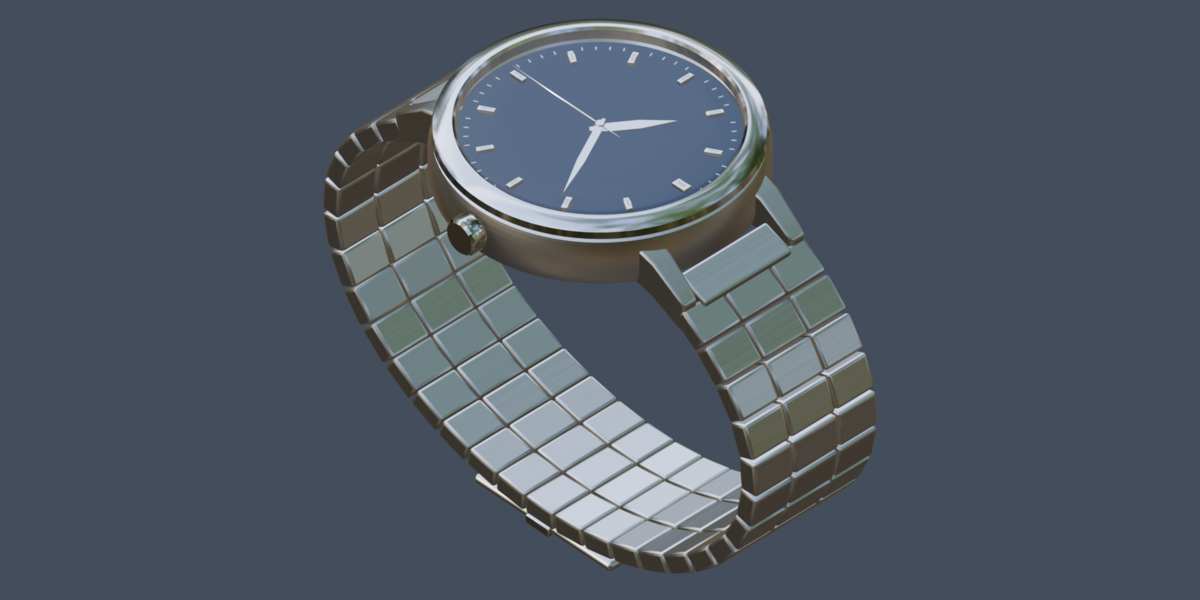
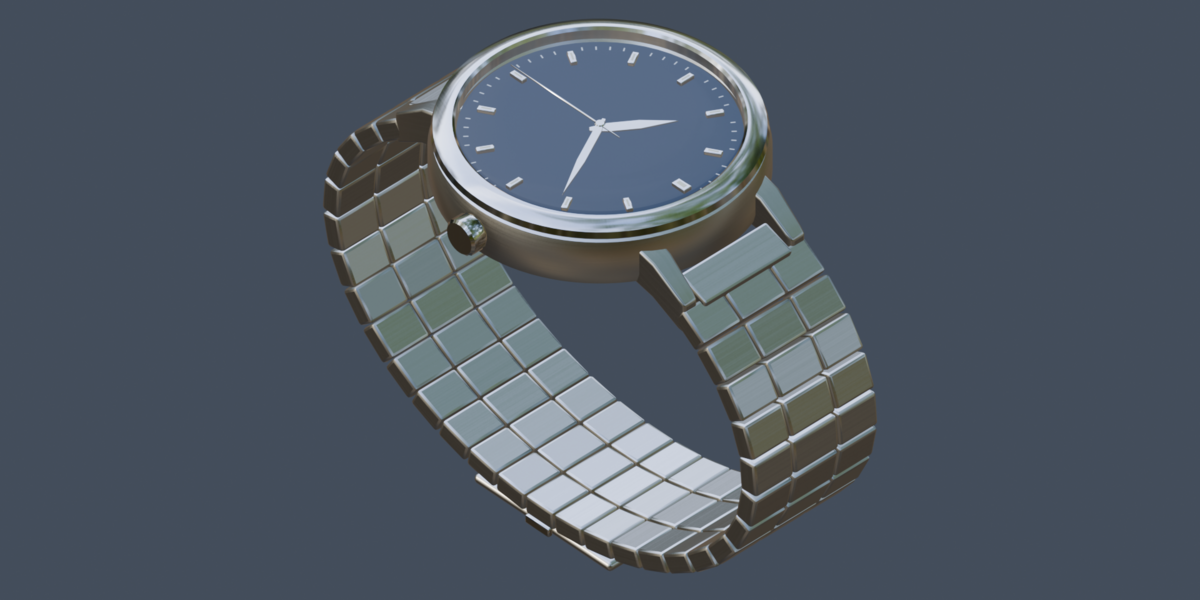
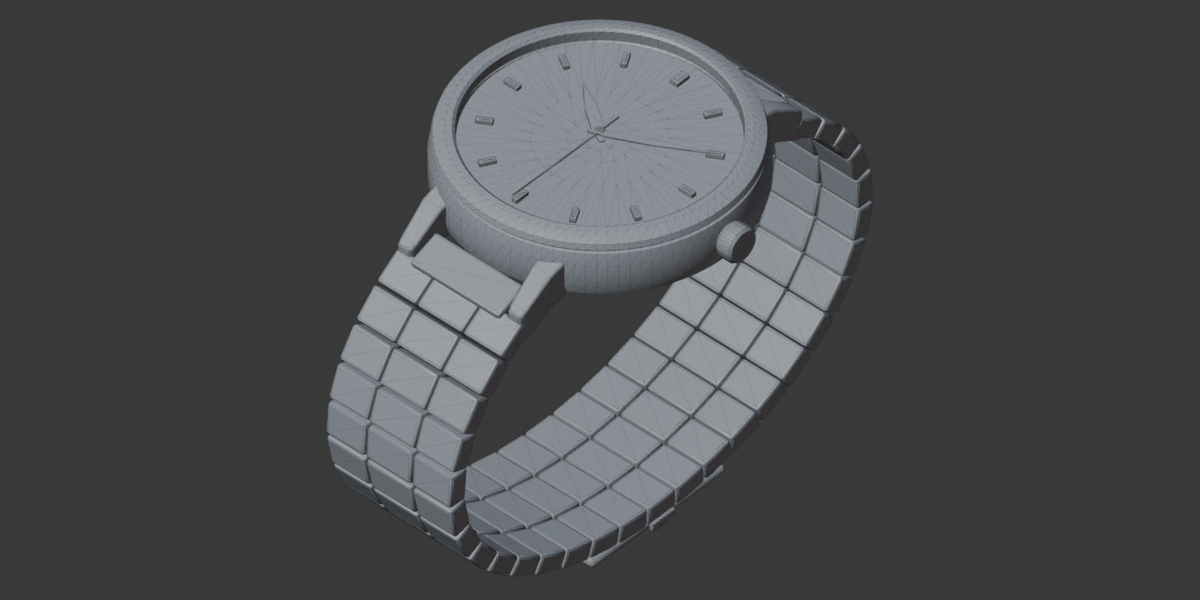
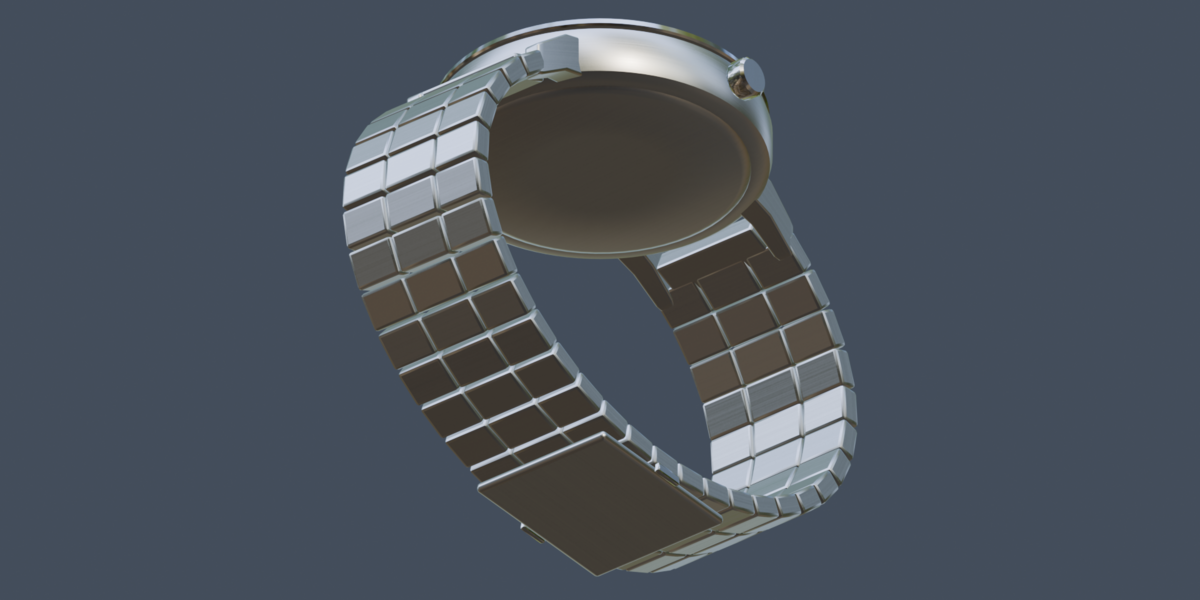
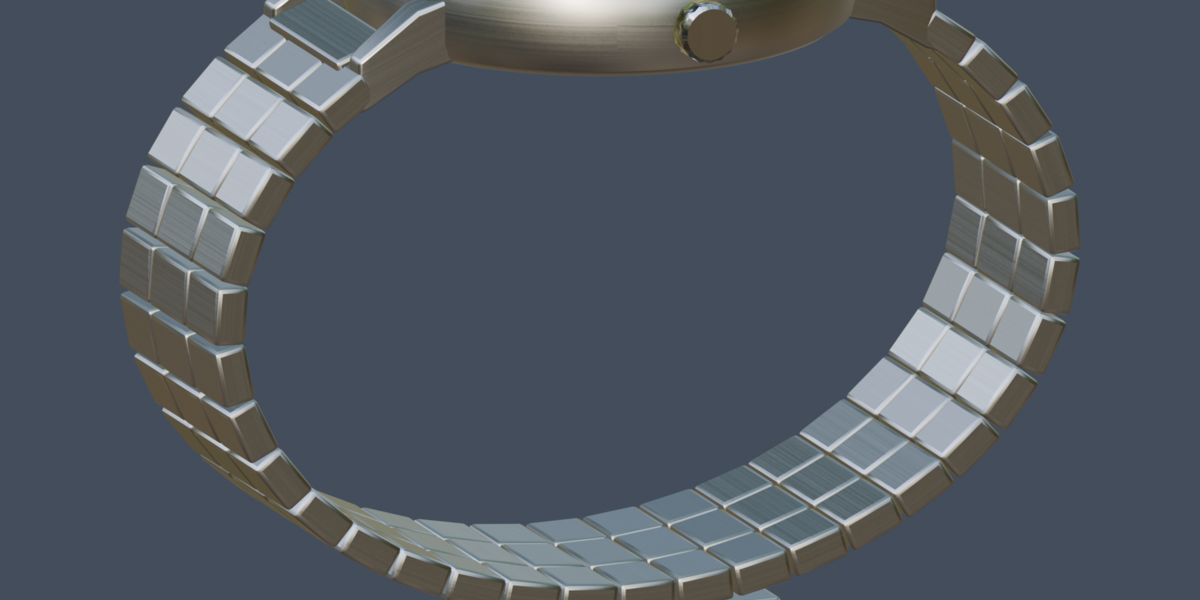
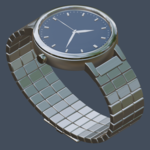
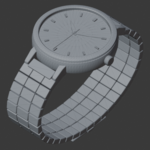
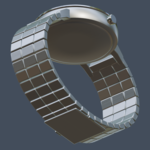
Meridian Steel Watch — Getting Started
1. Download the product archive and extract it before use.
2. Open the included .blend file in a supported Blender version listed on the product page.
3. To add the toolbox to an existing scene, use File > Append, select the .blend file, and choose the Meridian Steel Watch.
4. If any external textures appear missing, use File > External Data > Find Missing Files and select the extracted texture folder.
5. Save a copy of the file before making changes.
For help with the product, please contact me through Superhive.
$6
Have questions about this product?
Login to message
| Published | 4 days ago |
| Blender Version | 5.0 |
| Render Engine Used | Cycles, Eevee |
| Misc Data | Uvs-Unwrapped, Manifold-Mesh, Animated, Normal-Mapped, Textured |
| License | Royalty Free |