 Mondé
Mondé


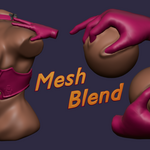
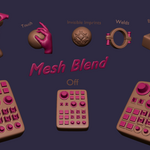
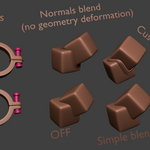
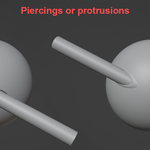
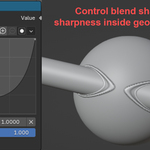
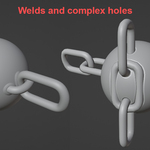
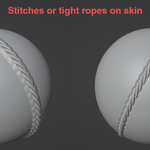
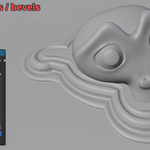
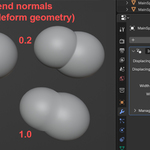
Makes an object leave an impression or protrusion on another object as if it was pushed into it or welded on.
Making for instant and more realistic blends for ropes, piercings, welds… Saving you sculpt time.
Made from geometry-nodes making it simple to customize and extend.
Used as modifier so it is easy to apply and toggle.
Realtime interactivity (but expensive on high poly counts).
Can Deform actual mesh vertices, or just normals(experimental).
How to use :
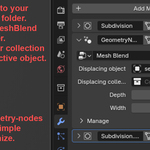
1. Put the downloaded .blend file to your asset library folder (location in preferences) .
2. Add modifier and search for MeshBlend modifier.
3. Select an object or collection that will deform an active object.
Limitations :
2 objects can’t deform each other since it creates a dependency loop.
Main object should have enough topology to deform beautifully, second one can have lower resolution.
High depth setting will stretch faces too much making it seem low-poly
If cuts don’t follow edge loops, aliasing will be more visible.
Let me know if you find any bugs, Thank You.