 Artmesh Studios


MeshFlow PRO: Smart Mesh Decimation & Optimization Toolkit for Blender
🆕 v1.3 UPDATE — Symmetric Reduce & Native Planar
⚖️ Symmetric Reduce — A new dedicated mode that uses Blender's native Decimate symmetry option to keep matching topology on both sides of a mirrored mesh, useful for characters, props, and facial blendshape work. Requires the mesh to already be genuinely symmetric on the chosen axis (e.g. built with a Mirror modifier) — results may vary on hand-sculpted or scanned assets that only look symmetric.
🔷 Native Planar — A new, faster planar reduction mode built directly on Blender's own boundary-aware decimation engine. Respects UV seams, sharp edges, and material boundaries natively, as an alternative to MeshFlow PRO's original Planar mode.
Drastically speed up your asset optimization pipeline. Transform dense, unoptimized geometry into production-ready game assets with a fast, reliable, and streamlined decimation workflow directly inside Blender.
MeshFlow PRO is a professional mesh cleanup and LOD optimization toolkit built by ArtMesh Studio for 3D artists, game developers, environment artists, and marketplace creators. Whether you're prepping hard-surface models, photogrammetry scans, dense CAD imports, or game-ready props, MeshFlow PRO automates polygon reduction and cleanup so you spend less time fighting topology and more time creating.
🎯 What MeshFlow PRO Can Do
-
Smart Cleanup & Repair — Instantly clear loose geometry, duplicate vertices, isolated edges, and degenerate faces from imported models.
-
Intelligent Decimation — Reduce polygon count efficiently while preserving the silhouette, key curves, and structural details of your mesh.
-
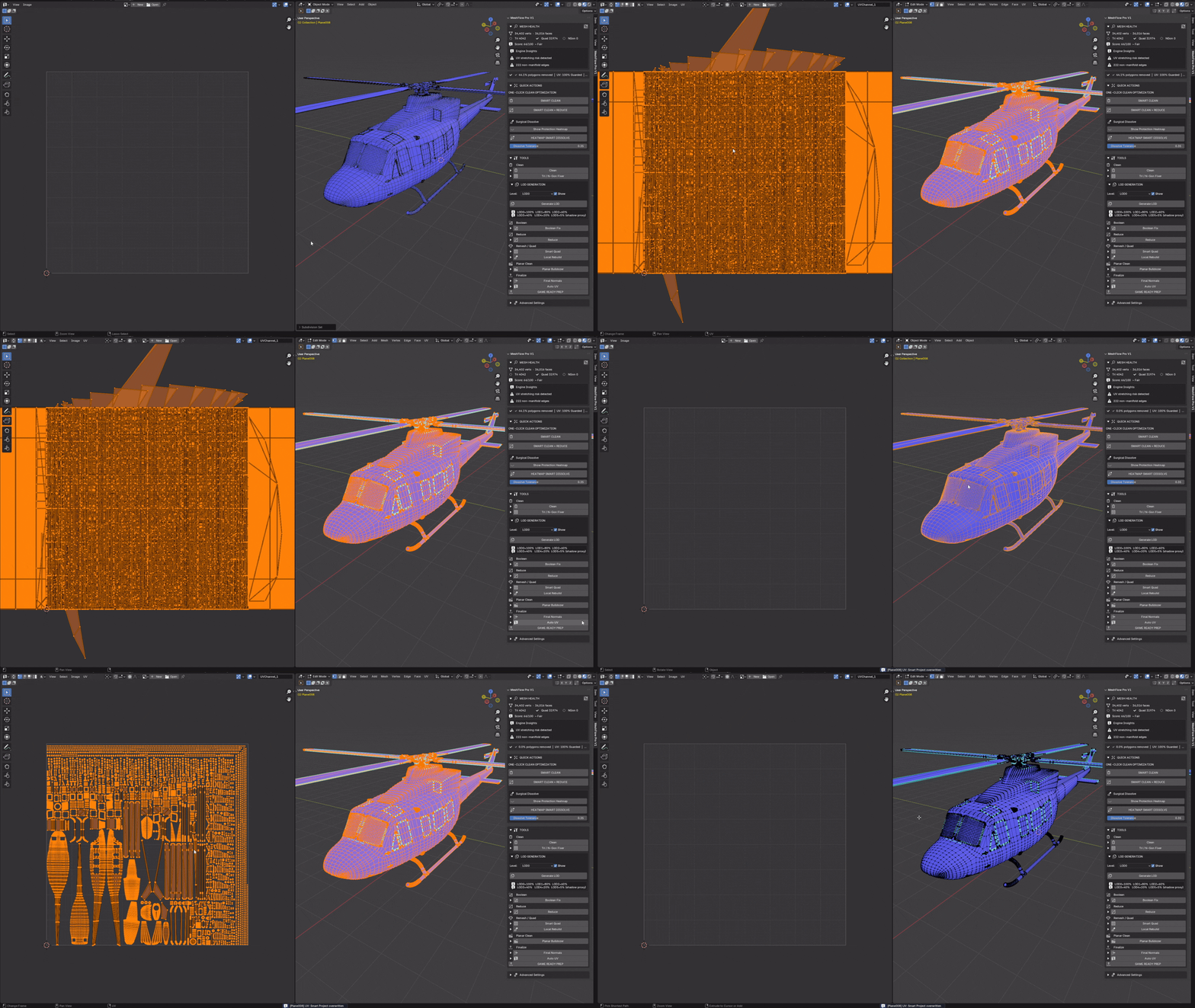
UV Seam Protection — Detects existing UV boundary seams and locks them during reduction, so seams don't get merged or torn apart. (This protects seam integrity — it doesn't eliminate all UV stretch, which is an inherent trade-off of any aggressive polygon reduction. See Product Scope below.)
-
Game-Engine Readiness — Quickly realign origins, apply scale/rotation transforms, and format topology for Unreal Engine 5, Unity, and Godot.
🛠️ Key Features & Technical Toolbox
-
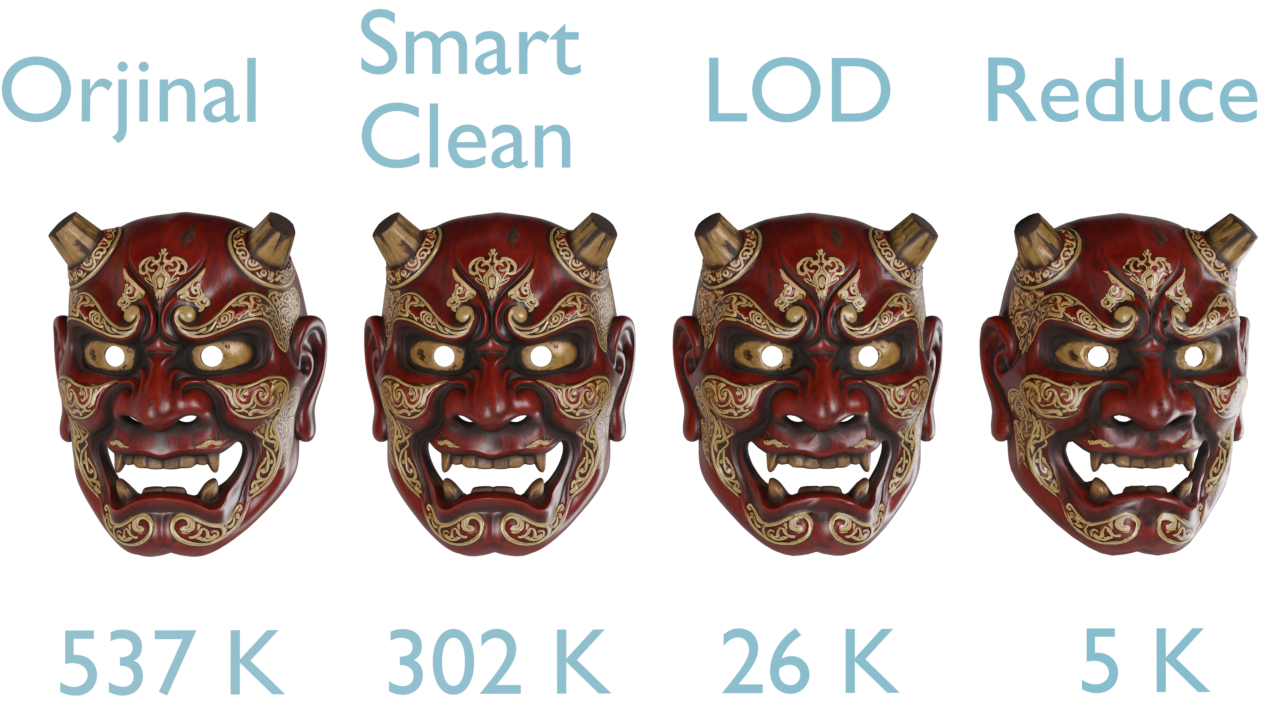
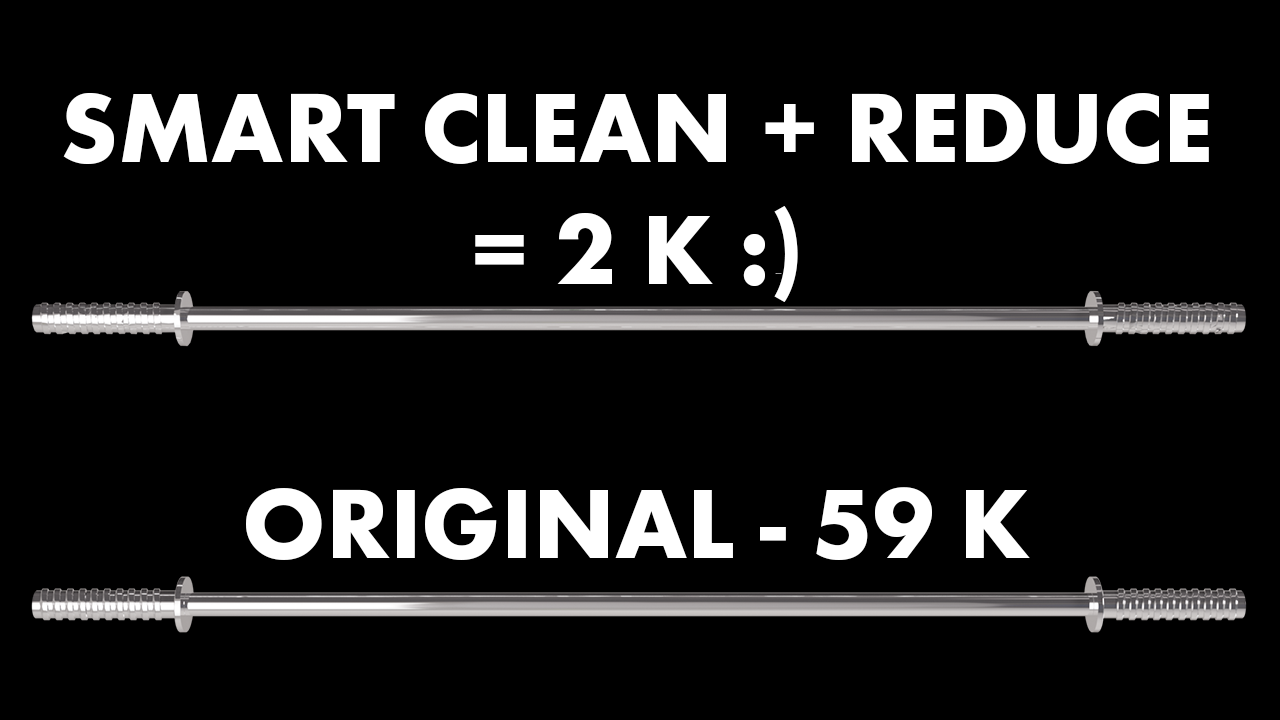
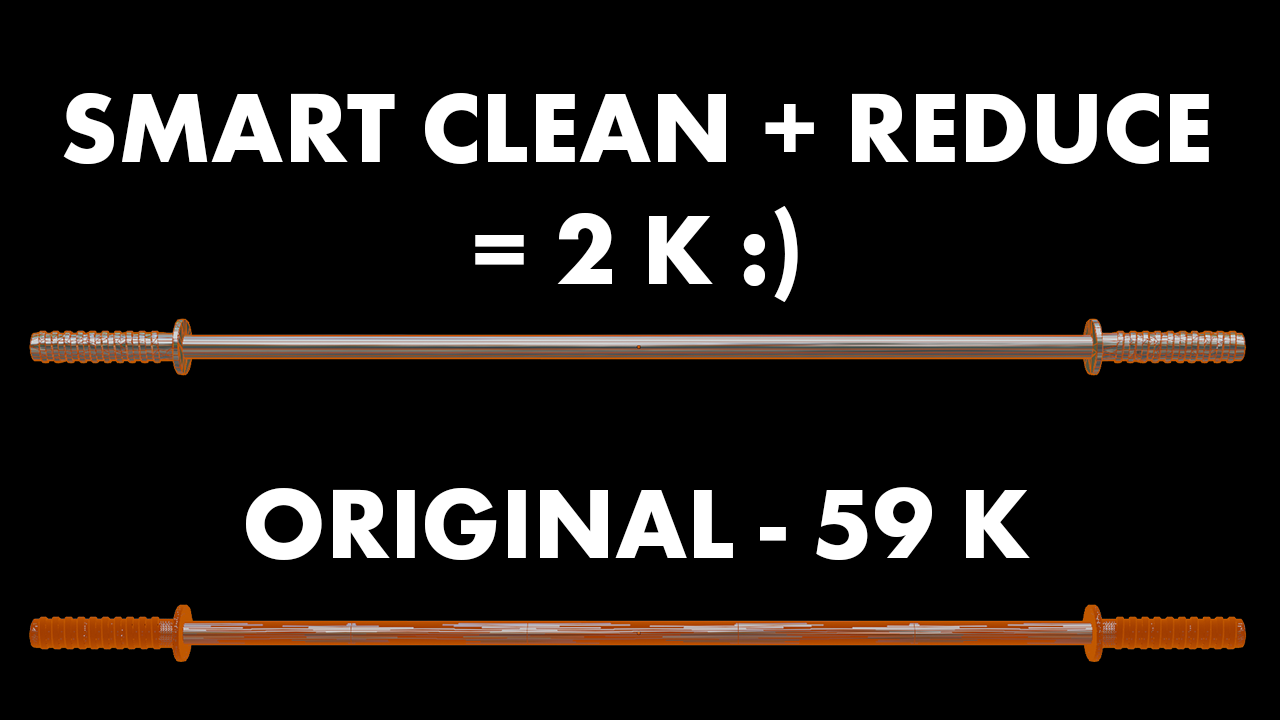
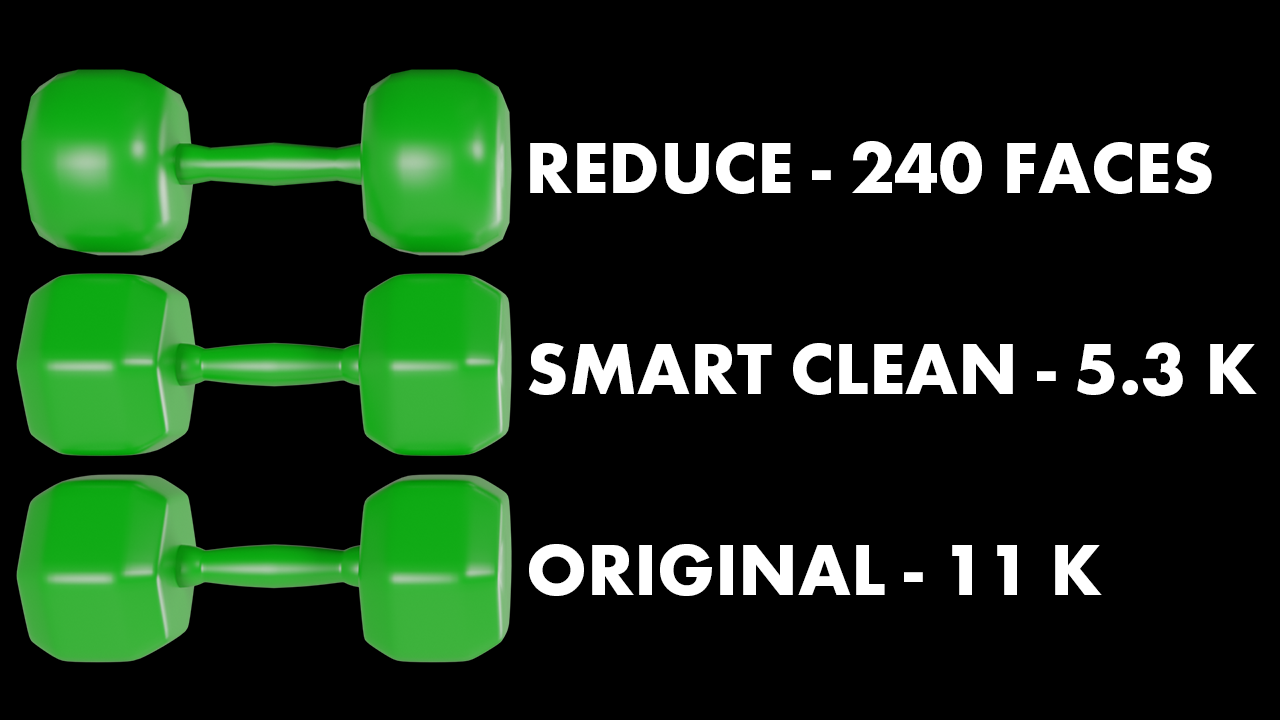
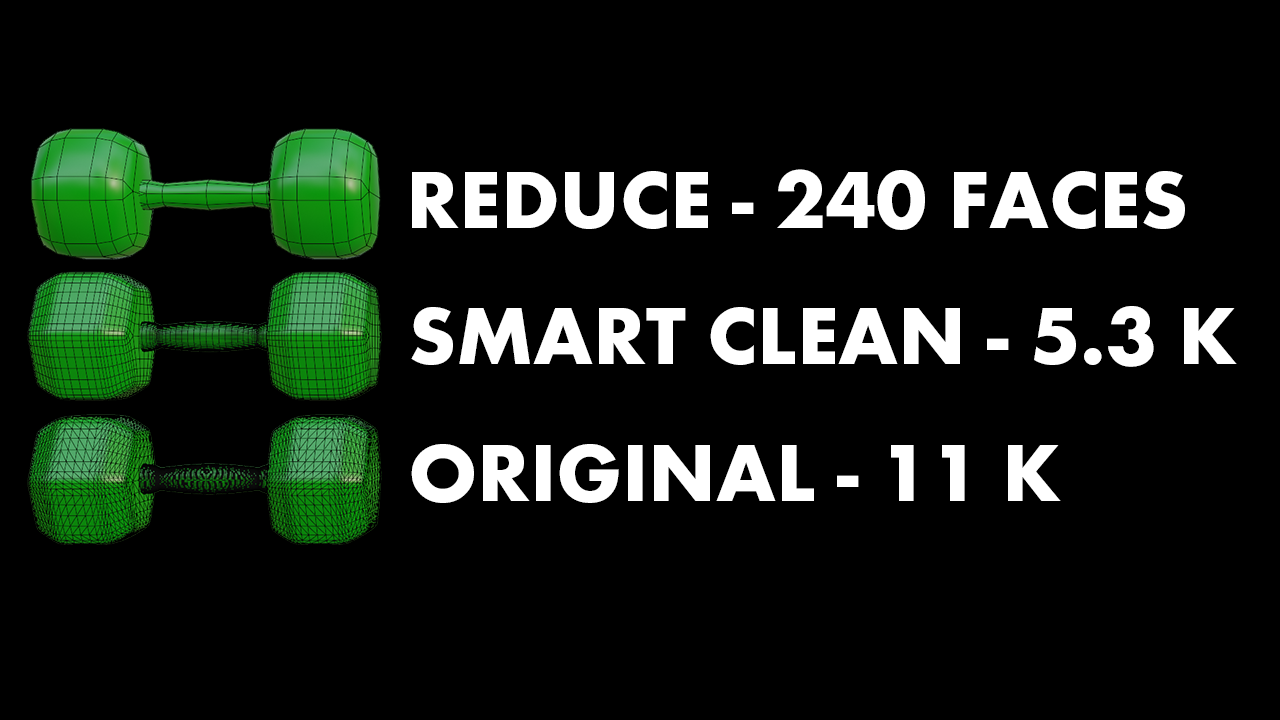
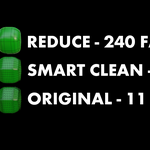
⚡ Smart Clean + Reduce — One-click automated sequence. Cleans garbage topology data and applies optimized decimation in a single action.
-
🔥 Targeted Pipeline Modes — Reduction modes tailored for different asset types: Auto-Detect, UnSubdiv (grid/quad topology), Planar (hard-surface), Native Planar (boundary-aware, native), and Collapse (organic/scan meshes) — plus optional Symmetric Reduce for mirrored assets.
-
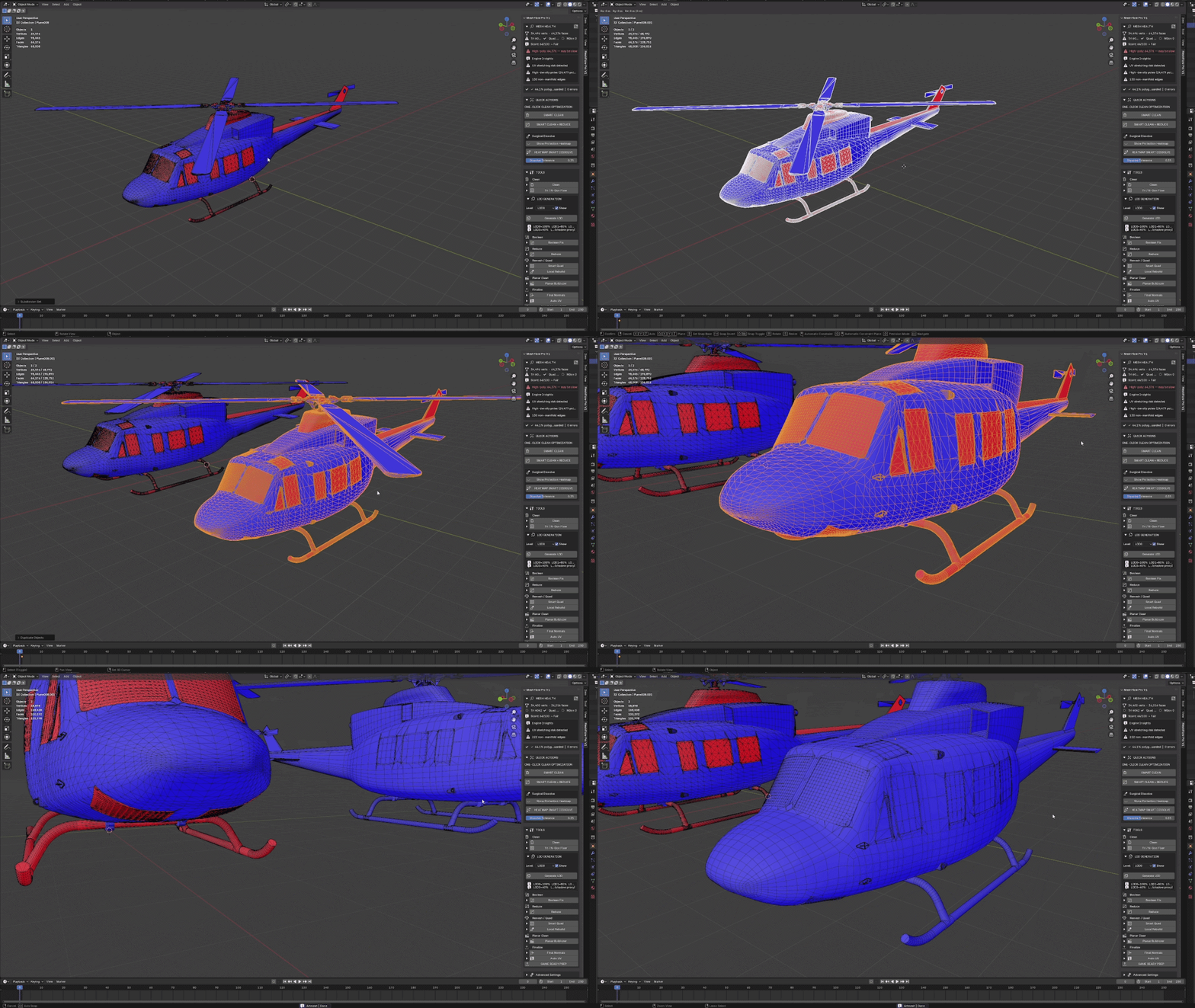
👁️ Surgical Dissolve (Heatmap Visualizer) — Inspect geometry density visually and control dissolve aggressiveness with a tolerance slider.
-
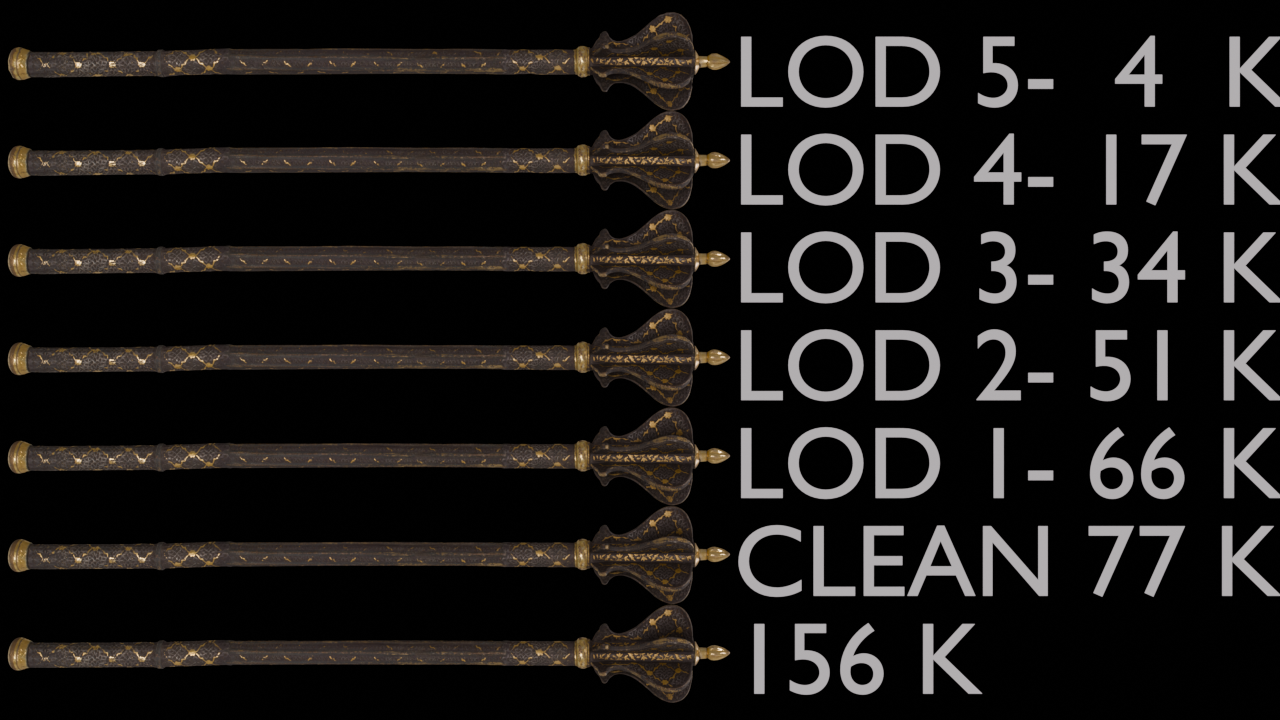
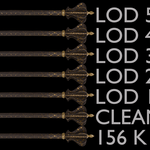
📦 Instant LOD Generator — Generate complete Level of Detail chains (LOD0 through LOD5) with custom reduction percentages in seconds.
-
🎮 Game Ready Prep — Automates transform resets, sets local origin points, and prepares geometry for baking programs like Substance Painter and Marmoset Toolbag.
-
📐 Topology Utility Tools
-
Tri / N-Gon Fixer — Converts N-gons into triangles/quads based on normal deviation angles, reducing N-gon count and improving topology usability.
-
Planar Bulldozer — Simplifies coplanar flat faces while leaving outer boundary geometry intact.
-
Final Normals & Auto UV — Recalculates shading normals for consistent results, and generates fast fallback UVs.
- Tri / N-Gon Fixer — Converts N-gons into triangles/quads based on normal deviation angles, reducing N-gon count and improving topology usability.
- Planar Bulldozer — Simplifies coplanar flat faces while leaving outer boundary geometry intact.
- Final Normals & Auto UV — Recalculates shading normals for consistent results, and generates fast fallback UVs.
⚠️ Product Scope & Limitations (Please Read Before Buying)
To make sure MeshFlow PRO is the right tool for your pipeline, please review the scope honestly:
- ✅ Ideal for: polygon count reduction (decimation), LOD chain creation, geometry cleanup, planar simplification, and game engine export prep.
- ❌ Not an automatic quad remesher. MeshFlow PRO does not rebuild chaotic meshes into clean, flowing quad edge-loops the way a dedicated retopology tool (e.g. Quad Remesher / ZRemesher) does.
- ❌ Not a texture re-baker. MeshFlow PRO preserves existing UV seam boundaries during decimation, but it does not re-project or re-bake textures onto restructured topology.
- ⚠️ UV stretch can still occur at aggressive reduction settings. Seam protection prevents seams from tearing or merging — it does not guarantee zero visual stretching at high reduction percentages. This is an inherent trade-off of any significant polygon reduction, not unique to MeshFlow PRO.
- ⚠️ Symmetric Reduce requires a genuinely symmetric source mesh. It will not "fix" or symmetrize an asymmetric mesh.
👥 Recommended For
- Environment Artists & Game Developers (Unreal Engine 5, Unity, Godot)
- 3D Marketplace Sellers (Gumroad, Blender Market, CGTrader, TurboSquid)
- Hard-Surface & Asset Optimization Pipelines
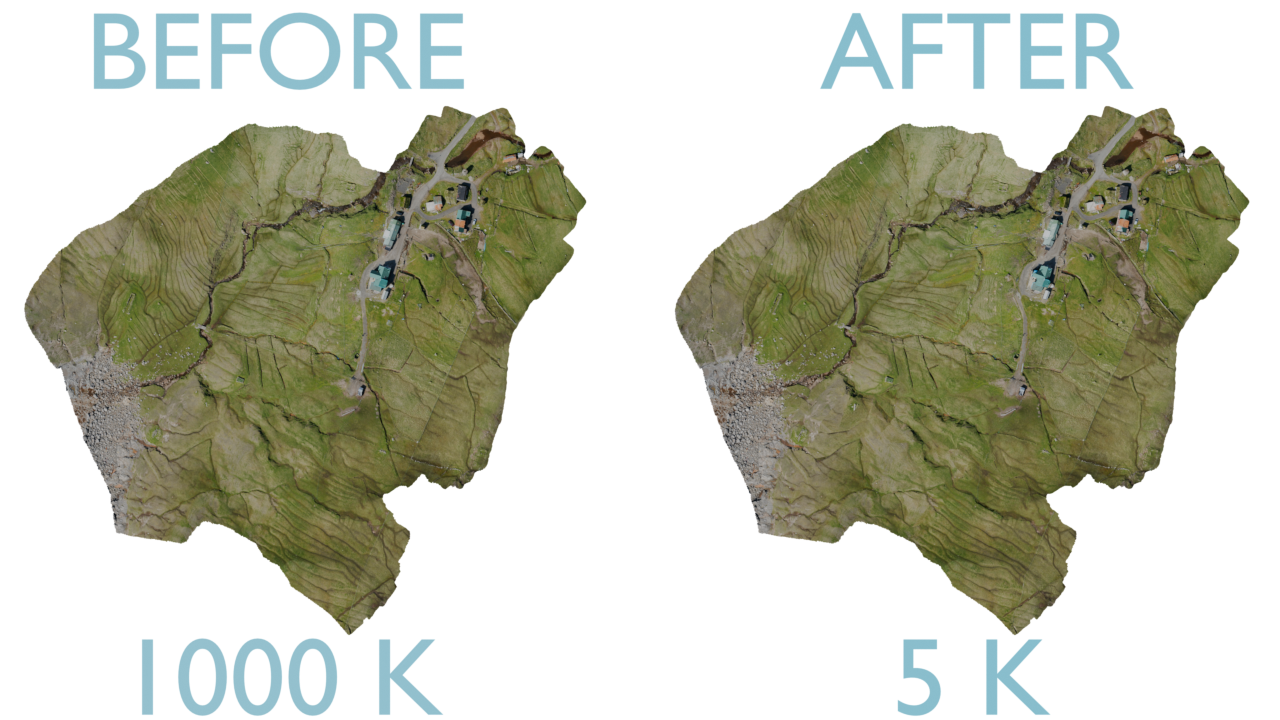
- Photogrammetry & Raw 3D Scan Polygon Reduction
💻 Product Details & Compatibility
-
Blender Compatibility: Blender 4.2 LTS (dedicated build) and Blender 5.x (separate build, 5.2 LTS and later)
-
Included Package:
.zip Add-on file, Quick-Start Documentation, Installation Guide, and free updates for all v1.x versions.
.zip Add-on file, Quick-Start Documentation, Installation Guide, and free updates for all v1.x versions.---------------------------------------------------------------------------------------------------------------------------------------
Asset Credits, Licensing & Optimization Notice:
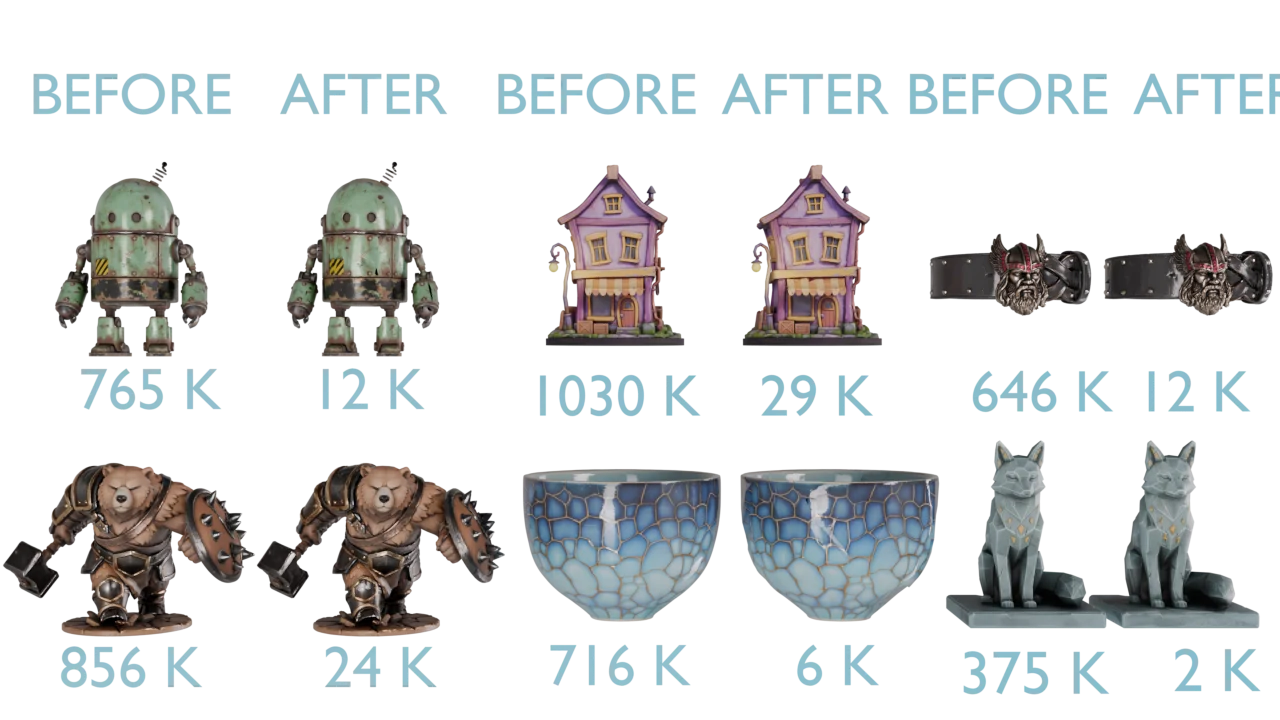
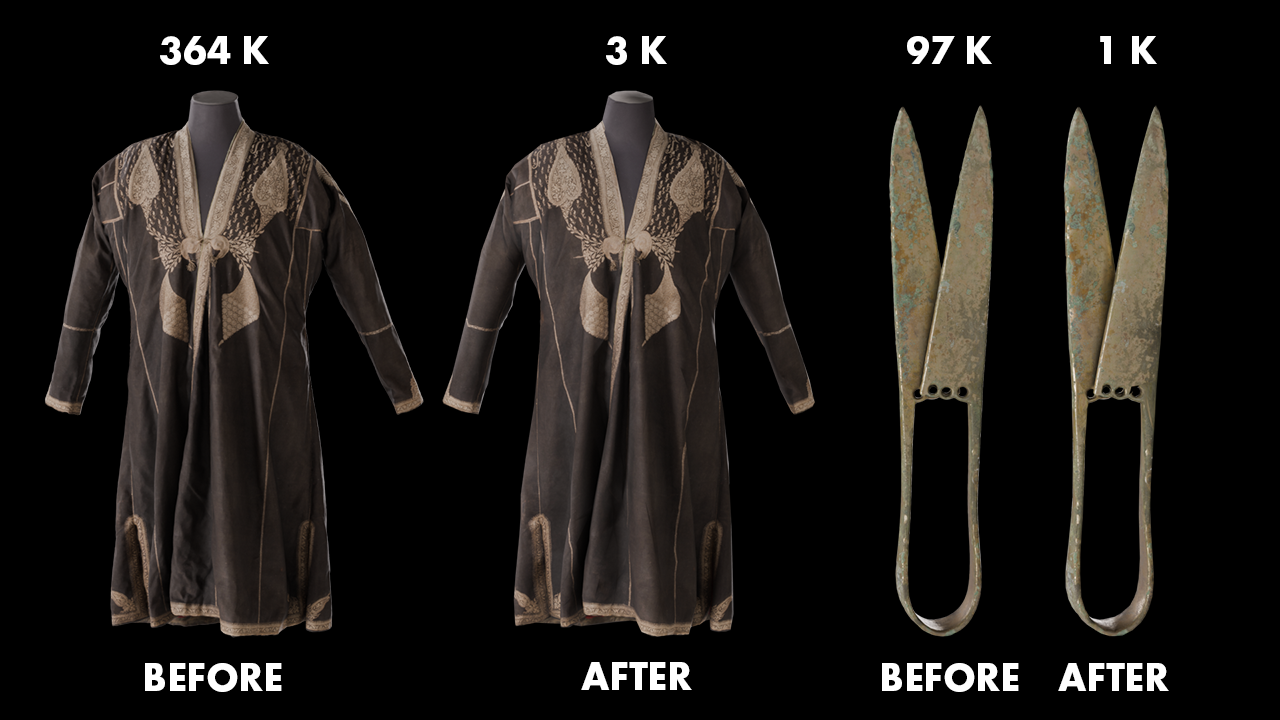
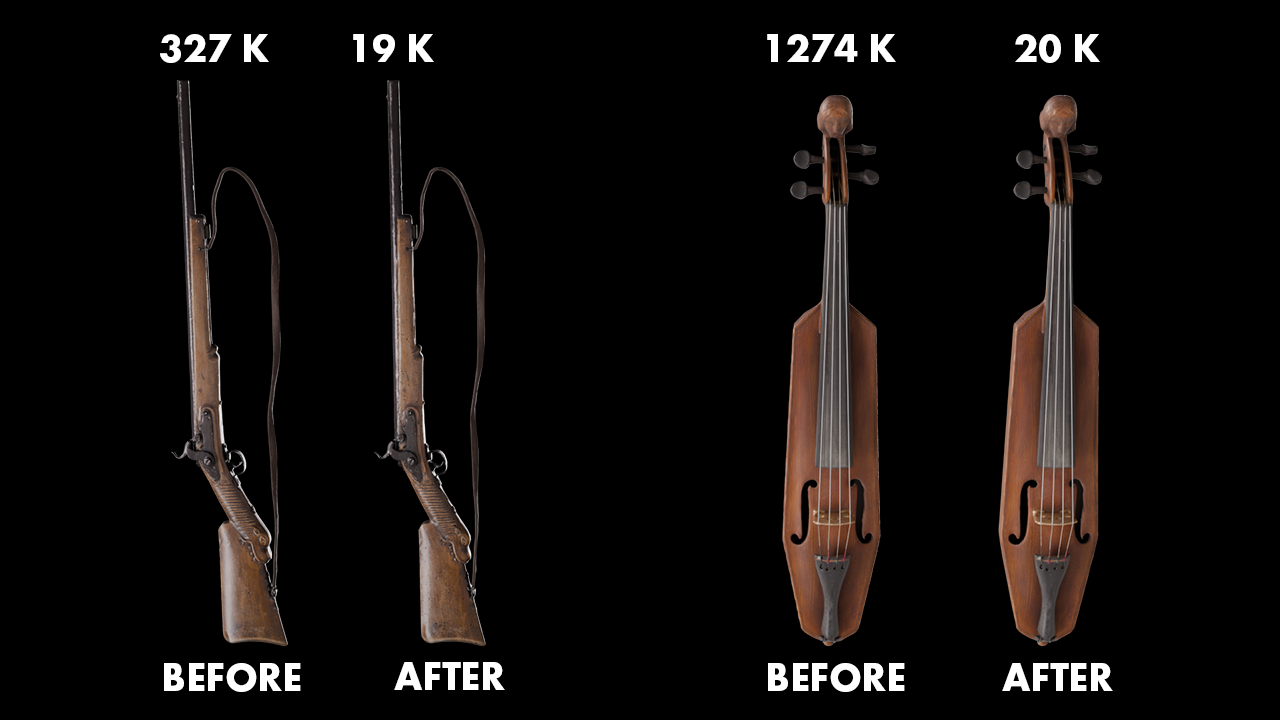
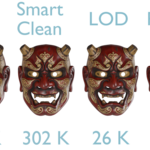
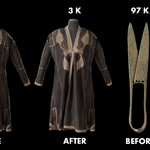
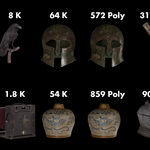
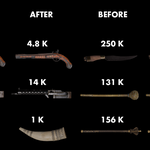
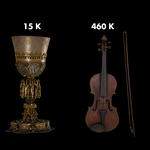
The original high-poly 3D models showcased in these preview images (first 2 pictures including the Fox, Oni Mask, and other sample assets) were generated by and sourced from Meshy AI, utilized under the Creative Commons Attribution 4.0 International (CC BY 4.0) license.
How these previews were created:
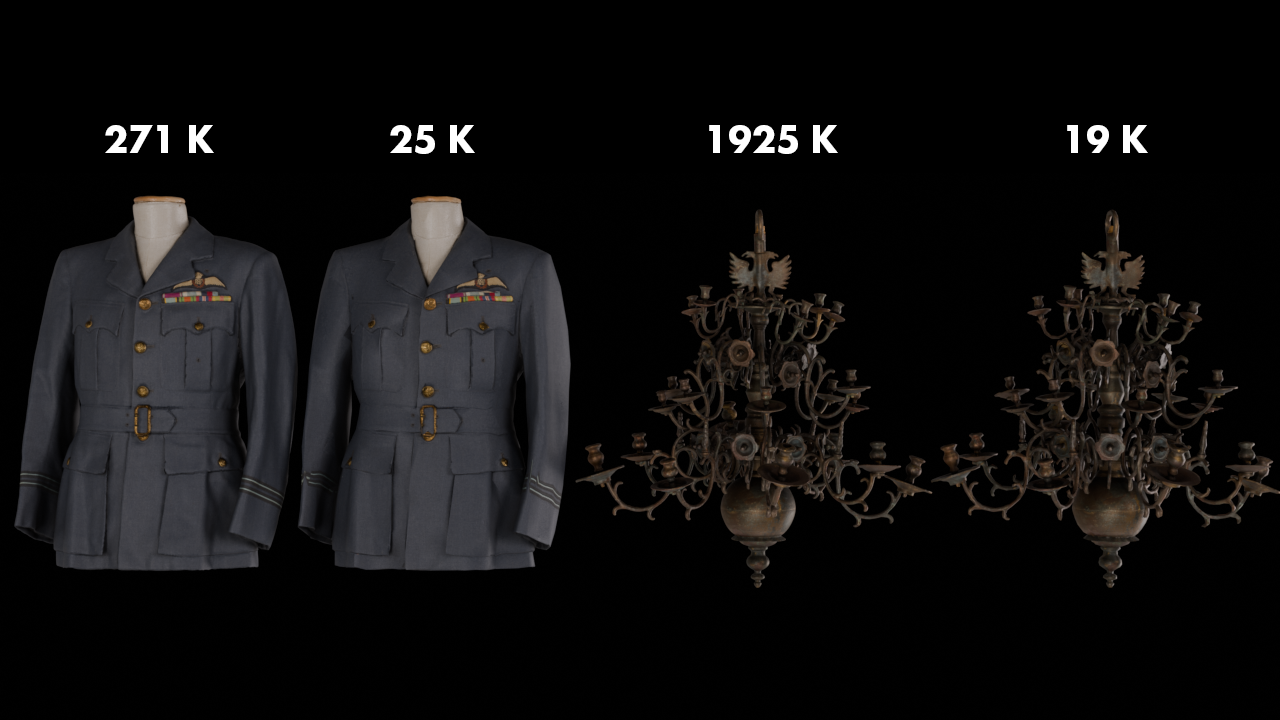
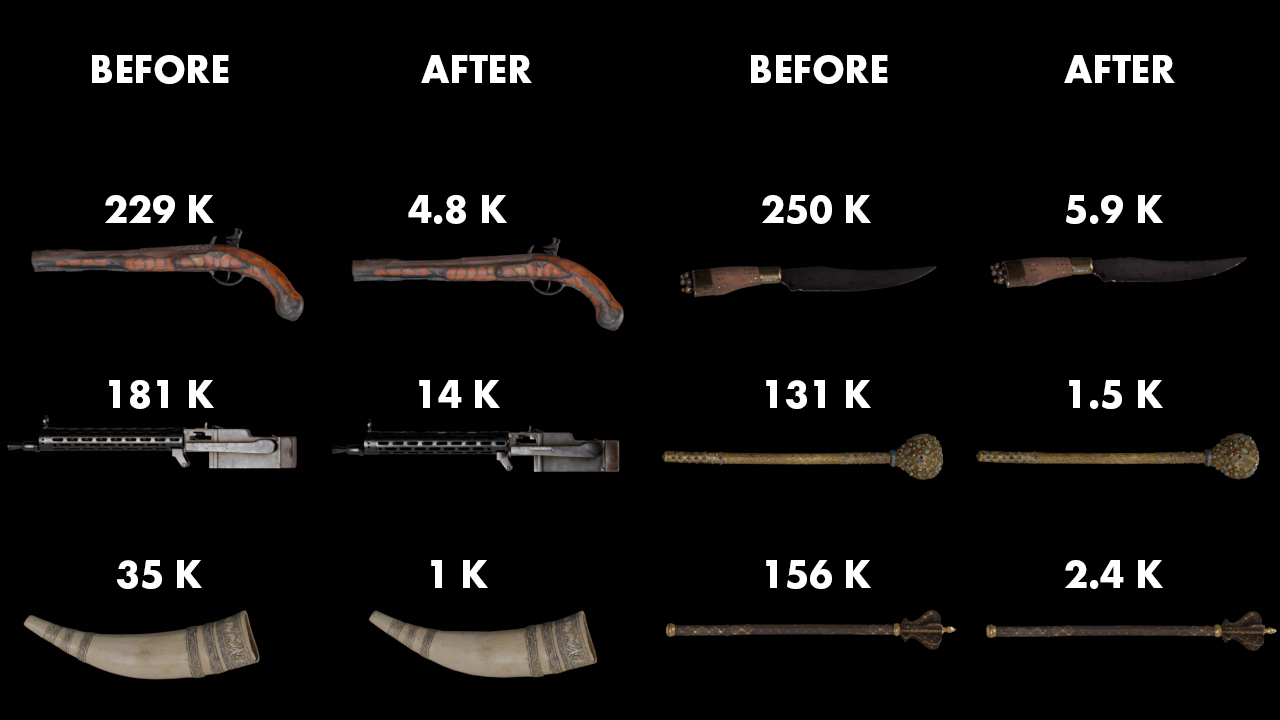
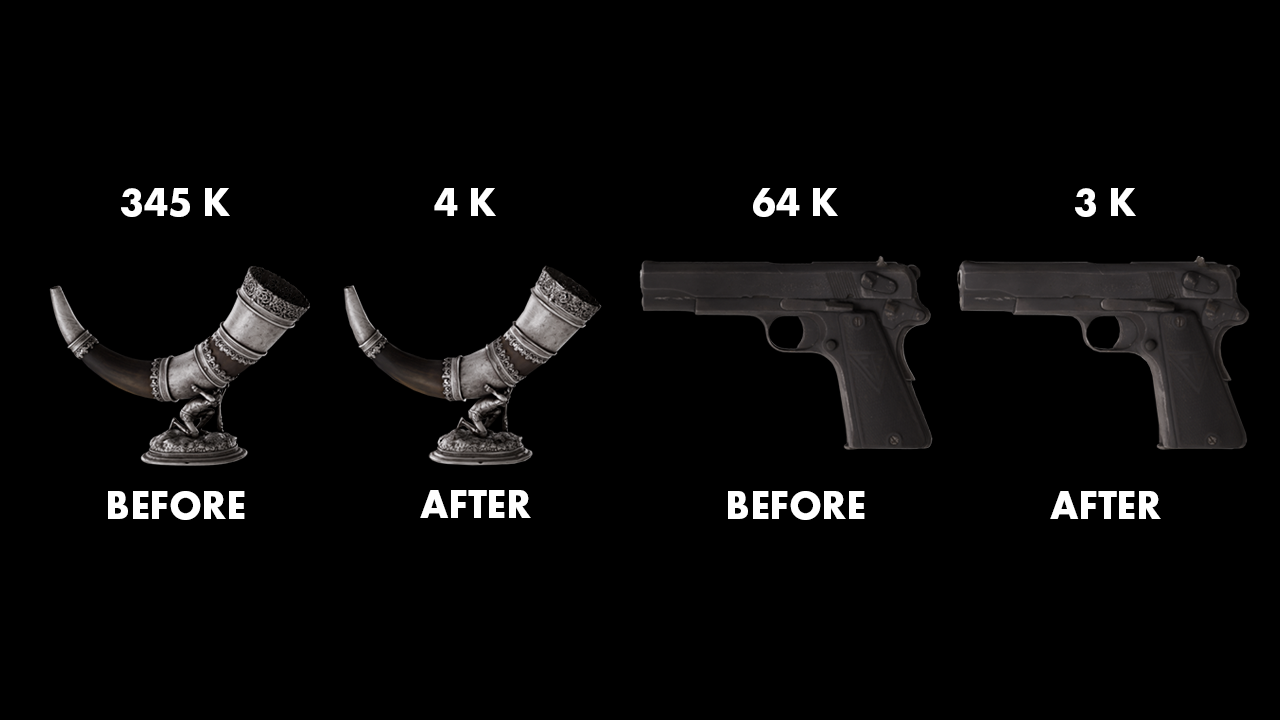
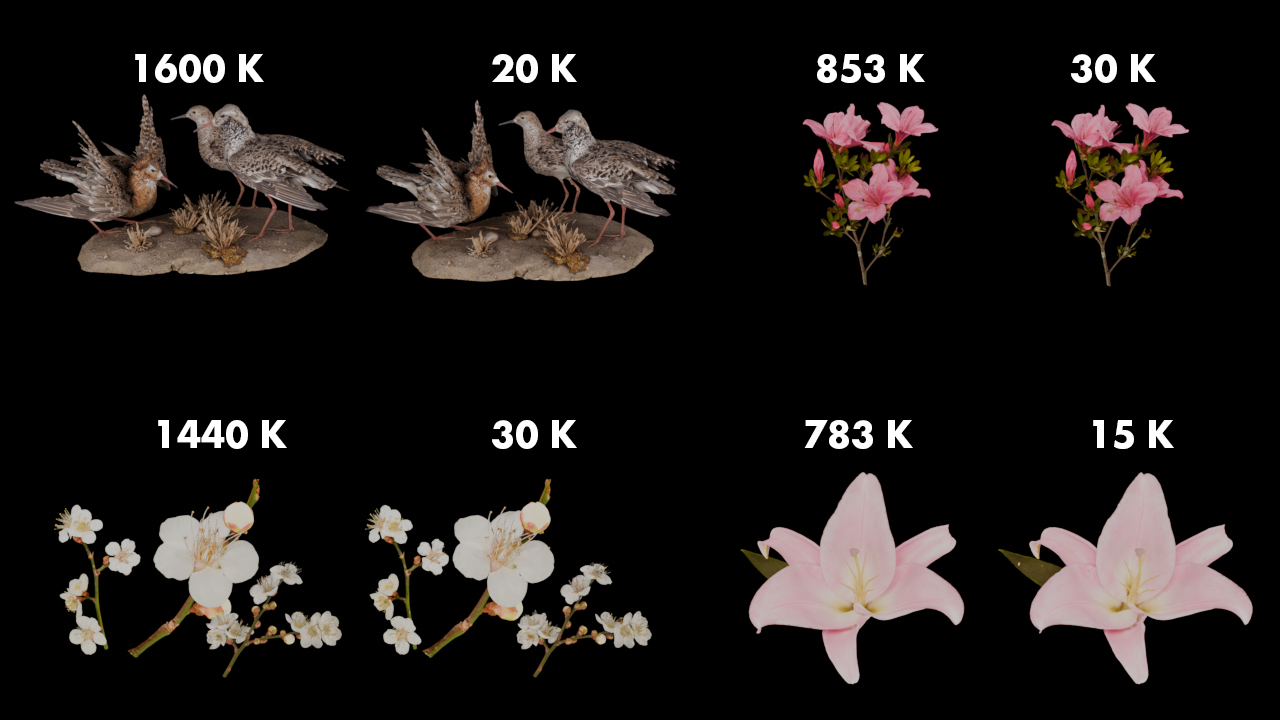
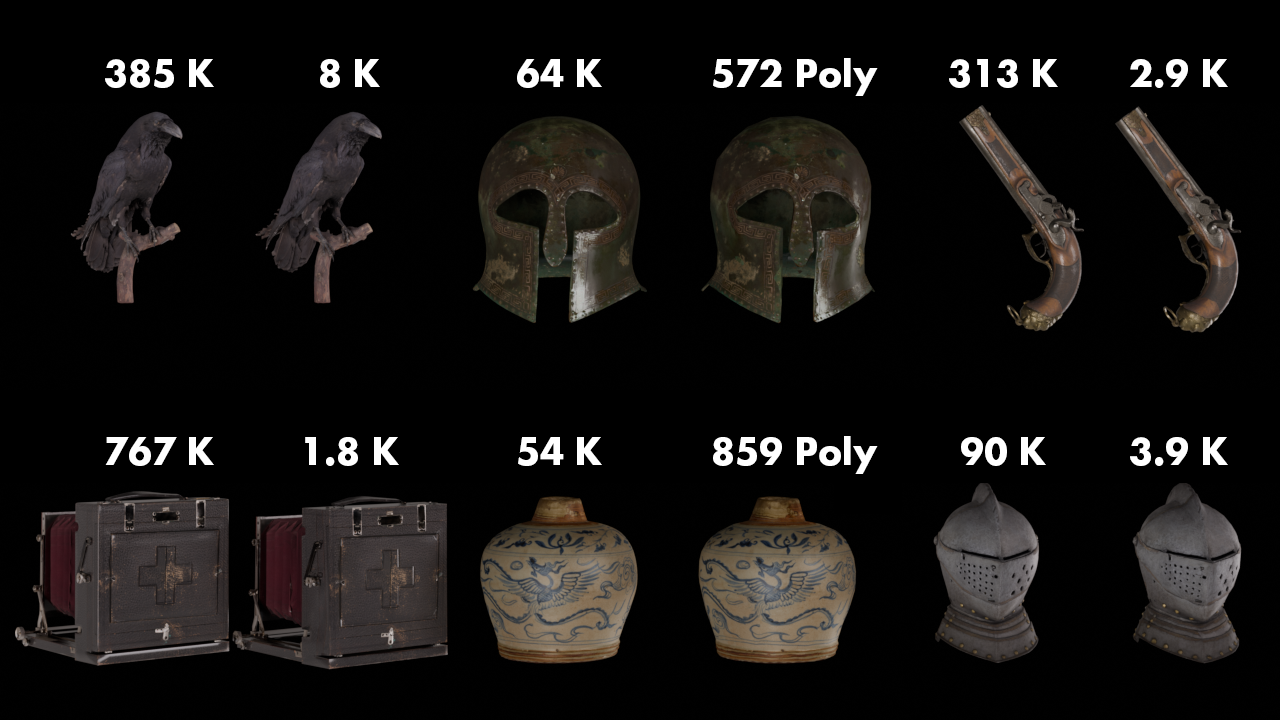
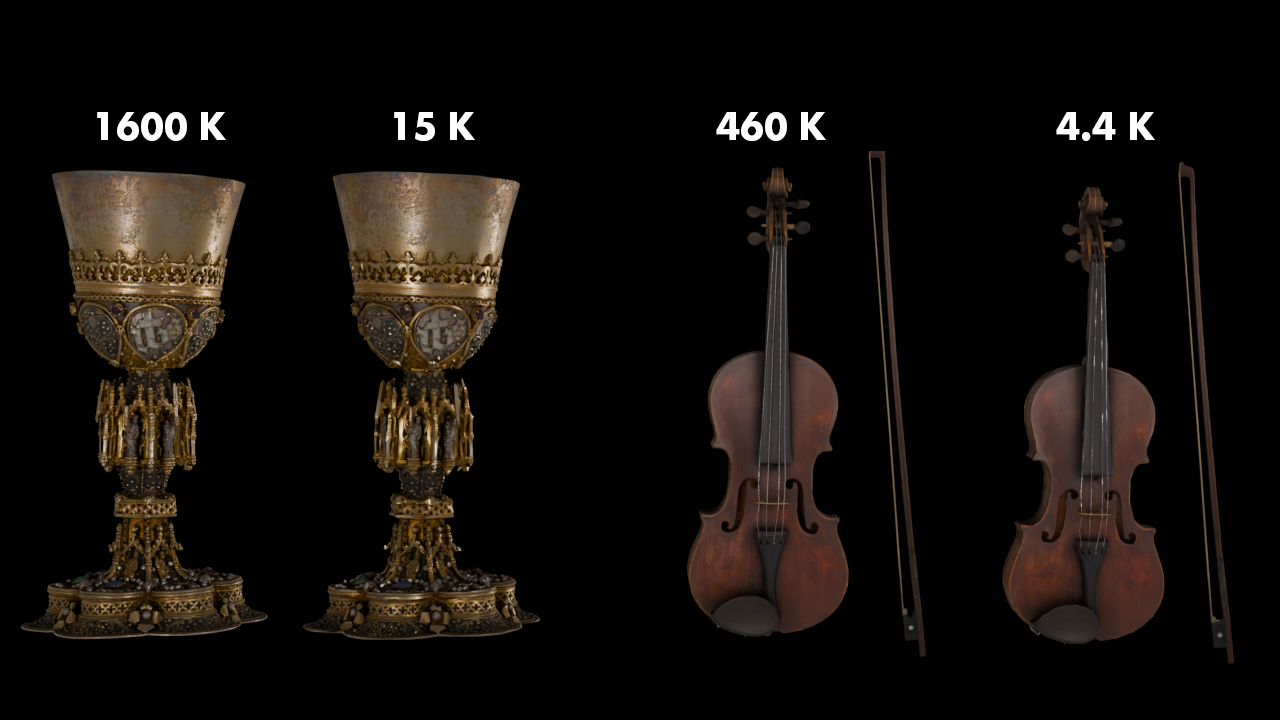
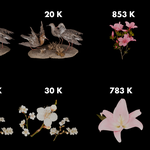
All raw high-poly meshes were processed, cleaned, and decimated directly inside Blender using MeshFlow Pro. The "Before & After" results, poly-count reductions (e.g., from 375K down to 2K), and LOD variations demonstrate the non-destructive topology preservation and professional optimization pipelines of the MeshFlow Pro add-on.
Original Asset Source & Attribution: Meshy AI
Disclaimer: The original assets are not included in this product package and belong to their respective creators via Meshy AI. MeshFlow Pro is an independent software tool developed for mesh optimization and is not directly affiliated with, sponsored by, or endorsed by Meshy AI.