 Niset
Niset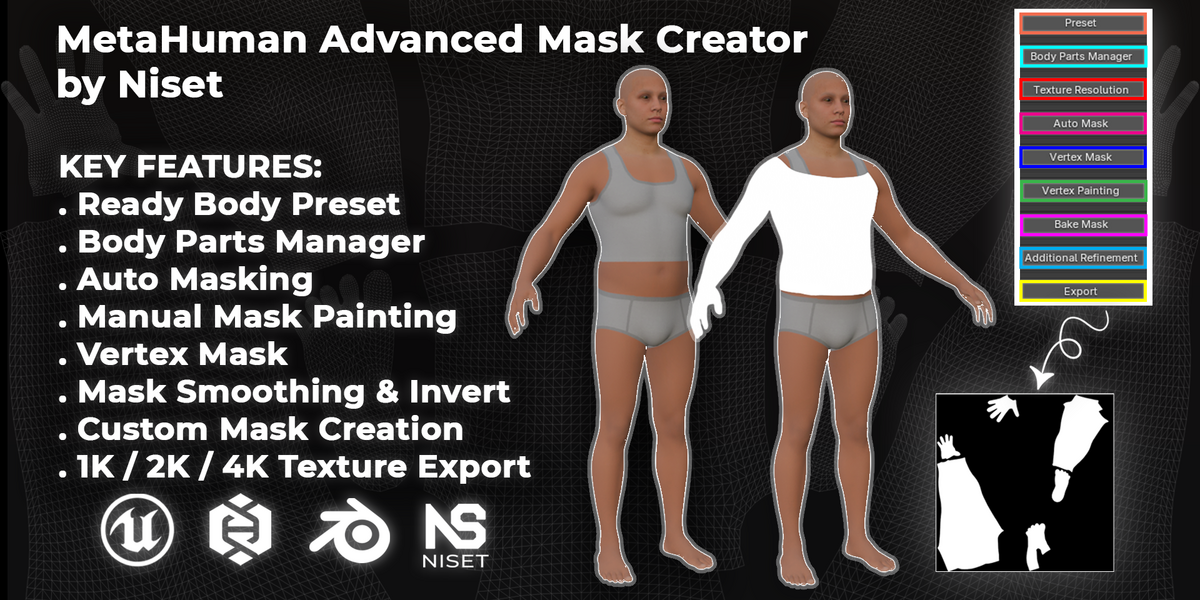
Requirements
- Blender 5.0+
Installation
- Download and unzip
MetaHuman_Advanced_Mask_Creator_by_Niset.zip - In Blender, go to Edit > Preferences > Add-ons > Install, and select the
.zipfile - Enable the plugin from the Add-ons list
- The panel appears in the [N-panel / sidebar — confirm actual location]
Workflow Overview
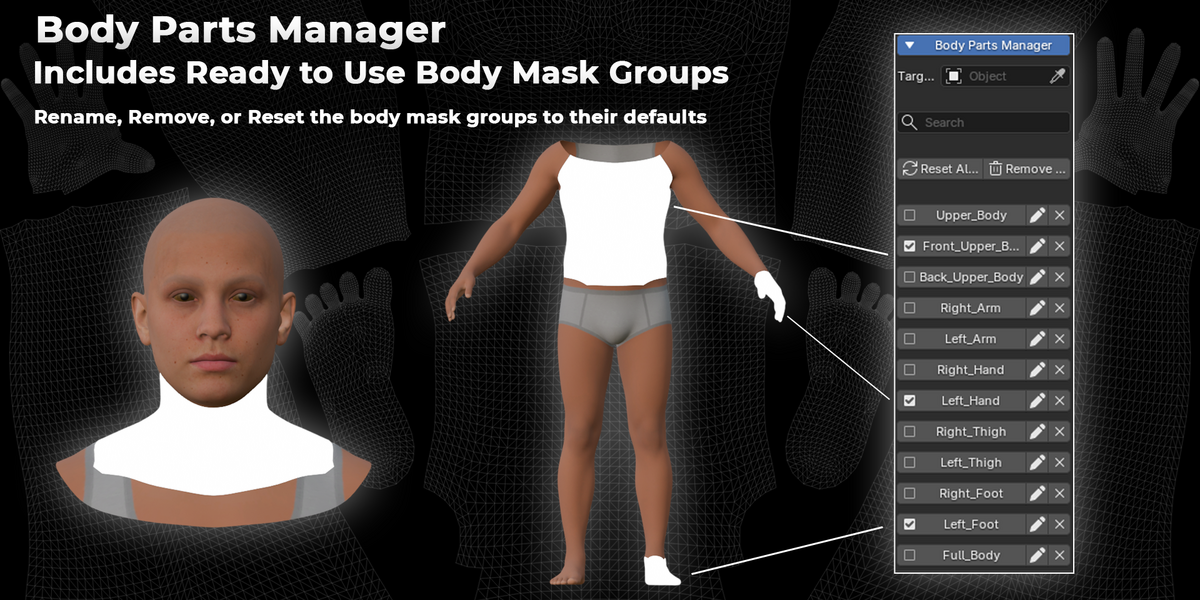
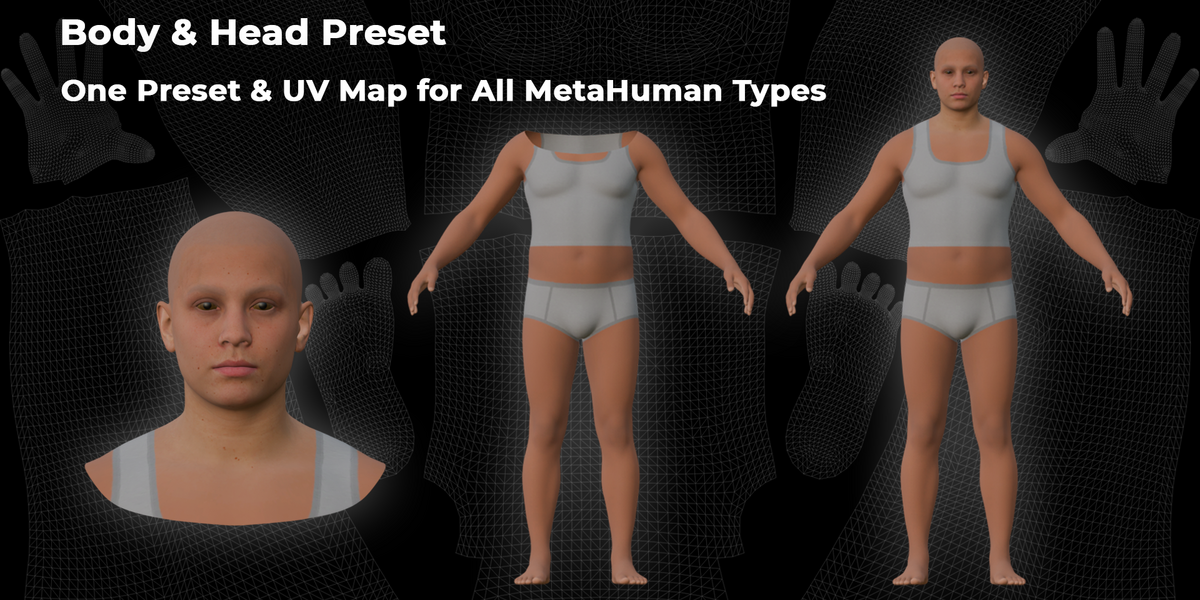
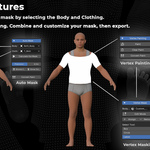
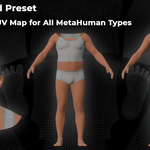
- Load the included universal body/head preset
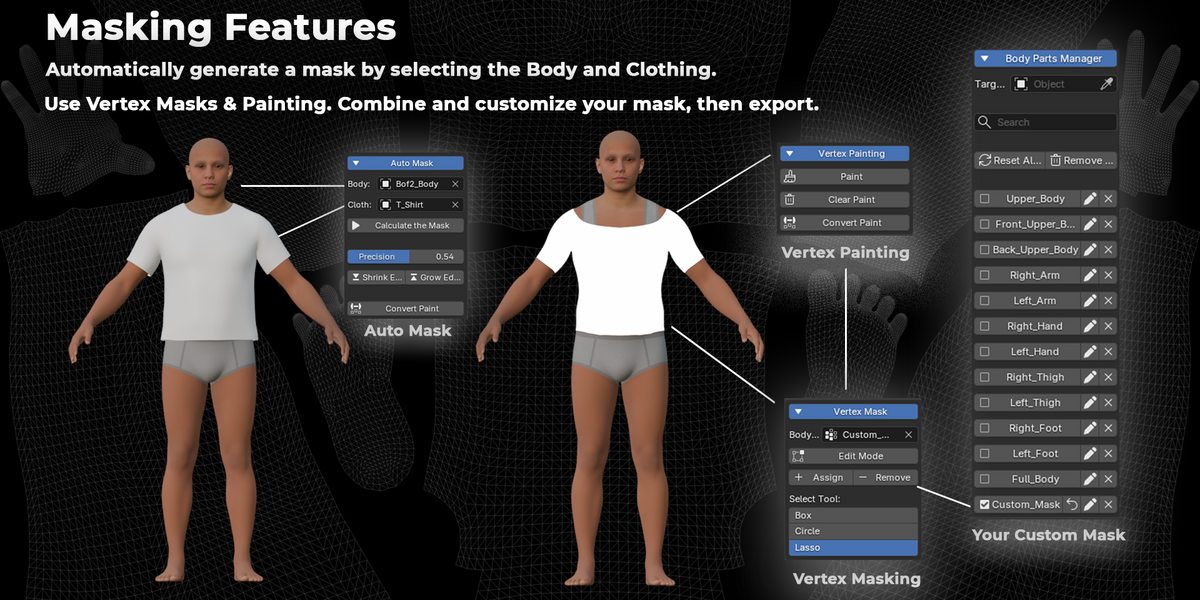
- Select the body and clothing meshes using the object pickers
- Choose your masking method:
- Auto Mask — set precision, use Grow/Shrink Edge to refine automatically
- Vertex Mask — manually select faces with Box, Circle, or Lasso tools
- Vertex Painting — hand-paint the mask directly on the mesh
- Use Bake Mask to combine all methods into one final result
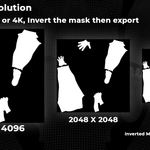
- Apply Smoothing and/or Invert as needed
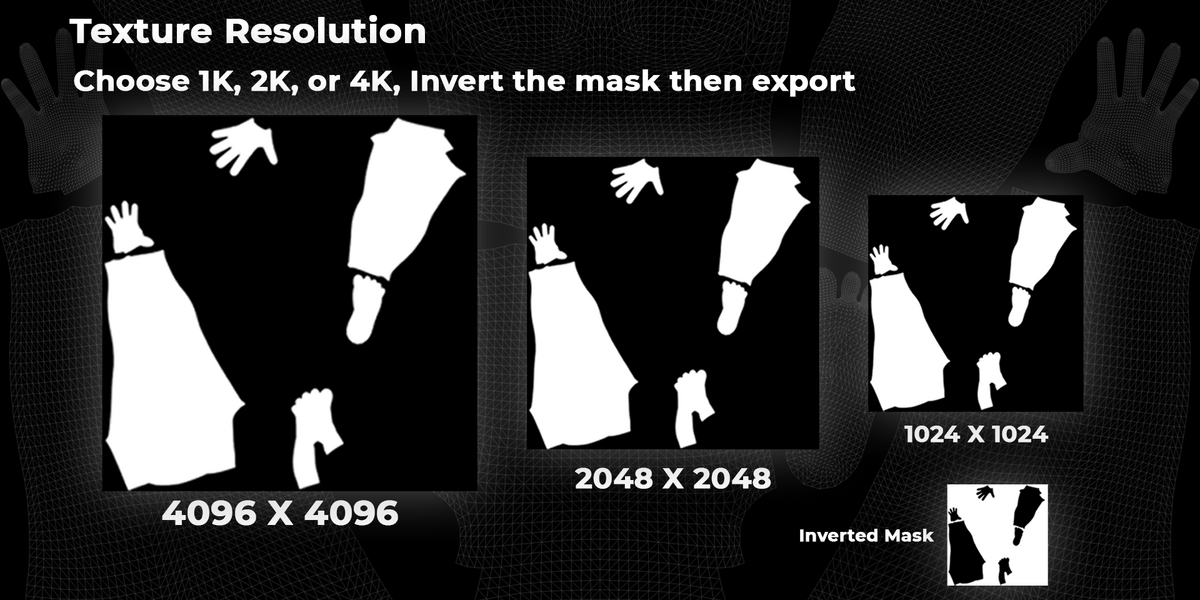
- Export the final mask texture at 1K, 2K, or 4K resolution
Compatible With
- All MetaHuman body types (via the included universal preset)
- Custom body presets (build mask groups from scratch)
- Both parametric and non-parametric clothing setups
Output
- Texture masks (1K/2K/4K), optimized for Unreal Engine 5 material workflows
Support
For setup help or questions, contact [email protected] before or after purchase.
-
$10
For personal, non-commercial use only
-
$20
Team Use — Commercial use for teams and studios with multiple users.
Have questions about this product?
Login to message
| Published | about 2 months ago |
| Blender Version | 5.0 - 5.1 |
| Extension Type | N/A |
| Render Engine Used | Cycles |
| License | GPL |