 MGF
MGF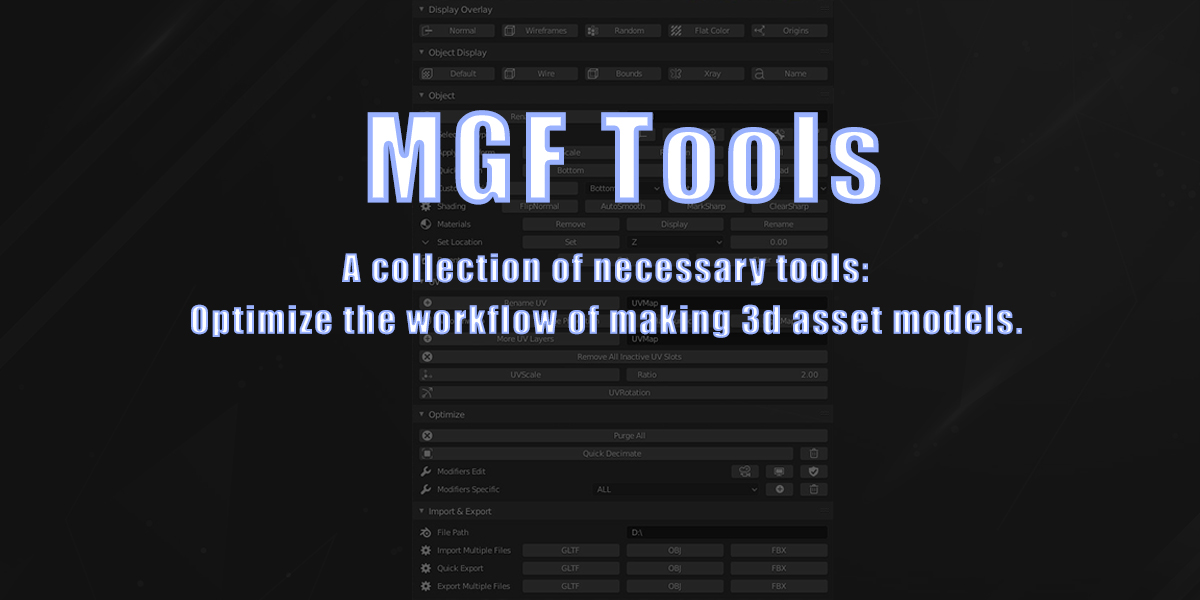
MGF Tools - a collection of necessary tools for optimize the workflow of making 3d models.
Apply the function to each selected object.
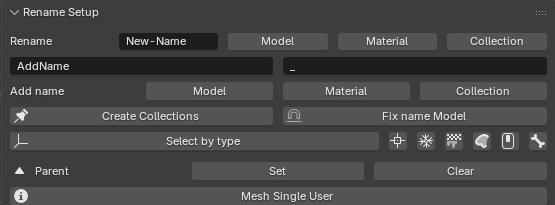
MGF Setup Tab: Rename and other:
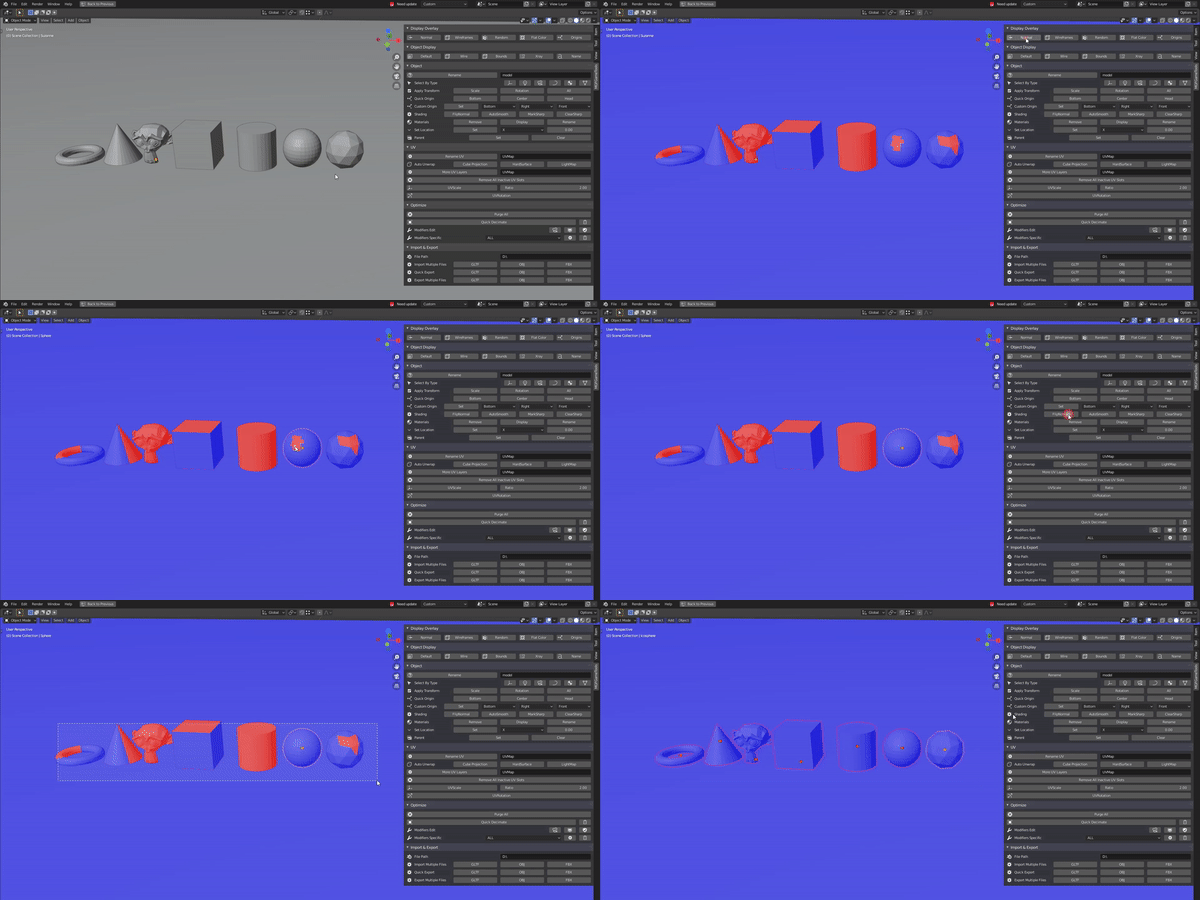
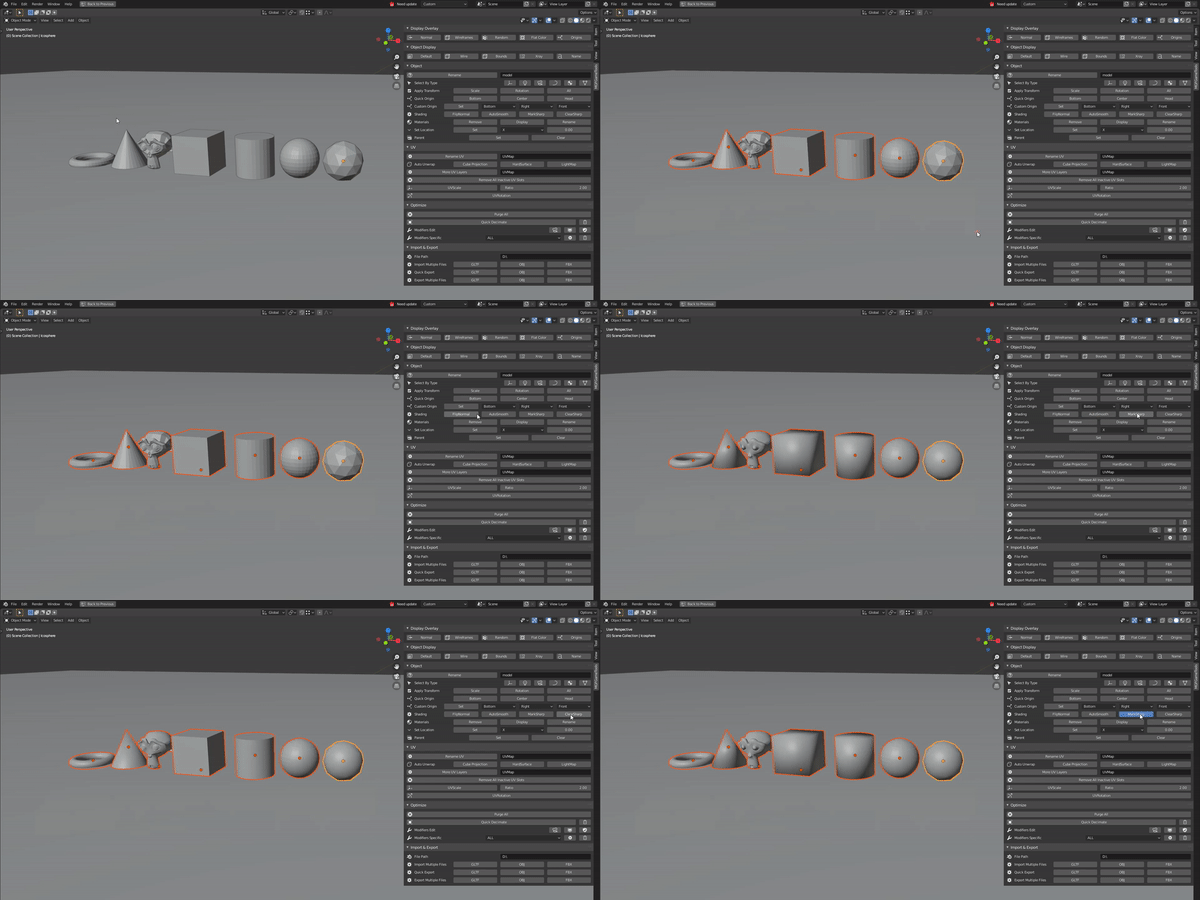
MGFTools Tab:
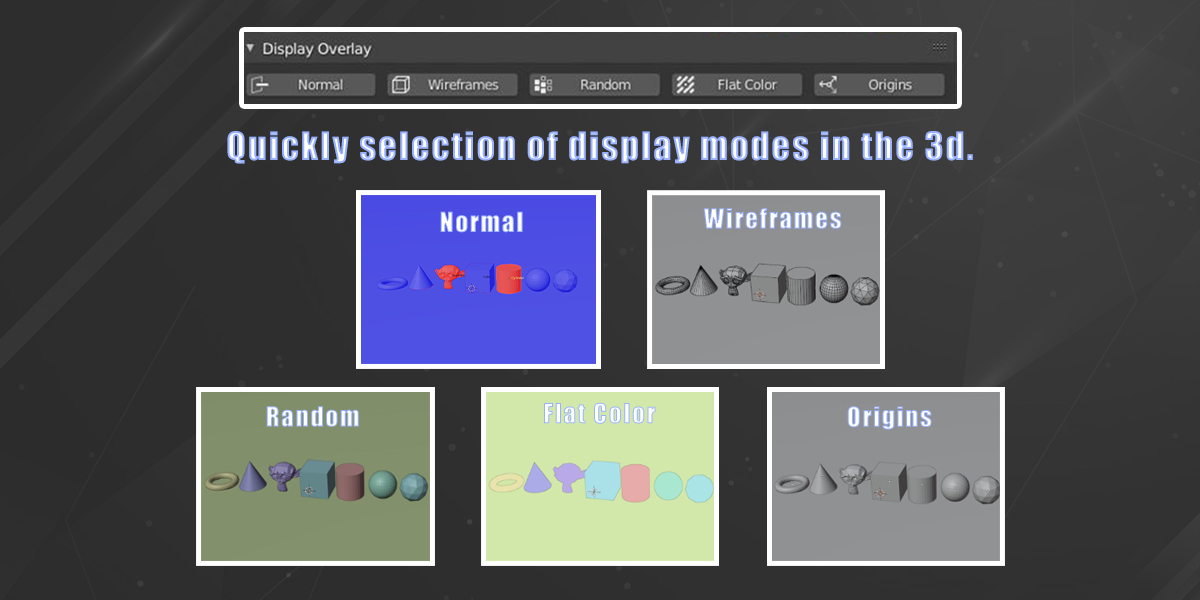
1. Display Overlay:

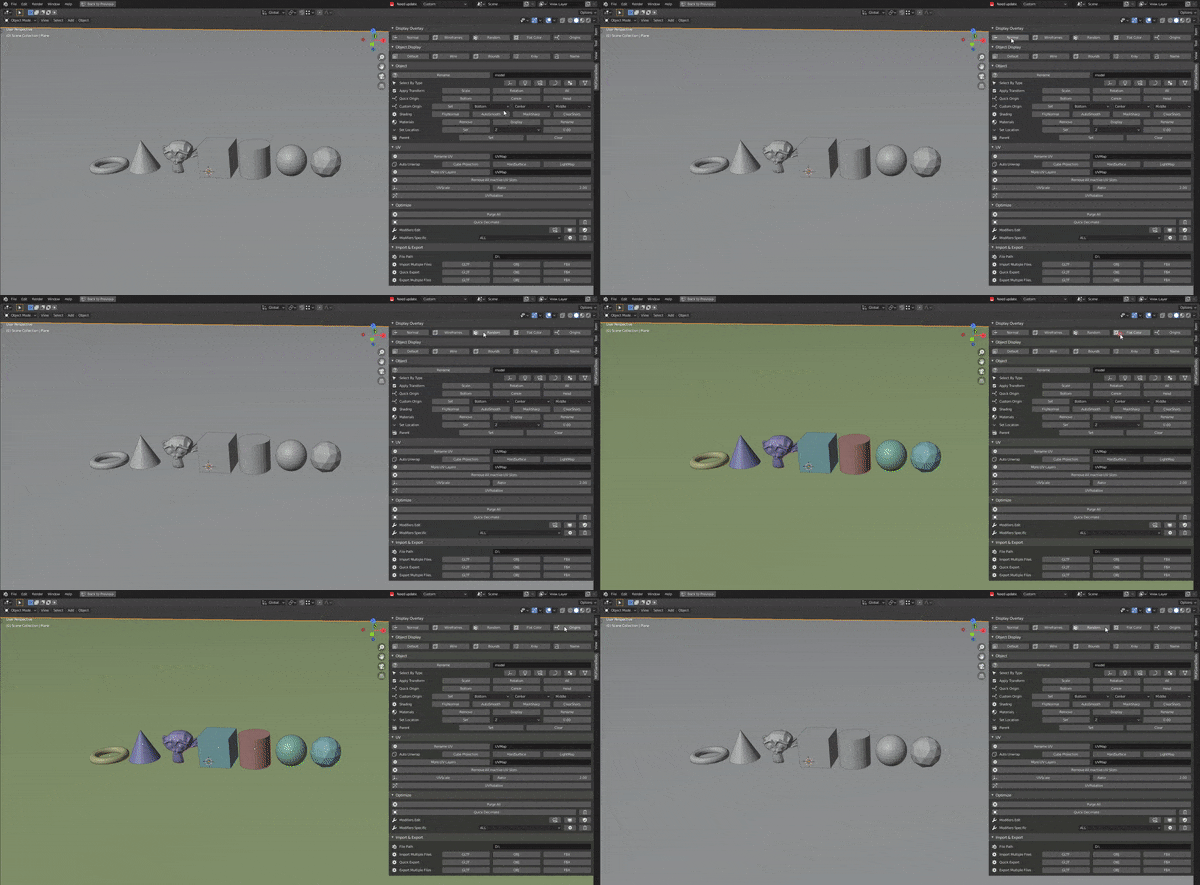
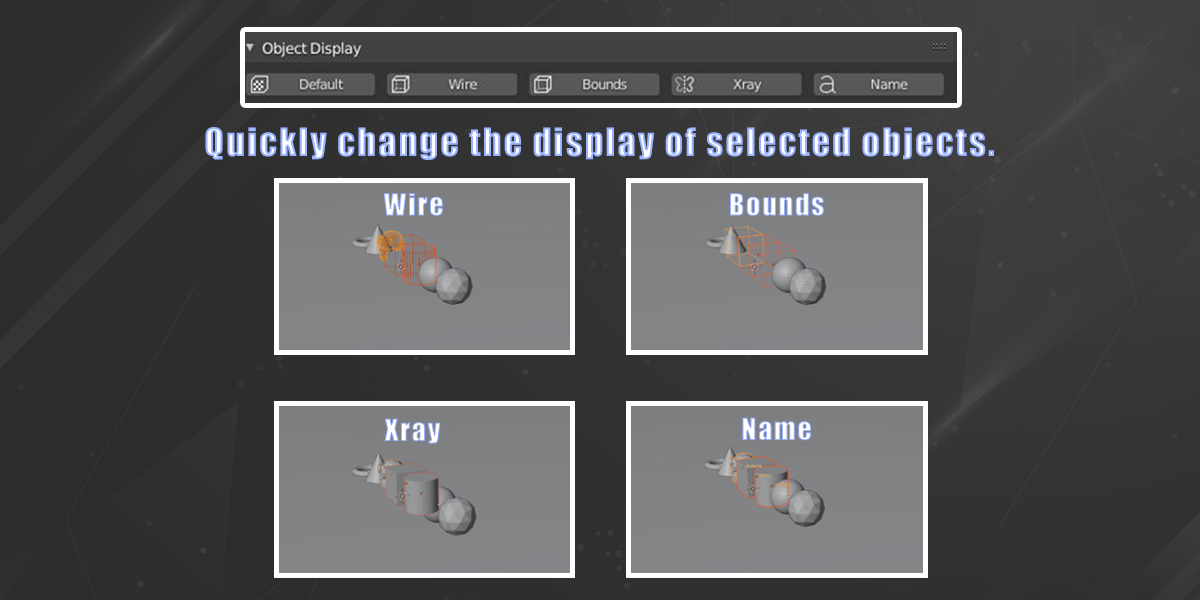
2. Object display:

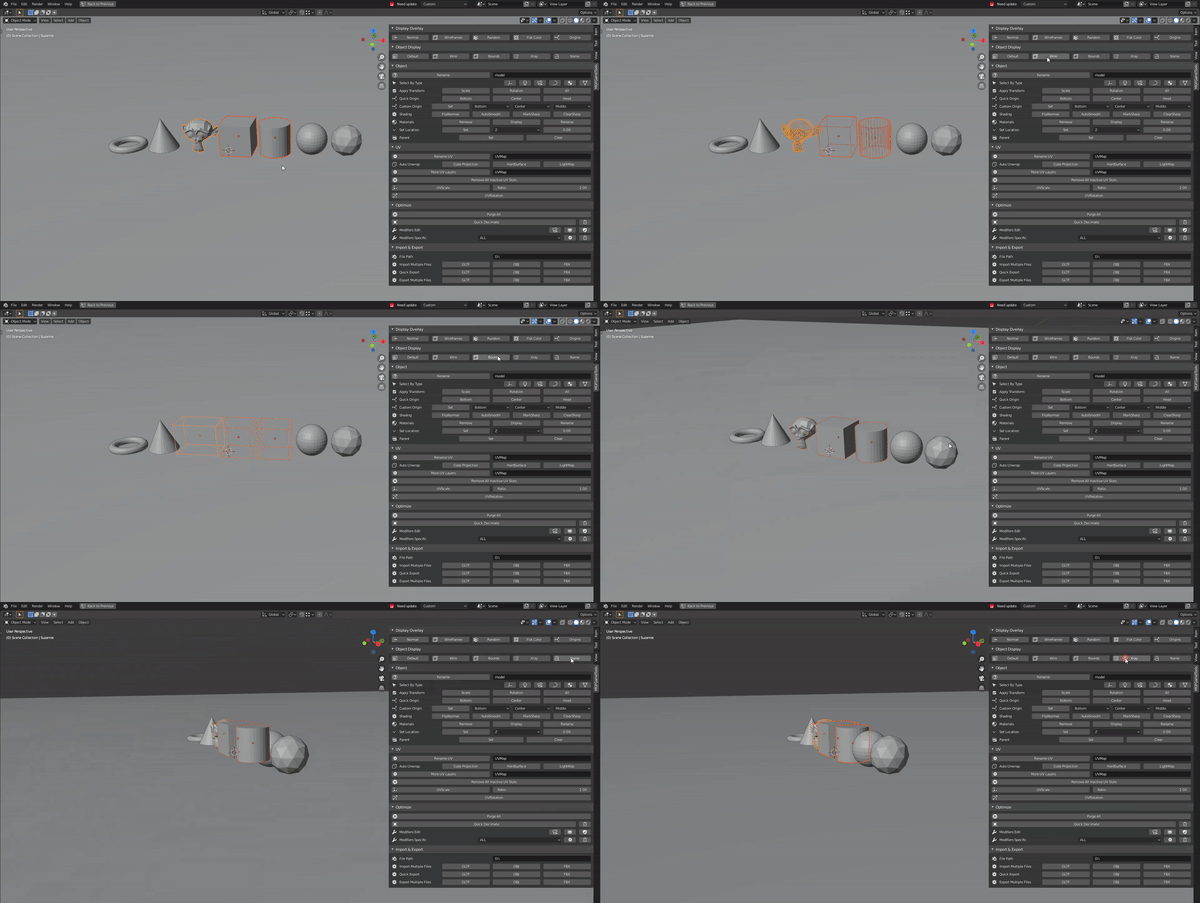
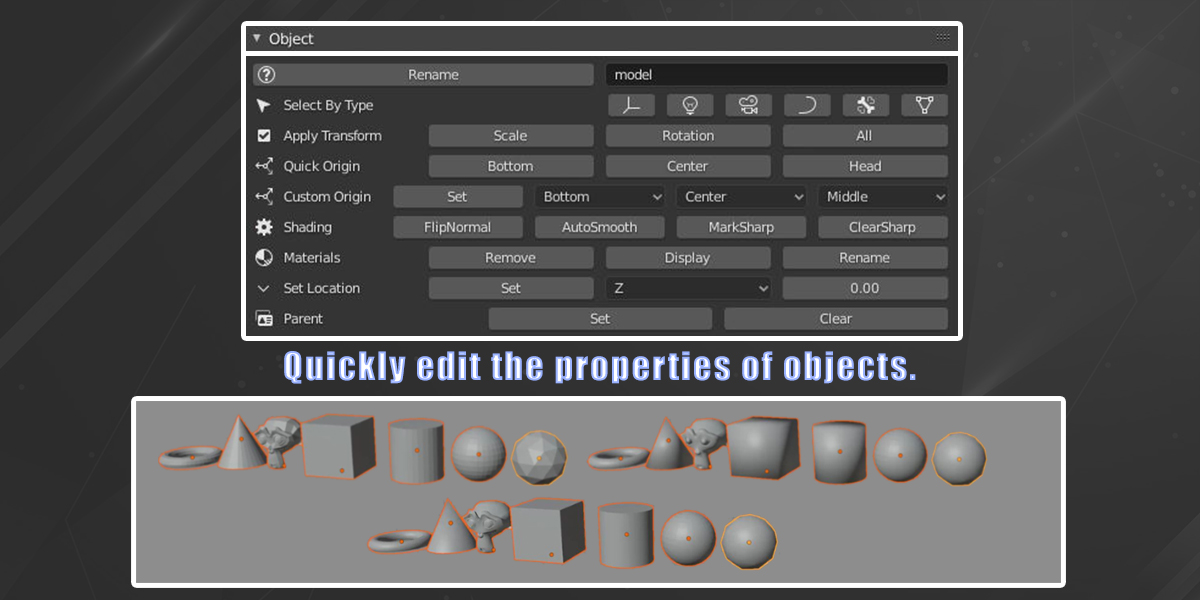
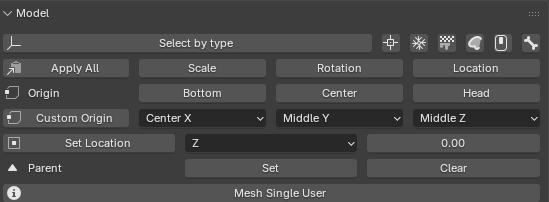
3. Model:
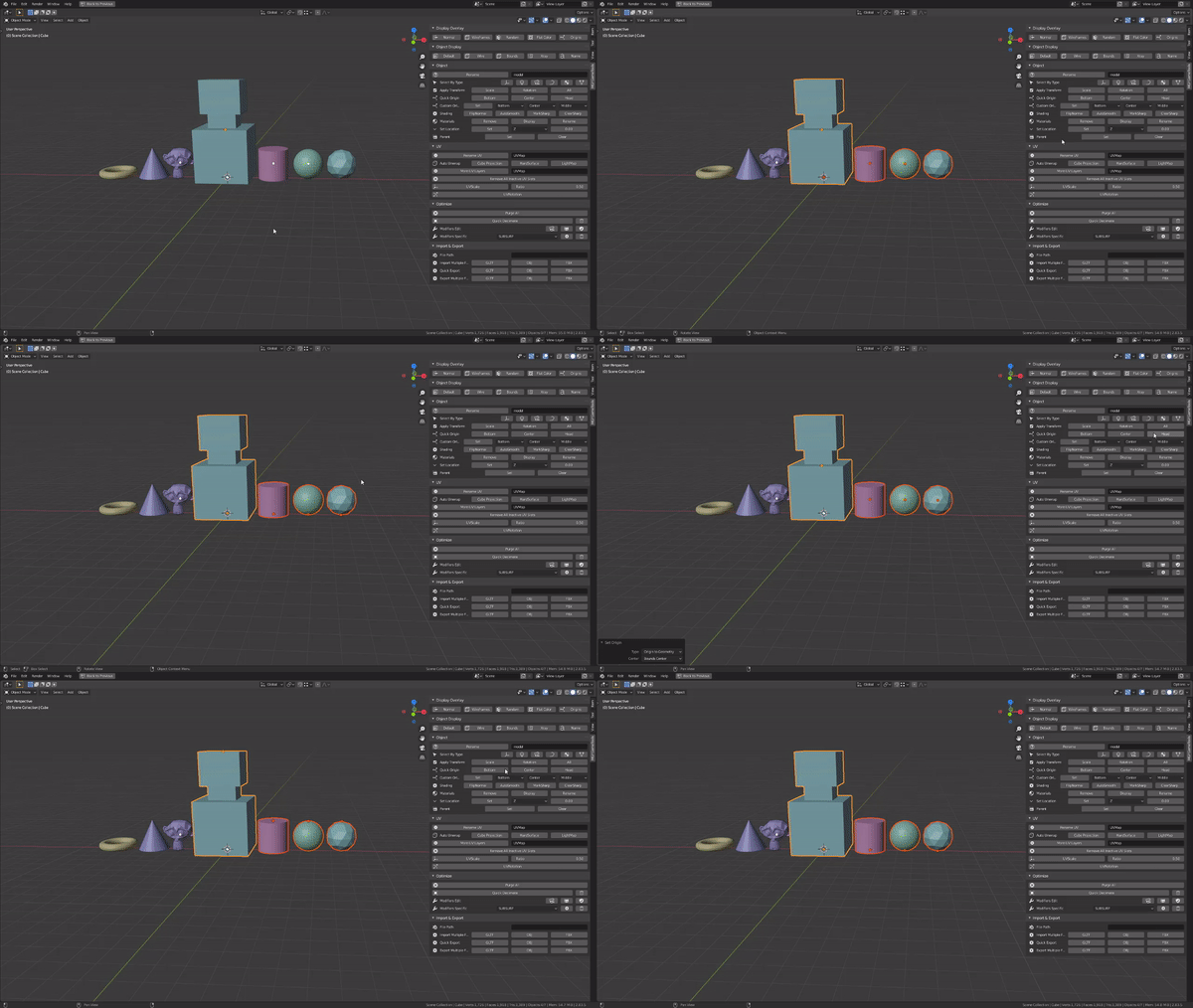
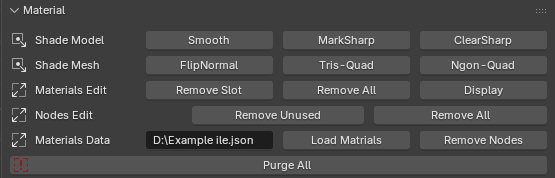
4. Material:
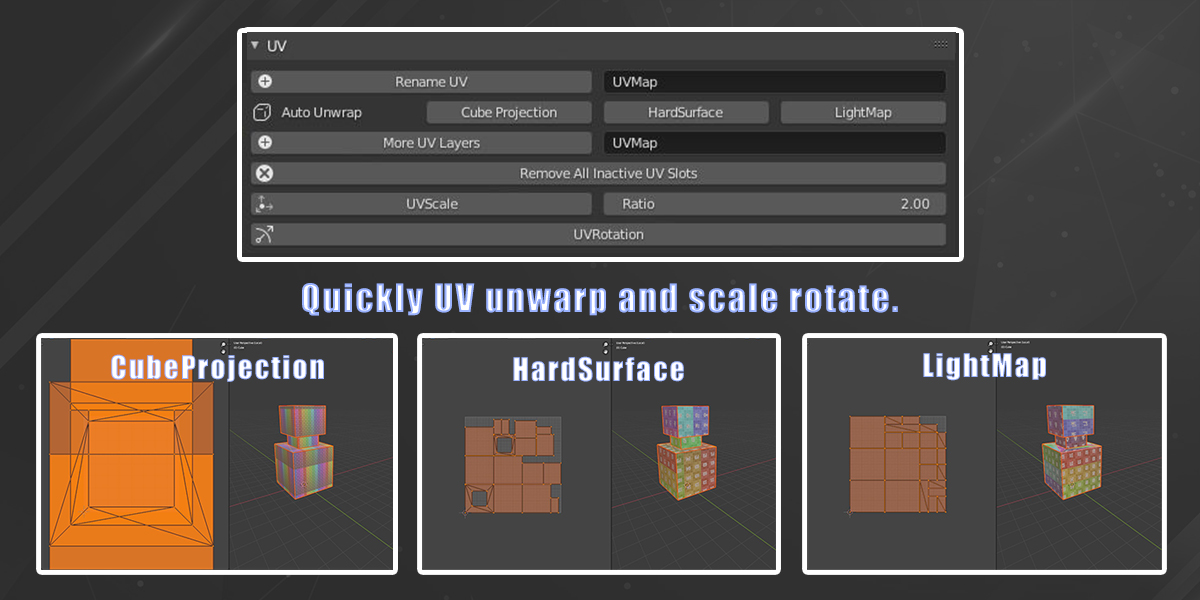
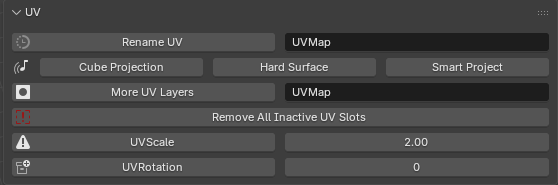
5. UV:
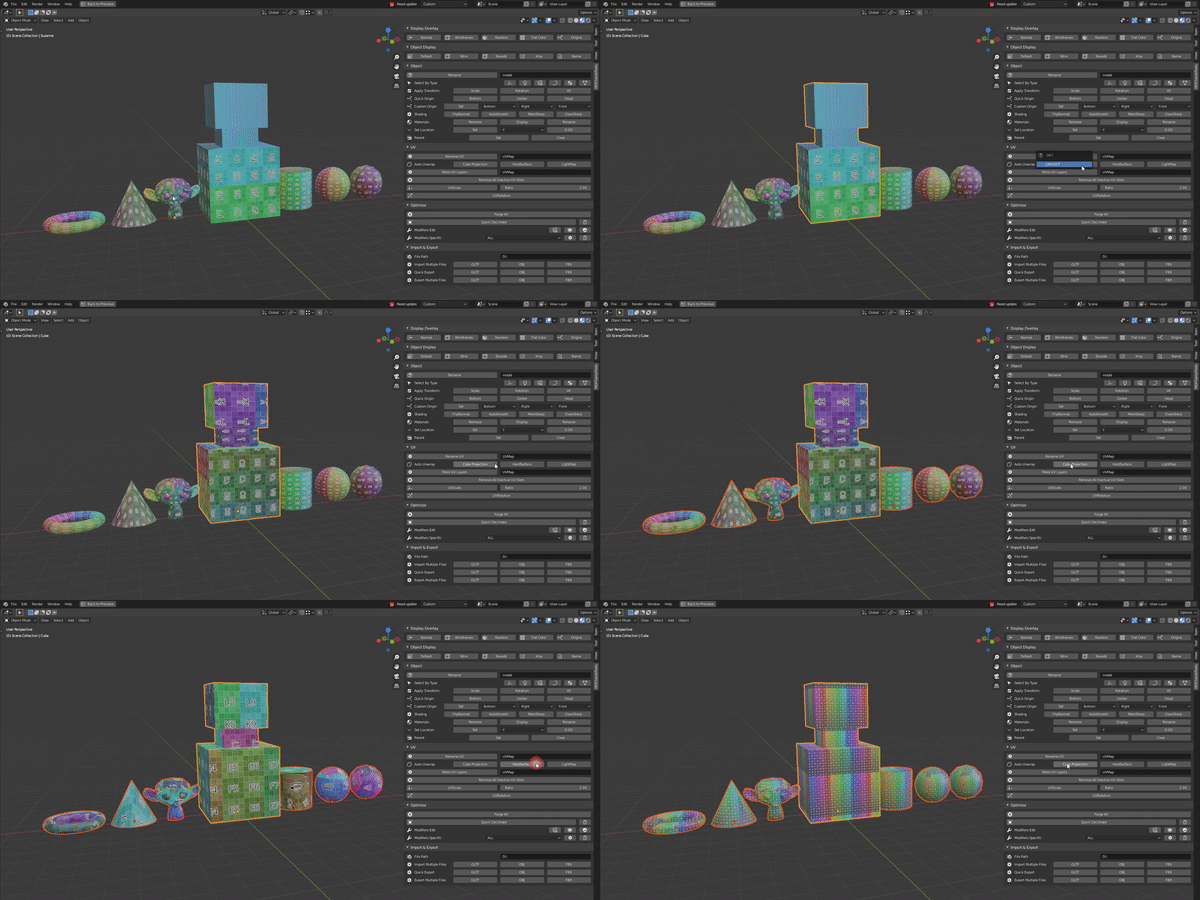
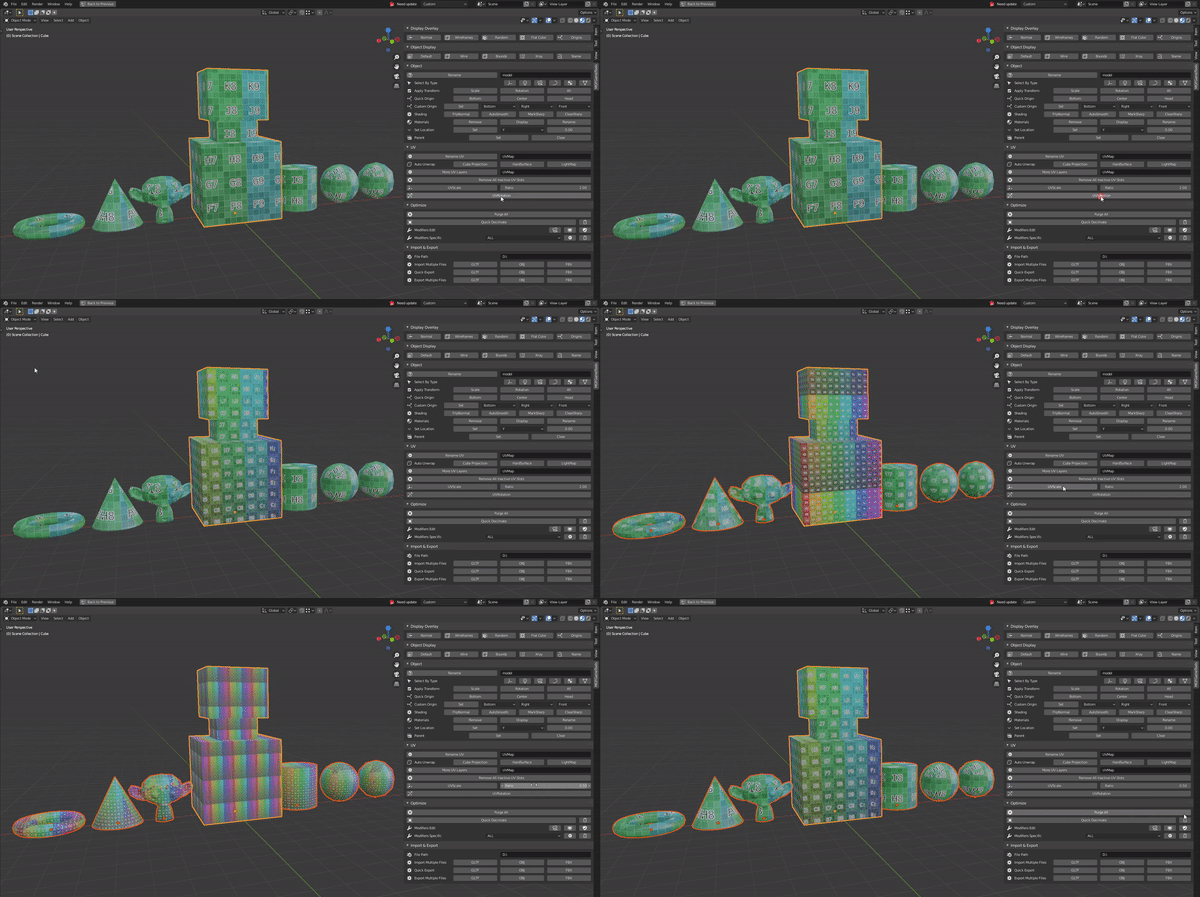
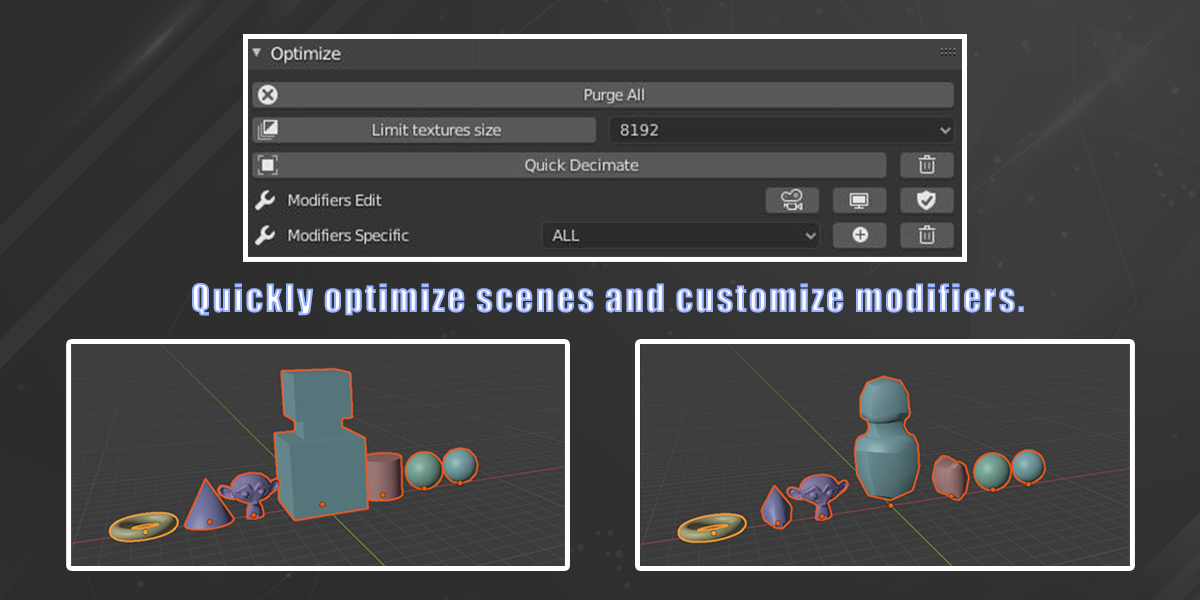
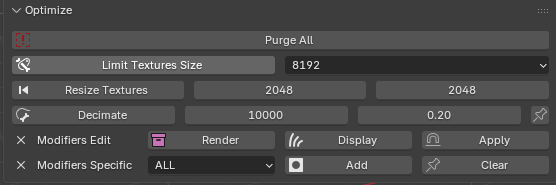
6. Optimize: Quickly optimize scene and customize modifiers.
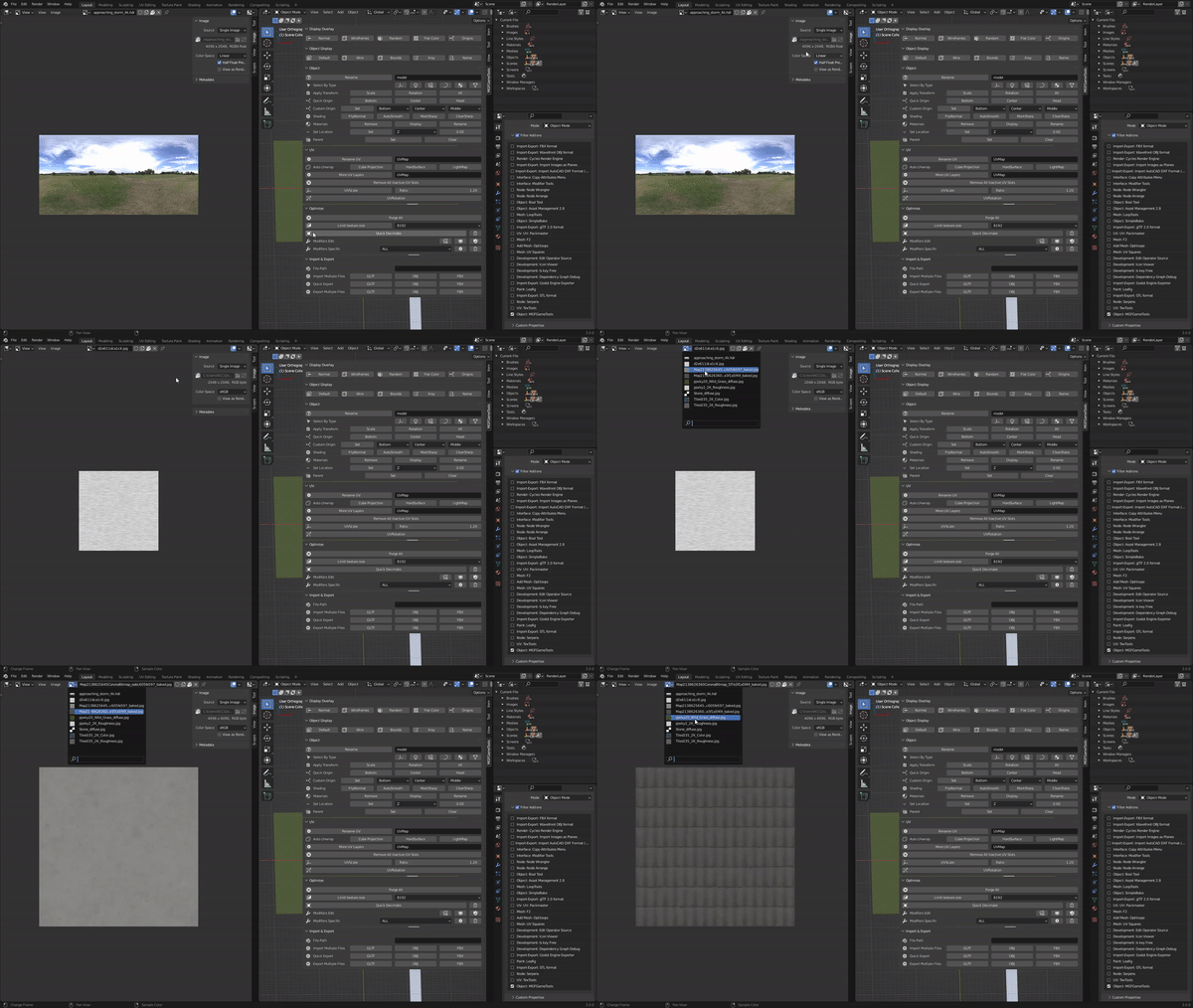
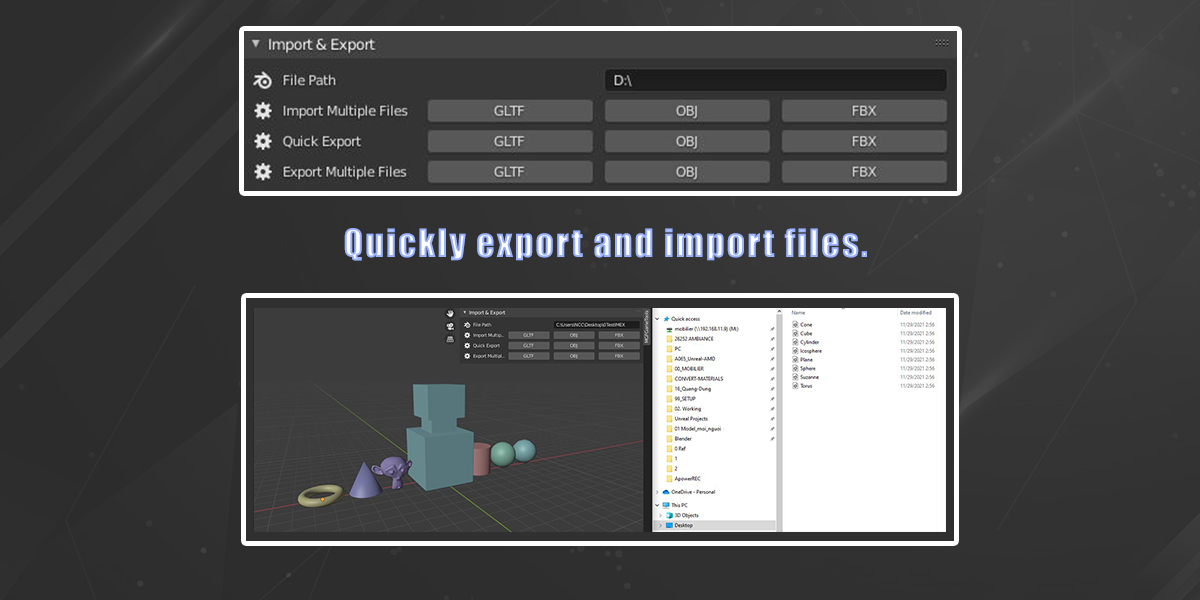
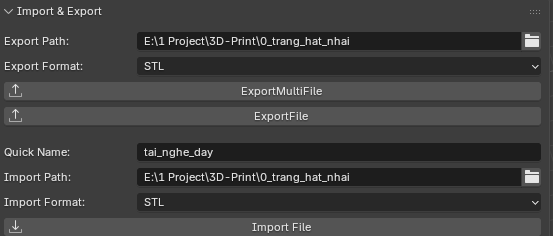
7. Import Export: Quickly import and export files:
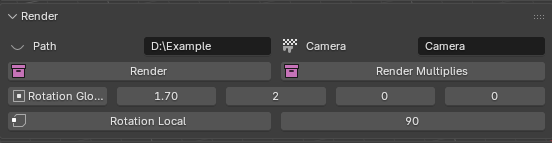
8. Render: Quickly render for each selected objects:
Notes:
- Make sure to uninstall the current addon before installing the new one and restart blender.
All Version:
3.0.0 (27/03/2026):
- Support up to Blender 5.0-5.2.
- Added some new features:
- New Import and Export.
2.1.2 (03/08/2024):
- Support for Blender 3.0 - 4.2.
- Added some new features:
- Camera quick setup angle, position and quick render single, multiple objects.
- Materials and material nodes.
2.1.0 (17/07/2024):
- Support for Blender 3.0 - 4.2.
2.0.0 (16/07/2024):
- Updates for higher Blender versions.
- Support for Blender 3.0 - 4.0.
1.0.3 (01/26/2022):
- Support for Blender 2.8 - 3.0.
1.0.2 (18/12/2021):
- Improve UI and popup.
- Optimize: Add new feature: Limit texture size: quick resize all textures down to the limit value you choose (except OPEN_EXR and HDR format). Remember to save the file.
- Support for Blender 2.8 - 2.9.
1.0.1 (16/12/2021):
- Quick Origin and Custom Origin: now works with all selected objects.
- Remove All Inactive UV Slots: only works with selected objects instead of all the objects in blend file.
- Export & Import: bug fixes and improvements.
- Support for Blender 2.8.
More information and guides are included inside the tutorial on youtube.
If you got any feedback please leave a message.
Happy blending !!!
