 ZEG

Installation
In Blender open Edit, Preferences, Get Extensions, then use Install from Disk and pick the miami_city_generator zip.
Usage
- Open the Miami tab in the 3D viewport sidebar (N).
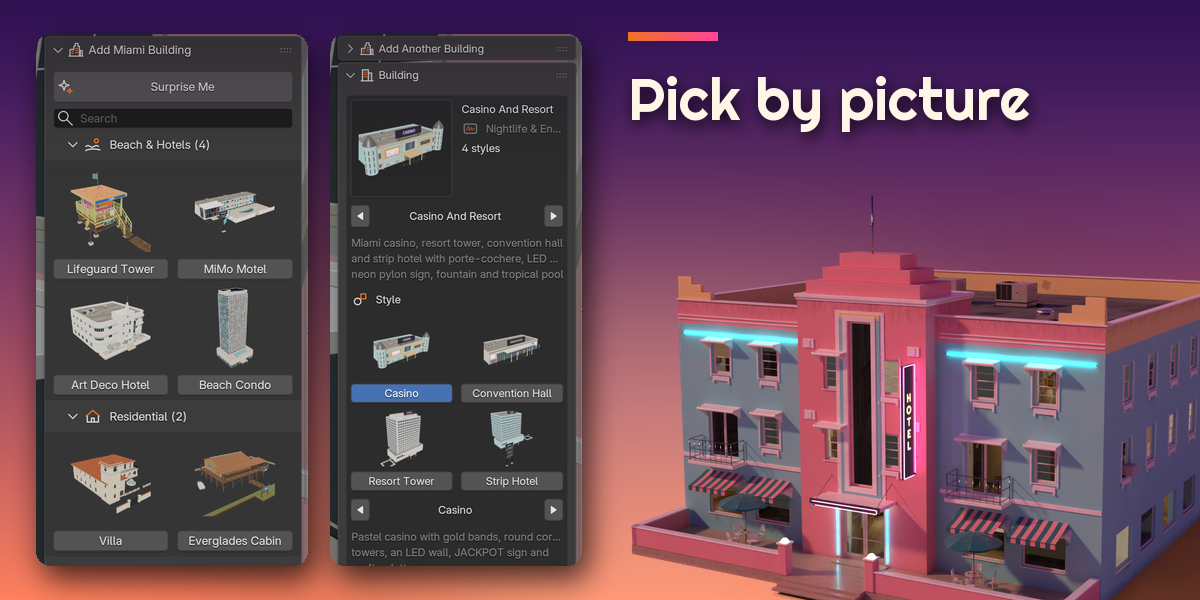
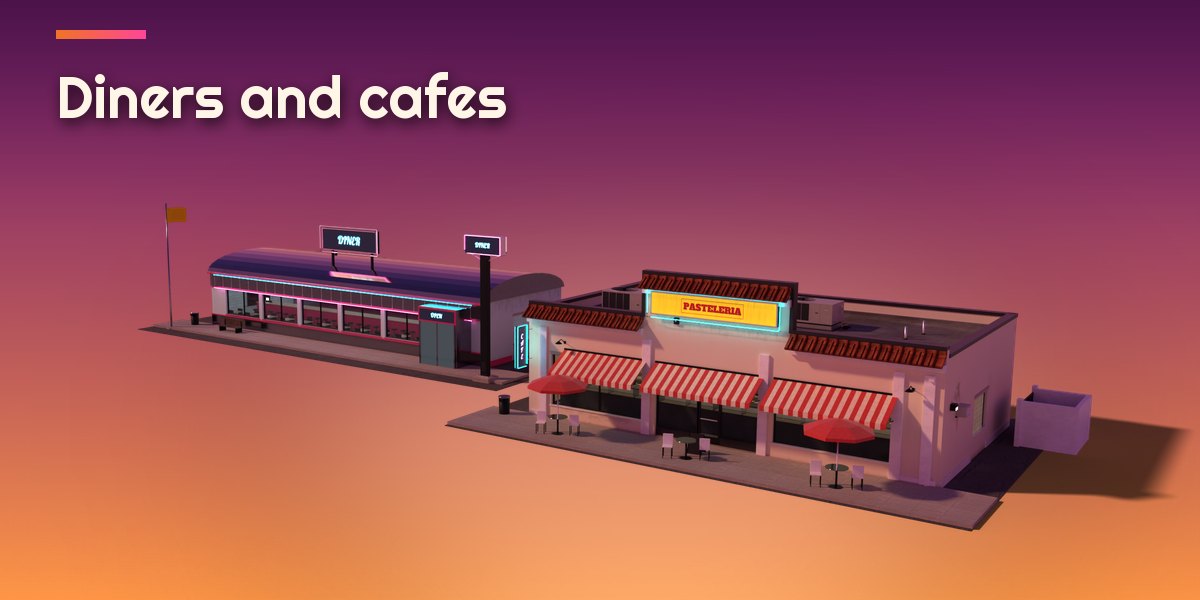
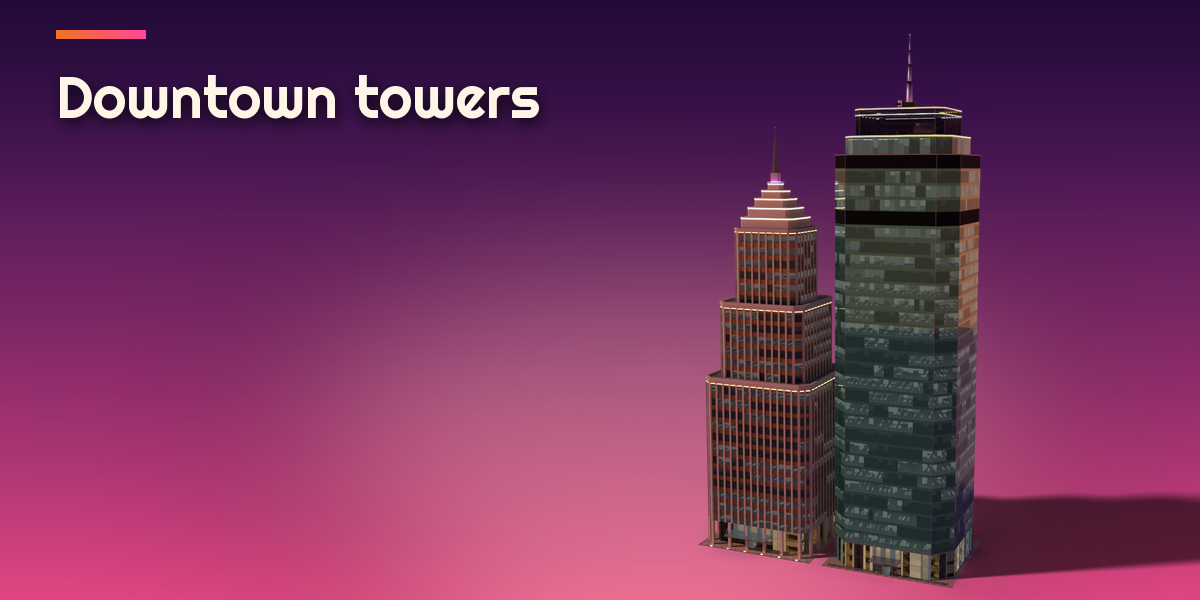
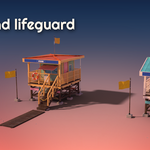
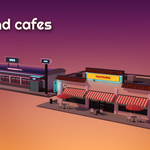
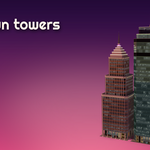
- Click a building picture, or press Surprise Me, to add it at the 3D cursor.
- Pick a style, then change size, floors, colors and features. Only the selected building rebuilds.
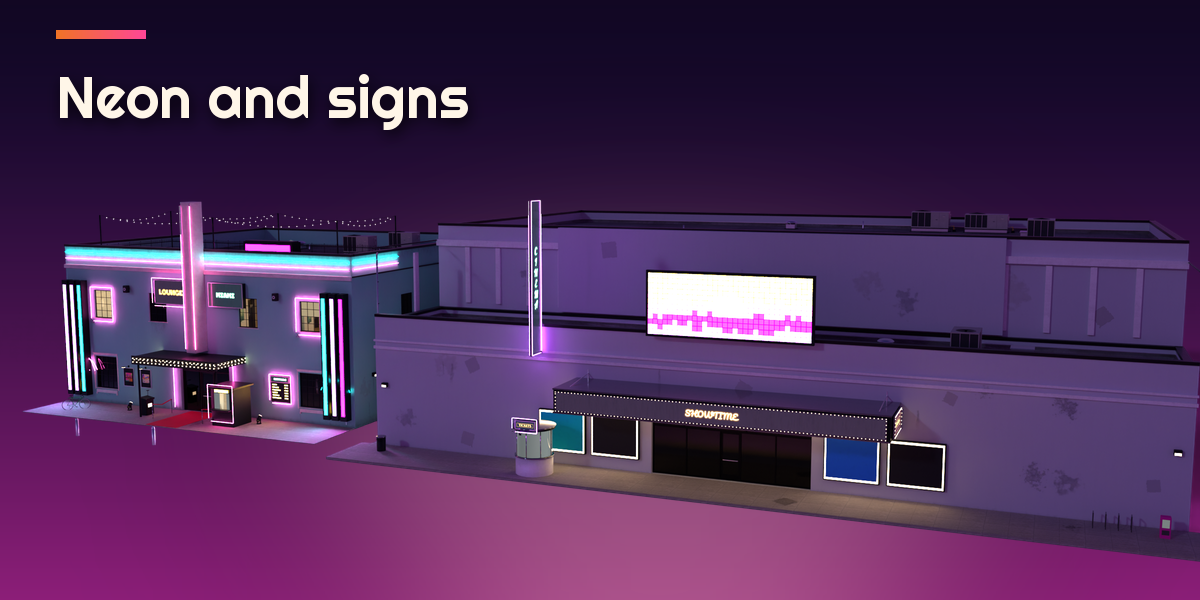
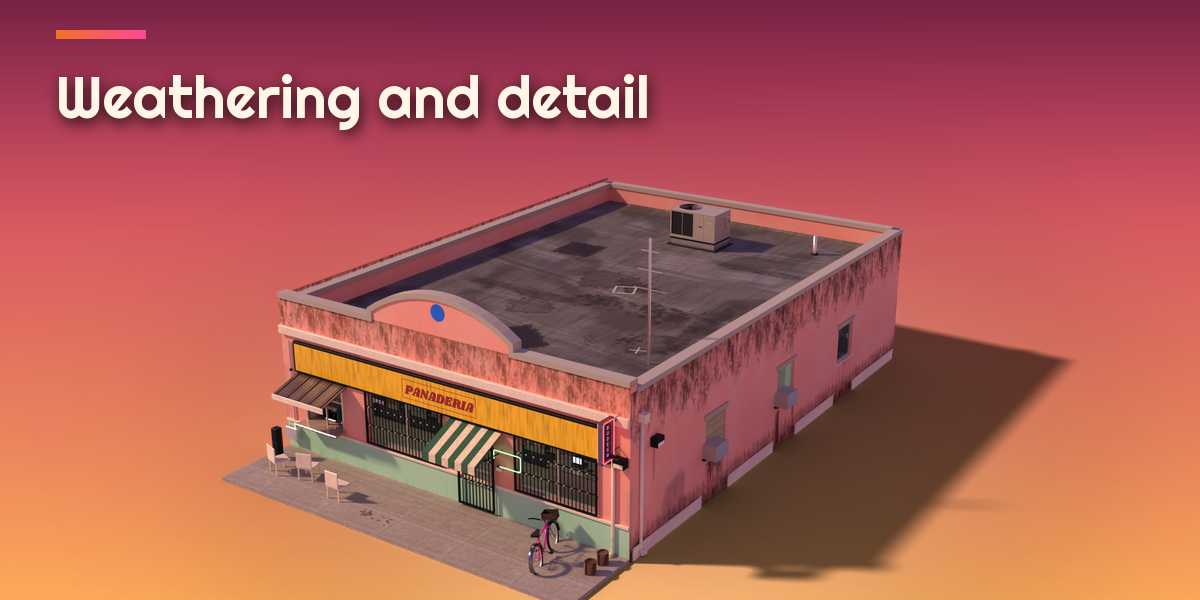
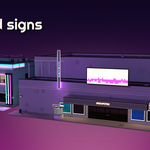
- Use Condition for New, Used or Old weathering, and Night for lit windows and neon.
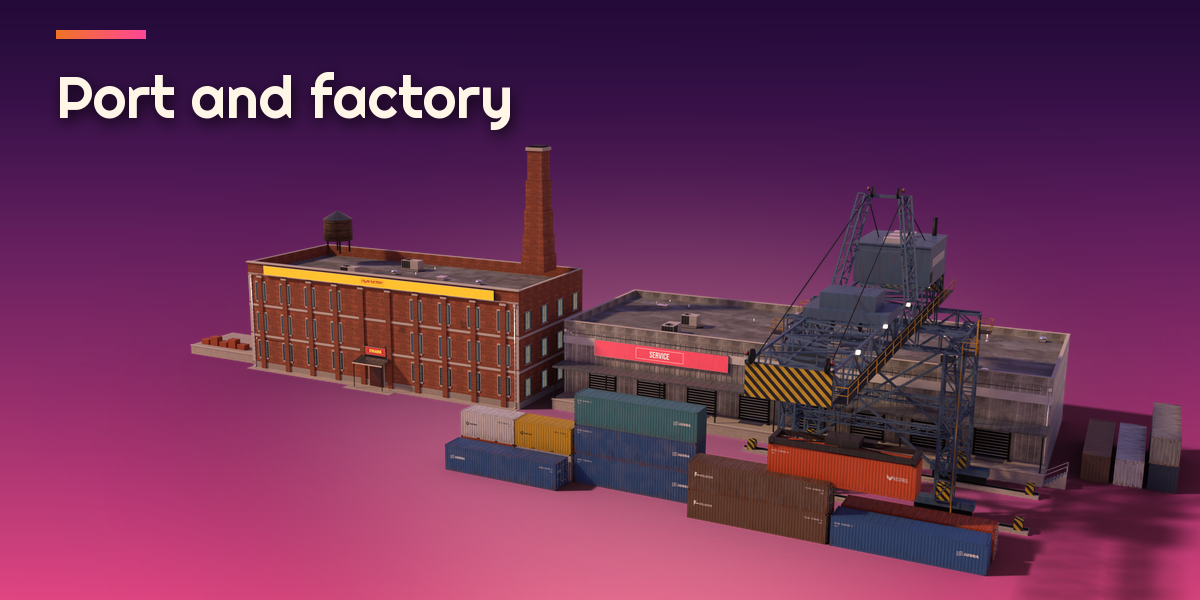
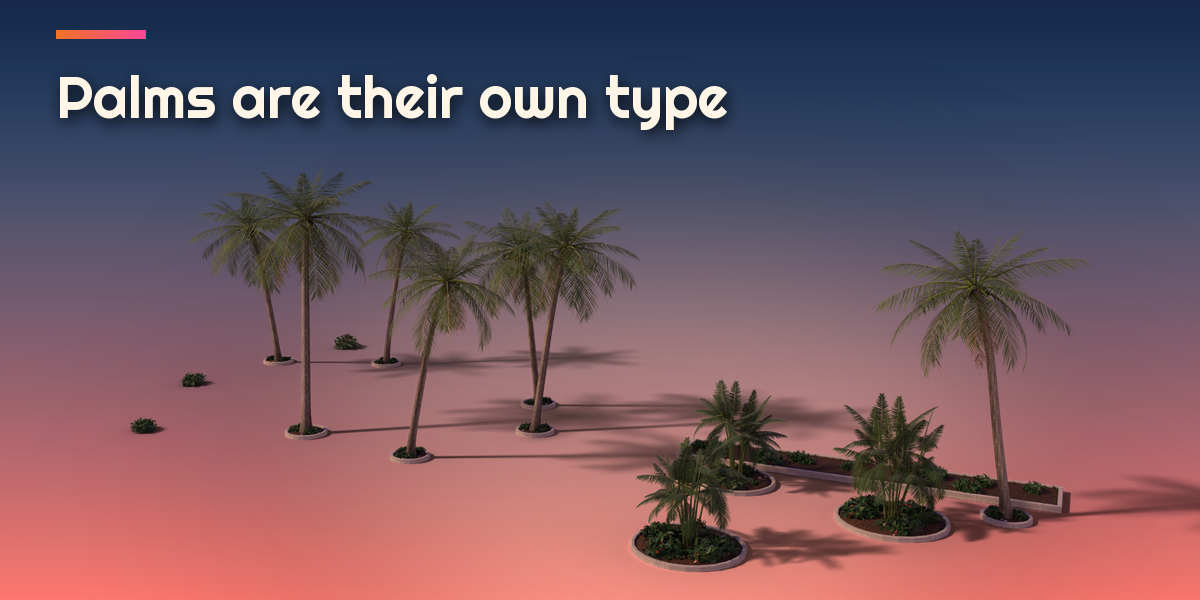
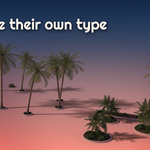
- Add palms from the Palms and Trees type, duplicate buildings or build a street row.
Tips
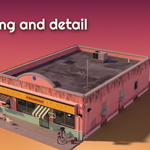
Use Low detail for crowds and game LODs. Each building is a single mesh, so you can apply modifiers or export it like any object.
Have questions about this product?
Login to message
| Blender Extension Compatible | Yes |
| Published | 1 day ago |
| Blender Version | 4.2 - 5.2 |
| Extension Type | Add-on |
| Render Engine Used | Cycles, Eevee |
| License | GPL |

Discover more products like this
procedural architecture art deco tropical beach city neon port building miami Hotel south-beach