Multi Instance Blender
 Barely Satisfying Blender Software
Installation:
- Open Blender
- Go to Edit -> Preferences -> Addons
- Click "Install from disc"
- Select "Multi Instance Blender.zip" from your downloads folder
- Click "Install Addon"
- Enable the "Multi Instance Blender" addon by ticking the checkbox
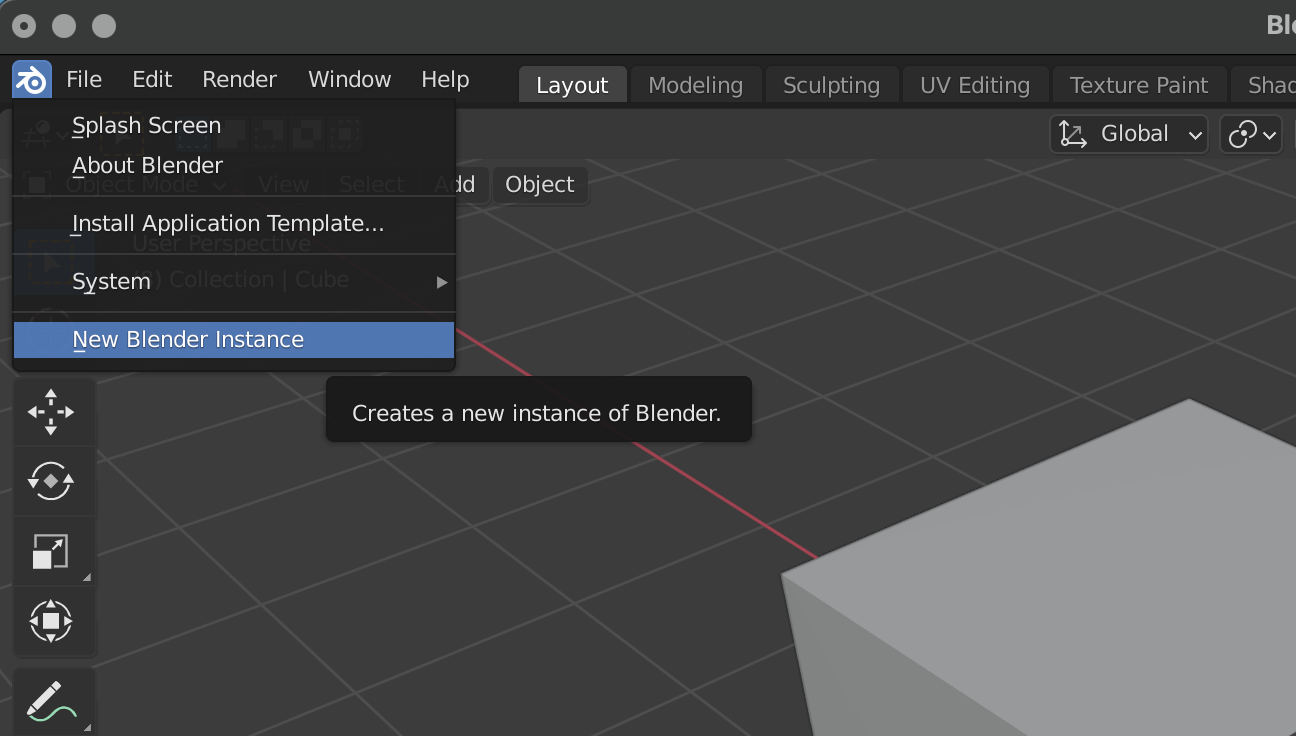
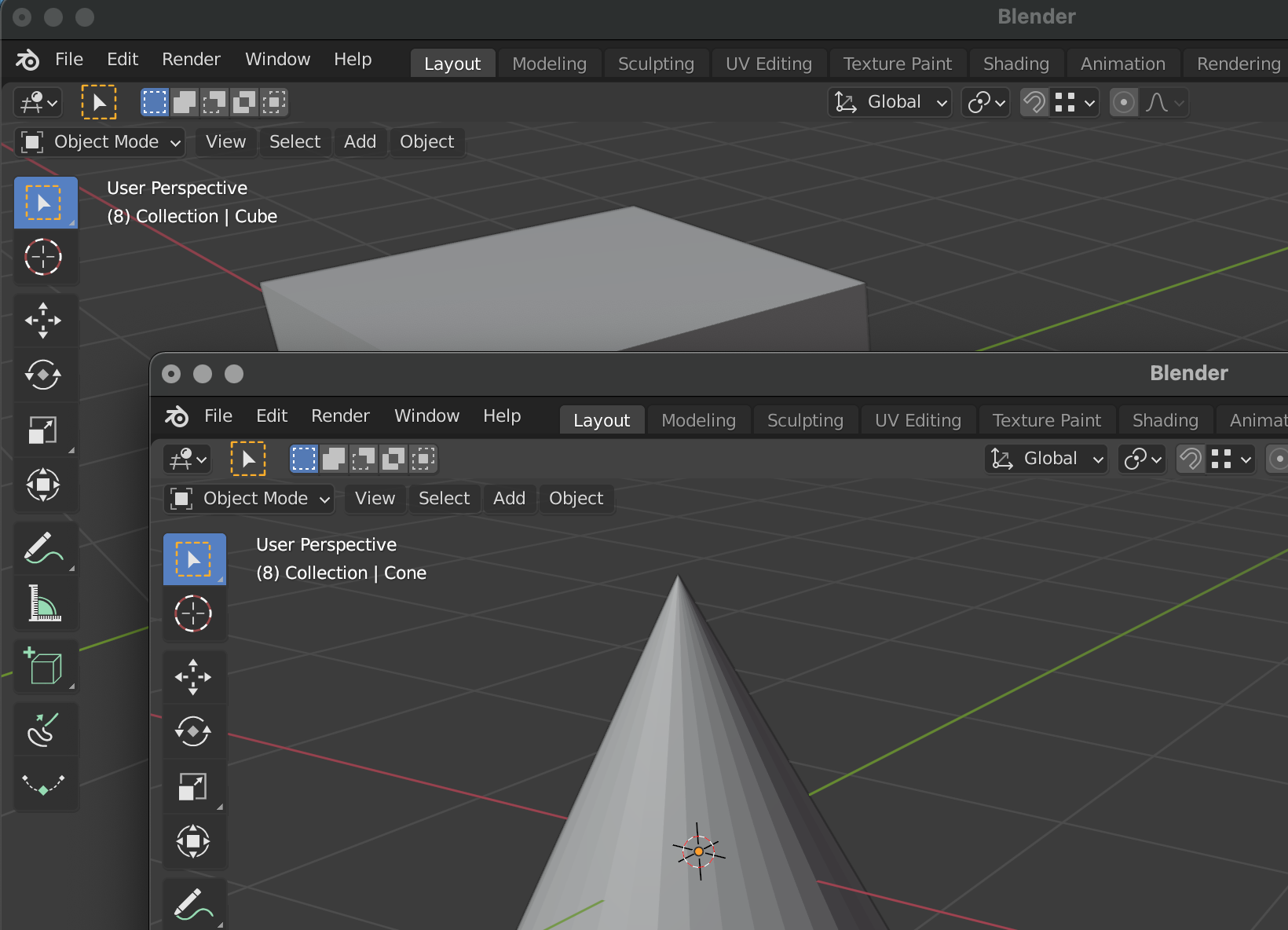
Open a Blender instance:
- Go to the Blender menu (Blender icon)
- Select "New Blender Instance"

Discover more products like this
more than one multi Multiple additional instance three two parallel open twice open many bfcm21 twice open second multiple instances