 ZEG


Installation
In Blender open Edit, Preferences, Get Extensions, then use Install from Disk and pick the zip.
Usage
- Open the sidebar (N) in the 3D Viewport and click the Cell tab.
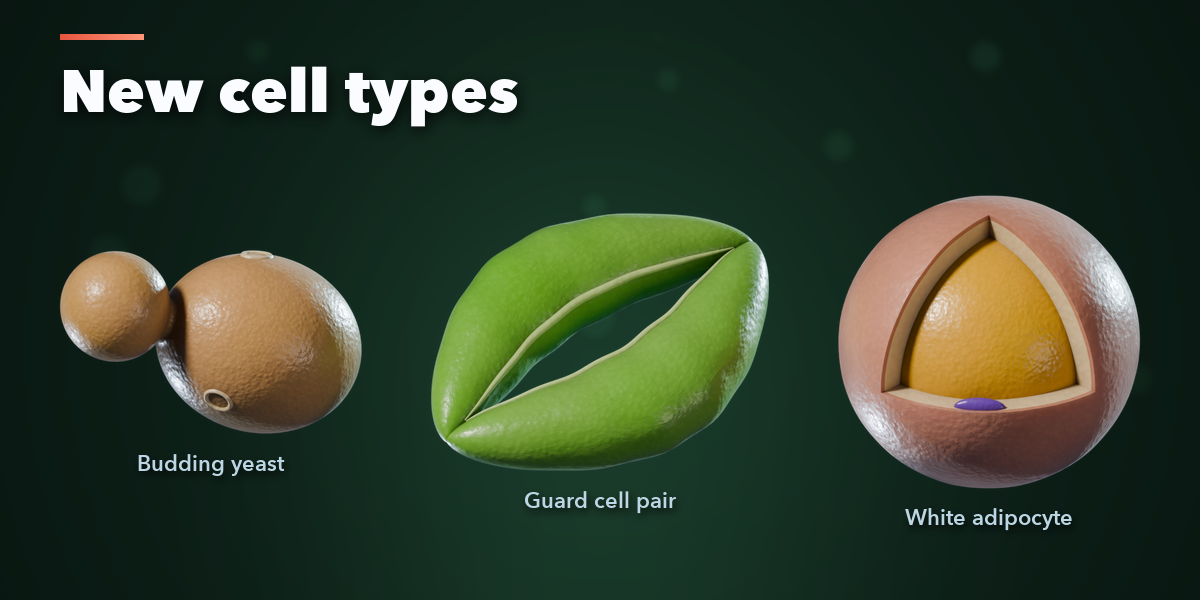
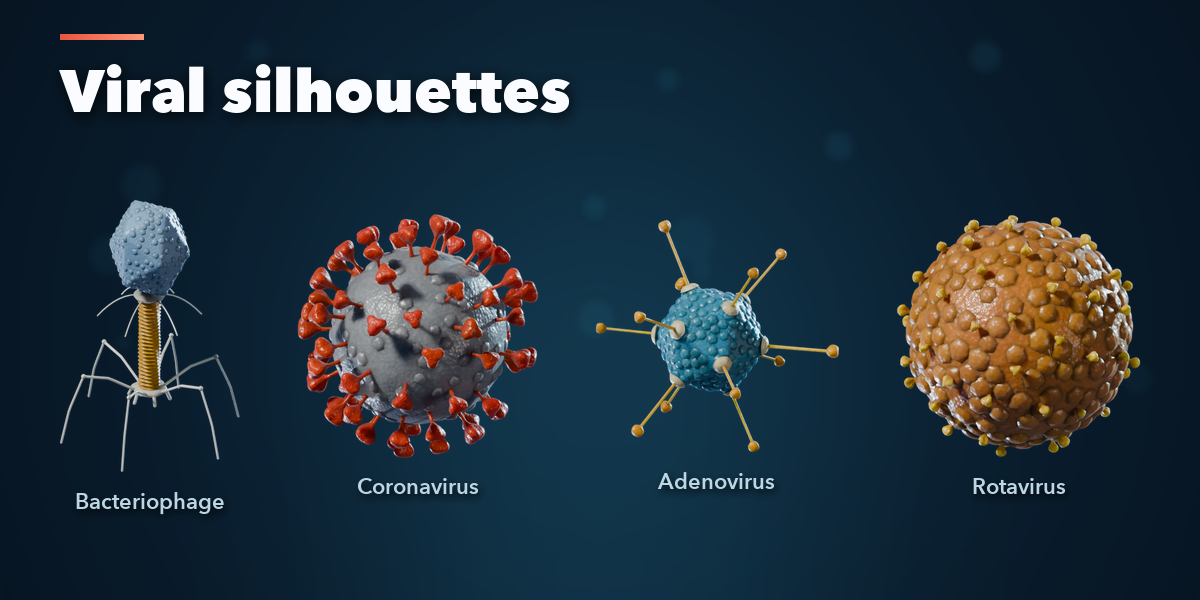
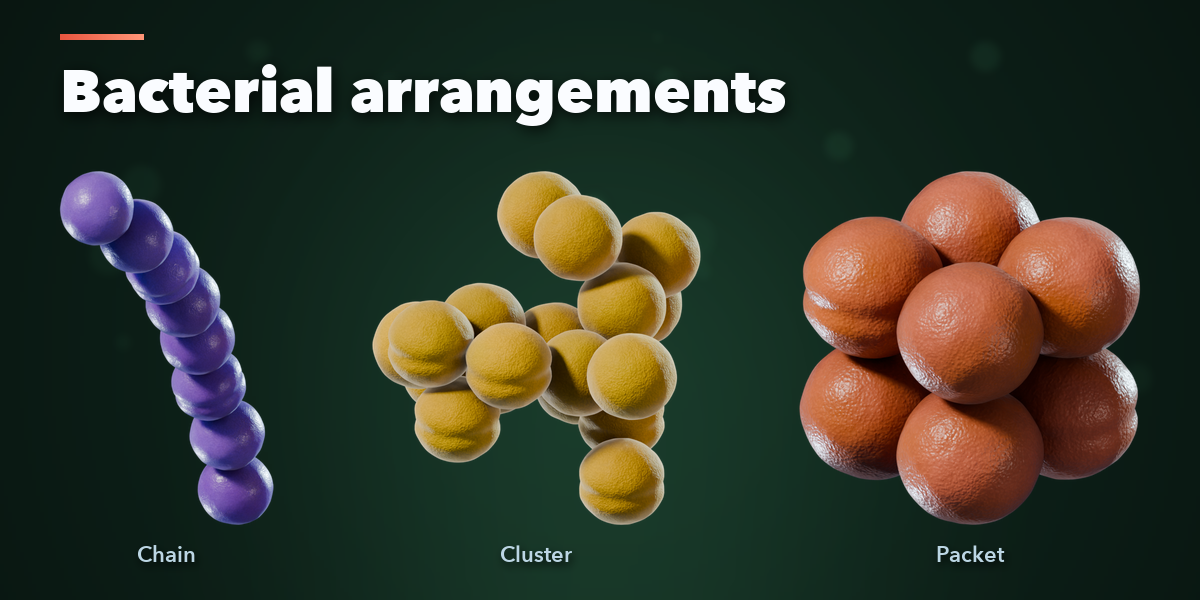
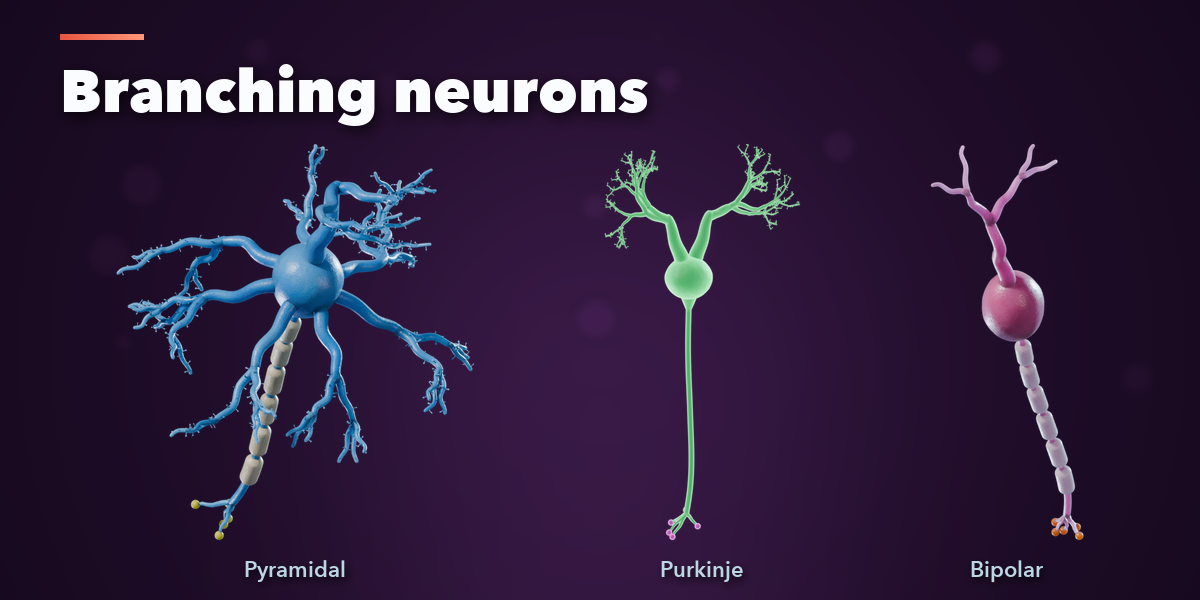
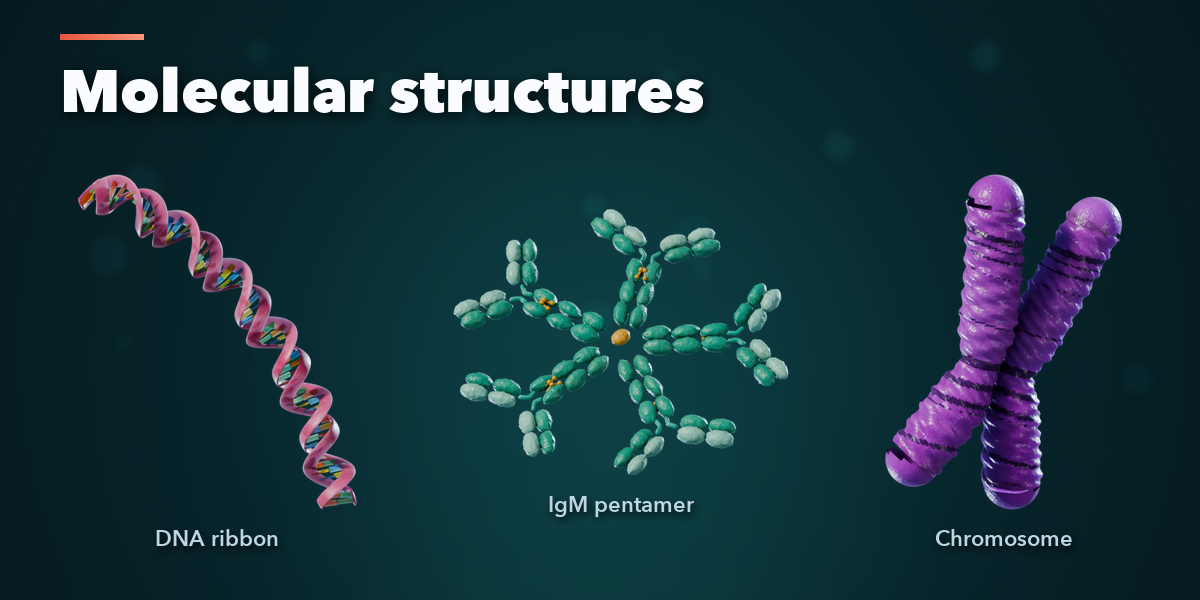
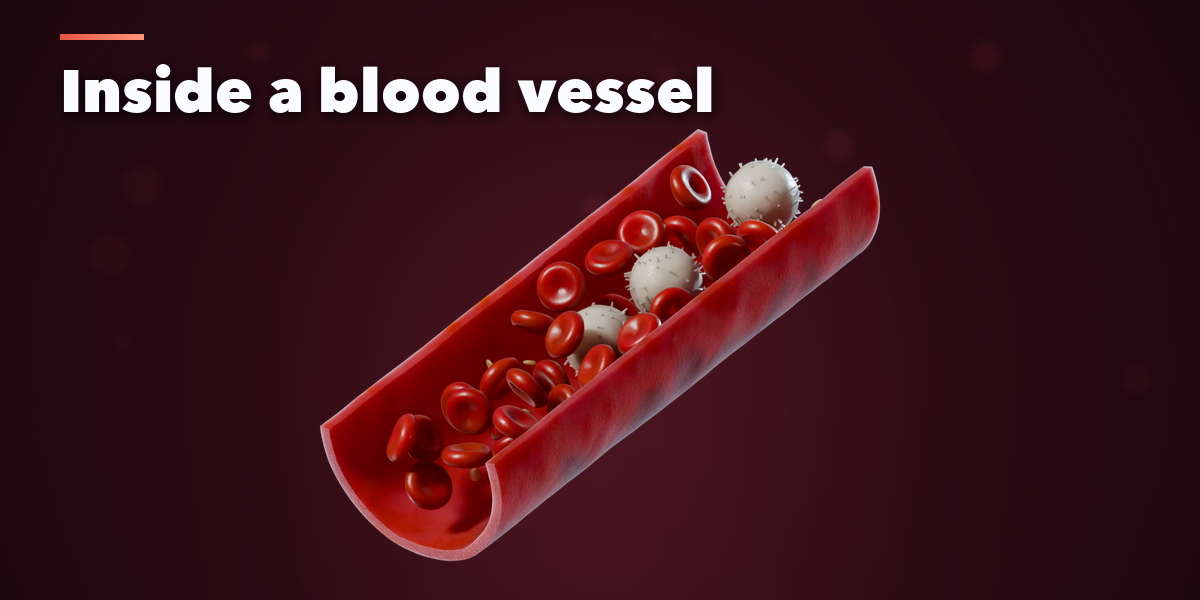
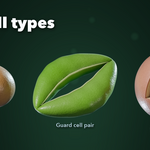
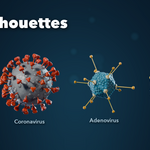
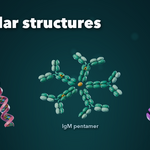
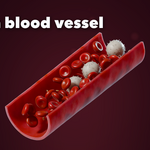
- Pick a design in the picture gallery and click Add, or click Random Variation or Surprise Me. Every design is also in Shift+A, Mesh, Cell & Virus.
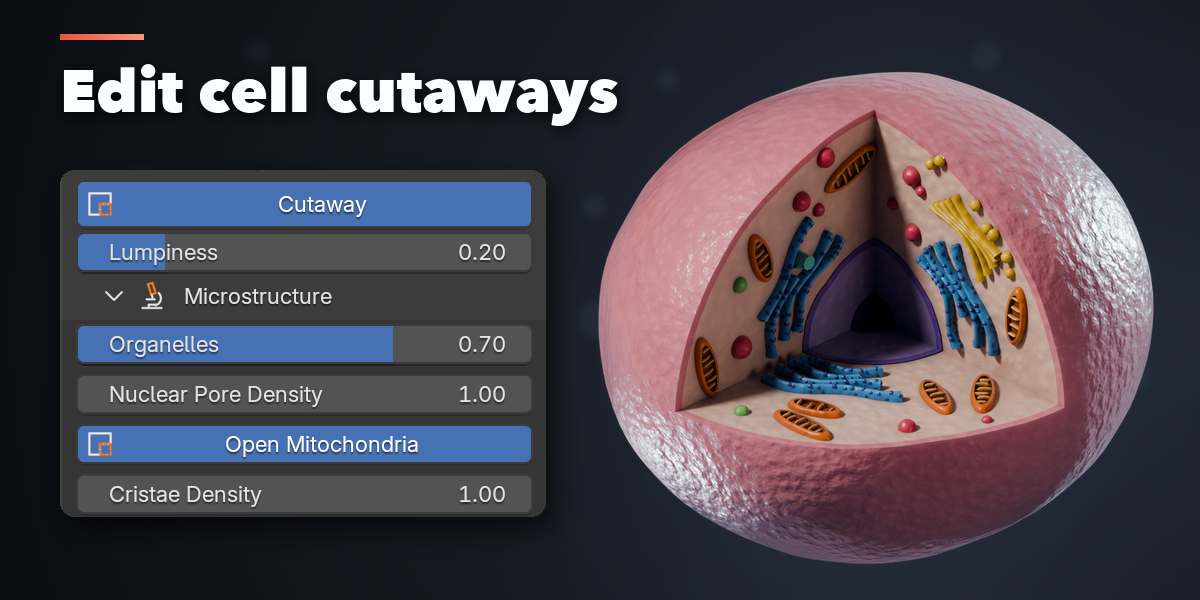
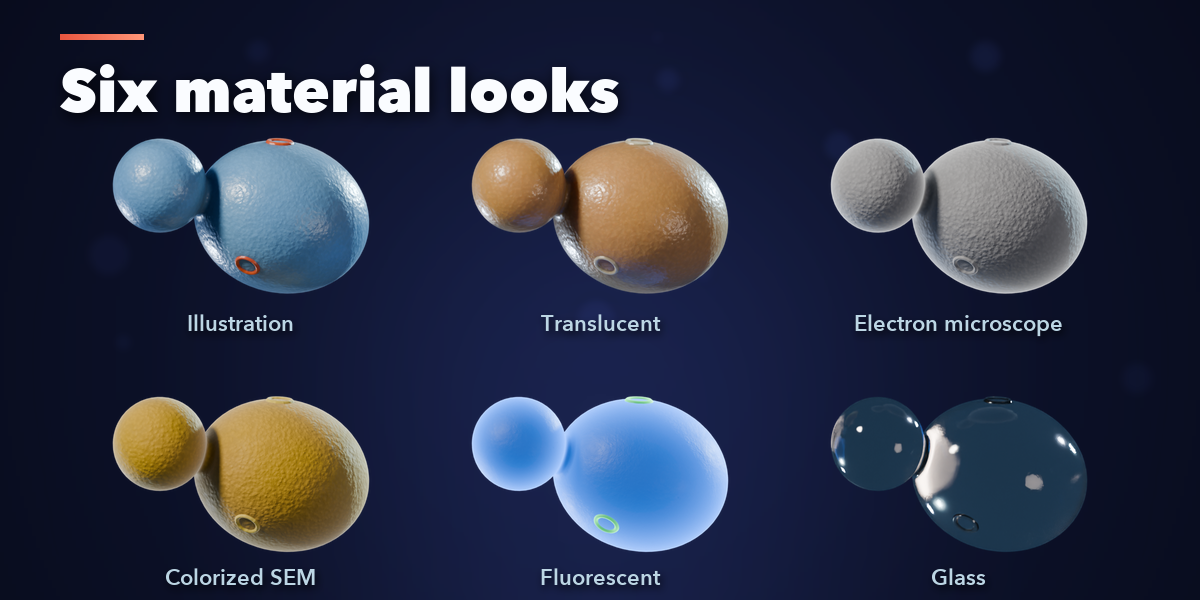
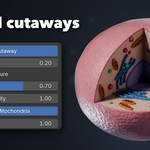
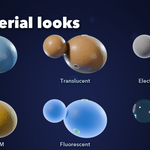
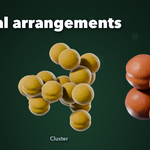
- With the model selected, change it in the Shape tab (type, size, spikes, cutaway, arrangement, flagella and more), the Look tab (illustration, translucent, electron microscope, colorized SEM, fluorescent, glass, plus colours and surface) and the Output tab (mesh detail).
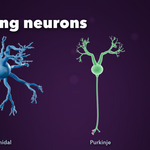
- In Shape, expand Microstructure on a neuron or an open animal or plant cell to adjust fine geometry. Bud size, stomatal pore opening and the adipocyte cutaway controls appear directly in Shape when you select those types.
- Size is the largest dimension in the scene; the real size of the thing is shown below it.
- Make Static keeps the result as a plain mesh; Delete removes it with its materials.
Have questions about this product?
Login to message
| Blender Extension Compatible | Yes |
| Published | about 24 hours ago |
| Blender Version | 4.2 - 5.2 |
| Extension Type | Add-on |
| Render Engine Used | Cycles, Eevee |
| License | GPL |

Discover more products like this
antibody Generator Science virus cell bacteria microbiology medical procedural neuron blood-cell dna