 ZEG
Installation
In Blender open Edit, Preferences, Get Extensions, then use Install from Disk and pick the swamp_marsh_generator zip.
Usage
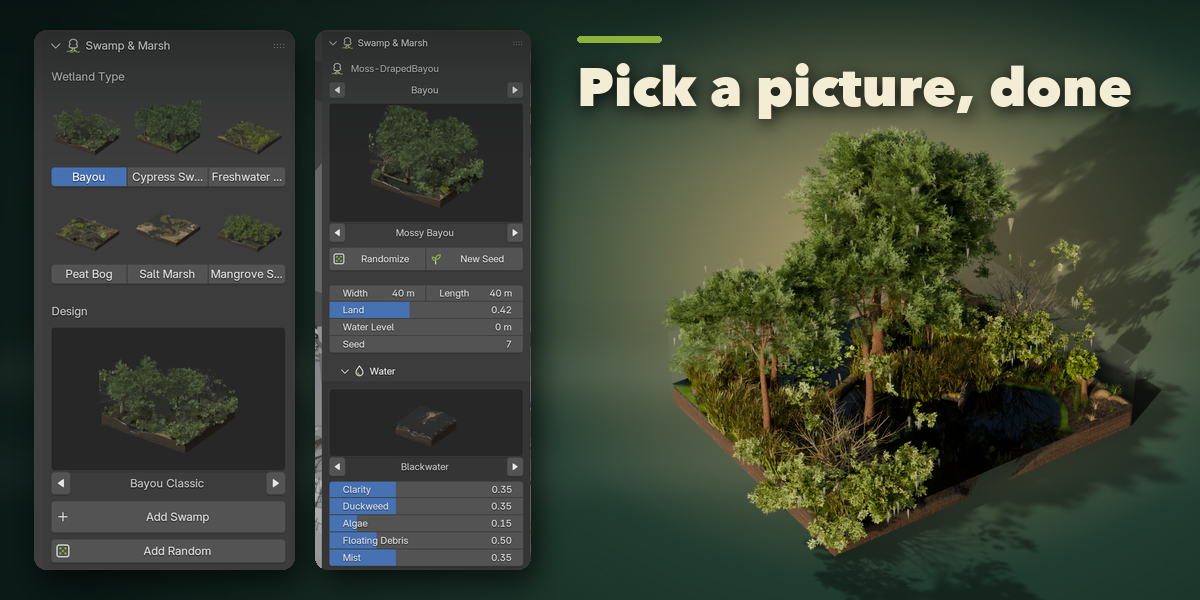
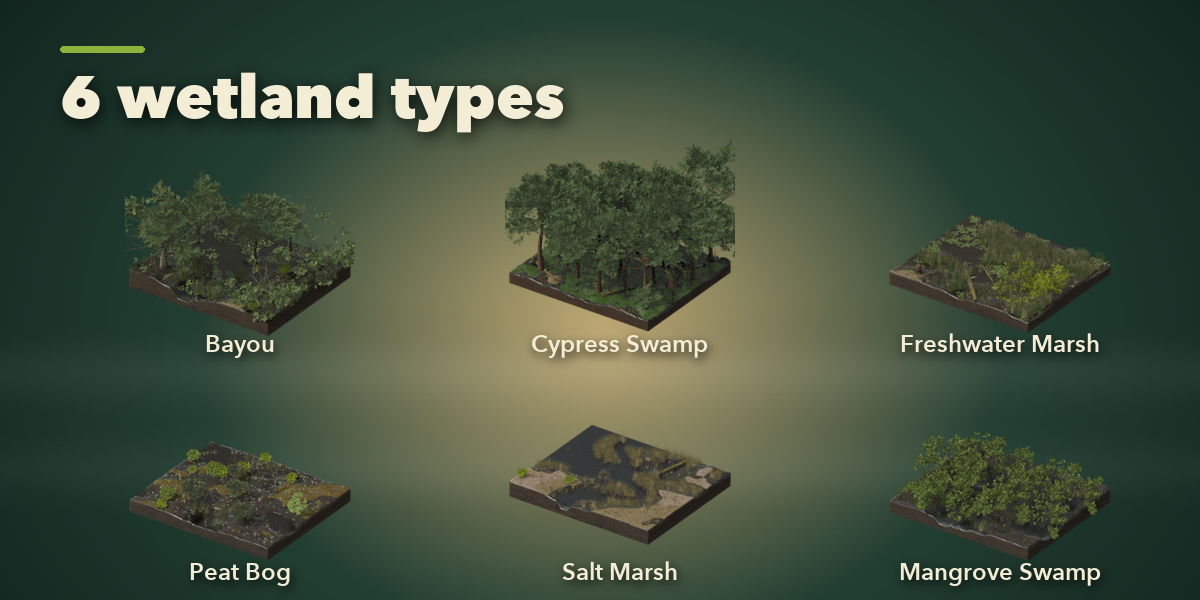
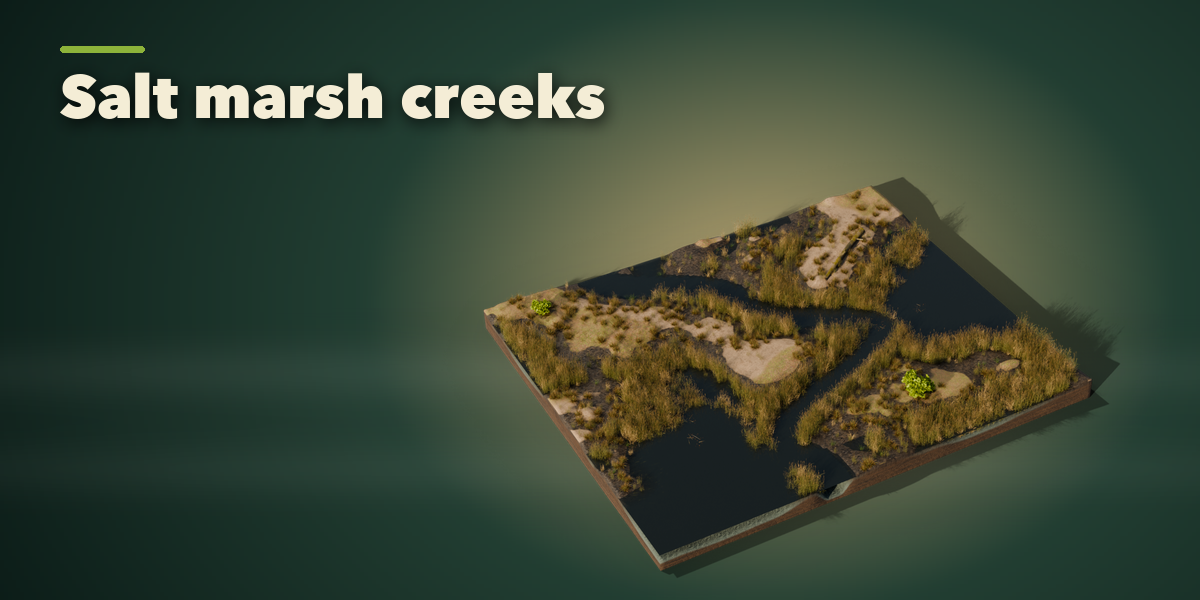
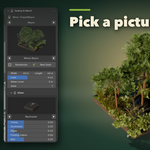
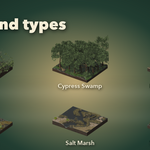
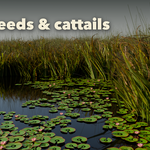
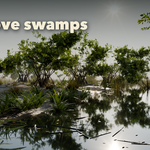
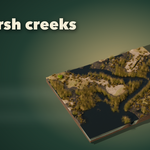
- Open the Swamp tab in the 3D viewport sidebar (N). With nothing selected, click a wetland type picture, then click the design picture to choose one of its designs, and press Add Swamp. Add Random makes a surprise wetland. You can also use Shift+A, Mesh, Swamp & Marsh.
- With the swamp selected, the sidebar edits it: step through types and designs with the arrows, press Randomize for a new look of the same type or New Seed for a new layout, and set the size, land amount and water level.
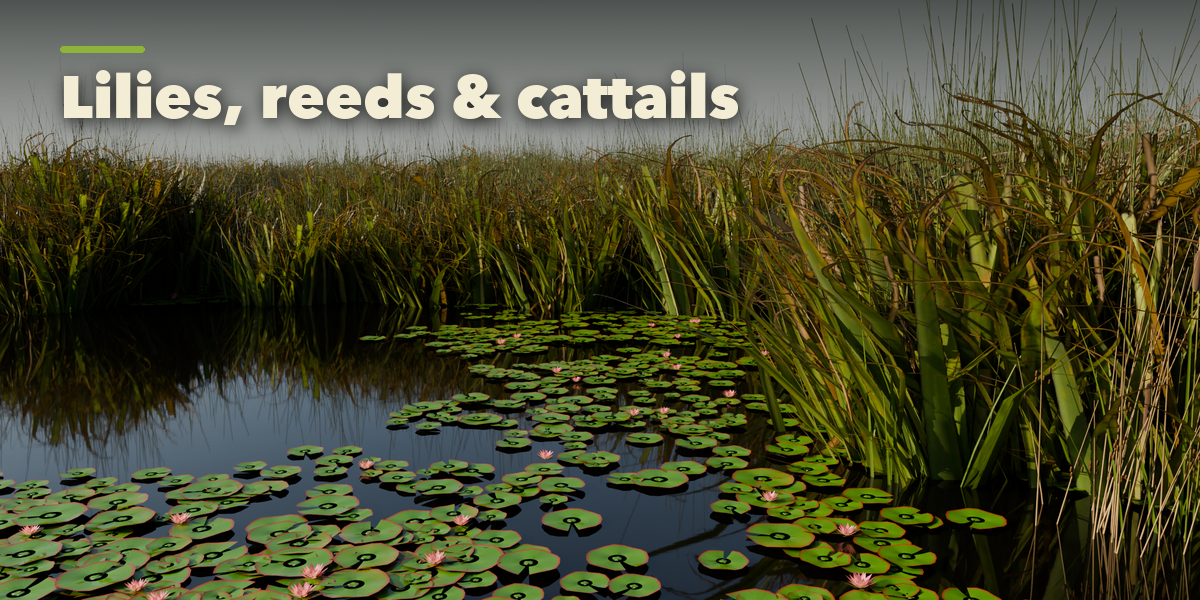
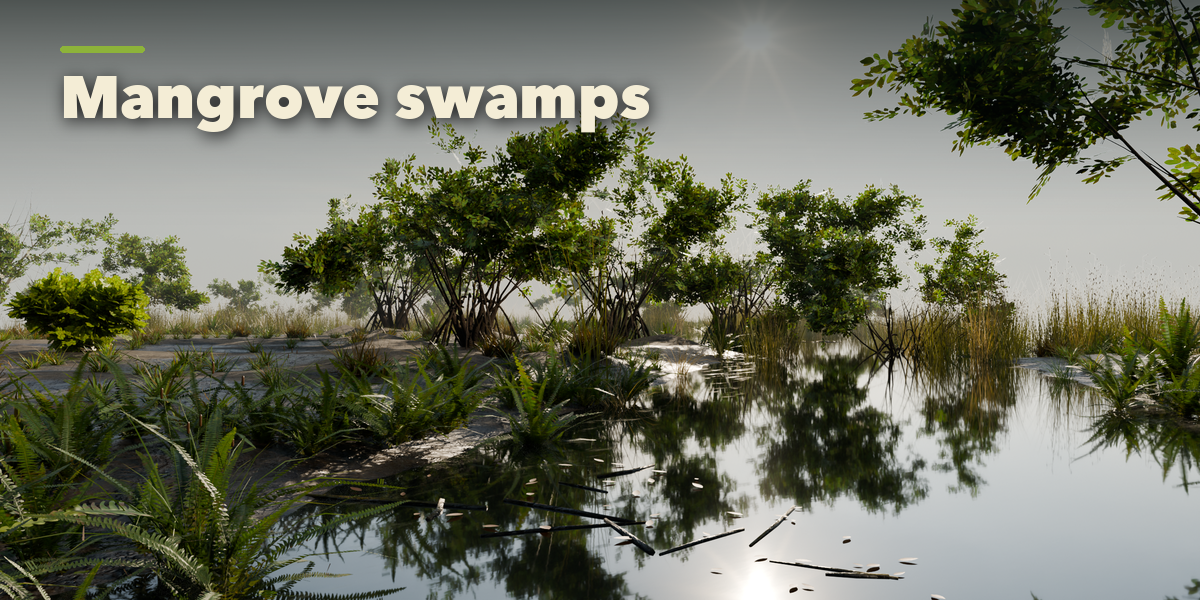
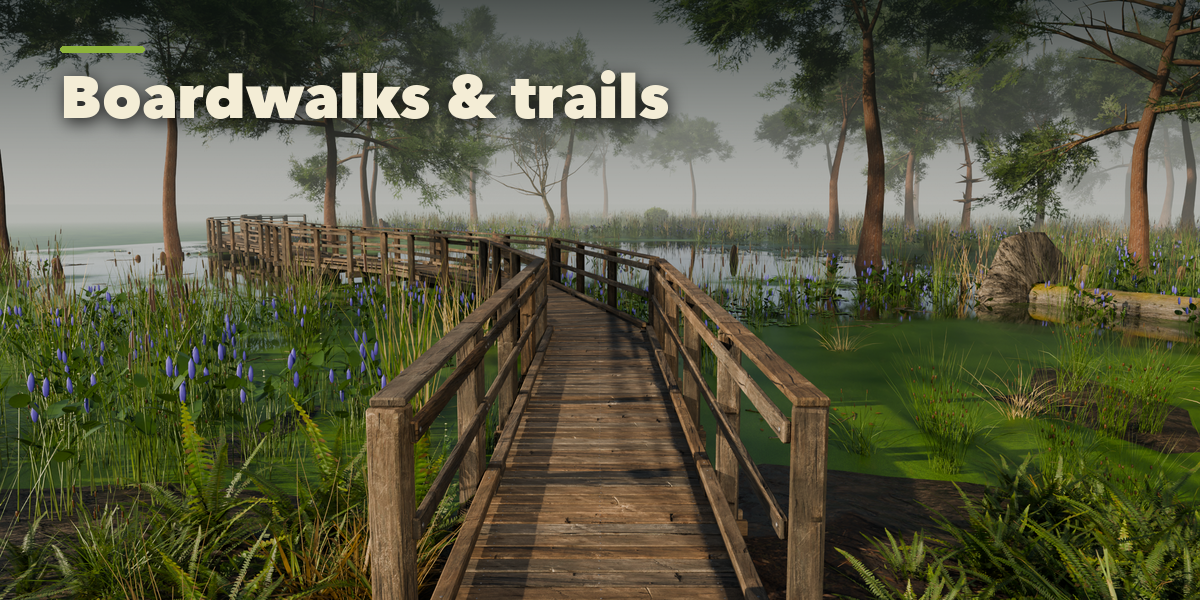
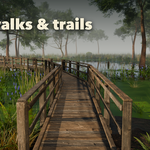
- The sub-panels hold every setting: Water (look, duckweed, algae, debris, mist), Marsh Plants (plant bed, density, lily pads and flowers), Trees (kind, count, size, Spanish moss, knees, logs and snags), Ground (style, relief, wetness), Boardwalk (style, length, bends, platform) and Detail & Export.
- Make Plants Real (Detail & Export) turns the instanced plants into separate objects for export to game engines.
Plants are instances, so large swamps stay fast. Use Rendered view for real water reflections.
Have questions about this product?
Login to message
| Blender Extension Compatible | Yes |
| Published | about 7 hours ago |
| Blender Version | 4.2 - 5.2 |
| Extension Type | Add-on |
| Render Engine Used | Cycles, Eevee |
| License | GPL |
