 blueish
BLENDER MODELING ADD-ON
Edit one side. Get both.
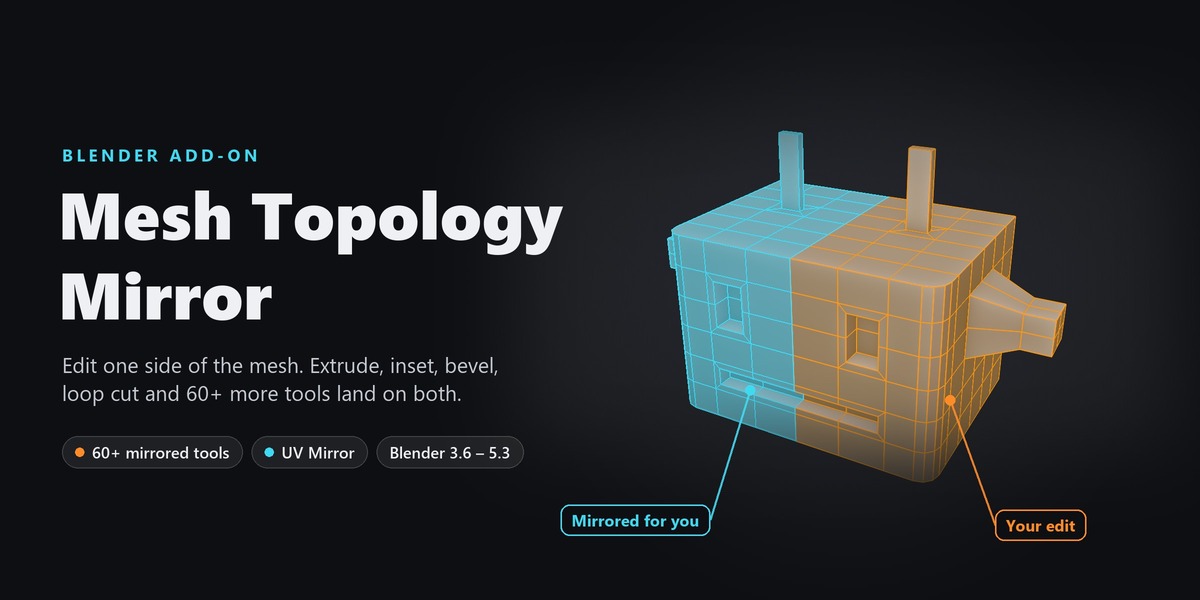
Mirror Editing brings topology changes into Blender's symmetry workflow. Extrude, inset, bevel, cut and more on one side of an existing mesh; the matching side follows. The animations below show the result directly in Blender.
01 / 05 MIRROR EDITING
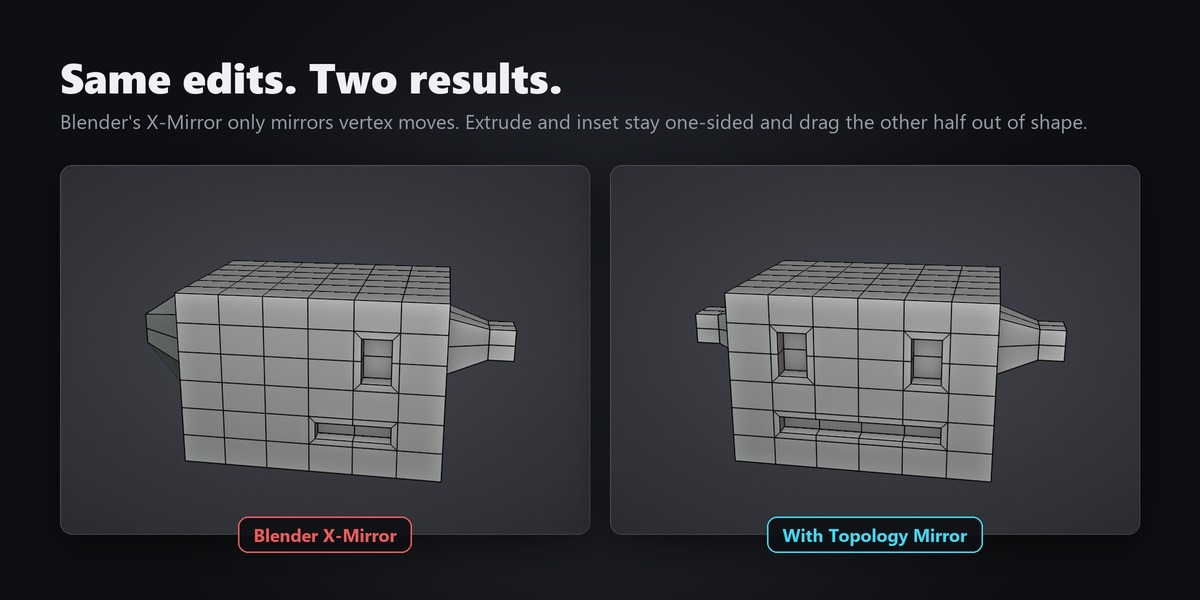
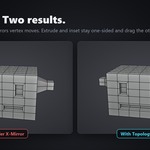
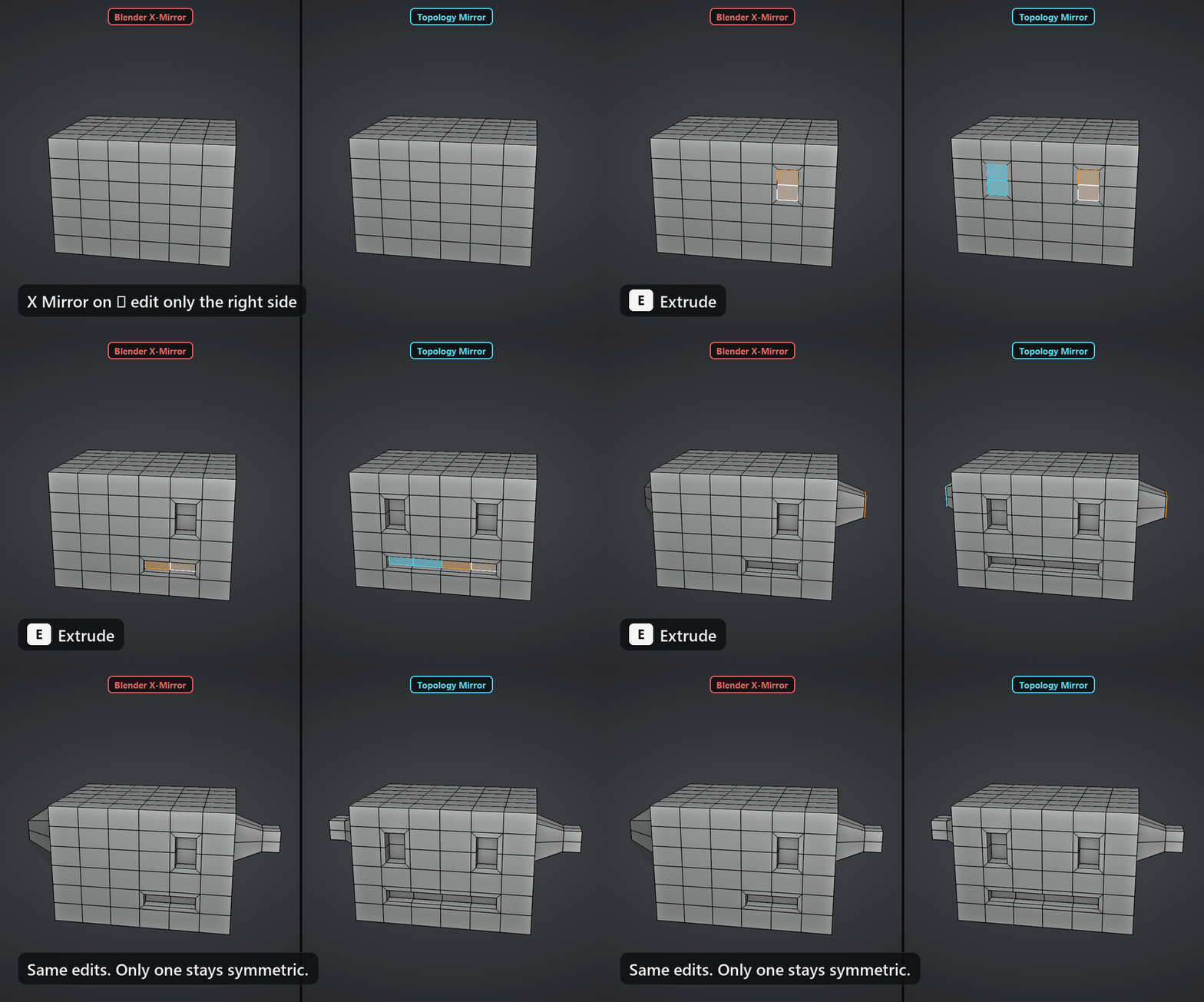
See what X-Mirror misses
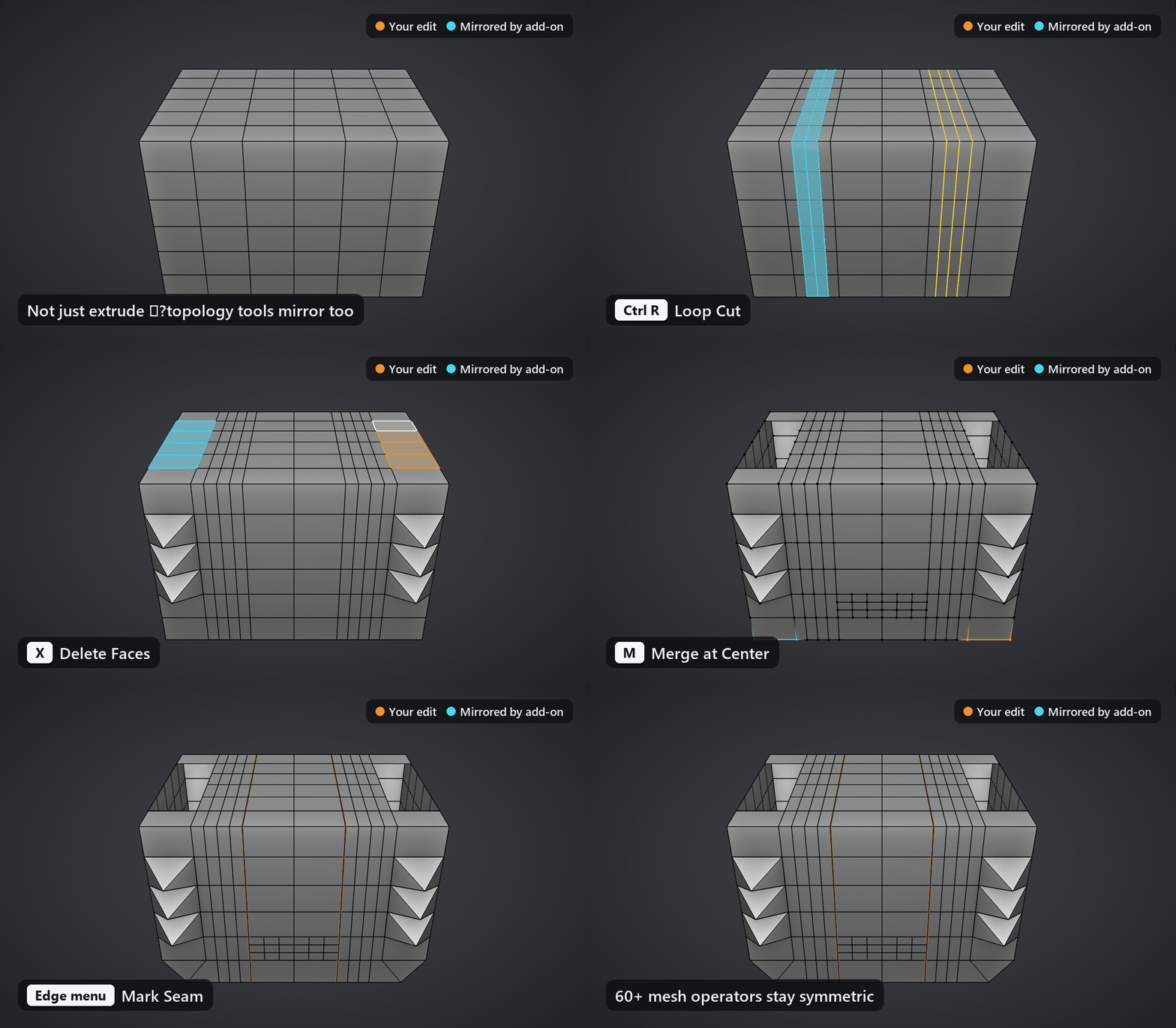
Blender X-Mirror follows vertex movement, but an extrude or inset can still leave the opposite side behind. Compare the same edits with topology mirroring on an existing two-sided mesh.
02 / 05 MIRROR EDITING
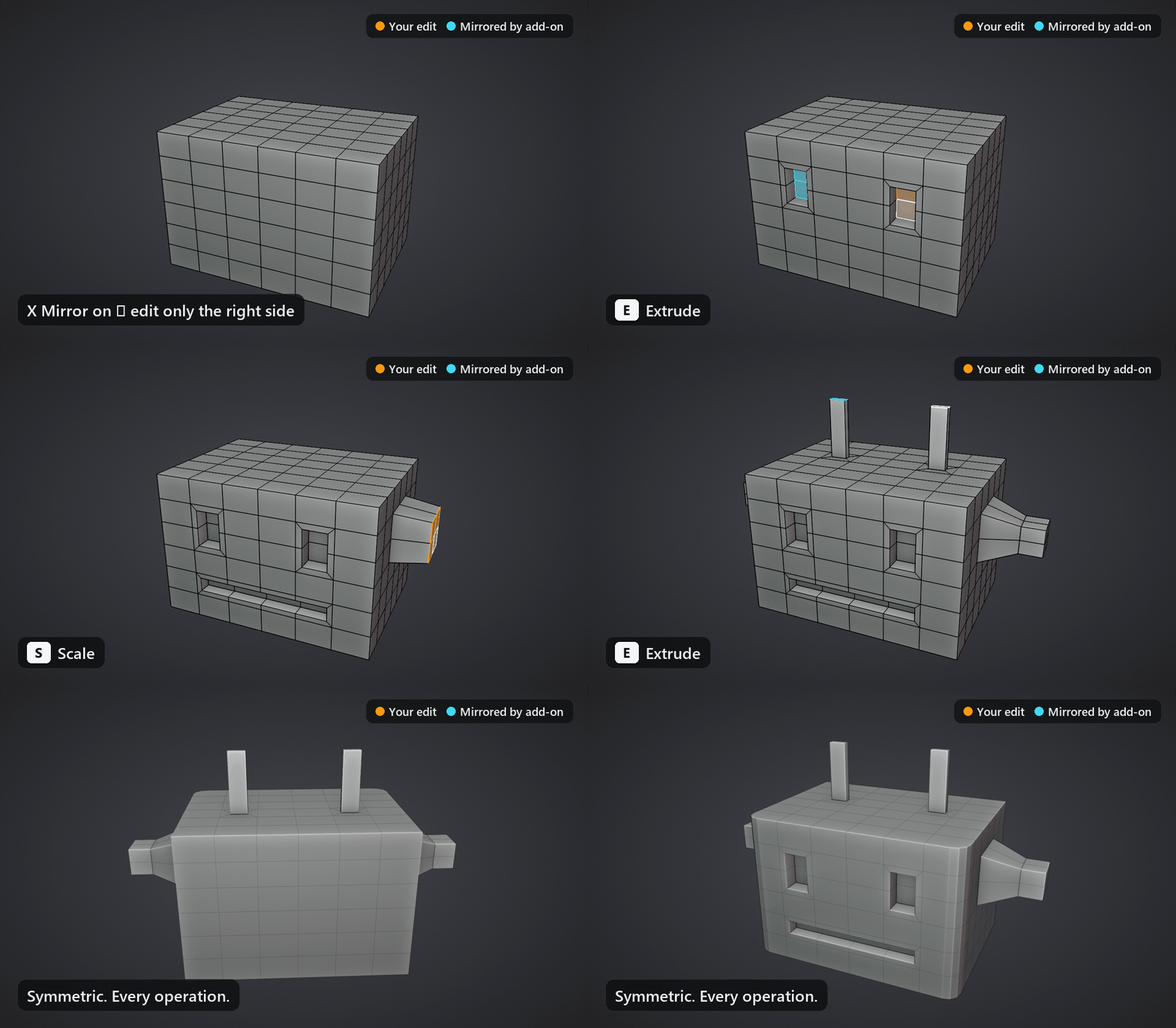
Keep modeling naturally
Work with familiar shortcuts. Extrude, inset, scale and bevel one side of the mesh while the counterpart takes shape on the other.
03 / 05 MIRROR EDITING
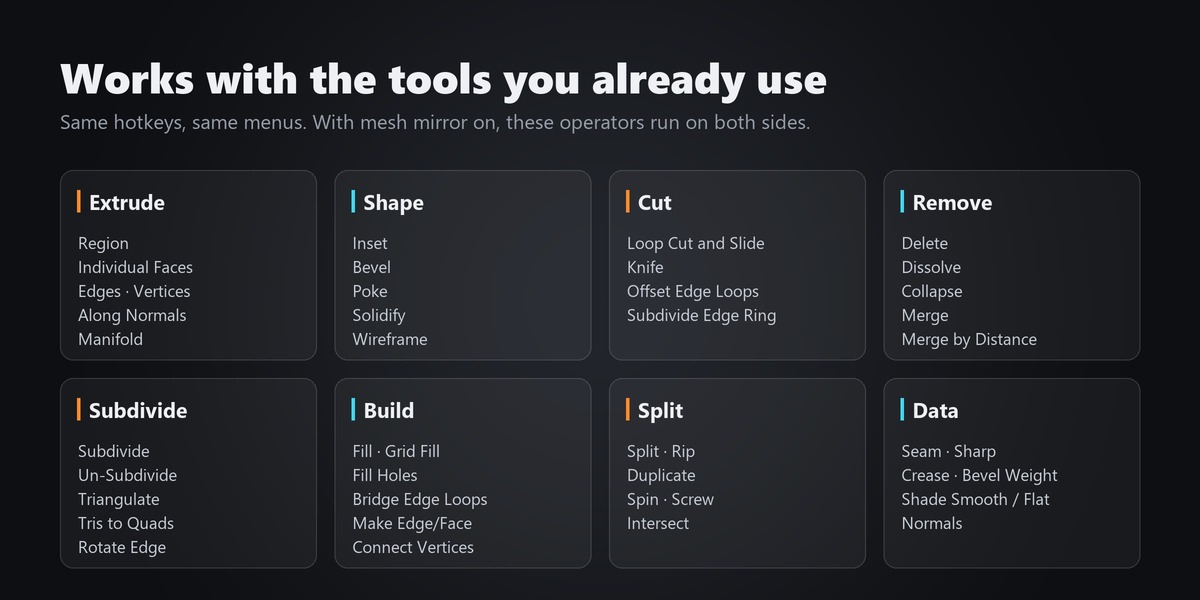
More than 60 mirrored tools
Keep symmetry through modeling, cutting and cleanup. Supported operations include loop cut, Knife, delete, merge, subdivide and edge-data tools, across X, Y and Z mirror axes.
04 / 05 MIRROR EDITING
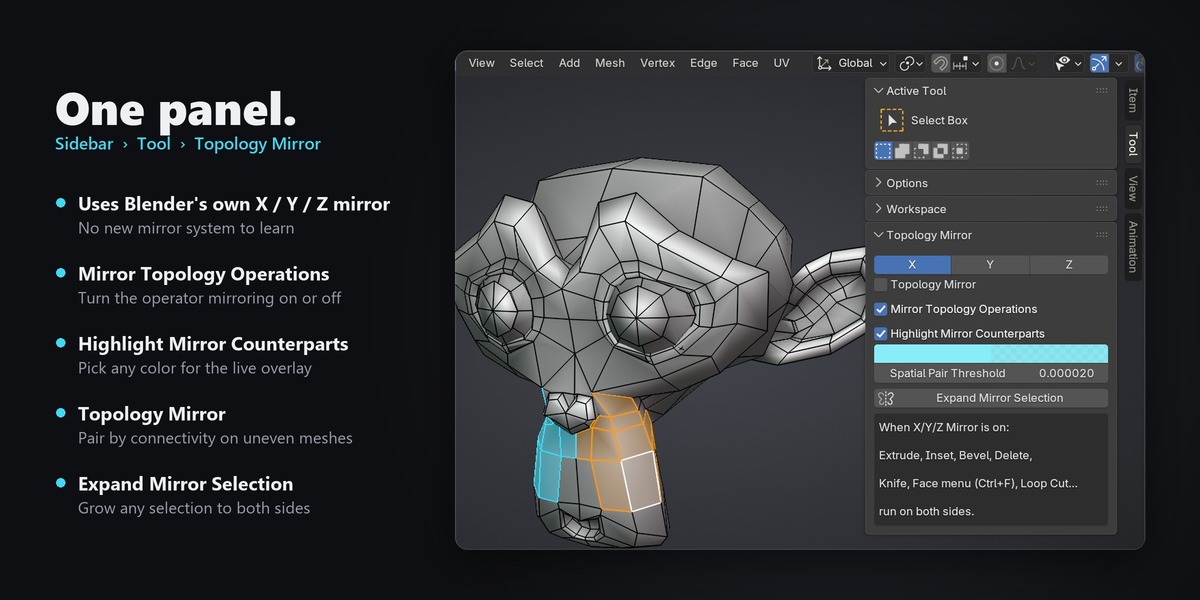
Know what will mirror
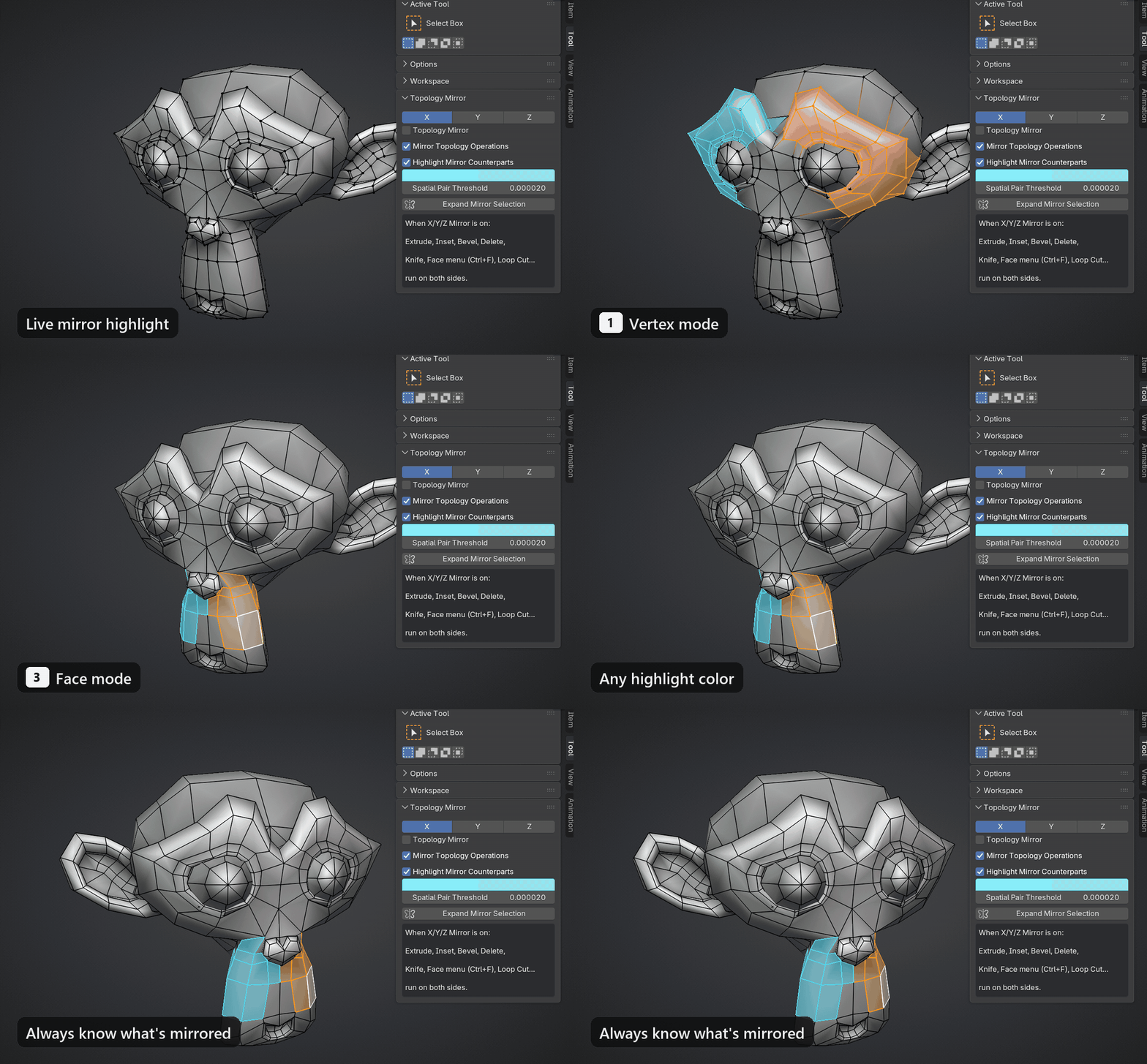
A live overlay highlights the counterpart of your selection in vertex, edge and face modes. Topology Mirror can pair elements by connectivity, and Expand Mirror Selection selects the matching side in one action.
05 / 05 MIRROR EDITING
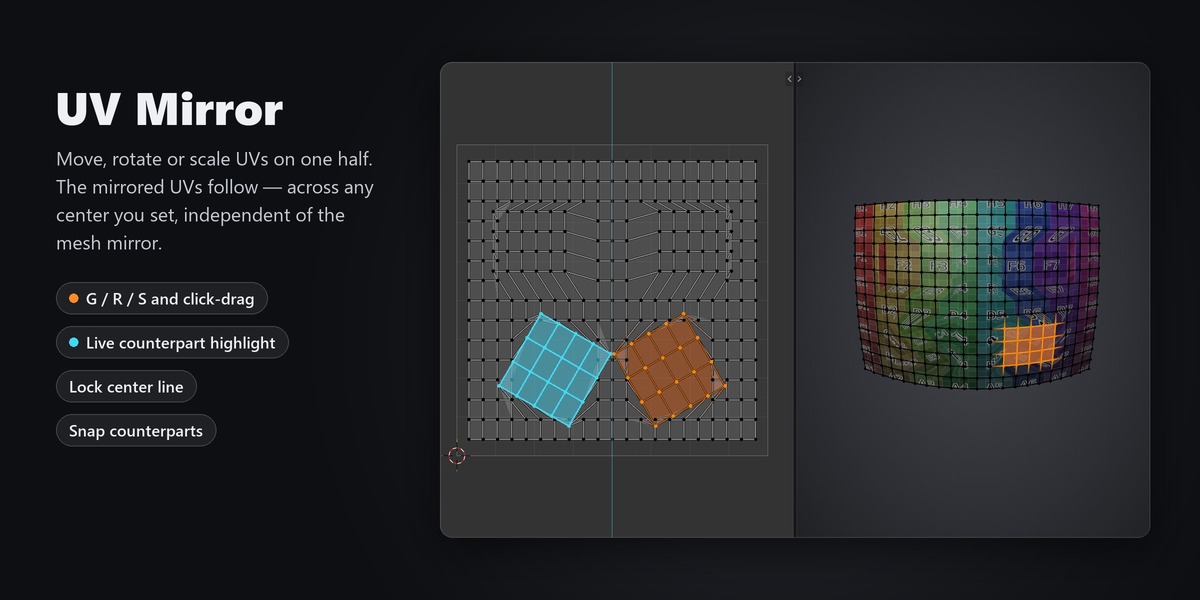
Mirror UV edits too
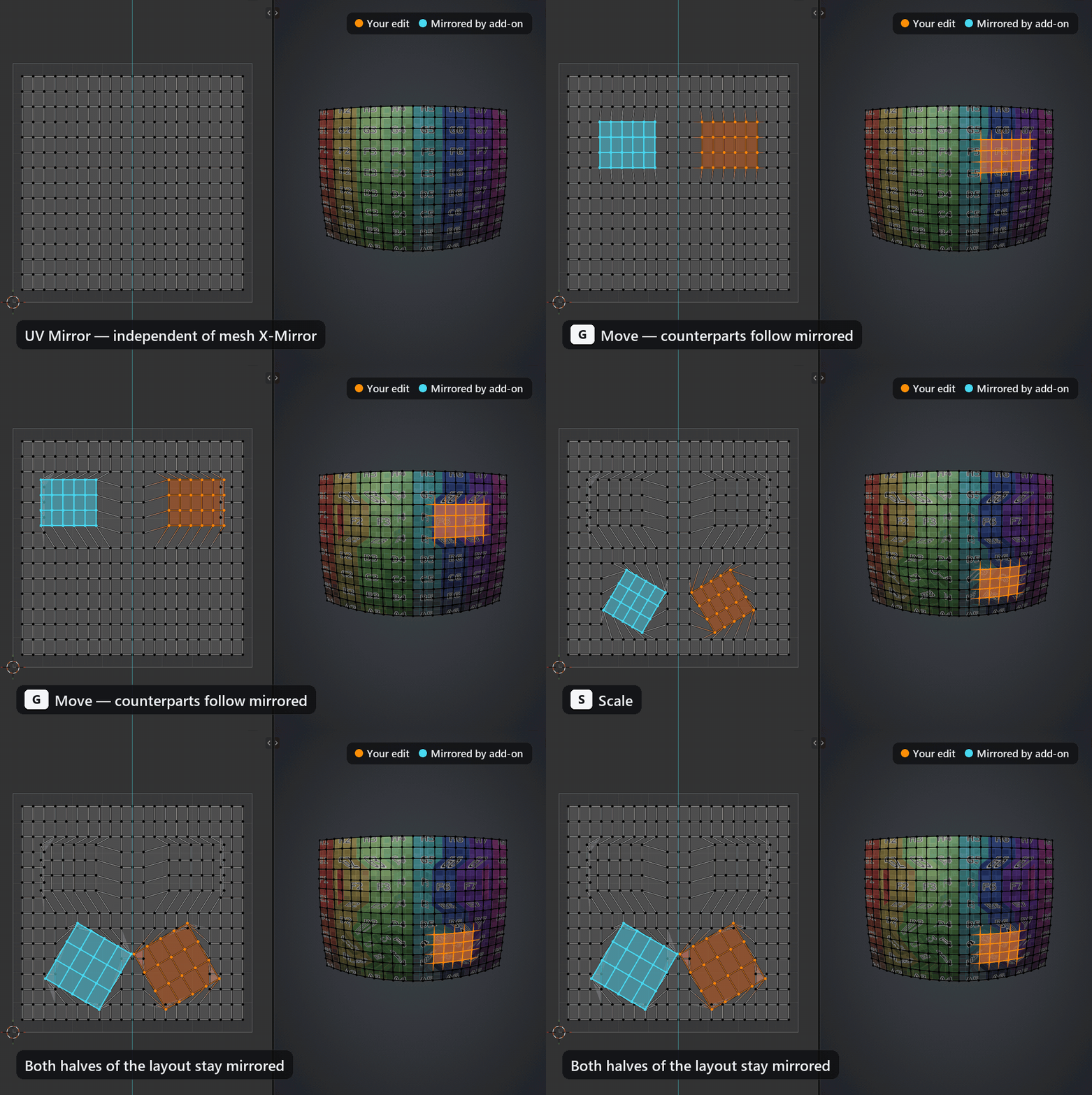
Move, rotate and scale UVs symmetrically with independent UV axes and center. Counterpart highlighting, Lock Center Line and Snap Counterparts help inspect and tidy the result.
Built for meshes that already have both sides
A Mirror modifier generates one half from the other. Mirror Editing works directly on an existing mesh, so you can keep the opposite side's authored UV layout while changing topology symmetrically. It fits character modeling, hard-surface work, retopology and mesh cleanup.
Find it in Blender: 3D Viewport → Sidebar (N) → Tool → Topology Mirror.