 ZEG

Installation
In Blender open Edit, Preferences, Get Extensions, then use Install from Disk and pick the mirror_generator zip.
Usage
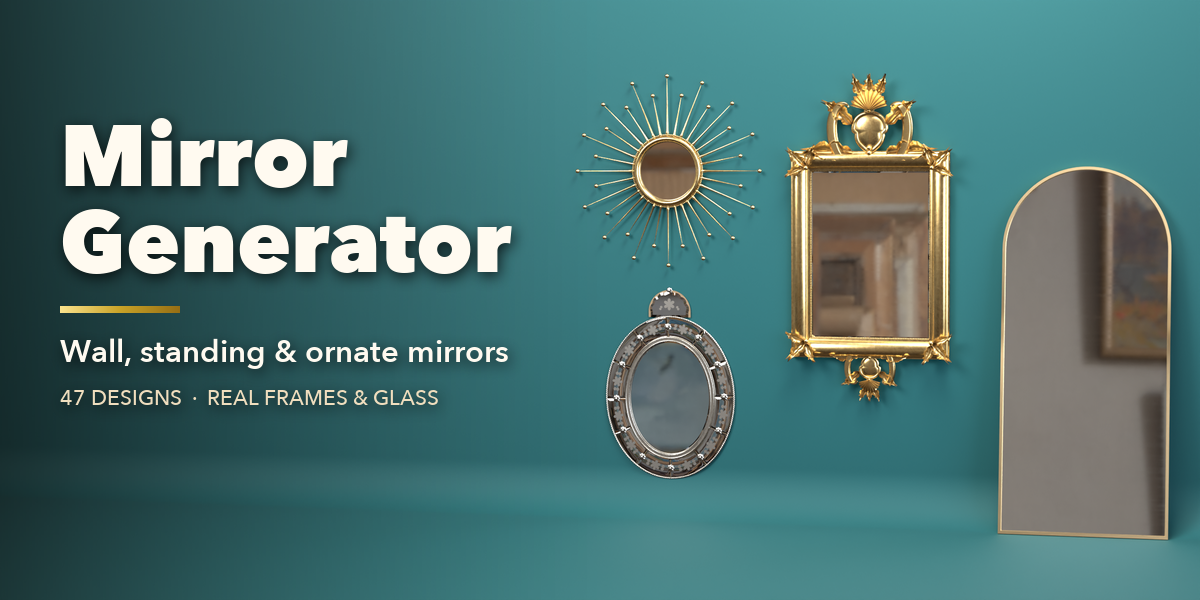
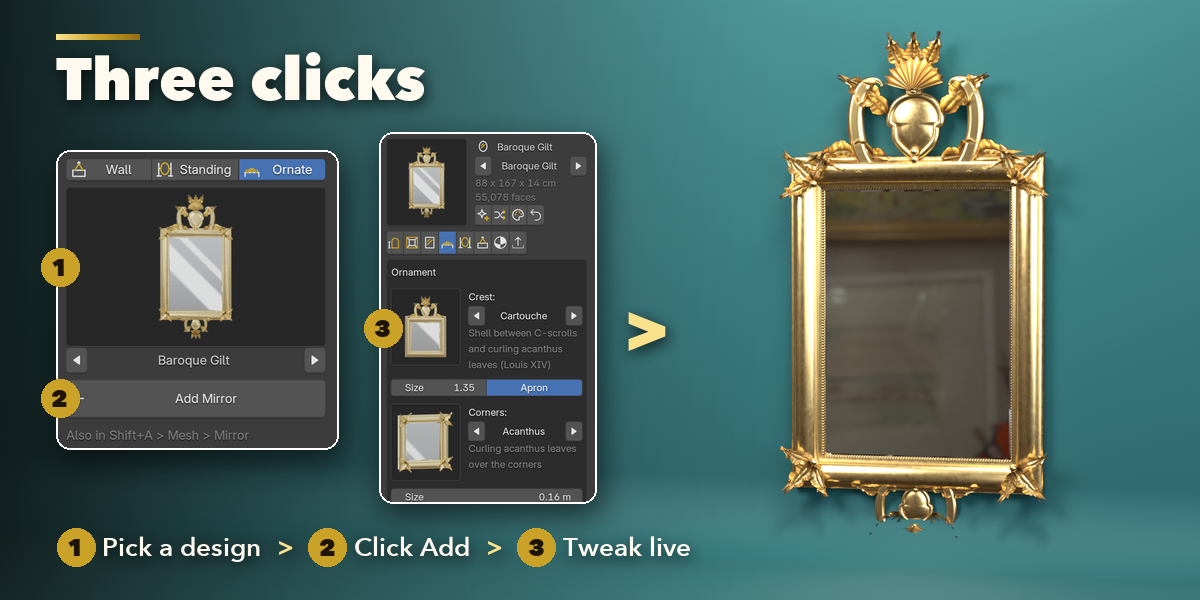
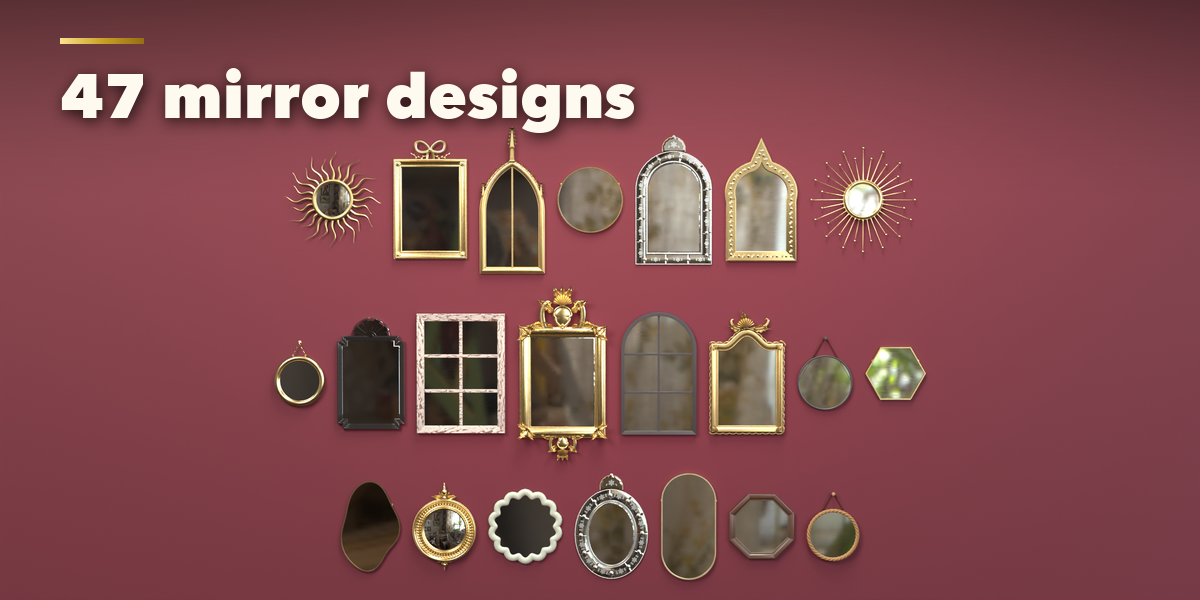
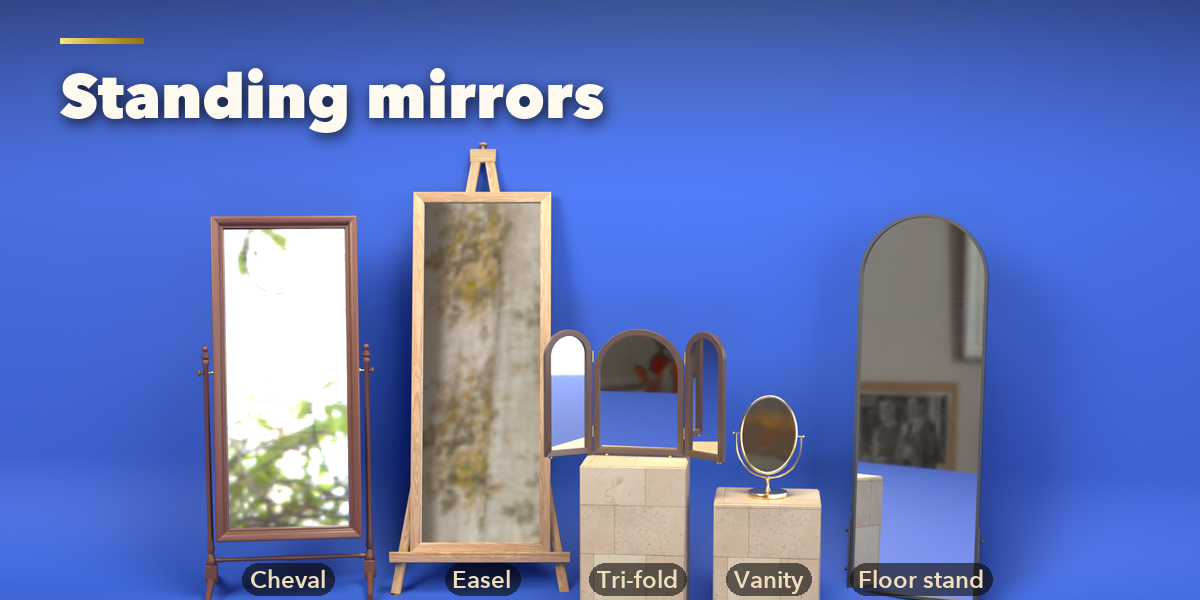
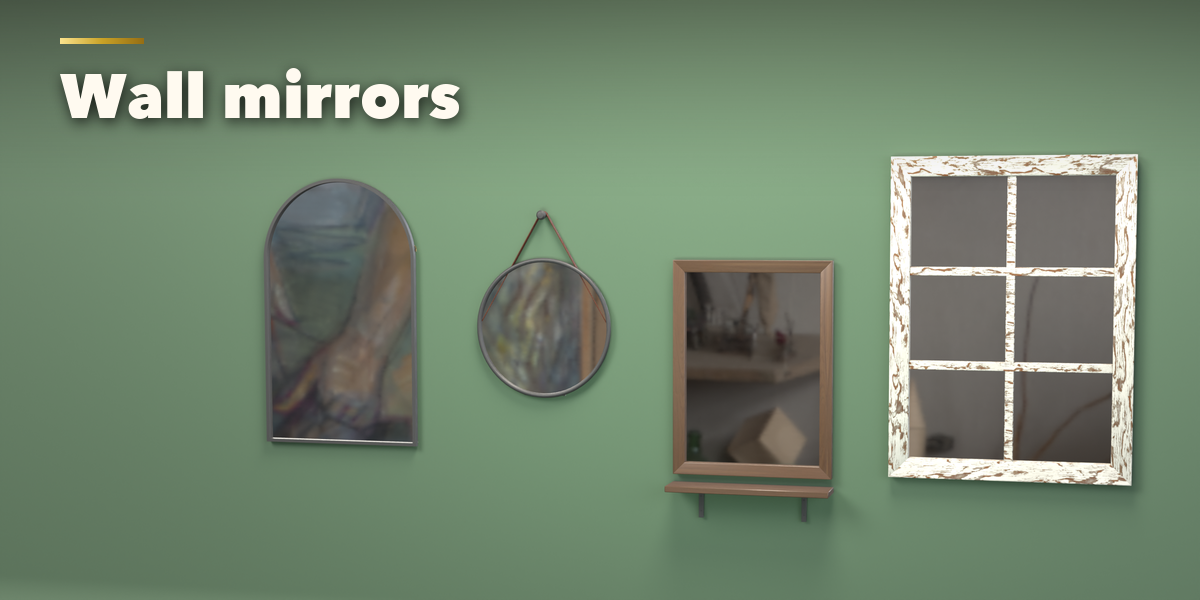
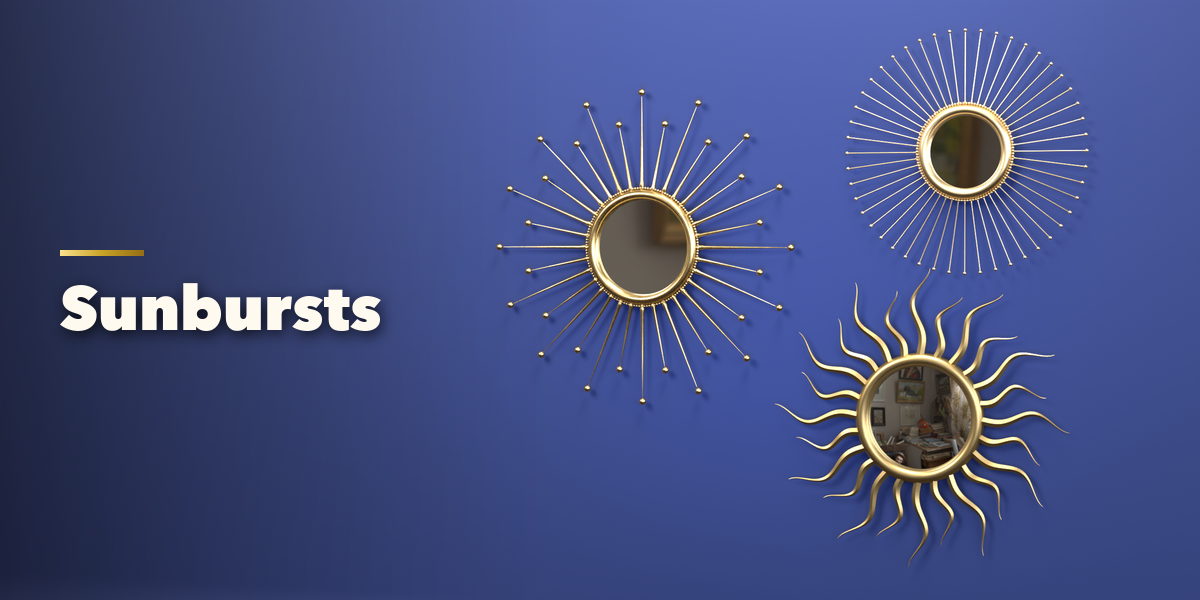
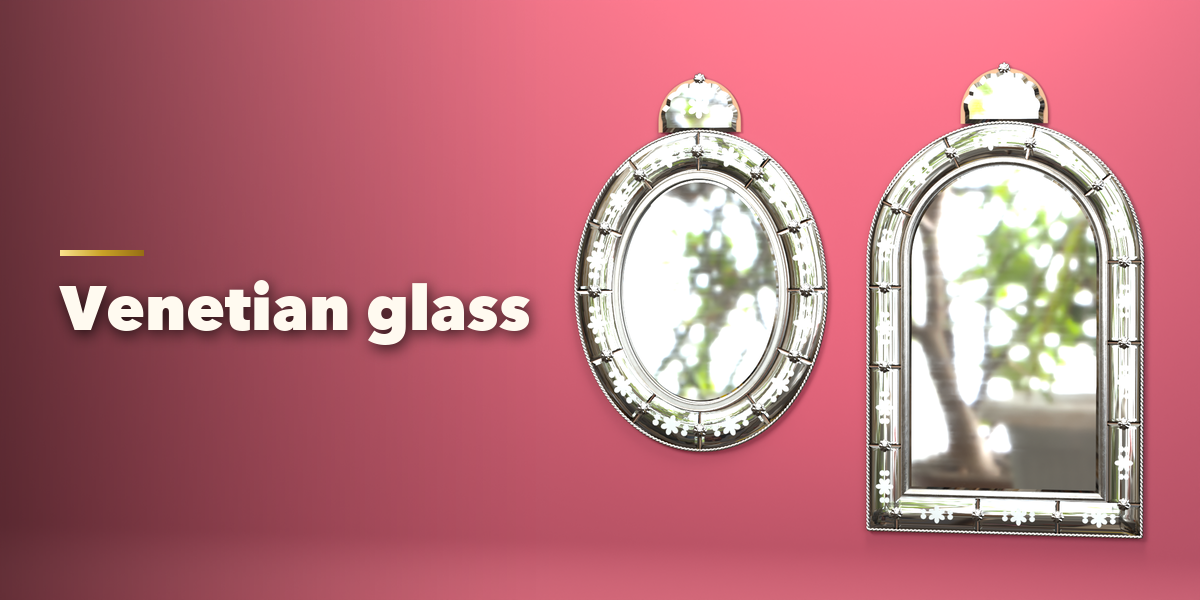
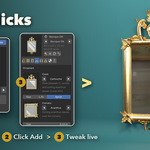
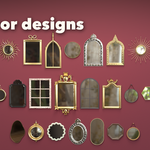
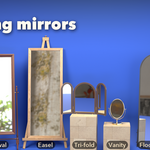
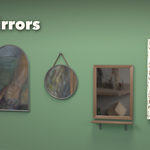
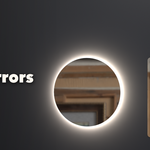
- Open the Mirror tab in the 3D viewport sidebar (N). Pick a family (Wall, Standing or Ornate), click the picture to choose a design from the gallery or step through them with the arrows, then press Add Mirror. You can also use Shift+A, Mesh, Mirror.
- With a mirror selected, the picture at the top swaps the design, and the buttons beside it randomize the whole mirror, only its proportions, or only its finish, or reset it.
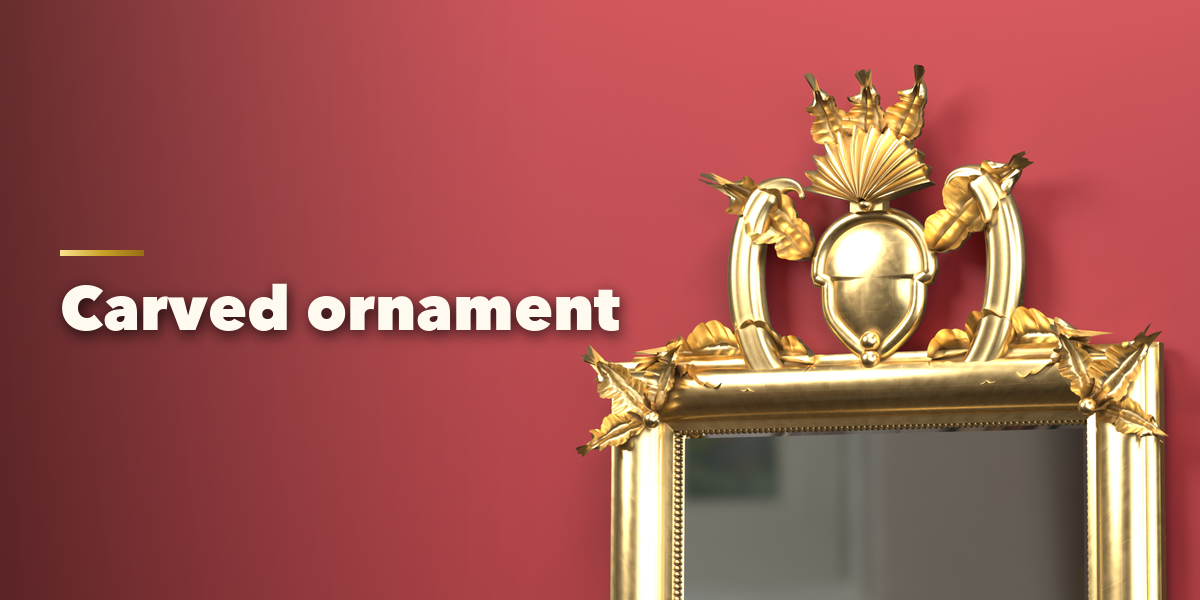
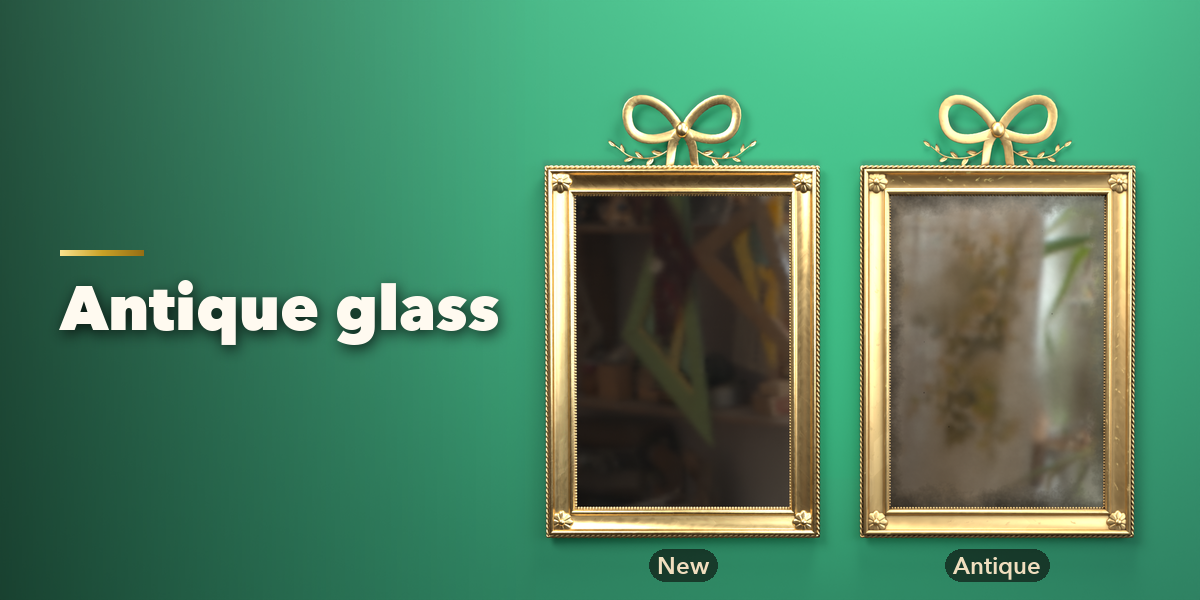
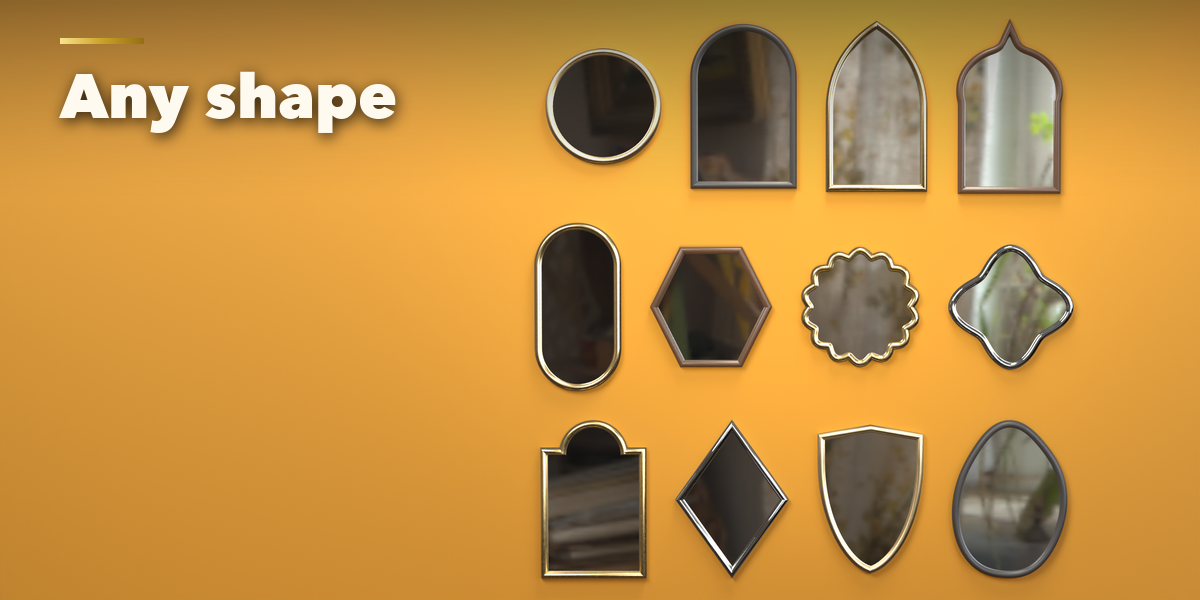
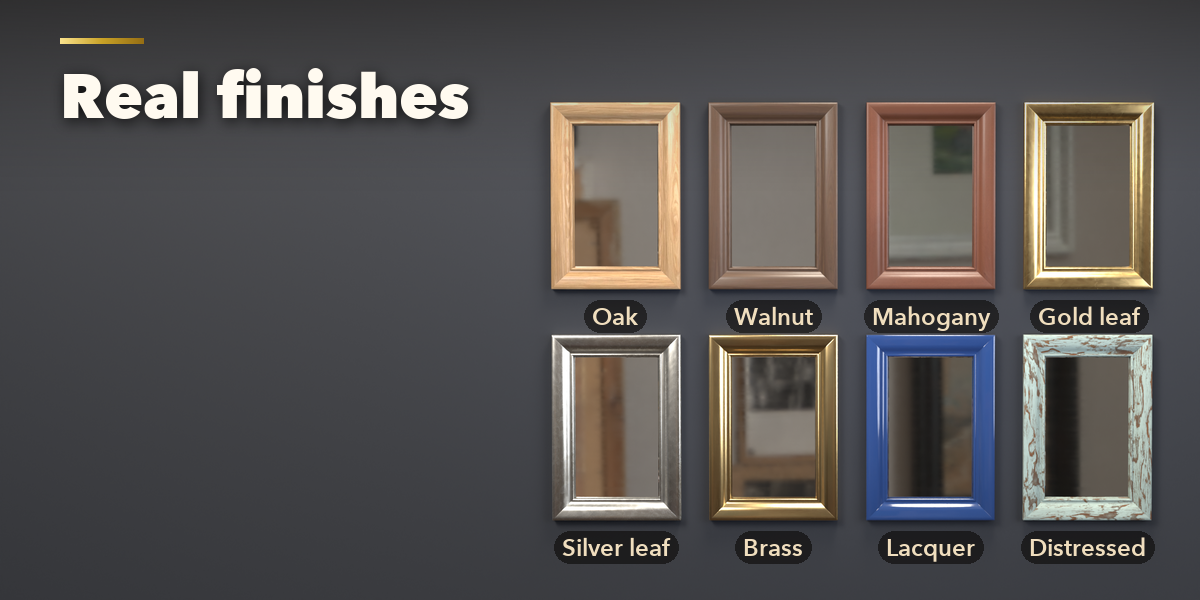
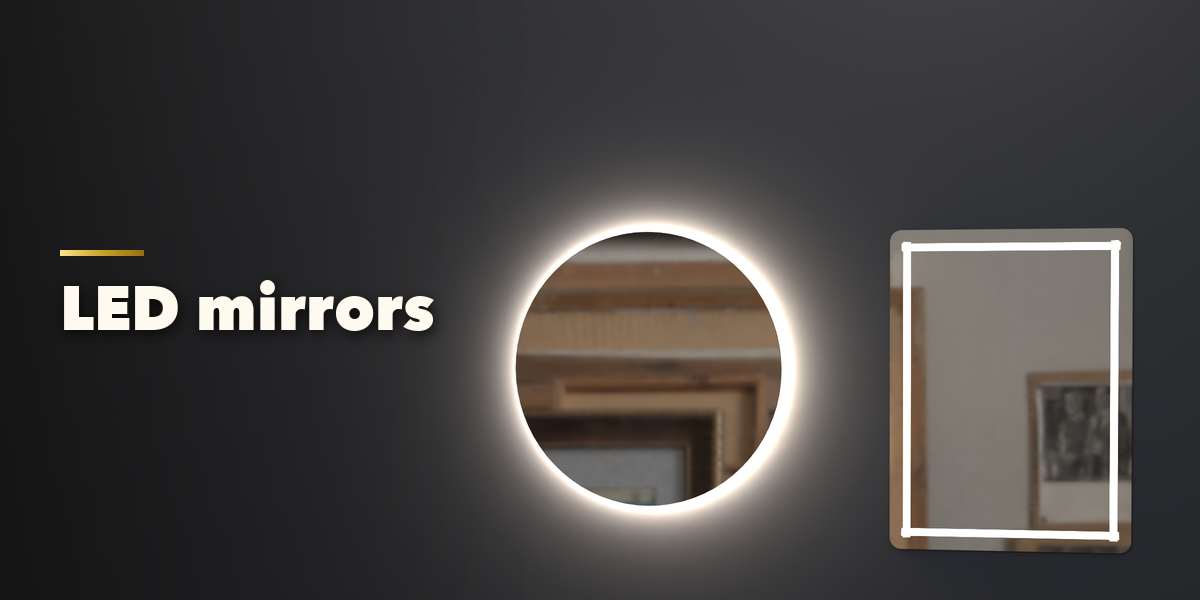
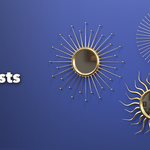
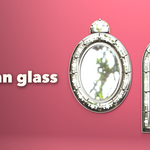
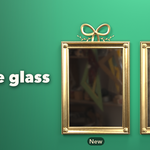
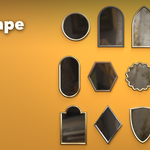
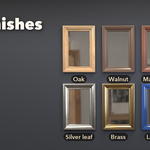
- The icon tabs hold every setting: Shape (outline and size), Frame (profile, width, depth, window bars), Glass (tint, bevel, convex, antique), Ornament (crest, corners, carvings, sunburst, Venetian border, finials), Stand, Hanging and Extras (hanging, shelf, lights), Finish (frame, ornament, stand and hardware materials) and Parts.
- Mirrors need something to reflect. In the Parts tab, Reflections turns on EEVEE raytracing and adds a planar probe, and Add Room builds a simple room with a camera and light.
- Make Real keeps the mirror as plain meshes; Delete removes it with all its parts.
Have questions about this product?
Login to message
| Blender Extension Compatible | Yes |
| Published | about 13 hours ago |
| Blender Version | 4.2 - 5.2 |
| Extension Type | Add-on |
| Render Engine Used | Cycles, Eevee |
| License | GPL |

Discover more products like this
mirror Vanity mirror ornate Floor Mirror wall mirror decor baroque Interior furniture frame sunburst Generator