CORE / Fundamentals / Mesh Modeling COURSE 01
Model anything in Blender
27 lessons that take you from primitives to a subdivision surface creature, teaching the reasoning behind every tool as you use it. Rebuilt for Blender 5.2 LTS.
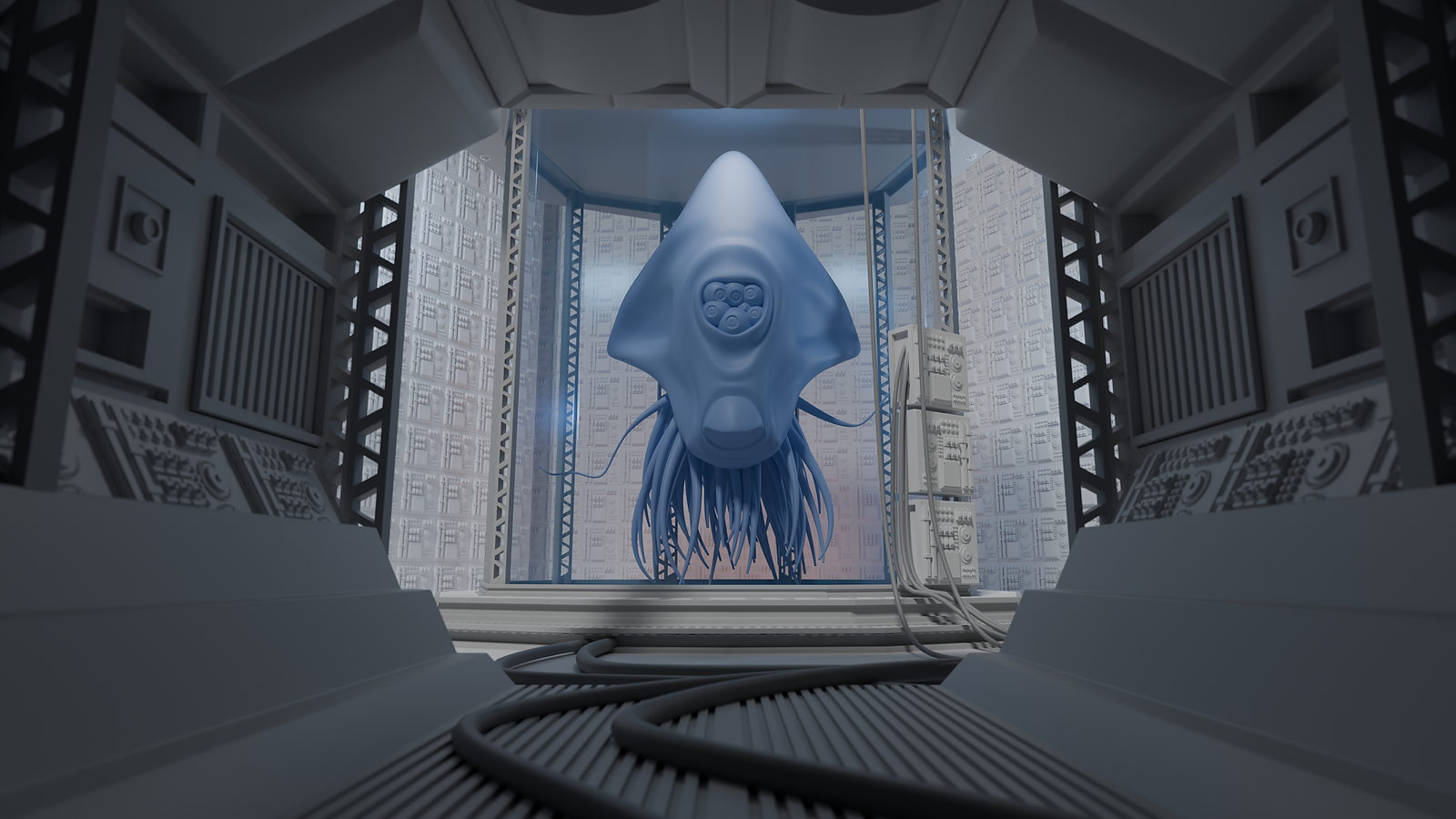
The gap
You know the tools.
You still cannot build the thing.
You know where the bevel modifier lives. You do not know why your bevel is pinching.
You know what a loop cut does. You do not know where to put one.
Every tool in Blender has a tutorial somewhere. Almost none of them tell you where the geometry is supposed to go, which is the part that decides whether your model holds up or falls apart the moment you subdivide it.
That is not a tools problem. It is a topology problem, and almost nobody teaches it.
Four projects
What you will build
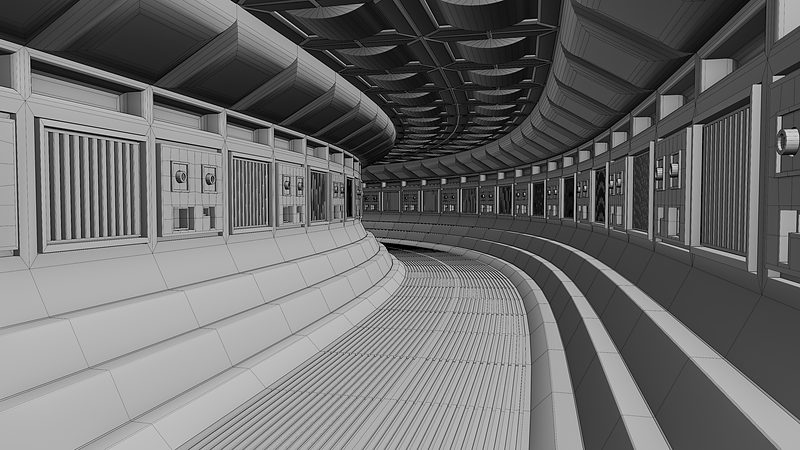
01 / Box modeling
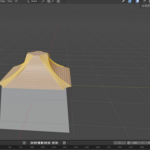
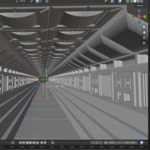
The sci-fi hallway
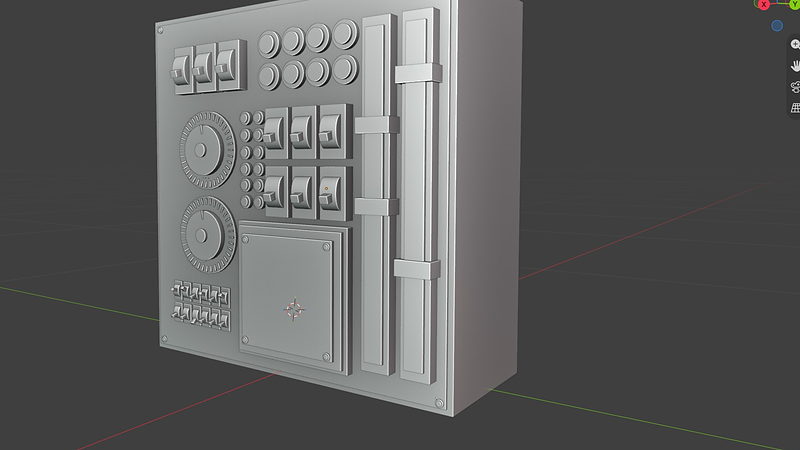
02 / Primitives
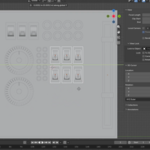
The control panel
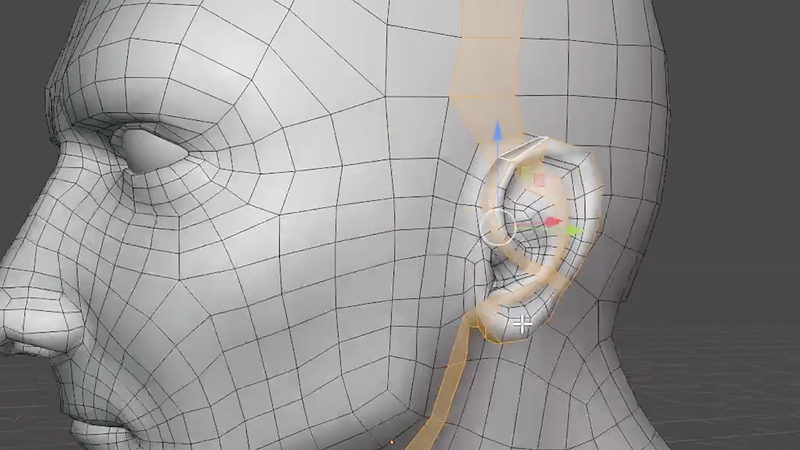
03 / Edge flow
Topology that holds up
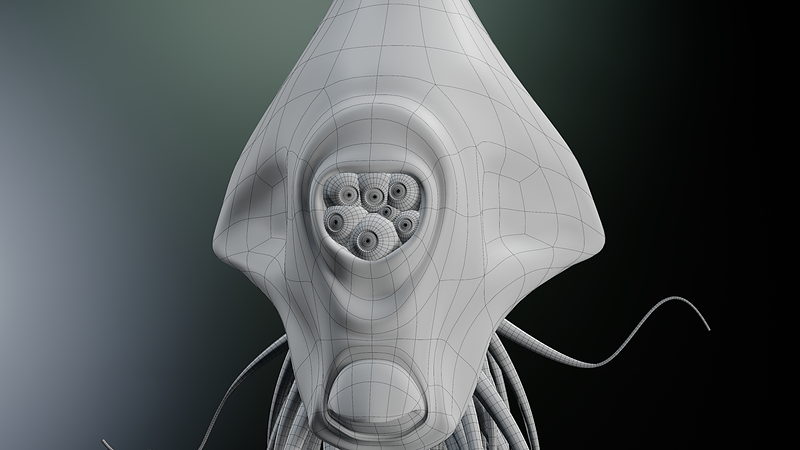
04 / Subdivision
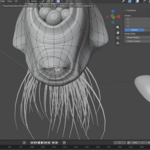
The creature
 |
Then the final challenge: build out the rest of the laboratory yourself. There is no solution file. That part is deliberate.
|
|
|

Chapter 03 / Subdivision Surface
Why your smooth models look lumpy, and where the control loops actually go.
|
Outcomes
What you will learn
Real-world scale from lesson three. Stop building models that break the moment they enter a real scene.
Selection and topology tools, properly. No more clicking around hoping something selects. Know what each tool is for and when to reach for it.
Box modeling a full environment. Empty scene to finished hallway without redoing it three times.
Modifiers as a non-destructive workflow. Bevel, solidify, boolean, lattice, simple deform, curves. Change your mind at any point without starting over.
Why your bevels pinch and your shading breaks. Normals, weighted normals, and the disconnected geometry that quietly ruins models.
Tris, quads, and ngons. When each is fine, when each will hurt you, and how to tell before it is too late.
Subdivision surface that holds its shape. Loops, poles, and density control.
Edge flow for organic forms. Model a creature and understand why the topology goes where it goes.
|
|

Chapter 02 / Bevel Modifier
Width, segments, profile, and the clamp setting that stops the pinching.
|
27 lessons / 4 chapters
Curriculum
Chapter 01 / Foundations
11 lessons
Types of modeling, object data, real-world scale, primitive modeling, selection tools, topology tools, box modeling a hallway, good topology.
Chapter 02 / Modifiers and Geometry
9 lessons
Normals, bevel, solidify, boolean, simple deform and lattice, curves, tris/quads/ngons, disconnected geometry, modeling the specimen tank.
Chapter 03 / Subdivision Surface
6 lessons
The subdivision surface modifier, loops and poles, subdividing tris and ngons, controlling density, loop types, modeling the creature.
Chapter 04 / The Final Challenge
1 lesson
Build out the rest of the laboratory using everything you have learned, then post it to the community.
Free preview
Watch Good Topology free
Eight and a half minutes on the one thing that separates models that hold up from models that fall apart. No signup.
Watch the lesson
 |
Your instructor
Chris Bailey
Chris teaches the modeling, sculpting, materials, texturing, animation, and geometry nodes track across CORE. This course builds on the original written by CG Cookie co-founder Jonathan Lampel, expanded and re-recorded for 5.2 LTS.
|
| Blender version |
5.2 LTS (works in 4.2 LTS) |
| Lessons |
27 videos, 4h 05m |
| Quality |
1080p, stream or download |
| Captions |
English and Spanish |
| Project files |
Included for every chapter |
| Platforms |
Windows, macOS, Linux |
| Access |
Lifetime, no subscription |
| Also available in |
The CORE bundle, all 11 courses |
Recorded by an actual human who is audibly excited about topology. No AI narration, no synthetic voice.
Questions
Do I need to know Blender already?
You should be comfortable navigating the interface, moving objects, and saving files. If you have finished any Blender basics course you are ready. Modeling itself starts at zero.
Will this work in Blender 4.2 LTS?
Yes. A few panels have moved, because Blender does that. The techniques are identical.
Are project files included?
Yes, for every chapter, including the hallway, specimen tank, and creature.
Is this the same as the version I already own?
No. This is rebuilt for 5.2 LTS with new recordings, new projects, and expanded topology coverage. If you own the CORE 4.2 bundle, check your loyalty pricing.
Do I need the other CORE courses first?
No. Mesh Modeling is course one and assumes no prior modeling knowledge. The specimen tank you build here reappears in Materials and Shading, but that course supplies the file if you skip ahead.
I want more than one course. Is there a bundle?
Yes.
CORE is all 11 courses as a single one-time purchase. Buy up to four courses individually and you come out ahead. Past that, the bundle is a better deal, and all eleven bought one at a time run to more than twice the bundle price. CORE is also included with an annual CG Cookie subscription if you would rather stream than own.
Are ngons actually that bad?
Sometimes they are completely fine, and we show you exactly when. Please do not screenshot that sentence and post it to r/blender.
Can I use what I make commercially?
Yes. Anything you model is yours.
What if I get stuck?
Post in the CG Cookie community. Instructors are active there and questions get answered.
Course 01 of 11
CORE continues
Mesh Modeling is course one of eleven. CORE is the whole path: modeling, sculpting, lighting, materials, texturing, animation, rigging, physics, compositing, grease pencil, and geometry nodes, in the order that actually builds on itself.
See all 11 coursesPast five courses, the bundle is the cheaper buy. One purchase, keep it forever.

Teaching Blender since 2008
 CG Cookie