 Lonely Tree Studios



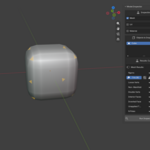
Stop hunting for mystery errors in your models.
Modelling mistakes are easy to make and easy to miss. N-gons buried in a dense mesh, UV islands that drifted out of bounds, material slots that get left empty after a merge. Model Inspector catches these before they turn into a rendering bug, a broken bake, or a rejected asset.
Model Inspector validates meshes, UVs, and materials for many common modelling mistakes right inside the 3D Viewport. Run inspections across any number of objects, get a per-object breakdown then click any result to highlight the exact faces, verts, or edges that caused it.
No more toggling through edit-mode select tools trying to work out why a bake came out wrong.
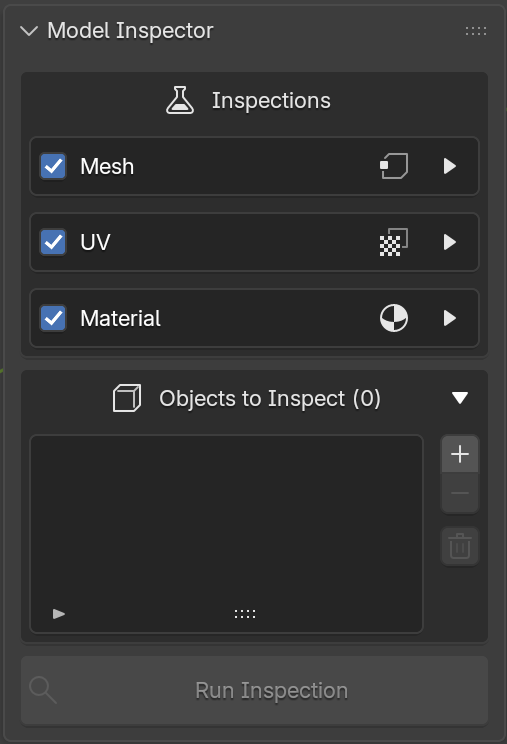
What makes Model Inspector different
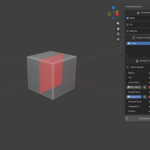
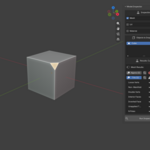
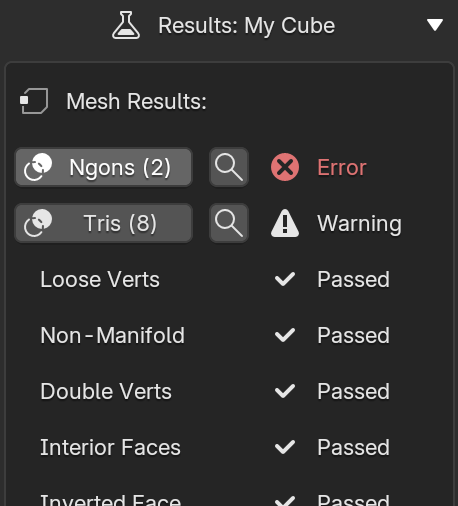
Click straight to the problem. Every geometry based result is a button. Click it to overlay the problem area in the viewport, colour-coded by severity, red for errors, yellow for warnings. Hit the magnifying glass to frame the camera on exactly that geometry. Overlays from multiple objects and multiple checks can stay on at once.
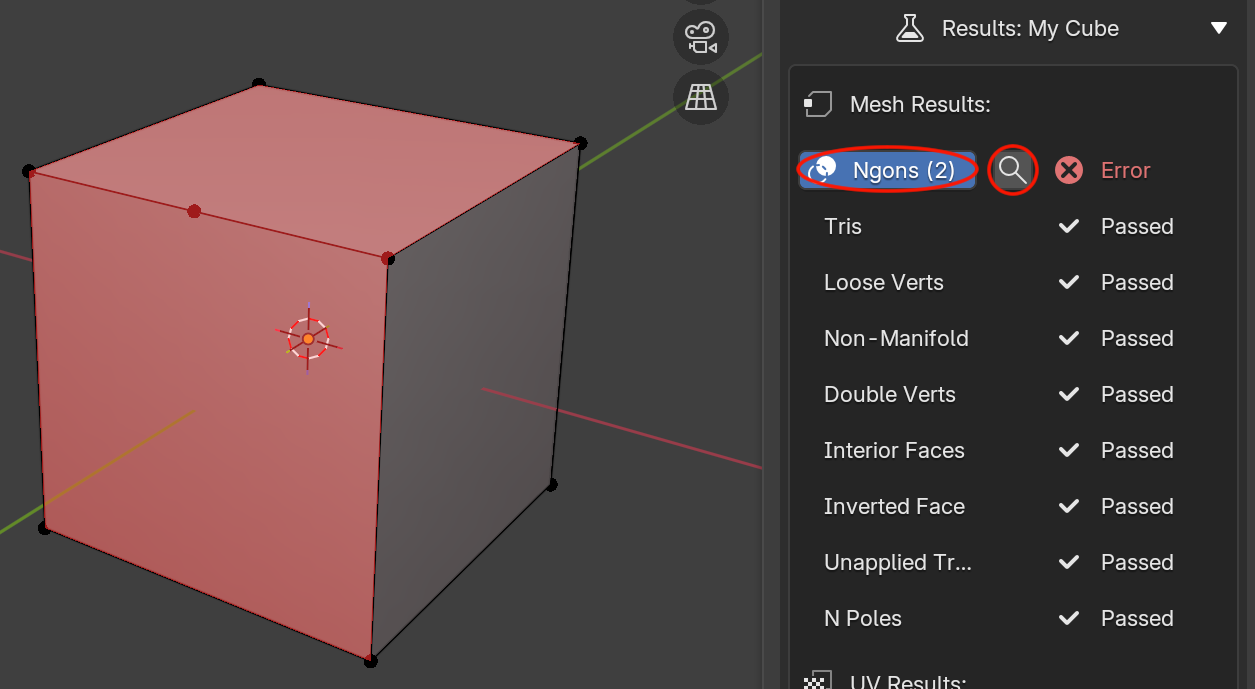 Click any result to highlight the exact geometry that failed.
Modifier aware. Checks run against the evaluated mesh, so what you're inspecting is what actually rendered and exported.
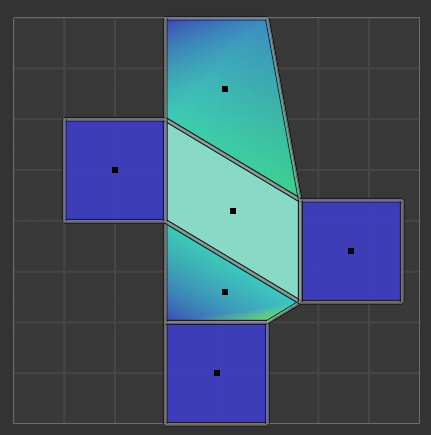
UV checks. Beyond the basics, Model Inspector can check for stretched UVs (non-uniform distortion, not just scale) and inconsistent texel density (faces mapped denser or sparser than the mesh average). These are the issues that can quietly ruin a texture set.
Per-object results. Add ten objects, run once, and step through each one's results individually. Build the list incrementally as you work.
Every check is optional. Working in tris deliberately? Using UDIMs? Turn off individual checks or whole categories. Each check has a help button explaining exactly what it looks for.
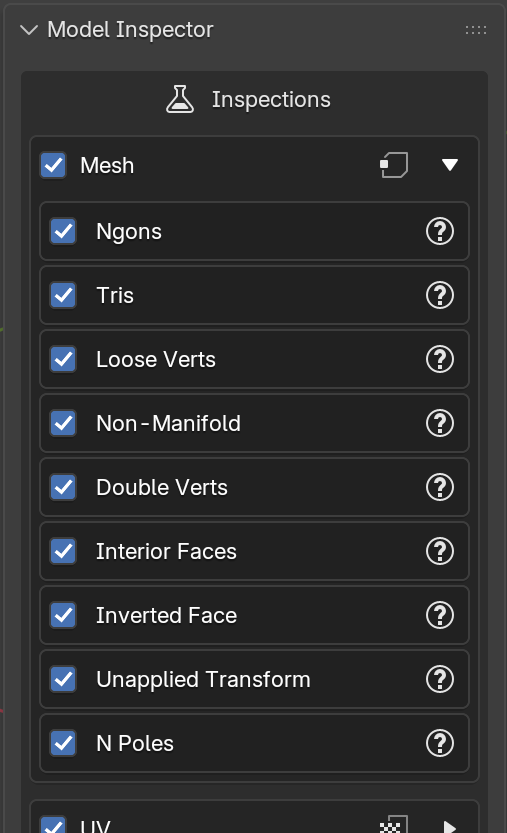
Completely non-destructive. Model Inspector only ever reads your scene. It never touches geometry, UVs, or materials.
Why Model Inspector?
Model Inspector vs Blender's built-in tools
| Features | Model Inspector | Blender's built-in tools |
|---|---|---|
| Mesh topology checks | ✔ | Partial |
| UV validations | ✔ | ✘ |
| Material & texture validation | ✔ | ✘ |
| Stretched UV detection | ✔ | ✘ |
| Texel density consistency | ✔ | ✘ |
| Multi-object batch inspection | ✔ | ✘ |
| Pass / Warning / Error reports | ✔ | ✘ |
| Highlighted overlays | ✔ | ✘ |
| Zoom to geometry | ✔ | Manual |
| Modifier aware results | ✔ | ✘ |
| Per-Inspection enable / disable | ✔ | ✘ |
| Non-destructive | ✔ | ✔ |
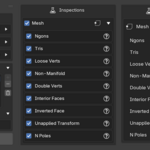
All 21 checks
| Mesh | UV | Material |
|---|---|---|
| Ngons | Missing UV Map | No Material Assigned |
| Tris | Extra UV Maps | Empty Material Slot |
| Loose Verts | Overlapping UVs | Face With No Material |
| Non-Manifold Edges | Zero Area UVs | Missing Image Texture |
| Double Verts | UVs Outside 0–1 | Duplicate Material |
| Interior Faces | Stretched UVs | |
| Inverted Normals | Inconsistent Texel Density | |
| Unapplied Transforms | ||
| N-Poles |
How it works
- Add your objects to the inspections list
- Tick the inspections you care about.
- Hit Run Inspection, then click any flagged result to jump straight to it.
Requirements
- Blender 4.2 or newer (installs as a Blender extension)
Documentation
Full documentation with every check explained, plus a video walkthrough:
ianscheepers.github.io/Model-Inspector-Documentation
