Modern Themes
 JB FX
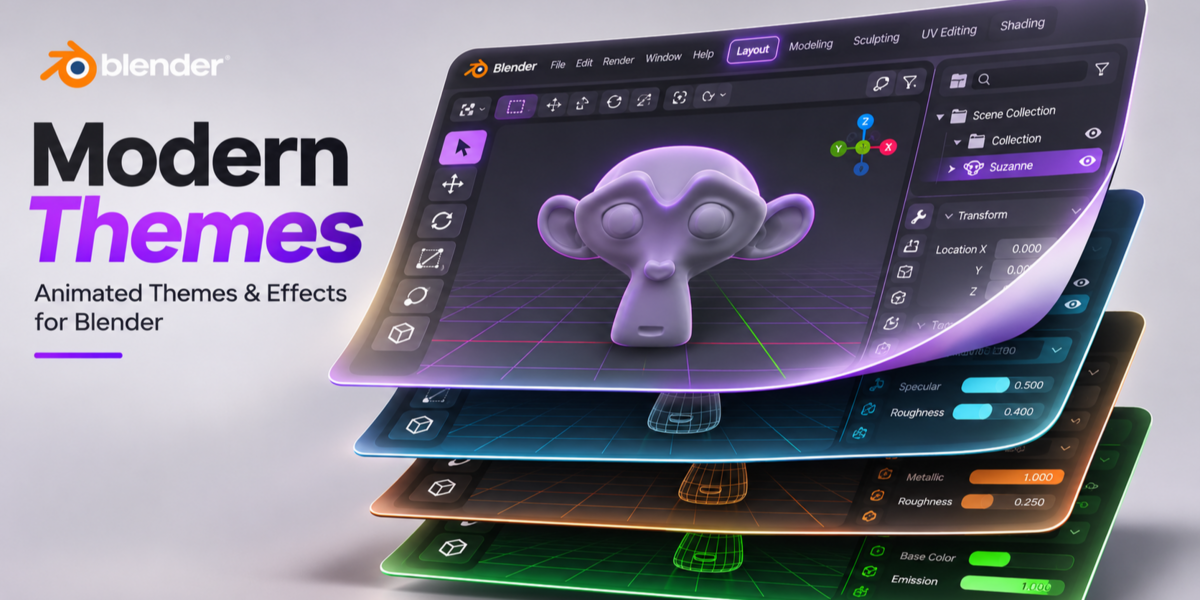
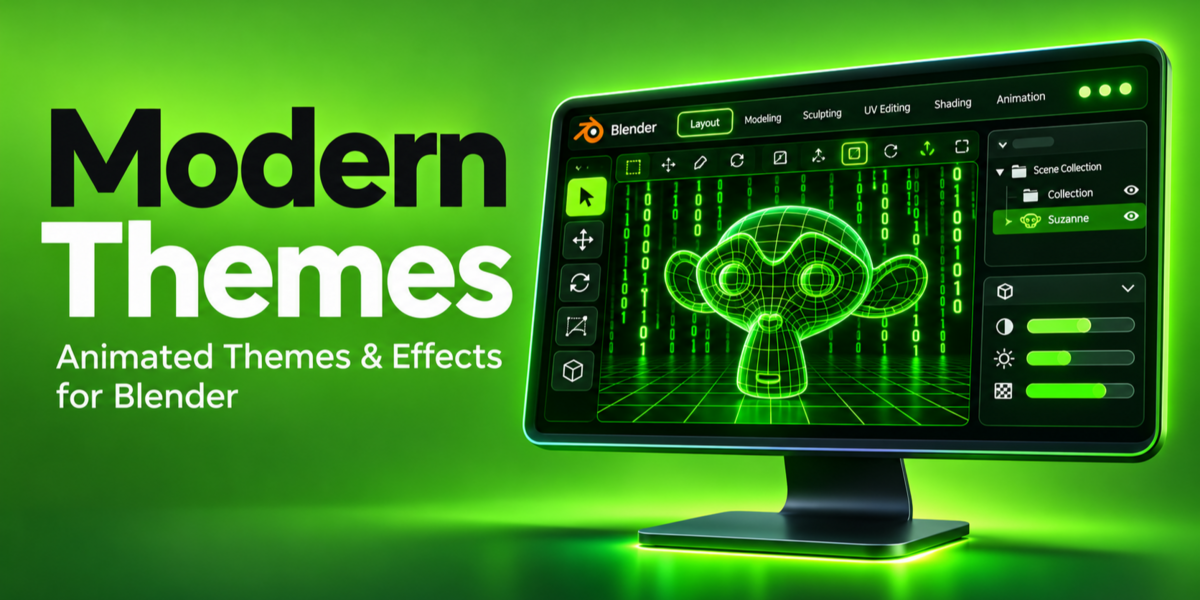
MODERN THEMES
Documentation | Version 1.0.9
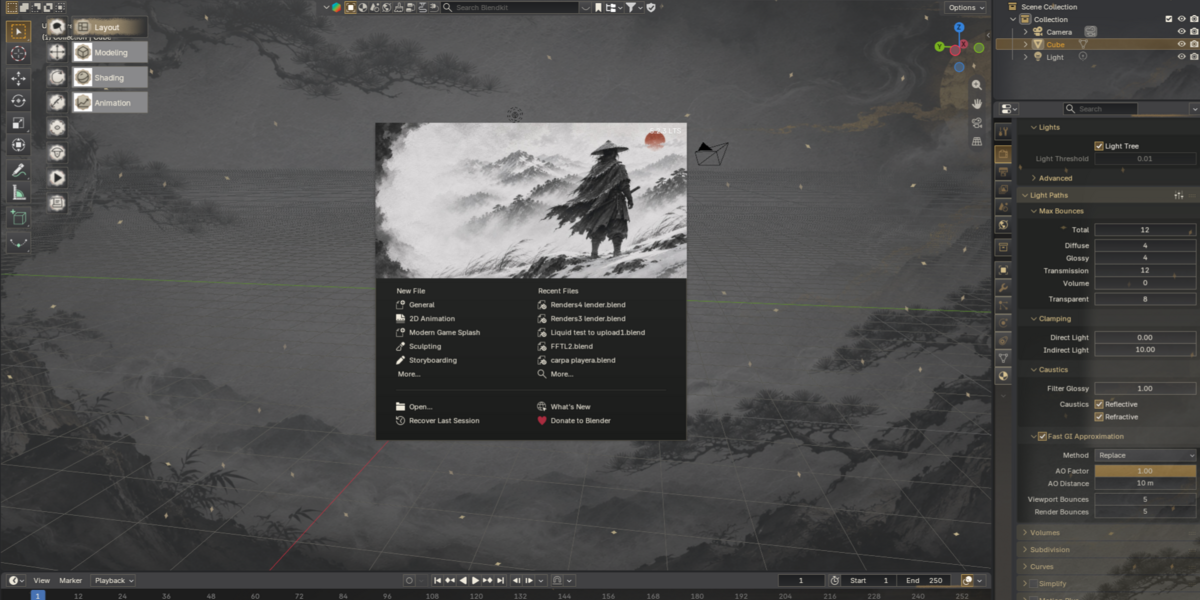
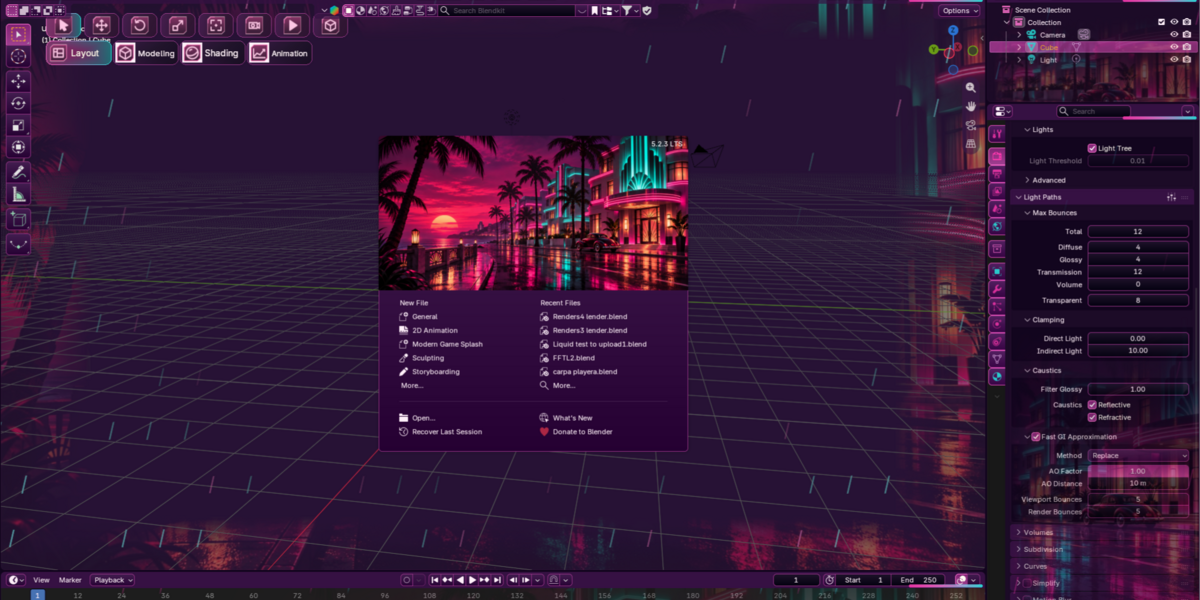
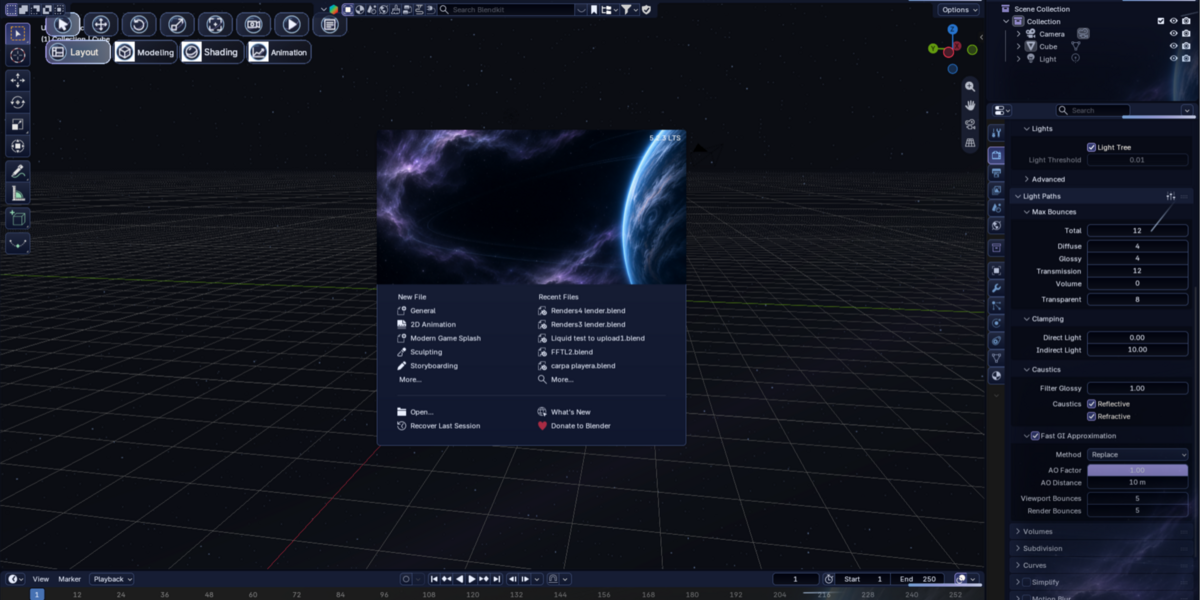
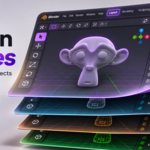
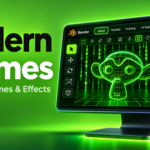
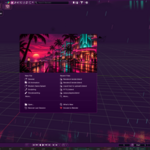
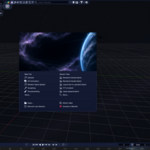
Modern Themes is a Blender extension with 42 interface looks. Themes can
change editor colors, artwork, and viewport effects. These are interface
effects and do not appear in scene renders. The extension declares
Blender 4.3.0 as its minimum version.
INSTALL AND CHOOSE A THEME
1. If you are upgrading while an older Modern Themes version is active,
open the Theme sidebar and click Restore & Save first.
2. In Blender, open Edit > Preferences > Get Extensions. Open the menu
in the upper-right corner and choose Install from Disk.
3. Select Modern_Themes_v1.0.9_INSTALL.zip. Leave the ZIP compressed.
Enable Modern Themes in Preferences > Add-ons if needed.
4. Move your pointer over the 3D Viewport and press N. Open the Theme
tab, click Enable Theme, then pick one of the theme buttons.
5. Open Customize for more controls. To keep your current preferences
across restarts, use Save Preferences if Auto-Save Preferences is off.
PICK AND CUSTOMIZE A LOOK
- Click a theme button to switch looks. Select Apex Circuit to reveal
the Scarlet, Azure, and Volt liveries.
- Backdrop sets the viewport treatment. Choose Skin Default for the
intended look, Skin Colors for theme colors without artwork, Vignette
for supported artwork, or Blender Default for the native background.
- Viewport Artwork Opacity is available when the selected skin and
backdrop support it. Themed viewport scenery is designed for Solid
shading.
- Style Strength adjusts decorative styling. Effect Intensity adjusts
the strength of ambient and interaction effects.
- Play Intro on Switch controls the animated theme introduction. Skin
Shelf toggles the themed workspace and tool strip.
- Some themes have extra controls. Monkey Jungle exposes Leaf Vignette
and Swinging Monkey separately. Inferno offers Ember Density.
- Reset This Skin restores the active look's default settings.
CONTROL MOTION
- Quiet Mode pauses cursor and ambient animation throughout the
interface while keeping the theme and its static artwork.
- Turn off Effects in Viewport to pause the current theme's animated
atmosphere, pointer trails, and click effects in the 3D Viewport.
- To keep viewport pointer and click effects but remove ambient motion,
leave Effects in Viewport on and turn off Atmosphere in Viewport.
Other editors can retain their own atmosphere.
- Both viewport toggles are saved separately for each skin.
SAVE SOLID LIGHTING FOR A THEME
1. Set the 3D Viewport to Solid shading.
2. Open Blender's Viewport Shading popover and choose your lighting.
Paint.sl is the theme default.
3. In Theme > Customize, click Save Solid Lighting for This Theme.
This saves the current Solid lighting for the active theme.
RESTORE YOUR PREVIOUS THEME
Click Restore & Save in the Theme tab to return to the Blender theme
that was active before Modern Themes and save preferences. Use this
before disabling or uninstalling the extension. If the theme is off and
a backup is available, Recover Last Backup appears in the Theme tab.
TROUBLESHOOTING
The Theme tab is missing
Check that Modern Themes is enabled in Preferences > Add-ons. Put the
pointer over a 3D Viewport before pressing N, then look for Theme.
Viewport artwork is missing
Switch to Solid shading. Check Customize > Backdrop and raise Viewport
Artwork Opacity if that control is available for the selected look.
The viewport looks right, but the effects are still
Check Quiet Mode, Effects in Viewport, and Atmosphere in Viewport.
Also check the selected theme's own effect toggles under Customize.
Save Solid Lighting for This Theme is unavailable
Enable Modern Themes and switch the current 3D Viewport to Solid
shading before using the button.
 Included
Includes 12 months of
- Support from JB FX
- Product updates
Extend this product’s Support Period +12 months: 25% of product price
Have questions before purchasing?
Login to message
| Blender Extension Compatible | Yes |
| Published | 1 day ago |
| Blender Version | 4.3 - 5.3 |
| Extension Type | Add-on |
| Render Engine Used | Cycles, Eevee |
| License | GPL |
