JB FX

42 looks for Blender
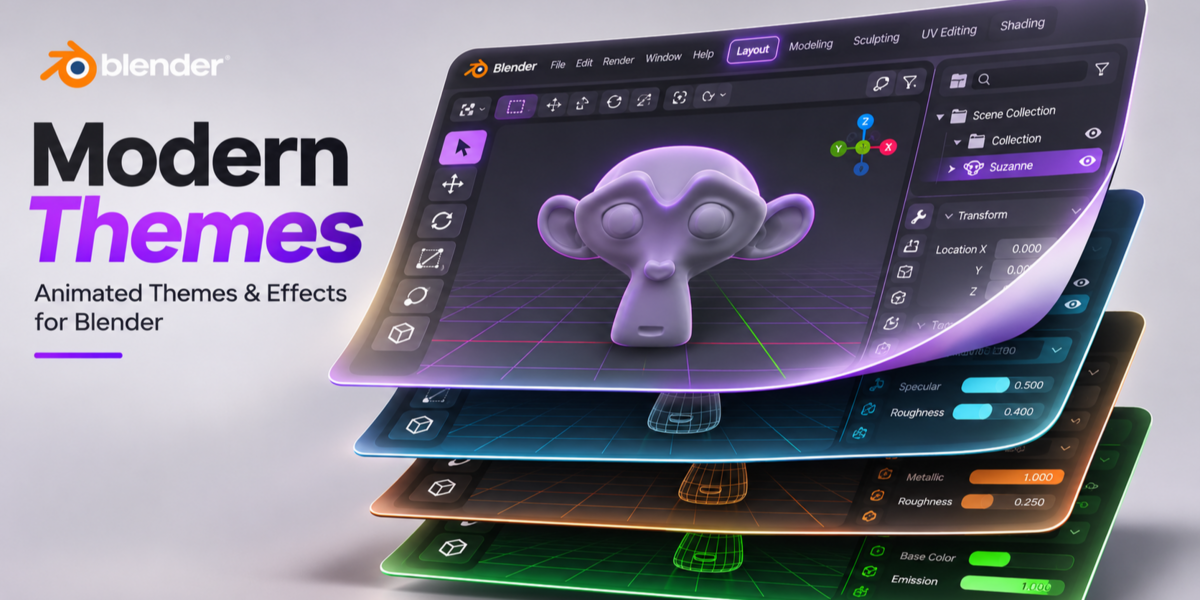
Modern Themes
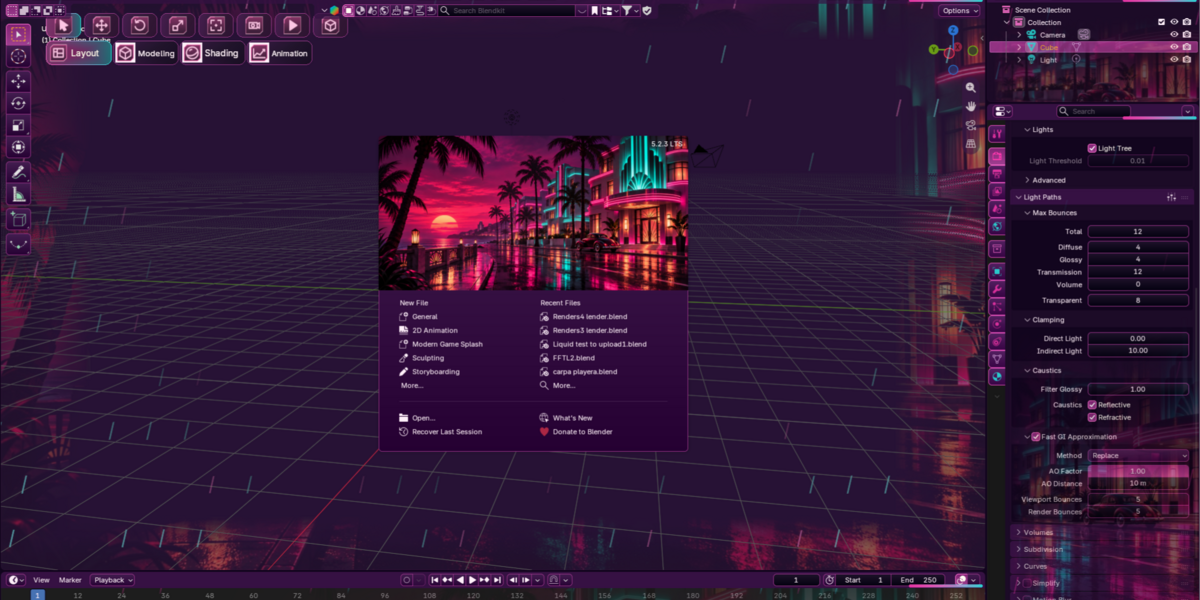
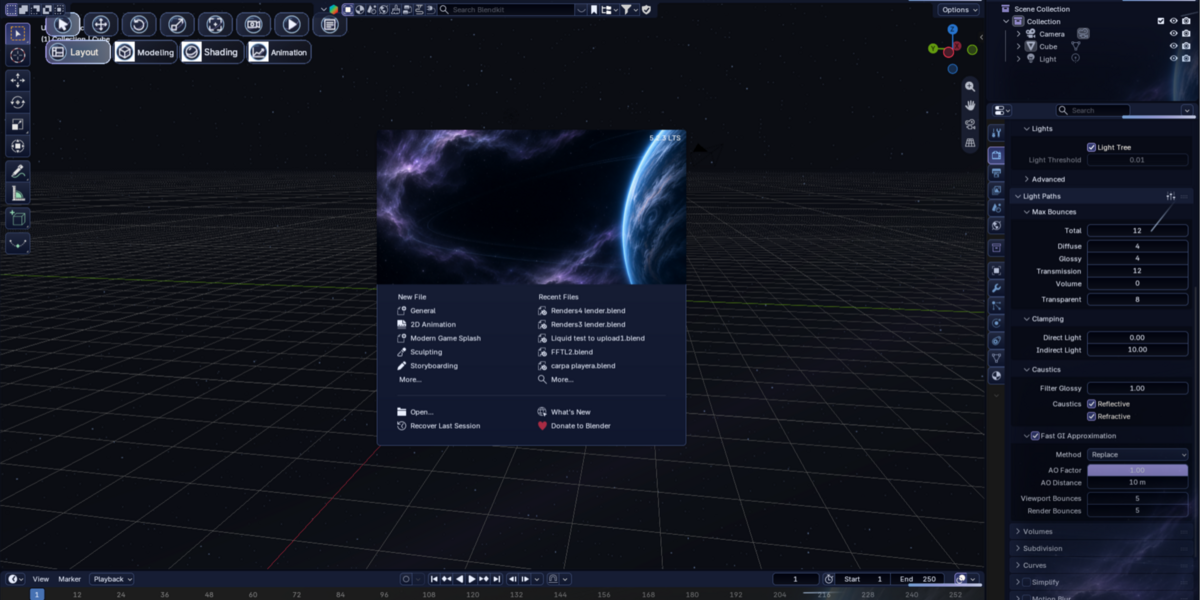
Give Blender a different atmosphere. Switch from a neon city at night to a frost-lined viewport, or settle into a watercolor studio.
Explore the themes ↓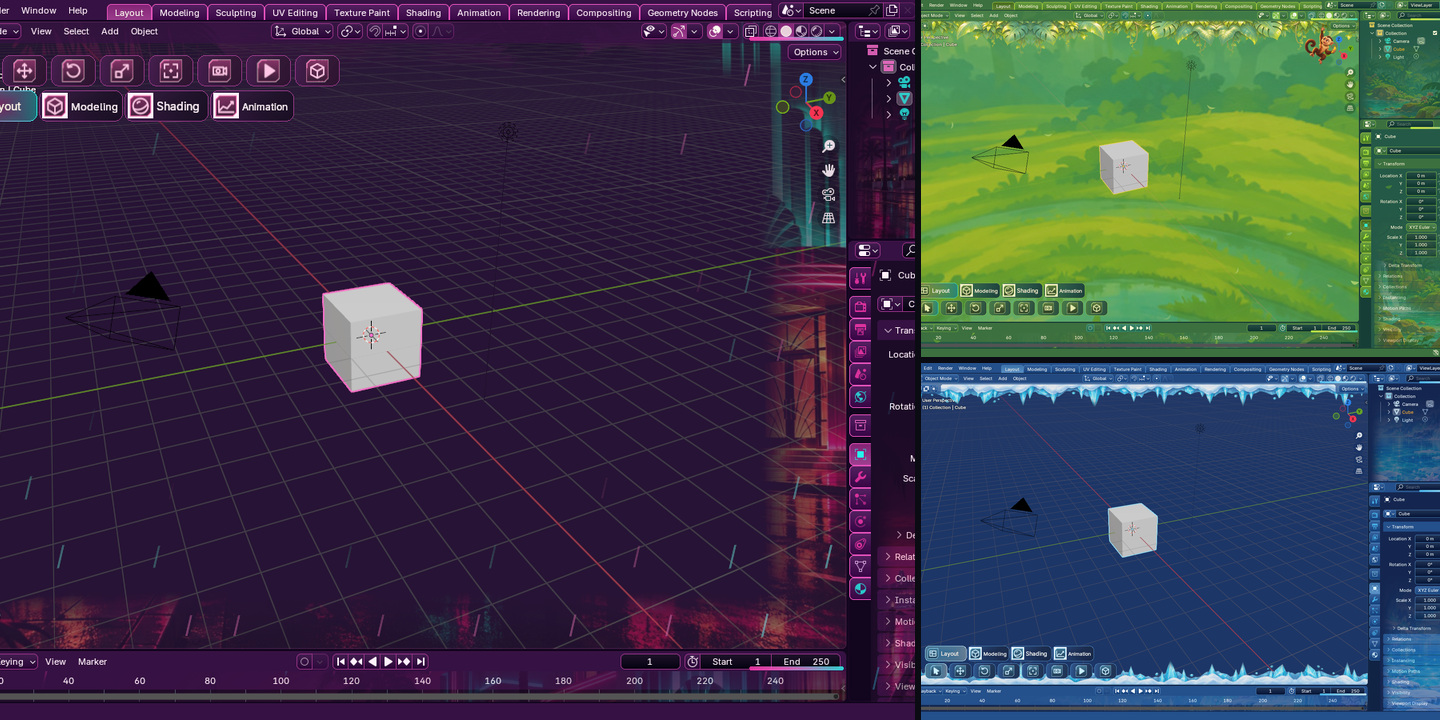
Crime City · Monkey Jungle · Frozen RealmCaptured in Blender
Three themes up close
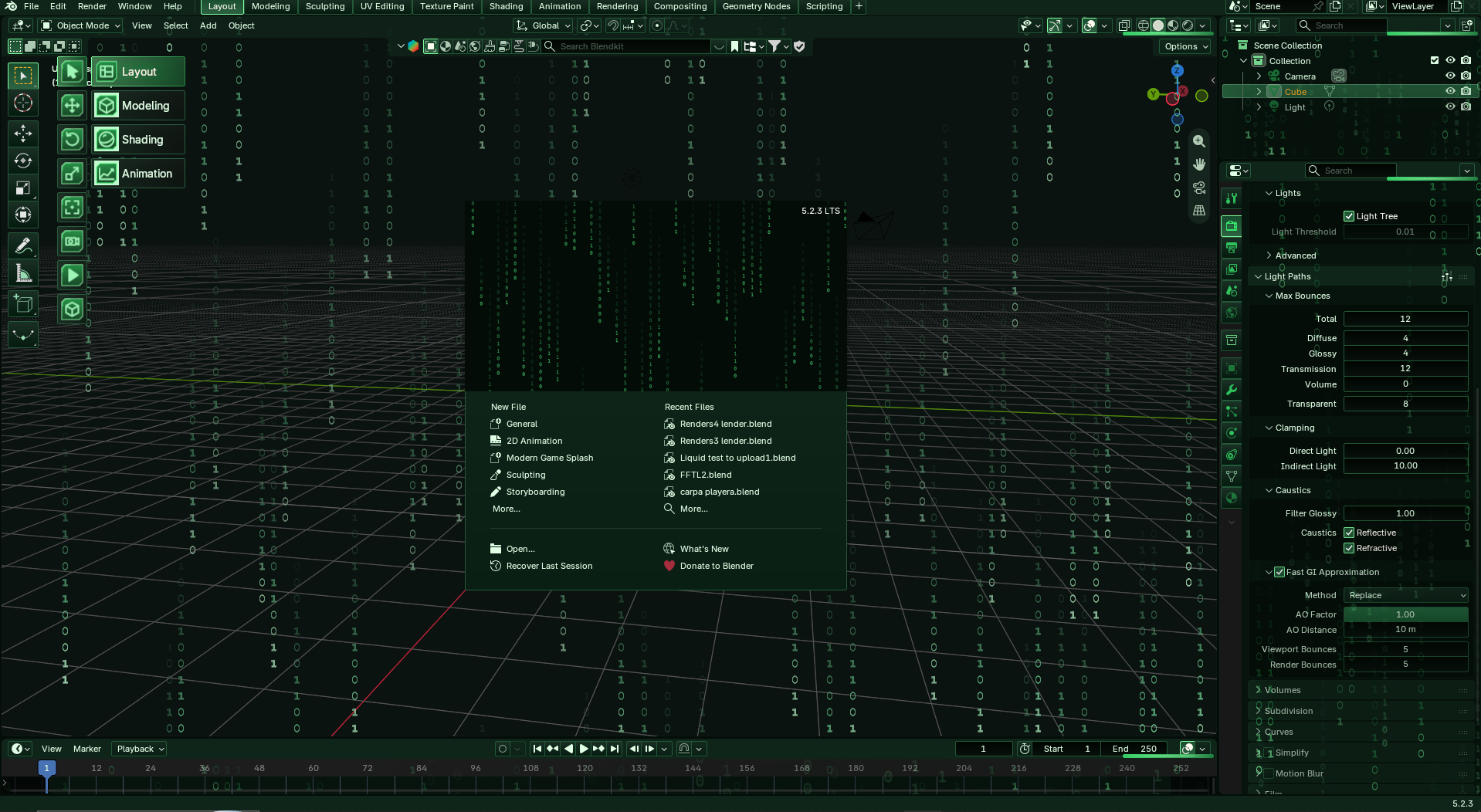
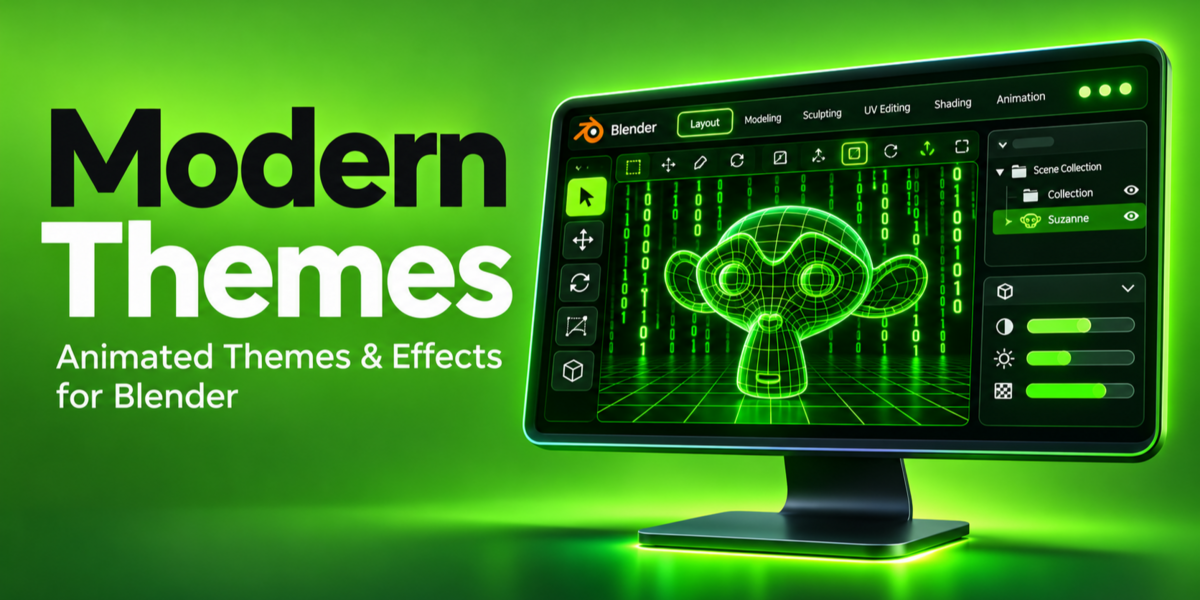
Matrix
Green binary rain over a charcoal workspace.
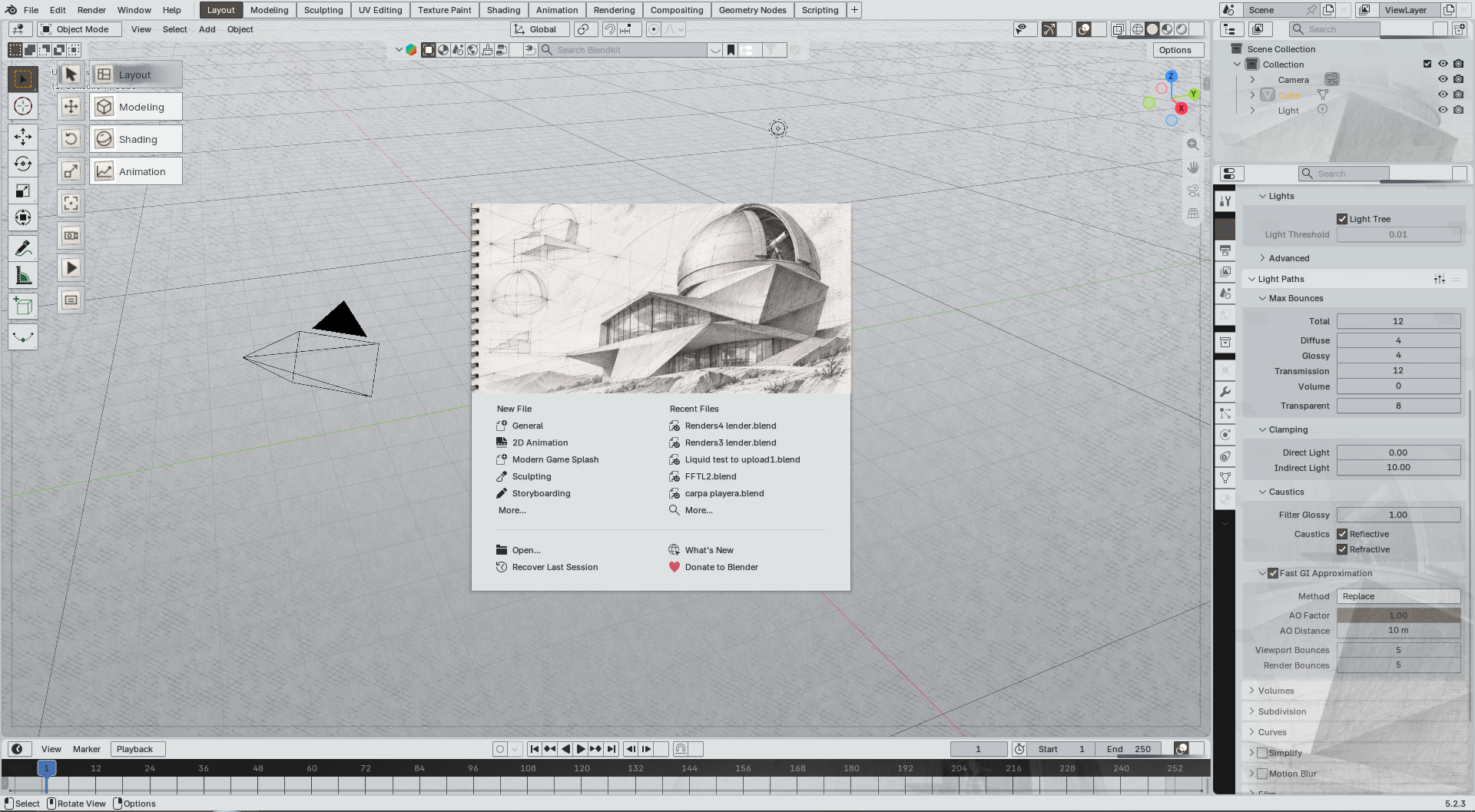
Sketchbook
Cool paper grain, graphite hatching, and dark selection outlines.
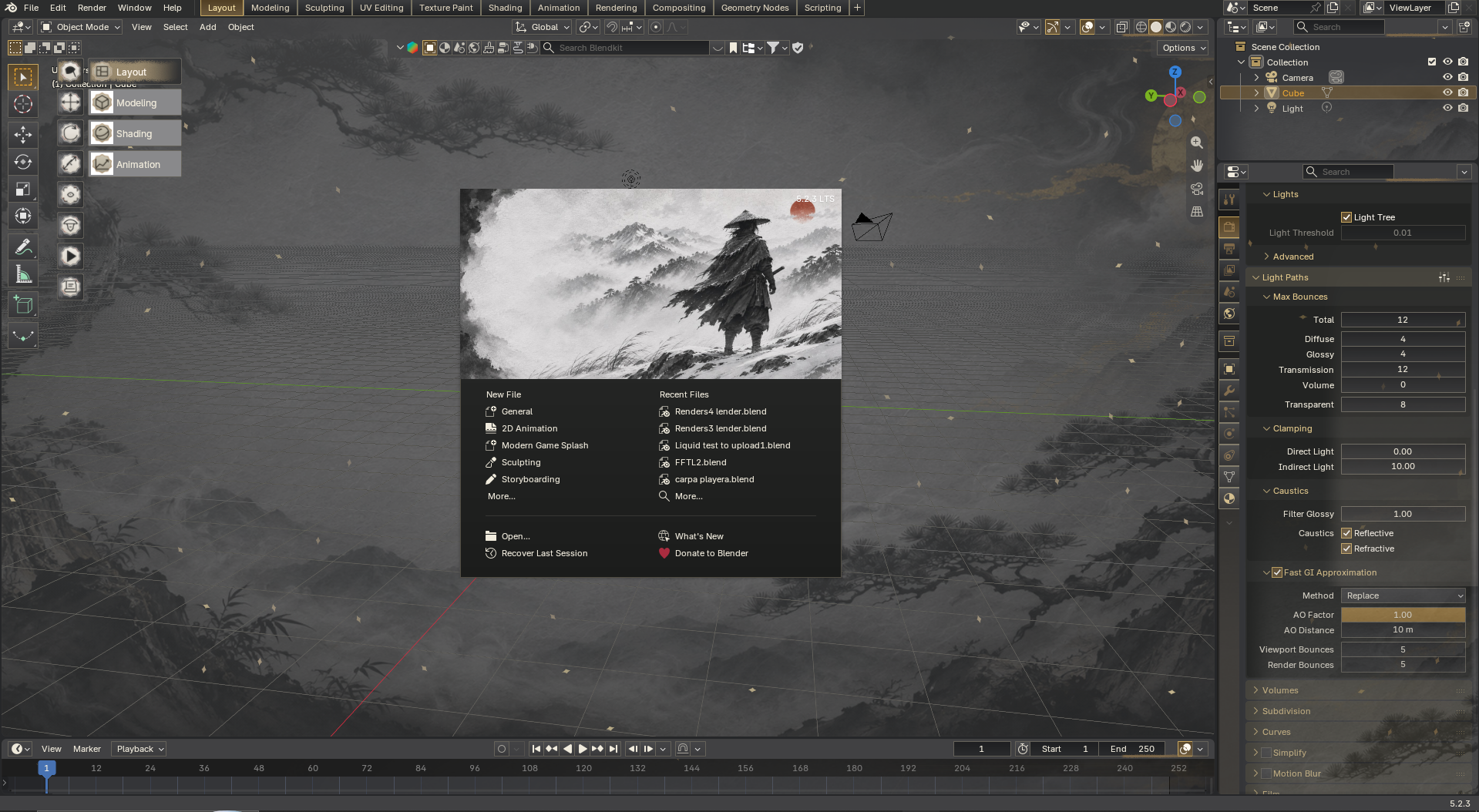
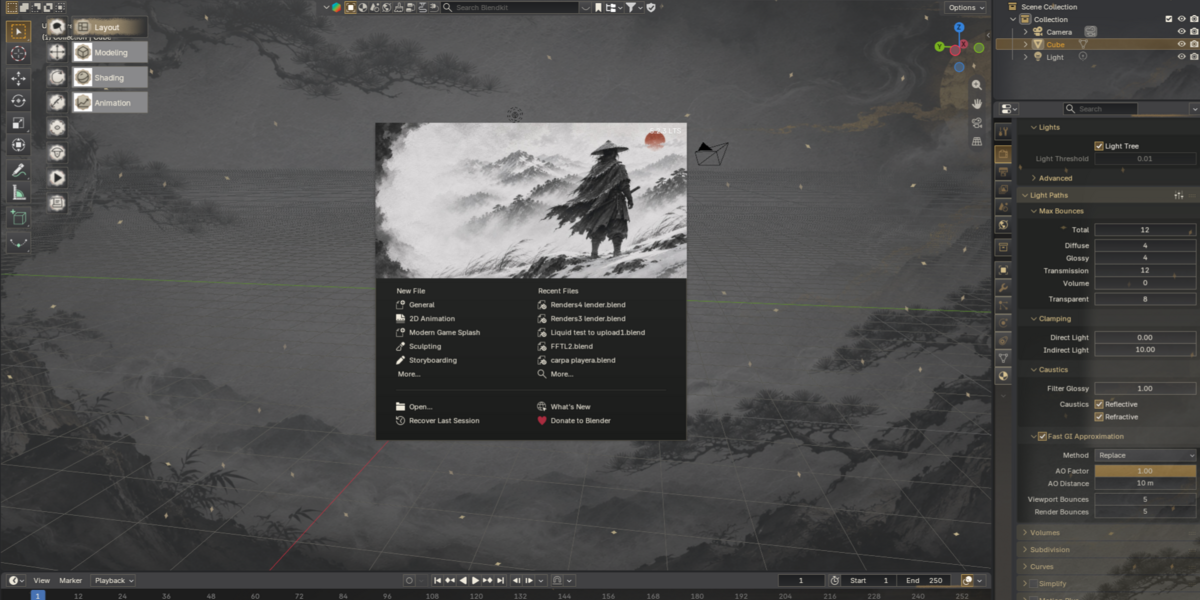
Ink & Snow
Ink-wash trees and a restrained winter palette frame the viewport.
Animated effects
See the themes in motion
Each look has its own visual details. Keep the ambient effects, dial them down, or pause the motion when you need to focus.
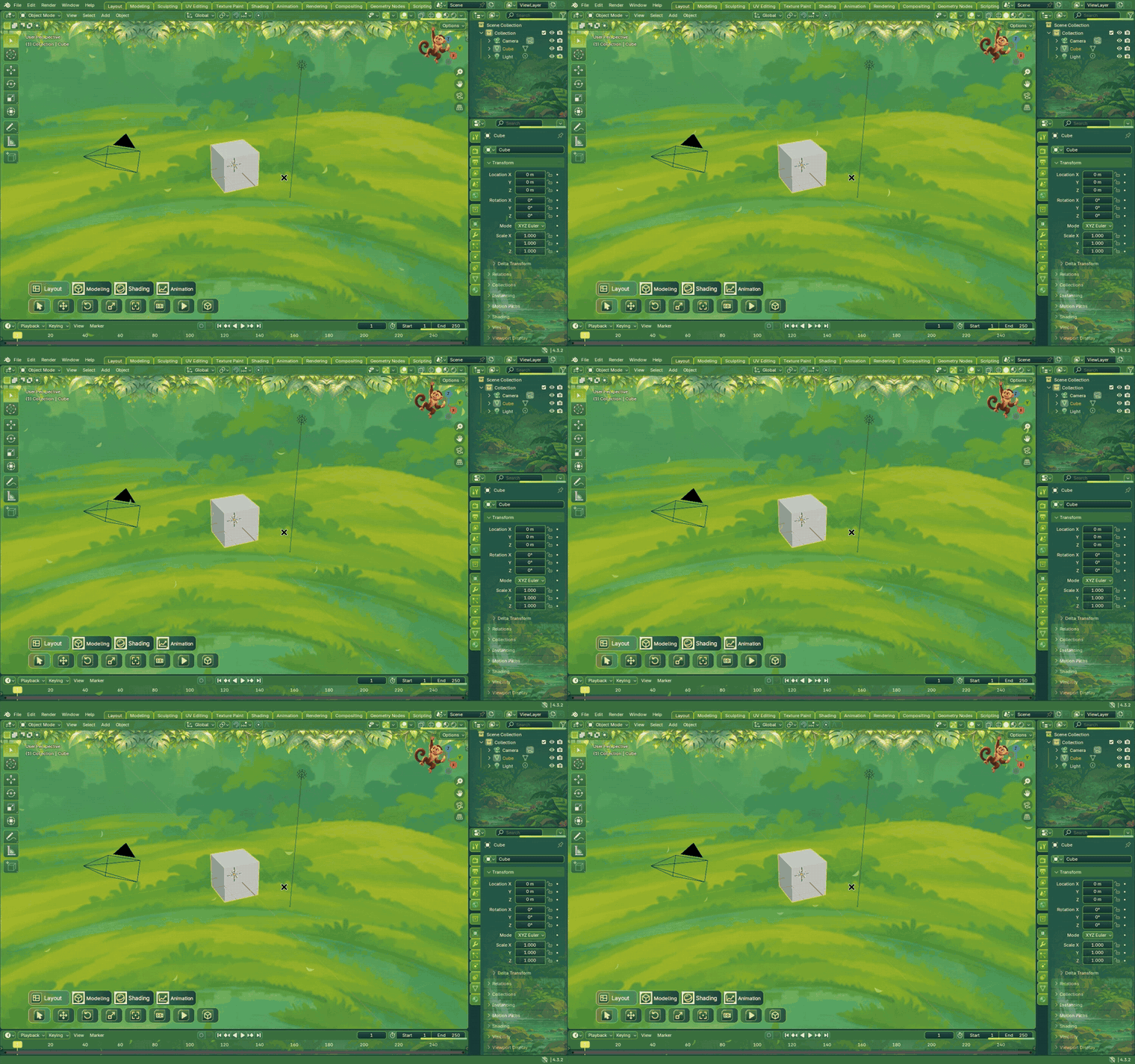
Monkey Jungle
A painted forest horizon, falling leaves, and a swinging monkey with its own toggle.
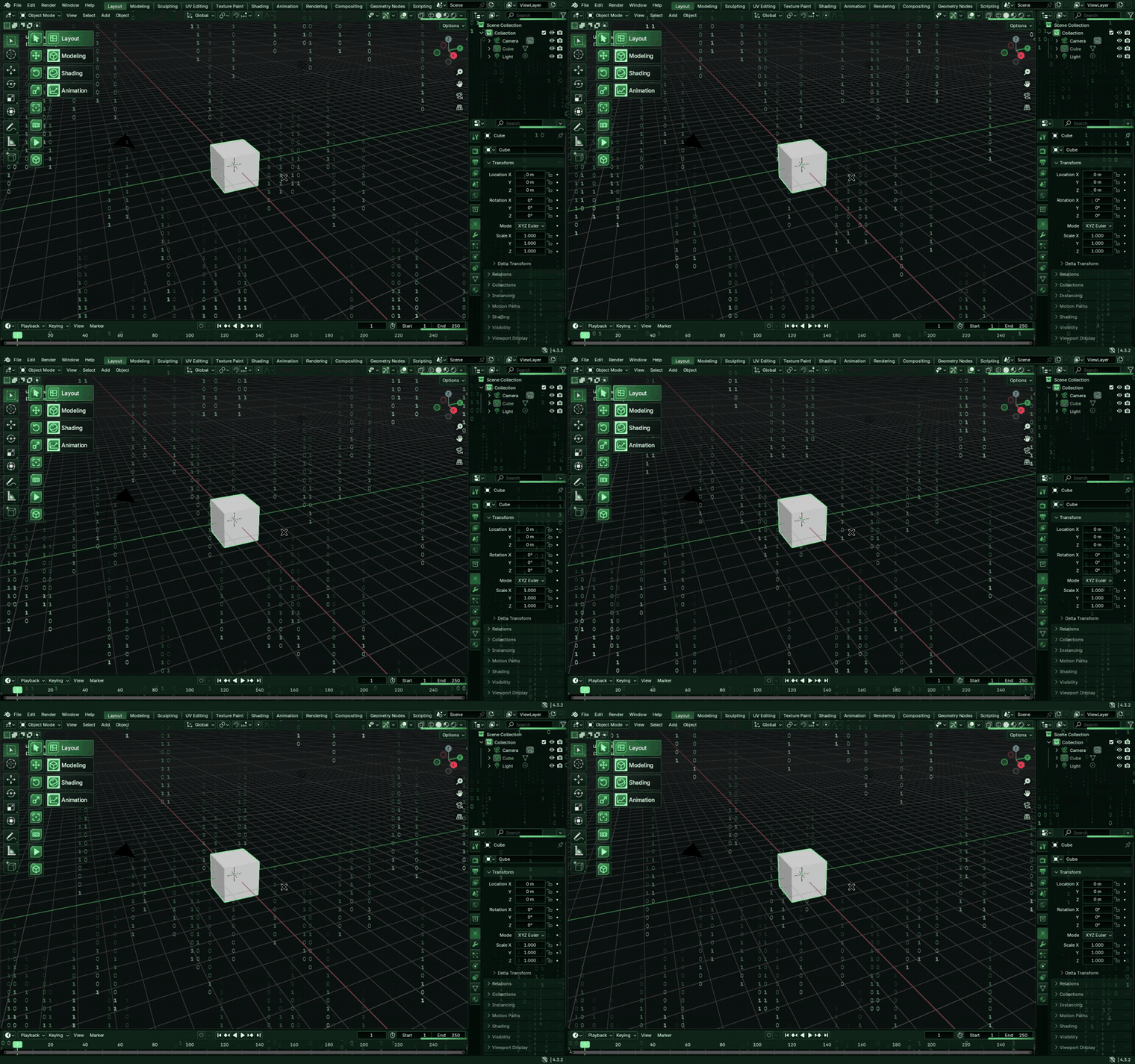
Matrix
Green binary rain drifts through a charcoal workspace.
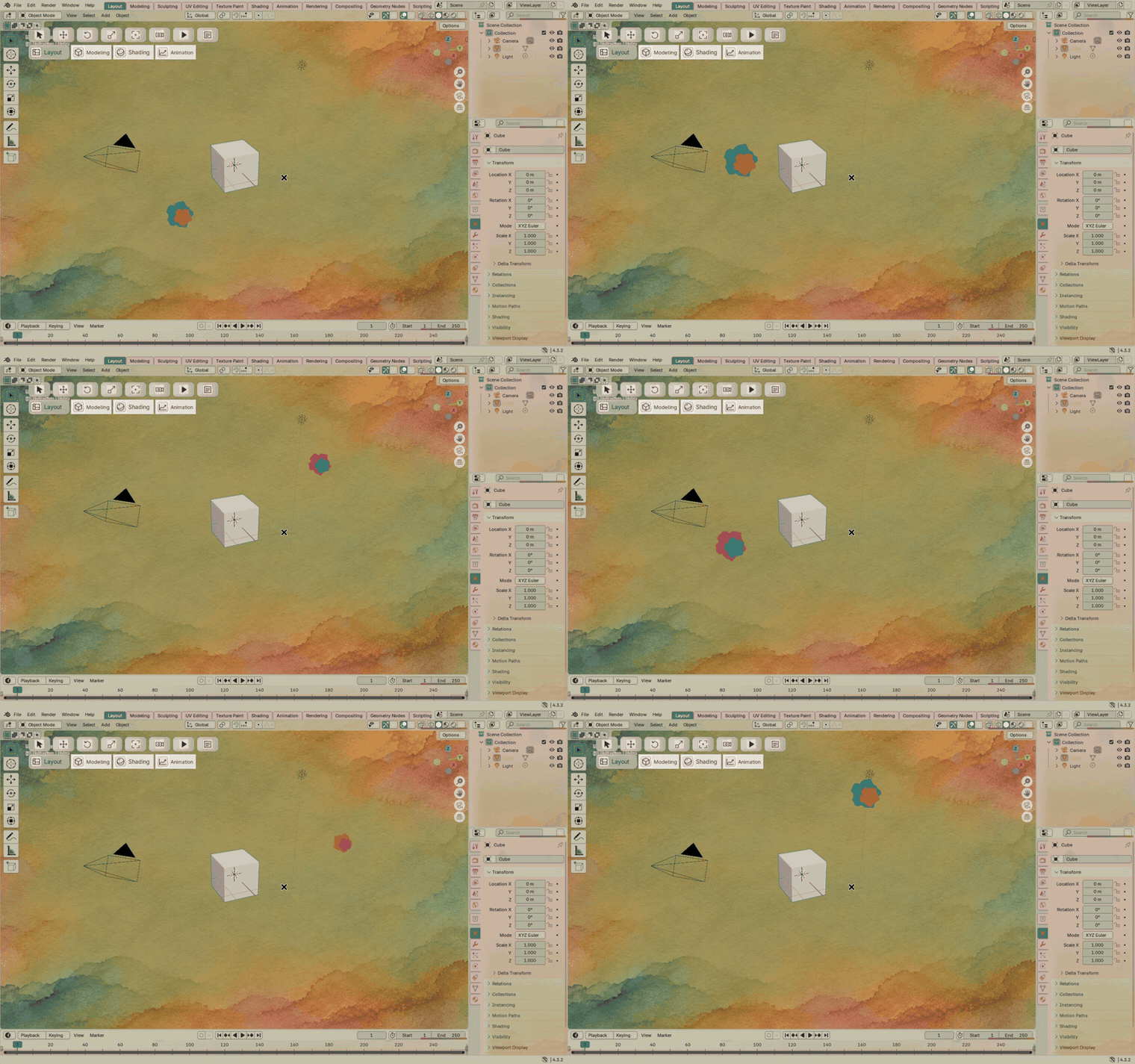
Watercolor
Clicks leave feathered pigment blooms over a soft painted wash.
Theme gallery
Find your workspace
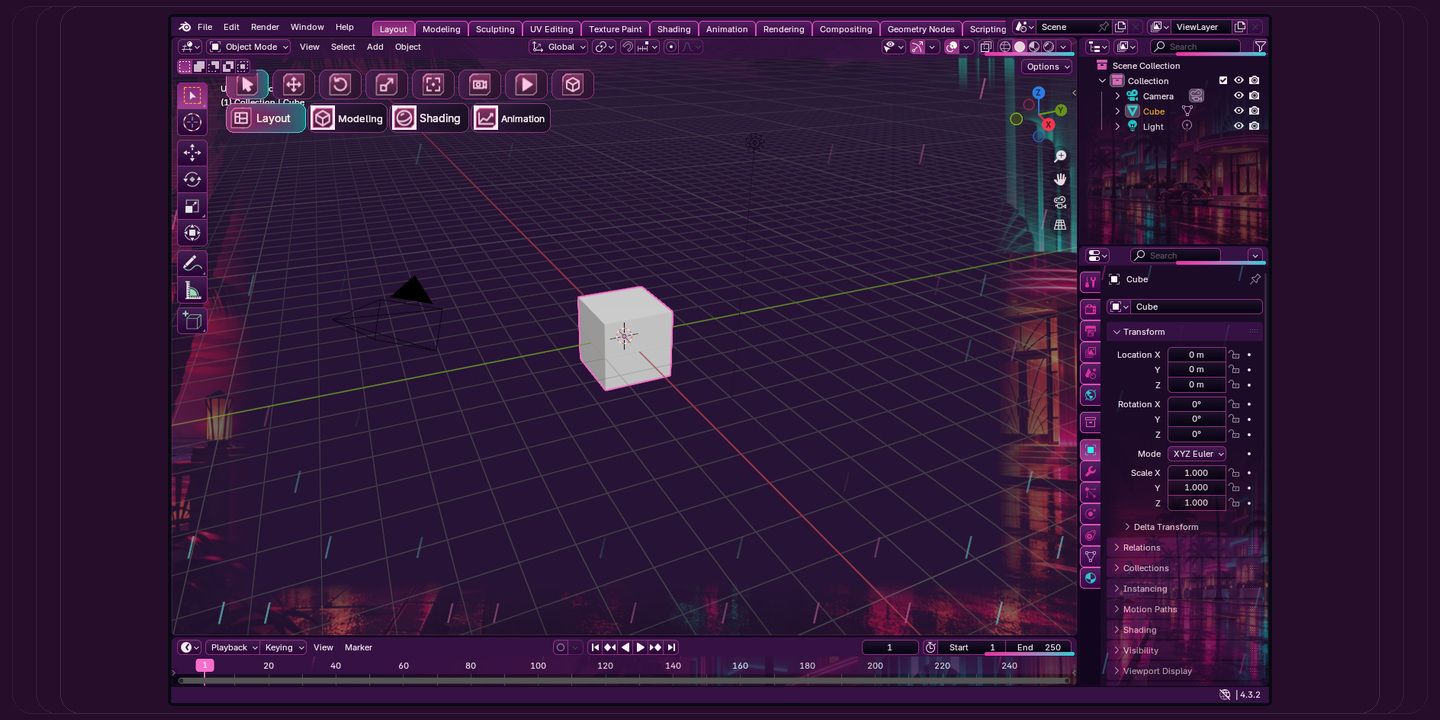
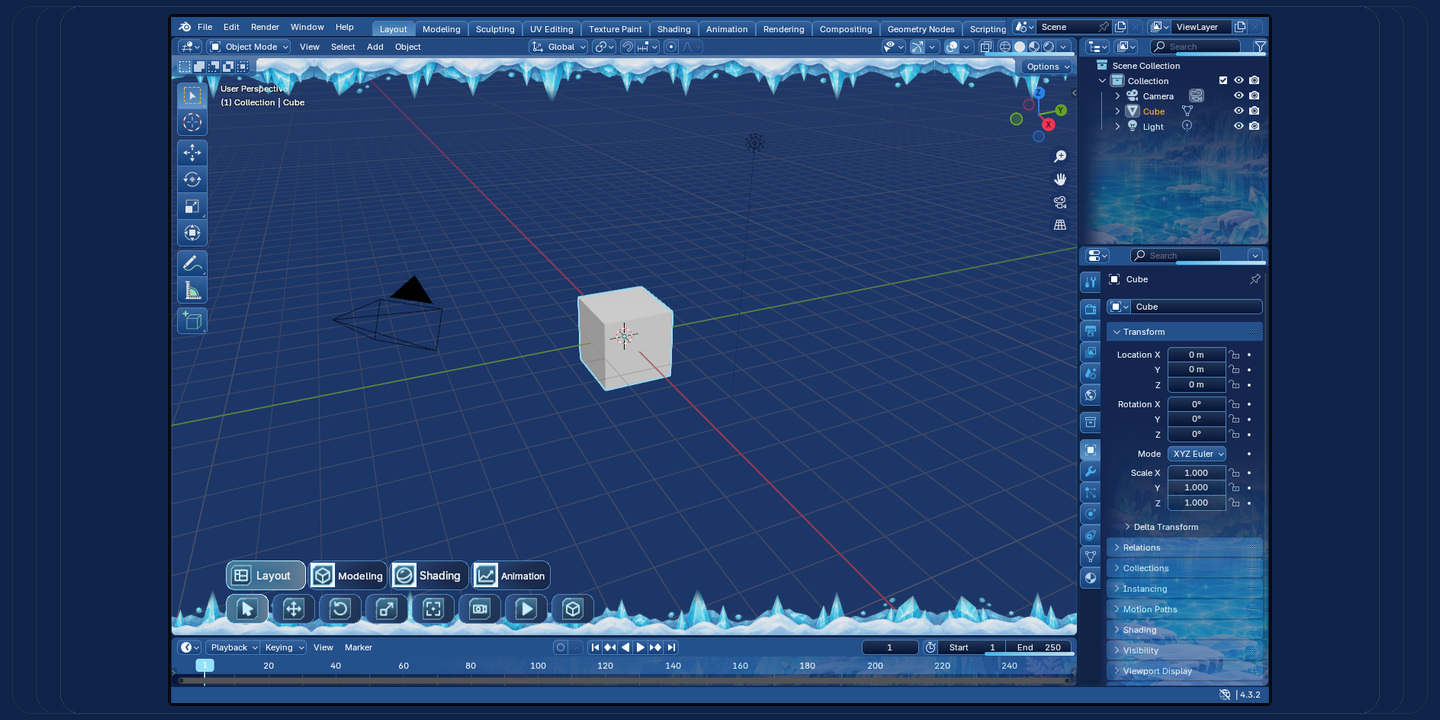
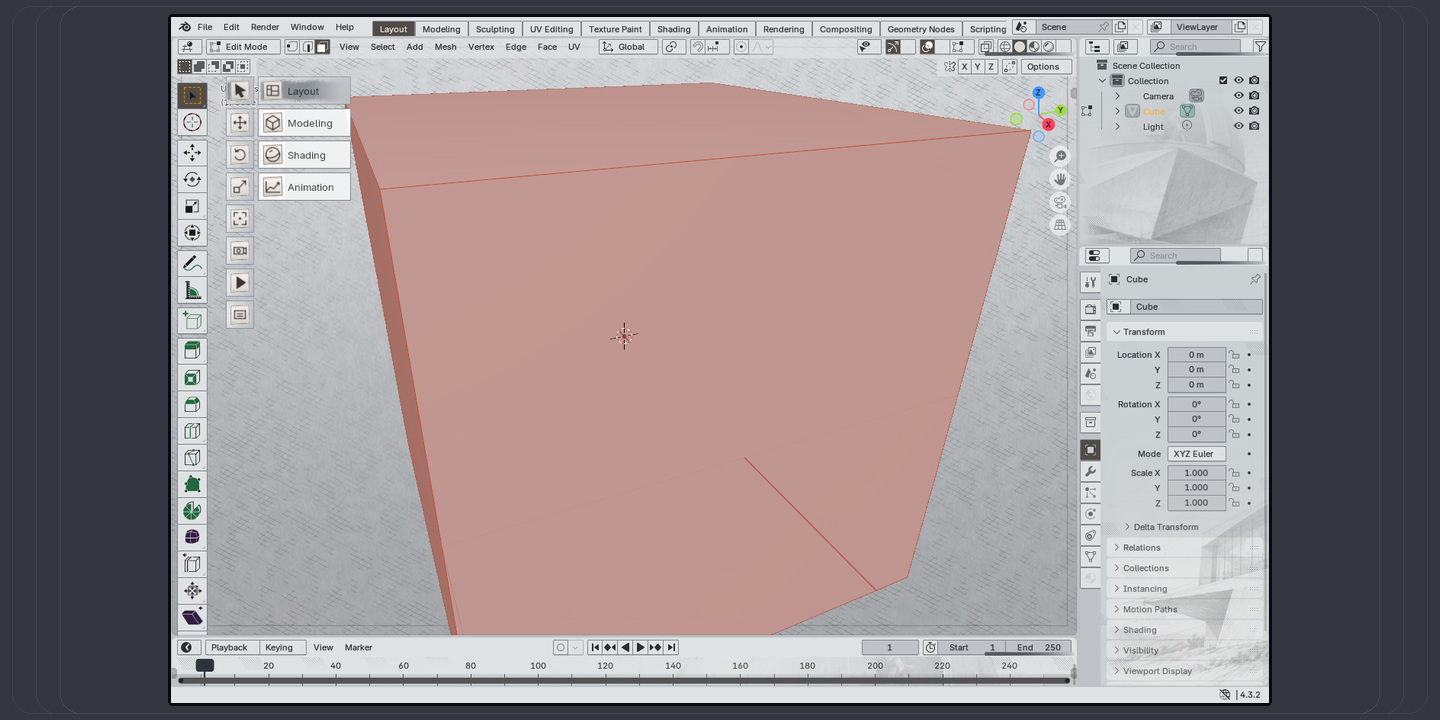
The themes carry into Blender’s panels, controls, and viewport. Choose a look for your project or your mood.
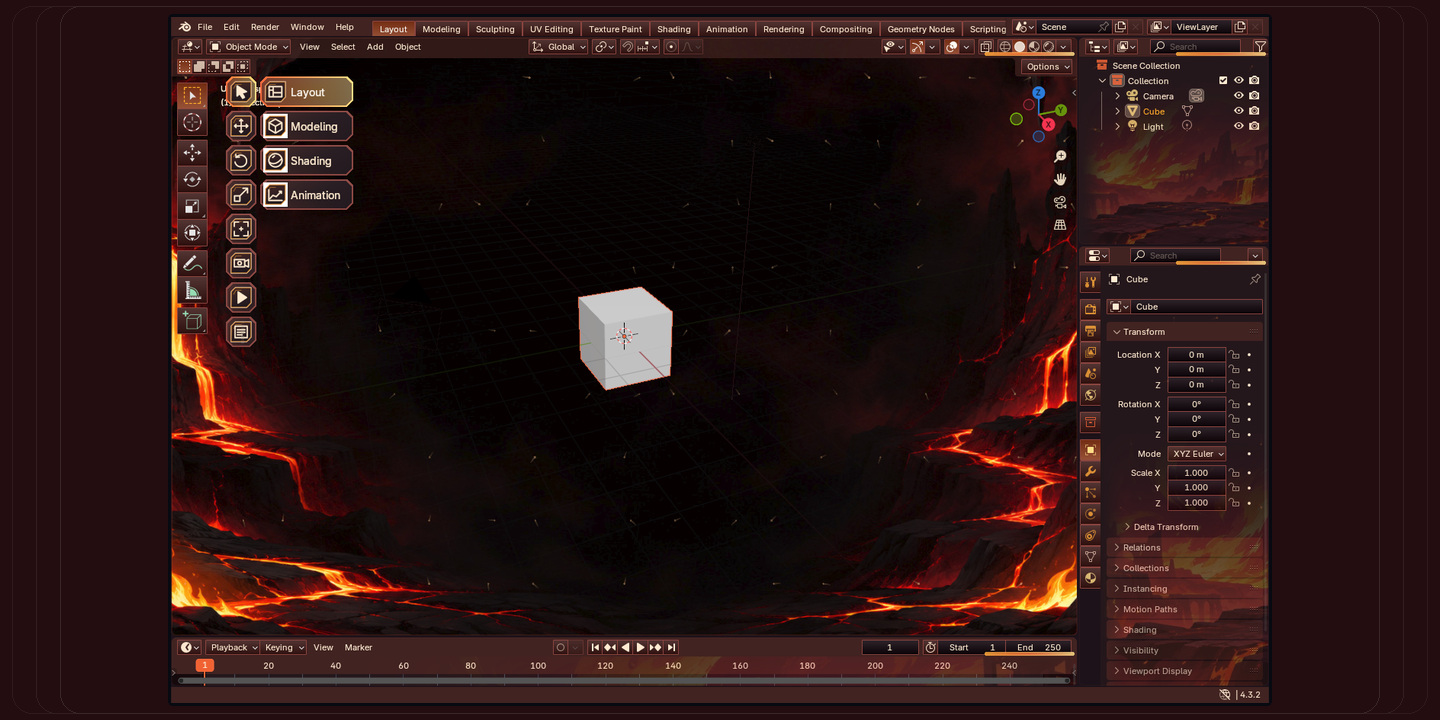
Browse all 42 looks
- Game
- Ink & Snow
- Arcade
- Glass UI
- Carbon Studio
- Crimson Frontier
- Sketchbook
- Neon District
- Apex Circuit
- Halftone Riot
- Evergreen Noel
- Field Atlas
- Apex Azure
- Apex Volt
- Abyssal Relay
- Solar Foundry
- Inferno
- VHS Afterhours
- Aurora Observatory
- Terracotta Modern
- Blueprint Lab
- Sporelight
- Sunset Sprint
- Gilded Deco
- Voxel Grove
- Stormlight Harbor
- Planetfall
- Sakura Current
- Astral Index
- Alpine Signal
- Silver Darkroom
- Watercolor
- Oil Painting
- Code Dusk
- Wireframe
- Obsidian Black
- Deep Red
- Crime City
- Frozen Realm
- Monkey Jungle
- Matrix
- Lime Green
Viewport controls
Make it yours
- Choose what moves. Control viewport atmosphere and interaction effects separately or switch on Quiet Mode.
- Dial in your look. Adjust backdrop, artwork opacity, style strength, and effect intensity per theme.
- Save Solid lighting per theme. Start with Paint.sl or save your own native lighting choice.
- Keep selections visible. Stronger Edit Mode selection colors make faces, edges, and vertices easier to see.
Install and enable
- In Blender Preferences, open Get Extensions and pick Install from Disk.
- In the 3D Viewport, press N and open Theme.
- Click Enable Theme and choose a look. Restore & Save returns to your previous theme.
One extension ZIP. Version 1.0.9. Declared minimum Blender version 4.3.0.