 GilaDDD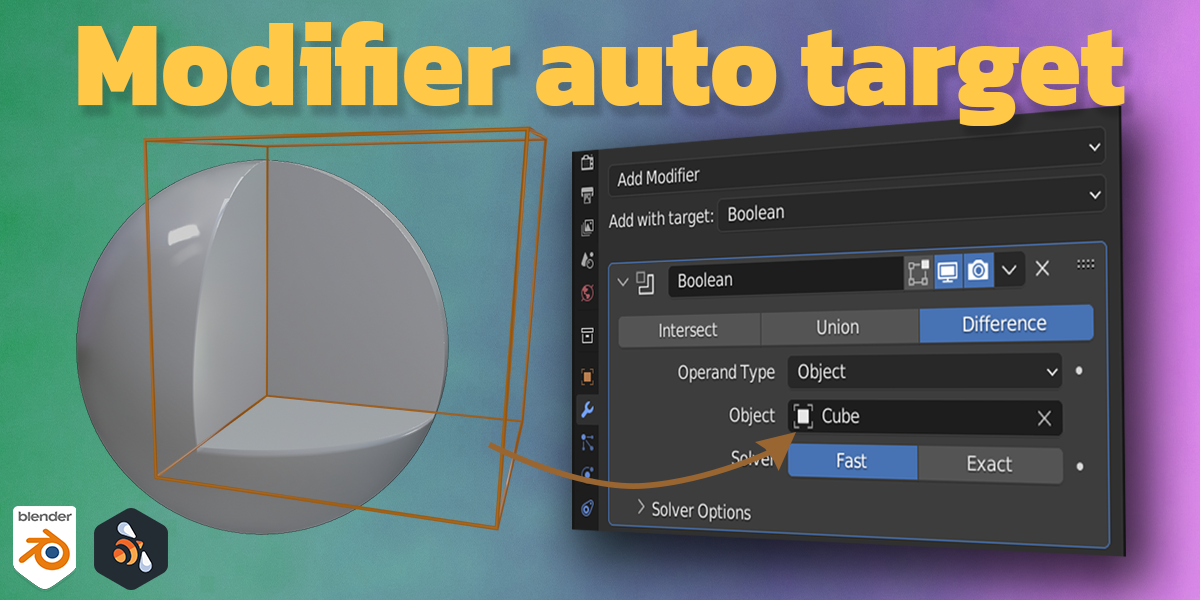


🎯 Modifier Auto Target
The Modifier Auto Target add-on lets you quickly add modifiers to an object and automatically assign the correct target saving you from repetitive manual setup.
⚙️ How It Works
-
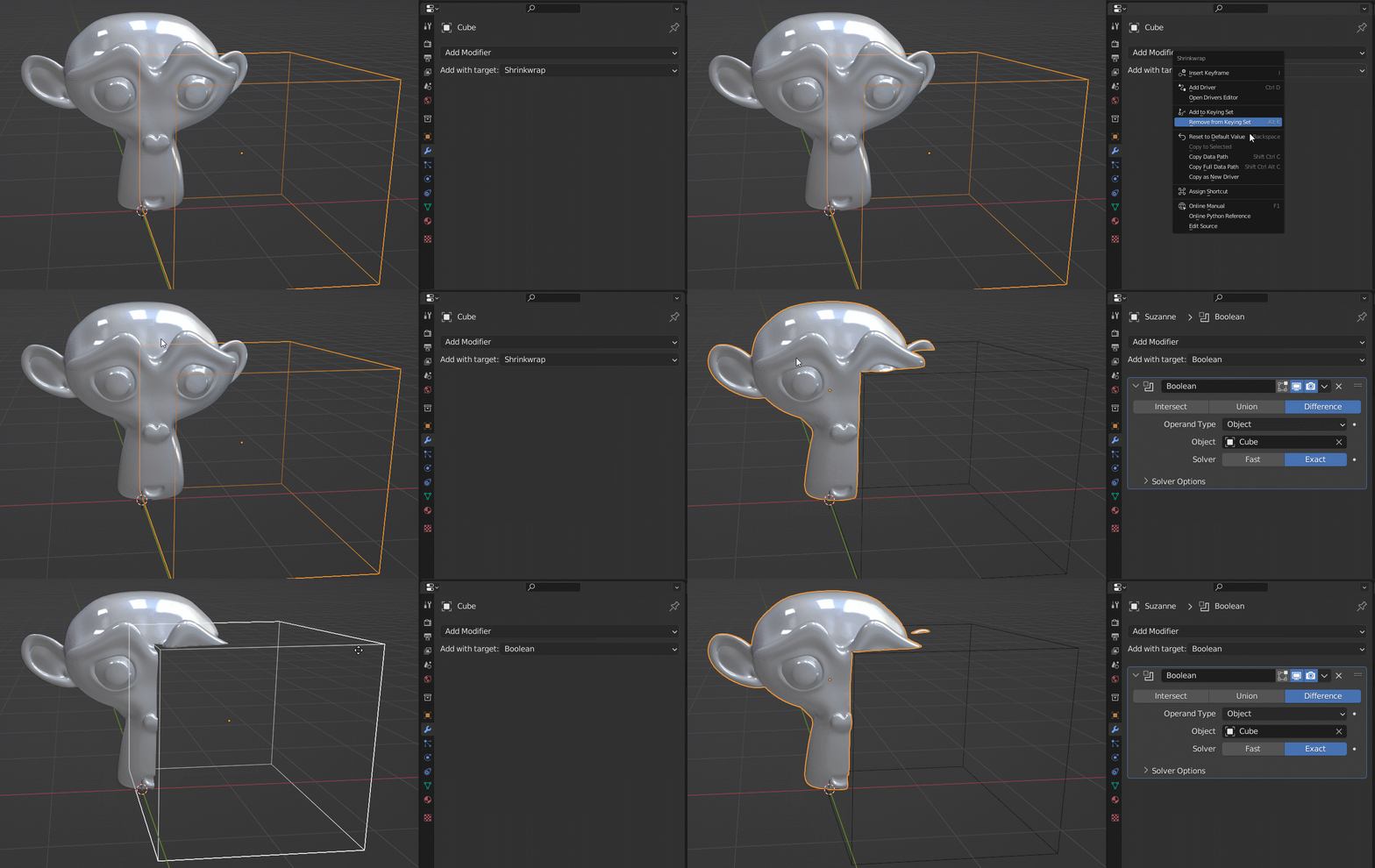
First, select the target object.
-
Then Shift + Select the object you want to apply the modifier to.
-
Choose the modifier from the list — and the add-on will automatically set the target for you!

You can also add your favorite shortcut and use it from the 3d viewport and save more time

