 Gabriel J. Vazquez
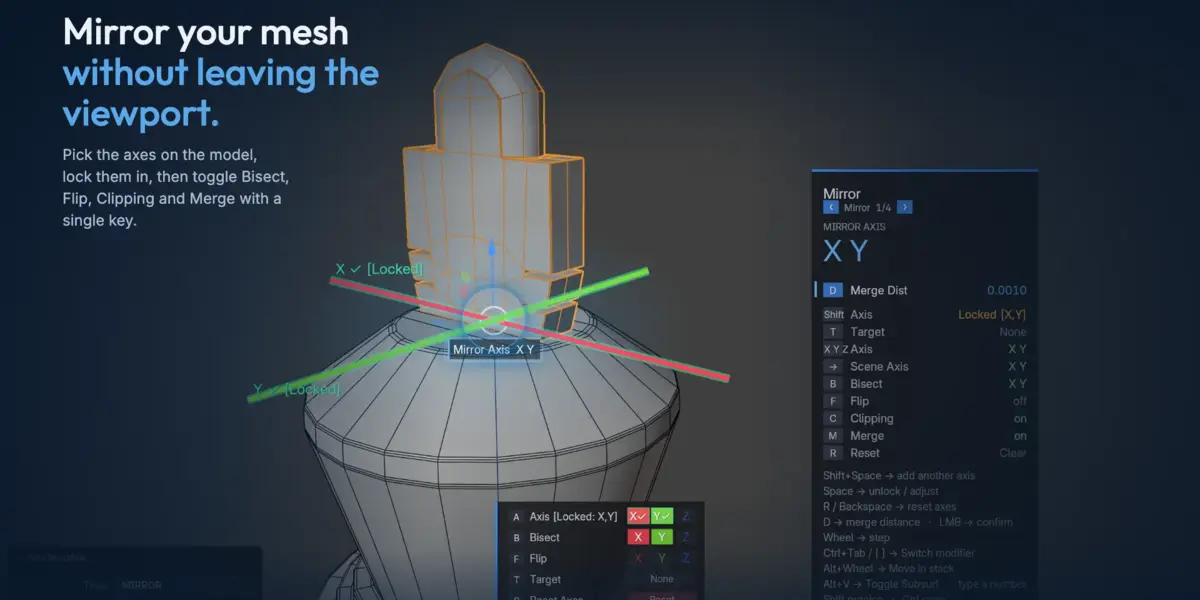

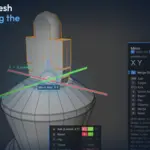


Modifiers for your viewport.
A radial menu for your most-used modifiers, the whole stack as a panel that opens under your cursor, and modifiers that arrive already dialled in.


Two builds. Pure speed or full pipeline.
Modpie is the pie and the panel — five directions, one modifier each, and the whole stack one flick south. Free, and the whole of adding and editing modifiers. Modpie Plus is what you reach for when the pie should do more than add.
One key, five modifiers
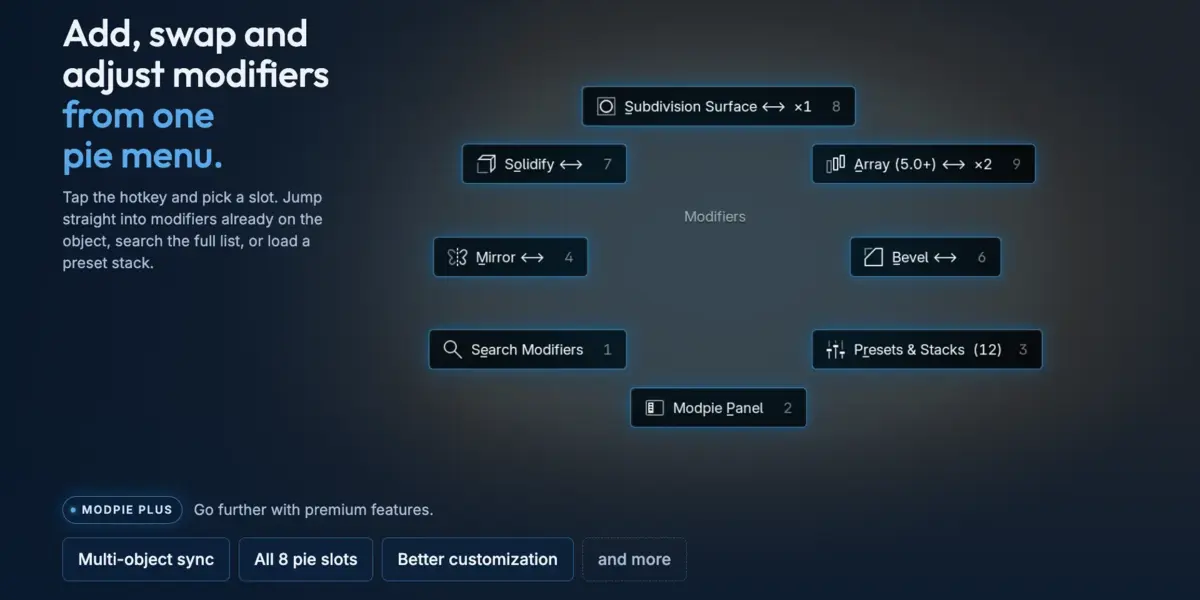
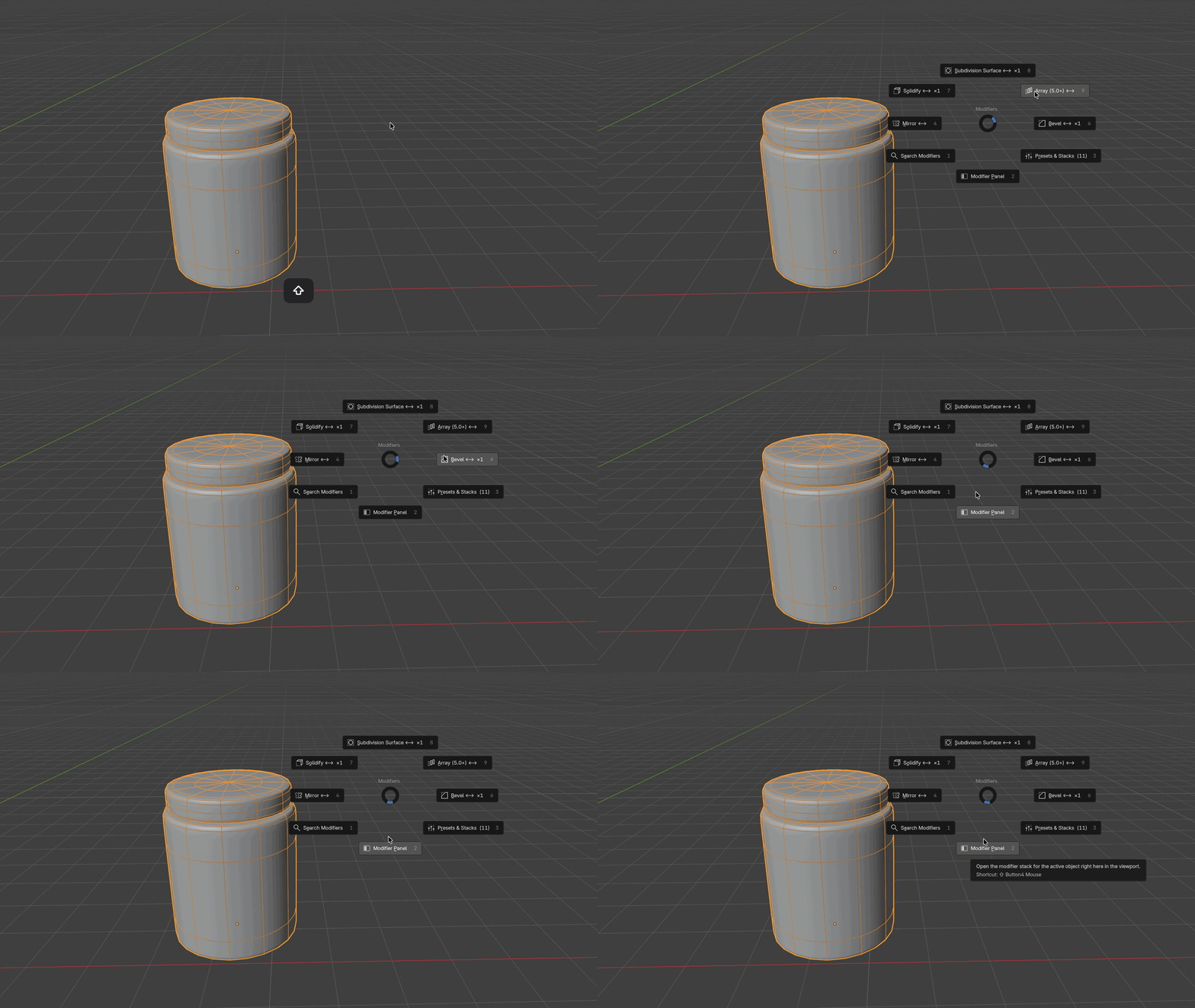
Alt M opens a radial menu under your cursor. Solidify, Subdivision, Array, Mirror, Bevel — one direction each, no second decision. Pick one and it is on the object.
Every direction is yours to reassign in preferences. Plus opens all eight directions and lets a direction hold the panel, a search list, your preset library, or the slot editor itself.
The whole stack, under your cursor
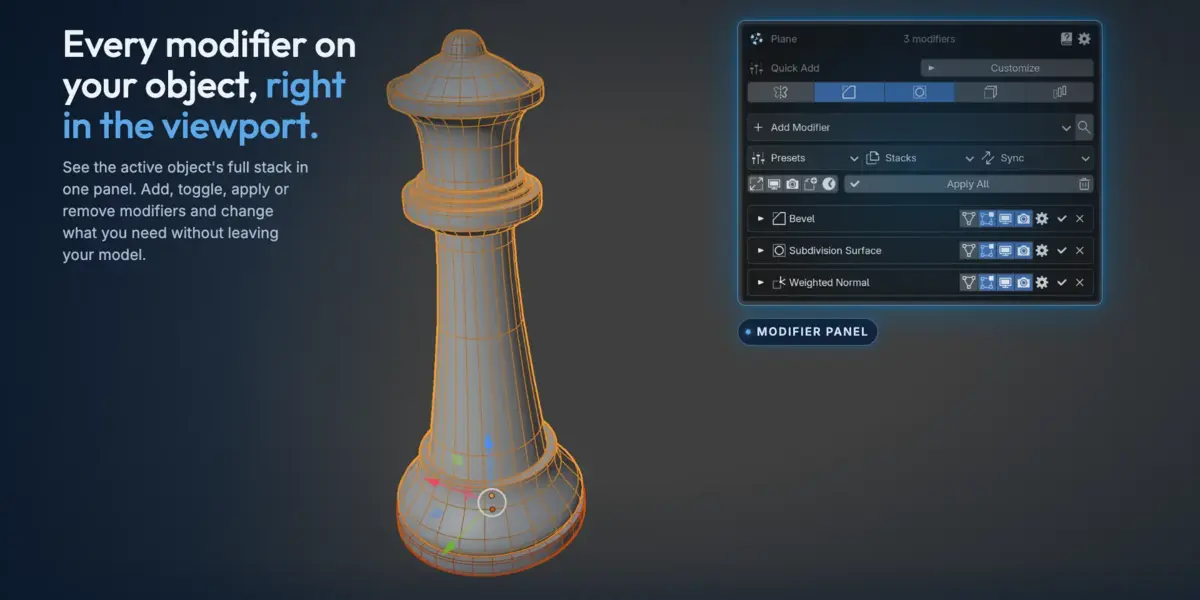
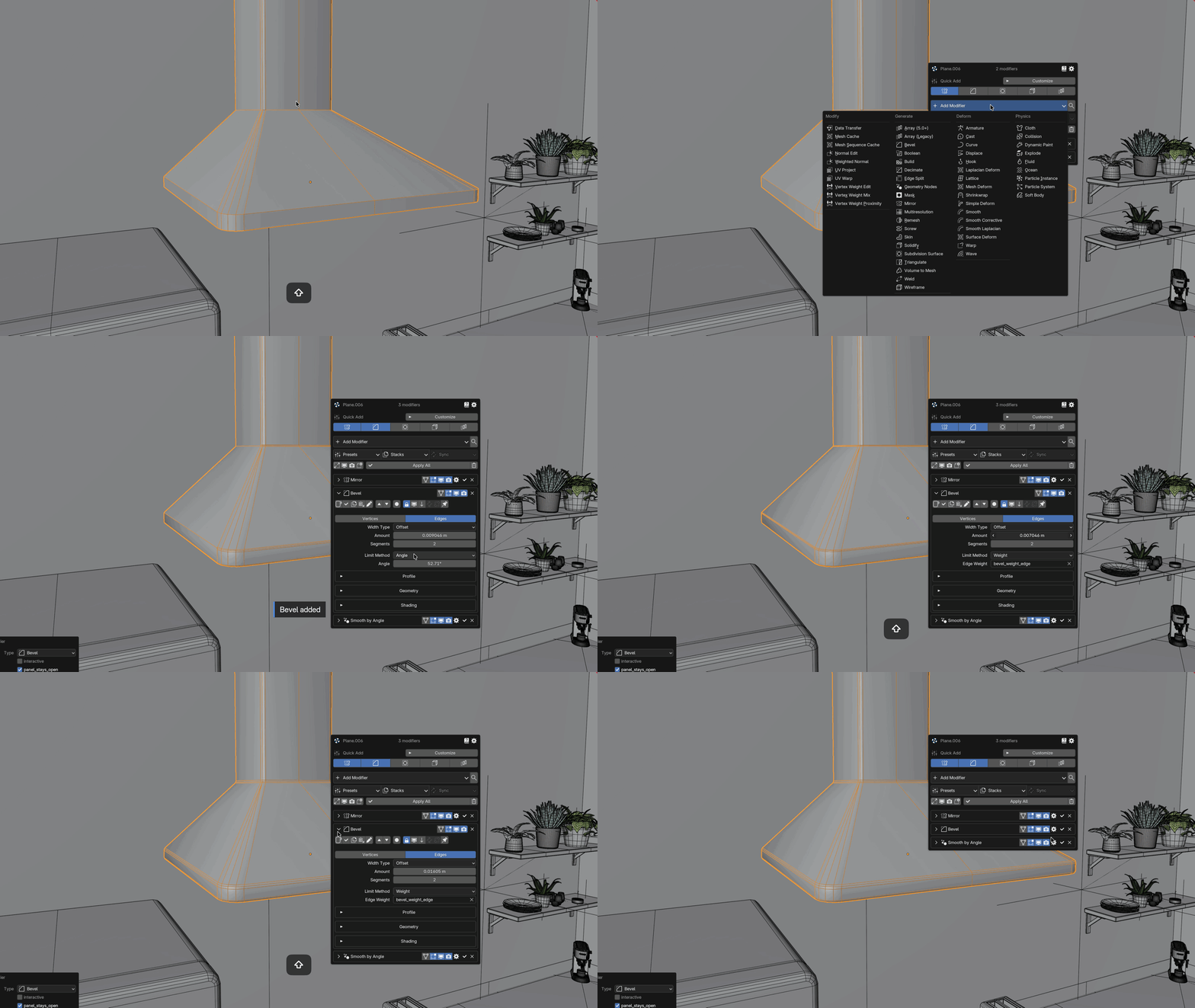
One flick south — or Ctrl Alt M — opens your entire modifier stack as a popup in the 3D viewport. Every setting of every modifier, in the same order and the same collapsible sub-panels as the Properties editor.
Rename, reorder, apply, duplicate, copy to selected, toggle viewport and render, expand or apply the whole stack at once. There is a sidebar tab too if you would rather keep it docked.
It adjusts what is already there
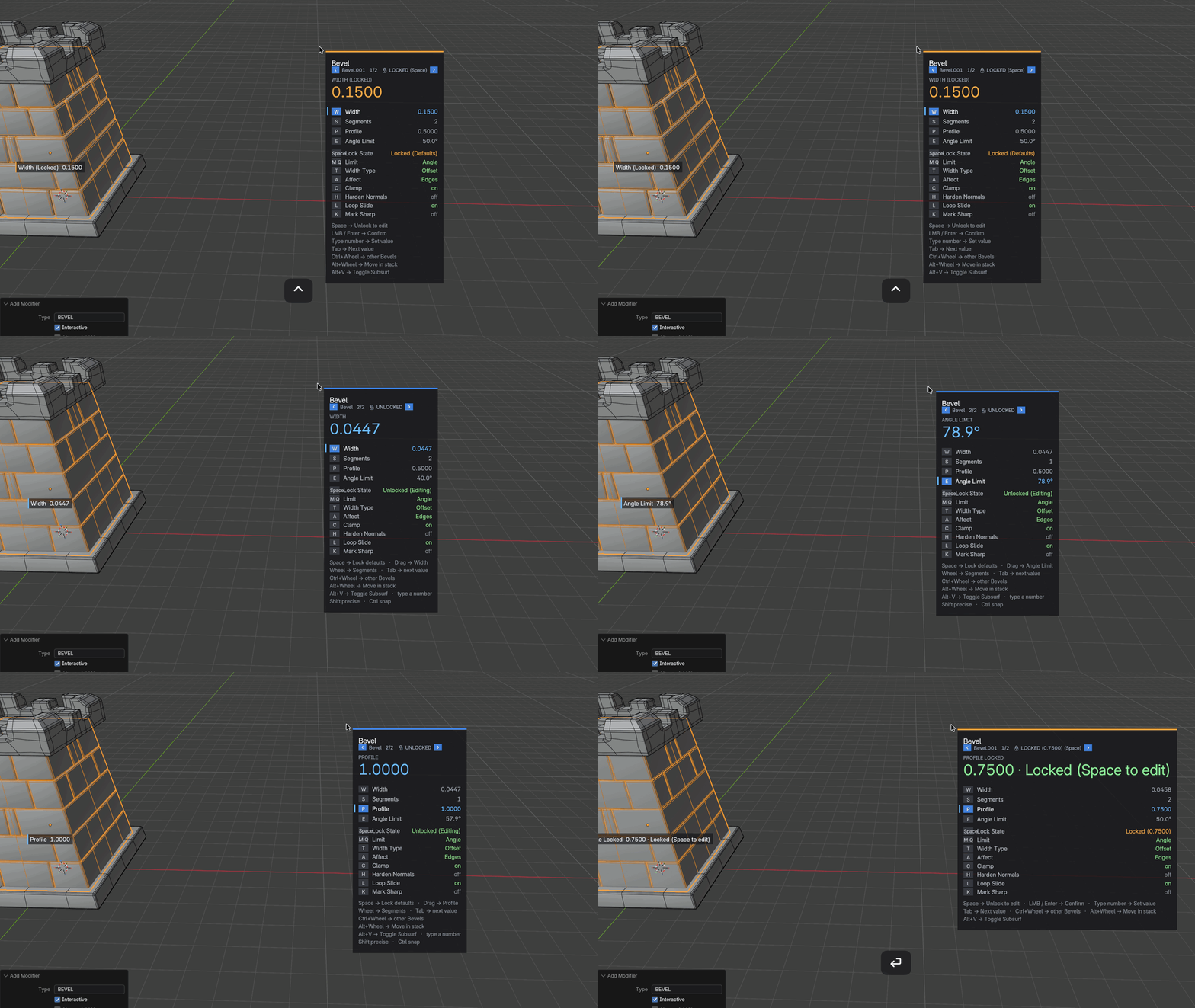
Pick Bevel on an object that is already bevelled and Modpie edits the bevel it finds rather than quietly stacking a second one. A slot shows ×2 when the object carries two of that type, so you know before you click.
Shift-click adds another on purpose. Mid-adjust, Ctrl + wheel steps through every modifier of that type on the object, and the panel gets matching 2/3 badges and jump arrows.
Modifiers arrive usable
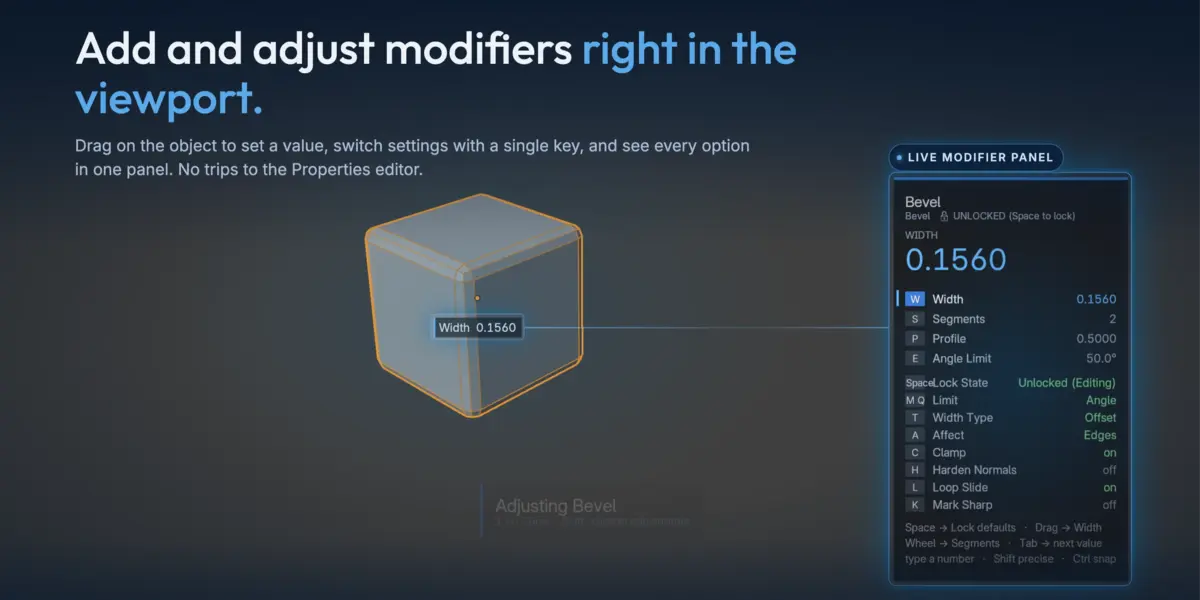
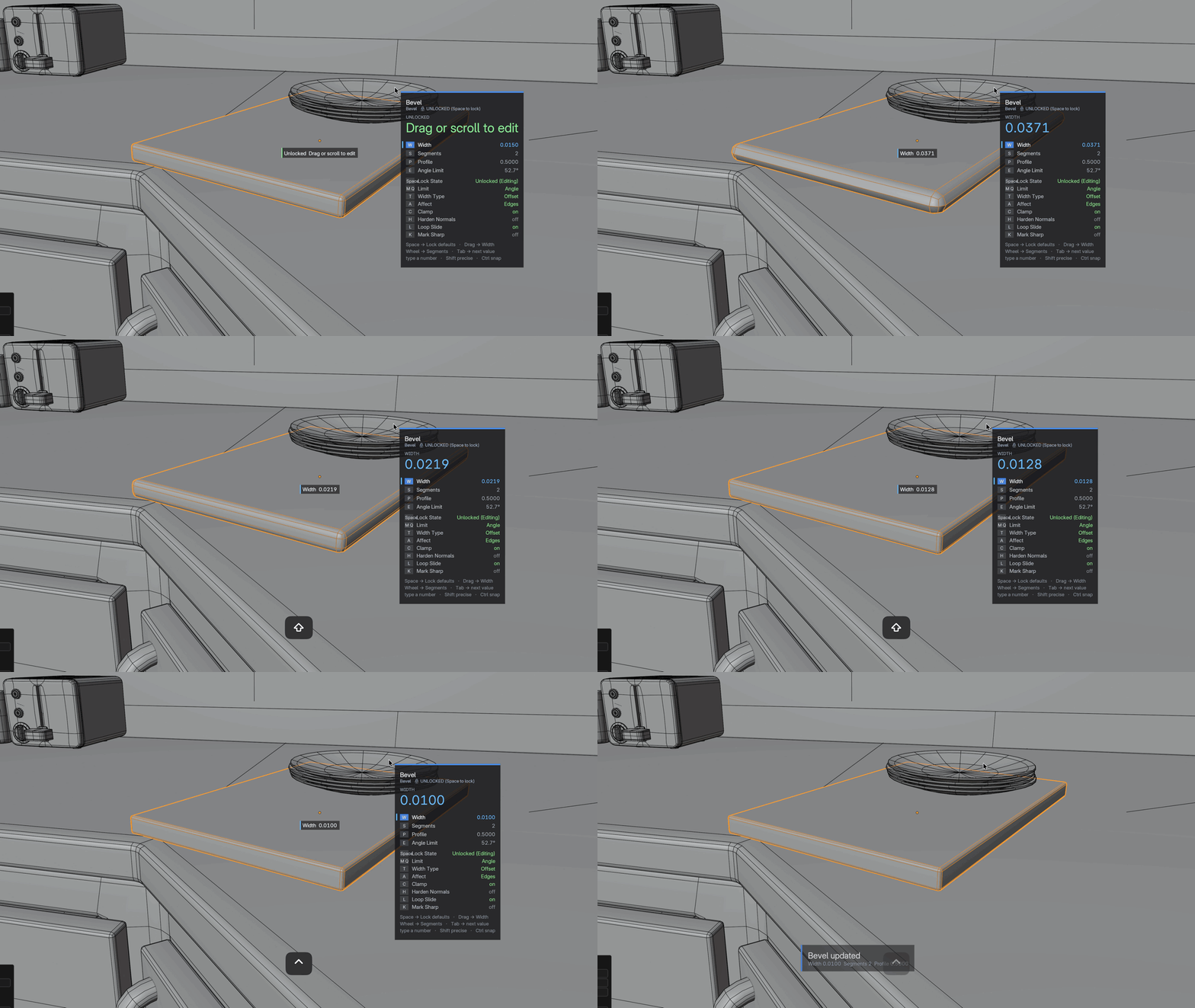
Bevel with two segments, an angle limit and clamping. Mirror with clipping on. Solidify with even thickness. Subdivision with optimal display. The settings you would reach for anyway, already set.
Lengths scale to the object, so the same pie slot gives a sensible bevel on a doorknob and on a warehouse rather than one number that is wrong for one of them.
Then the mouse is yours: drag for width, wheel for segments, single keys to jump between values, type digits for an exact number, Esc to roll the whole thing back. Around thirty modifiers have hand-written mappings; every other one gets a generated one, including modifiers Blender has not shipped yet.
Save the setup, not just the modifier
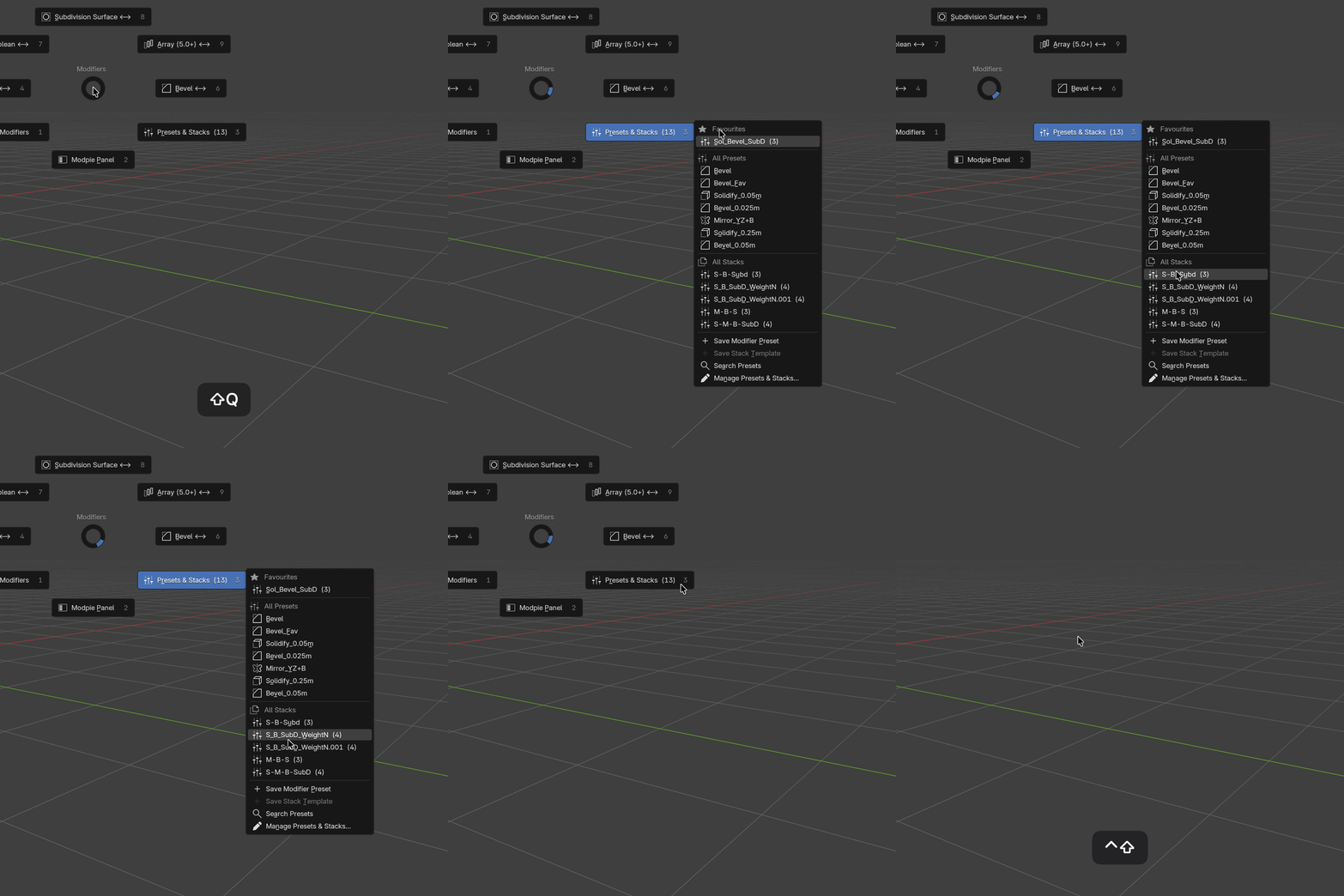
Dial a modifier in once and keep it. Plus saves any modifier as a preset and any whole stack as a template, then puts the library one notch across from the panel — the same flick that opens the stack gives you everything you have already made. A second pie holds your favourites.
Legacy versions: Drop the addon folder into your user scripts directory.
